AI Comic Generator

AI Comic Generator

Turn a picture or a story idea into comic art with the AI comic generator.

입력
Comic brief · 필수Subject photos · 선택Style reference · 선택Comic format · 선택Comic style · 선택Dialogue & captions · 선택
출력
One comic image: a single panel, or a 2–4 panel strip laid out within the same image as chosen

Subject photos선택

이미지는 캔버스에서 업로드합니다. 여기서는 설정만 입력합니다.

Style reference선택

Comic format선택
Comic style선택

What is an AI comic generator?

An AI comic generator redraws a photo in a comic look or draws a written scene as panels. It covers single images and short strips, not multi-page series where the same cast has to look identical from page to page.

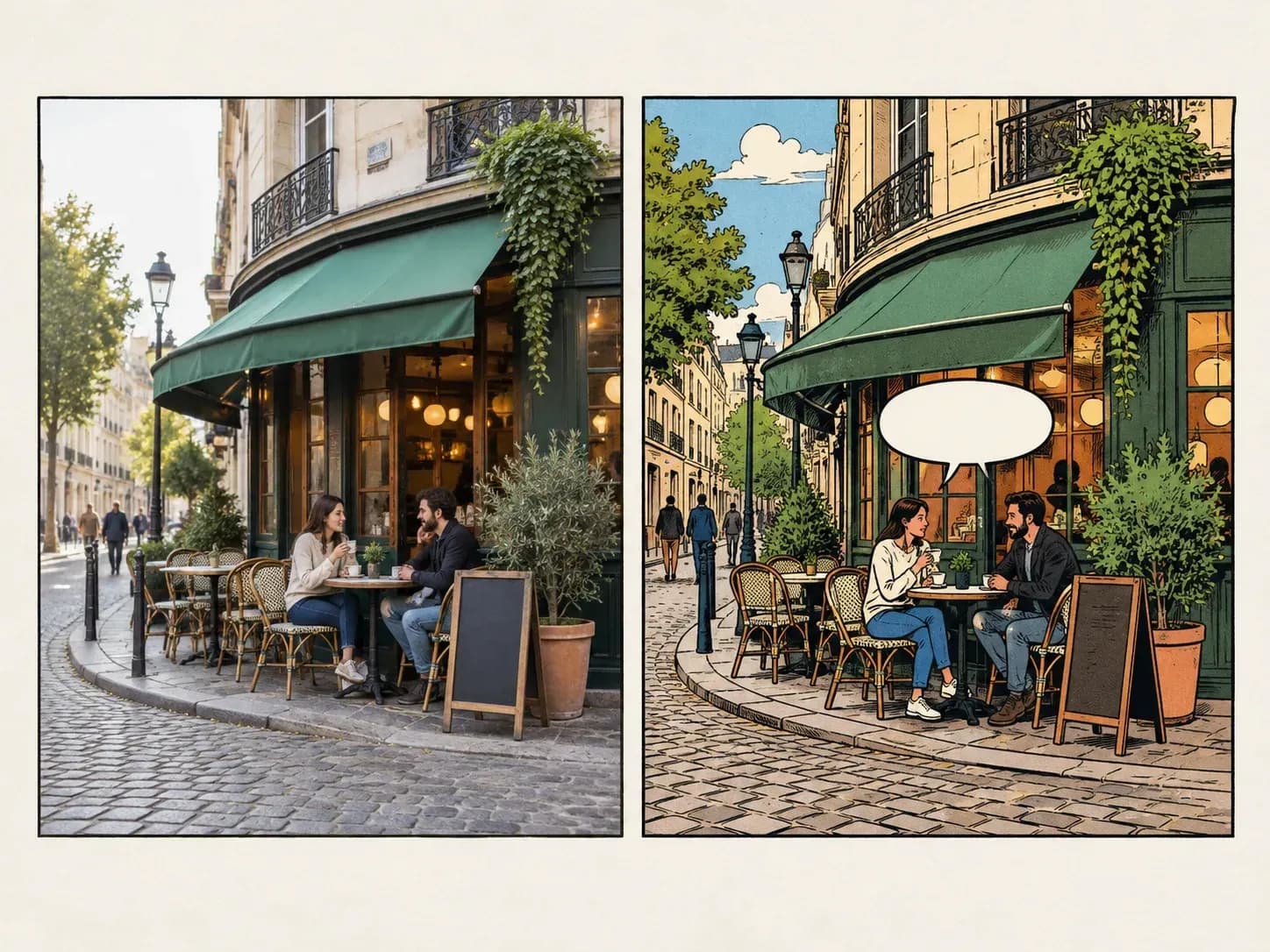
A street photo redrawn as a comic scene

Why use Virse as a comic strip generator?

Pick the route that suits the story you have in mind.

A single comic panel next to a short strip
Format

One image or a short strip

Ask for a single comic-style image or a short strip of panels, depending on how much story you want to tell.
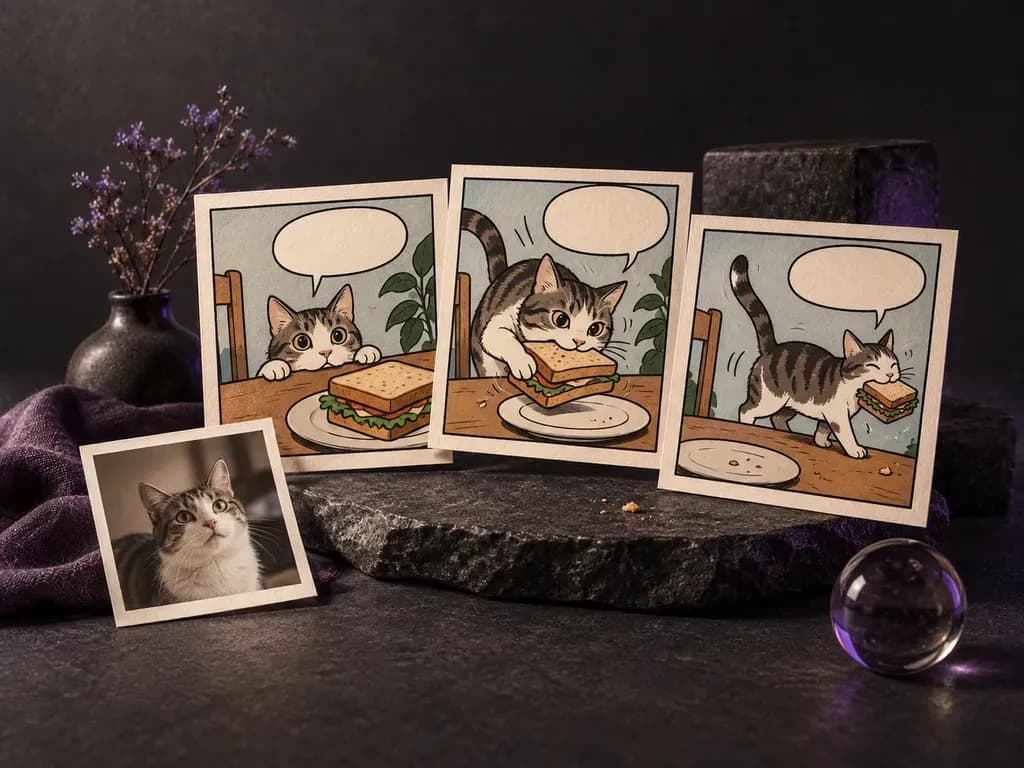
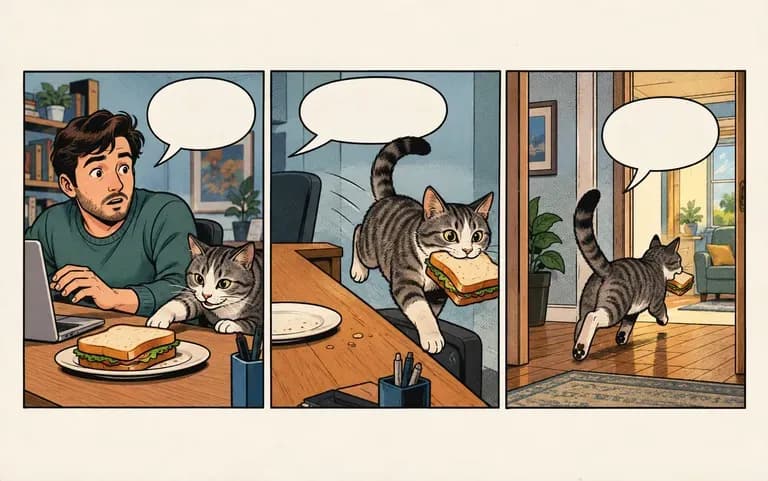
A three-panel strip drawn from a short scene
Text to strip

Words into panels

Write the scene, the characters and what happens, and the tool lays it out as a short multi-panel strip.
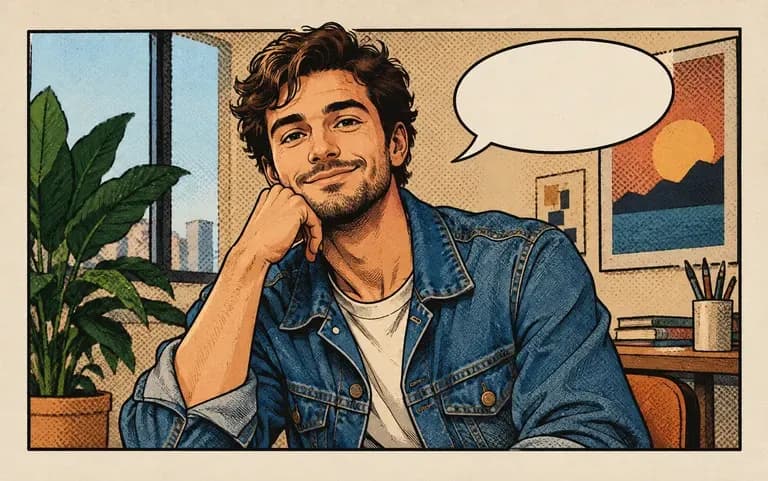
A portrait turned into a comic panel
Photo to comic

Photos in comic style

Upload a portrait or a photo and get it back with ink lines, flat colors and a comic finish.

How to turn a picture into a comic with AI

  1. Choose your starting point

    Upload a photo, or write a short scene with who is in it and what happens.

  2. Say image or strip

    Ask for a single panel or a short strip.

  3. Describe the look

    Mention a comic style, such as bold superhero ink or soft manga tones.

  4. Check the lettering

    Read any text in the panels; AI can misspell words, so add dialogue afterwards if needed.

Who uses a photo to comic converter?

People with a story to tell and no time to draw it.
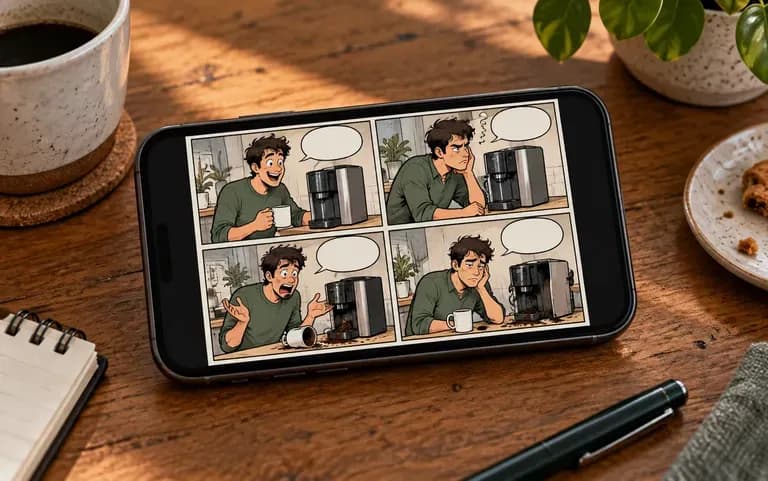
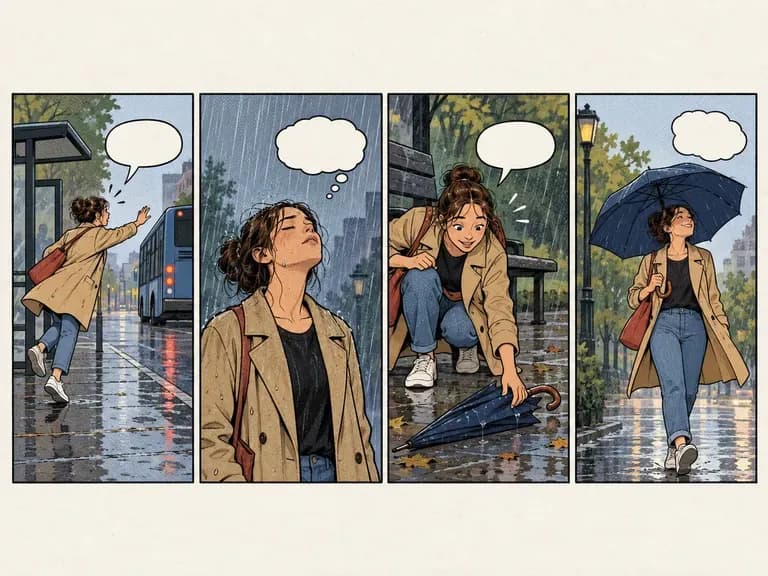
A comic strip joke for a social post

Social media creators

Post a short joke about your week as a strip.
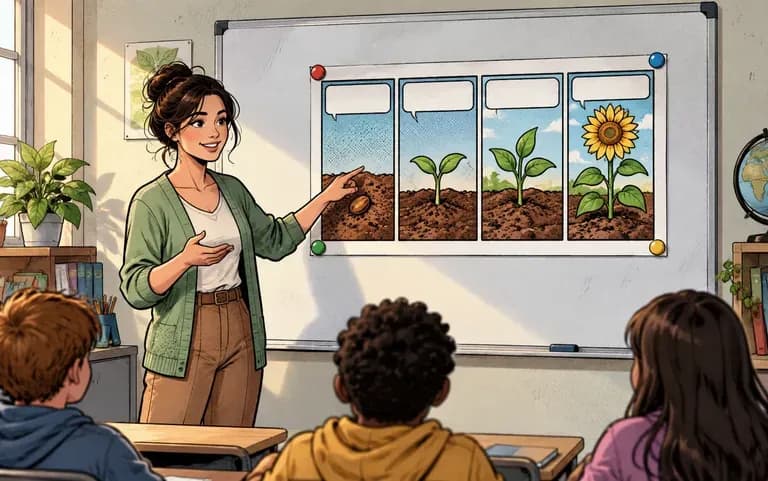
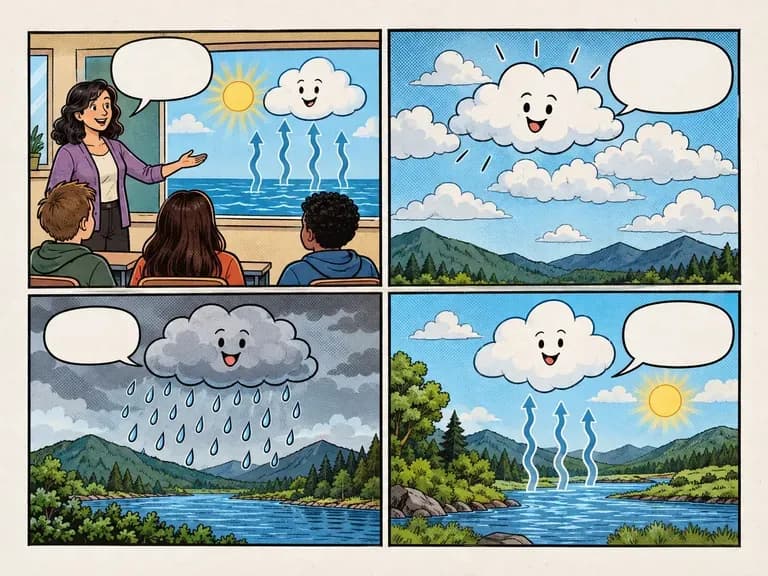
A classroom comic strip about a lesson

Teachers and students

Turn a lesson or a book report into a short strip.
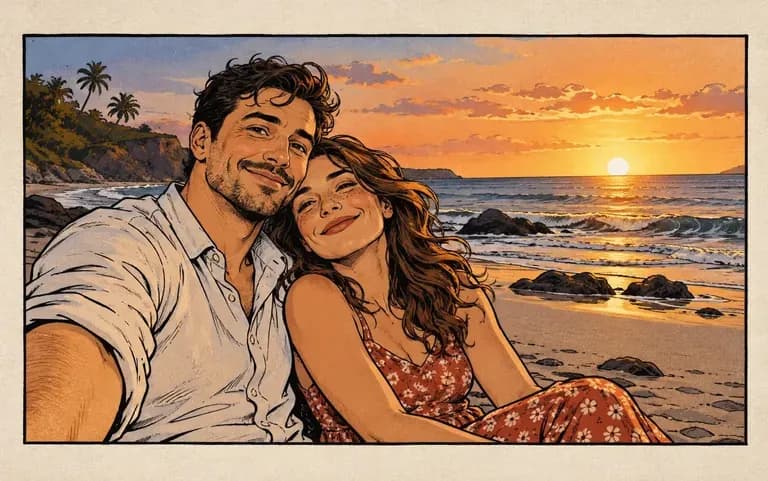
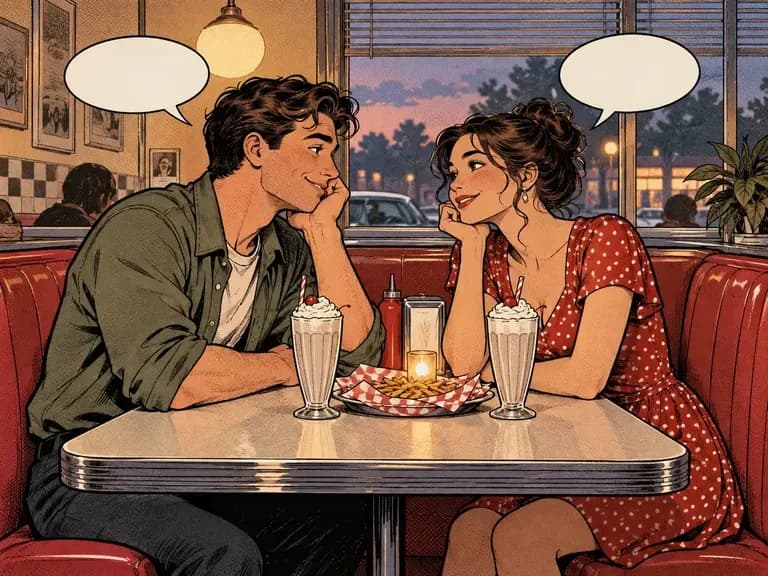
An anniversary photo redrawn as a comic panel

Couples and friends

Redraw a favorite photo together as a comic panel for an anniversary.
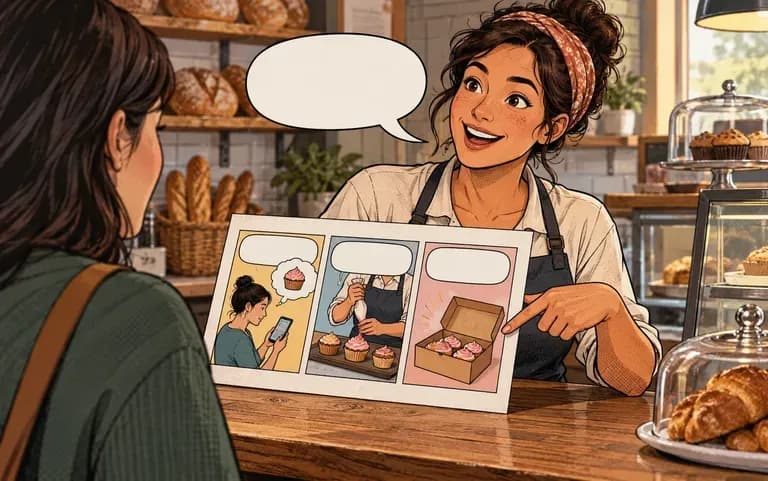
A small business explaining its service in panels

Small businesses

Explain a service in a few panels for a social post.
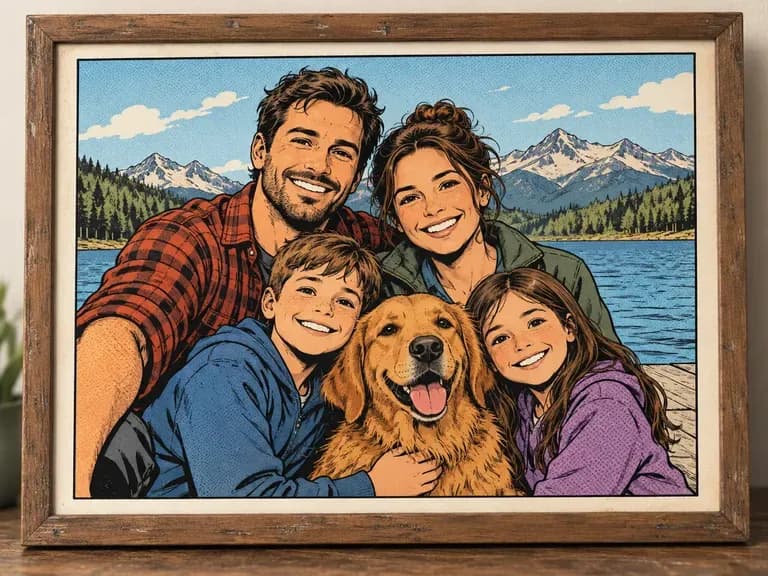
Comic book generator from photo ideas

Photo-to-Comic Portraits: ink lines over a favorite picture
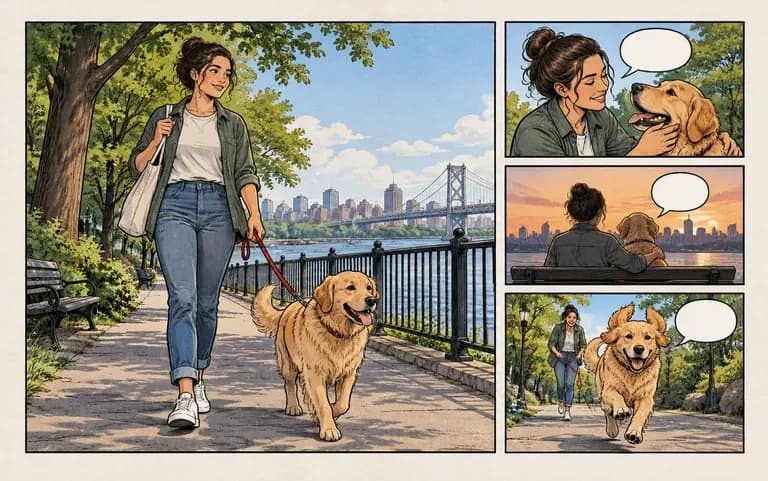
Weekly Life Strips: small moments from school, work or home
Anniversary Panels: a shared memory redrawn
Classroom Strips: a lesson told in panels
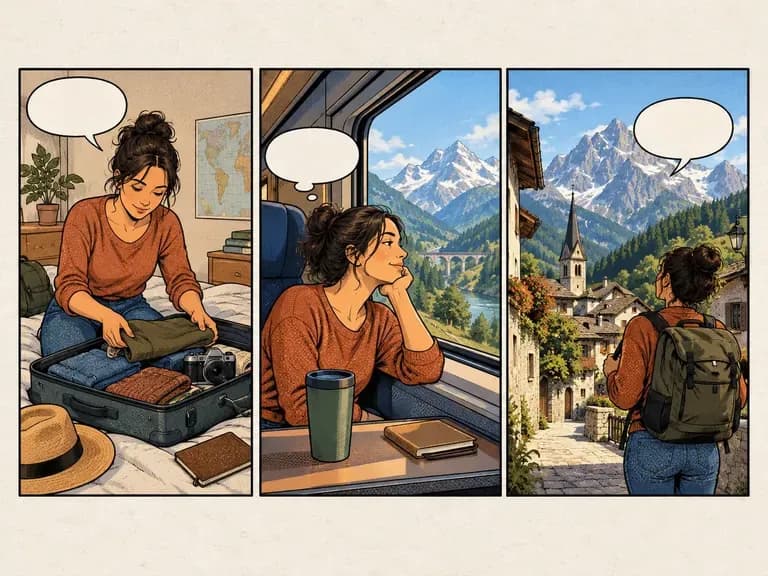
Travel Diary Panels: a trip retold in a few frames
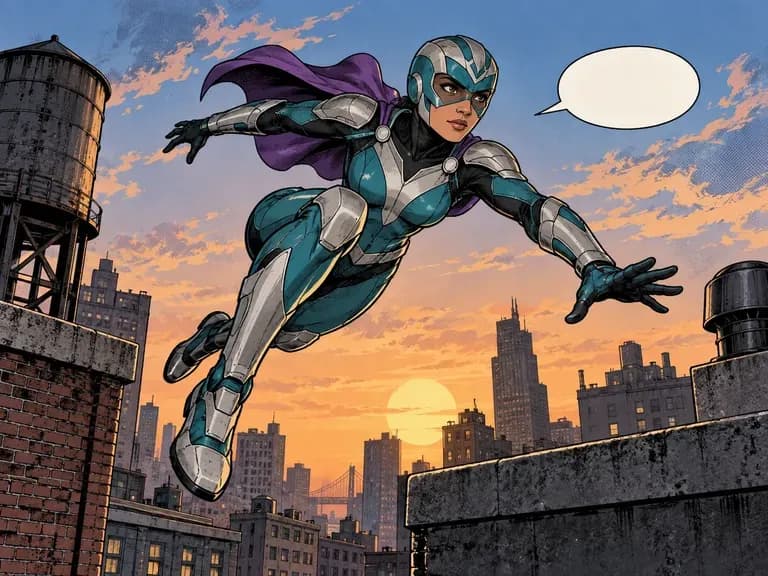
Superhero Scenes: bold ink and dramatic angles
FAQ

Frequently asked questions

Will the same character look the same across pages?
No. Each image or strip is generated on its own, so a character can look different from one run to the next, and the tool is not built for multi-page series.
Who owns the copyright of the comic?
Virse does not give a legal answer on copyright for AI-generated comics. Rules differ by country, so check them before selling or publishing the work commercially.
Can I make a comic strip from a text description?
Yes. A few sentences are enough: set up the joke or the moment, say how it ends, and you get a short strip in return.
Can I turn a photo into a comic?
Yes. A portrait, a pet shot or a holiday picture all work, and each comes back looking like a panel from a printed comic.
Is Virse's AI comic generator free?
Yes. New accounts get 200 compute and a daily top-up of 50 whenever the balance is below 200. Comics on the Free plan are drawn at 1K with any image model.
Can I add speech bubbles and dialogue?
You can, with care: lettering drawn by AI is often misspelled, so for clean dialogue add the words afterwards in an editor you already use.

Make a comic with AI

Start with a photo you like or a joke you keep retelling.