
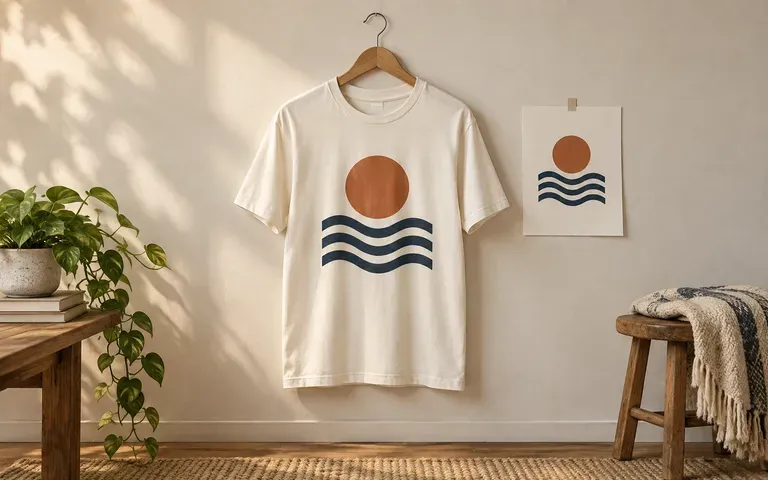
Your artwork
Use the print you already designed
Upload the logo or illustration intended for the shirt. Review its appearance on clothing while keeping the original print artwork as your source.
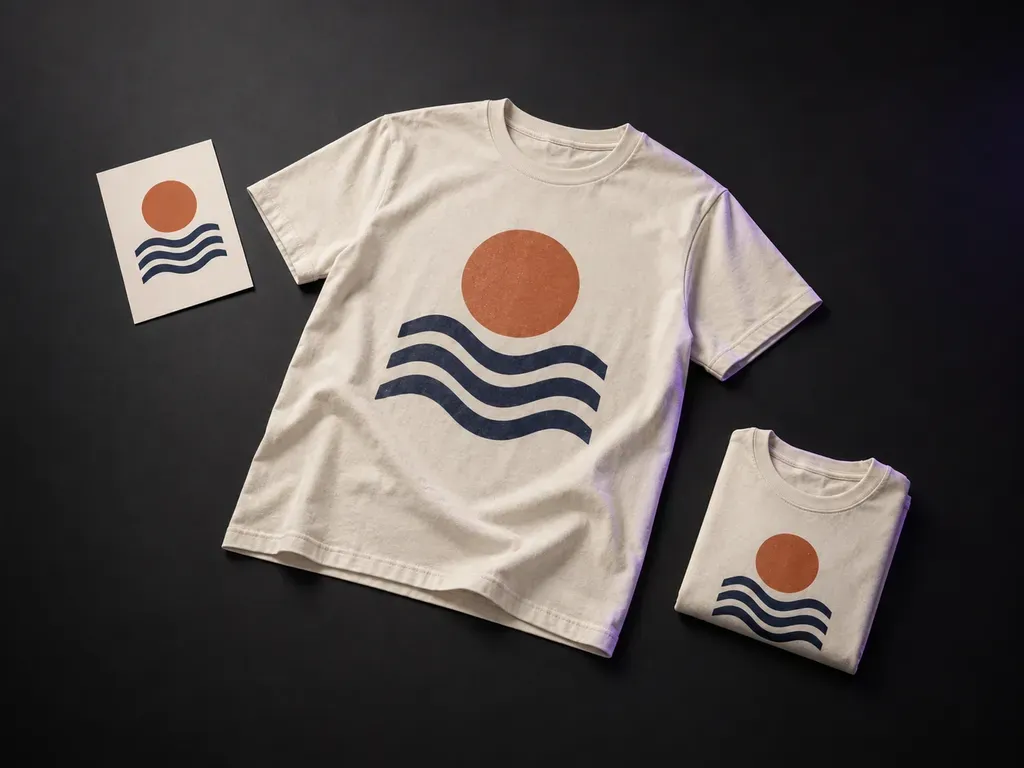
Add your finished print artwork and a T-shirt reference, then describe the color, graphic position and display style. Virse's T-shirt mockup generator shows your design in a flat lay, hanging or worn preview.
A T-shirt mockup generator applies existing artwork to a garment preview. Virse uses your print design and shirt reference to show the graphic's position on the T-shirt in a static flat lay, hanging or worn scene—built around three core workflow advantages:
· Flat-lay, hanging & worn views: Switch between folded retail flat lays, wooden-hanger studio shots, and on-model lookbook previews.
· Accurate print scale & drape: Maps your uploaded artwork across cotton jersey folds, collar ribs, and chest/back zones.
· Any garment wash or cut: Preview heavyweight boxy tees, vintage acid-wash grounds, ringer tees, or baby tees.
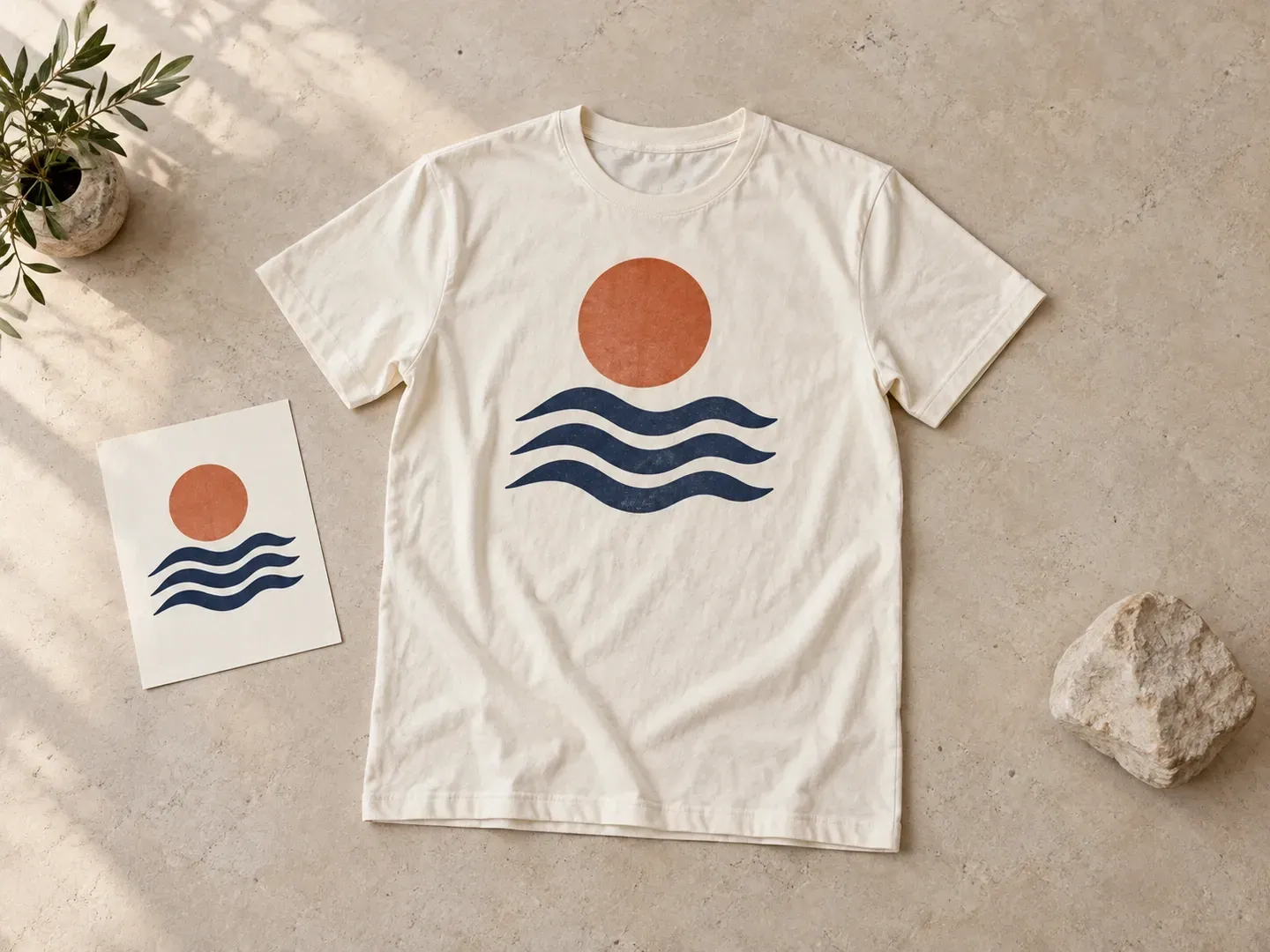
Keep the review focused on the garment, the artwork and how they appear together.
Upload the logo or illustration intended for the shirt. Review its appearance on clothing while keeping the original print artwork as your source.
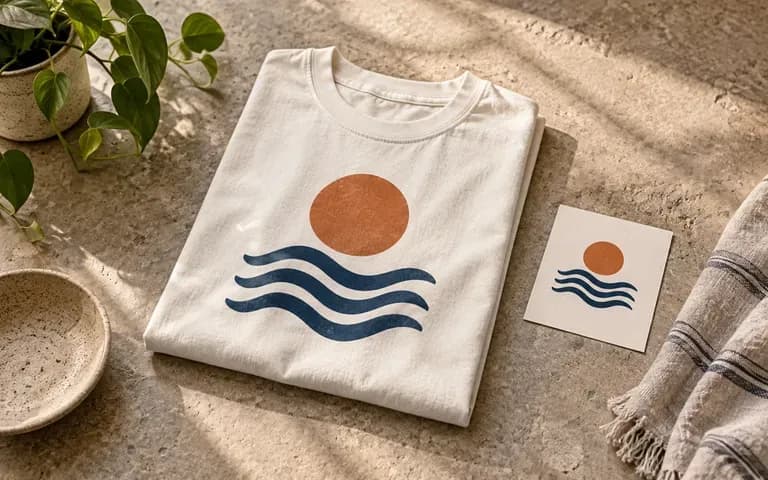
Describe a centered chest graphic or another position shown in your reference. Check its visual balance against the neckline and seams.
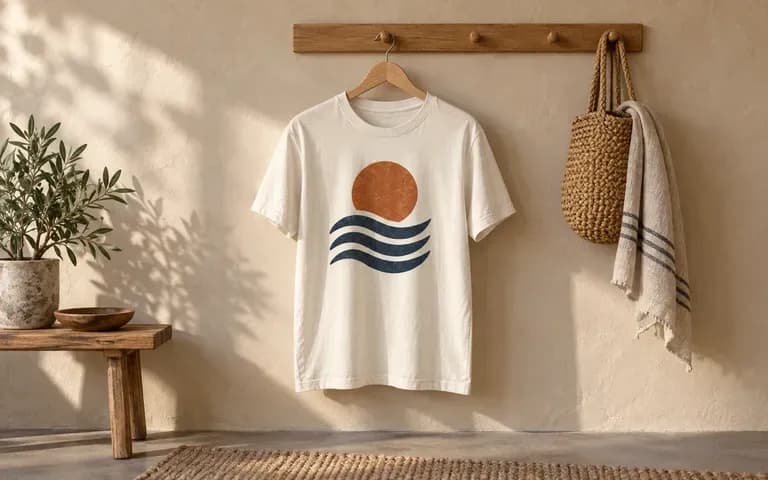
Describe a flat lay, hanging shirt or worn scene. Each gives a different view of the same design task.
Compare flat transparent PNG overlays against fold-and-fabric aware T-shirt mockups on the Virse canvas.
Flat PNG Overlays on Blank Tees
Virse T-Shirt Mockup Generator
Add your finished print design and a reference or product photo showing the T-shirt you want to use.
State the shirt color, where the artwork should appear, and whether the garment is flat, hanging or worn.
Create a static preview of the supplied design on the T-shirt.
Compare the result with the original artwork and shirt. Review lettering, print position, seams and any folds across the design.
Upload your finished print file (and an optional blank shirt reference), then note the shirt colour, print location, and view:
· Heavyweight boxy studio flat lay: 280gsm washed vintage black T-shirt, centered 12-inch distressed plastisol front graphic, overhead folded studio flat lay.
· Boutique wooden hanger back view: Unbleached ecru organic cotton tee hanging on a cedar hanger against plaster wall, full-back screen-printed illustration.
· Streetwear worn lifestyle shot: Oversized white heavyweight tee worn in natural afternoon urban daylight, small left-chest logo print, relaxed drape.
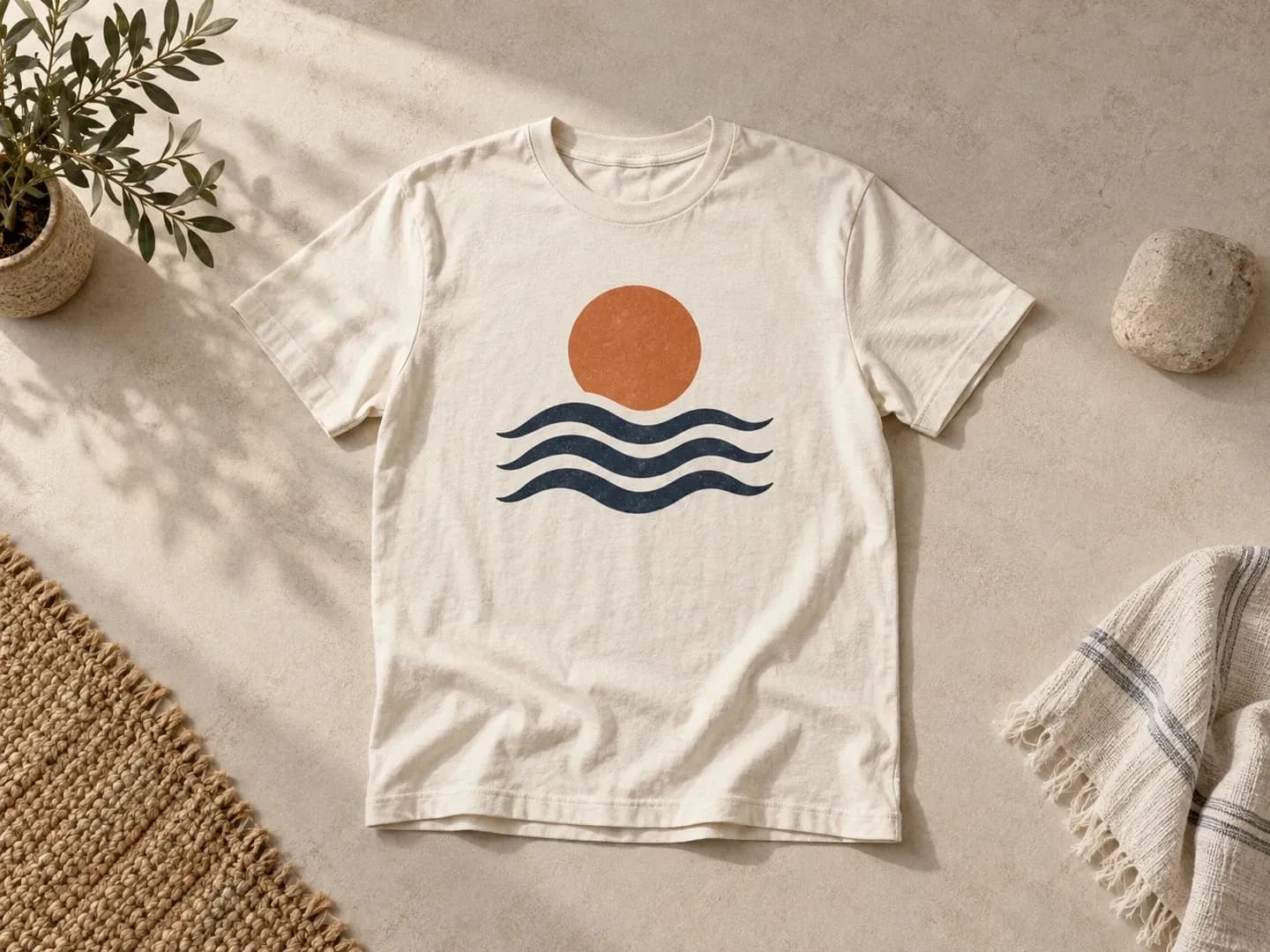
For creators and apparel teams that already have a graphic to apply.
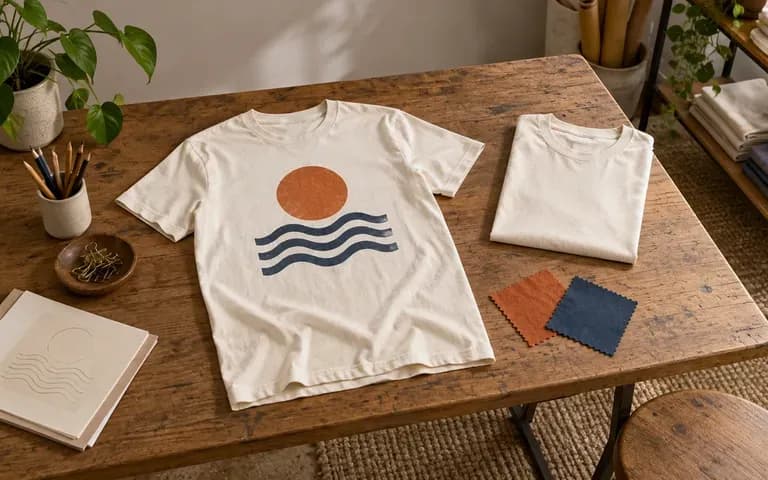
Review a print's position on the shirt selected for a collection.
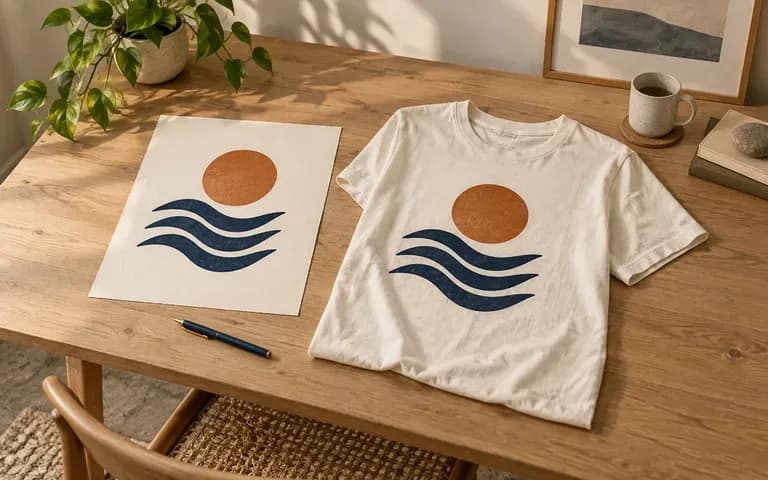
Present existing artwork in a clothing application.
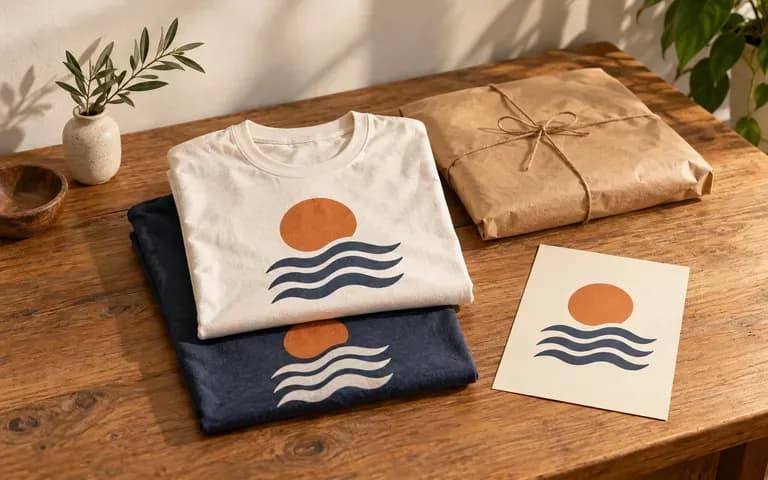
Discuss shirt color and graphic placement before settling a concept.
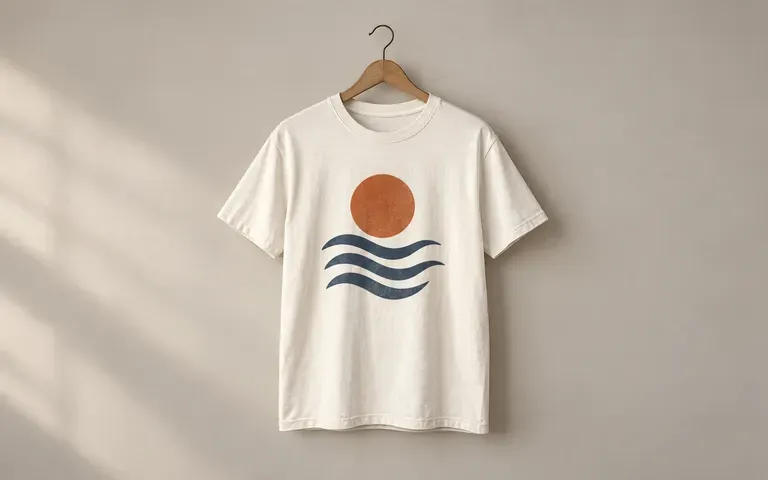
Plan a product presentation using the intended garment and design.
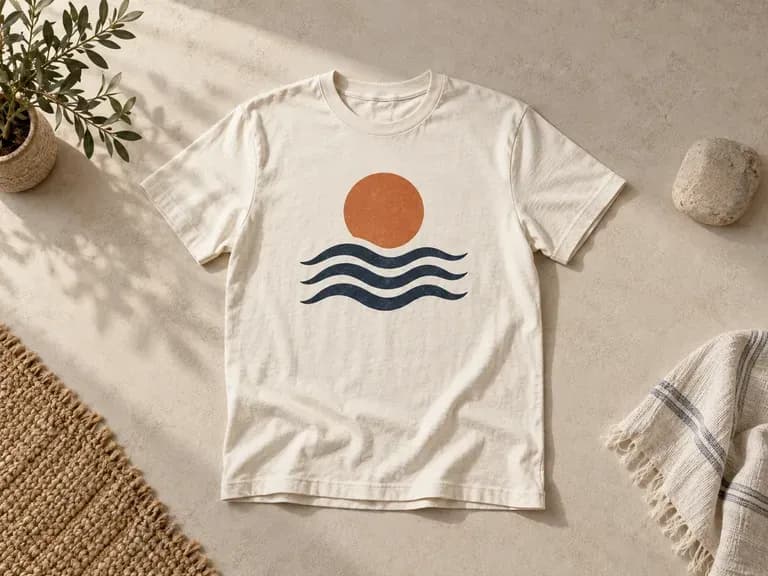
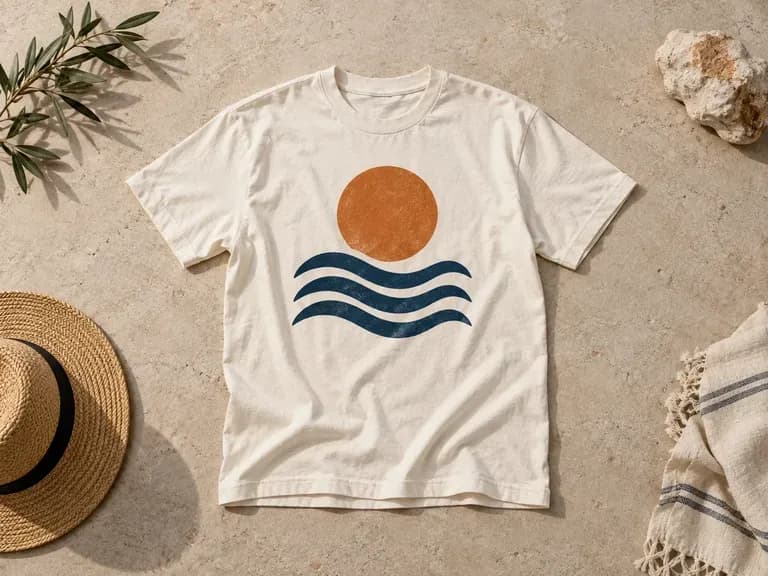
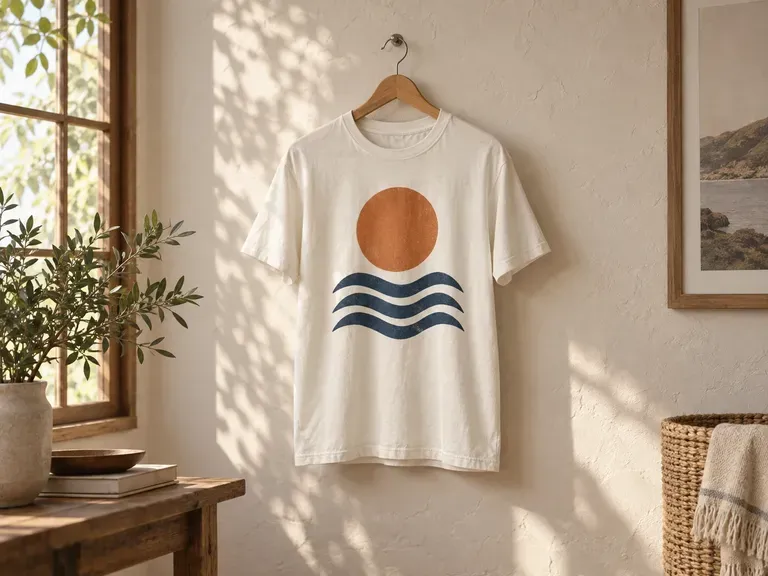
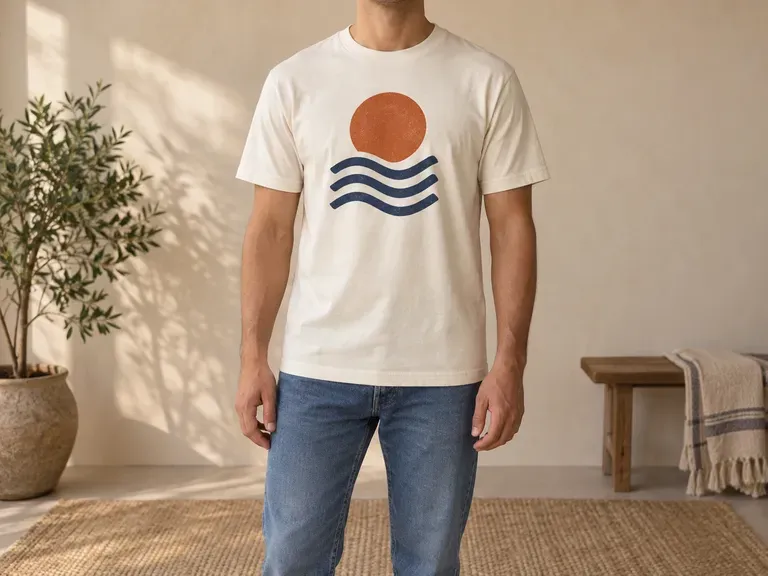
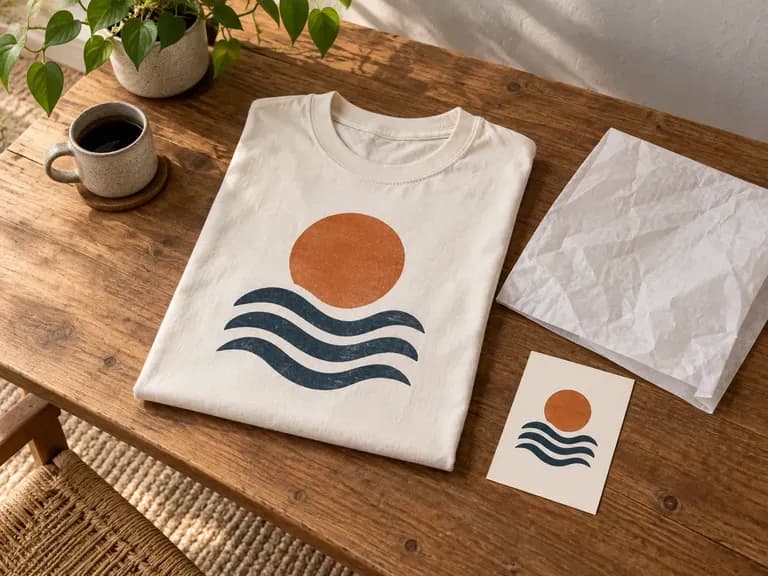
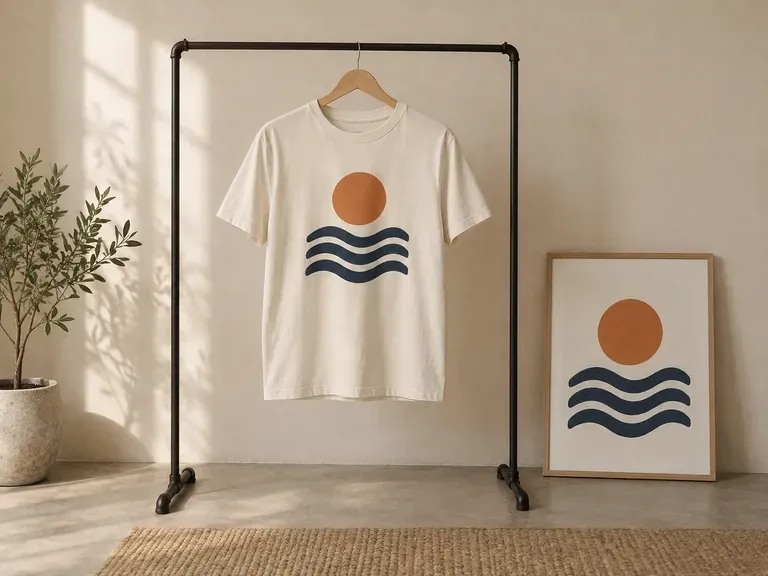
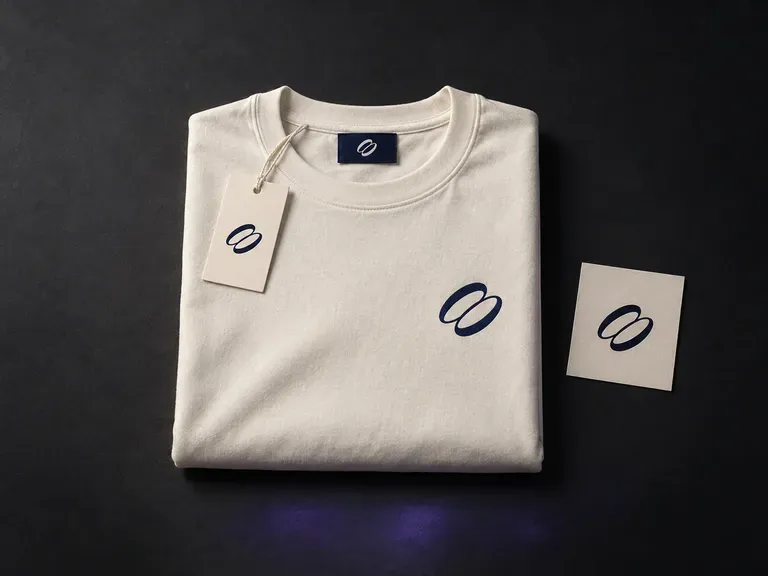
Upload your logo, garment graphics, and reference photos, then describe the apparel pieces, neck labels, and hang tags in frame. This clothing mockup generator builds coordinated clothing brand mockups uniting garments and trims in one scene.
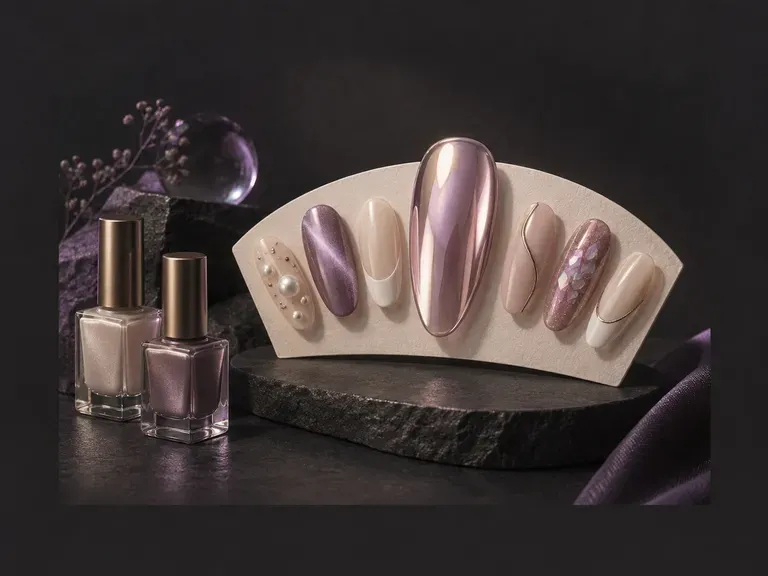
Upload a daylight hand photo or write a manicure brief to preview custom nail art before your salon visit. This AI nail design generator renders almond, coffin, stiletto, and squoval shapes in glazed chrome, magnetic cat-eye velvet, French micro-tips, and 3D gel.
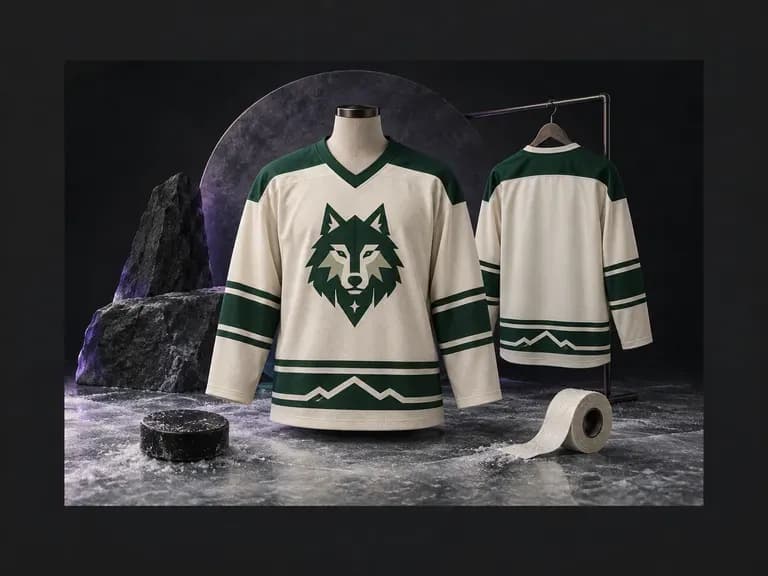
An ice hockey sweater has a distinct cut, collar, and stripe layout compared to soccer or basketball kits. Describe your team colors, shoulder yokes, and sleeve striping (or upload a crest), and this AI hockey jersey design generator renders front and back views.
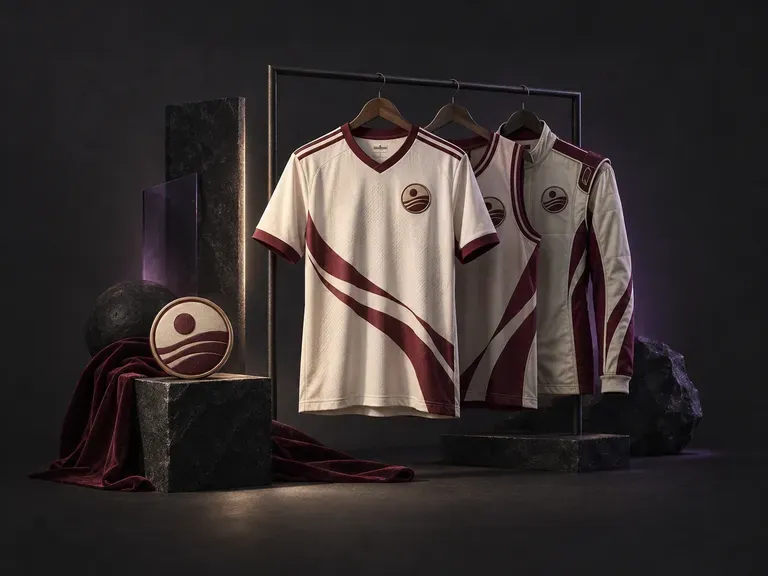
Build custom team kits, streetwear jerseys, and tournament uniforms with our AI jersey design generator. Enter your club name, colorway, number, and crest to preview cuts across soccer shirts, basketball tanks, football jerseys, cycling tops, and esports kits.
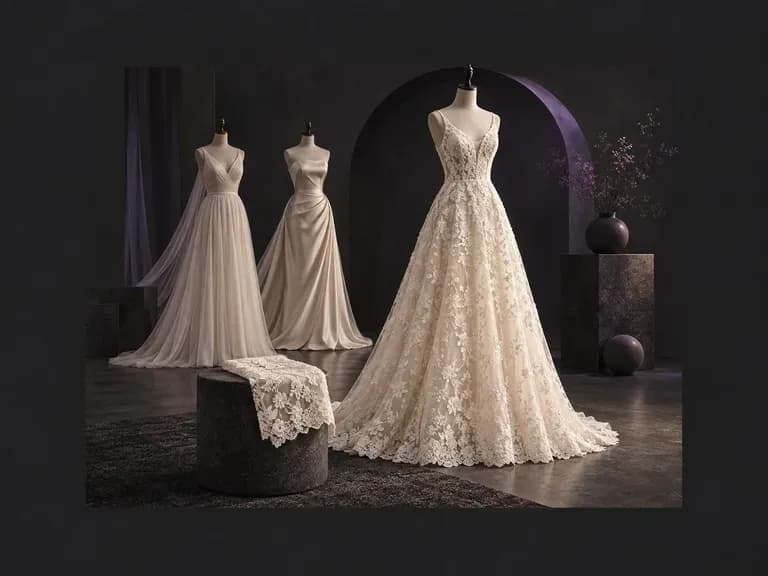
Describe your ideal silhouette, neckline, sleeve cut, bridal fabric, and venue. Virse's AI wedding dress generator turns your written brief into an original bridal gown concept on your canvas, giving you a clear visual reference for your boutique.
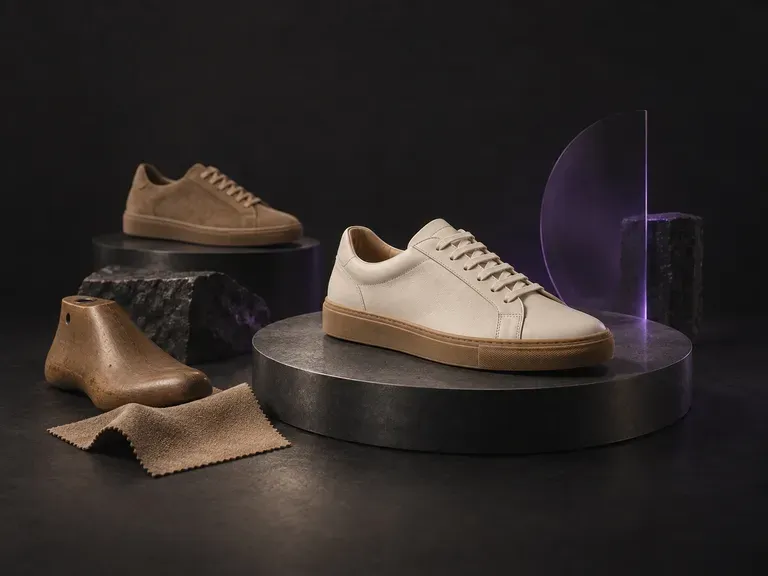
Turn a written footwear brief into photorealistic concept renders before cutting a pattern piece. This AI shoe design generator visualizes court sneakers, trail runners, Chelsea boots, sculptural heels, and loafers from your material notes on the Virse canvas.
Google's Nano Banana 2 pairs flagship-level image quality with Flash-class speed, across four output sizes from rapid 0.5K prototypes to finished 4K.
The generation of Black Forest Labs' FLUX line that came before FLUX 2, kept available as two entries — the standard model and Ultra.
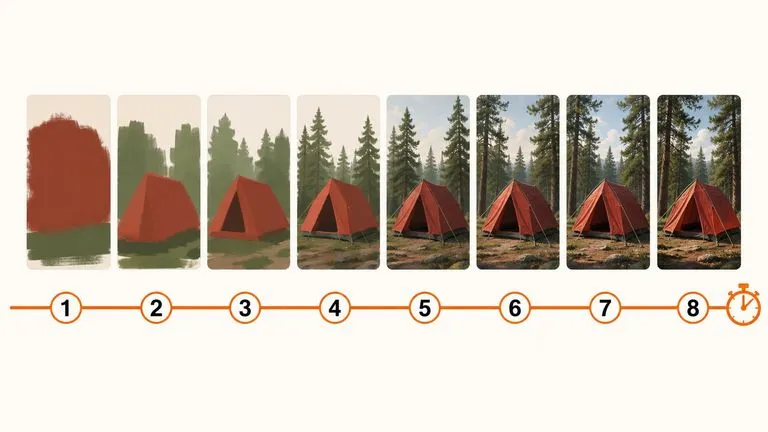
A 6-billion-parameter model compressed to an eight-step inference pipeline, built to return a usable picture before your train of thought moves on.

Generate studio-grade 4K images with Nano Banana Pro, blending multiple references while holding characters, products, and typography consistent.

OpenAI's ChatGPT Images 2.5 arrives in Virse as both API editions, GPT Image 2.5 Flare and GPT Image 2.5 Sunburst, with six quality grades and output up to 4K.

OpenAI's GPT Image 2.0 reads a hundred-word brief and attempts all of it, with independent quality and resolution controls from 1K to 4K.
Bring your finished artwork and the shirt reference. See the design as a flat lay, on a hanger or in a worn scene.