
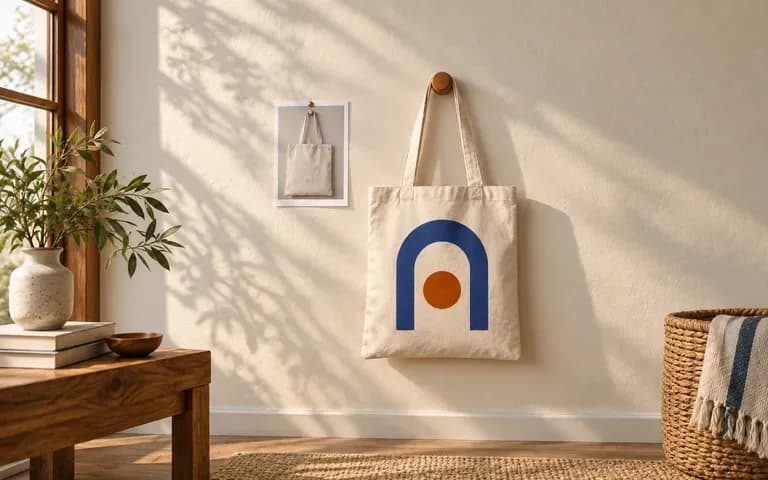
Bag reference
Use a recognizable bag shape
Provide the bag you intend to present. Review the result against its body shape and handles so the concept stays tied to that reference.
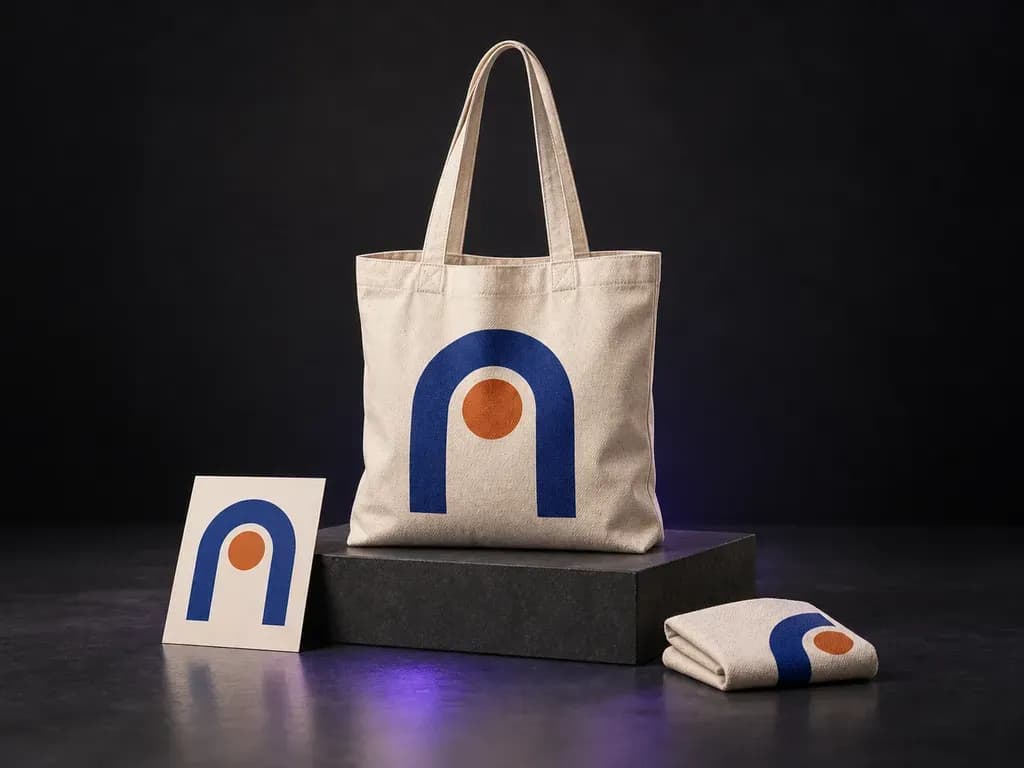
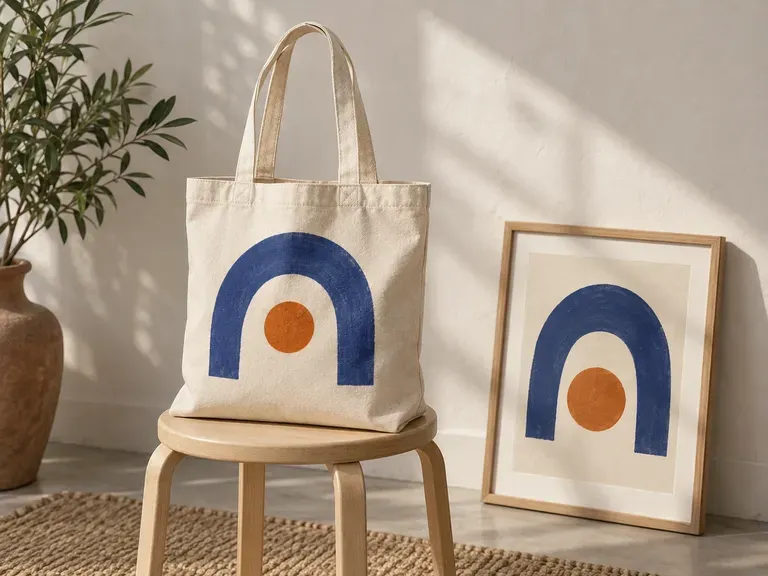
Add a canvas bag reference, your logo or illustration, and color and scene notes. Virse creates a canvas bag mockup that shows the artwork with the bag's texture and folds, ready for a merchandise design discussion.
A canvas bag mockup shows a prepared logo or illustration on a bag. Virse uses your artwork and bag reference to create a static preview with fabric texture and folds, for merchandise concepts and brand presentations—built around three core workflow advantages:
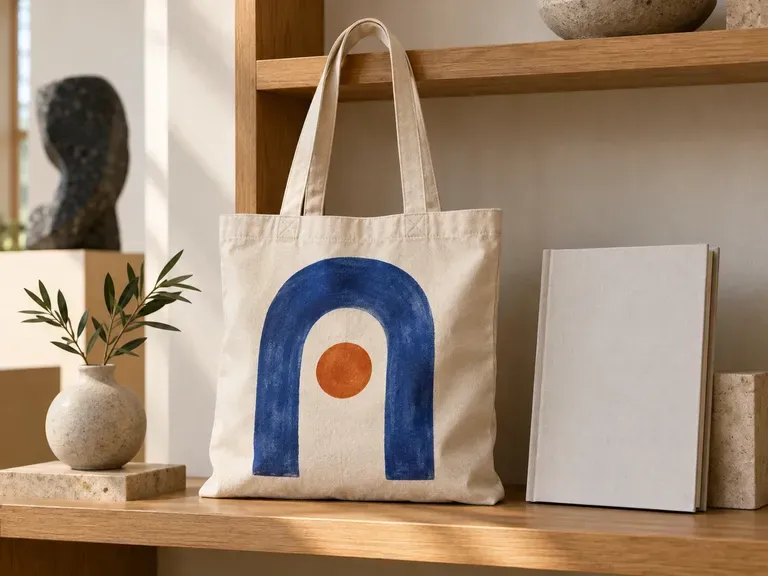
· Woven cotton & linen realism: Maps your ink into the natural slub weave, folds, and handle stitching of a real canvas tote.
· Custom bag & strap colours: Preview natural unbleached ecru, dyed black canvas, or contrast colour-blocked handles.
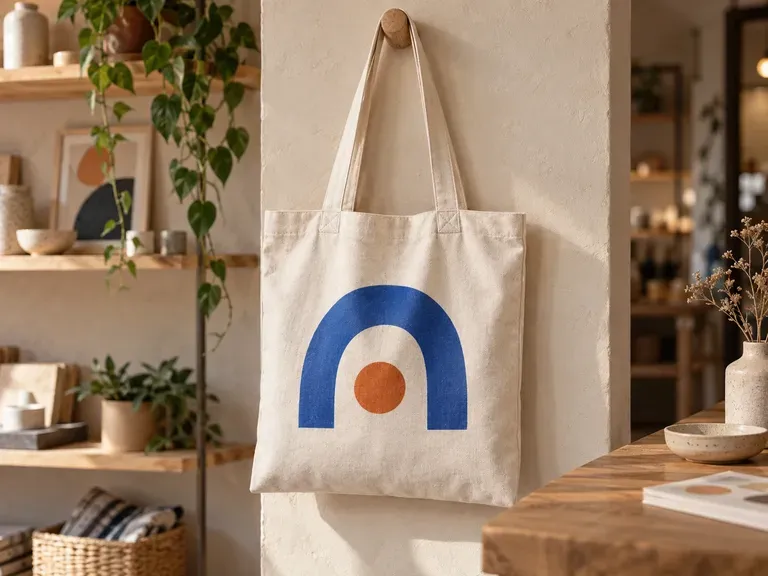
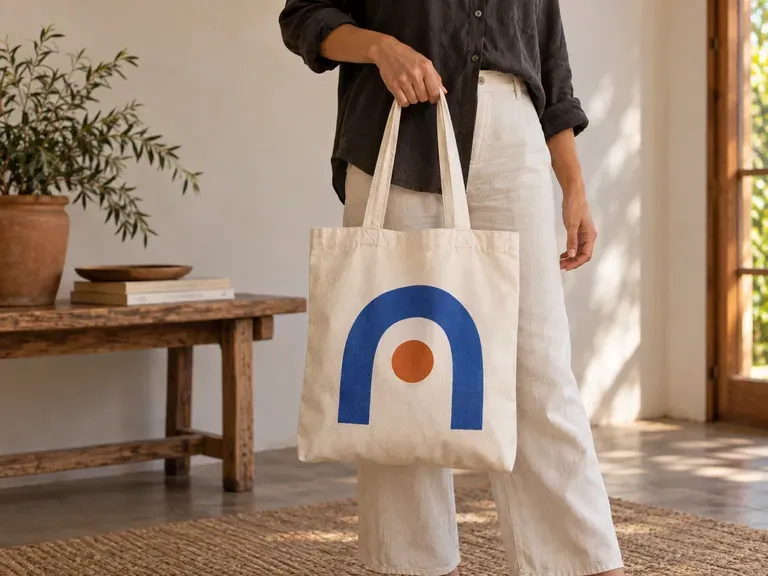
· Flat-lay, hanging & carried views: Choose clean studio flat lays for product listings or shoulder-carried lifestyle scenes.
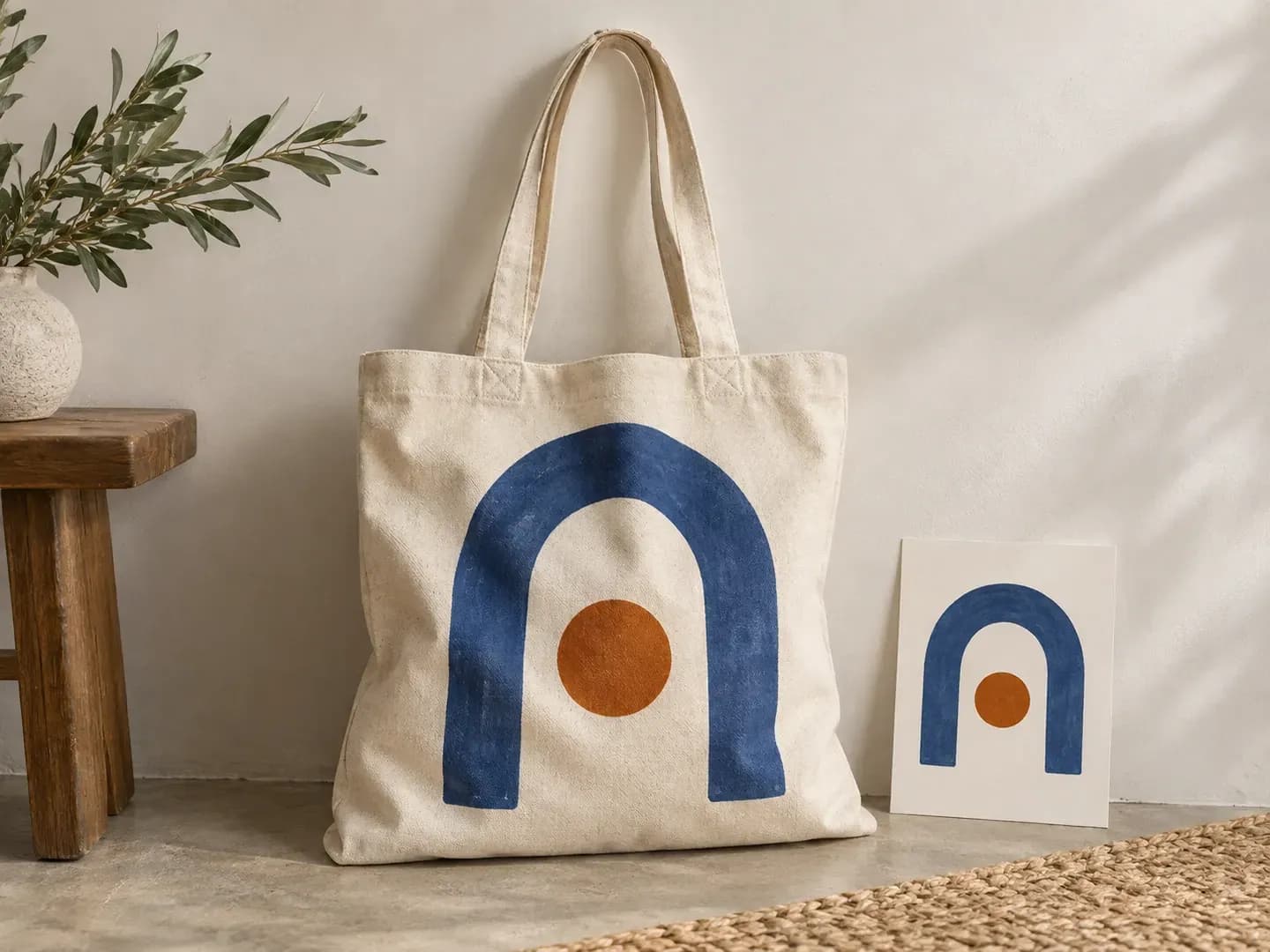
Keep the artwork and the character of the canvas in the same view.
Provide the bag you intend to present. Review the result against its body shape and handles so the concept stays tied to that reference.
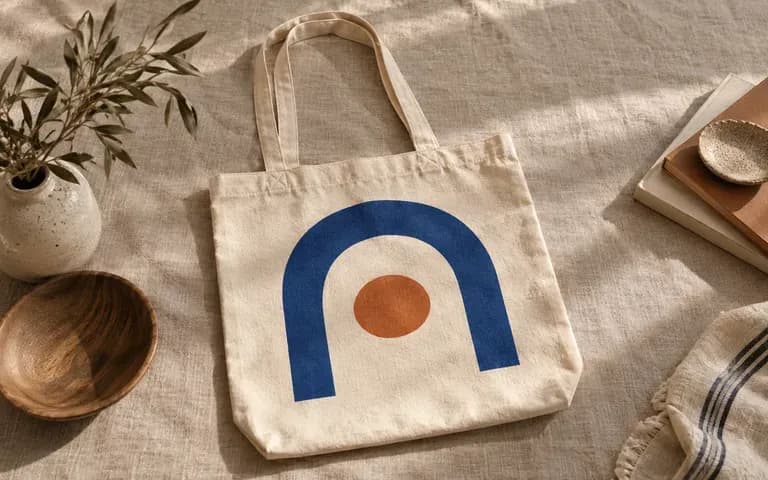
See the supplied logo or illustration with a canvas surface and folds. Inspect the result where the fabric changes the appearance of fine lines.
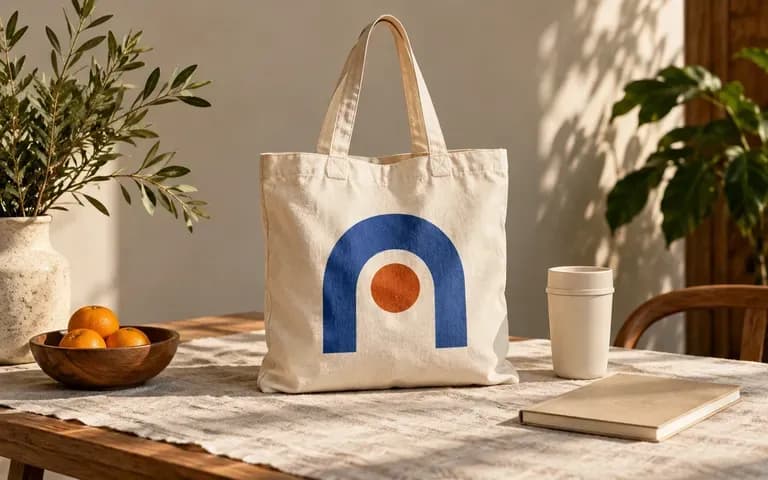
Describe a simple product view, carried tote or merchandise setting. The scene helps explain how the proposed bag belongs to the project.
Compare flat pasted graphics against weave-and-fold aware canvas bag mockups on the Virse canvas.
Flat Pasted Logos on Stock Totes
Virse Canvas Bag Mockup
Add a canvas bag image or shape reference and the finished logo or illustration.
State the bag color and the scene you want, with enough detail to keep the graphic visible.
Create a static image of the supplied artwork on the canvas bag.
Compare the graphic, handles, bag shape and folds with the inputs. Review any lettering before using the image in a presentation.
Upload your finished print artwork (and an optional bag photo), then describe the canvas weight, colour, and display setting:
· Unbleached bookstore tote flat lay: 12oz natural ecru cotton canvas tote with navy webbed straps, centered cobalt screen-print illustration, overhead studio flat lay.
· Hanging gallery gift shop bag: Heavy gusseted black canvas shopper hanging on a birch wall peg, crisp white typographic print, soft gallery daylight.
· Café lifestyle shoulder carry: Warm olive canvas tote carried over a trench coat shoulder, cream botanical logo print, sunlit street backdrop.
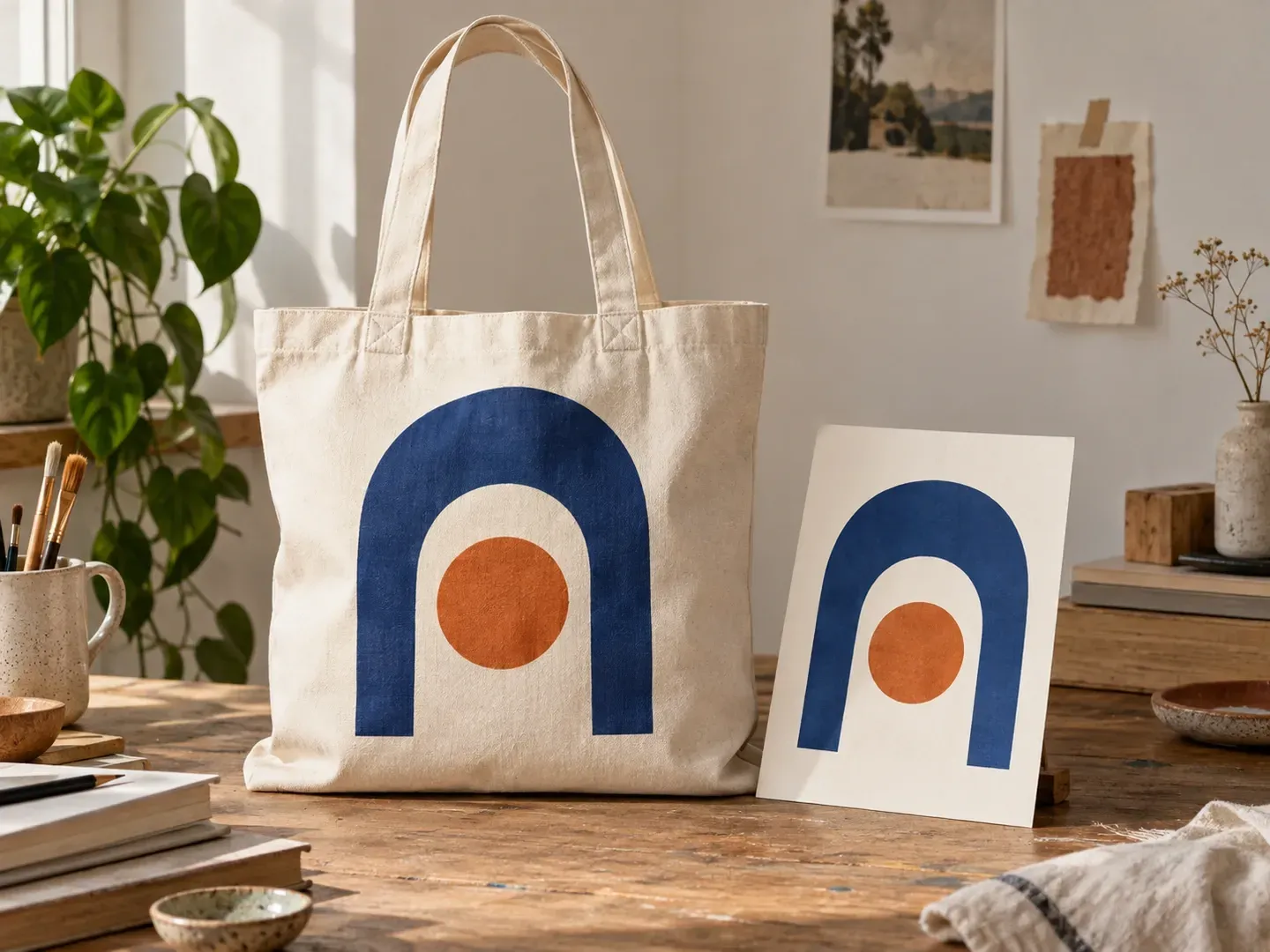
For people turning existing artwork into a canvas bag presentation.
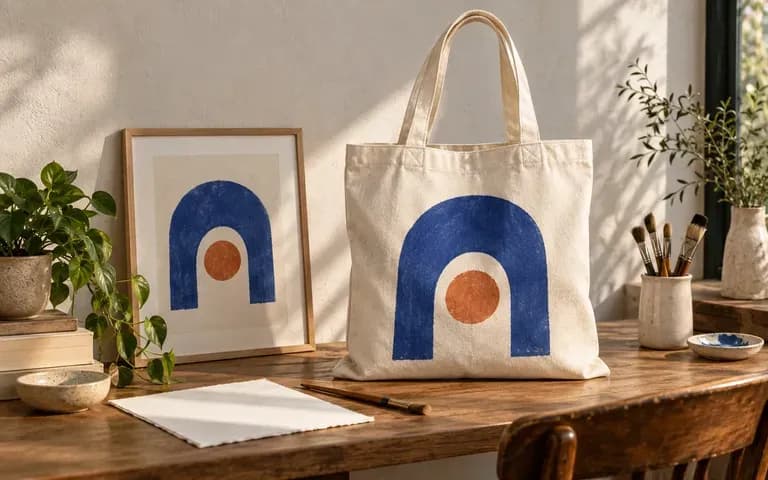
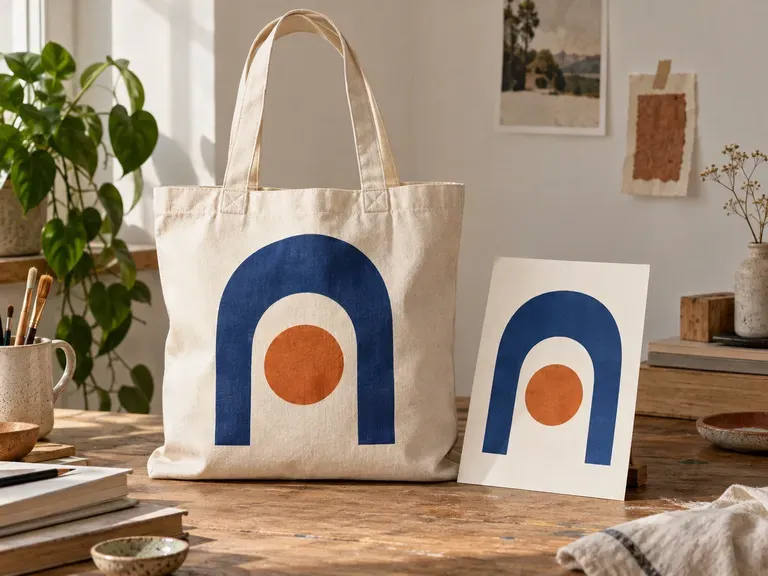
Show how an existing illustration could appear on a canvas product.
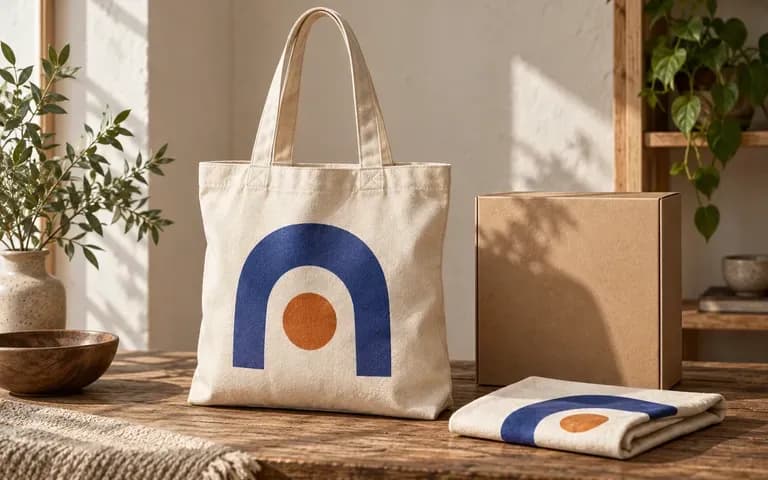
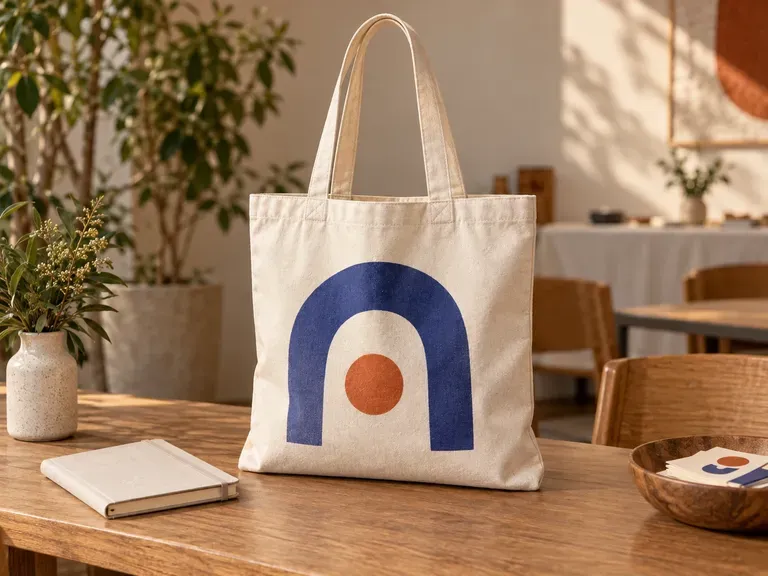
Review a logo on a bag intended for a merchandise range.
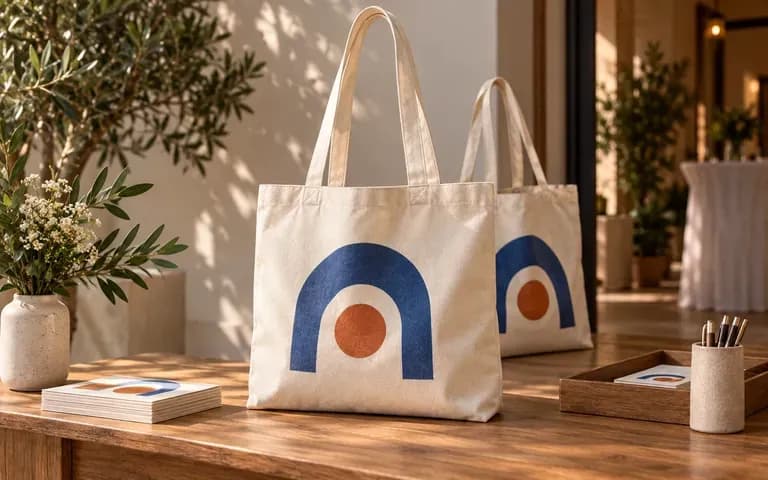
Present artwork prepared for an event bag.
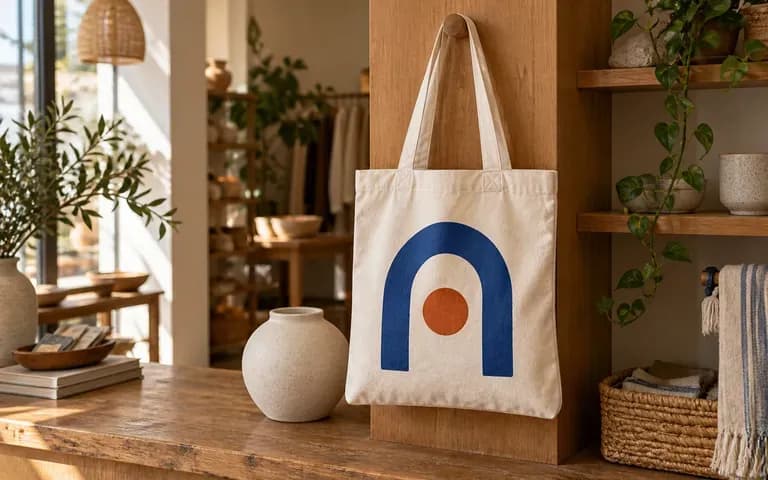
Plan the appearance of a canvas bag that carries the shop identity.
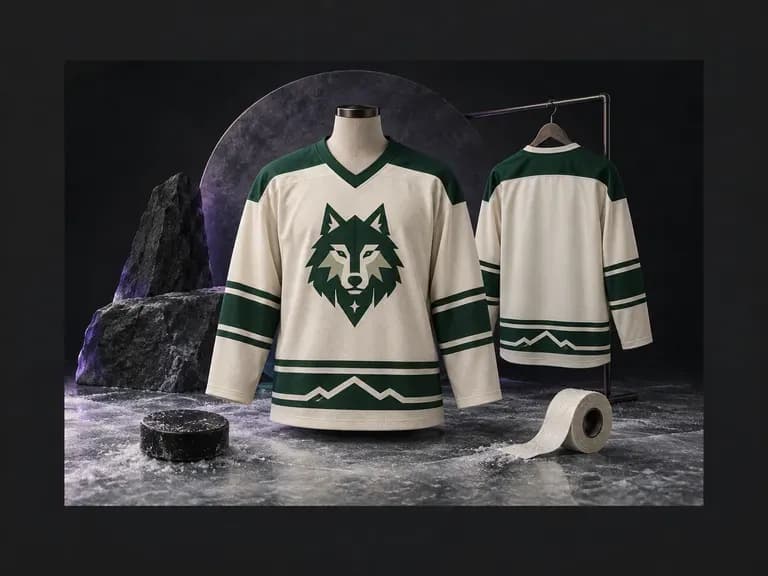
An ice hockey sweater has a distinct cut, collar, and stripe layout compared to soccer or basketball kits. Describe your team colors, shoulder yokes, and sleeve striping (or upload a crest), and this AI hockey jersey design generator renders front and back views.
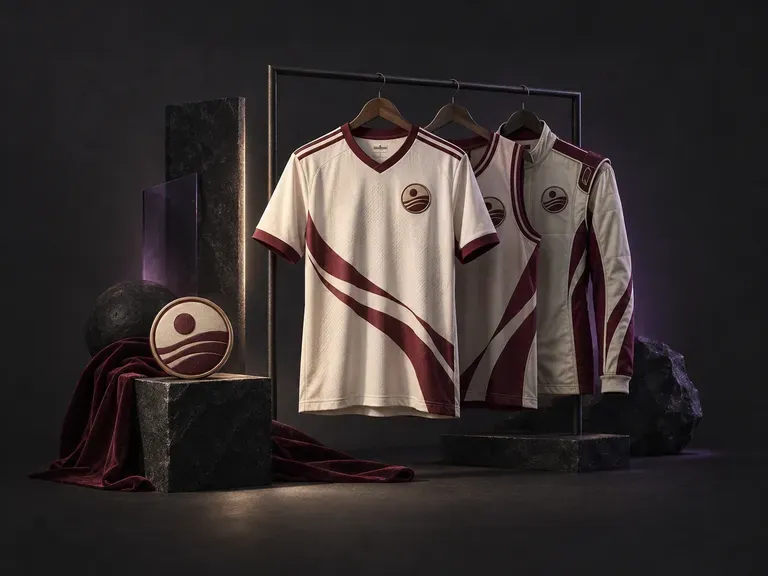
Build custom team kits, streetwear jerseys, and tournament uniforms with our AI jersey design generator. Enter your club name, colorway, number, and crest to preview cuts across soccer shirts, basketball tanks, football jerseys, cycling tops, and esports kits.
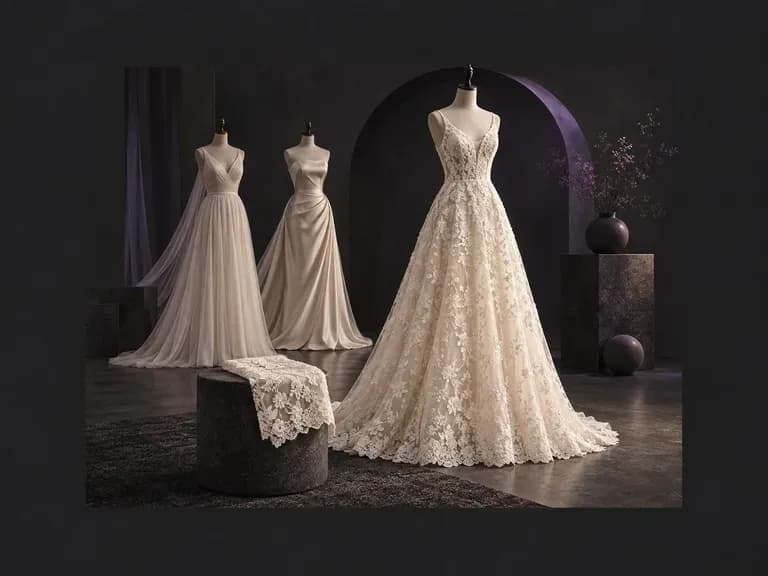
Describe your ideal silhouette, neckline, sleeve cut, bridal fabric, and venue. Virse's AI wedding dress generator turns your written brief into an original bridal gown concept on your canvas, giving you a clear visual reference for your boutique.
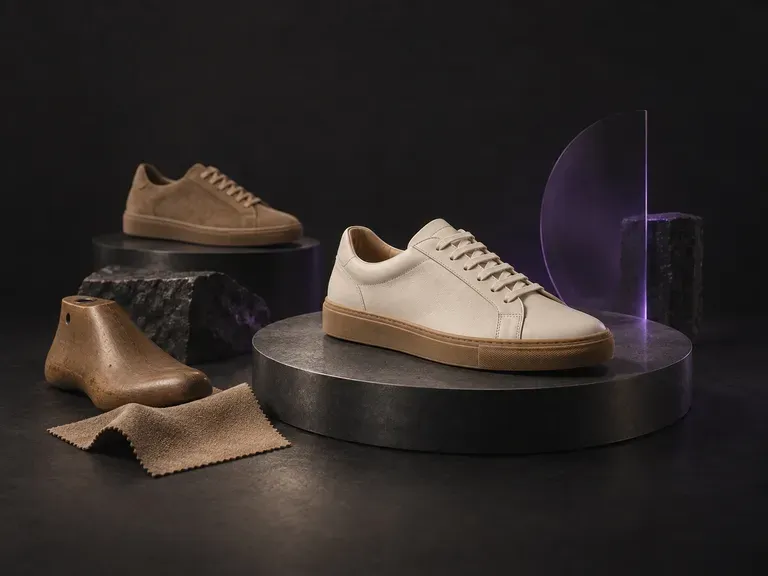
Turn a written footwear brief into photorealistic concept renders before cutting a pattern piece. This AI shoe design generator visualizes court sneakers, trail runners, Chelsea boots, sculptural heels, and loafers from your material notes on the Virse canvas.
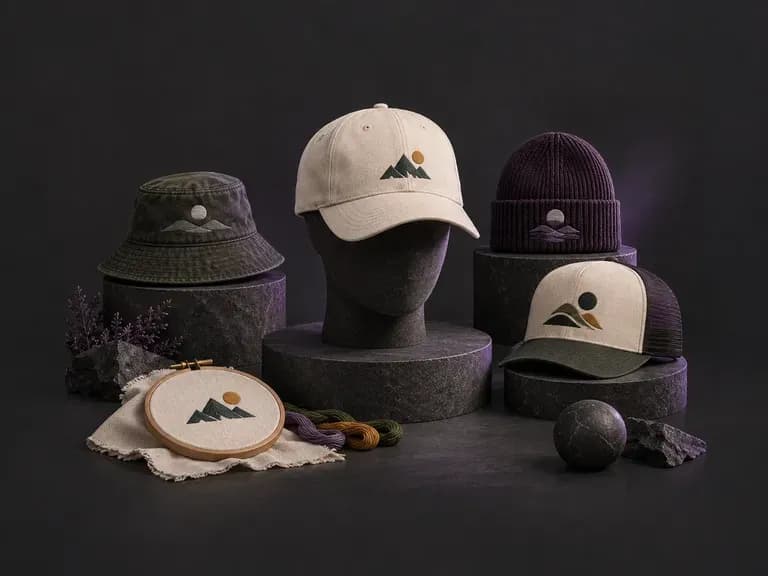
Describe your crown shape, fabric texture, and graphic application, or upload a logo, to preview headwear before ordering samples. This AI hat design generator renders front and side concepts for snapbacks, dad hats, truckers, and beanies on your Virse canvas.
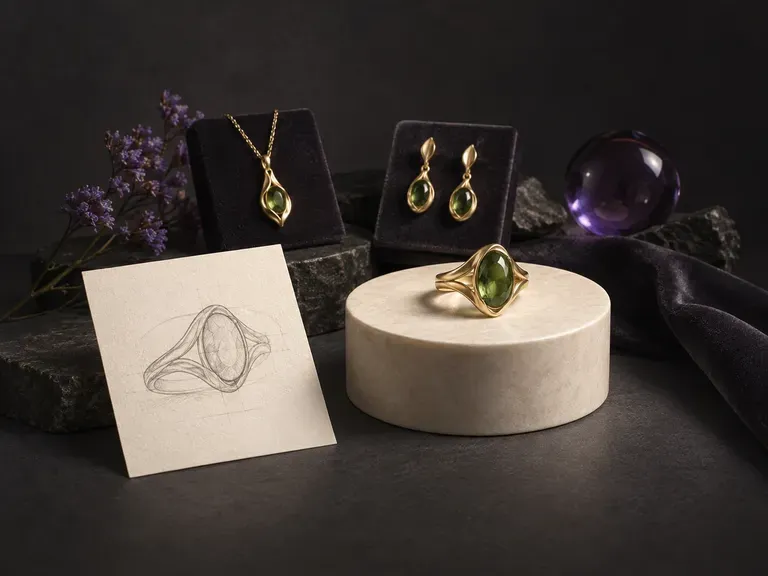
Turn written jewelry briefs or rough hand sketches into macro studio renders with our AI jewelry design generator. Explore solitaire, halo, and bezel rings, signets, pendant necklaces, earrings, and cuffs across 18k gold, platinum, and faceted gemstones.
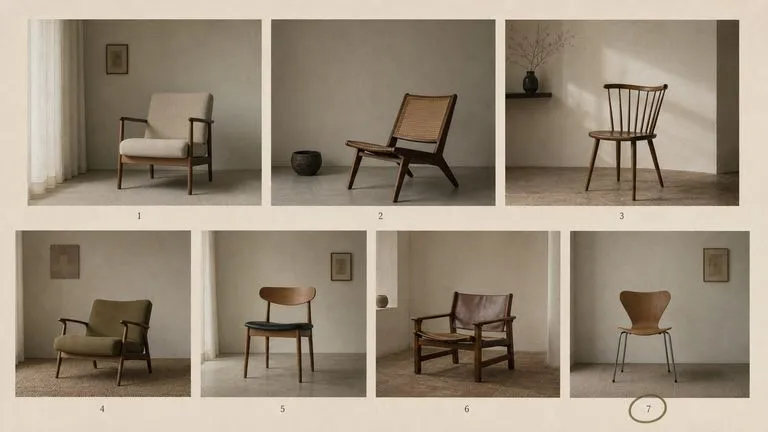
The generation of Black Forest Labs' FLUX line that came before FLUX 2, kept available as two entries — the standard model and Ultra.
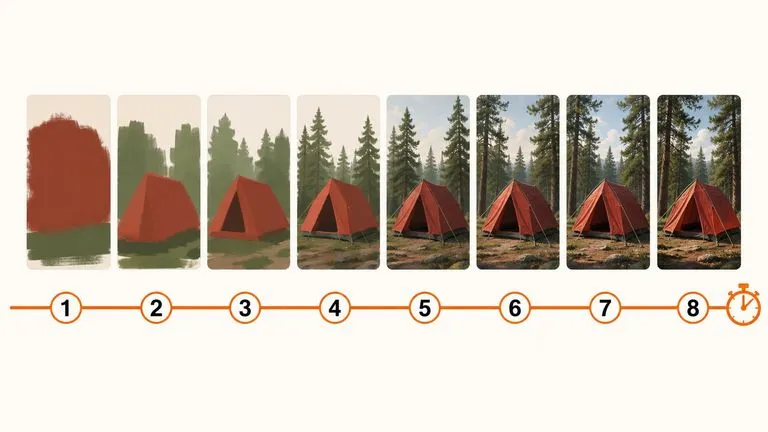
A 6-billion-parameter model compressed to an eight-step inference pipeline, built to return a usable picture before your train of thought moves on.

Generate studio-grade 4K images with Nano Banana Pro, blending multiple references while holding characters, products, and typography consistent.

OpenAI's ChatGPT Images 2.5 arrives in Virse as both API editions, GPT Image 2.5 Flare and GPT Image 2.5 Sunburst, with six quality grades and output up to 4K.

OpenAI's GPT Image 2.0 reads a hundred-word brief and attempts all of it, with independent quality and resolution controls from 1K to 4K.

Black Forest Labs' production model reads briefs up to 32,000 tokens, so brand rules, colour values, and compositional constraints can all go in at once.
Add your canvas bag reference and finished graphic. Review the graphic on the bag before choosing your presentation.