
Gratis
Mulai dengan Generasi Gratis
Coba konsep pakaian pertama Anda dengan kredit Virse. Pengguna baru dapat menghasilkan hingga 10 gambar, cukup untuk melihat apakah sebuah siluet berhasil sebelum meluangkan waktu pembuatan pola untuknya.
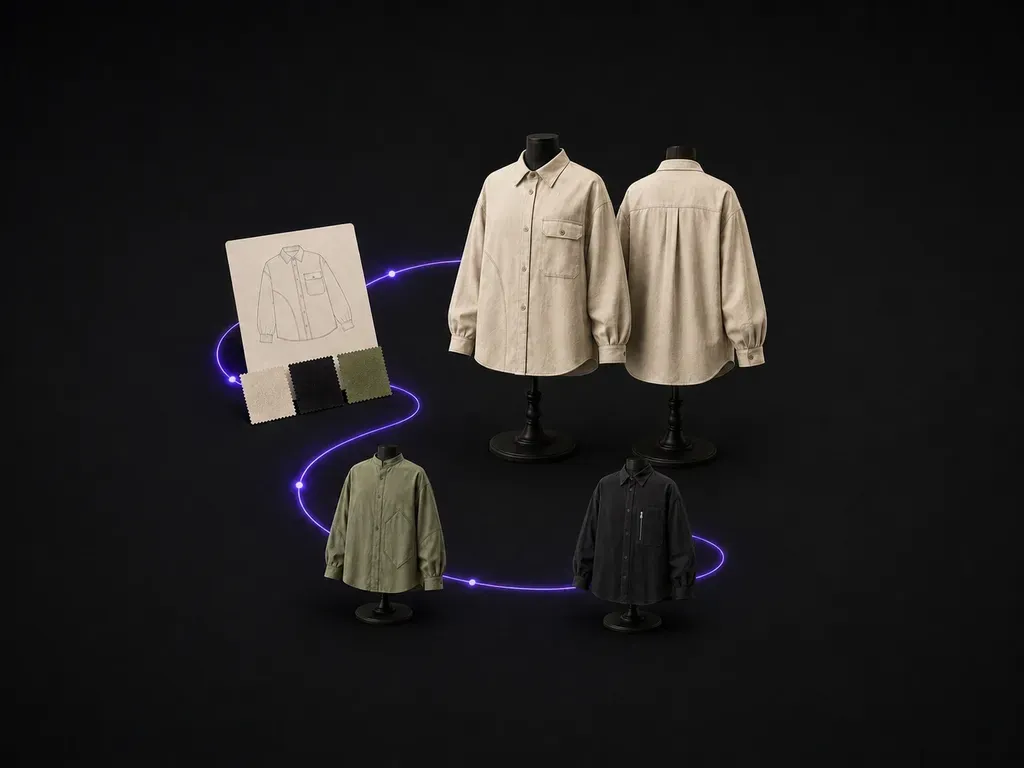
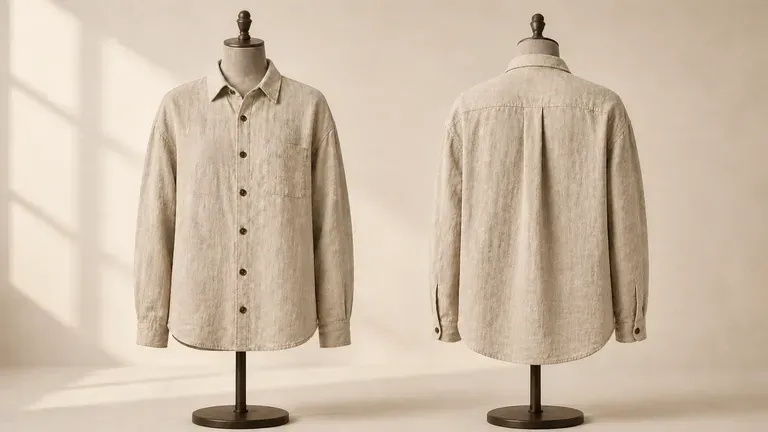
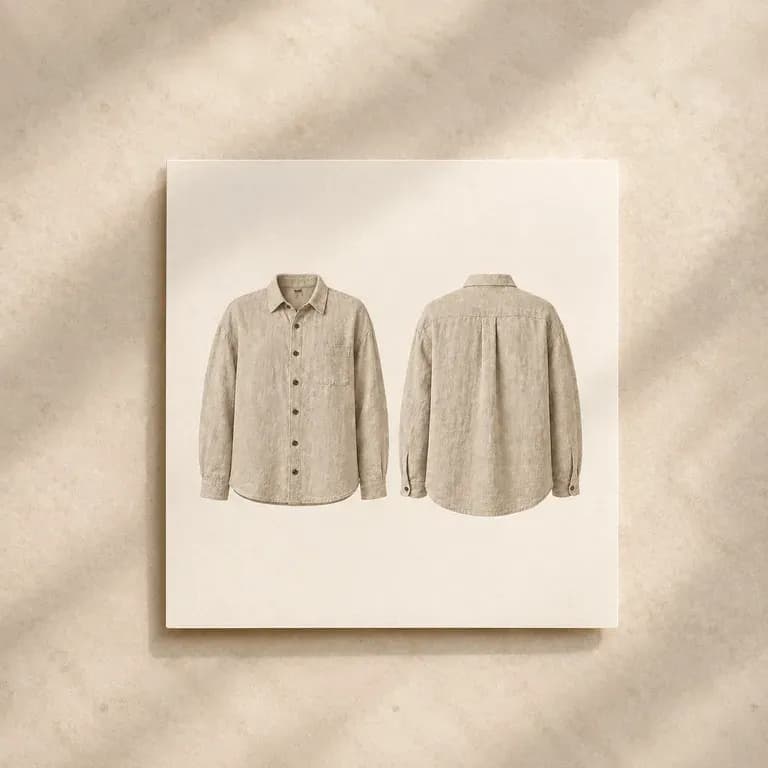
Jelaskan kategori pakaian, potongan, kain, dan warna, lalu dapatkan konsep dengan tampilan depan dan belakang yang serasi, sehingga tidak ada yang dipotong sebelum kedua sisi diperiksa satu sama lain. Kredit gratis cukup untuk melihat apakah siluetnya layak dikembangkan lebih lanjut.
Generator desain pakaian AI mengubah kategori pakaian, bahan, dan ringkasan gaya menjadi konsep desain satu potong yang ditampilkan dengan tampak depan dan belakang. Di Virse, Anda mendeskripsikan pakaian tersebut, menambahkan referensi, menghasilkan beberapa arahan, lalu membandingkannya dalam satu kanvas sebelum apa pun diteruskan ke pembuat pola.
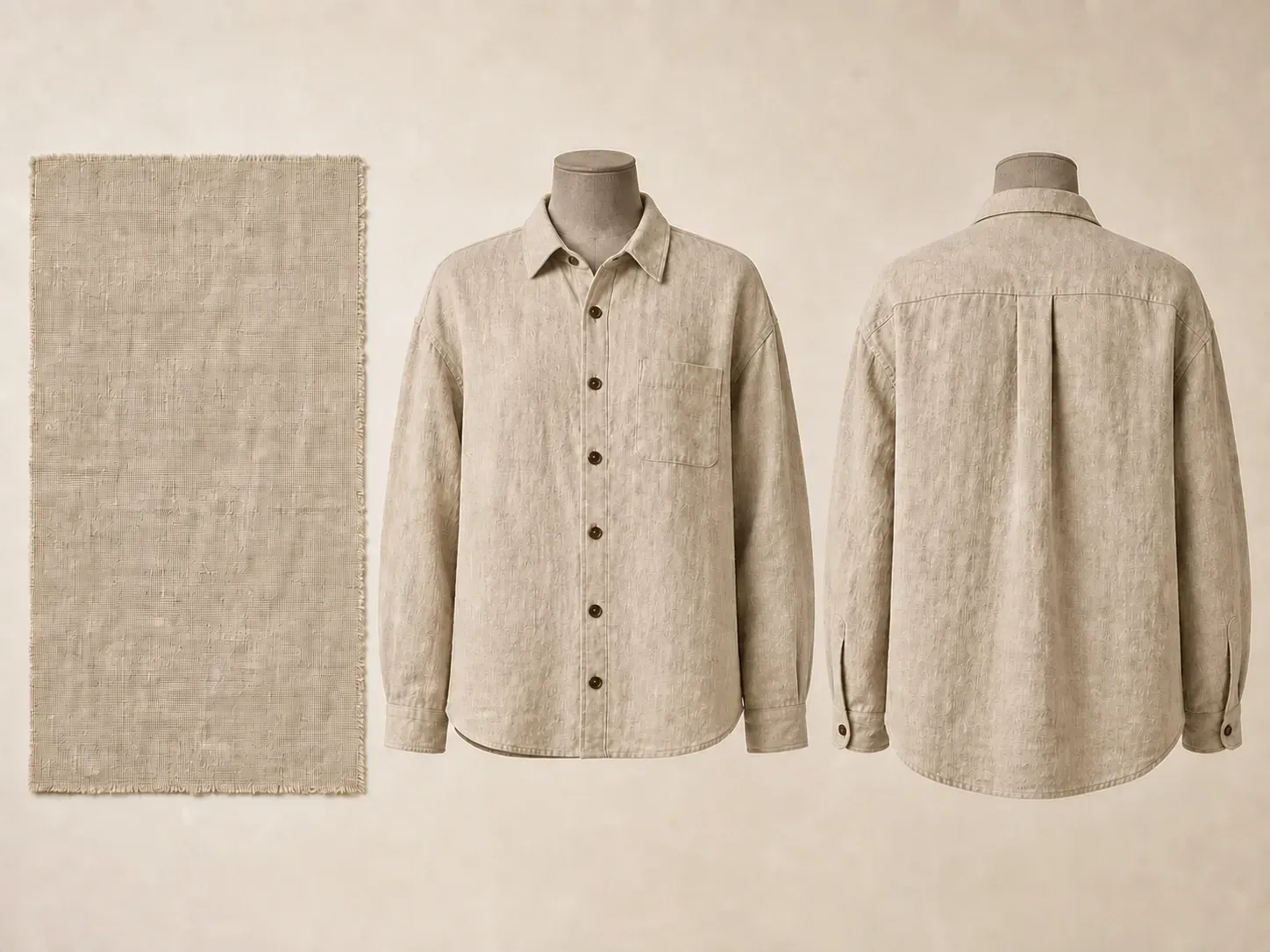
Sebuah pakaian harus terbaca dengan benar dari setiap sudut, bukan hanya sudut yang ditampilkan dalam mood shot. Tampilan depan dan belakang bersama-sama membantu menangkap hal itu sejak awal.
Coba konsep pakaian pertama Anda dengan kredit Virse. Pengguna baru dapat menghasilkan hingga 10 gambar, cukup untuk melihat apakah sebuah siluet berhasil sebelum meluangkan waktu pembuatan pola untuknya.
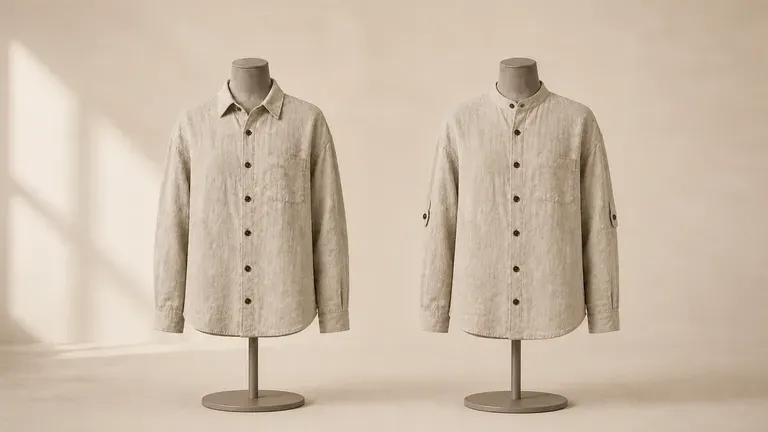
Virse menghadirkan 40+ model AI dalam satu lingkungan, dan paket berbayar mencakup penggunaan model tanpa batas. Anda dapat melihat bagaimana berbagai model menangani brief yang sama tanpa perlu membangunnya ulang untuk masing-masing model.
Referensi, konsep yang dihasilkan, dan detail alternatif tetap berada bersama di kanvas tak terbatas. Virse menjaga brief kain dan potongan tetap dalam konteks, sehingga putaran berikutnya dibangun berdasarkan arah yang sudah dipilih.
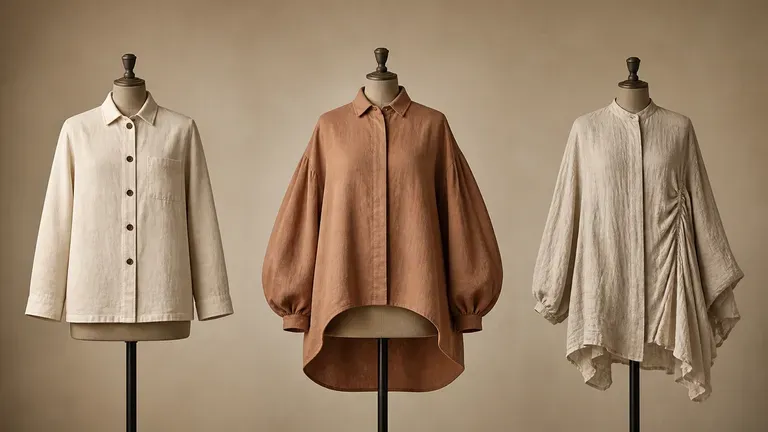
Bandingkan ilustrasi mode tampak depan saja dengan konsep pakaian tampak depan dan belakang yang serasi di kanvas Virse.
Sketsa Tampak Depan Saja & Deskripsi Teks
Generator Desain Pakaian Virse
Tuliskan kategori, fit, kain, dan warna, lalu tambahkan gambar referensi gaya jika Anda memilikinya.
Pilih preset seperti item kasual wajib, statement piece, atau desain berbasis kain, sesuai dengan seberapa sentral material tersebut terhadap tampilannya.
Jalankan model gambar AI yang tersedia dan biarkan model tersebut menghasilkan konsep desain yang ditampilkan dari depan dan belakang.
Sesuaikan jahitan, penutup, dan proporsi dengan catatan yang diperbarui, lalu terus kerjakan hingga karya siap diserahkan kepada pembuat pola.
Sebutkan kategori pakaian, fit siluet, bahan luar, detail trim, dan apa yang berada di bagian depan vs. belakang:
· Jaket kerja cropped boxy: Denim indigo washed 14oz heavyweight, kerah korduroi, bagian depan beritsleting kuningan antik, dua saku dada berflap, bagian belakang action berlipit.
· Celana cargo berpanel teknis: Fit relaxed berartikulasi dalam ripstop katun-nilon warna zaitun, dart lutut bergusset, saku bellow samping miring, saku welt belakang.
· Pullover rajut half-zip berstruktur: Rajut fisherman rib chunky 5-gauge dari wol merino warna oatmeal, leher funnel tinggi dengan ritsleting ring perak, lengan dropped raglan di depan & belakang.
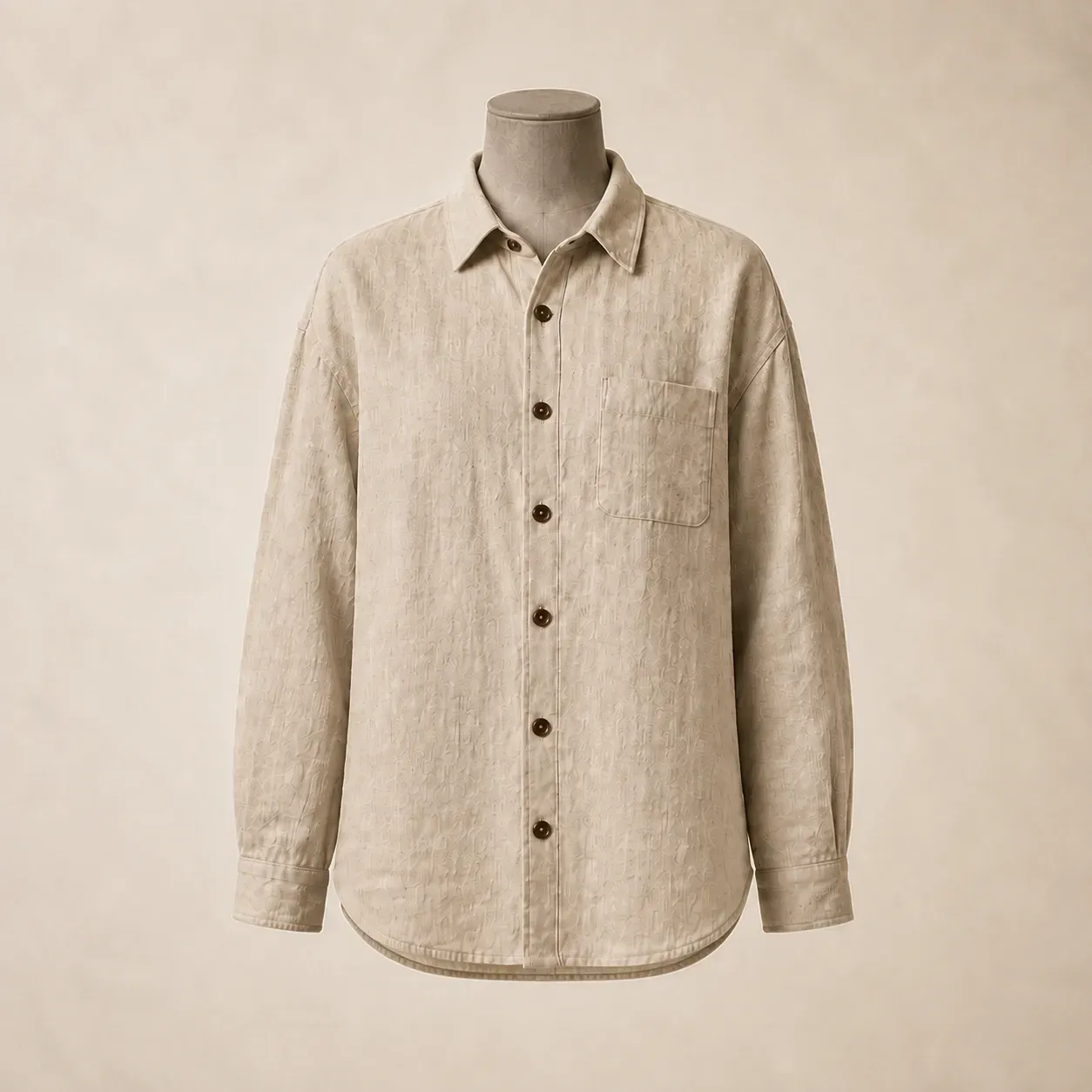
Orang-orang yang mendesain satu potong pakaian setiap kali, yang perlu melihatnya sebelum dipotong.
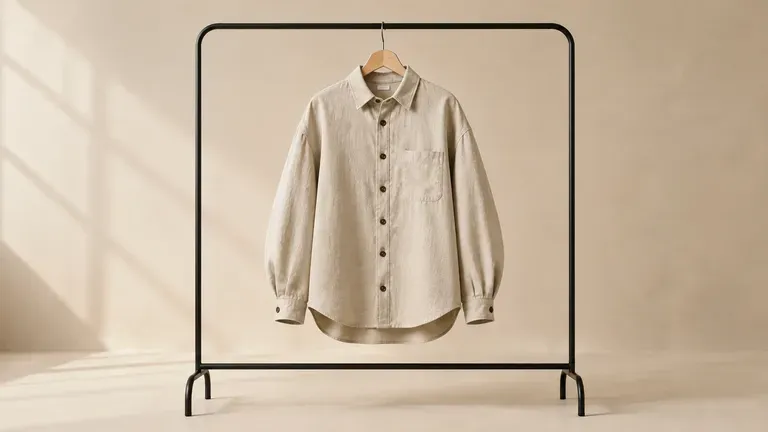
Jelajahi siluet dan detail satu pakaian sebelum berkomitmen pada sampel.
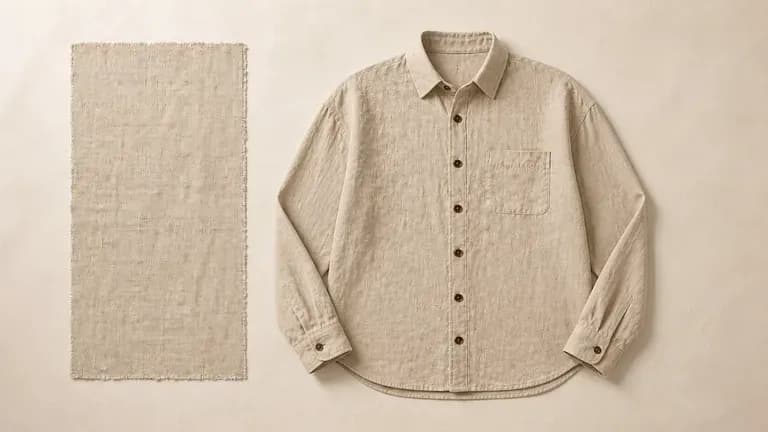
Kembangkan pakaian dasar lemari atau item khas tanpa tim desain lengkap.
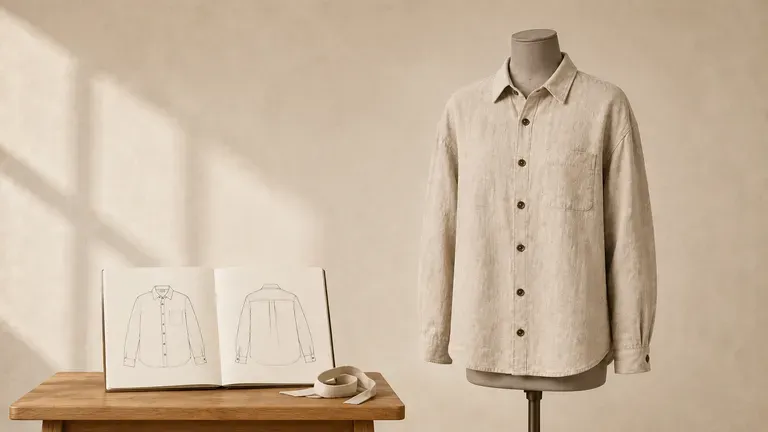
Berlatih menerjemahkan brief menjadi konsep pakaian lengkap sebagai bagian dari tugas kuliah.
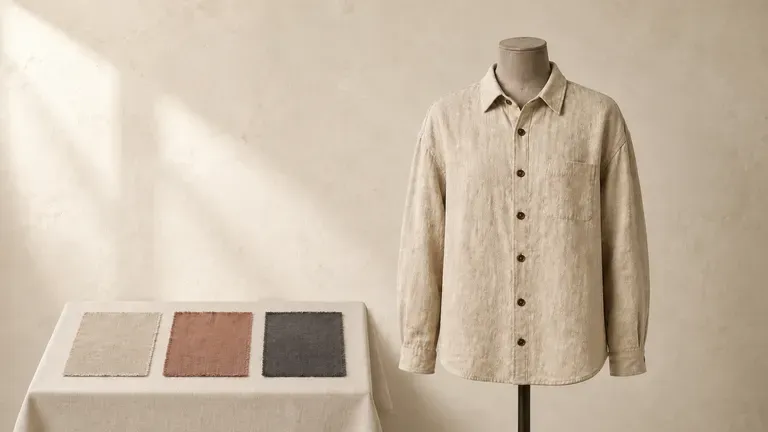
Tunjukkan konsep desain kepada klien sebelum memotong kain untuk karya kustom.
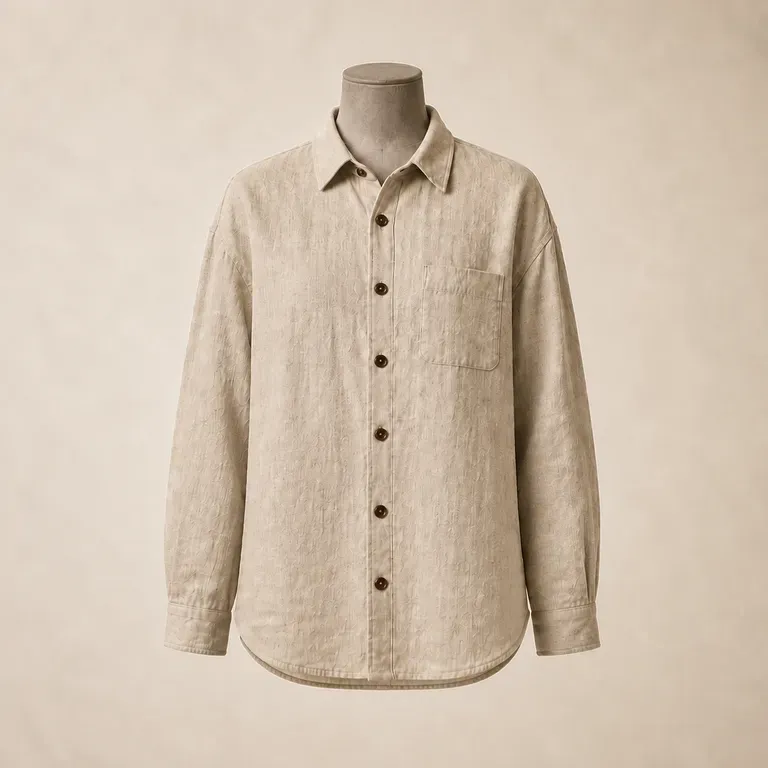
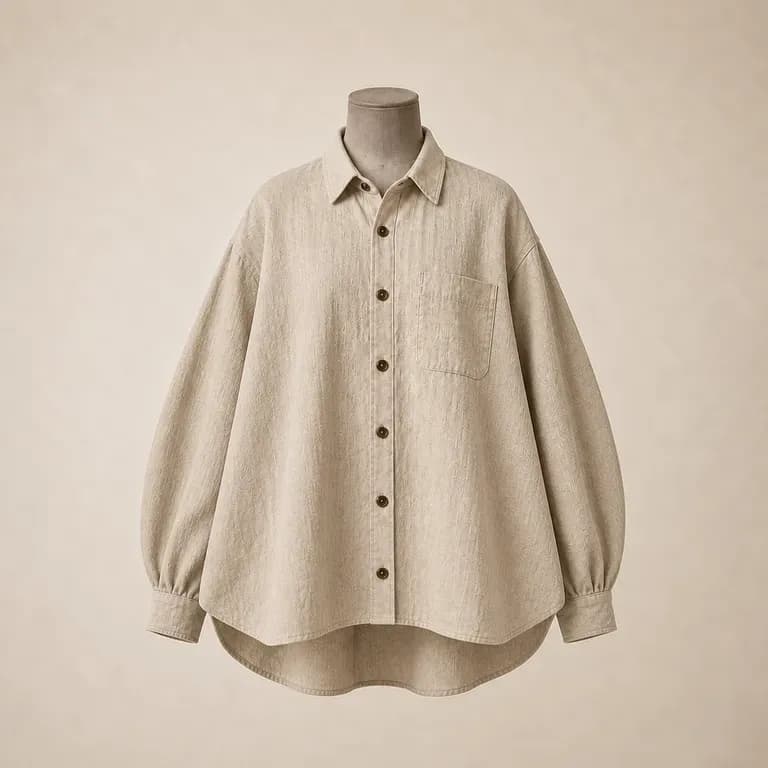
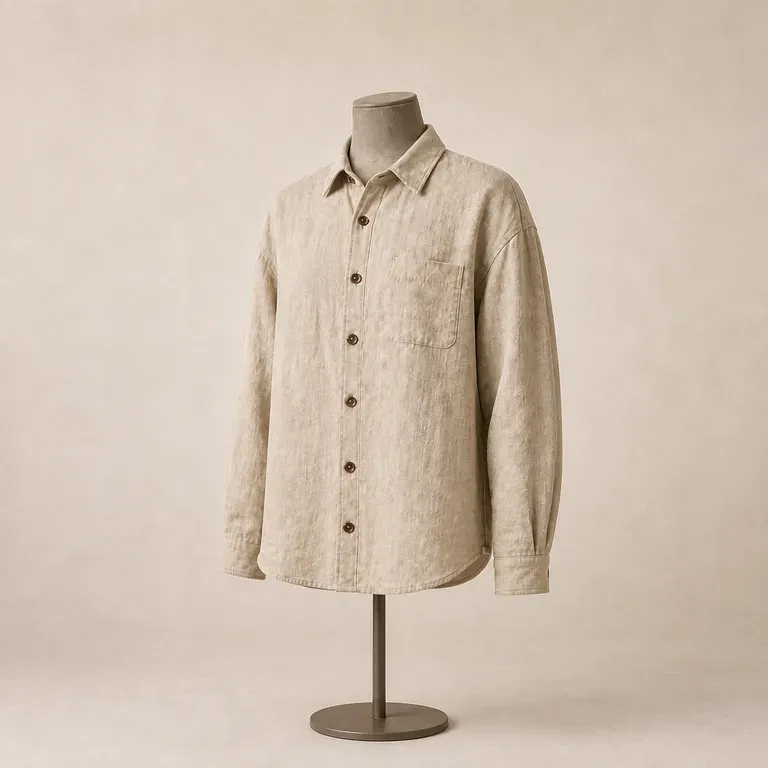
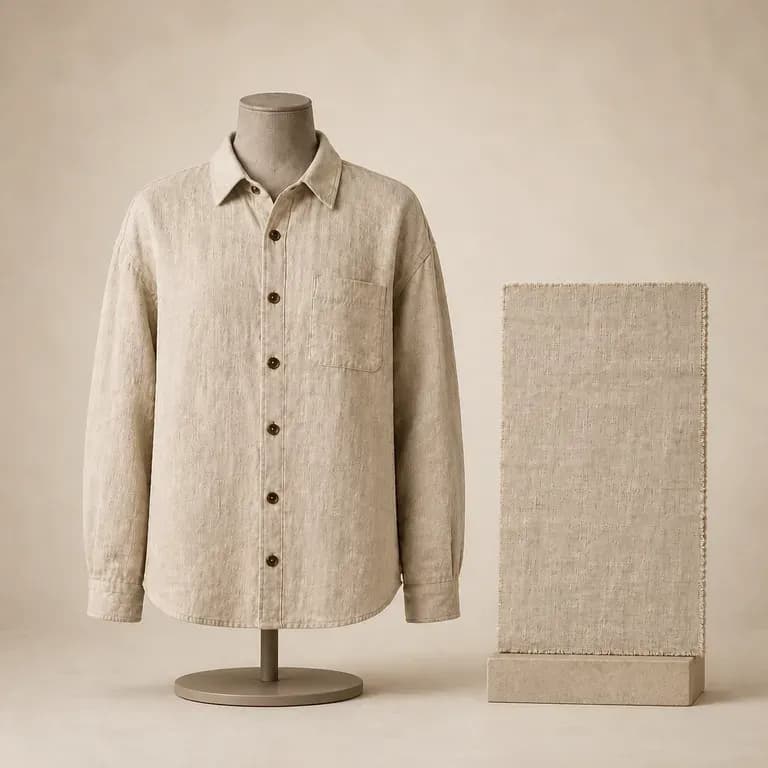
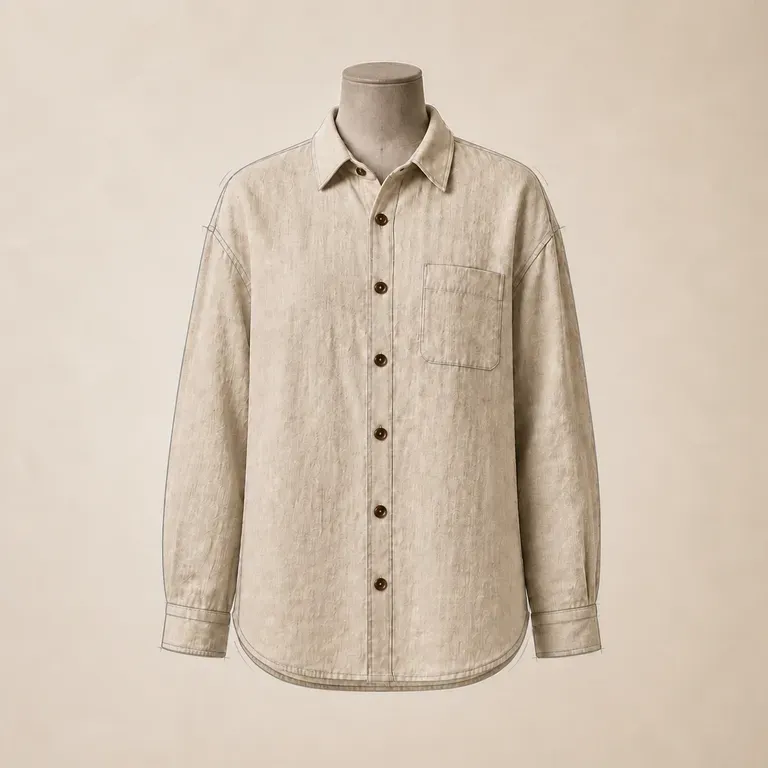
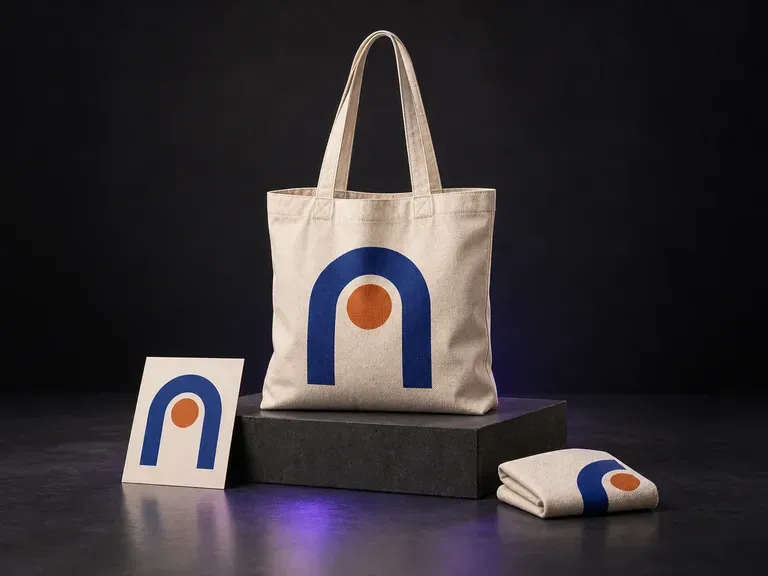
Tambahkan referensi tas kanvas, logo atau ilustrasi Anda, serta catatan warna dan suasana. Virse membuat mockup tas kanvas yang menampilkan karya seni dengan tekstur dan lipatan tas, siap untuk diskusi desain merchandise.
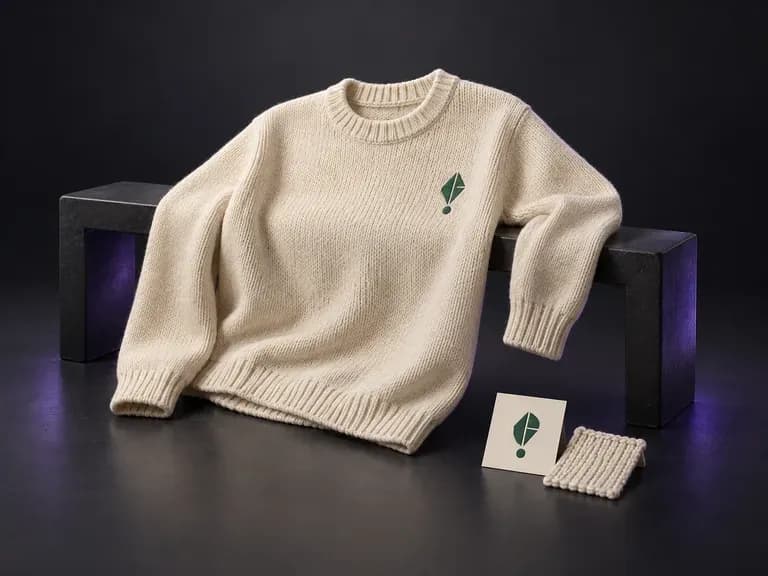
Unggah foto sweater atau pullover Anda beserta logo atau pola rajut Anda, lalu jelaskan warna benang dan tampilan yang diinginkan. Generator mockup sweater ini menempatkan karya seni Anda pada siluet rajut dalam adegan flat lay, digantung, atau dikenakan sebelum Anda memesan sampel fisik.
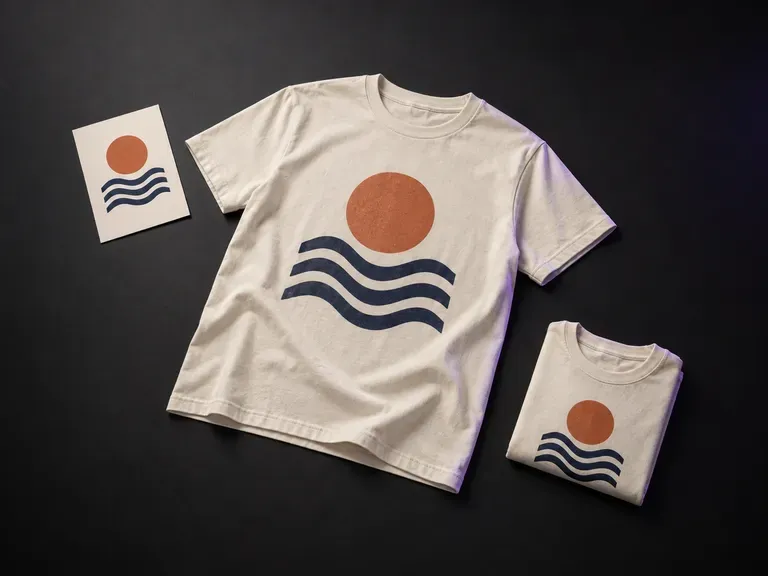
Tambahkan karya seni cetak final Anda dan referensi T-shirt, lalu jelaskan warna, posisi grafis, dan gaya tampilan. Generator mockup T-shirt Virse menampilkan desain Anda dalam pratinjau flat lay, digantung, atau dikenakan.
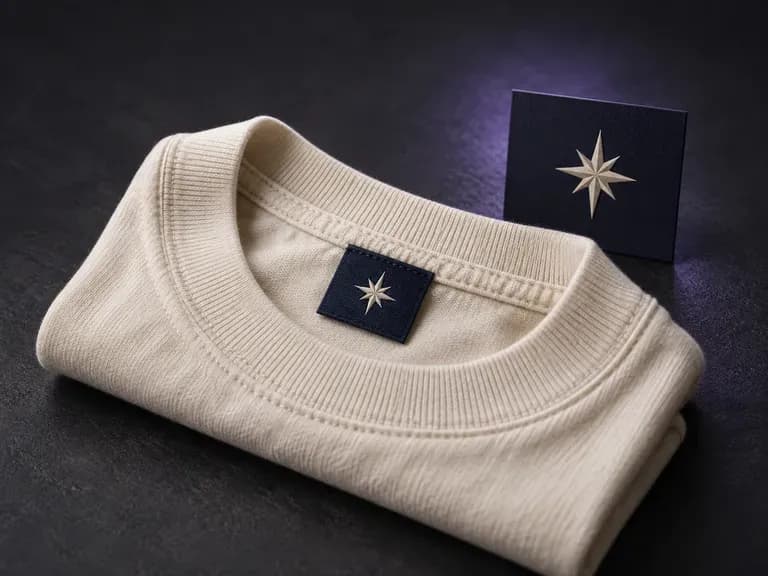
Tambahkan karya seni label Anda, referensi bagian leher atau jahitan, serta kain dan warna. Virse membuat mockup label pakaian untuk melihat dari dekat bagaimana branding terlihat pada pakaian.
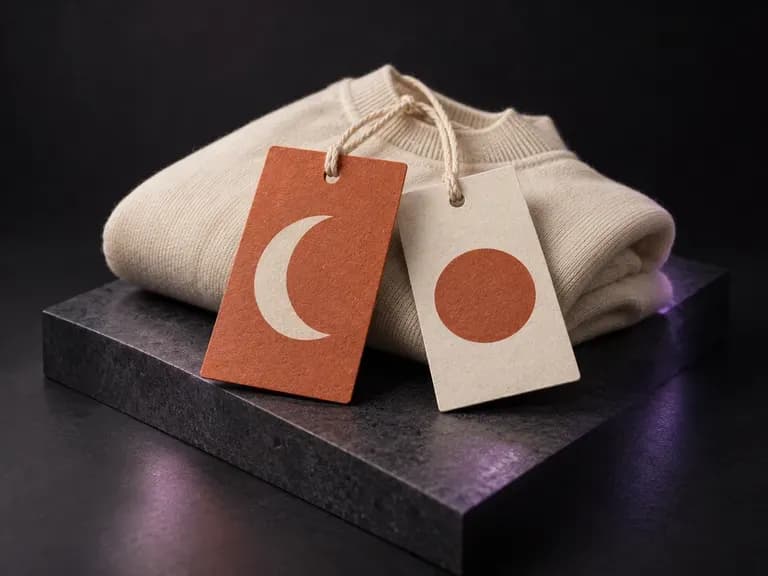
Tambahkan karya desain bagian depan dan belakang label Anda, tampilan kertas, detail tali, dan referensi garmen. Virse membuat mockup label pakaian dengan detail tersebut dalam satu tampilan untuk presentasi pakaian Anda.
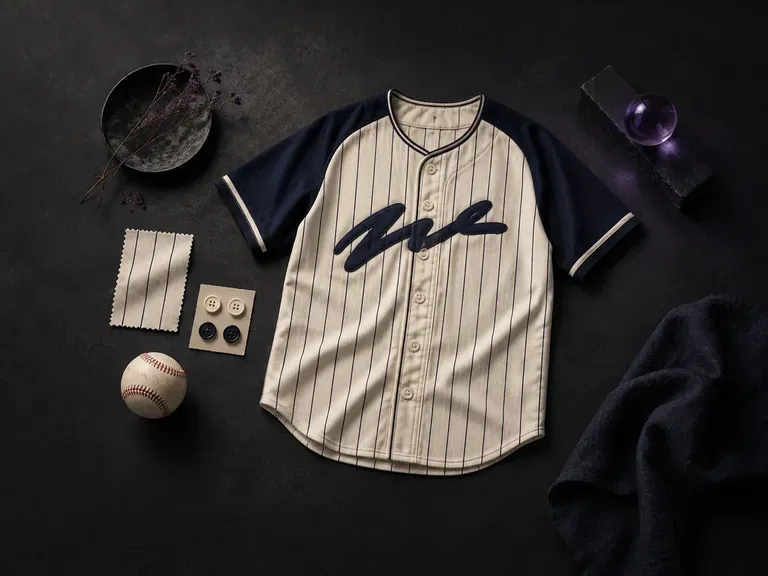
Mulai dengan nama dan warna tim, tambahkan logo, lalu desainer jersey bisbol AI ini menggambar tampilan depan dan belakang jersey, siap dibagikan di bangku pemain.

GPT Image 2.0 dari OpenAI membaca arahan seratus kata dan mencoba menjalankan semuanya, dengan kontrol kualitas dan resolusi terpisah dari 1K hingga 4K.

Model produksi Black Forest Labs membaca arahan hingga 32.000 token, sehingga aturan merek, nilai warna, dan batasan komposisi dapat diberikan sekaligus.

Model penyuntingan Black Forest Labs, FLUX Kontext Pro dan Kontext Max, dibuat untuk menerapkan satu perubahan yang dijelaskan sambil mempertahankan bagian bingkai lainnya.

Generasi Seedream terbaru dari ByteDance, tersedia sebagai Seedream 5.0 Pro dan Seedream V5 Lite, keduanya menggunakan brief tertulis yang sama.
Model fondasi teks-ke-gambar yang dilatih dari awal untuk tata letak, dengan penempatan kotak pembatas, pengondisian warna heksadesimal, dan keluaran 2K native.

Buat dan edit gambar diam dengan FLUX 3 Image pada 1K, 2K, atau 4K. Beralih ke FLUX 3 Video untuk adegan berdurasi 5–20 detik pada 720P atau 1080P dengan audio native, di kanvas Virse yang sama.
Jelaskan pakaian Anda, buat konsep dengan tampilan depan dan belakang, lalu sempurnakan detail yang layak dibawa ke produksi.