
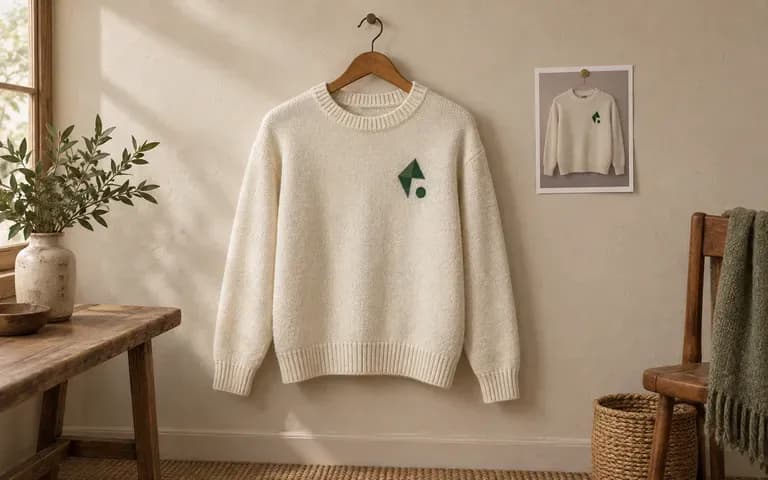
Garment shape
Match Your Crew Neck or Pullover Reference
Start from a photo of your actual crew neck sweater mockup, half-zip, cardigan, or jumper so the neckline, sleeve drop, and rib proportions match your cut.
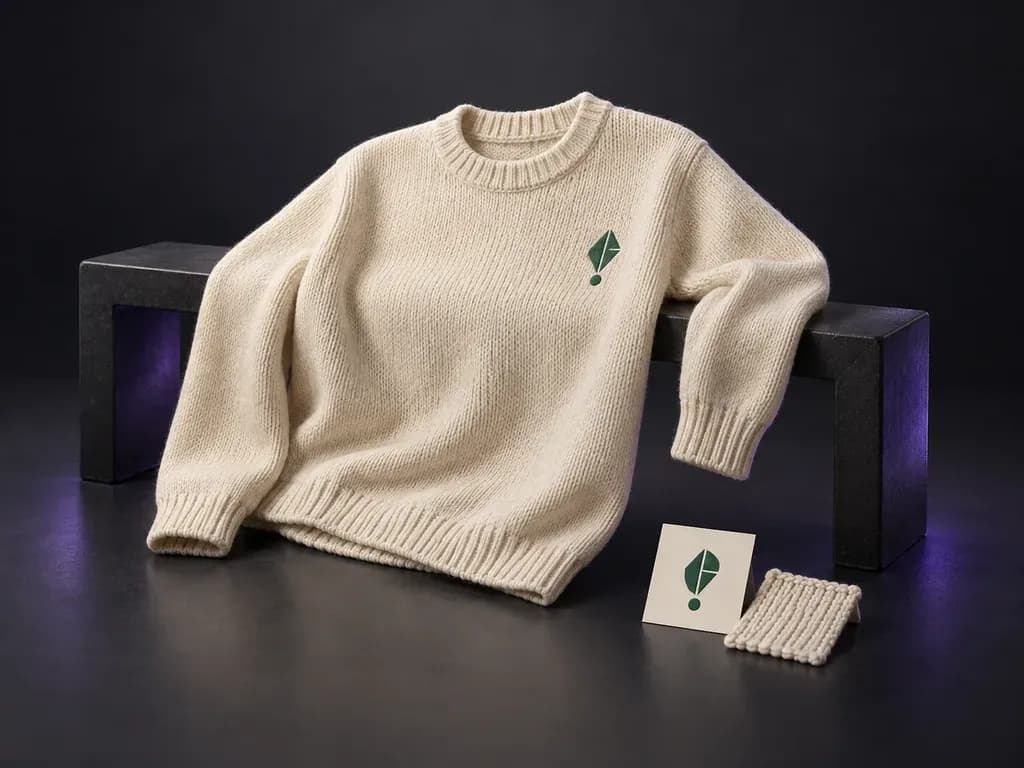
Upload a photo of your sweater or pullover with your logo or knit pattern, then note the yarn color and view. This sweater mockup generator places your artwork onto the knit silhouette in a flat lay, hanging, or worn scene.
A sweater mockup (or jumper mockup) shows your logo, motif, or knit pattern applied to a pullover at real garment scale from your uploaded reference:
• Garment proportions: Check how the chest graphic, embroidery, or jacquard repeat sits between the collar, shoulder seams, cuffs, and ribbed hem.
• Knit surface legibility: Verify whether fine lines, small lettering, or crest details stay readable against chunky rib or fine merino yarn texture.
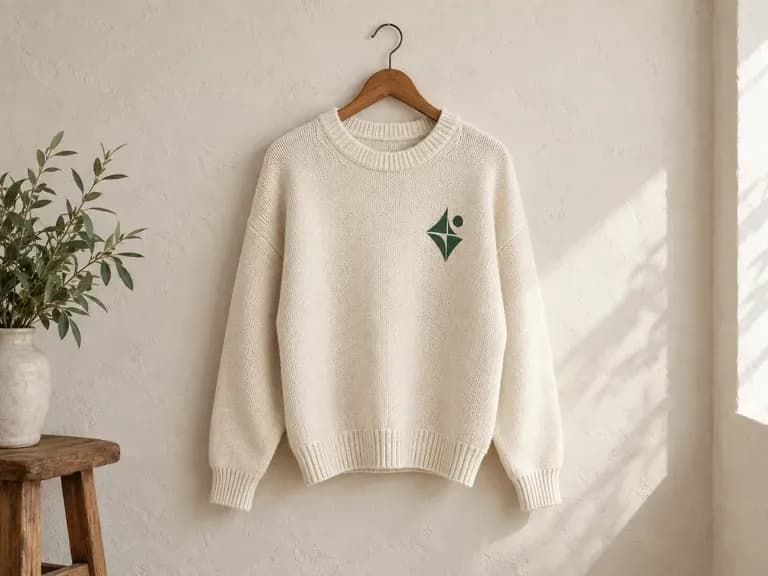
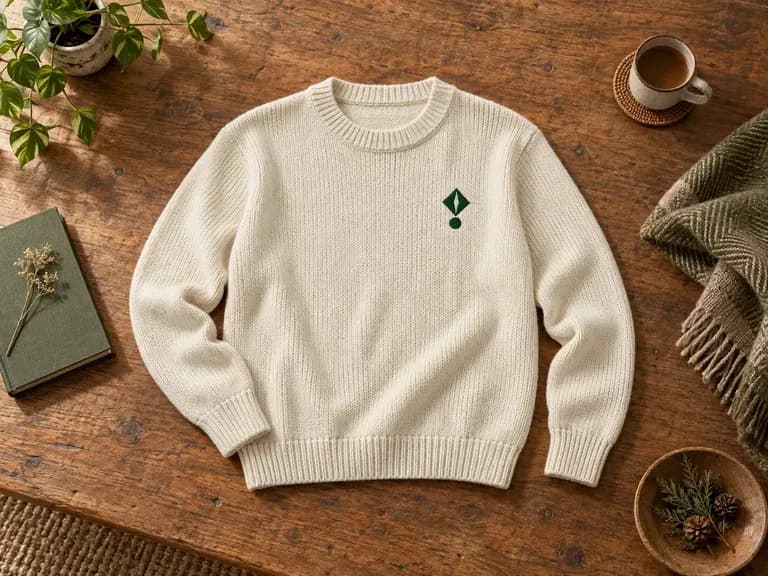
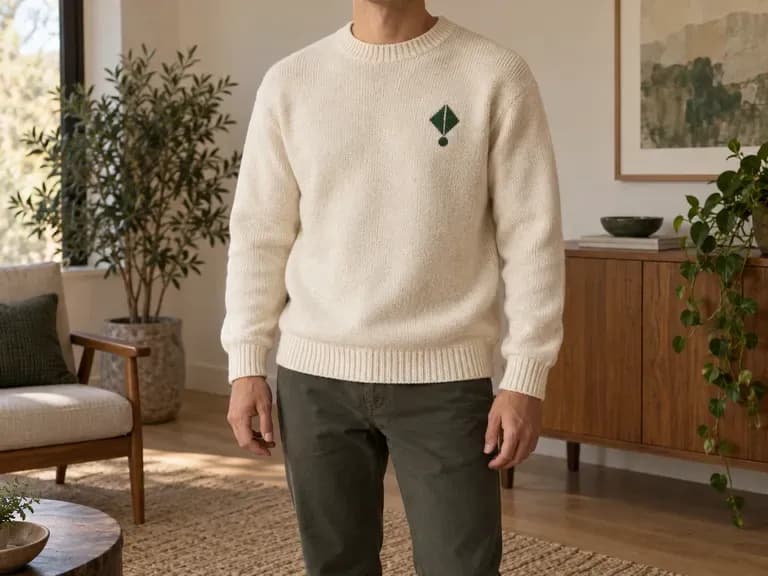
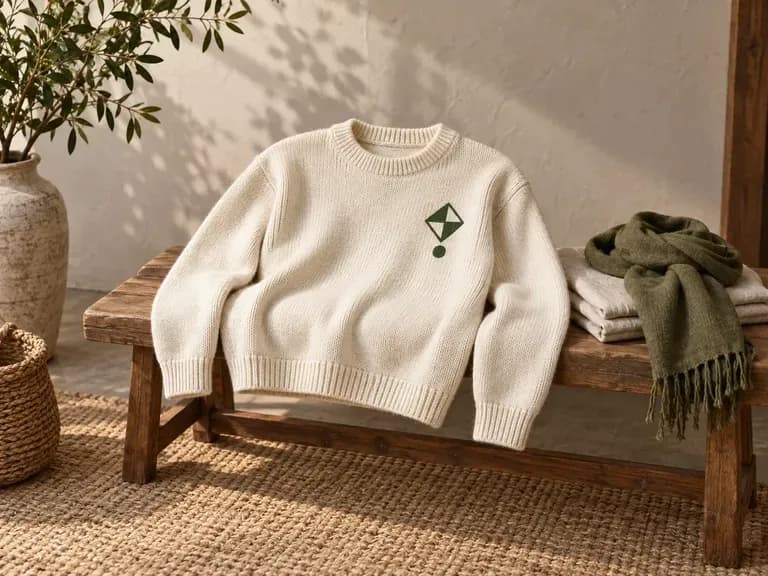
• Presentation context: Compare how the same sweater design reads in a tabletop flat lay, a retail hanger shot, or an on-model lookbook frame.
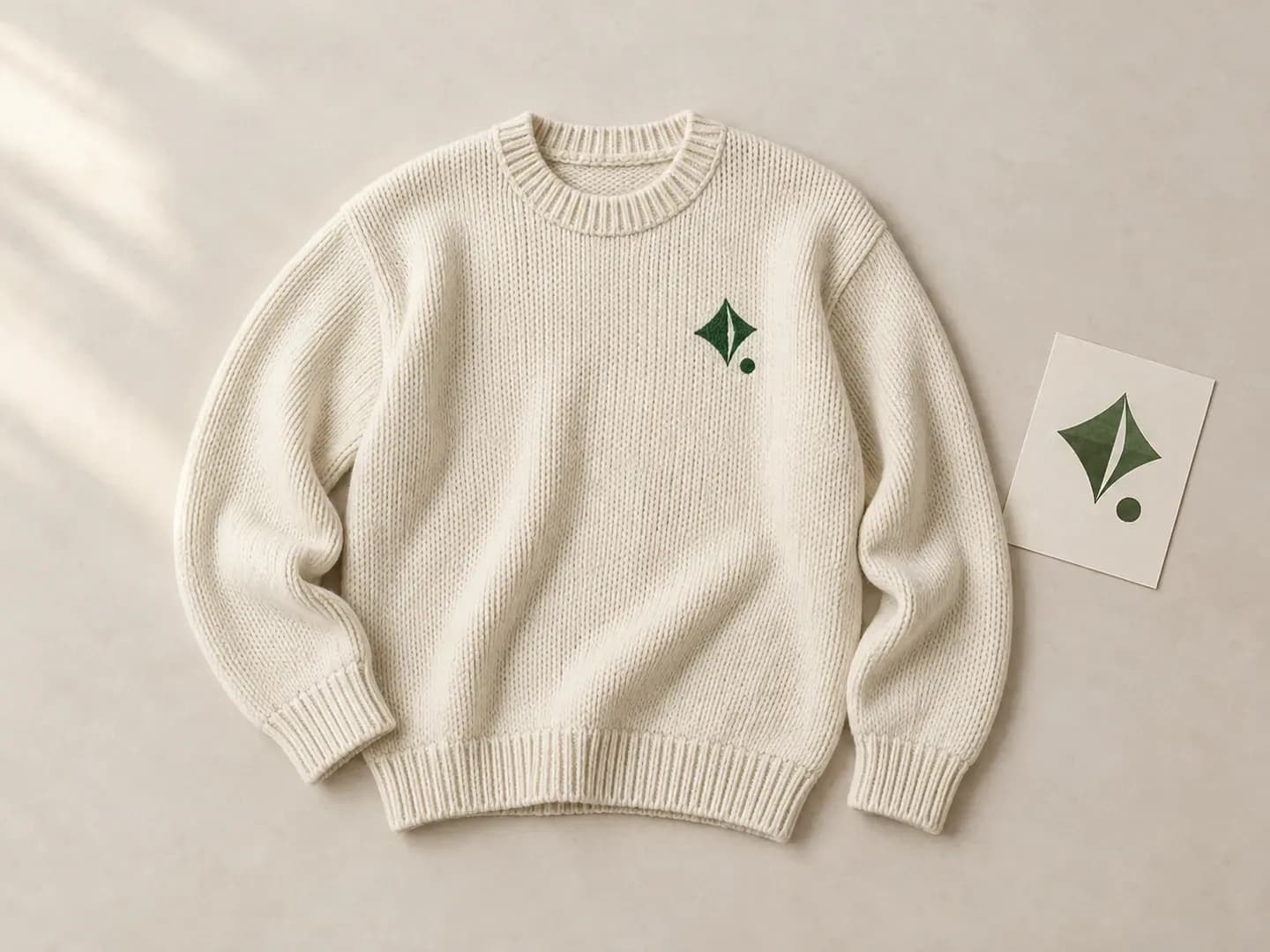
Why knitwear teams preview pullovers from their own garment photo instead of a generic stock blank.
Start from a photo of your actual crew neck sweater mockup, half-zip, cardigan, or jumper so the neckline, sleeve drop, and rib proportions match your cut.
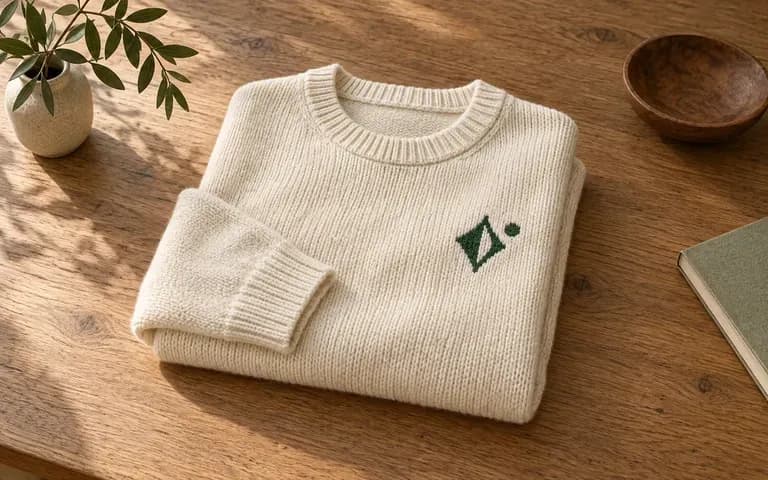
Specify the yarn color and stitch weight in your brief to see how chest embroidery, woven badges, or all-over patterns interact with chunky cable, jersey, or ribbed knit surfaces.
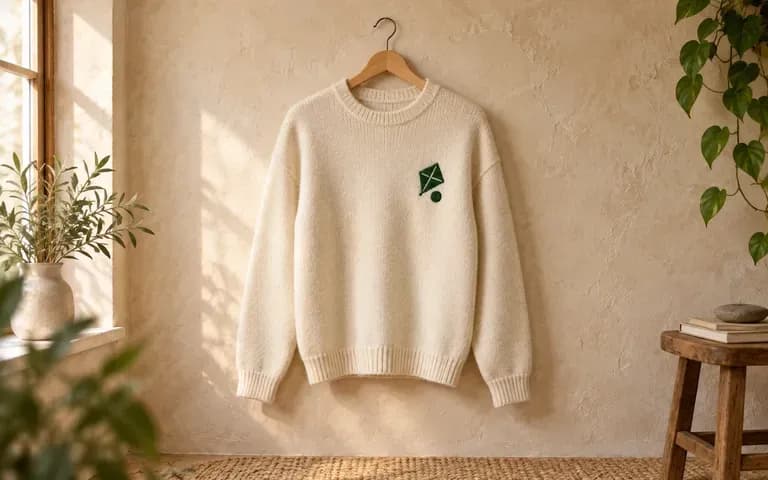
Generate a flat lay for tech-pack reviews, a wooden hanger view for ecommerce listings, or a worn scene for seasonal line sheets by changing one phrase in your brief.
Comparing a browser-based knitwear preview built from your own pullover photo against layered Photoshop templates.
Static Sweater Mockup PSD
Virse Sweater Mockup Generator
Add a clear, straight-on photo of your knitted sweater or pullover together with your logo, chart, or pattern file.
Describe the yarn color, knit texture, graphic placement, and whether you want a flat lay, hanging, or worn view.
Run the generator to combine your garment silhouette, knit surface, and artwork into a single static preview image.
Compare the collar, cuffs, stitch texture, and logo edges against your source files, then adjust the brief if needed.
Clear briefs produce accurate knitwear previews. Copy any of these three sweater mockup prompts and swap in your yarn colors:
• Crew neck flat lay: "Cream crew neck sweater in chunky rib knit from the uploaded garment photo, small green chest logo, laid flat on natural linen in side daylight."
• Hanging merino jumper: "Navy merino pullover from the reference photo, centered white chest motif from the uploaded artwork, on a wood hanger against plaster."
• Worn lookbook frame: "Oatmeal cable-knit sweater from the supplied photo, tonal embroidered wordmark on left chest, worn by a model in studio light."
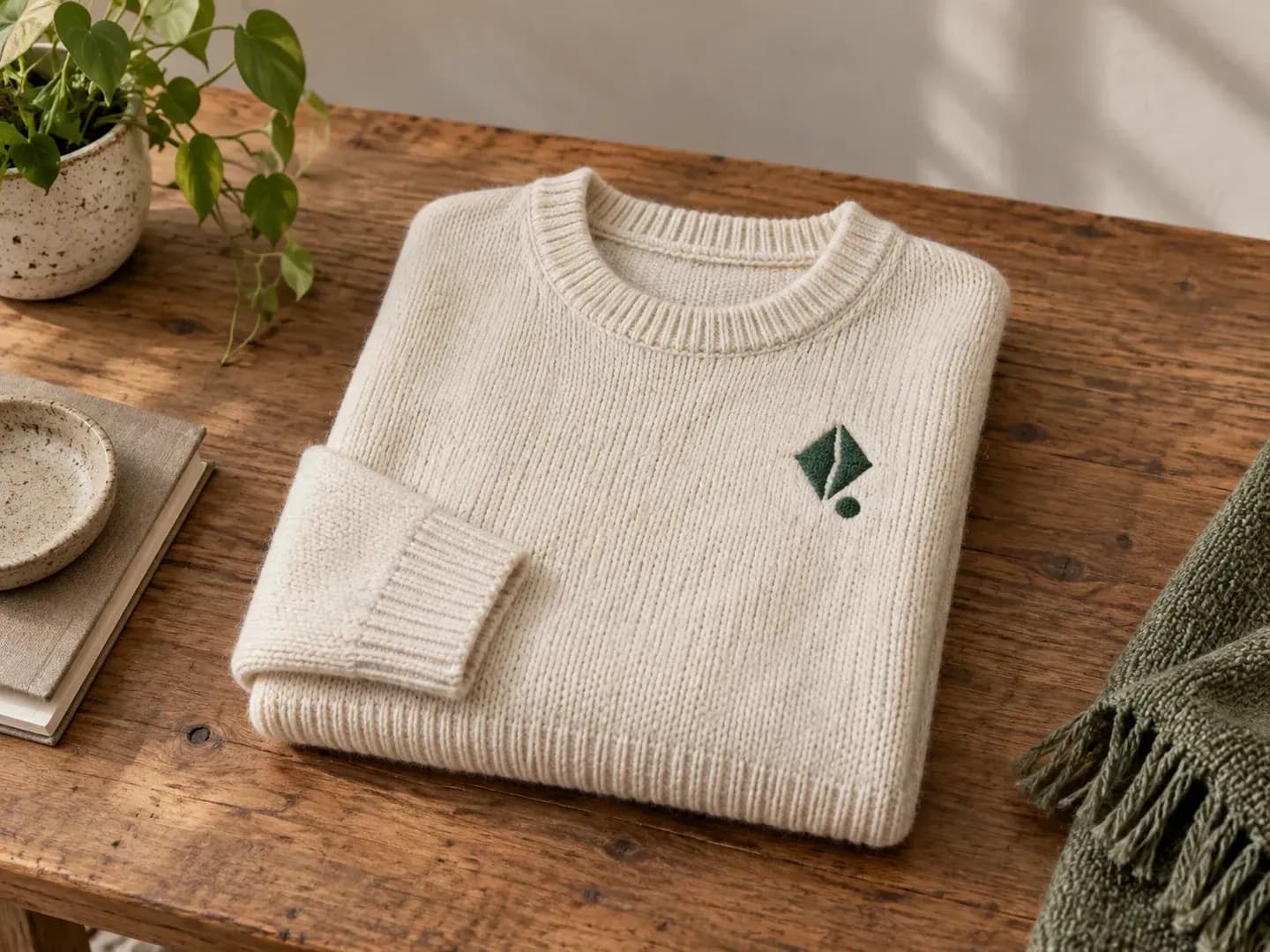
Four apparel and creative roles that use a sweater mockup to validate knitwear designs before ordering samples.
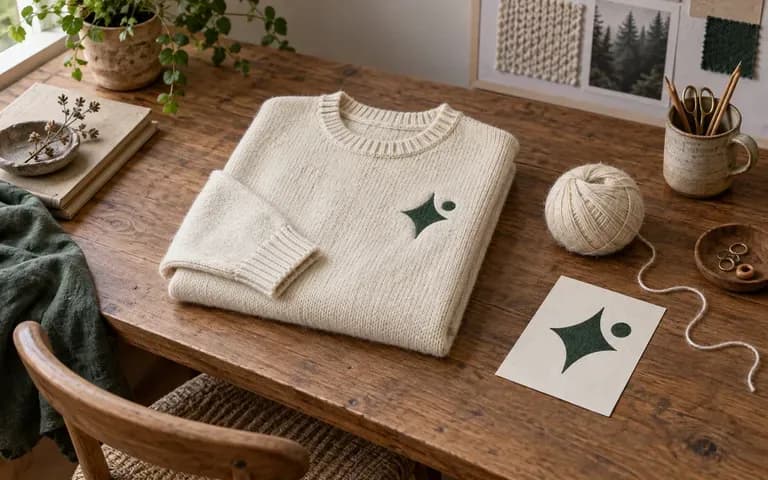
Check whether a chest motif, stripe repeat, or jacquard graphic sits at the right scale on the sweater silhouette before knitting a physical swatch.
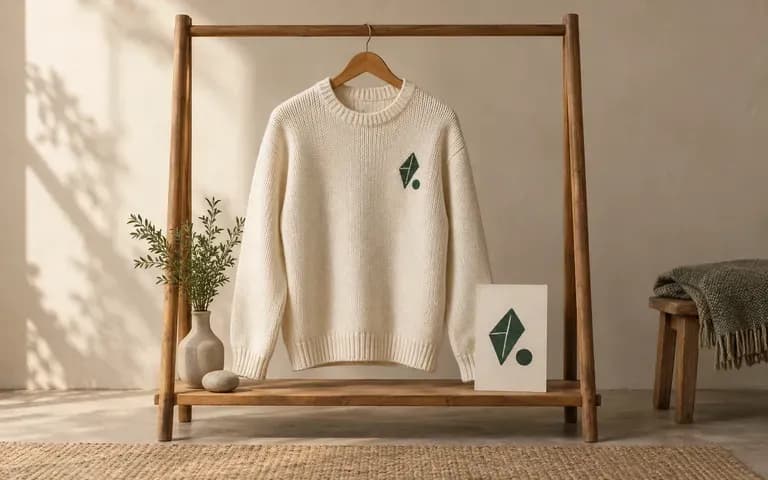
Share a knit sweater mockup with buyers or community followers to gauge pre-order interest before committing to factory minimum order quantities.
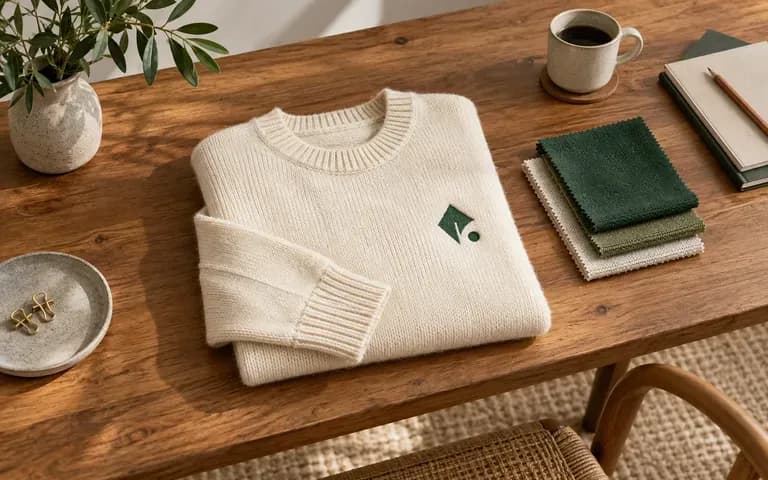
Run a full seasonal knitwear capsule through consistent flat lay or hanger briefs so buyers review every colorway in one unified line sheet.
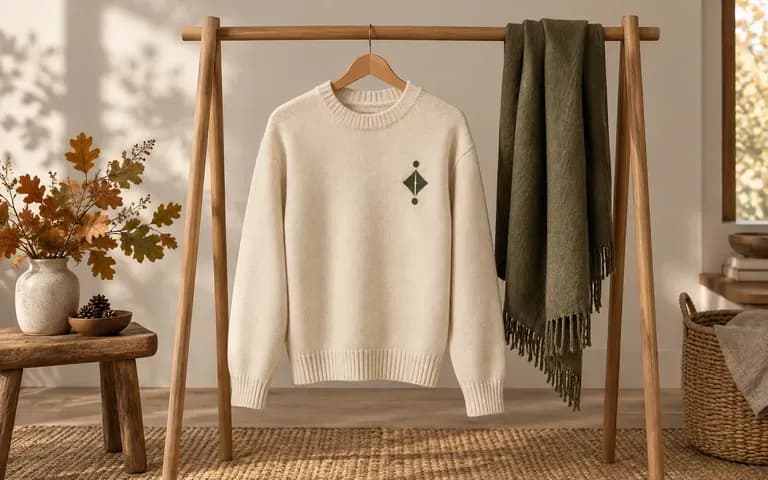
Test hanger, tabletop, and on-model framing concepts with the actual sweater design before booking studio time, props, and talent.
Six sweater mockup outputs illustrating logo reviews, crewneck pullovers, and seasonal lookbook views.
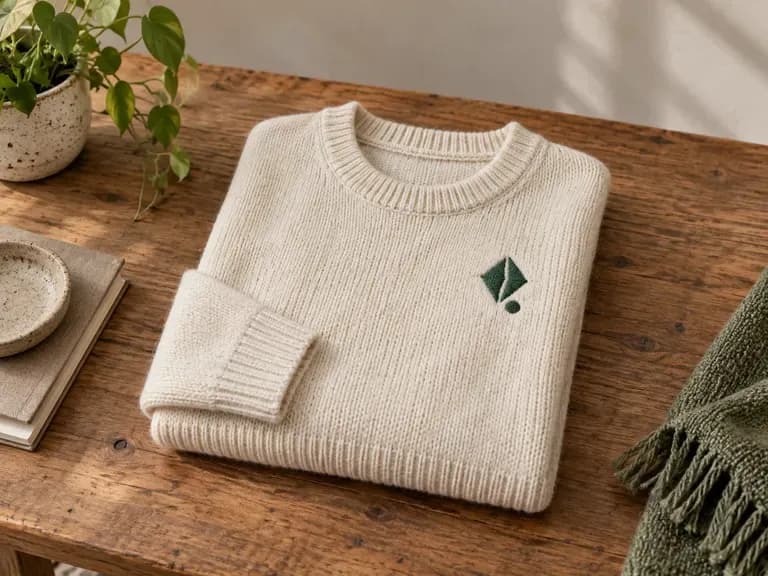
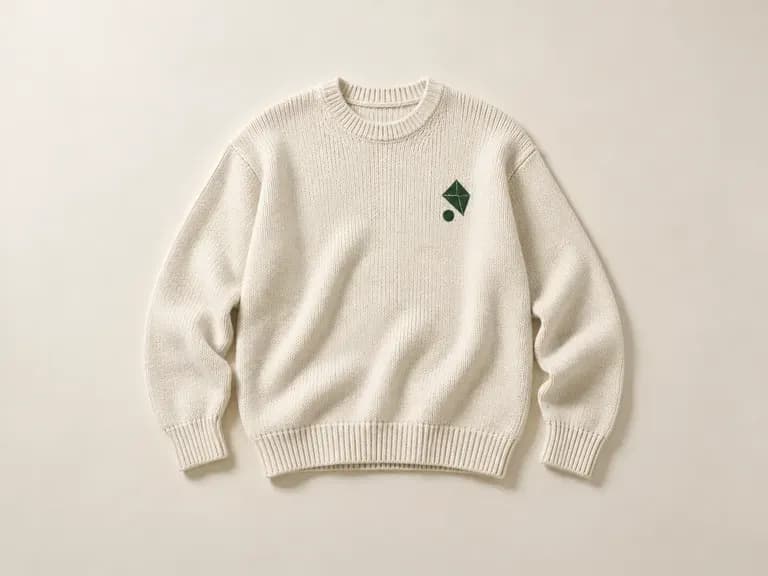
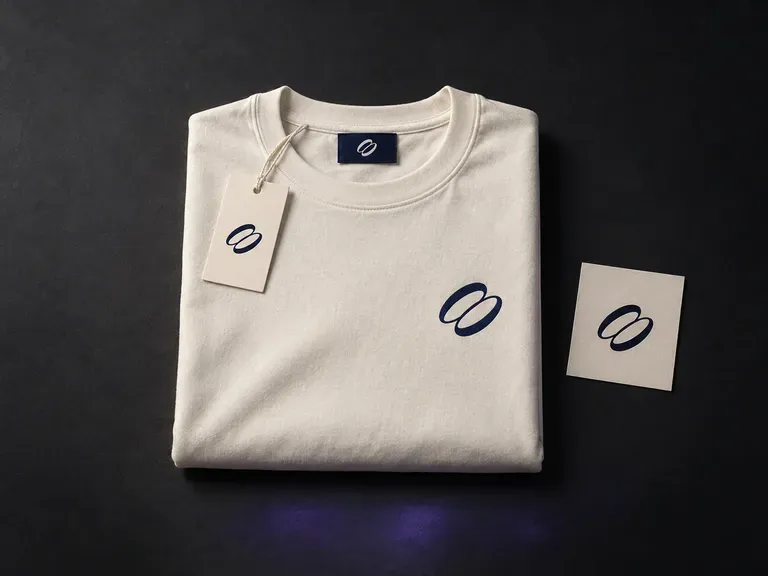
Preview one brand identity across a coordinated capsule of garments and accessories.
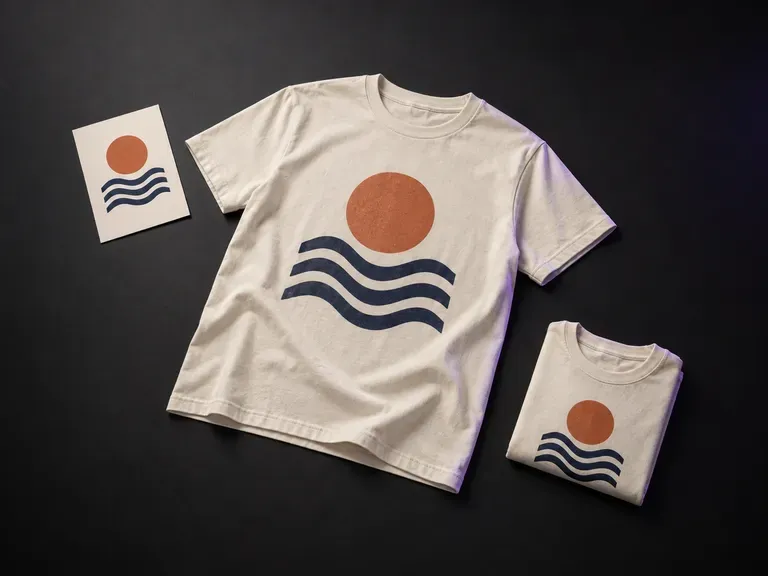
Place finished screen prints and graphics onto tees for ecommerce listings and drops.
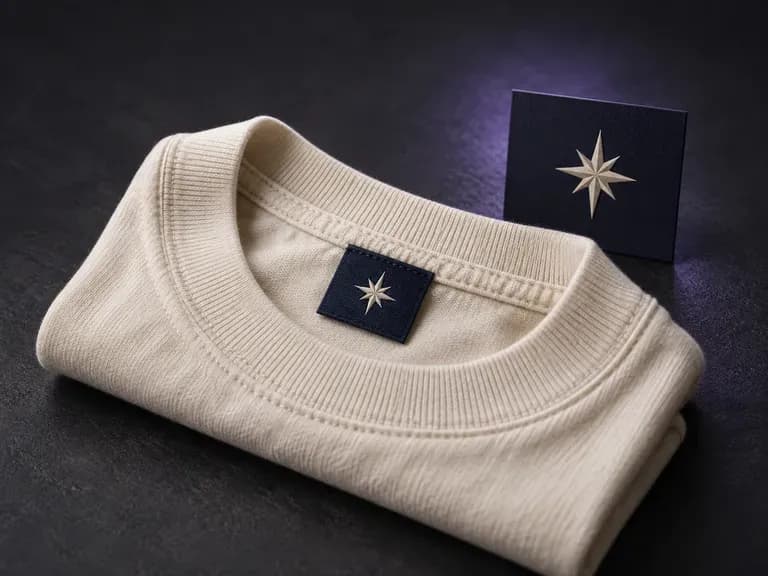
Check how woven neck labels and care tags read against fabric before production.
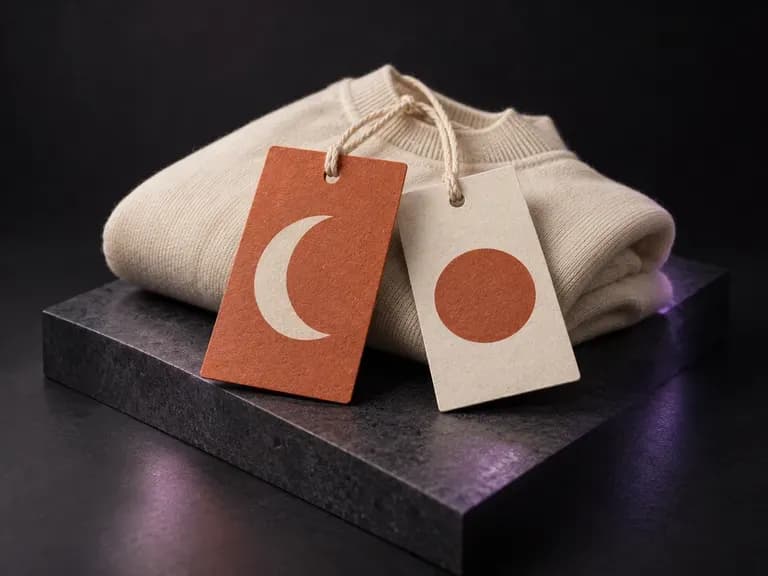
Preview hang tags, string attachments, and foil stamps beside your knitwear pieces.
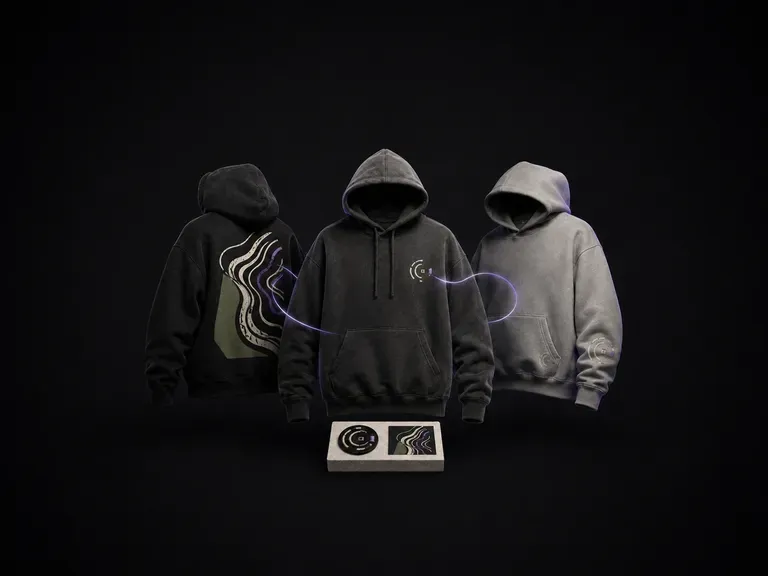
Test heavyweight fleece silhouettes, kangaroo pockets, and back prints for casual drops.
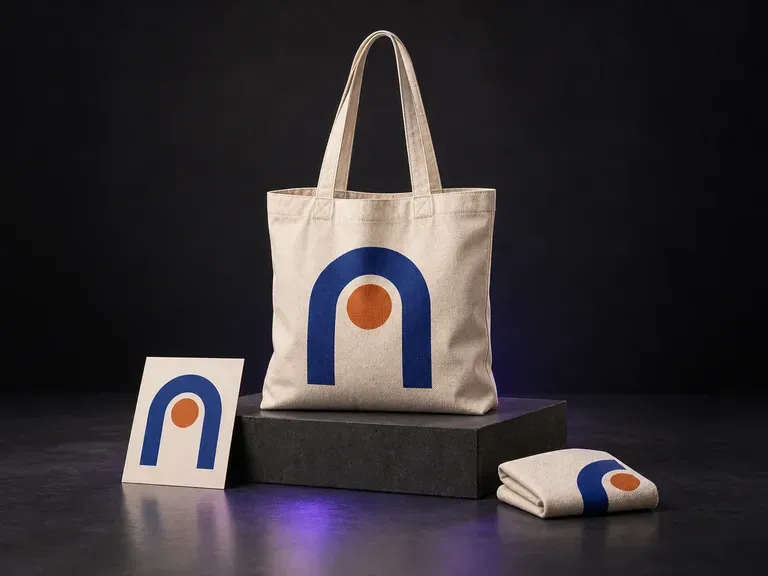
Pair your seasonal knitwear collection with matching tote bags and retail carryalls.

Render crisp chest wordmarks, care labels, and fine knit textures inside garment scenes.

Follow detailed multi-part briefs that combine a garment reference photo with a separate logo file.

Generate photorealistic wool, cashmere, and cable-knit lighting for lookbook presentations.

Edit yarn colors, backgrounds, and lighting while preserving the original sweater silhouette.

Explore four studio and lifestyle knitwear framing variations side by side on the canvas.
Keep collegiate lettering, jacquard typography, and monogram badges legible across fabric folds.
Upload your sweater reference photo and logo to preview how your design reads on the knit.