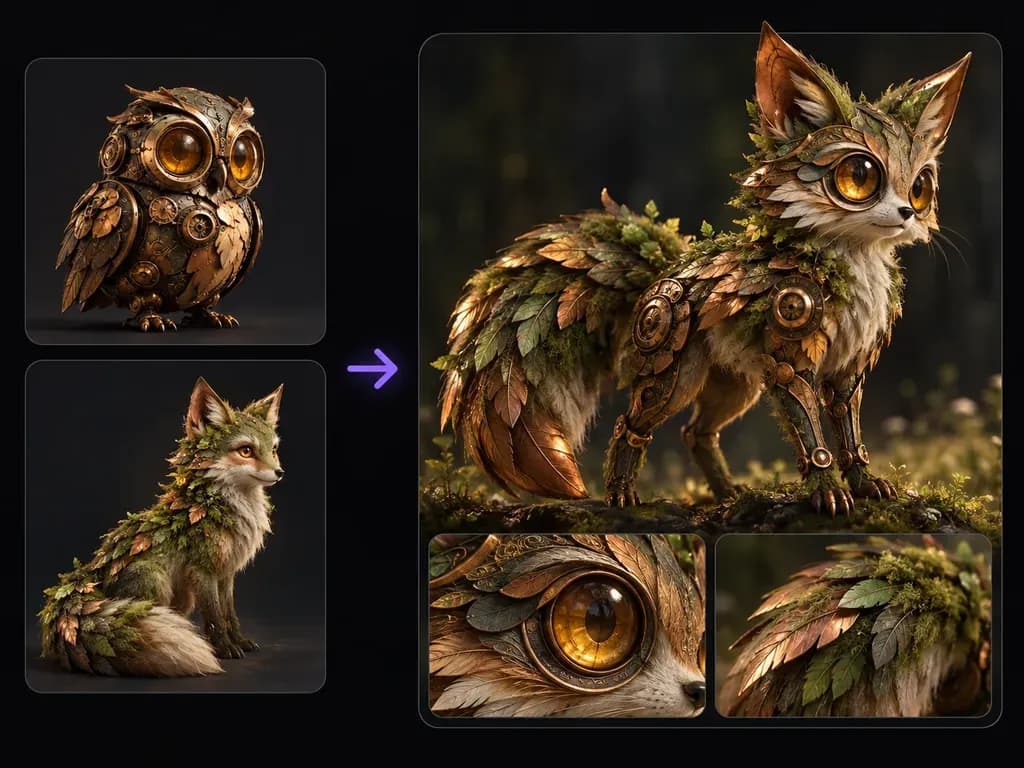
Two OC cards
Dual Original Reference Inputs
Upload two distinct original character sheets, mascot sketches, or creature designs as the visual foundation for your fused concept.
Upload two original character reference sheets and specify which anatomy, costume layers, materials, and colors merge into one figure. This AI character fusion generator creates one integrated hybrid concept rather than two side-by-side figures on Virse.
A character fusion generator (or AI character combiner) reads two original character reference cards and synthesizes their silhouettes, textures, and palettes into one cohesive design. Guide three elements so traits merge into a single figure:
• Single silhouette: Anchor the body plan to one reference while weaving motifs from the second across head, limbs, and attire.
• Material and palette: Transfer bronze clockwork plating, amber lenses, or moss fur from one card onto the other's anatomy.
• Iterative weighting: Run multiple passes adjusting which features dominate and compare hybrid variations on the canvas.
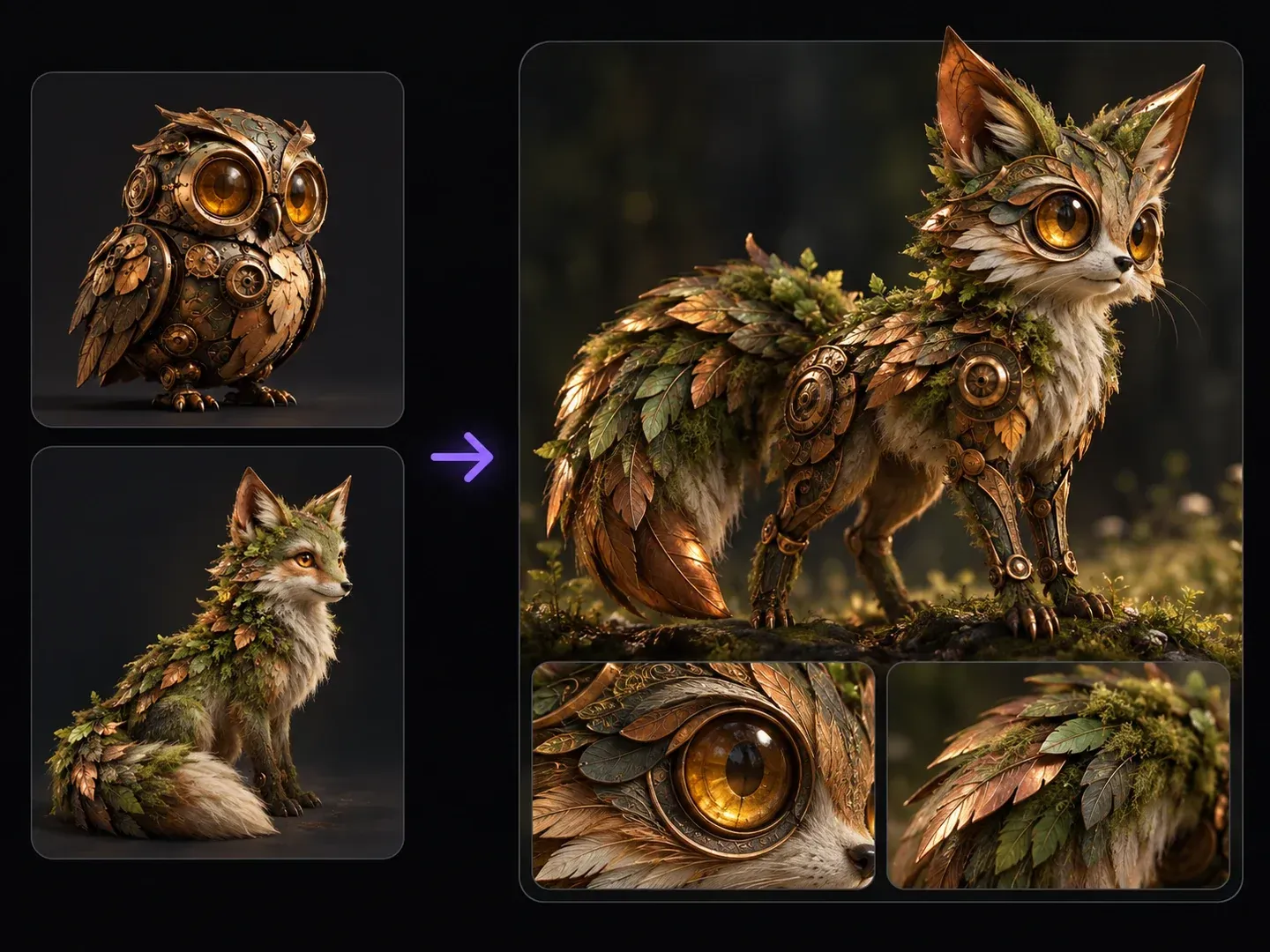
Three controls that make a prompt-guided AI character combiner useful for original character ideation and creature mashups.
Upload two distinct original character sheets, mascot sketches, or creature designs as the visual foundation for your fused concept.
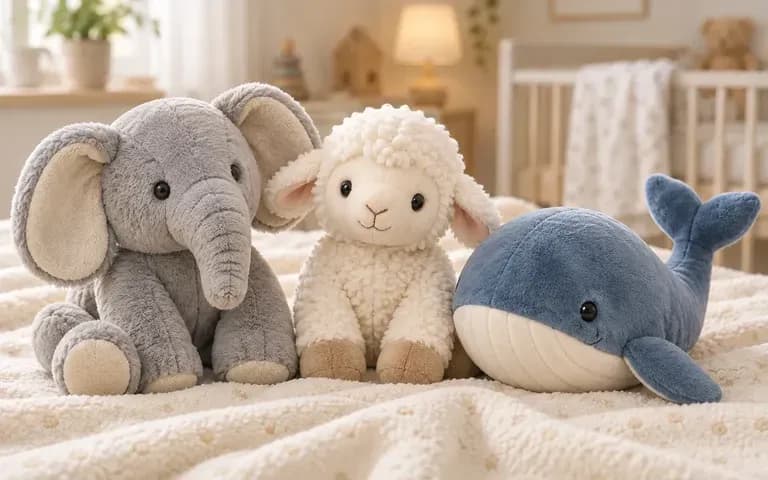
Name which silhouette, headgear, armor texture, or color accent to pull from each card so the output merges features instead of duplicating two figures.
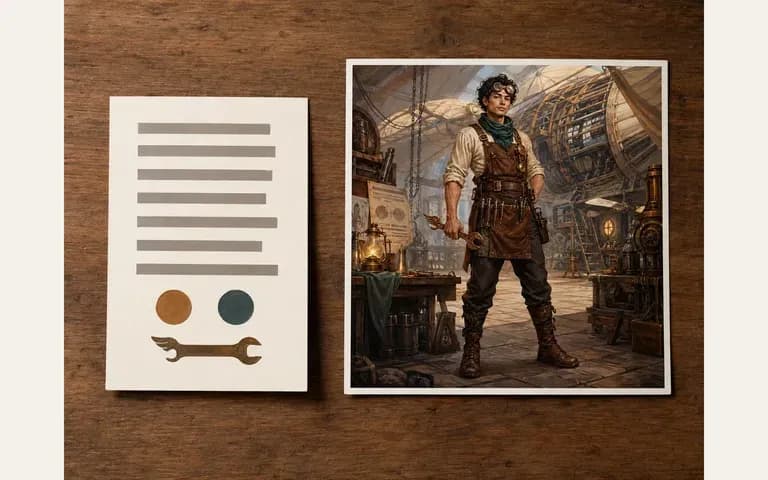
Test one prompt favoring Reference A's body plan and a second prompt favoring Reference B's silhouette, then compare every hybrid concept on the shared board.
How using written trait instructions to merge two character designs compares with unguided image blending or manual mashups.
Unguided Blending and Split Collages
Virse AI Character Fusion Generator
Select two clear original character illustrations or concept sheets when you want to combine two characters into one hybrid design.
Write which silhouette, facial traits, garments, or materials come from Reference 1 and Reference 2, and specify "one single fused character."
Indicate how the two color schemes should harmonize and whether the final artwork should read as 2D cel-shading, dark ink, or concept painting.
Render your static hybrid concept on the canvas and inspect silhouette readability, limb anatomy, and trait balance across both references.
Stating "one integrated character, not two figures" keeps the model focused on synthesis. Try these three fusion recipes:
• Owl + fox: "Fuse both cards into ONE hybrid creature: agile fox body and moss fur from Reference 2 with amber lens eyes and bronze feather plates from Reference 1."
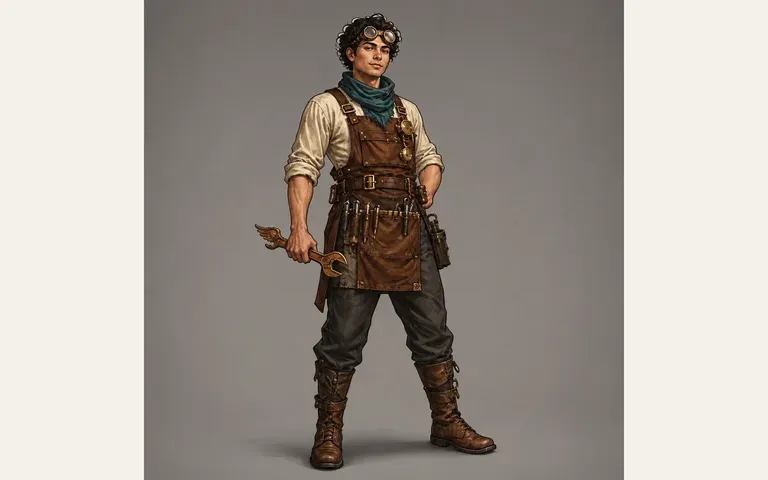
• Scholar + diver: "Combine both humanoid references into one explorer wearing riveted brass diving pauldrons and helmet from Reference 1 with the indigo cloak from Reference 2."
• Golem + dryad: "Merge both designs into one guardian whose carved basalt torso from Reference 1 is woven with birch bark and fern antlers from Reference 2."
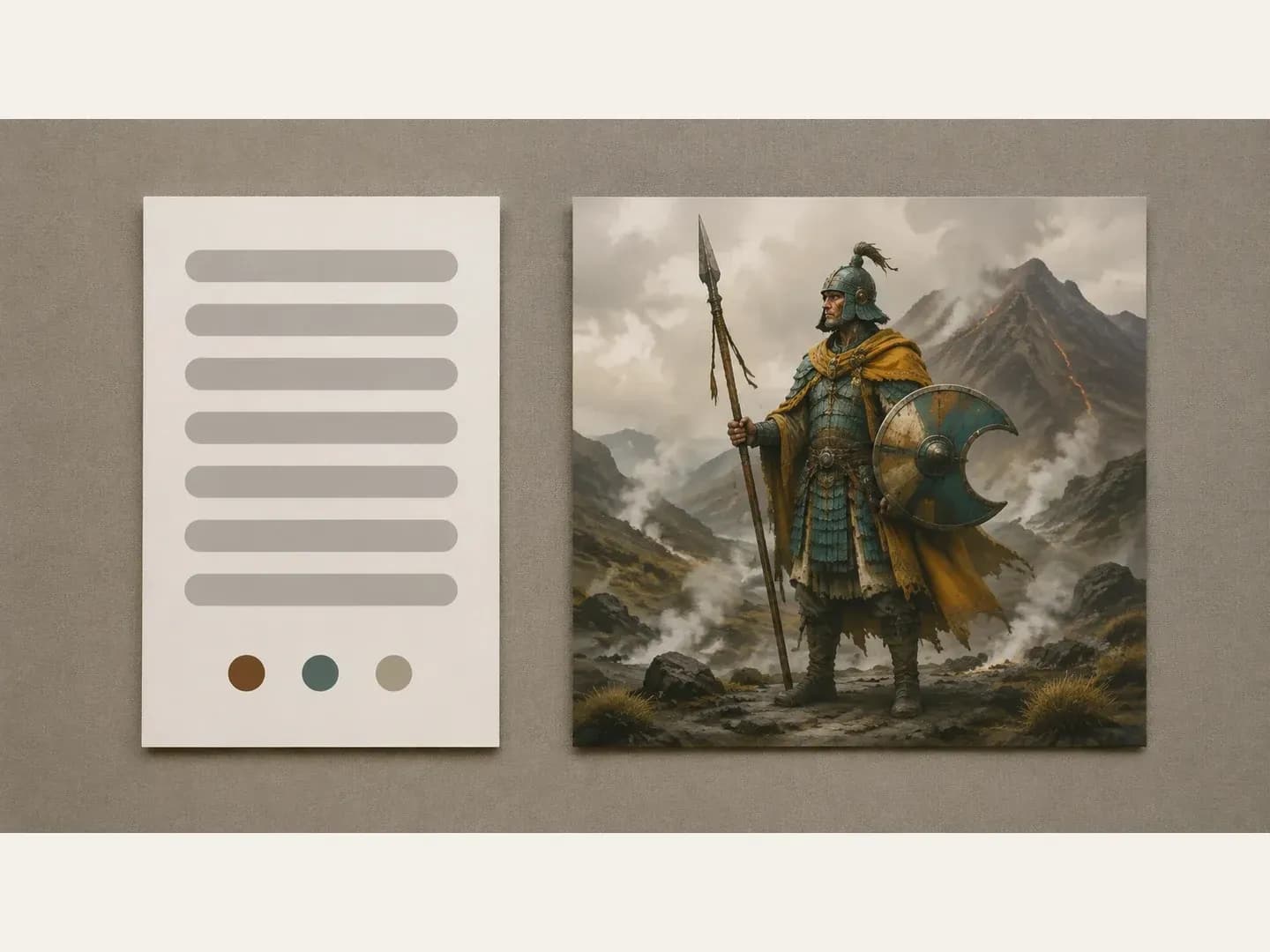
How concept artists, indie studios, tabletop creators, and illustrators apply a hybrid character concept generator during visual development.
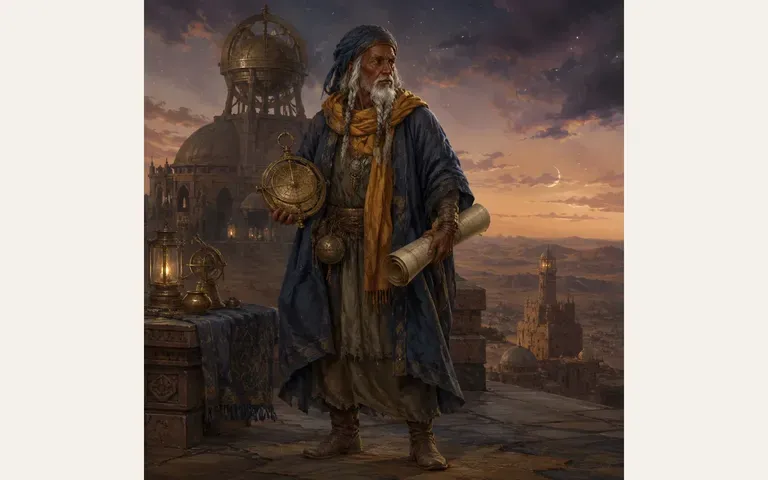
Explore evolved creature tiers, elemental armor upgrades, and faction mashups by fusing two existing studio concept sheets into a fresh third silhouette.
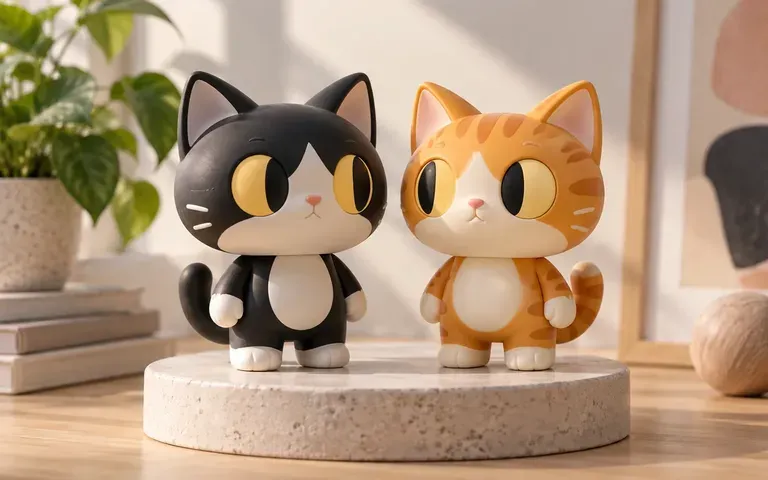
Experiment with "what-if" design fusions, descendant designs, or wardrobe-and-species combinations between two personal original characters.
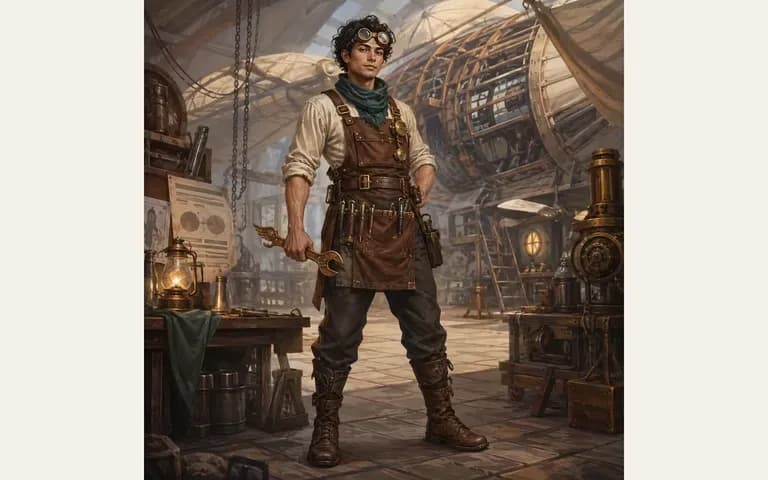
Draft chimeric monsters, cursed armor transformations, and planar hybrid NPCs from separate bestiary and class reference cards.
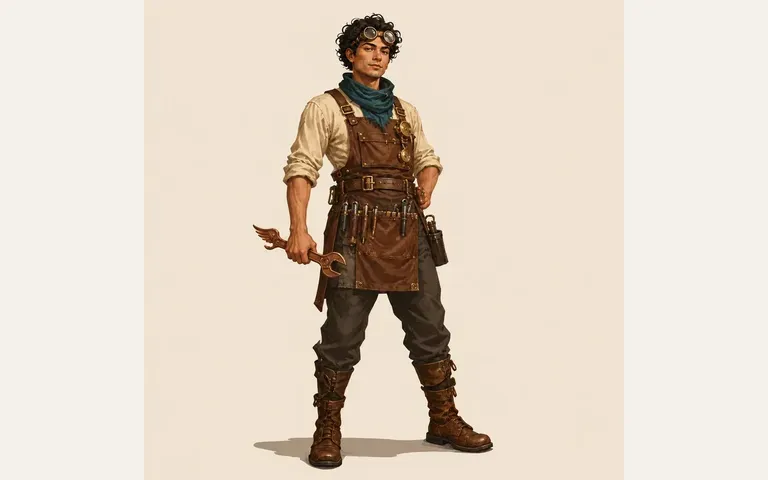
Combine mechanical and organic mascot sketches on one canvas to test vinyl figure silhouettes and material contrasts before sculpting.
Six static hybrid character concepts demonstrating how two original design cards merge into one unified figure.
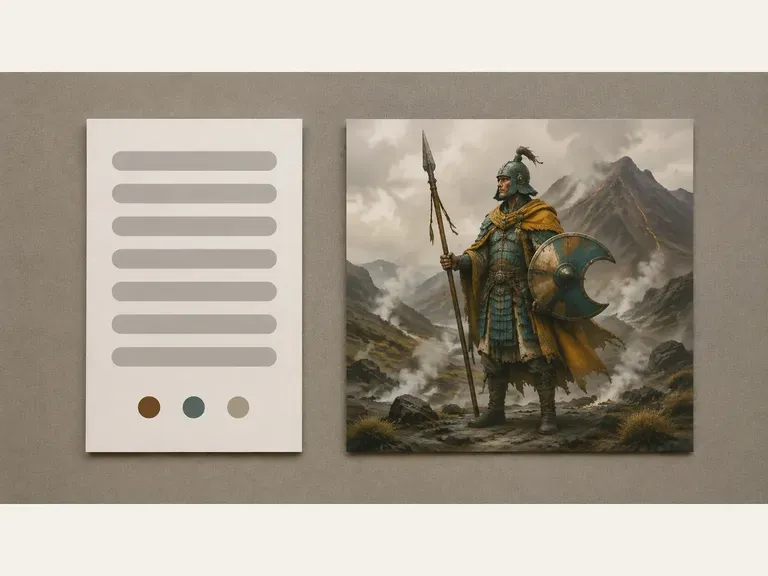
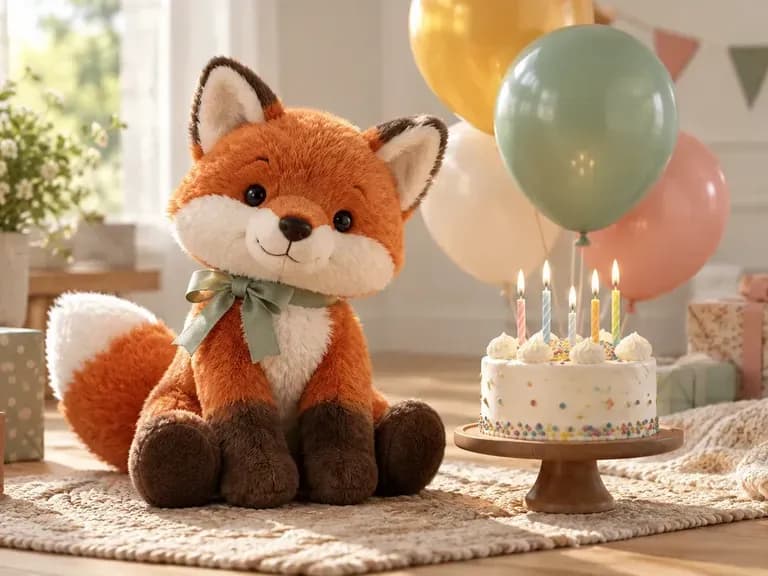
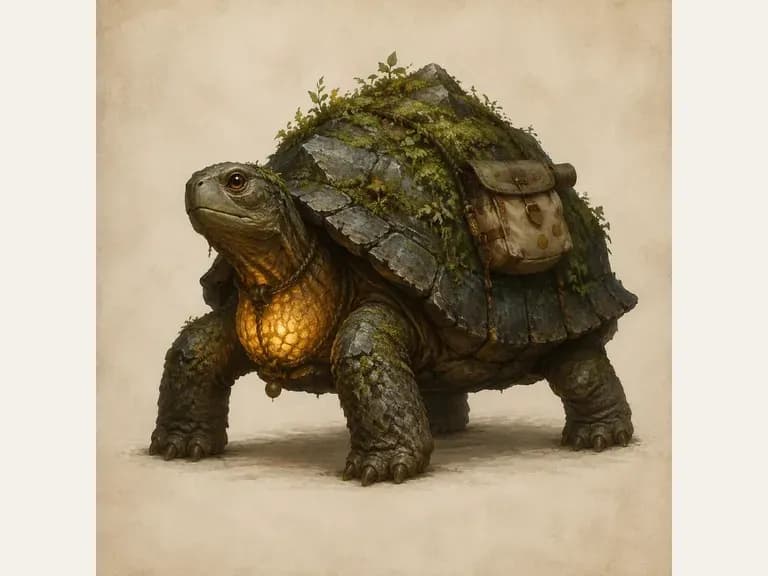
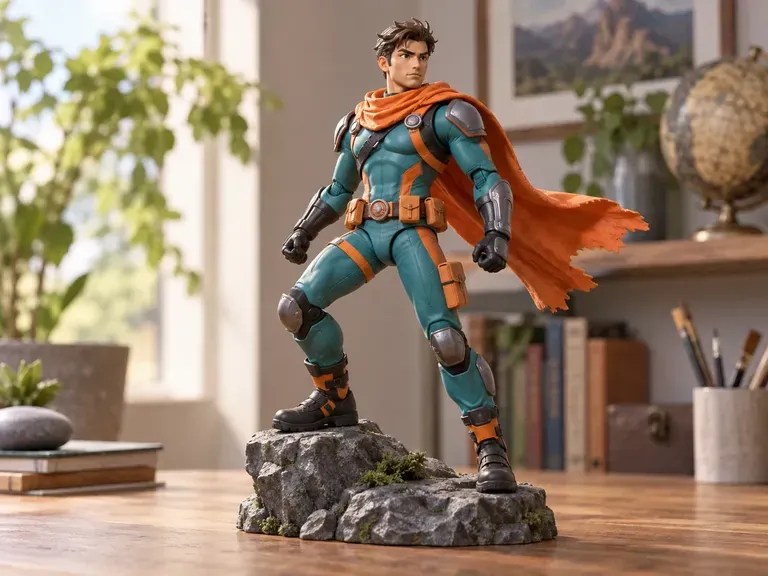
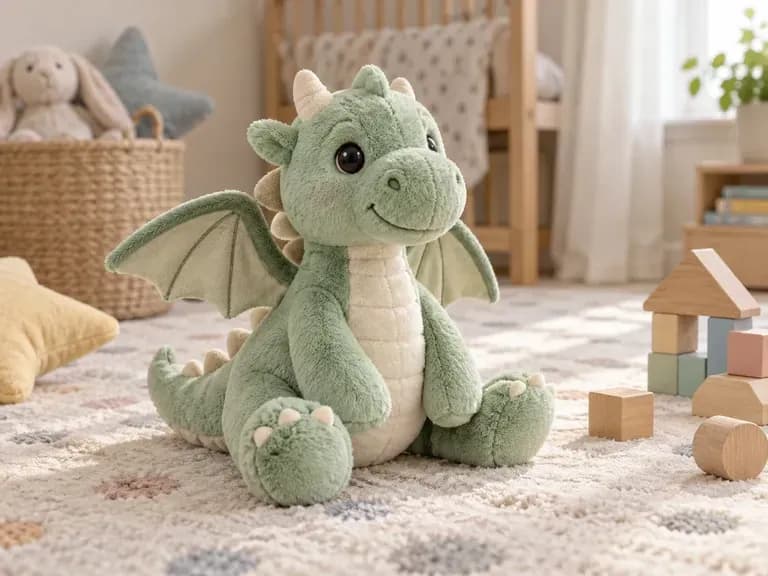
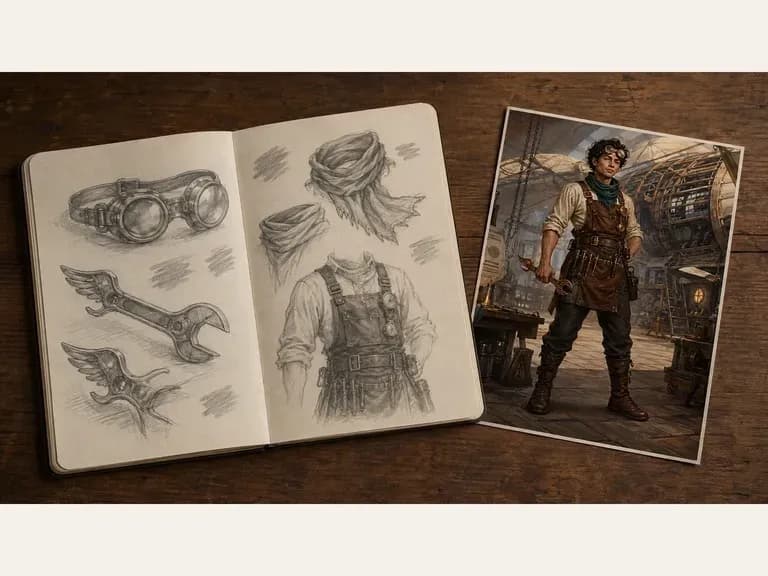
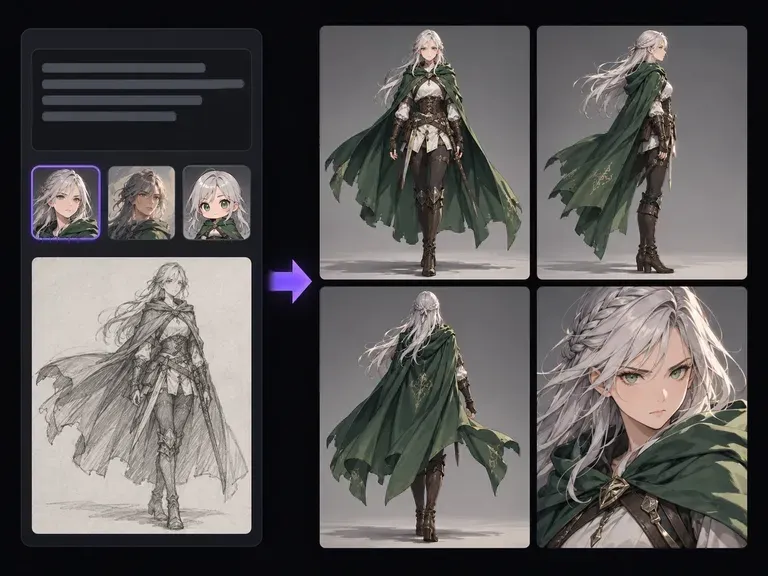
Create the individual original character sheets and turnarounds needed before running a two-card fusion.
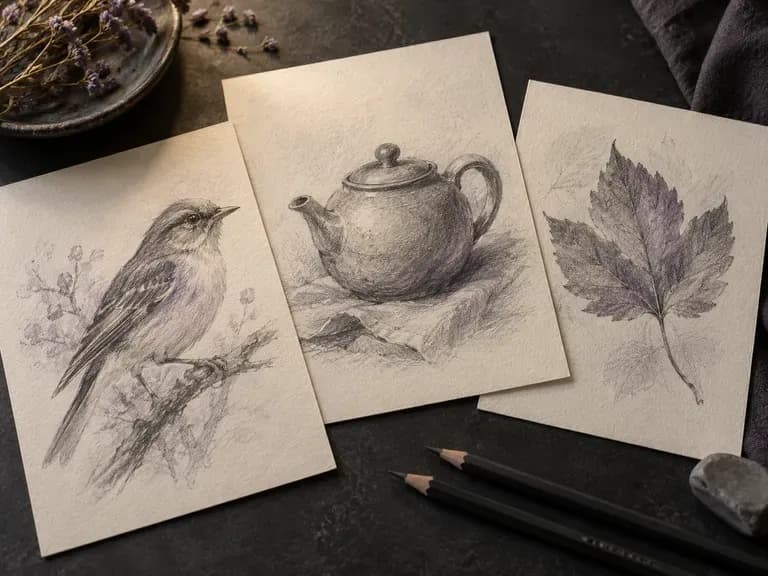
Extract crisp contour drawings and pencil turnarounds from your painted character sheets.
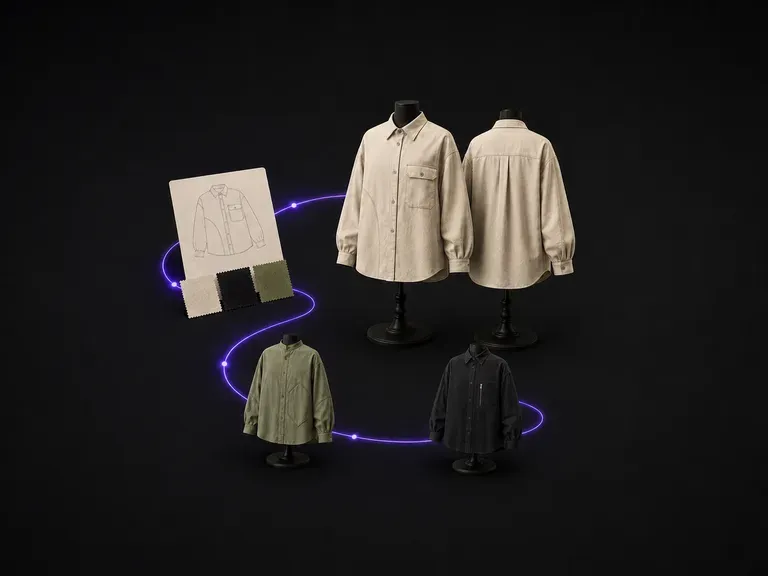
Ideate custom cloaks, tunic cuts, and textile patterns to dress your newly fused character.
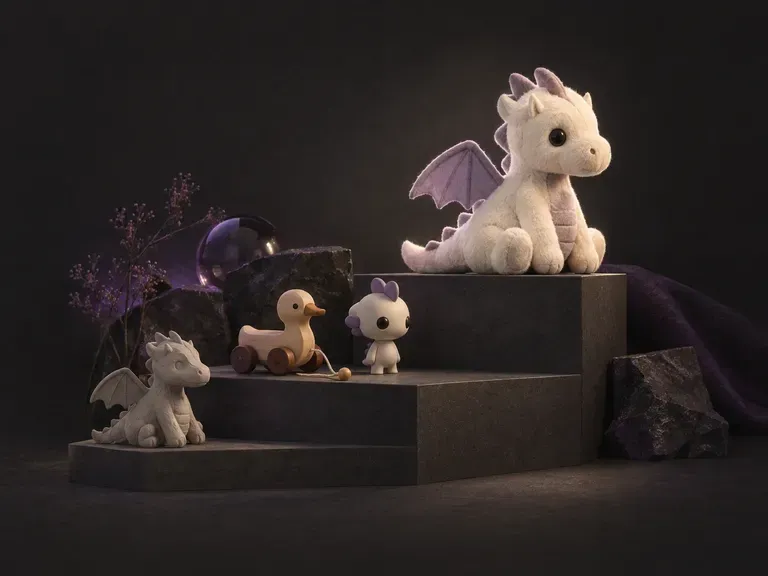
Turn your fused mascot or creature concept into a stylized collectible figure mockup.
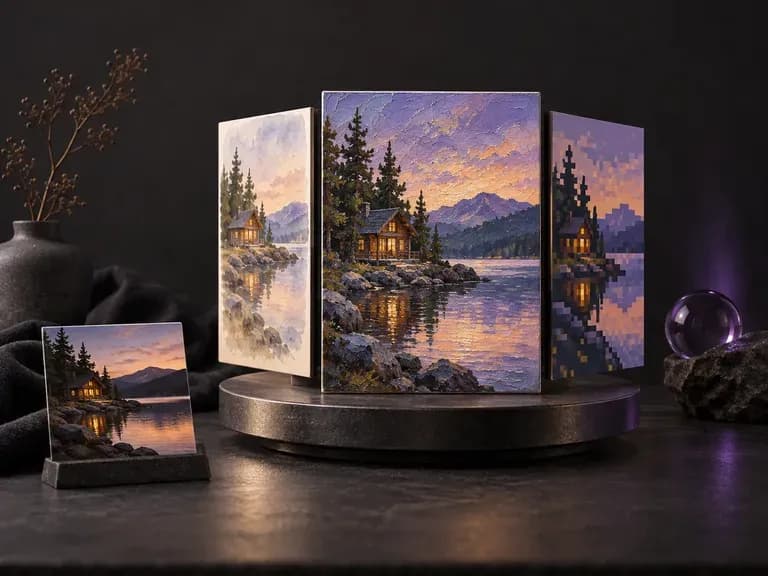
Shift your hybrid character between painterly concept art, cel-shaded anime, and dark ink etching finishes.
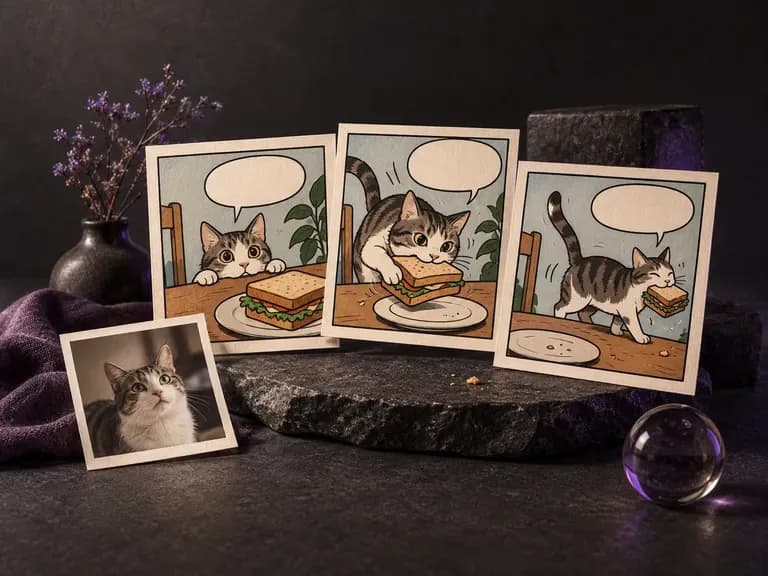
Stage your newly designed hybrid character inside sequential comic panels and storyboards.

Supply up to 14 visual input cards to blend anatomy, armor plates, and color swatches at 1K to 4K.

Follow explicit trait-mapping instructions specifying which silhouette and surface details merge into one.
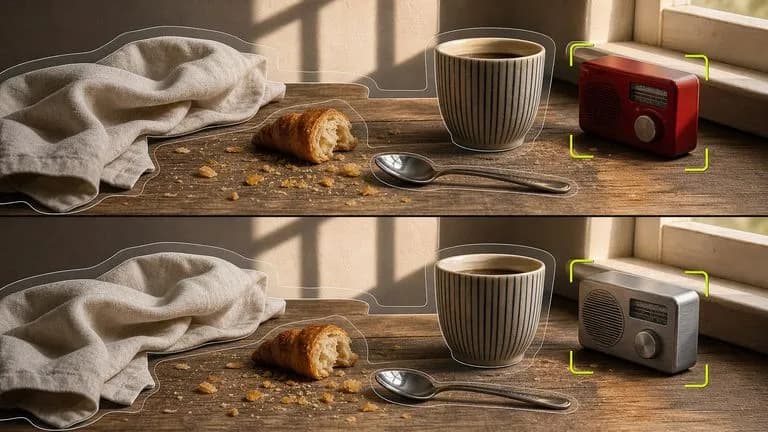
Carry over signature color palettes and textures from reference cards while synthesizing one unified form.

Render cohesive painterly game-concept brushwork, stylized 2D character sheets, and fantasy armor lighting.
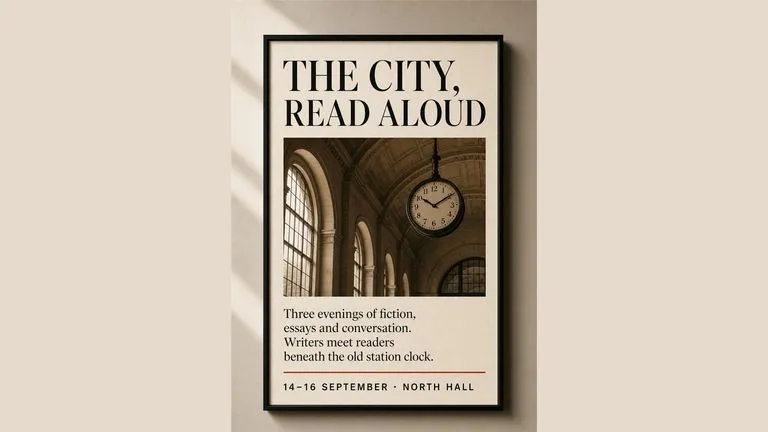
Keep mechanical filigree, fur textures, and costume seams sharp across high-resolution fusion studies.
Produce believable metallic reflections, natural fabric drape, and studio lighting on hybrid concepts.
Upload two original character designs, describe the silhouette and materials you want to blend, and explore unified hybrid concepts side by side.