
Free
Start with Free Generations
Try your first moodboard directions on free Virse credits, with up to 10 images to test whether a mood and palette hold together.
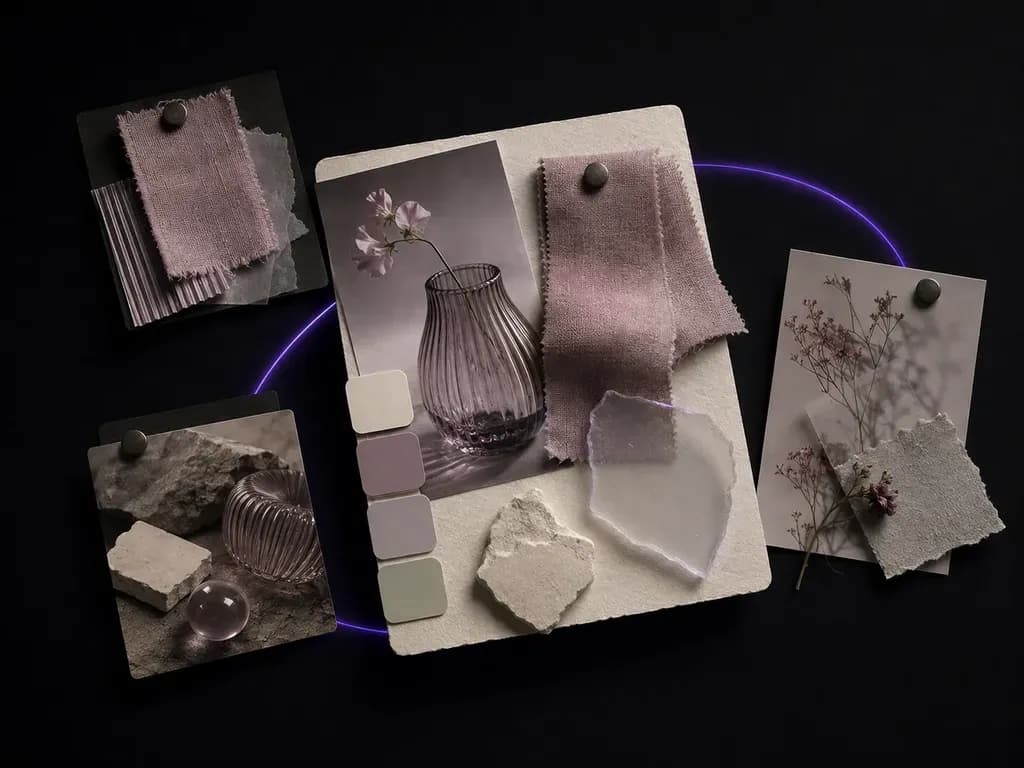
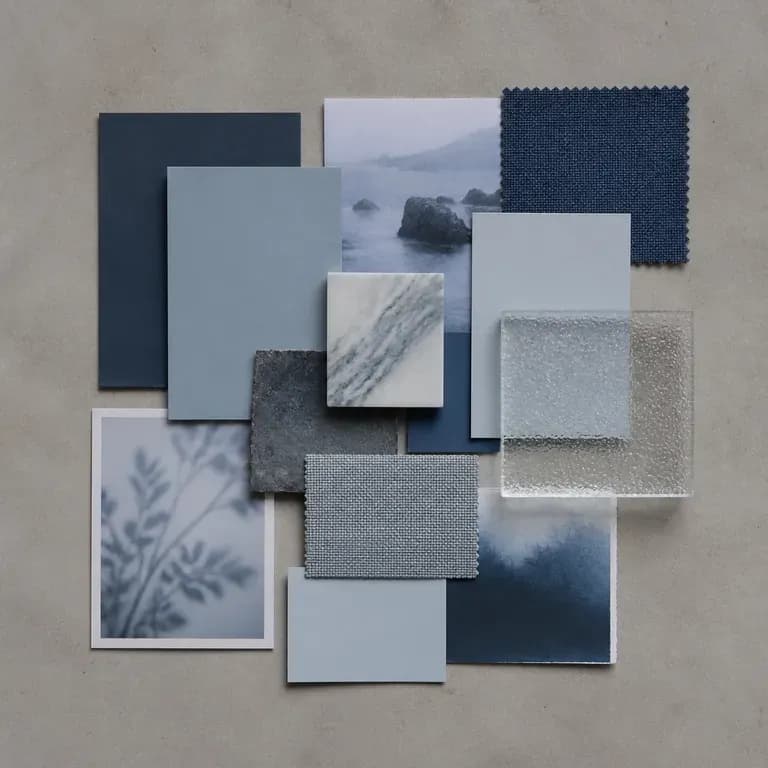
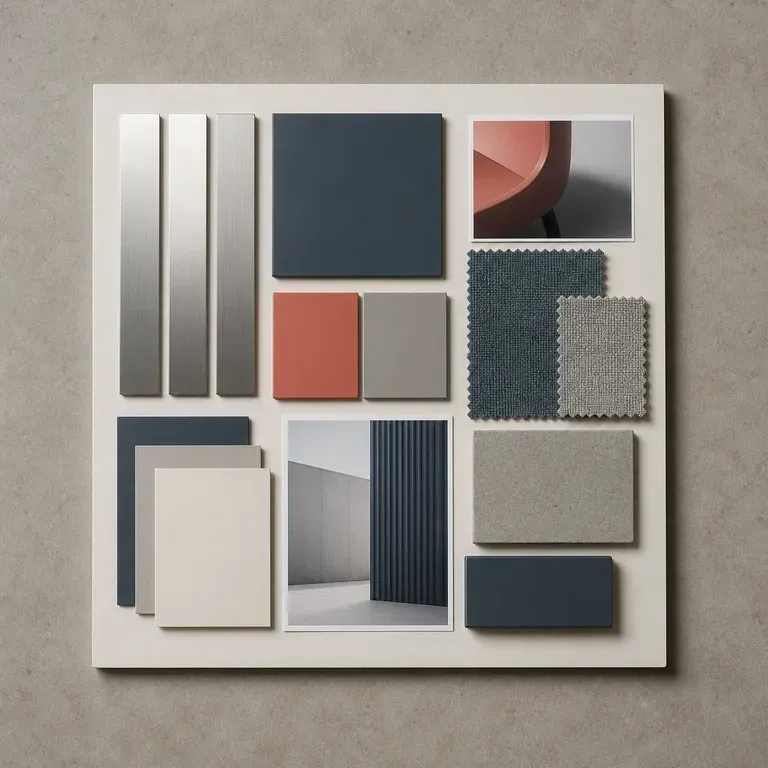
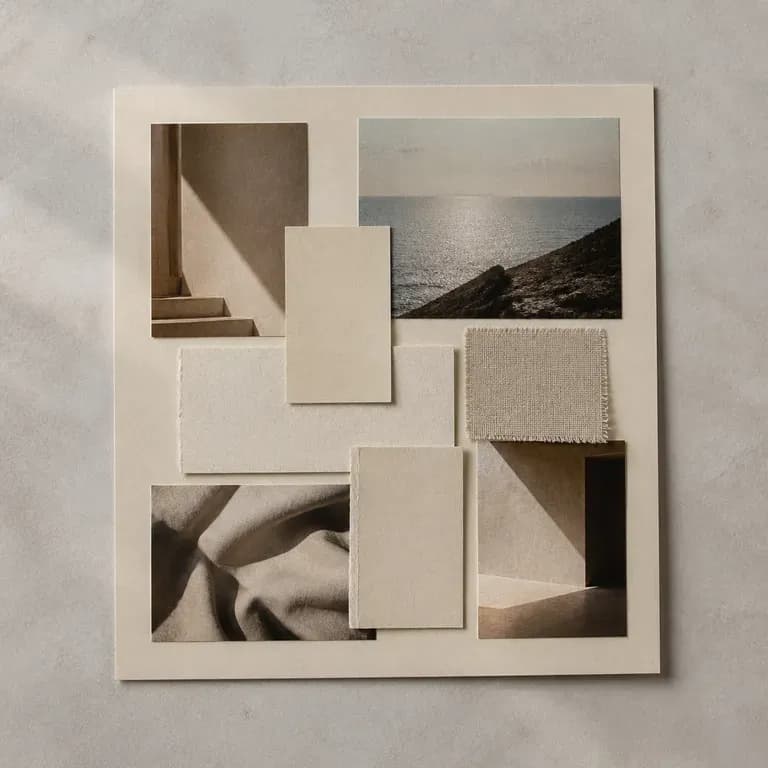
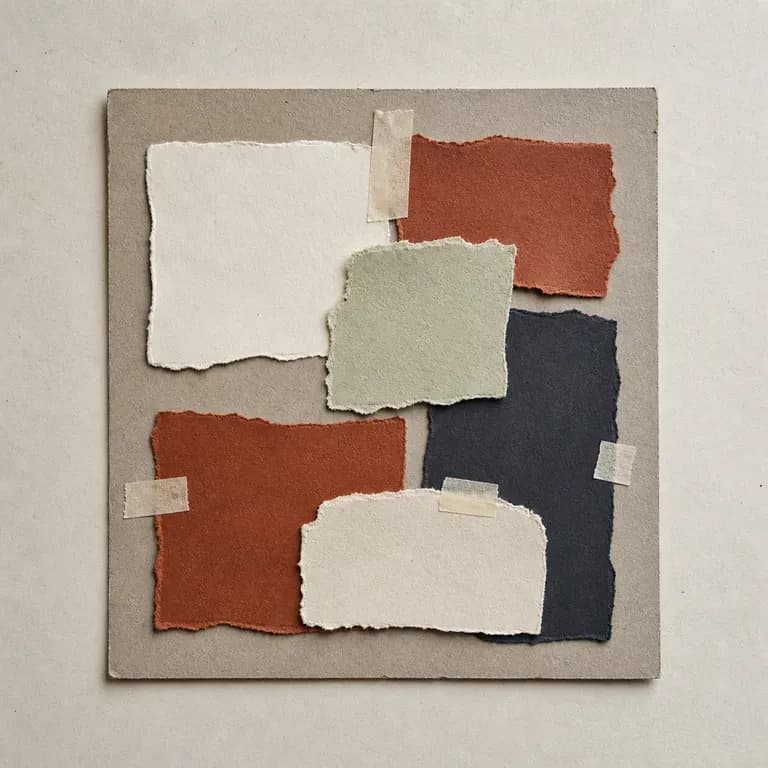
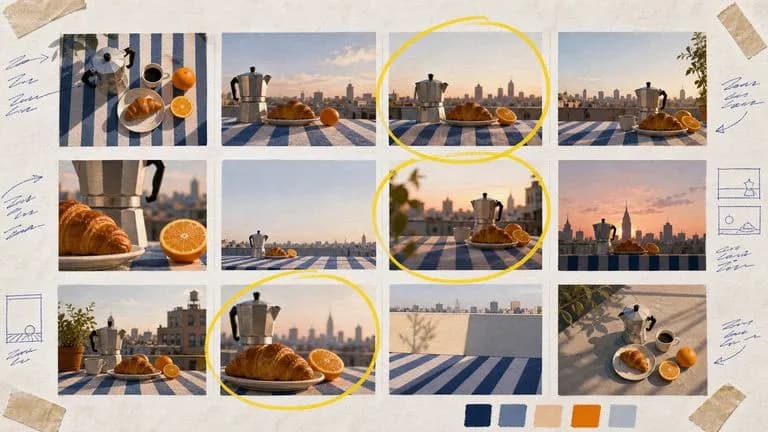
Supply a reference image or written theme and get several composed moodboards combining colour, material and imagery on one canvas so you have concrete directions to react to, starting on free credits.
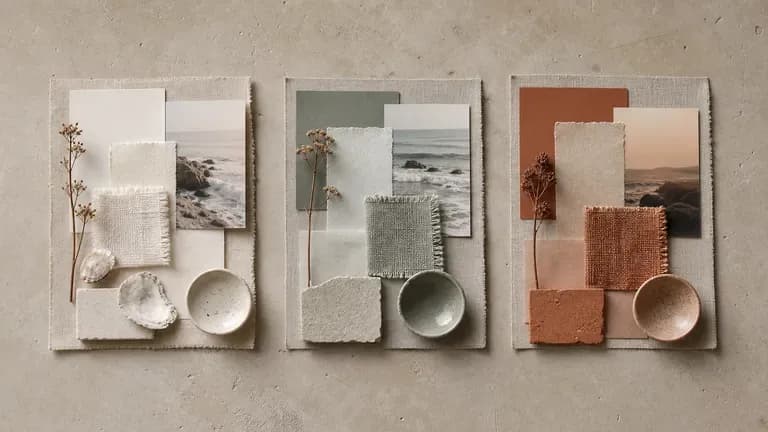
An AI moodboard generator turns a style reference or a written theme into one composed board of colour, material, imagery and layout. In Virse you describe the direction, generate a few reads on it, and compare the results on one canvas before choosing where a project goes next—built around three core workflow advantages:
· Composed multi-element boards: Arranges colour swatches, material textures, lighting references, and focal imagery into one frame.
· Reference or text driven: Start from a single inspiration photo, a written creative brief, or both together.
· Fast creative alignment: Compare three distinct art-direction boards on one canvas before production starts.
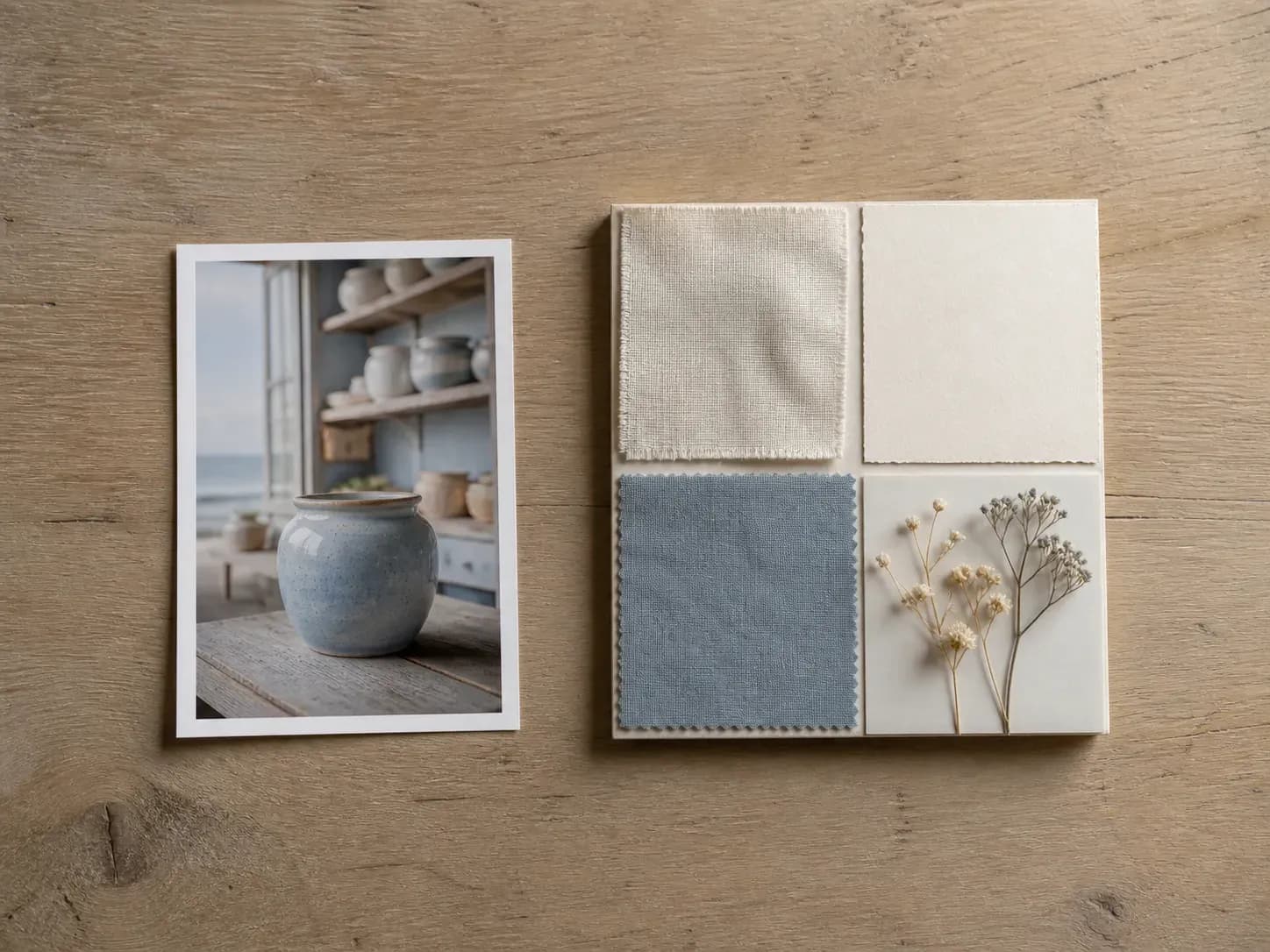
A moodboard exists to be argued with. What matters is how many versions of the argument you can see at once.
Try your first moodboard directions on free Virse credits, with up to 10 images to test whether a mood and palette hold together.
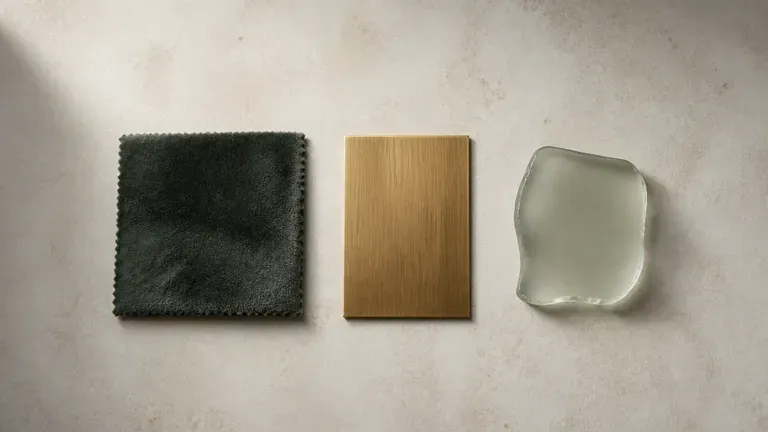
Virse brings 40+ AI models into one workspace with unlimited usage on paid plans, letting you compare how different models interpret one theme.
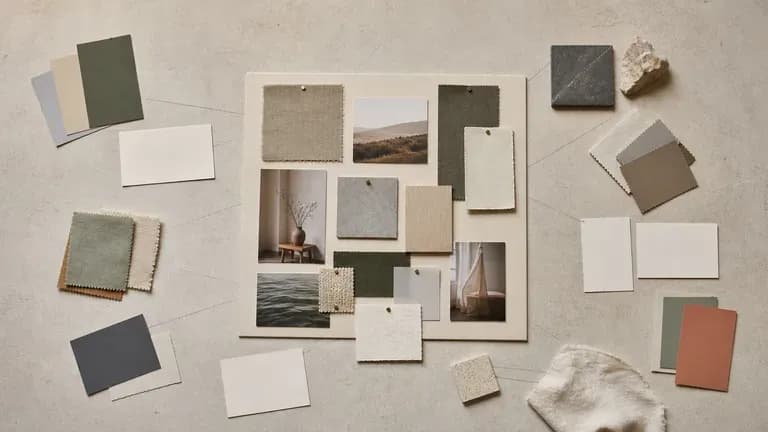
References, notes, generated boards and alternate directions stay together on an infinite canvas so each round builds on what already worked.
Compare manual image scraping and collage clipping against cohesive AI moodboard generation.
Manual Image Scraping & Collage Building
Virse Mood Board Generator
Upload an image you already like, or write out the mood, palette and materials you have in mind. Either one is enough to begin.
Pick a tight preset to stay close to your input, or a wider exploration preset when the visual direction is still open.
Run an AI image model to compose several moodboards from the same brief and compare the strongest reads side by side.
Select the board closest to your vision and refine the notes on the canvas to guide the next project stage.
Describe the project category, sensory textures, lighting atmosphere, and 4–5 colour notes you want assembled on the board:
· Desert modernist hospitality: Rammed earth walls, travertine stone, raw unbleached linen, oxidized bronze, warm low desert sun, terracotta & sand swatches.
· Neo-brutalist fintech launch: Brushed aluminum, smoked acrylic glass, Swiss grid typography, deep carbon black, acid lime accent, high-contrast studio light.
· Autumn editorial fragrance: Wet moss, smoked amber glass, velvet ribbon, antique brass, candlelit chiaroscuro shadows, burgundy and forest palette.
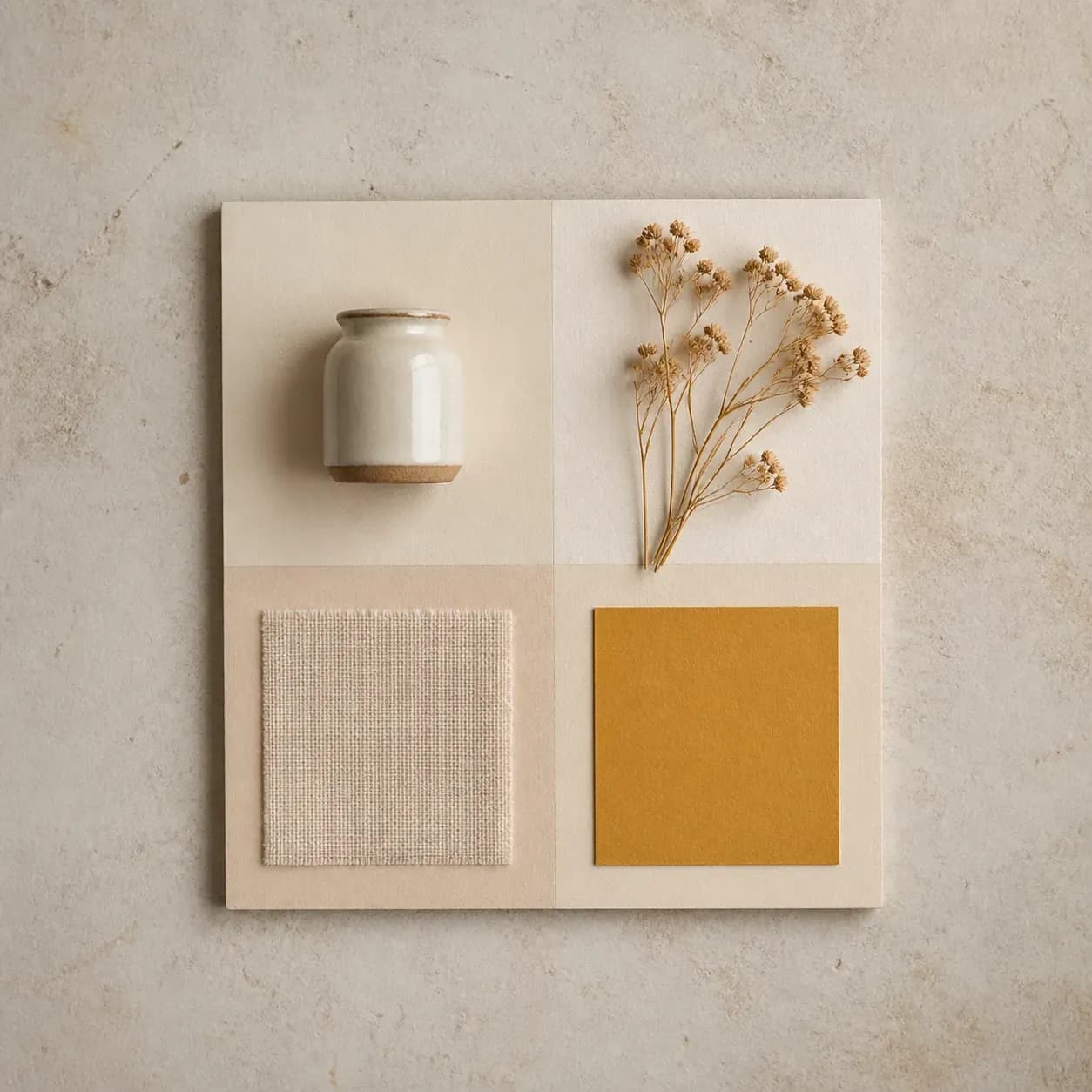
People who need to show a feeling before anyone can agree on it.
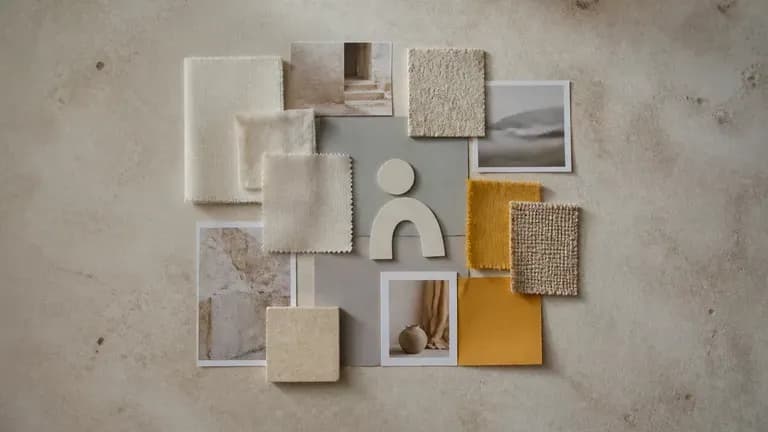
Set an early visual direction for a brand before logo and colour decisions get made.
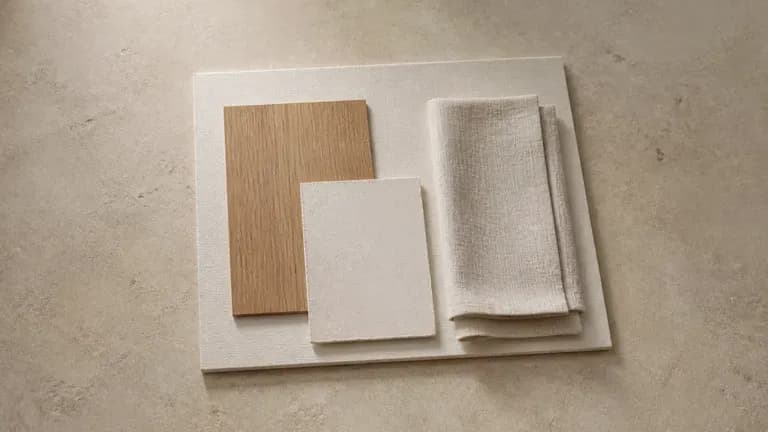
Pull colour, material and texture references into one board ahead of a physical build.
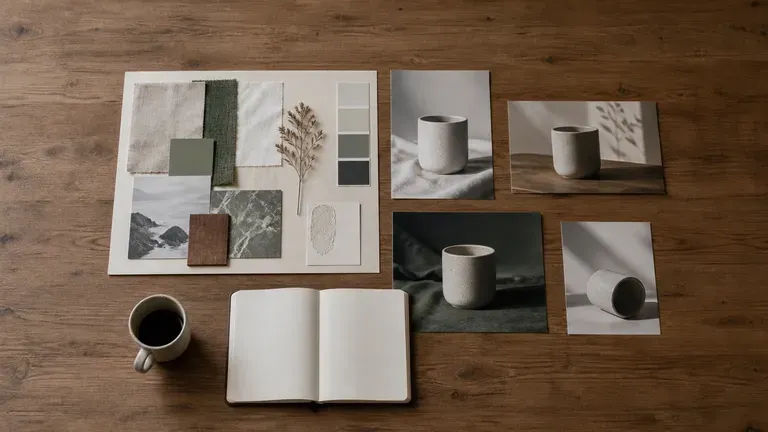
Align a team on the tone of a campaign before the first asset gets briefed.
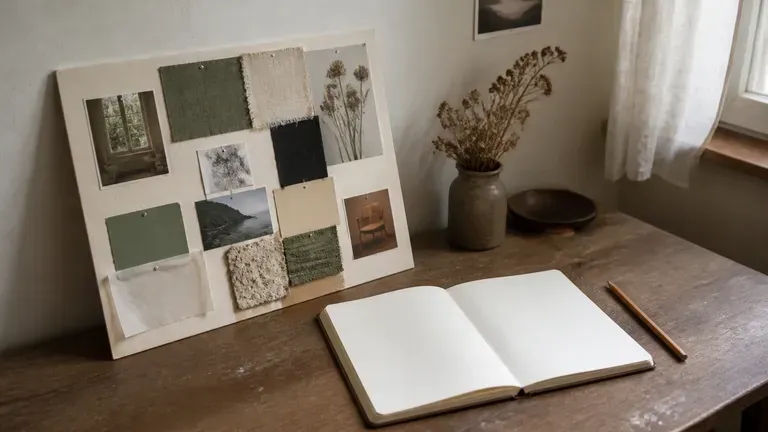
Explore a visual direction for a personal project without assembling references by hand.
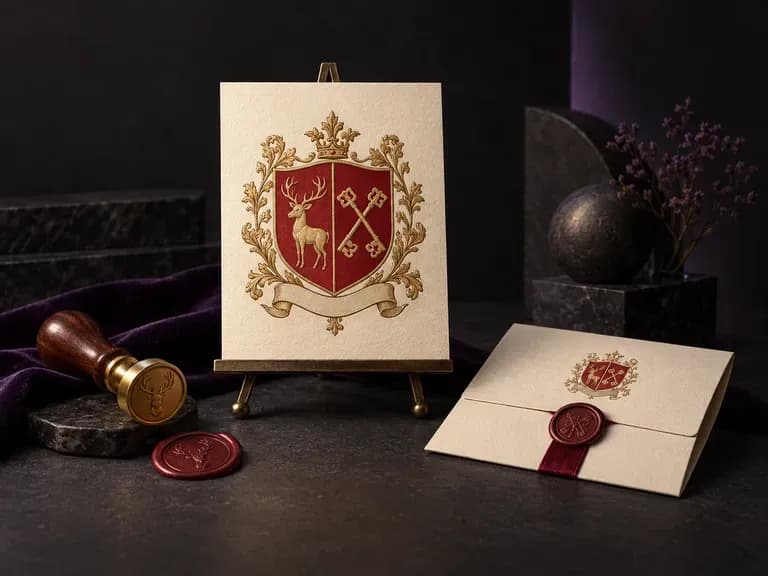
A meaningful family emblem brings together the symbols, shield geometry, and colors that tell your story in one drawing. Enter your surname, motifs, and shield layout, and this AI family crest generator renders an original coat of arms on a clean white background.
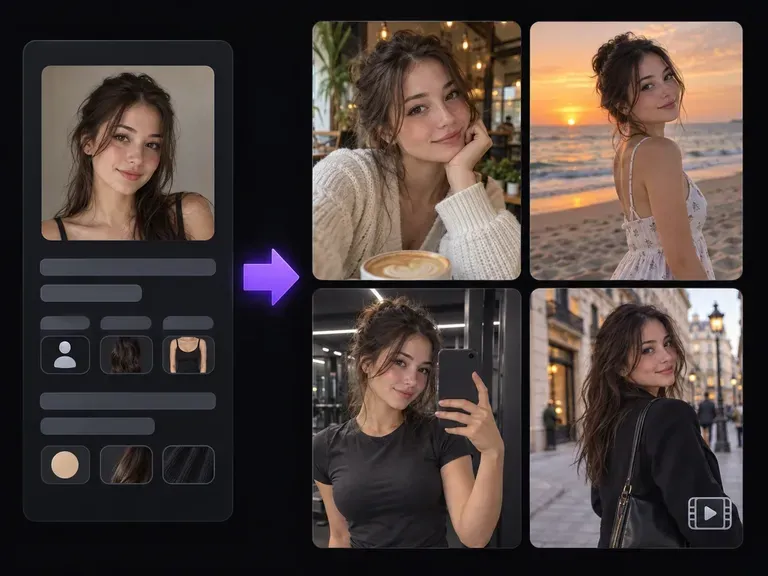
Design a recognizable digital creator with our AI influencer generator. Lock in facial structure, skin tone, hair silhouette, and aesthetic from a reference portrait or trait brief, then stage your virtual persona across street-style outfits, cafes, and studios.
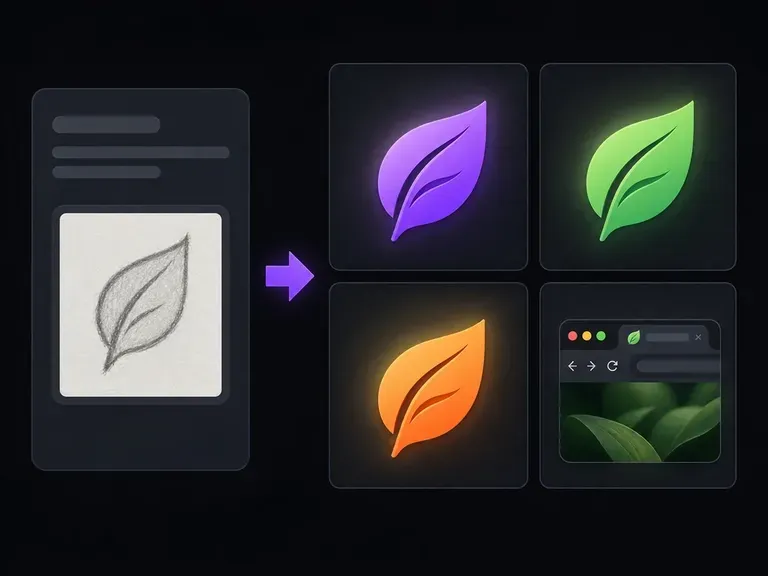
Describe your brand name, initials, or core symbol to design a compact square icon for tiny viewports. This AI favicon generator focuses on bold silhouettes, 1-to-2 letter monograms, and high contrast so your mark stays clear at 16x16 and 32x32 sizes.
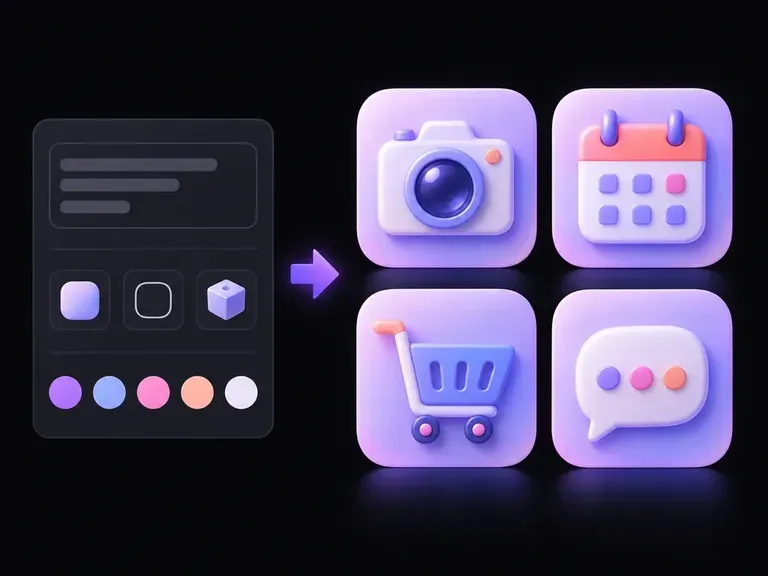
A camera, calendar, or gear can read as a crisp outline, flat geometric badge, or tactile 3D object. Describe your symbol and style, and this AI icon generator builds icon artwork you can compare on one canvas for mobile apps and UI sets.
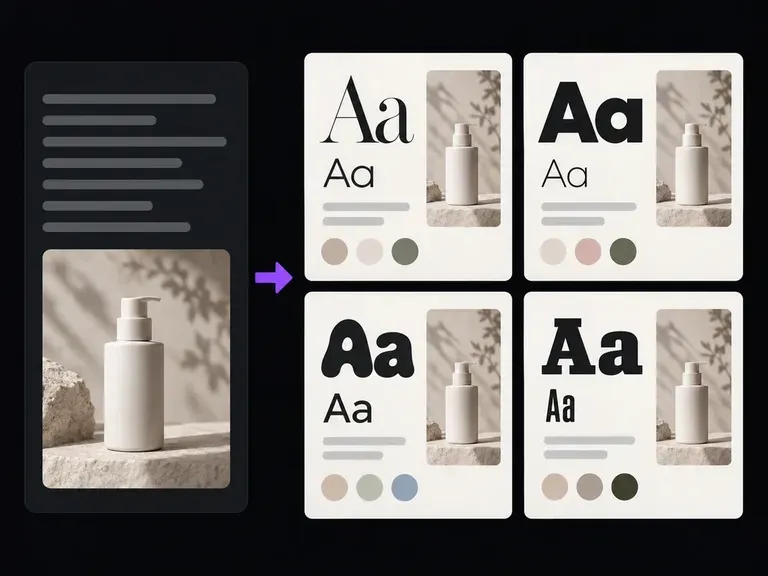
Describe your project, target audience, and mood to generate illustrated typography specimen boards alongside named heading and body font recommendations. This font pairing generator previews serif and sans-serif contrast for editorial, SaaS, and brand briefs.
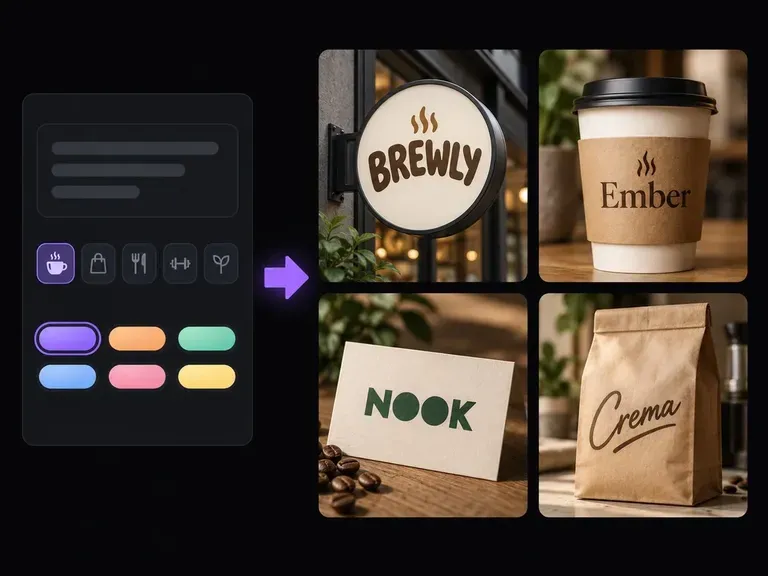
Describe what your business offers, who it serves, and the tone you want to project. Virse's AI business name generator returns a structured shortlist with written rationale and wordmark concepts on your canvas so you can evaluate how each name sounds and looks.
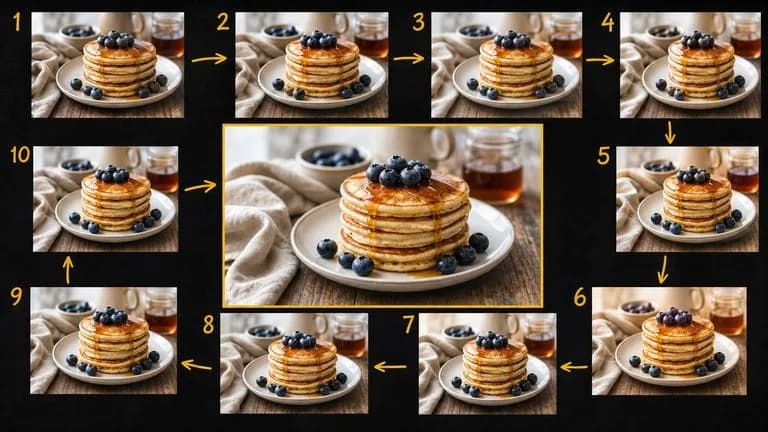
Google's Gemini 2.5 Flash Image — the original Nano Banana — generates and edits pictures at conversation speed, so a correction takes a sentence instead of a session.
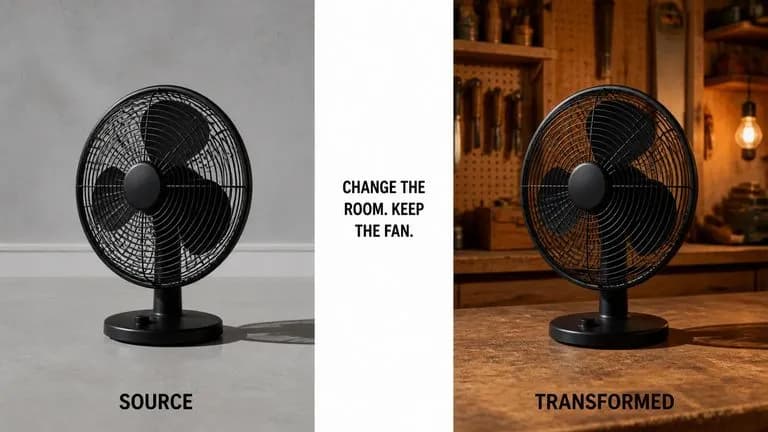
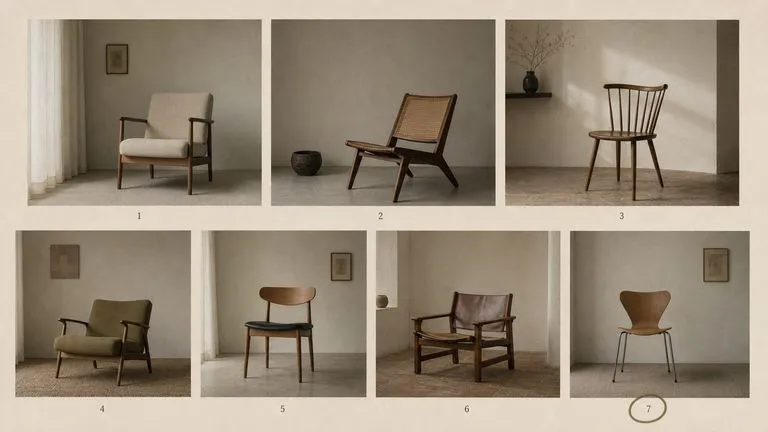
ByteDance's Seedream 4.0 and Seedream 4.5 generate from written descriptions and from images you supply, turning one source picture into as many directions as a project needs.
Google's Nano Banana 2 pairs flagship-level image quality with Flash-class speed, across four output sizes from rapid 0.5K prototypes to finished 4K.
The generation of Black Forest Labs' FLUX line that came before FLUX 2, kept available as two entries — the standard model and Ultra.
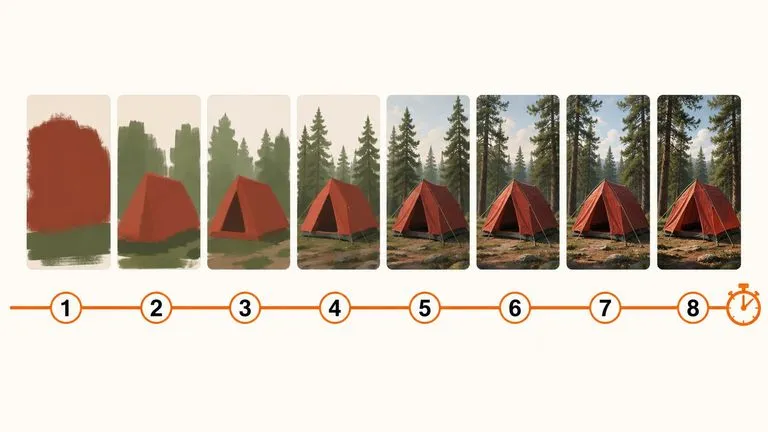
A 6-billion-parameter model compressed to an eight-step inference pipeline, built to return a usable picture before your train of thought moves on.
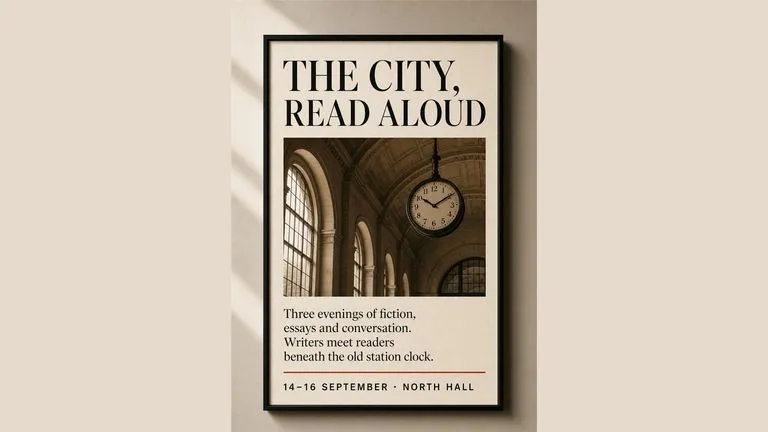
Generate studio-grade 4K images with Nano Banana Pro, blending multiple references while holding characters, products, and typography consistent.
Turn a reference or a theme into a full moodboard, compare a few directions side by side, and carry the one that fits into your next brief.