AI Business Card Generator

AI Business Card Generator

Type your name, title, company and contact details, and the AI business card generator places them on a card design for you.

Input
Card details · RequiredBrand logo · OptionalStyle or color references · OptionalBrand colors & visual style · OptionalCard orientation · OptionalOutput set · Optional
Output
Front and back business card design previews (count based on the selected output set; 2 images by default)

Brand logoOptional

Your image is uploaded on the canvas — this form carries the settings.

Style or color referencesOptional

Card orientationOptional
Output setOptional

What is an AI business card generator?

An AI business card generator, or AI business card maker, fits the details people use to reach you onto a small card layout and returns design previews. They are PNG or JPG images, not vector print files with bleed and CMYK color.

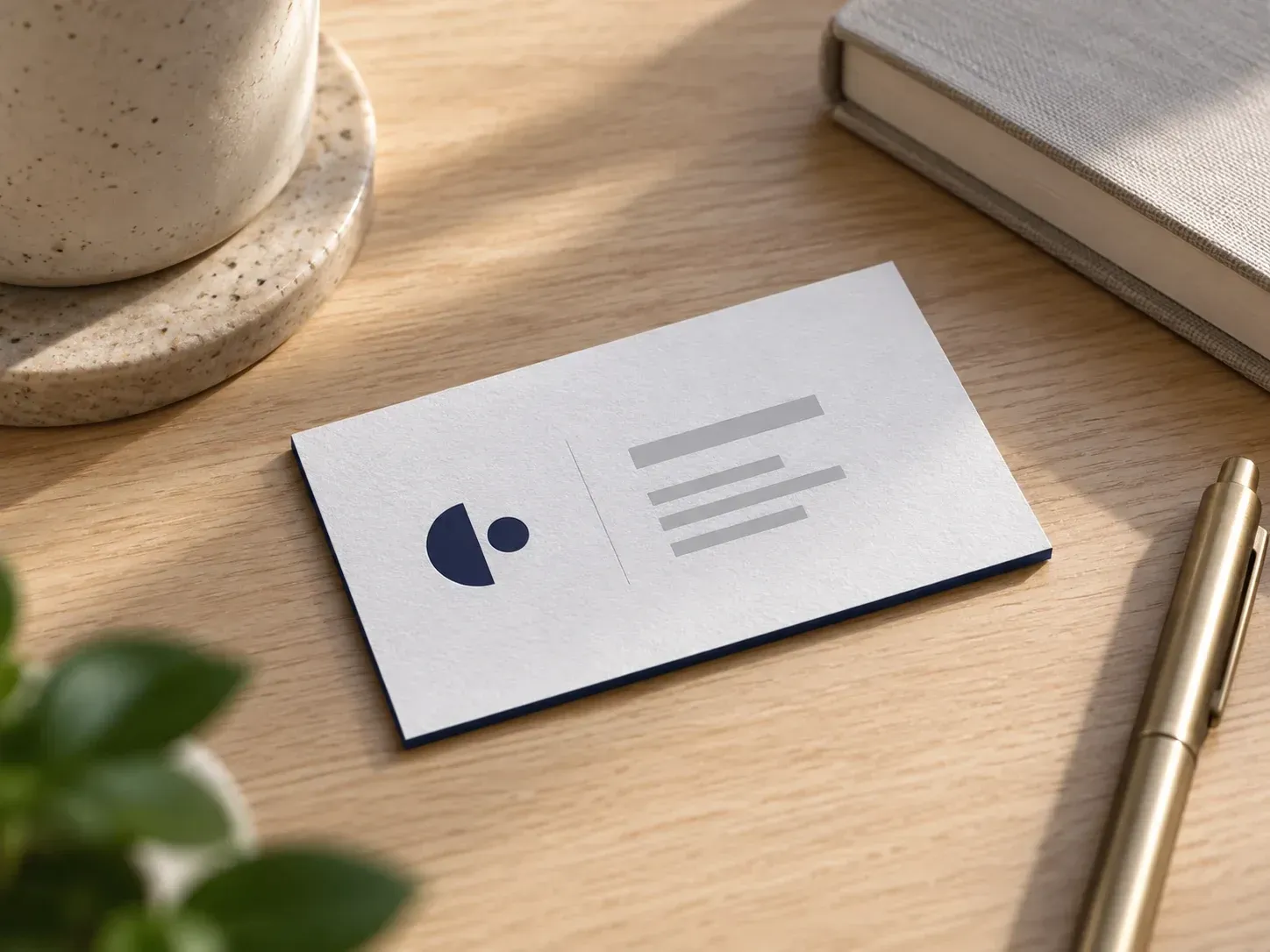
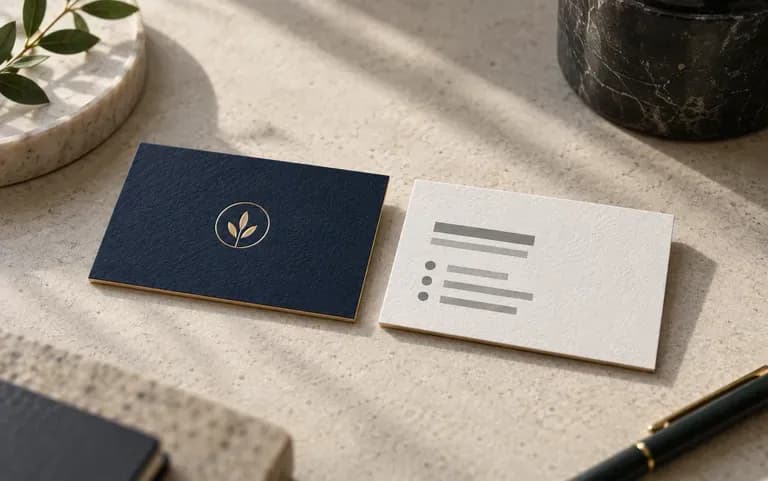
A minimal business card preview with a navy logo

Why use Virse to design a custom business card online?

A card is small, so every decision on it shows.

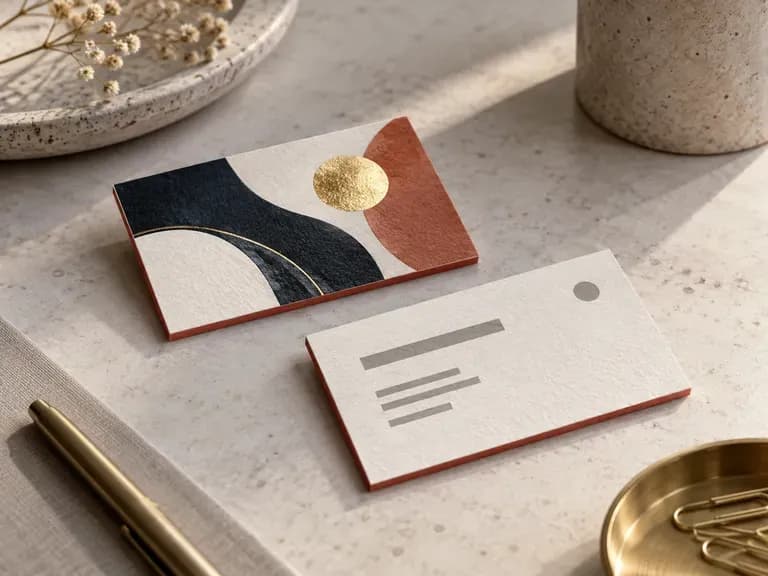
The front and back of one business card design
Two sides

Front and back together

Each design shows the front and the back of the card, so you can judge the two sides as one piece.
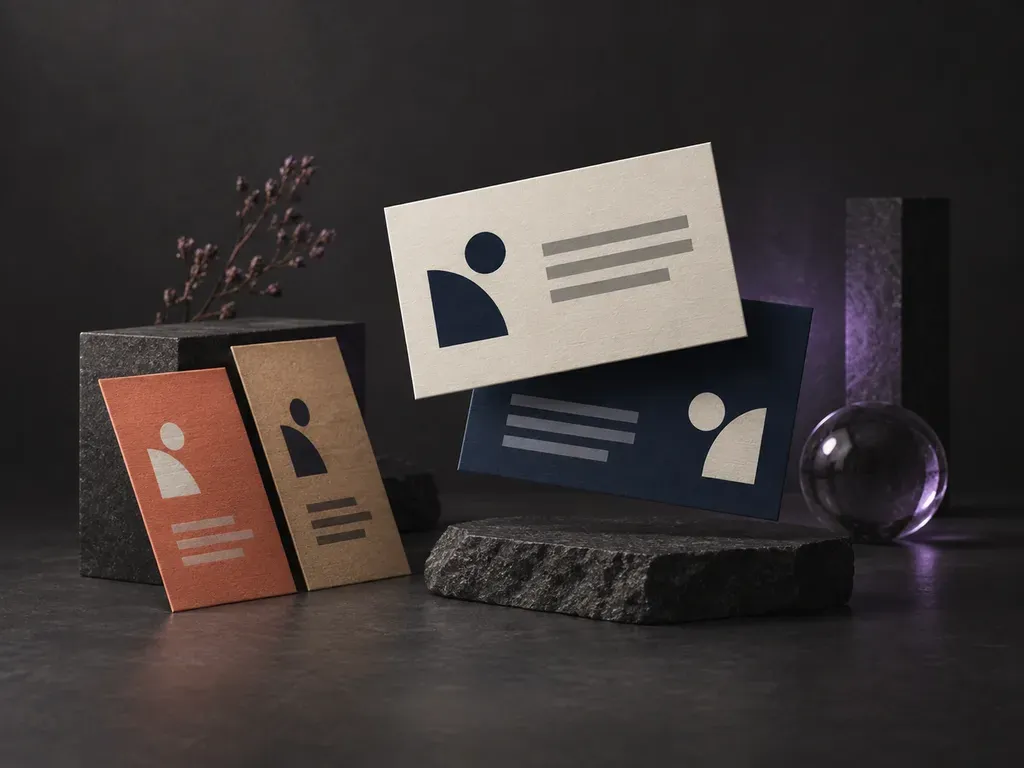
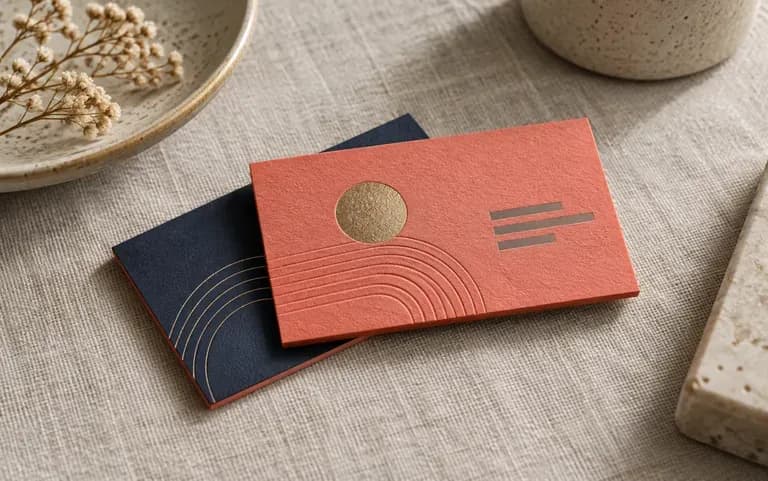
A card design in a studio's coral and navy
Brand input

Your logo and colors

Your logo and brand colors set the look of the card, though fine logo details can be redrawn along the way.
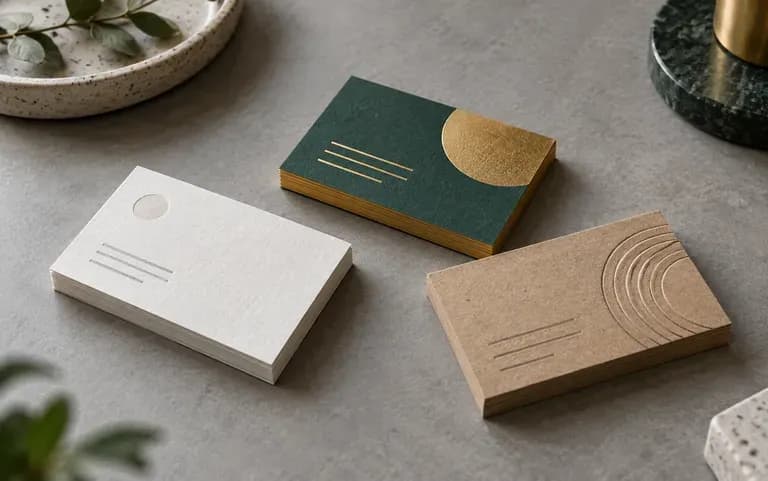
Three card directions compared side by side
Previews

Compare card directions

Put a few card directions next to each other and pick one, instead of judging a single draft on its own.

How to use the AI business card maker

  1. Enter your details

    Type your name, title, company, phone number and email.

  2. Add your logo and colors

    Upload the logo file you already use and list the brand colors, for example navy and coral.

  3. Generate the card

    Submit the form, then check both sides of the preview.

  4. Proofread every line

    Check each name, number and address on the preview before you share it or send it anywhere.

Who uses a digital business card generator?

Anyone who hands out, or sends, a card with their name on it.
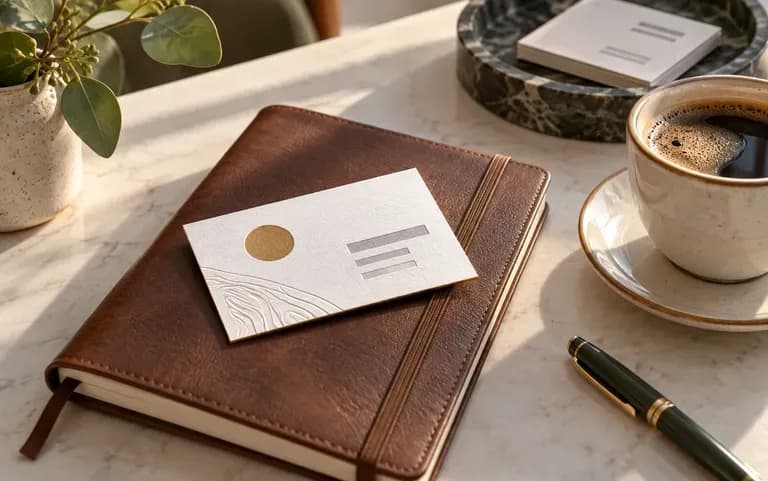
A consultant's card ready for a client meeting

Freelancers and consultants

Get a professional-looking card ready before a first client meeting.
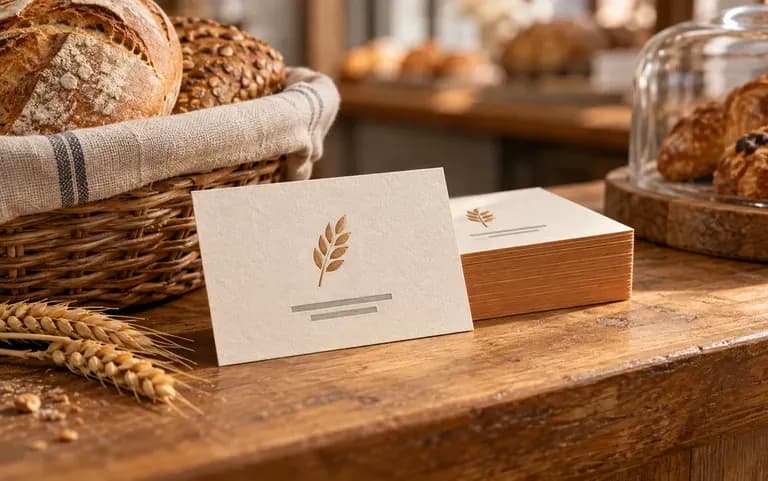
A new bakery's card on the shop counter

New small businesses

Have a card to hand customers and suppliers in the first weeks, while the rest of the shop is still being set up.
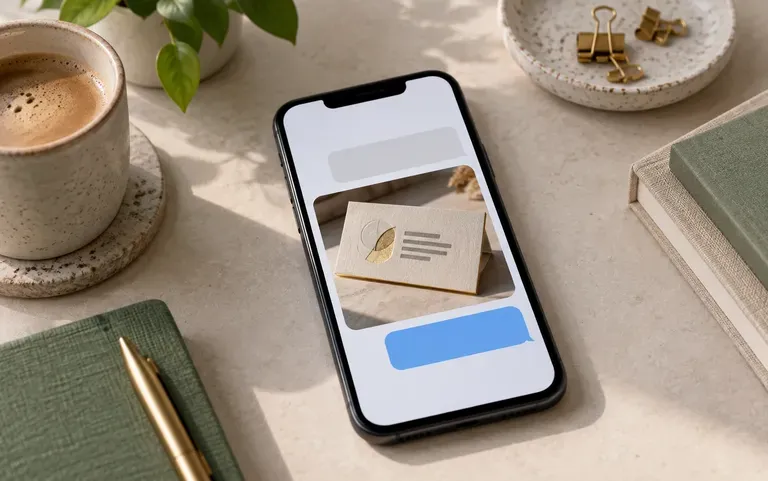
A card image shared in a messaging app

People who share cards online

Send the card as an image in a chat or on a profile. It is a picture of the card, not a contact link or QR code.
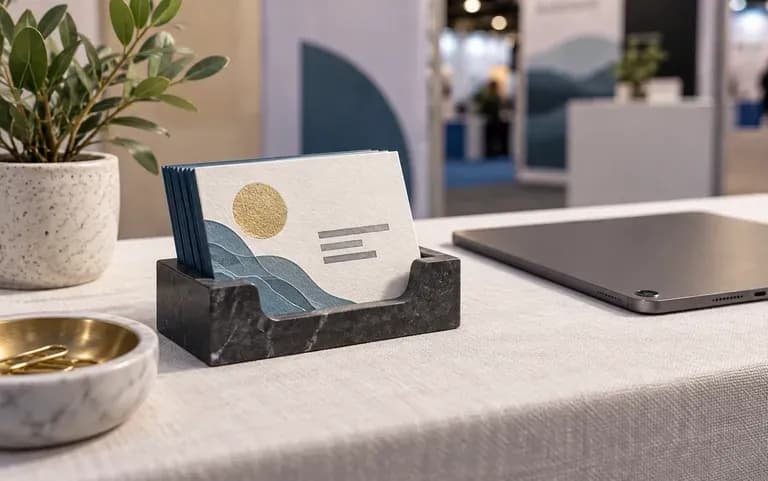
A compact card prepared for a trade show

Conference and trade show attendees

Prepare a card for a busy event where you will meet many people.
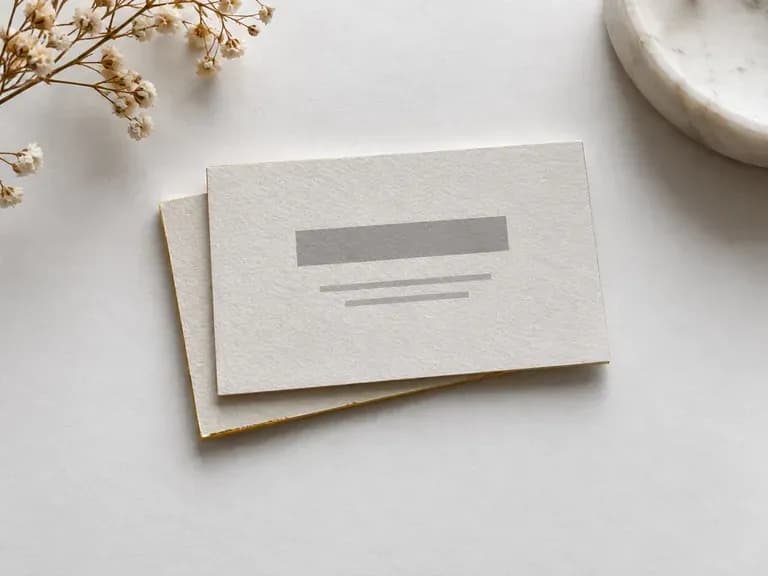
Business card design ideas

Minimal Cards: clean type and wide margins
Bold Color Backs: a solid brand color behind the logo
Designer Portfolio Cards: a bold artwork side paired with a clean text side
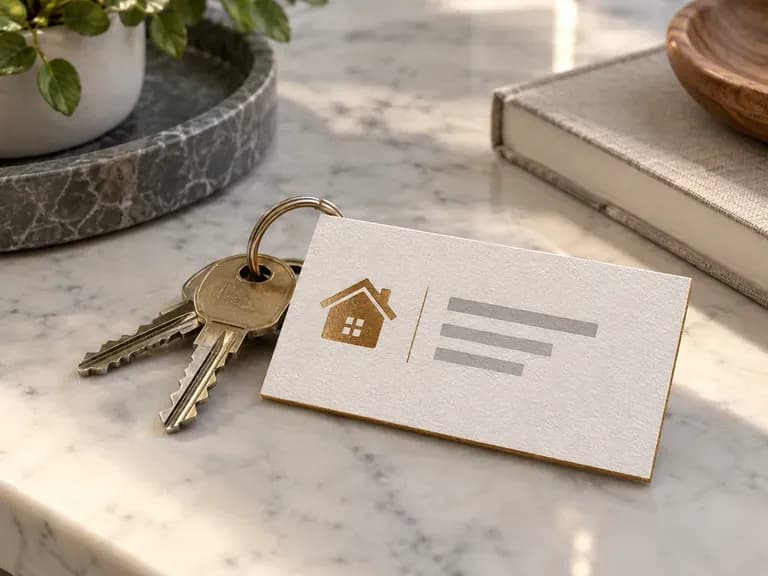
Real Estate Cards: a small house icon beside the contact lines
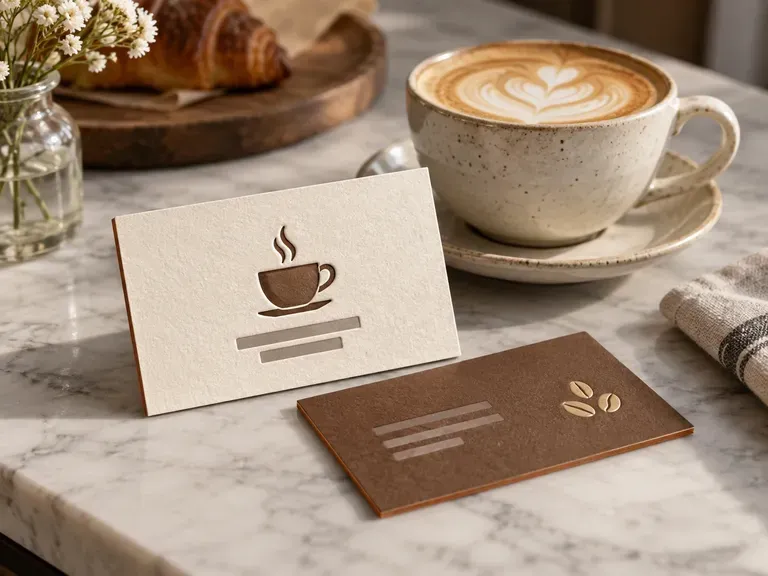
Café Cards: warm tones and a coffee cup mark
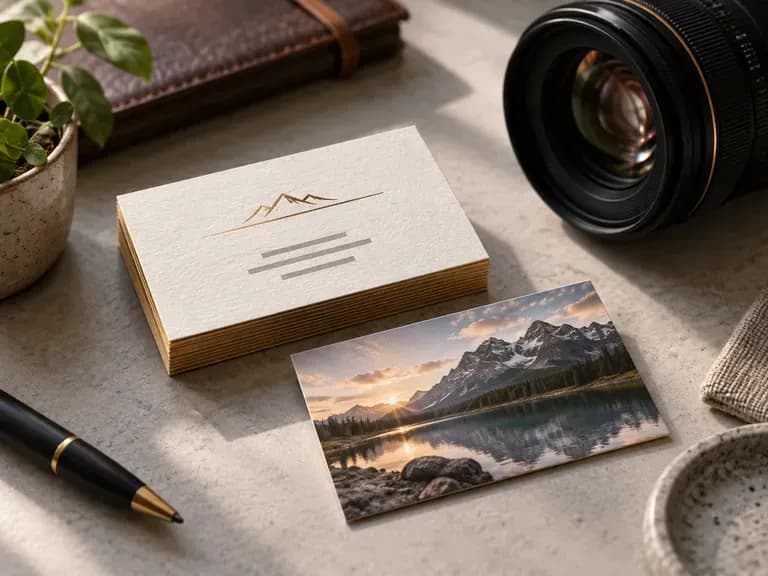
Photographer Cards: one strong image on the back
FAQ

Frequently asked questions

Is the output print-ready with bleed and CMYK?
No. You get PNG or JPG previews. They have no bleed, no CMYK color setup and no vector outlines, so they show the layout rather than a file for press.
How do I get the card printed?
Choose the preview you like and take it to a designer or a print shop, who will set it up at your card size and prepare it for press.
Can I get the front and back of the card?
Yes, both sides are part of the design. If one side looks crowded, leave a line of detail out of your brief and run it again.
Can I add my logo and brand colors?
Yes. Upload the logo and name your brand colors. Small logo details can be redrawn, so compare the result with your original file.
Will my name and phone number be spelled correctly?
Not always. Names, phone digits and email addresses can come out wrong, so proofread every line on the preview before you use it.
Is Virse's AI business card generator free?
Yes. Sign-up gives you 200 compute, and the Free plan refills 50 a day while you have less than 200. Card previews on the Free plan are 1K images from any image model.

Design a business card with AI

Enter your details and see a first card design.