品牌套件生成器

品牌套件生成器

Most identity work starts from nothing, this one starts from whatever already exists. Point it at a live site, or describe the brand from scratch, and get back a board covering logo direction, colour and type pulled from what's actually there. Free credits are enough to see the first read.

输入
品牌名称 · 必填品牌网址 · 选填品牌定位 · 选填Logo 与图标 · 选填已有视觉素材 · 选填风格偏好 · 选填
输出
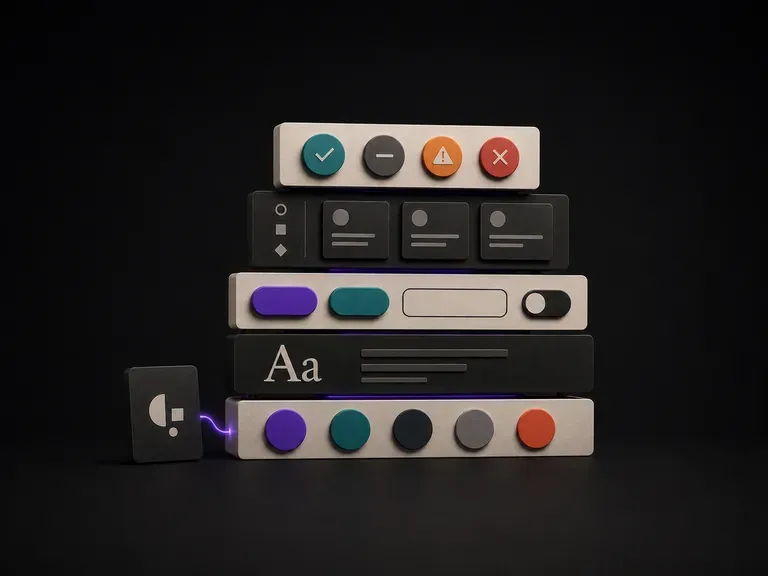
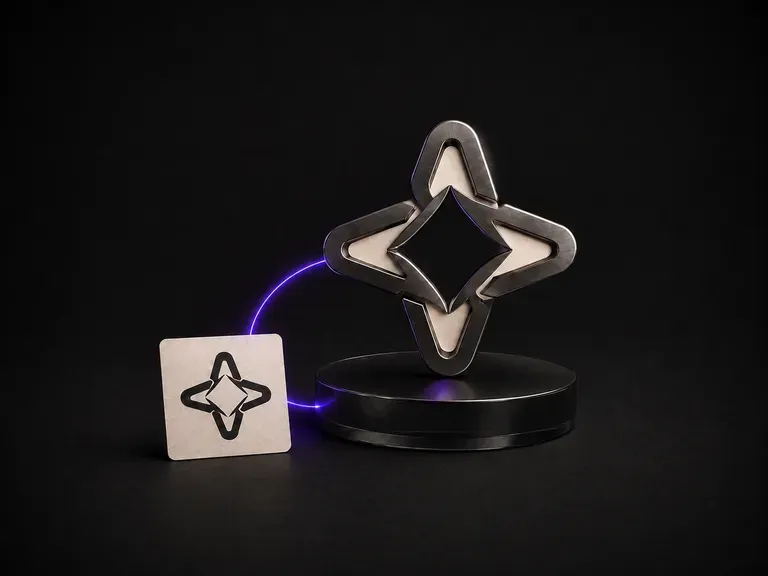
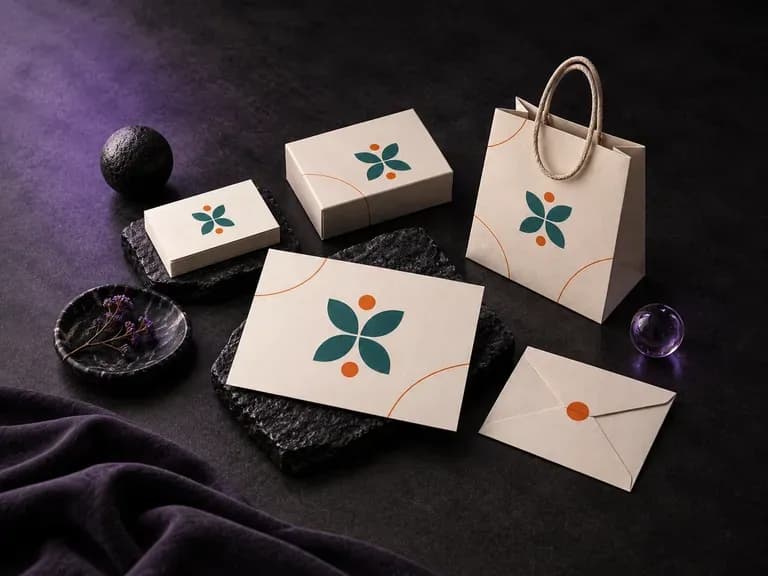
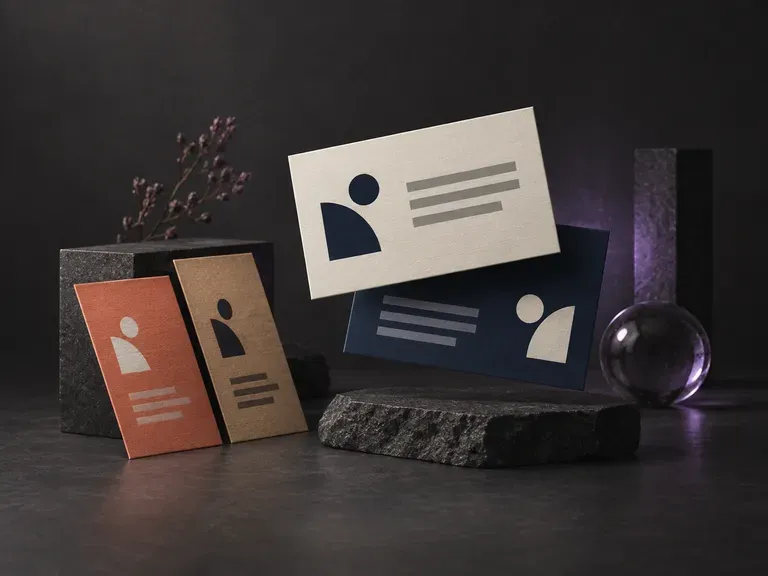
Logo 与图标展示 × 1色板 × 1场景情绪板 × 1元素板 × 1

Logo 与图标选填

图片在画布里上传,这里填的是参数。

已有视觉素材选填

What Is an AI Brand Kit Generator?

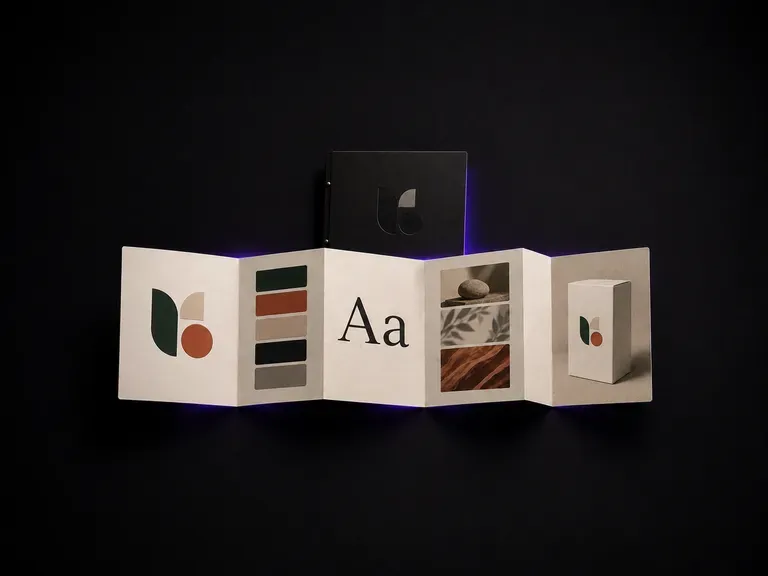
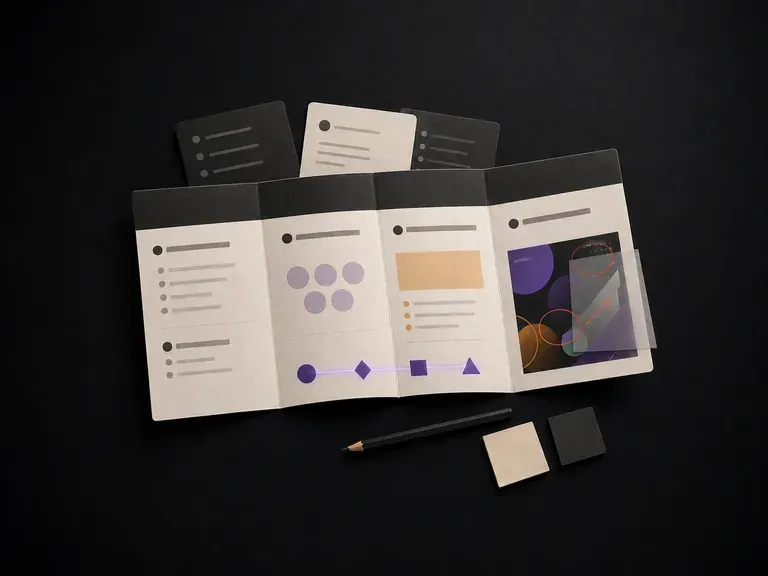
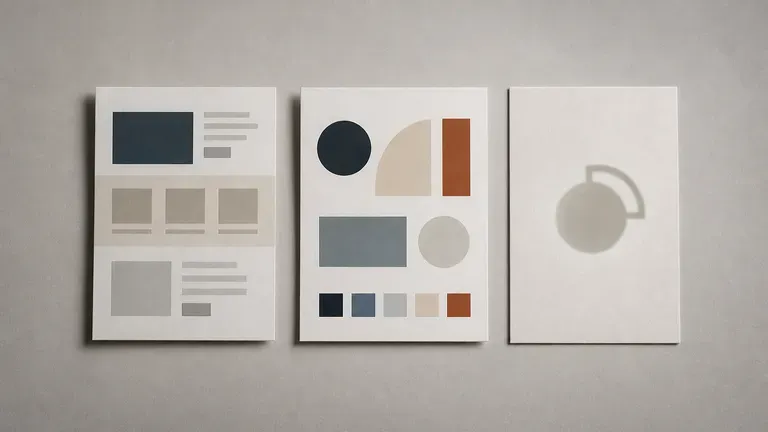
An AI brand kit generator reads a website or a written brief and produces a concept board covering logo direction, colour, type and application examples. In Virse you point it at a URL or describe the brand, generate a first pass, and refine the pieces that are worth keeping.

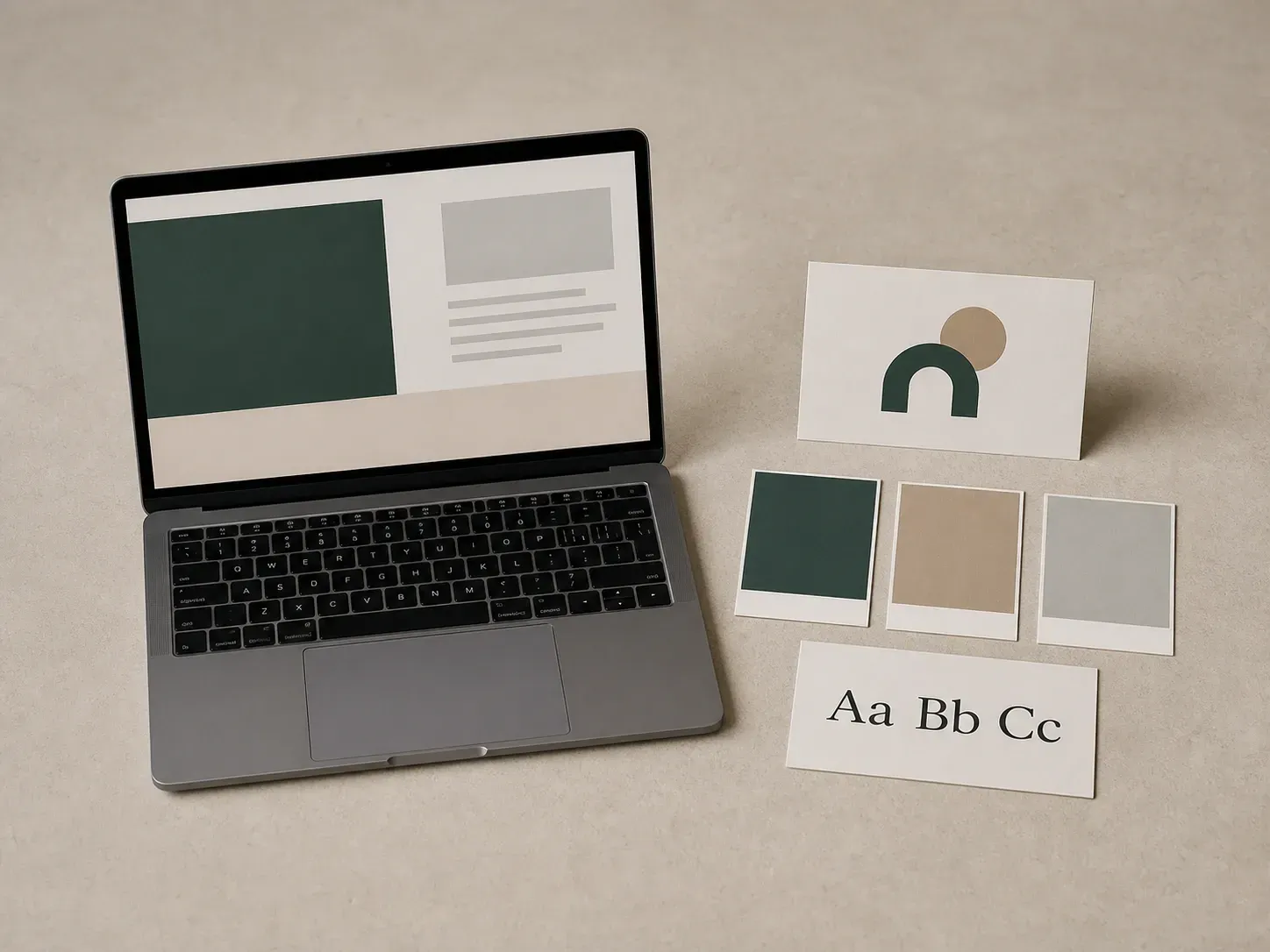
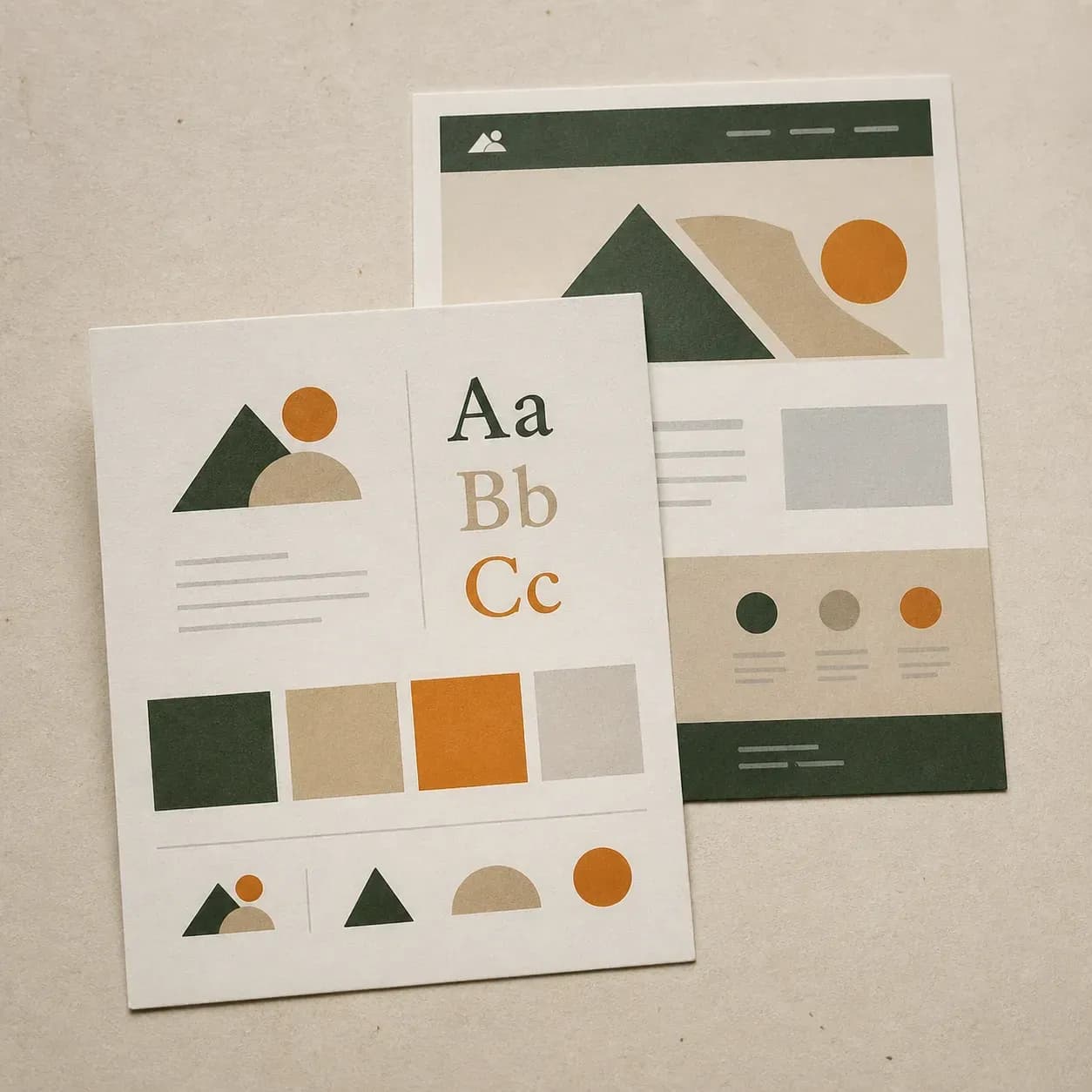
A laptop showing an abstract website layout beside a brand kit card set it produced
A website turned into a logo, colour and type concept board

Why Use Virse's Brand Kit Generator?

Most brand kits start from a blank page. This one starts from whatever you already have.

Three input-source cards: a website screenshot style card, a brief note card and an old logo card
Free

Start with Free Generations

Try your first brand kit concept on Virse credits. New users can generate up to 10 images, enough to see whether a direction is worth developing before committing a full identity project to it.

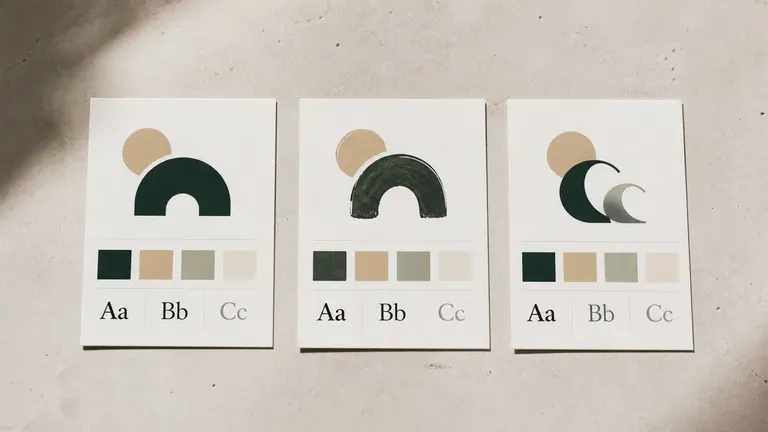
Three logo directions from the same brief, geometric, hand-drawn and letterform-based
40+ models

Explore with Multiple AI Models

Virse brings 40+ AI models into one environment, and paid plans include unlimited model usage. You can see how different models read the same brief without rebuilding it for each one.

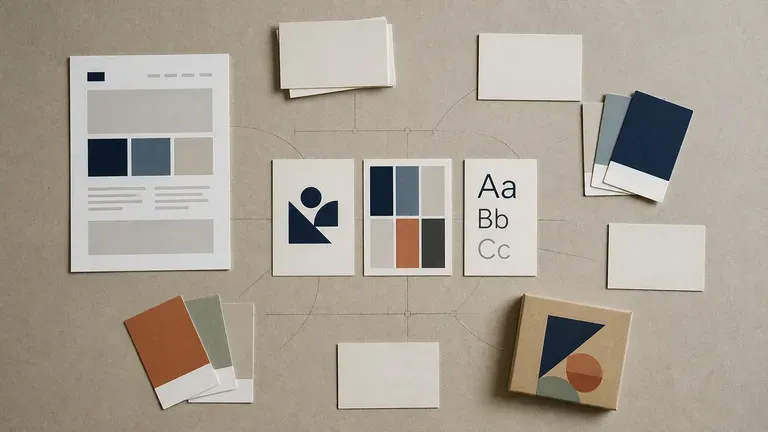
A complete brand kit surrounded by a website screenshot, notes and colour cards on a desk
Canvas

Compare Directions on One Canvas

Website screenshots, existing assets, generated boards and alternative directions stay together on an infinite canvas. Virse keeps the brand brief in context, so the next pass builds on the direction already chosen.

How to Generate a Brand Kit with AI in Four Steps

  1. Point it at a source

    Paste a public website URL, or write out your brand name, positioning and target audience. Add any existing logo or asset you want carried through.

  2. Choose the starting point

    Pick whether the generator should read visual cues from a live site, work from a written brief, or extend assets you already have.

  3. Generate the concept board

    Run an available AI image model and let it produce a board covering logo direction, colour, type and a few application mockups.

  4. Refine what is worth keeping

    Pick the elements that work and keep adjusting them with updated notes. Everything lands on a canvas, so the board can grow into a full style guide from here.

Who Is an AI Brand Kit Generator For?

People who need a starting point for an identity, not a blank page.

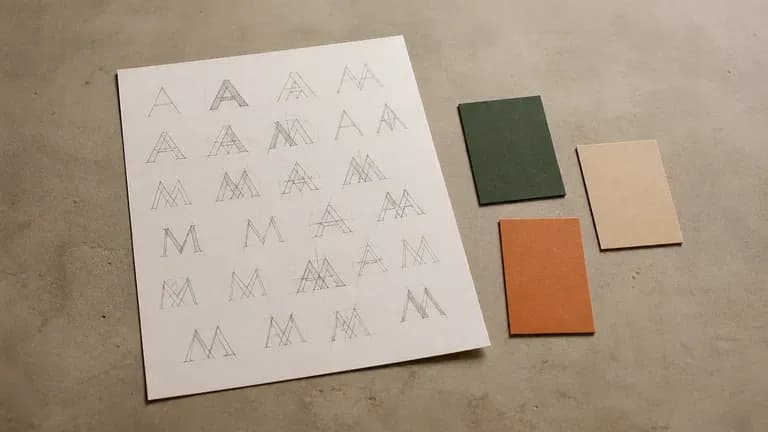
A sheet of paper with initial-letter sketches and colour tests for a new brand name

Startup Founders

Turn a name and a positioning line into a first visual direction before hiring a designer.

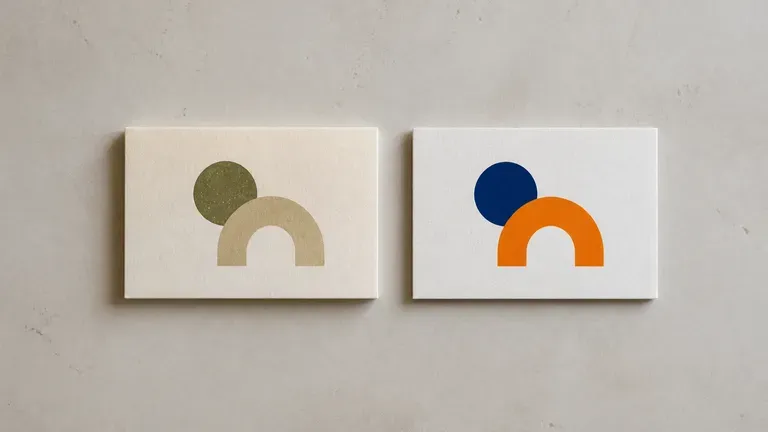
An old and a refreshed original logo mark placed side by side, dated tone versus brighter tone

Rebrand & Refresh Teams

Read an existing site to see what a refreshed version of the current identity could look like.

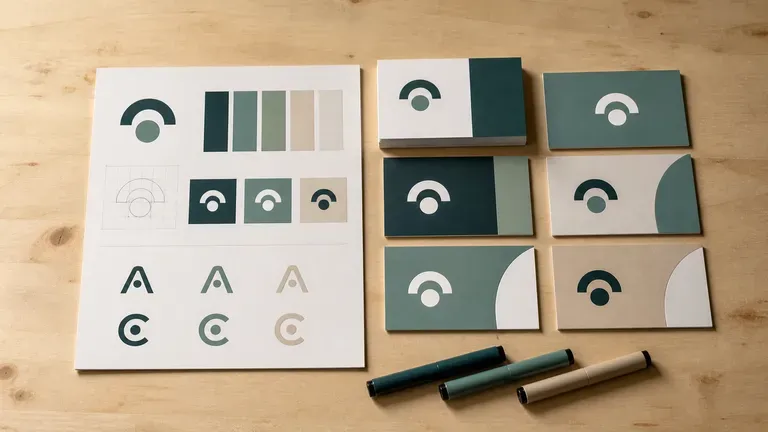
A designer's desk with brand kit cards beside proof business cards and marker pens

Brand & Identity Designers

Generate a fast first pass to react to, then take the promising pieces into a full identity process.

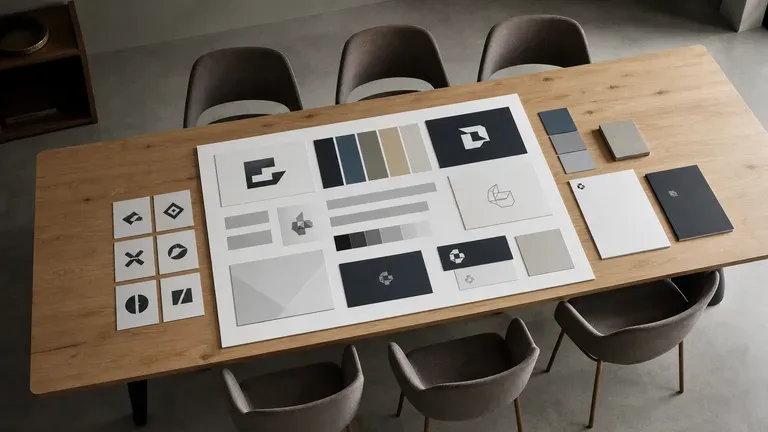
A pitch board laid out on a long meeting room table in front of several chairs

Agencies Pitching New Business

Produce a quick concept board for a pitch before investing full design hours in it.

AI Brand Kit Generator Use Cases

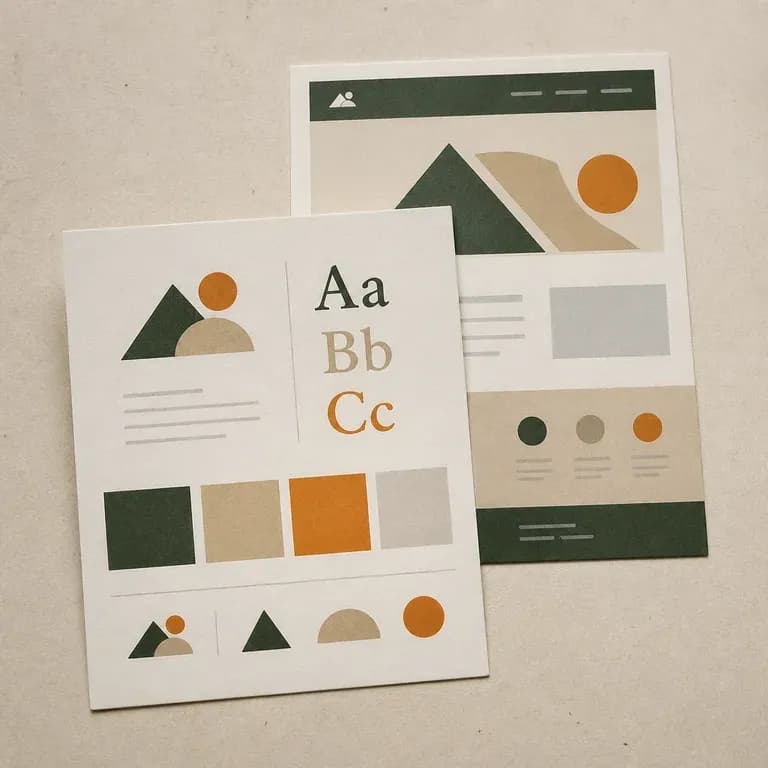
A brand direction card derived from a website screenshot style layout
Website-to-Brand-Kit: visual cues pulled from a live site into a fresh concept board
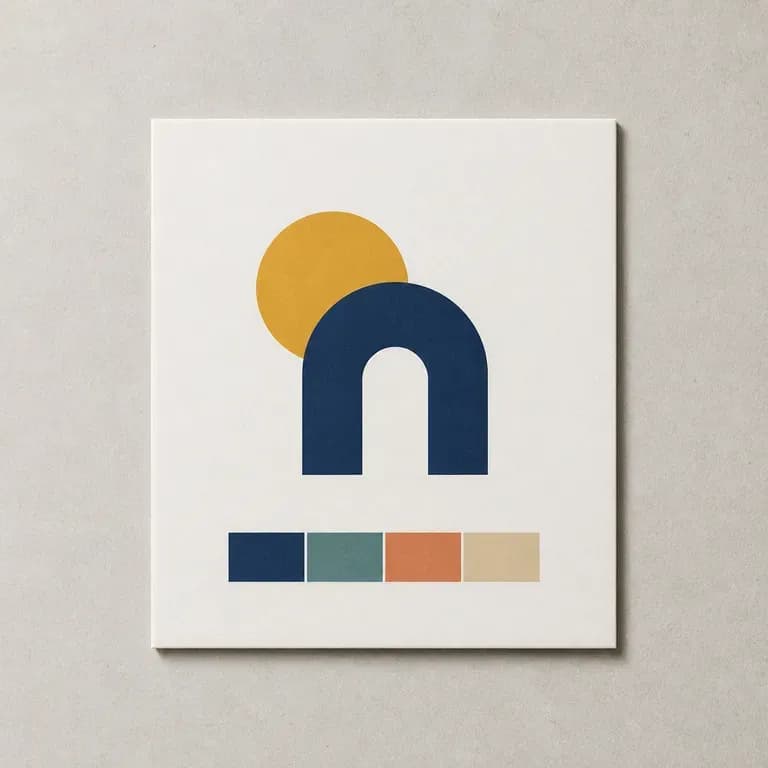
A minimal geometric startup logo mark with its colour palette
Startup First Identity: a name and a brief turned into logo, colour and type direction
An old logo mark and its refreshed version placed next to each other
Rebrand Concept Boards: an existing identity reimagined from the same starting brief
A thumbnail of a pitch board with several brand directions arranged in a grid
Pitch-Ready Concepts: a full board prepared for a new business presentation
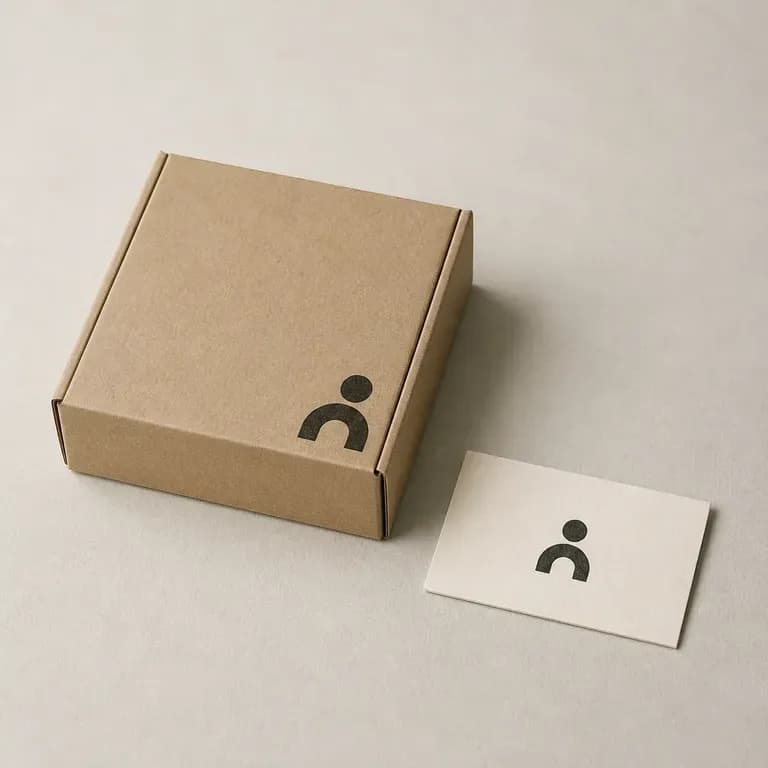
A logo mark applied to a packaging box and a business card as physical examples
Application Mockups: business cards, packaging or signage shown in the brand direction
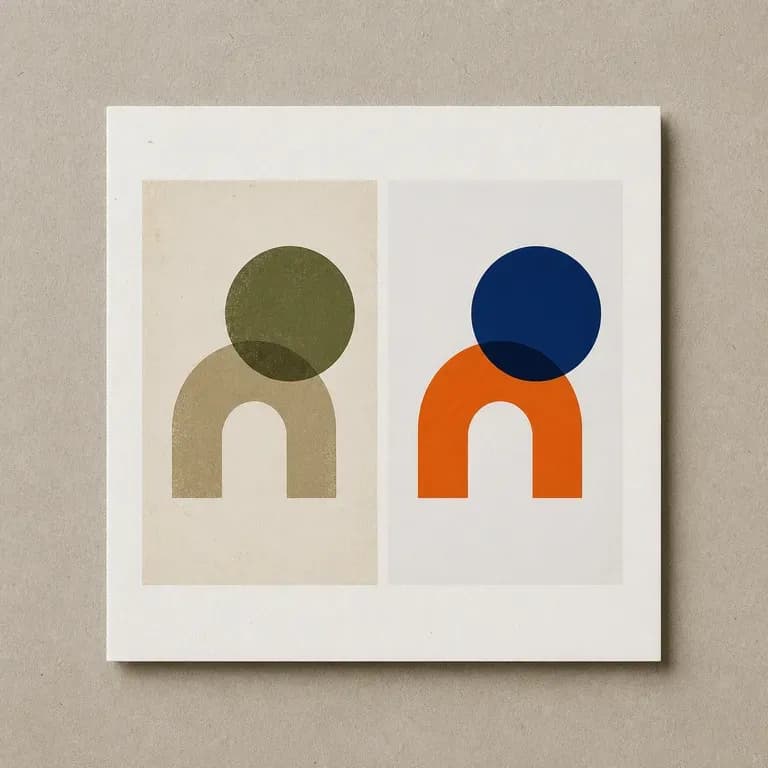
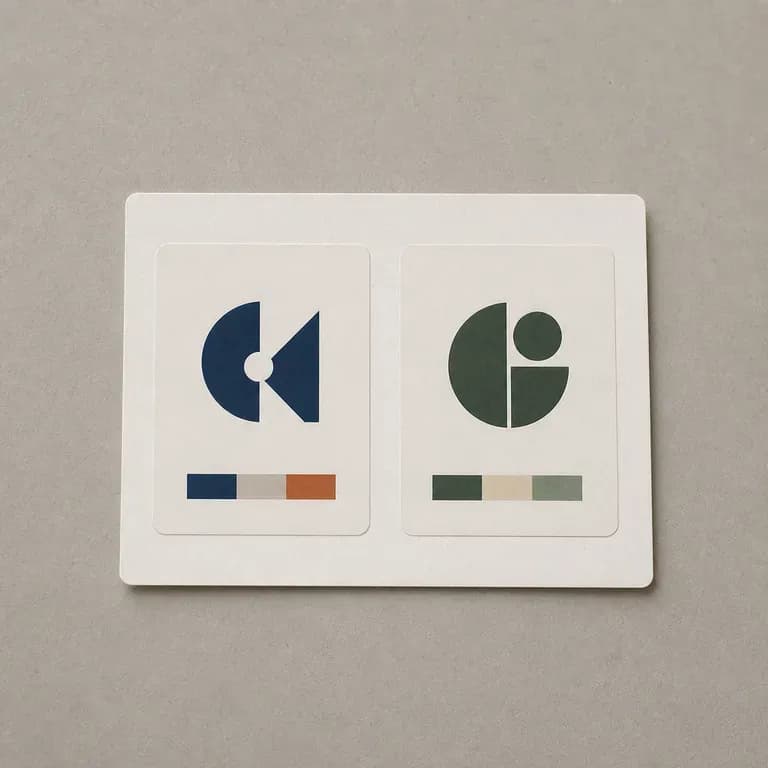
Two brand direction thumbnails placed side by side for comparison
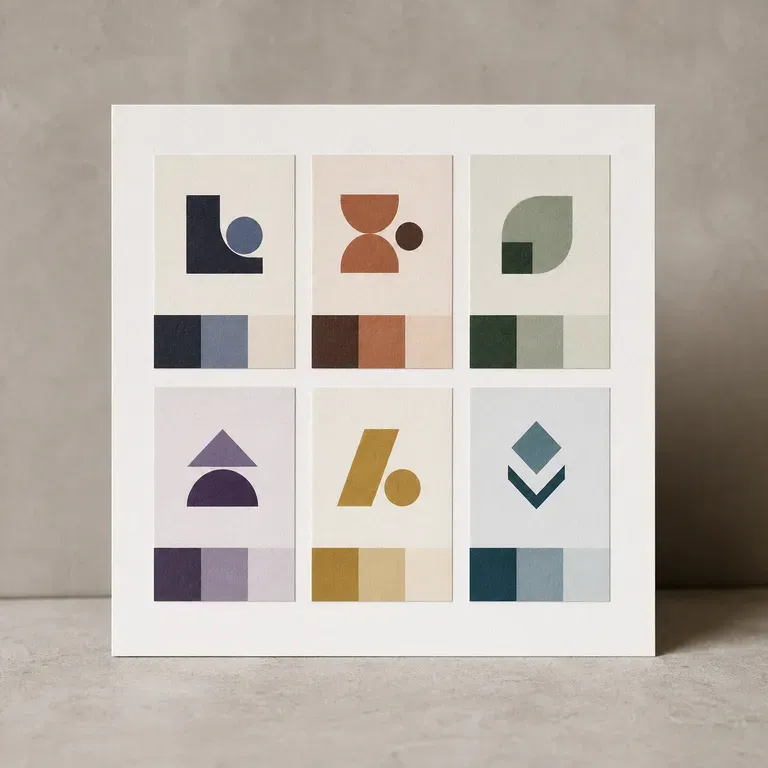
Multi-Direction Comparisons: two or three logo and colour directions placed side by side
FAQ

Frequently Asked Questions

Is Virse's brand kit generator free?
You can start on free Virse credits. New users can generate up to 10 images with Nano Banana 2, enough to test a direction before deciding whether you need a paid workflow. Free access is limited rather than unlimited.
Can it really generate a brand kit from just a website URL?
Yes. Point it at a public site and it reads visual cues such as colour, imagery and tone to produce a fresh concept board, which is useful for exploring a refresh without starting from nothing.
Does it design a finished, production-ready logo?
No. It generates concept directions for logo, colour, type and application. A finished, trademark-cleared logo still needs a design pass and legal review before it goes into production.
Can I start from a brand I already have some assets for?
Yes. Upload an existing logo, palette or other visual assets, and the generator extends the direction rather than replacing it with something unrelated.
Can I generate more than one direction for the same brand?
Yes. You can run several concept boards from the same brief and compare them side by side on the canvas before choosing one to develop further.
What do Virse paid plans include?
Paid plans include access to 40+ AI models with unlimited model usage and unlimited team seats, aimed at teams and agencies running this more than a handful of times a month.

Generate Your Brand Kit with AI

Point it at a website or a brief, generate a concept board covering logo, colour and type, and keep refining the direction worth building on.