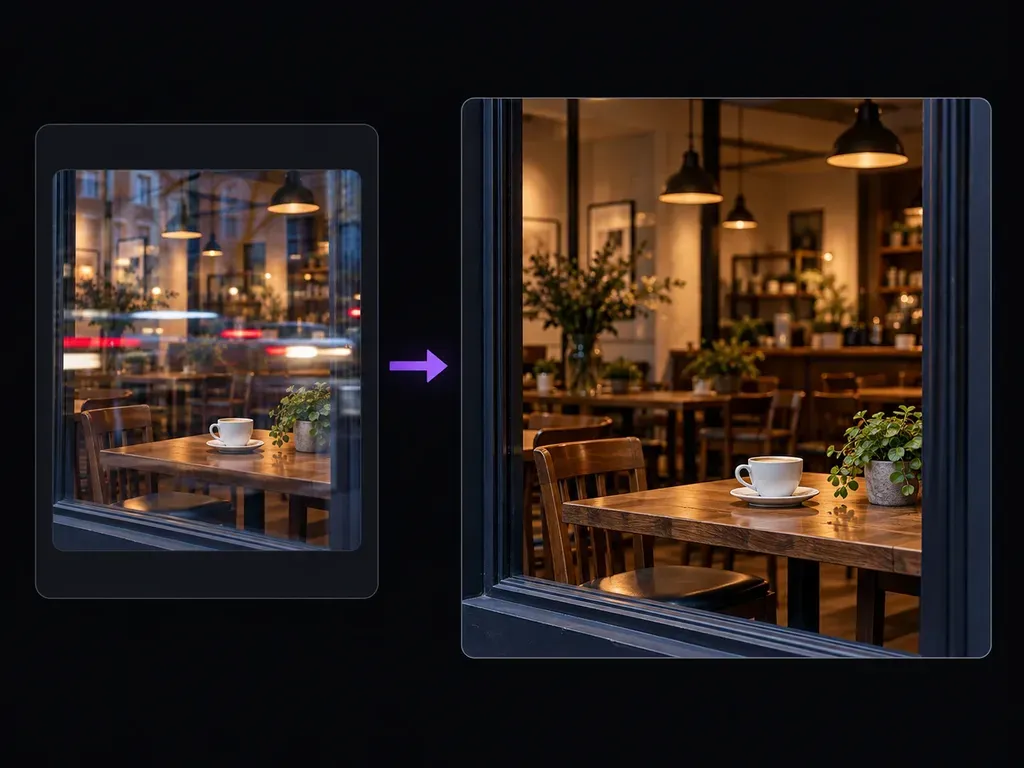
Window glass
Storefront and Display Glass Cleanup
Reduce reflected street lamps, parked cars, and ceiling spotlights from photos shot through café windows, boutique storefronts, and museum vitrines.
Upload a photo containing glass reflections or lens glare, then describe the reflection streak you want softened and the subjects behind it. When you remove reflection from photo uploads on Virse, reduce window ghosts, eyeglass glare, and sun flare cleanly.
An AI window reflection remover (also used to remove sun glare from photo uploads) separates semi-transparent light overlays from the scene behind glass and rebuilds obscured textures. Control three optical layers in plain words:
• Window ghost separation: Clear street-light streaks, neon reflections, or sky ghosts across cafe windows and glass display cases.
• Specular preservation: Suppress distracting glass glare or sun flare while keeping natural eye catchlights and ceramic highlights.
• Plausible texture rebuild: Reconstruct wood grain, brick, foliage, or skin beneath semi-transparent glare using surrounding context.
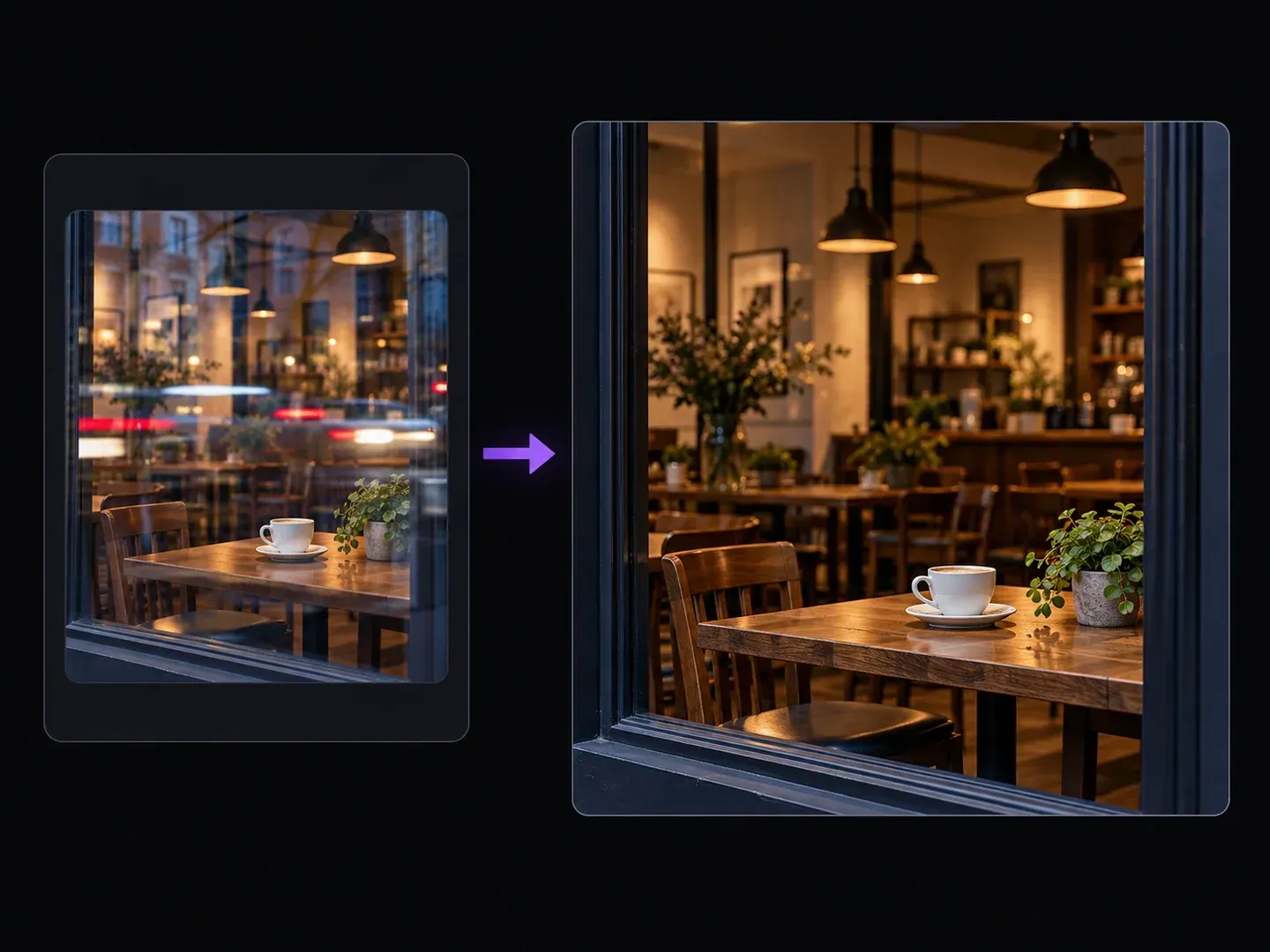
How photographers, portrait retouchers, and collectors clean glass reflection from picture files without flattening overall image contrast.
Reduce reflected street lamps, parked cars, and ceiling spotlights from photos shot through café windows, boutique storefronts, and museum vitrines.

Soften green or blue anti-reflective coating glare on prescription glasses and reduce washed-out sun flare streaks on backlit outdoor shots.

Place the cleaned output beside your original upload on the Virse canvas to check for residual ghost outlines, reconstructed textures, and consistent lighting.
How targeted text instructions to remove glare from glasses in photo portraits and window scenes compare with blind global dehaze sliders.
Global Dehaze and Auto-Glare Sliders
Virse AI Reflection Remover
Select a JPG, PNG, or WebP photo with window reflections or eyeglass glare to reduce lens flare in photo files.
Write a prompt stating where the reflection or glare sits and naming the underlying objects, frames, or textures that stay unchanged.
Run the repair pass to suppress the targeted reflection overlay and reconstruct the affected surface textures on a static output image.
Zoom in on the repaired region to verify that no reflection ghost remains, textures blend naturally, and exposure stays balanced.
Naming both the unwanted light overlay and the real subject behind it keeps geometry locked when you remove reflection from photo files. Adapt these three prompts:
• Cafe window cleanup: "Remove the bright horizontal street-light reflection streaks across the cafe window while keeping the wooden table and white cup unchanged."
• Eyeglass glare reduction: "Reduce the rectangular softbox reflection on the subject's left eyeglass lens so both eyes are visible without altering the frames."
• Outdoor sun flare: "Remove the orange sun glare haze and diagonal lens flare in the upper right corner, restoring natural green tree foliage."
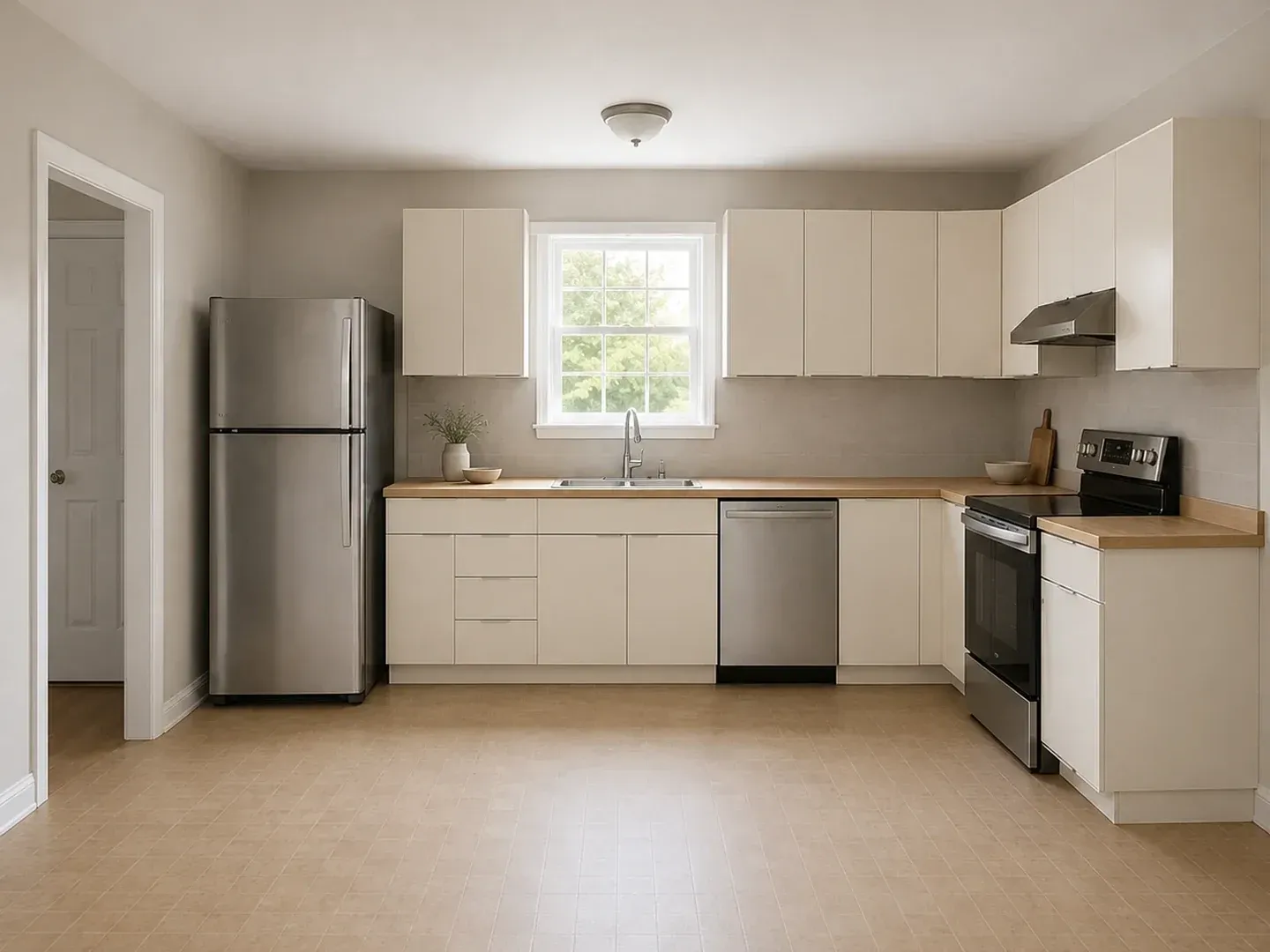
Four photography and archival workflows where prompt-guided reflection and sun glare reduction rescues otherwise unusable shots.

Clear reflections of passing traffic, neon signs, and sky glare from candid scenes captured through café windows, train compartments, and observation decks.
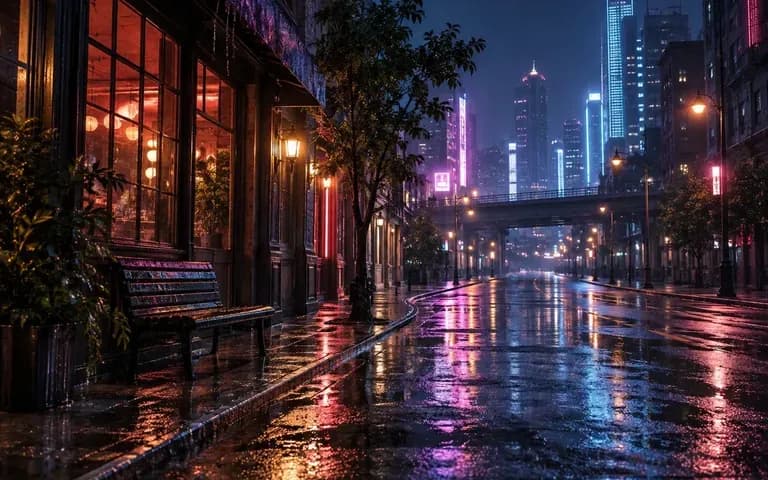
Soften studio softbox squares, ring-light circles, and monitor reflections on prescription eyeglasses without reshaping the wearer's frames or eyes.
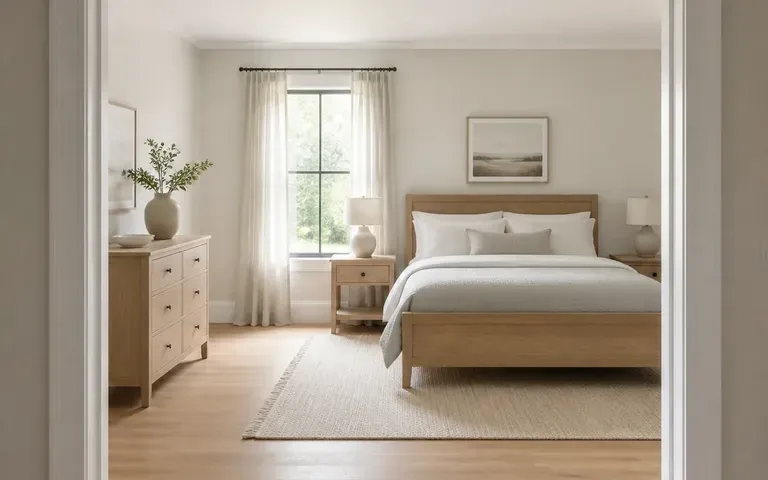
Reduce interior lamp reflections on living-room window panes and clean up low-angle sun glare across property exterior photographs.

Remove overhead room bulb reflections and window rectangles from smartphone photos of framed paintings, diplomas, and glossy vintage prints.
Six static repair examples showing storefront window reflection cleanup, eyeglass glare reduction, outdoor sun flare restoration, and framed print cleanup.
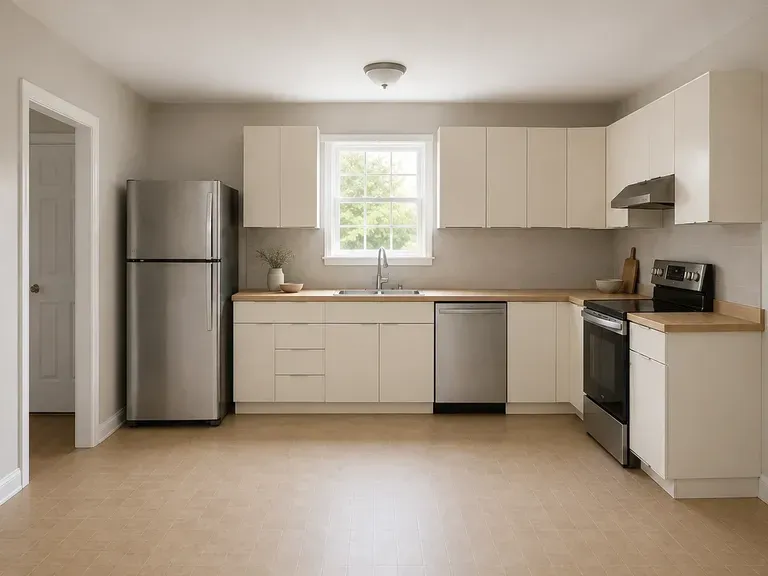

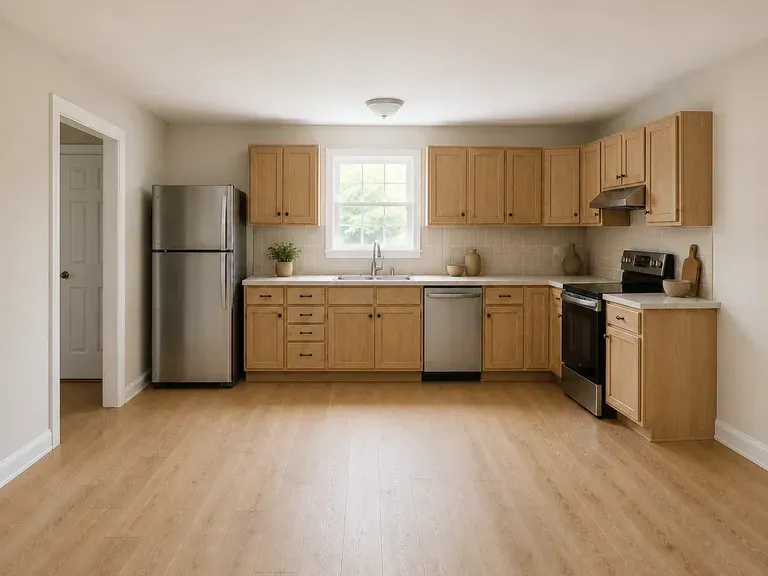
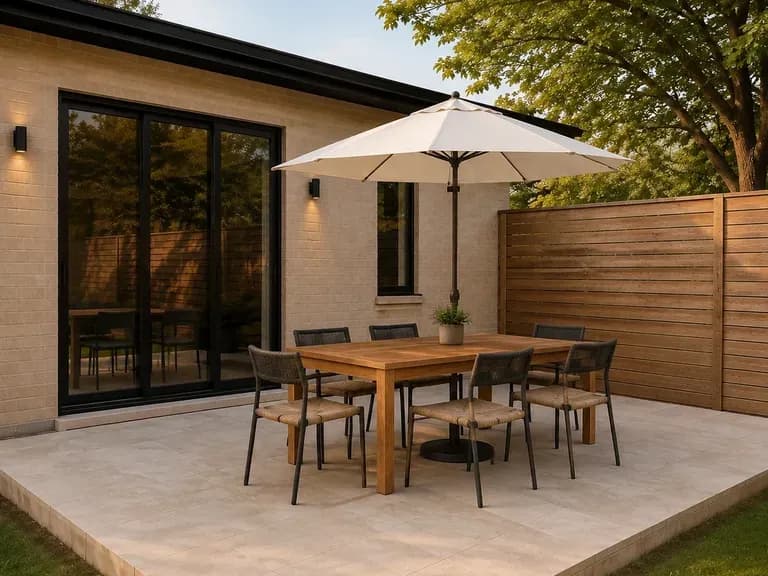

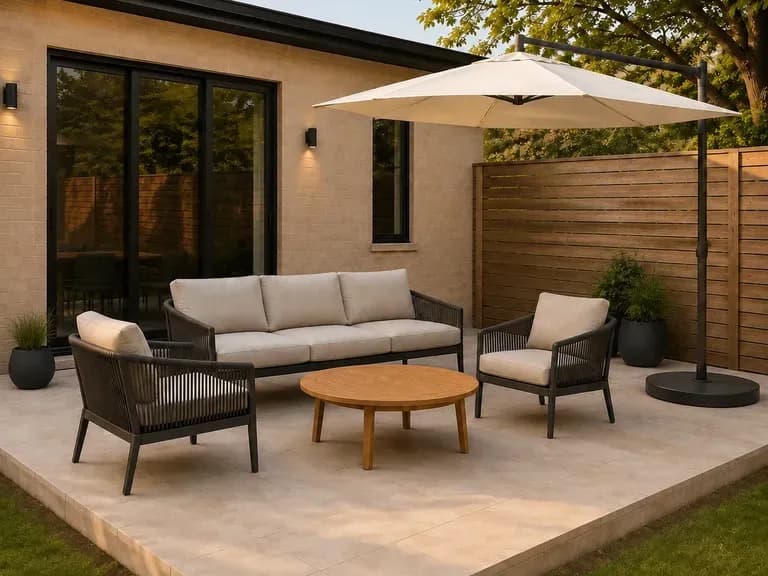
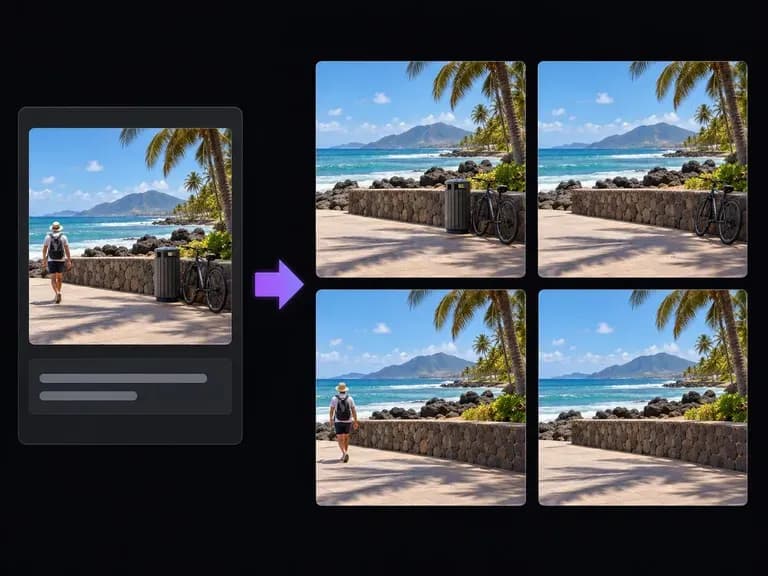
Erase stray power lines, reflections of bystanders, or tabletop clutter after clearing window glare.

Rebalance shadowed interiors and harsh backlit exposure once surface glare has been softened.
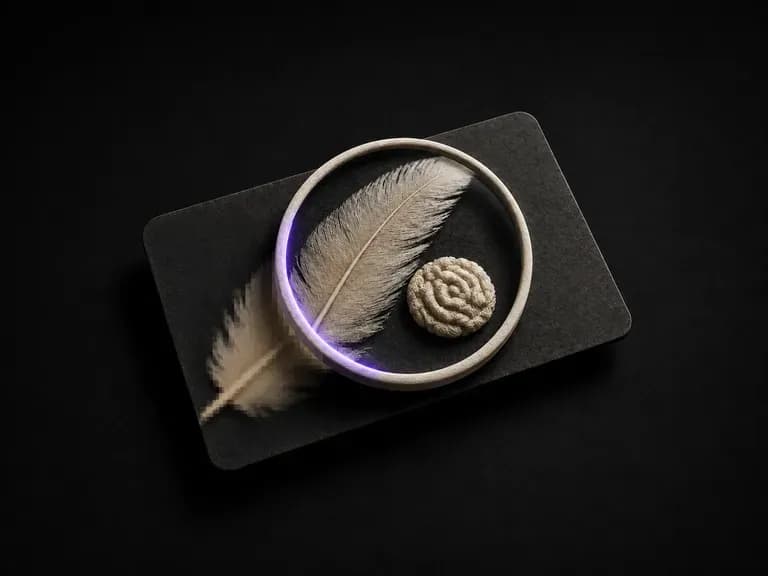
Restore edge crispness and clean up sensor grain on photographs taken through thick window glass.
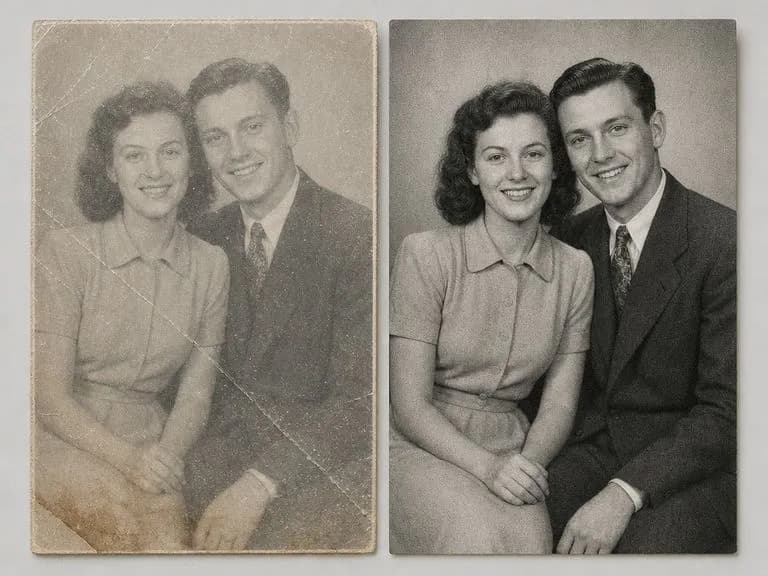
Fix folded corners, emulsion cracks, and sepia tint on prints after clearing scanner glare.
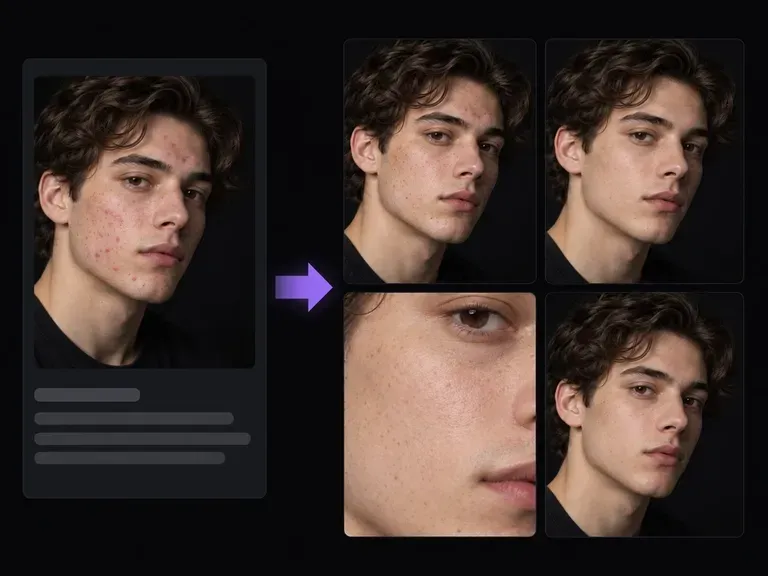
Reduce forehead skin shine, flash hotspots, and temporary blemishes on close-up portraits.
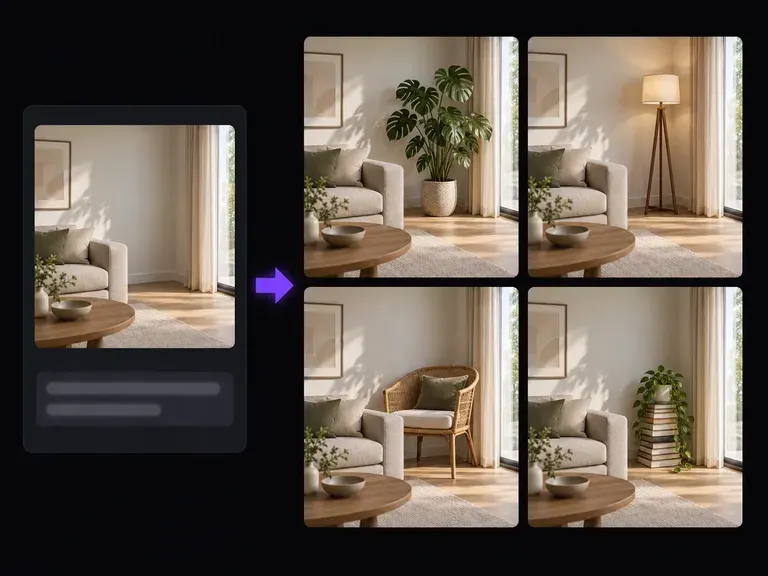
Rebuild cropped margins or replace distracting background elements with text-guided inpainting.
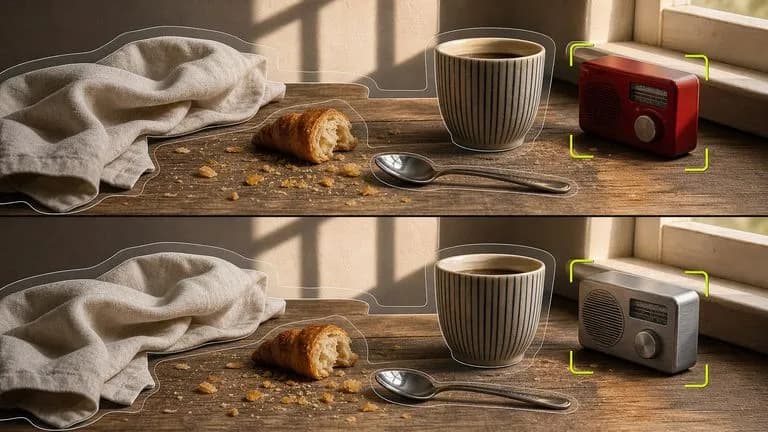
Suppress targeted glass reflections and eyeglass glare while locking surrounding geometry.

Reconstruct wood grain, foliage, and fabric beneath semi-transparent glare up to 4K detail.

Follow prompts specifying which reflection streak to reduce and which real objects to keep.
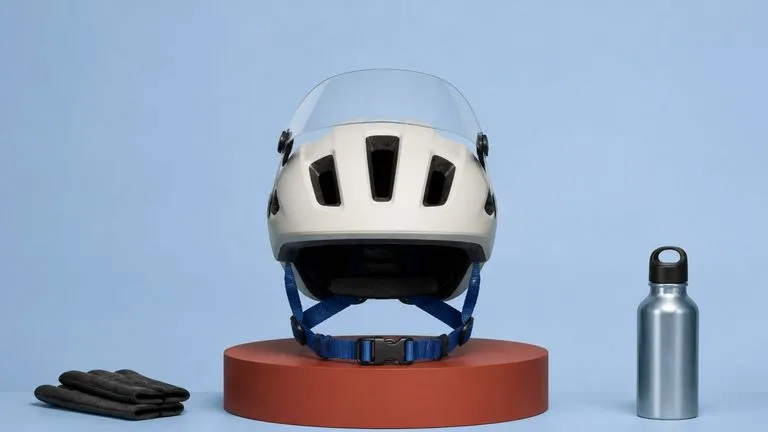
Synthesize natural iris detail, skin pores, and balanced contrast when clearing lens glare.

Keep interior room illumination, window frame geometry, and white balance steady across edits.
Run quick test passes to refine your reflection removal prompt before rendering the final static image.
Upload your photo, describe the window reflection, eyeglass glare, or sun flare region to reduce, and review the reconstructed textures side by side on the Virse canvas.