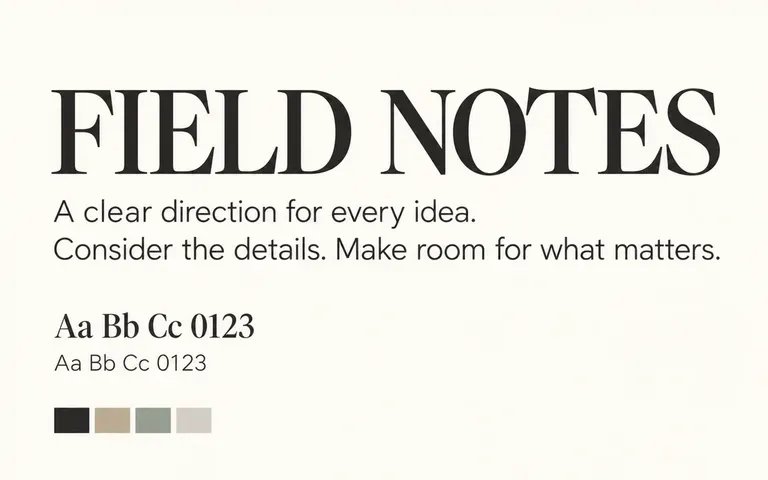
Brief-driven
Match Typography to Project Tone
Describe your industry, reader expectations, and mood so a B2B SaaS interface, an architectural monograph, and an artisan coffee box each receive a fitting typographic voice.

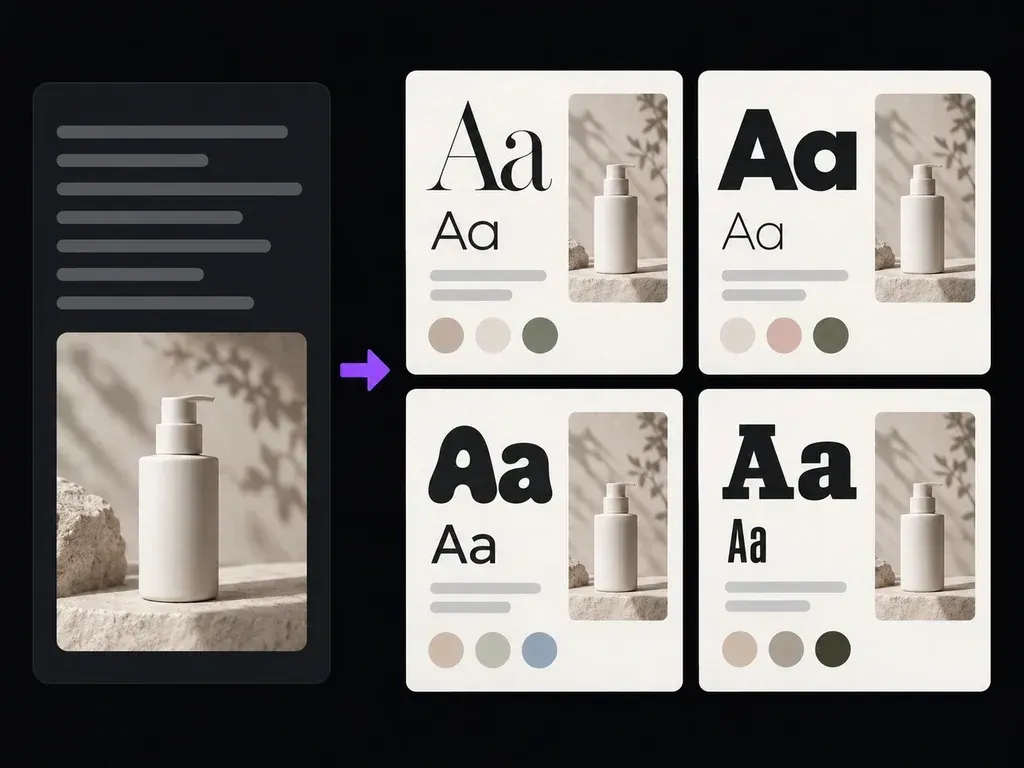
Describe your project, target audience, and mood to generate illustrated typography specimen boards alongside named heading and body font recommendations. This font pairing generator previews serif and sans-serif contrast for editorial, SaaS, and brand briefs.
A font pairing generator (or font pair generator and AI font pairing generator) turns a design brief into an illustrated specimen board and named typeface pairings:
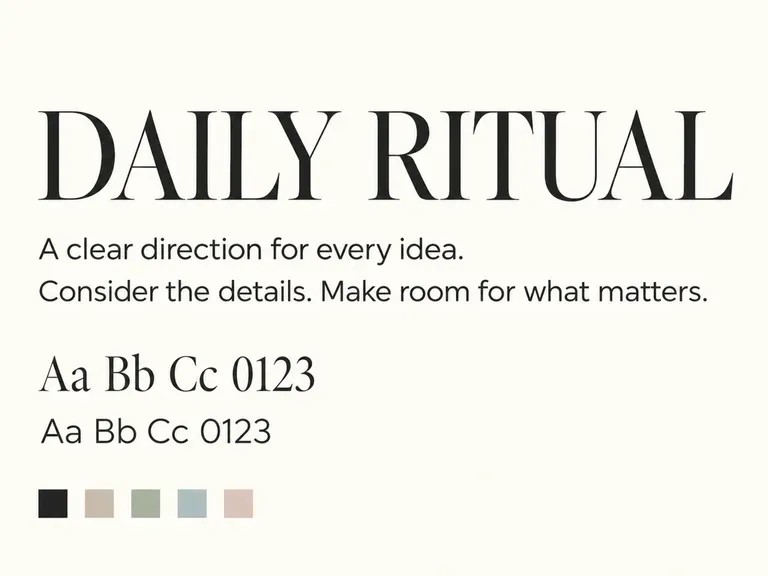
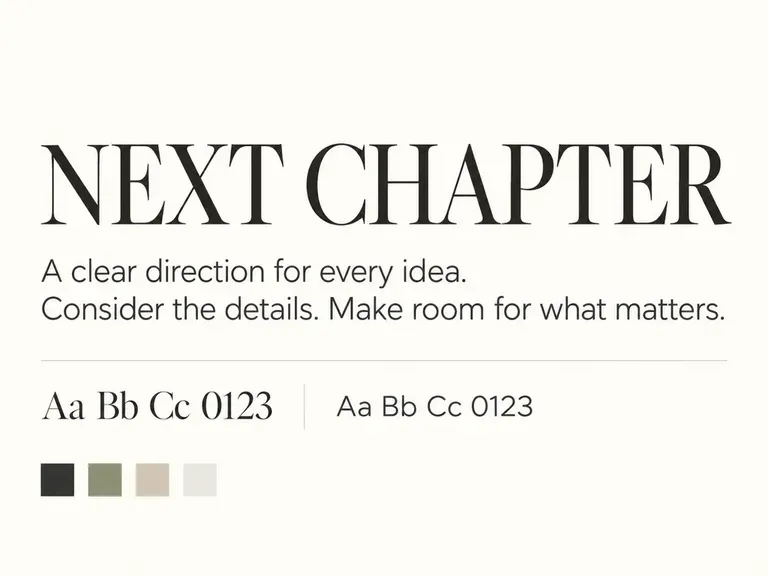
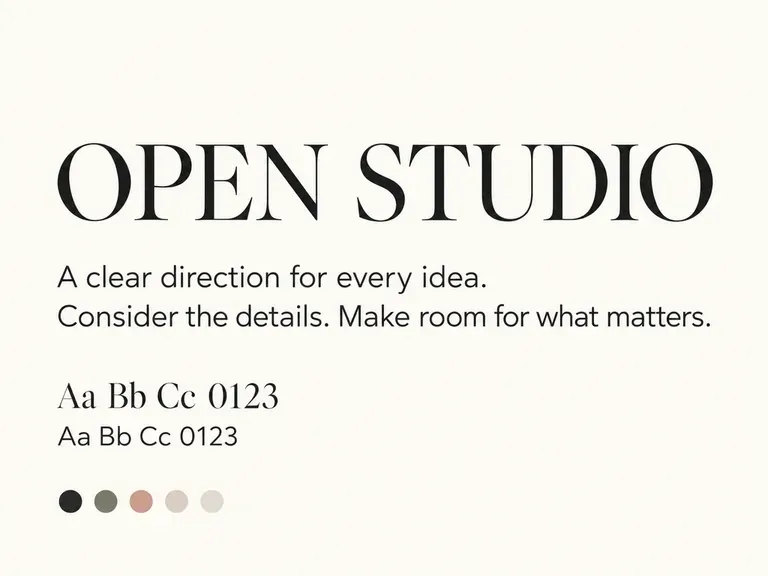
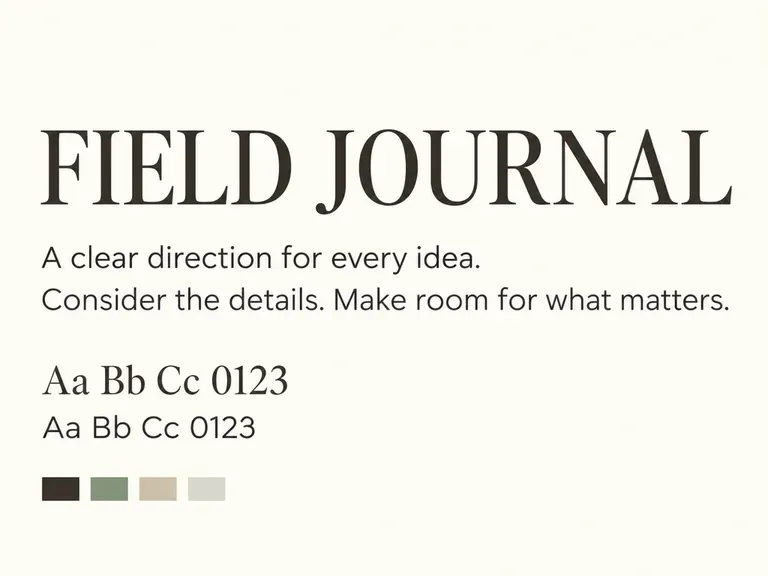
• Serif and sans-serif contrast: See how an expressive high-contrast serif commands headlines while a clean sans-serif keeps paragraphs readable.
• Scale and spacing hierarchy: Judge how display titles, subheads, captions, and body blocks balance inside editorial cards or SaaS headers.
• Named library references: Review recommended Google Fonts heading and body names alongside color swatches before loading files into Figma.
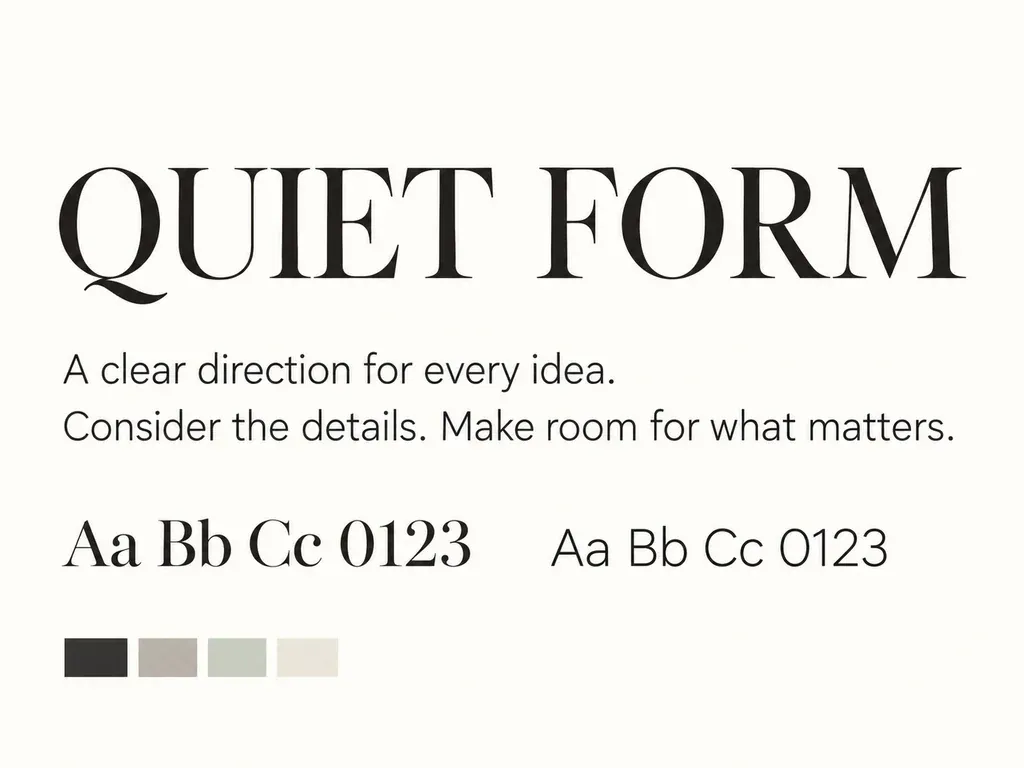
Three ways brief-driven typography specimen boards beat spinning random typeface pairs out of context.
Describe your industry, reader expectations, and mood so a B2B SaaS interface, an architectural monograph, and an artisan coffee box each receive a fitting typographic voice.
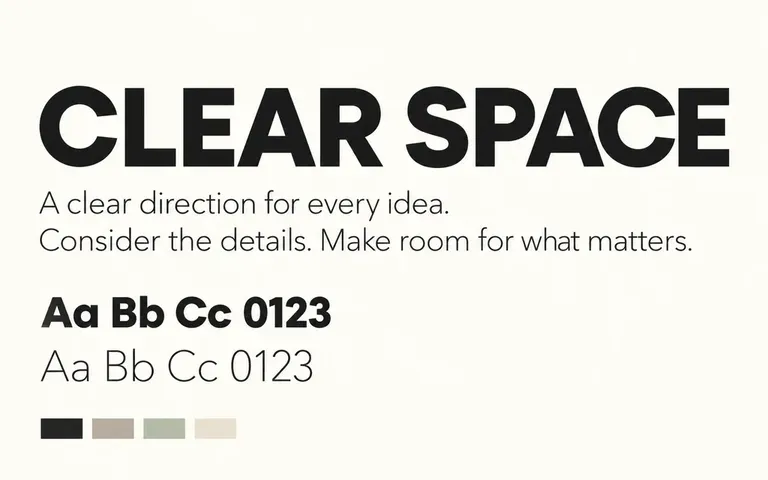
Compare stroke weight, x-height proportions, and letterspacing contrast between expressive display headings and quiet supporting body text inside structured layout cards.
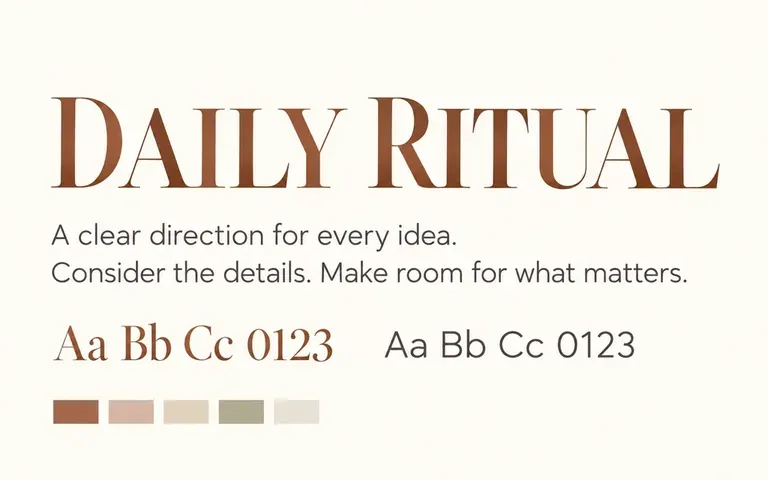
Place candidate typography specimen boards right next to your uploaded logo, product photography, and hex color swatches on the Virse canvas before committing to final font files.
Why evaluating heading and body hierarchy inside layout cards works better than clicking through two-line font roulette tools.
Random Two-Line Font Spinners
Virse Font Pairing Generator
Enter what you are designing, who will read it, and where the typography lives, such as a SaaS site or luxury box.
State whether you want high-contrast serif plus sans-serif pairing, geometric uniformity, or warm humanist character.
Run the free font pairing generator workflow in Virse to inspect specimen boards alongside recommended font names.
Load the suggested Google Fonts or licensed typefaces into Figma or CSS to verify live kerning and licensing.
Clear briefs produce sharper specimen boards and typeface suggestions. Copy any of these three font pair generator prompts:
• Luxury skincare packaging: "Botanical skincare brand website and carton, calm luxury mood. High-contrast modern serif heading paired with a geometric sans-serif on ivory."
• B2B SaaS & docs UI: "Cloud infrastructure SaaS site and docs portal, technical clarity. Sharp grotesque sans-serif headline paired with a neo-grotesque body font."
• Independent magazine: "Print and digital cultural journal, warm literary character. Expressive old-style serif headline paired with a humanist sans-serif for subheads."
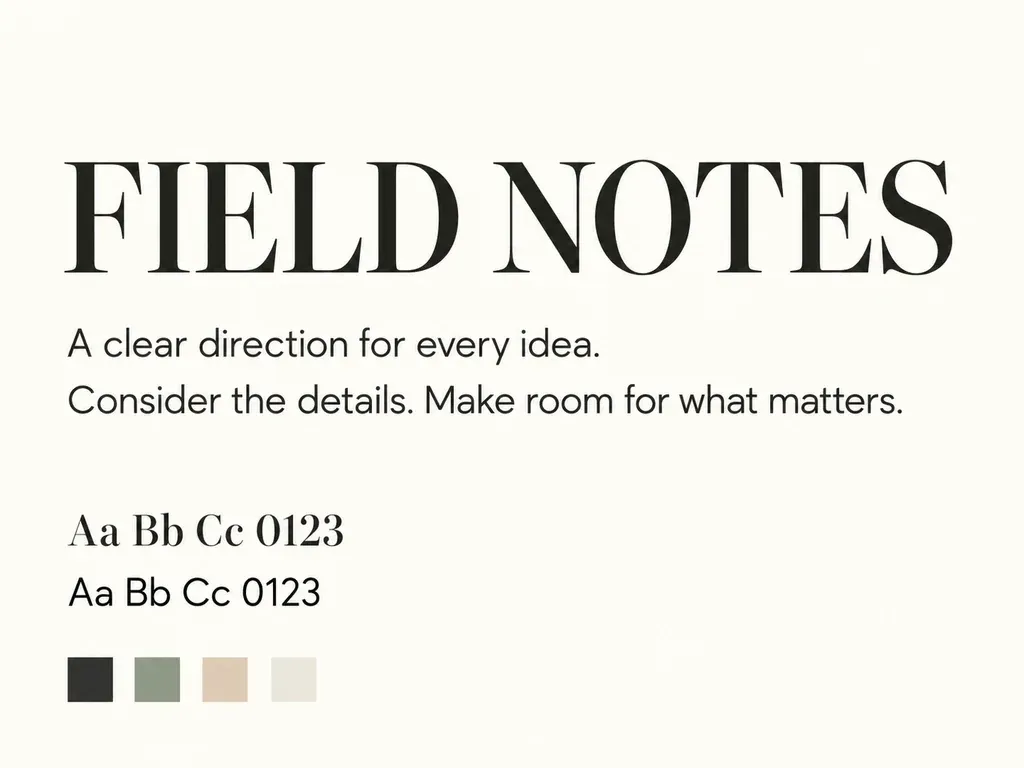
Four design and publishing roles that use visual specimen boards to align on typographic direction before final typesetting.
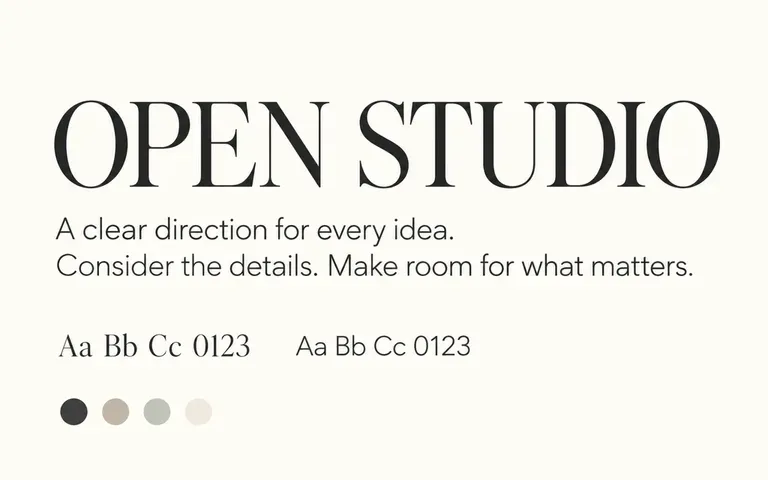
Explore how hero display headings, UI section titles, and body paragraphs balance each other before setting global CSS variables and Google Fonts imports.
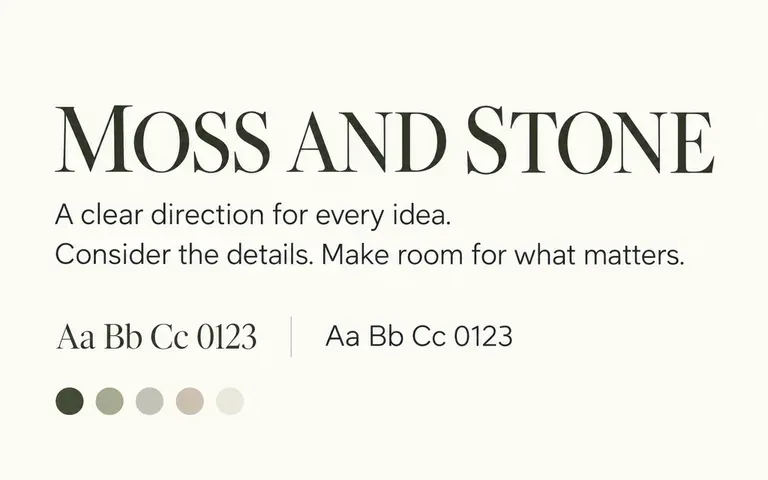
Present two or three distinct typographic directions beside a client's logo mark and color palette during early brand identity and packaging reviews.
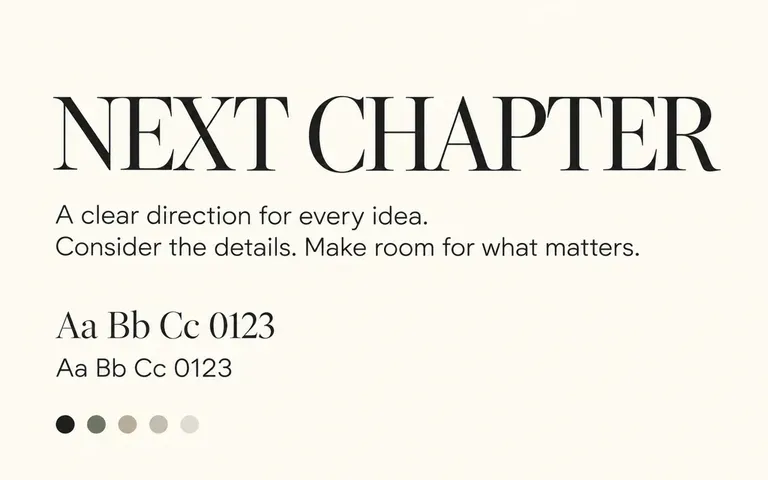
Establish a high-contrast slide title and bullet-point hierarchy that stays readable from the back of a conference room or on a shared screen.
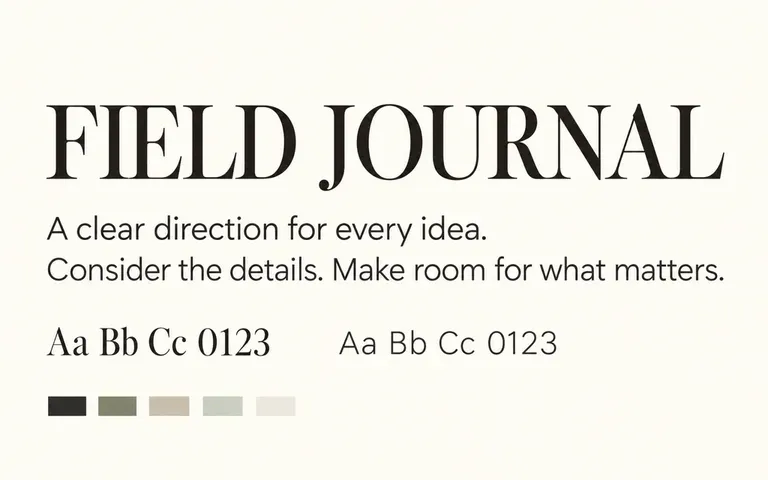
Test expressive display headlines against calm reading text for newsletters, lookbooks, reports, and digital magazines before building master page templates.
Six illustrated typography boards showing how heading and body roles interact across editorial, web, branding, and deck layouts.
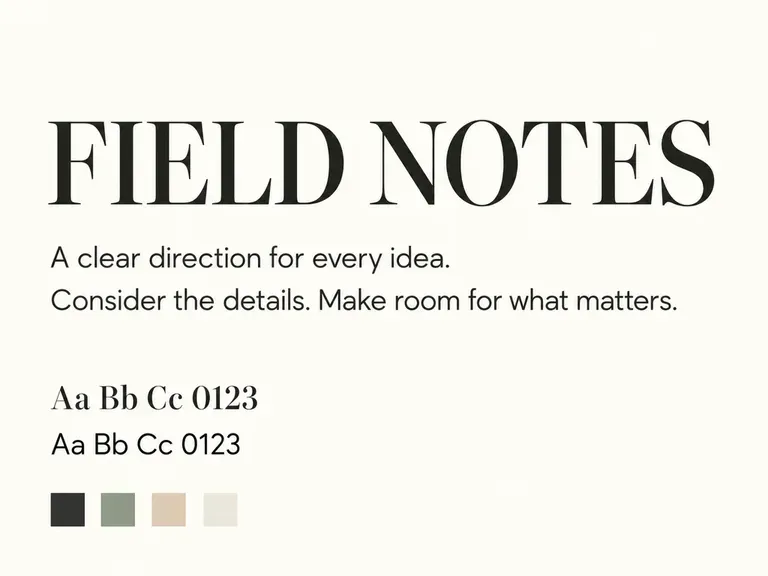
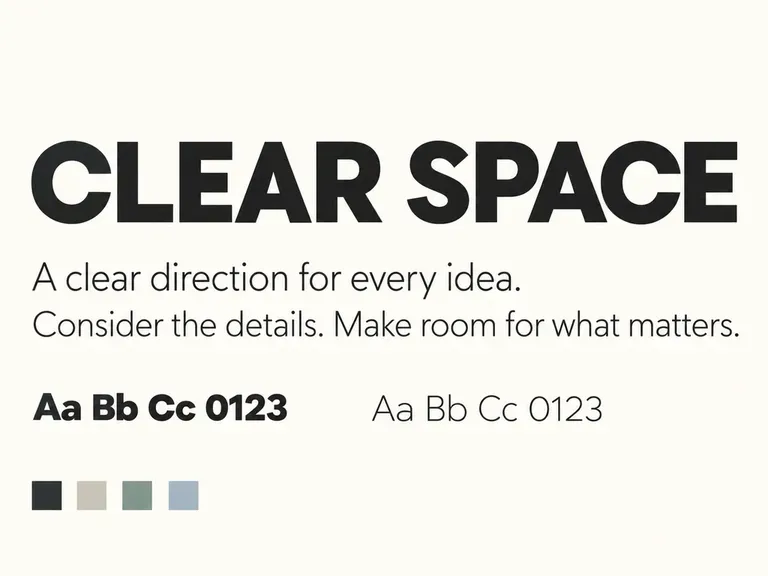
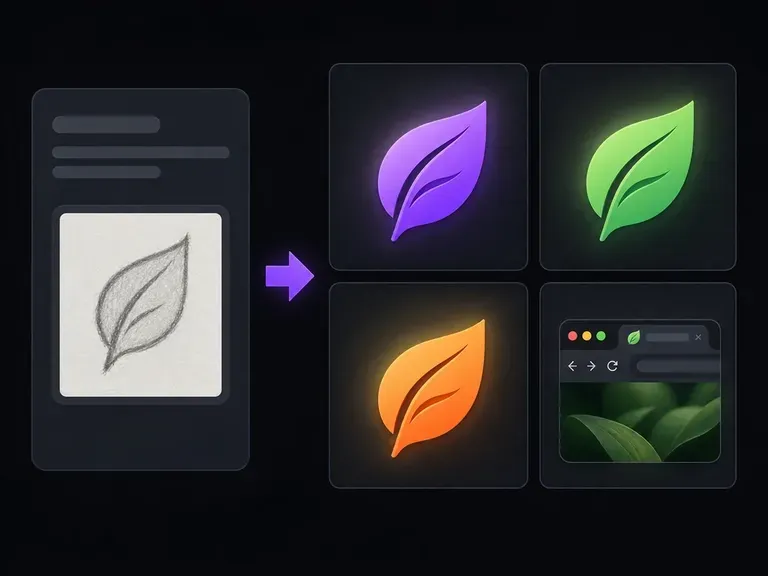
Distill your typographic initial or brand symbol into a high-contrast square mark for browser tabs.
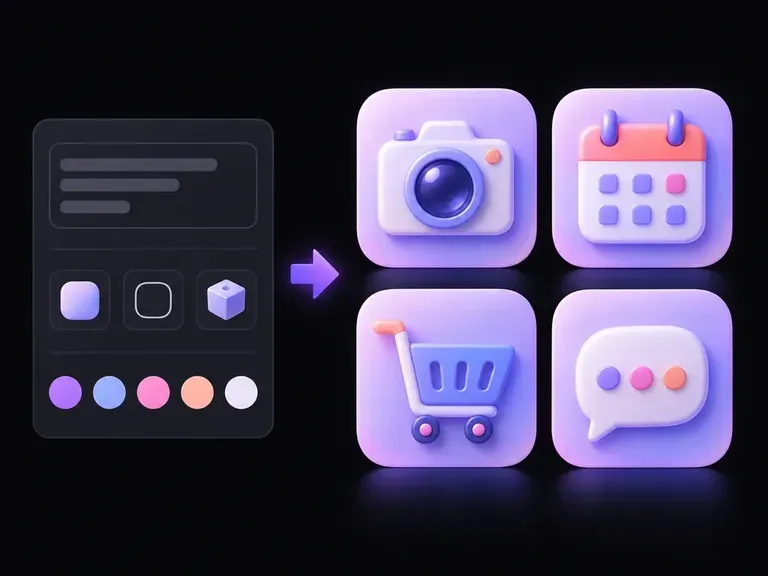
Create cohesive interface and brand icon sets that match the stroke weight of your typography.
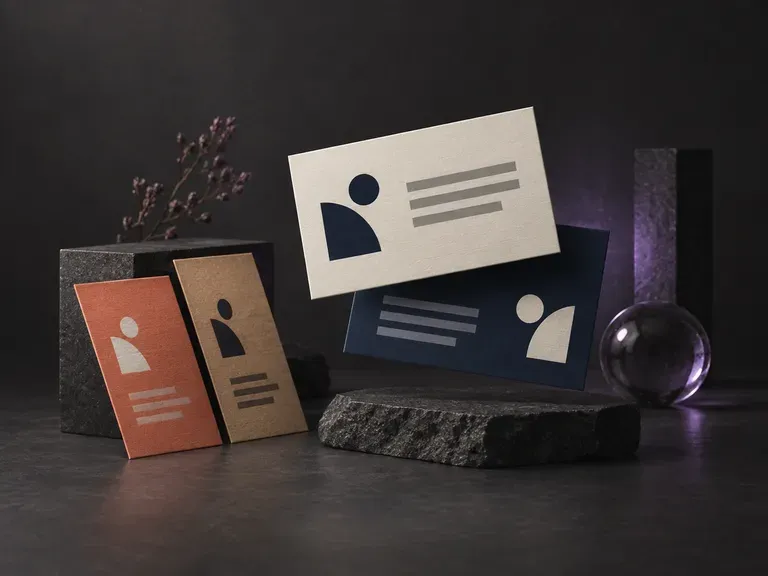
Preview how your heading and body typography direction reads on physical stationery and contact cards.
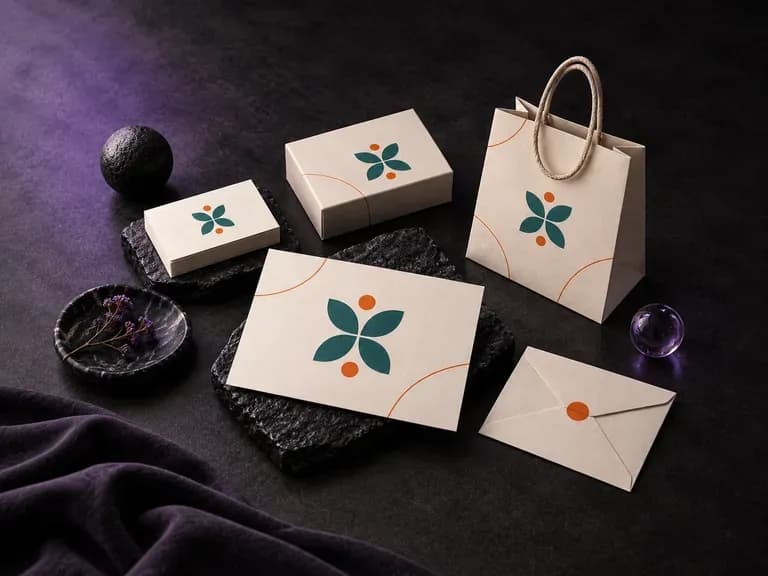
Present logos, stationery, and brand colors across coordinated physical and digital touchpoints.
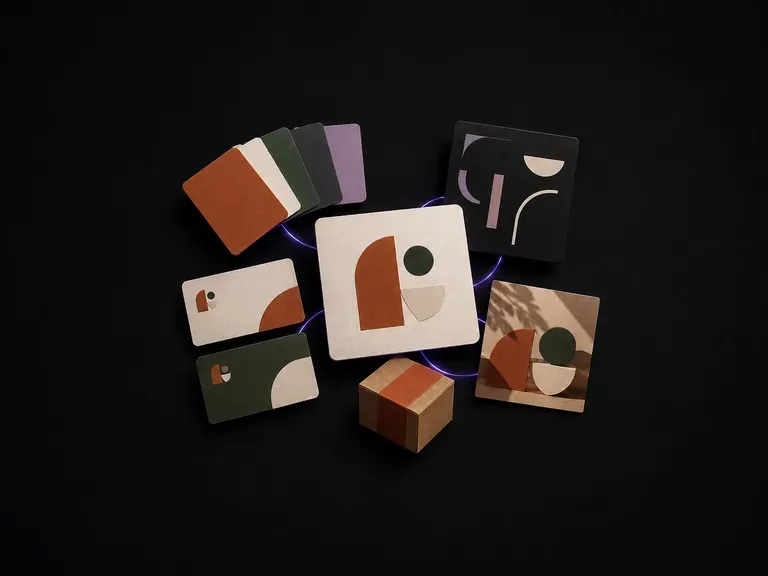
Assemble primary marks, color tokens, and visual direction boards from one brand brief.
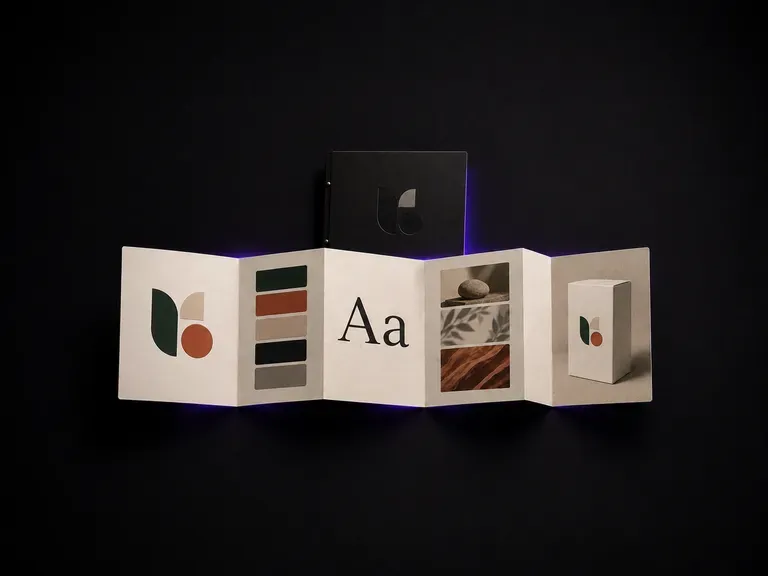
Compile typography rules, swatch proportions, and imagery standards into a clear style sheet.

Distill your typographic initial or brand symbol into a high-contrast square mark for browser tabs.
Create cohesive interface and brand icon sets that match the stroke weight of your typography.
Translate detailed creative briefs into balanced compositions with reliable spatial relationships.
Render high-contrast metallic reflections, fabric weaves, and shallow depth of field.

Guide subject posture, materials, and lighting using up to 14 reference images at 1K to 4K.
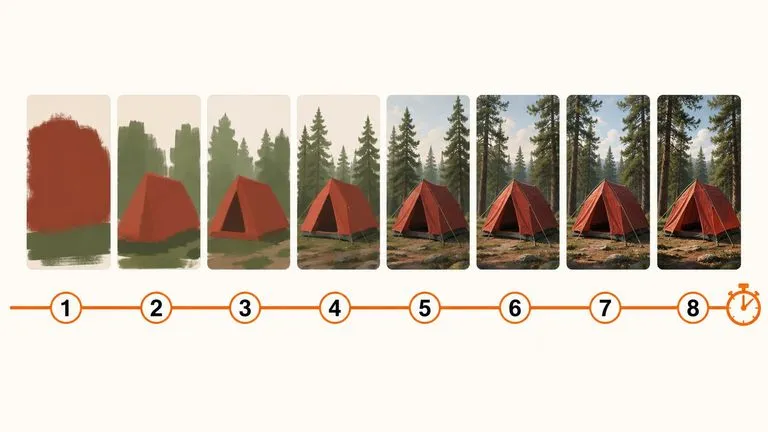
Draft rapid concept thumbnails and layout options before committing compute to final high-res renders.
Test serif and sans-serif hierarchy beside your brand palette and receive named typeface recommendations to verify in your layout tool.