Subject mapping
Explicit Dual-Reference Mapping
Assign Reference 1 and Reference 2 by hair, position, and outfit in your prompt so the model knows which uploaded face belongs to which figure.
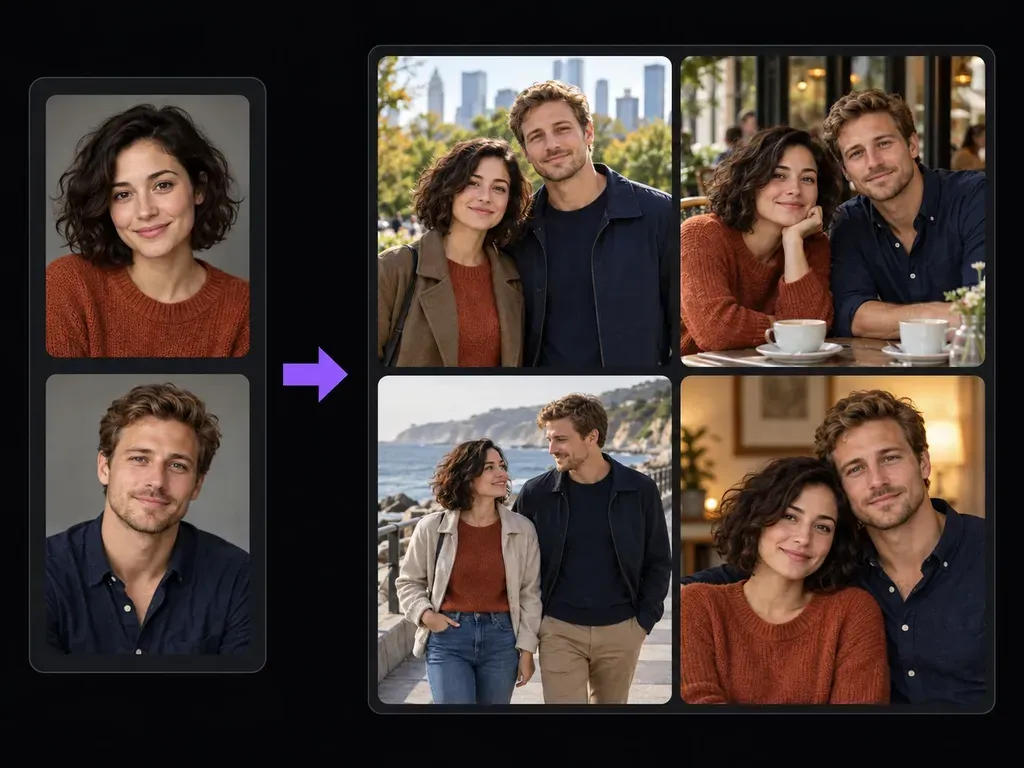
Upload one clear portrait for each of two adults, state which reference matches which person, and describe their shared posture, outfits, and setting. This couple photo generator renders a static two-person concept image so you can review both faces and lighting.
An AI couple photo generator (or two person portrait generator) takes two solo portraits and synthesizes a unified scene where both adults share camera perspective, ambient light, and depth of field. Control three core aspects of the composition:
• Reference assignment: Specify which uploaded photo corresponds to the person on the left or right, with hairstyle and clothing.
• Everyday settings and poses: Compose relaxed park walks, indoor shoulder portraits, or cafe table chats without formal wedding attire.
• Likeness and hand review: Compare both faces, hands, and outfits beside your source cards on the Virse canvas before exporting.
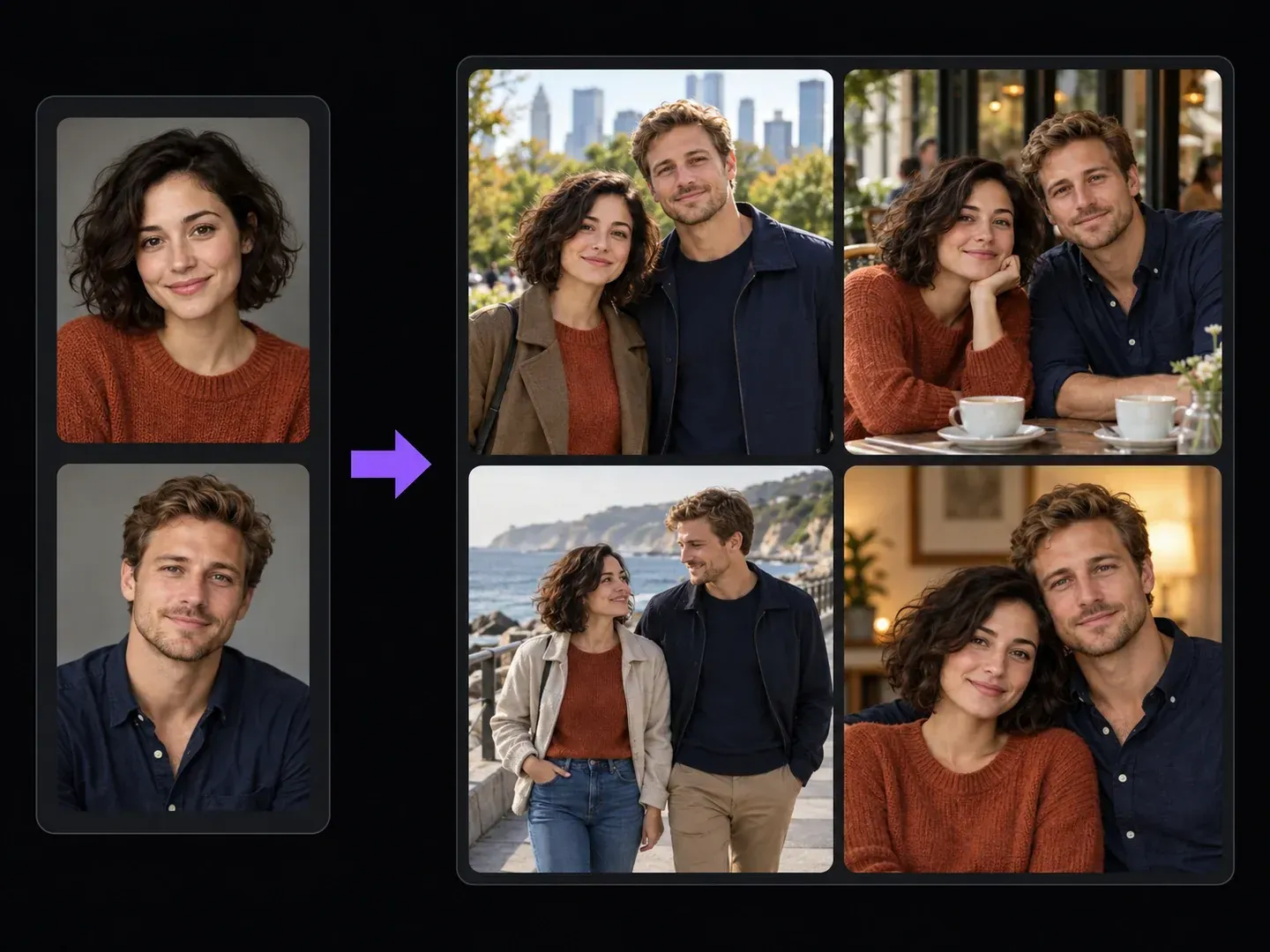
How partners, photographers, and storytellers use a two person portrait generator to build casual two-person scenes from separate solo uploads.
Assign Reference 1 and Reference 2 by hair, position, and outfit in your prompt so the model knows which uploaded face belongs to which figure.
Describe knit sweaters, denim jackets, linen shirts, and relaxed settings like city parks, bookshops, or coastal paths in plain English.
Draft city park, coffee shop, and seaside boardwalk concepts in separate passes and review them alongside your two source portraits on one board.
Why shared lighting and reference mapping in an AI couple picture maker beat manual cutout collages.
Cut-and-Paste Collages and Face-Swap Apps
Virse Couple Photo Generator
Select one sharp, well-lit solo portrait for each adult when you want to combine two photos into a couple photo concept.
Label which uploaded headshot sits on the left or right, then note the desired wardrobe, body language, and backdrop.
Render the combined two-person frame inside the studio workspace.
Check both partners' facial similarity, finger counts, and sweater or shirt details next to your two solo uploads before exporting.
Assigning Reference 1 and Reference 2 by position and outfit color prevents mix-ups in the couple photo generator. Try these briefs:
• City park portrait: "Place the woman from Reference 1 (rust sweater) on the left and the man from Reference 2 (navy shirt) on the right in a park."
• Cafe conversation: "Generate a warm two-person portrait seated at a wooden cafe table; Reference 1 in a cream cardigan, Reference 2 in an olive jacket."
• Coastal promenade: "Compose a waist-up portrait of Reference 1 and Reference 2 walking side by side along a coastal promenade at golden hour."
Four creative and personal scenarios where being able to merge two solo portraits into one scene helps visualize shared moments.
Create casual concept portraits together in a park, cafe, or travel destination when you only have individual solo photos on your phones.
Draft moodboard concept cards showing how a client pair's wardrobe colors and postures will read in a park or urban street setting before shoot day.
Compose two-character relationship and dialogue reference scenes from separate casting or character headshots on one shared canvas.

Prepare stylized two-person portrait concepts for custom illustrations, anniversary moodboards, or social media storyboards.
Six static two-person concept portraits illustrating casual park, cafe, coastal, and indoor compositions generated from separate adult references.
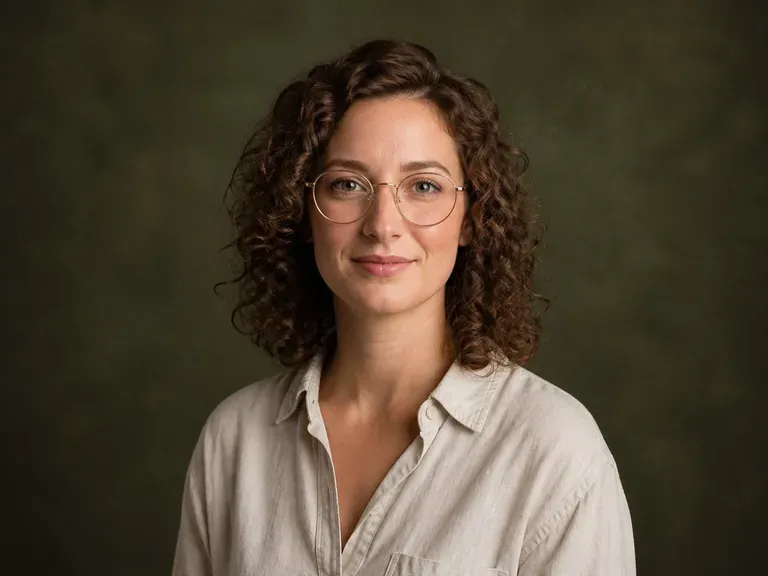
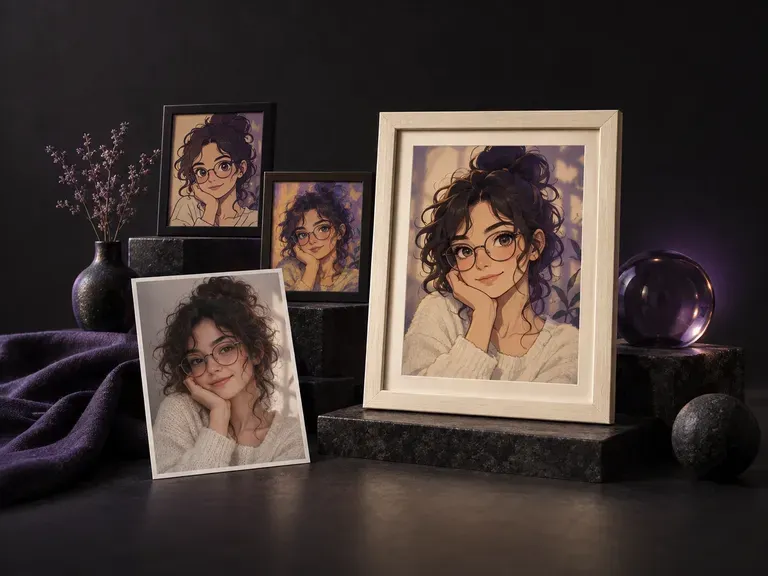
Turn a solo phone portrait into a styled outdoor or studio shot before pairing it with a partner card.
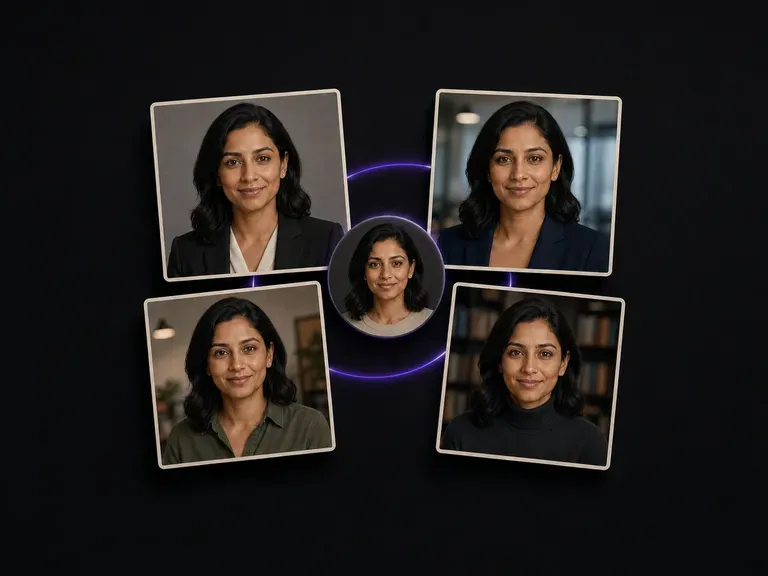
Create clean, evenly lit solo portraits from casual snapshots so both references match.
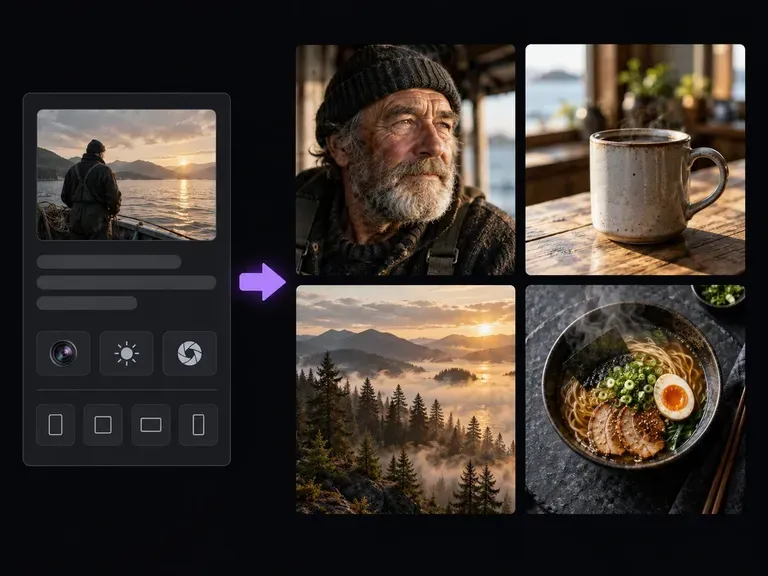
Originate cozy coffee shops, autumn park trails, and seaside boardwalks from text descriptions.
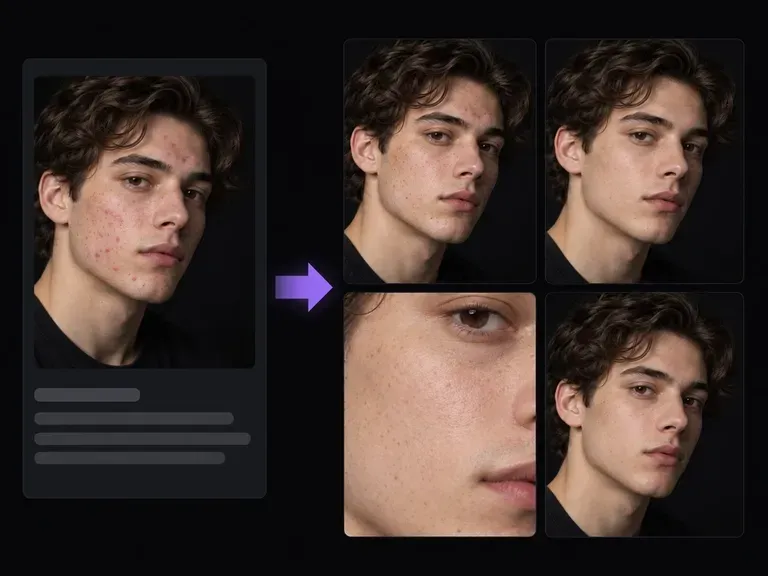
Retouch lens flare, temporary skin spots, or flyaway strands on individual portraits before merging them.
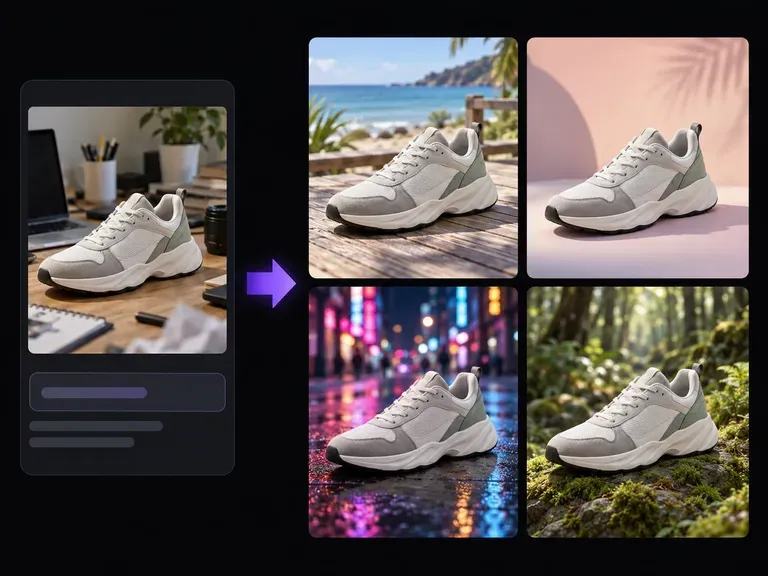
Move an existing two-person photo into a sunlit park, bookshop, or ocean promenade.
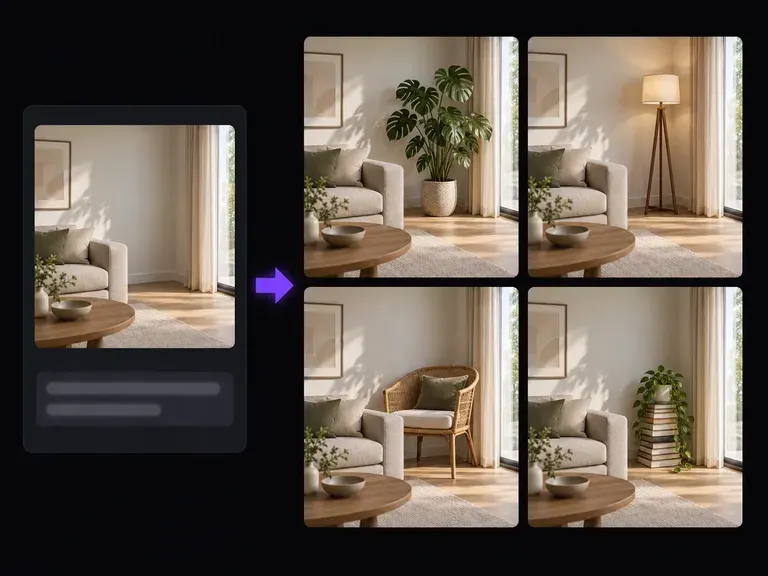
Add coffee mugs, knitted scarves, or eyeglasses into a couple portrait via written prompts.

Attach two individual partner face cards plus wardrobe or location references at 4K output detail.

Honor dual-subject prompts assigning Reference 1 to the left and Reference 2 to the right.
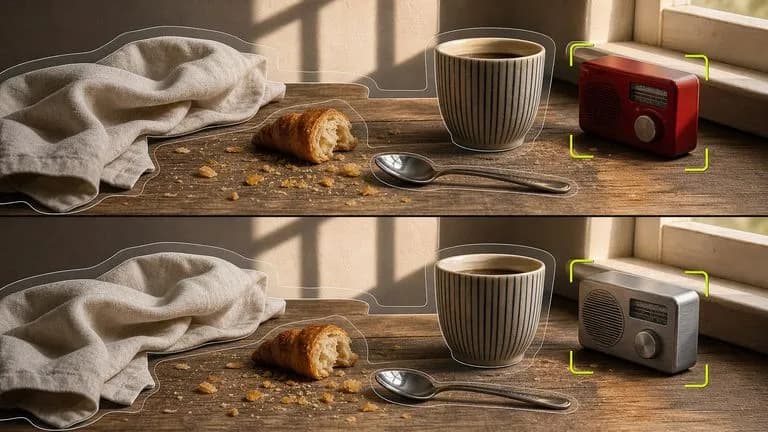
Blend shared afternoon daylight and camera perspective across two uploaded solo references.
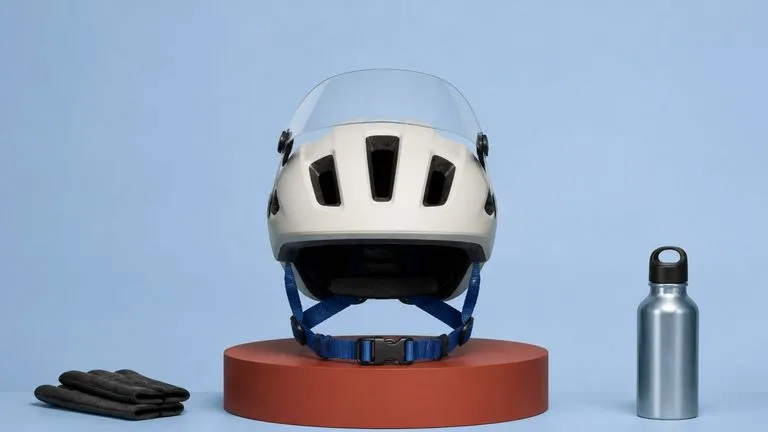
Capture realistic wool sweater weave, wooden cafe tables, and soft outdoor bokeh.
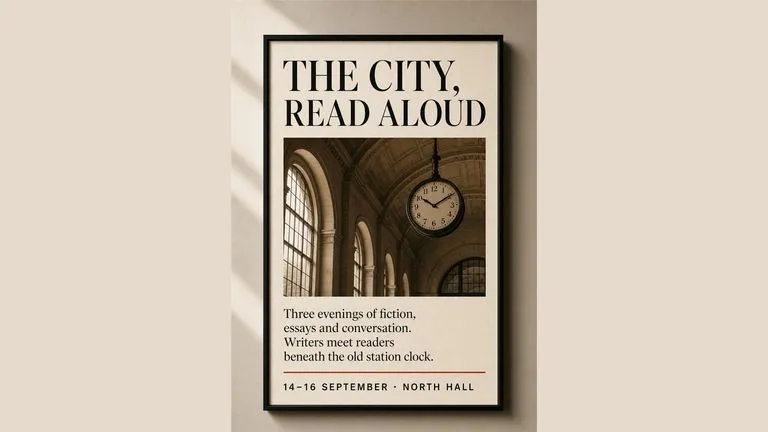
Keep both partners' eyes, hair textures, and jacket colors crisp across multi-scene comparisons.

Draft warm lifestyle couple photography, nostalgic film tones, and illustrated relationship scenes.
Upload two individual adult portraits to the Virse workspace, map each partner's outfit and setting, and inspect your shared two-person scenes side by side.