Scope control
Selective Mustache or Full Beard Removal
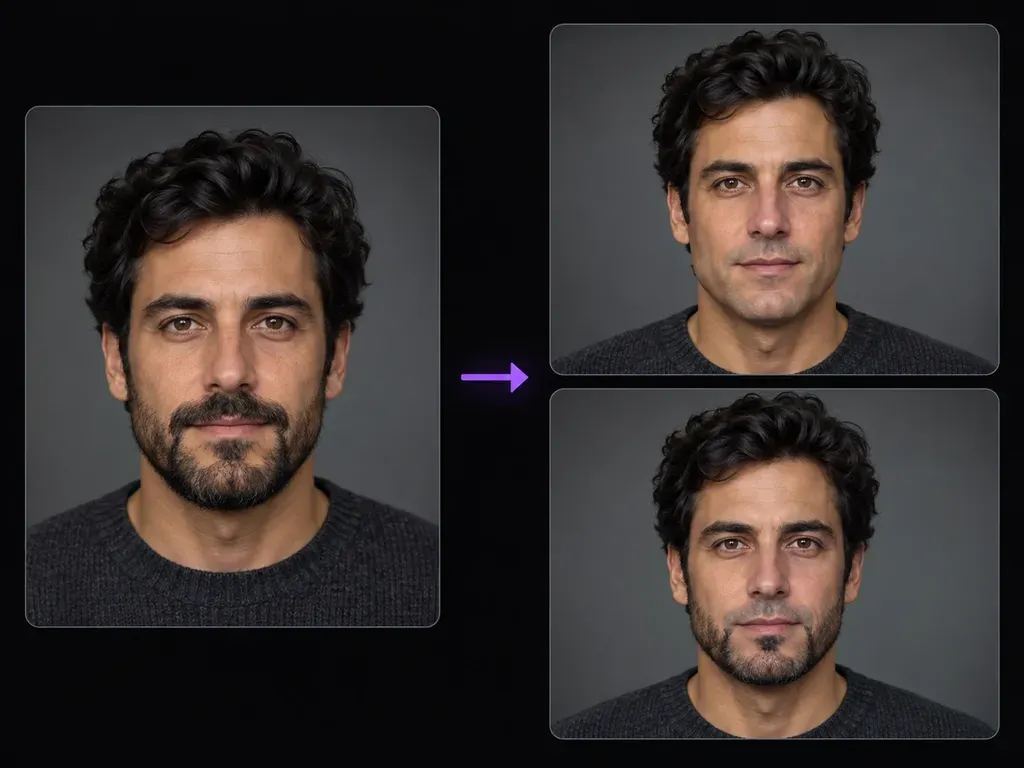
Specify whether to erase all facial hair for a bare-faced preview or remove only the upper-lip mustache while keeping your jawline beard intact.
Upload an adult portrait where facial hair is clearly visible, and specify whether to remove the full beard and mustache or only the upper-lip mustache. This beard remover lets you remove beard from photo portraits and inspect reconstructed skin beside your upload.
An AI beard remover (or clean shaven photo filter) clears targeted facial hair from an uploaded portrait and synthesizes believable skin texture, upper-lip contours, and jaw shading. Evaluate three elements when you remove beard from photo files:
• Beard or mustache scope: Choose between a complete clean-shaven look or selective removal of just the upper-lip mustache.
• Complexion continuity: Match reconstructed philtrum, chin, and jaw skin to the undertone and lighting of your upper cheeks.
• Lip and jawline review: Inspect the synthesized upper lip and lower jaw contour beside your bearded photo to verify proportions.
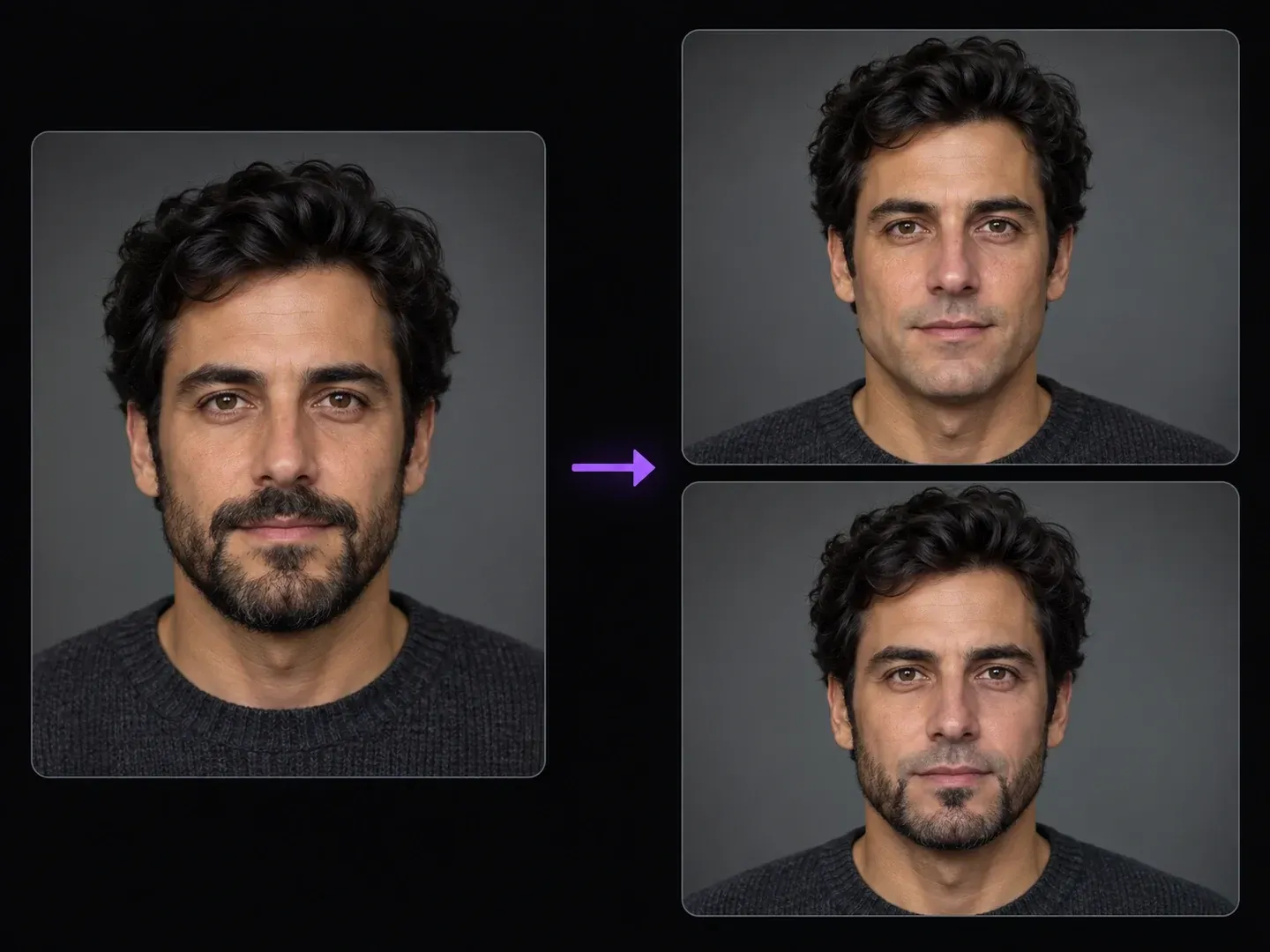
Why men, barbers, and casting teams prefer a scope-controlled clean shaven photo filter over generic mobile beauty toggles.
Specify whether to erase all facial hair for a bare-faced preview or remove only the upper-lip mustache while keeping your jawline beard intact.
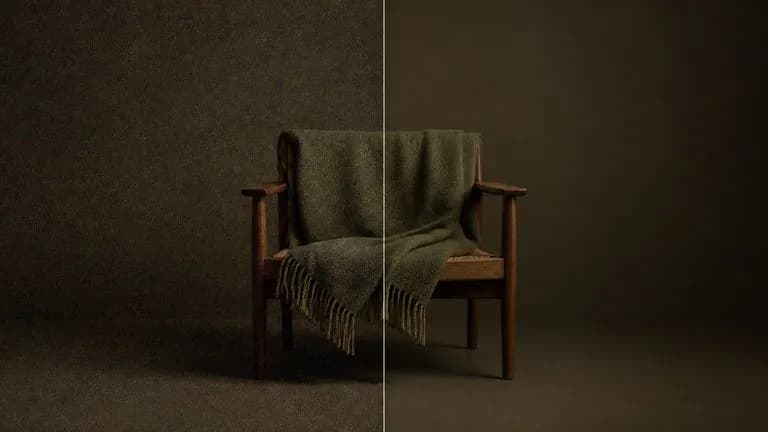
Direct the model to rebuild hidden chin and philtrum skin using the same warm, cool, or olive undertone and studio shadow gradient found on your upper face.
Evaluate a full clean-shaven jawline against a mustache-free chin beard on one Virse grooming board next to your bearded headshot.
Why selective scope instructions in an AI beard remover beat one-click mobile no beard filter apps.
One-Click No Beard Filter Apps
Virse AI Beard Remover
Upload a sharp frontal or three-quarter adult photo with clear facial hair when you want to remove mustache from photo files.
State whether to remove the entire beard and mustache or erase only the upper-lip hair while keeping hairstyle and expression unchanged.
Synthesize the shaved or mustache-free lower face right on your grooming canvas.
Review the synthesized upper lip, cheek-to-chin skin match, and jawline shape next to your bearded headshot prior to saving.
Explicit instructions on removal scope and adult skin grain prevent baby-face blurring when you remove beard from photo uploads. Test these three prompts:
• Clean-shaven preview: "Remove the entire beard and mustache for a clean-shaven portrait; reconstruct natural olive skin texture with realistic pores on the chin."
• Mustache-only removal: "Remove only the upper-lip mustache to reveal a natural philtrum and upper lip while keeping the short dark chin beard intact."
• Stubble cleanup: "Clear the five-o'clock shadow stubble across the cheeks, chin, and neck for a clean-shaven headshot; match cheek skin undertone."
Four personal grooming, casting, and retouching scenarios where a static preview helps you see yourself without a beard before shaving.
Preview how your face reads completely clean-shaven or without a mustache before shaving off months of facial hair growth.
Generate clean-shaven and mustache-free casting concept cards from a current bearded headshot when submitting for period or corporate roles.
Help clients decide between a full shave, a chinstrap or Lincoln-style beard without a mustache, or a clean stubble trim using their own portrait.
Remove unplanned multi-day shadow stubble from an executive headshot or event portrait while keeping natural adult skin texture intact.
Six static portrait studies illustrating full beard removal, upper-lip mustache removal, and stubble cleanup across different complexions.
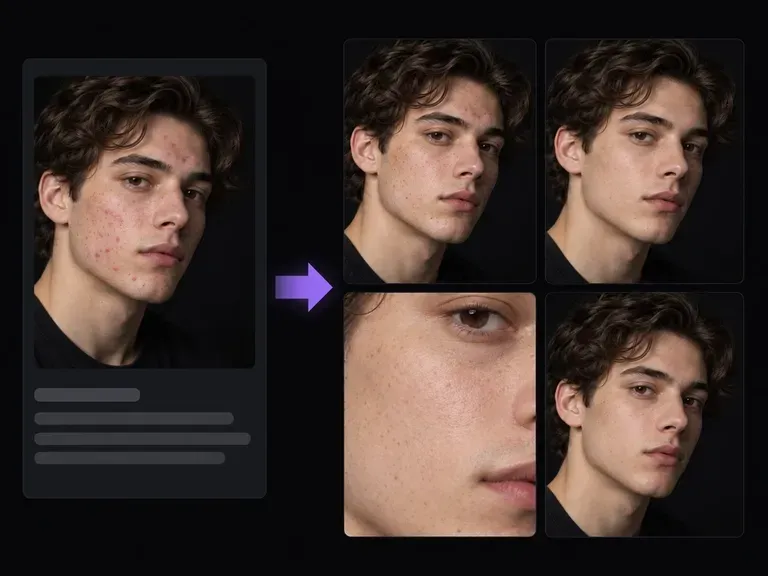
Clean up minor razor bumps, T-zone glare, or stray eyebrow hairs while retaining natural skin pores.
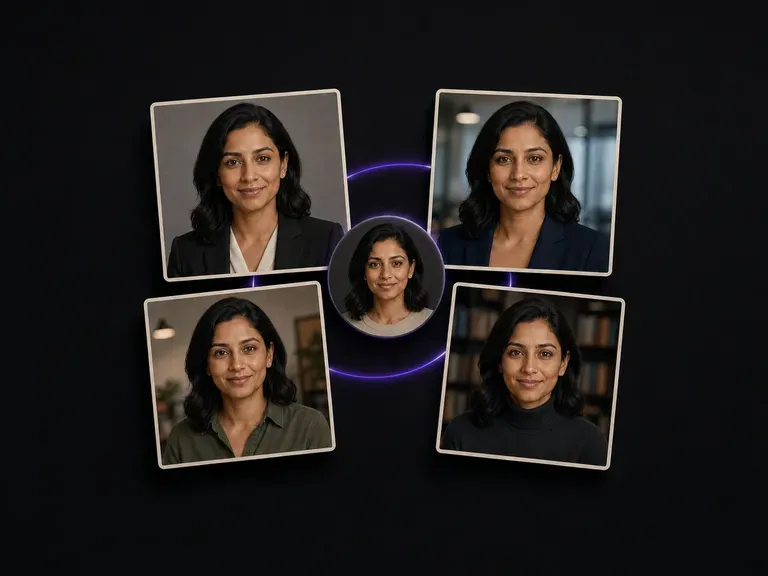
Turn casual smartphone portraits into executive LinkedIn and speaker photos with formal suiting.

Adapt a personal selfie into fresh studio lighting, wardrobe combinations, and portrait crops.
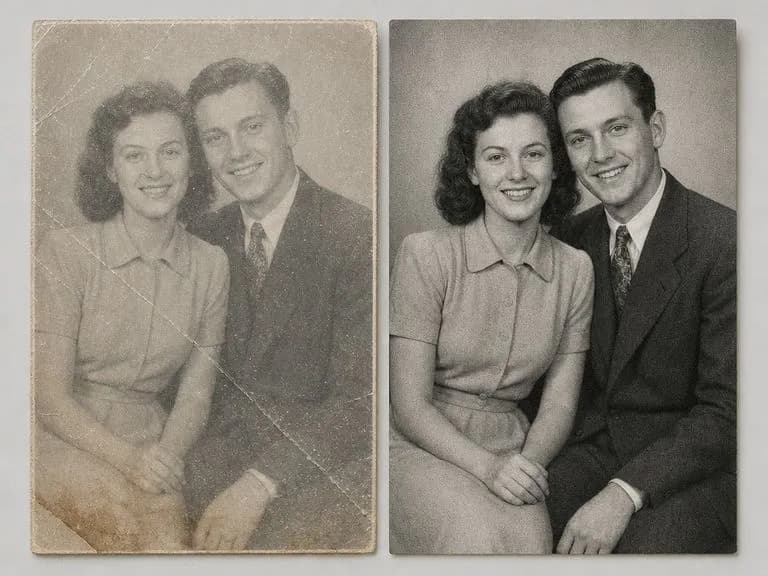
Clear paper foxing, sepia water stains, and emulsion cracks on old barbershop or family portraits.
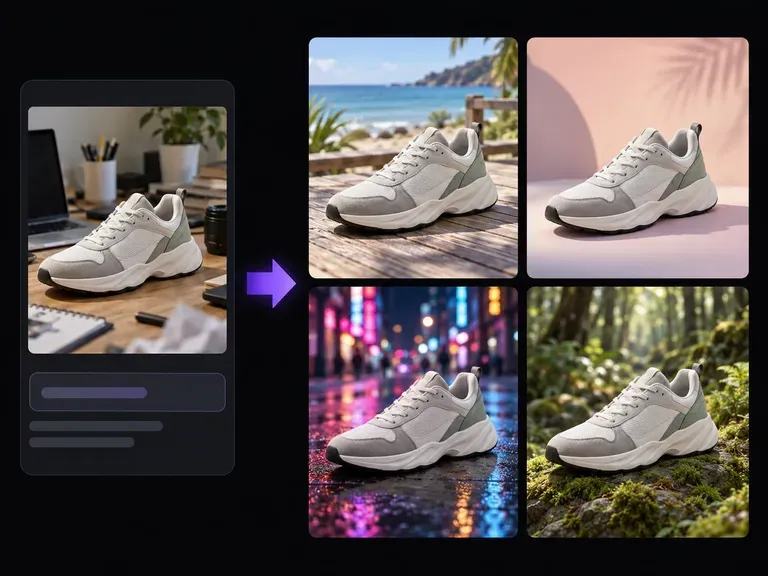
Move your portrait onto a clean warm-gray studio sweep, office wall, or outdoor backdrop.
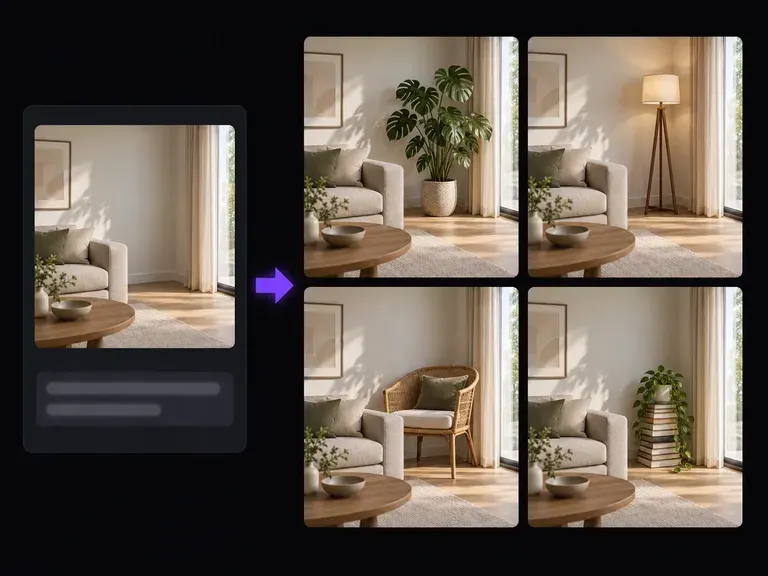
Swap lapel pins, open shirt collars, or eyeglass frames on a portrait through plain-text edits.
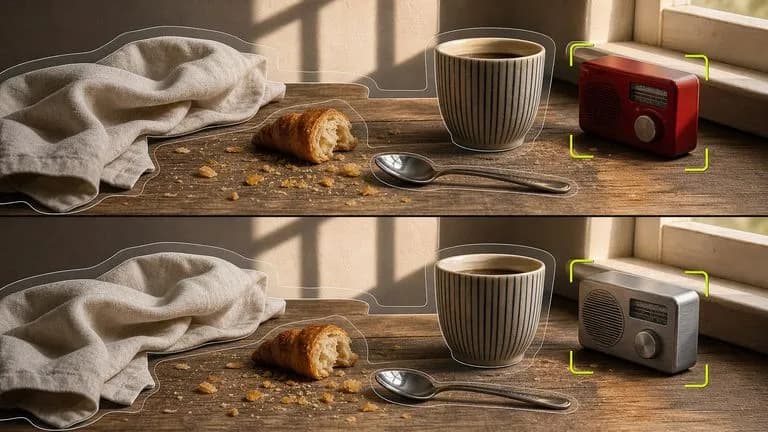
Strip away chin beards or upper-lip mustaches while keeping forehead, eyes, and haircut fixed.

Carry over olive, warm, or cool cheek undertones into the newly revealed chin at up to 4K resolution.
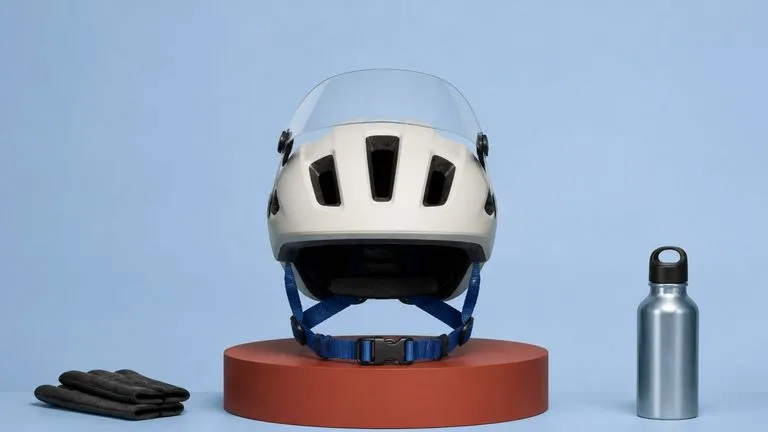
Synthesize natural philtrum contours, realistic chin shading, and unblurred adult skin grain.

Follow targeted grooming briefs that remove only the upper-lip mustache and keep the chin beard.

Preserve crisp philtrum ridges, jaw contours, and shirt collar stitching across grooming comparisons.
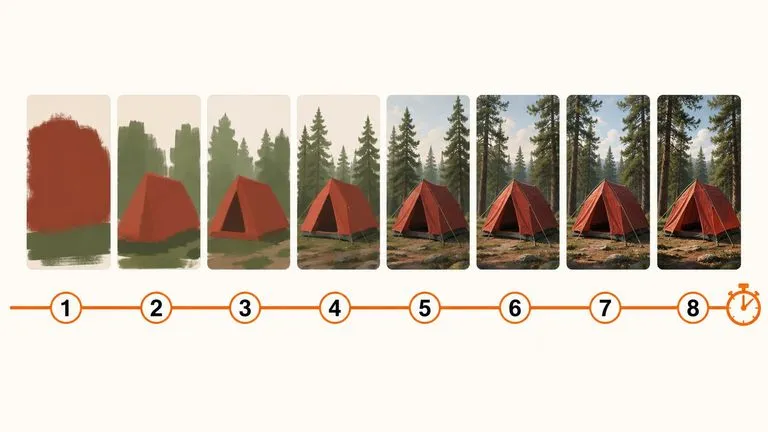
Evaluate clean-shaven and mustache-free jawlines rapidly before exporting your preferred grooming study.
Drop a bearded portrait into the Virse grooming canvas, choose between a bare chin or mustache-only removal, and check the reconstructed philtrum and jaw skin side by side.