Design Portfolio Generator

Design Portfolio Generator

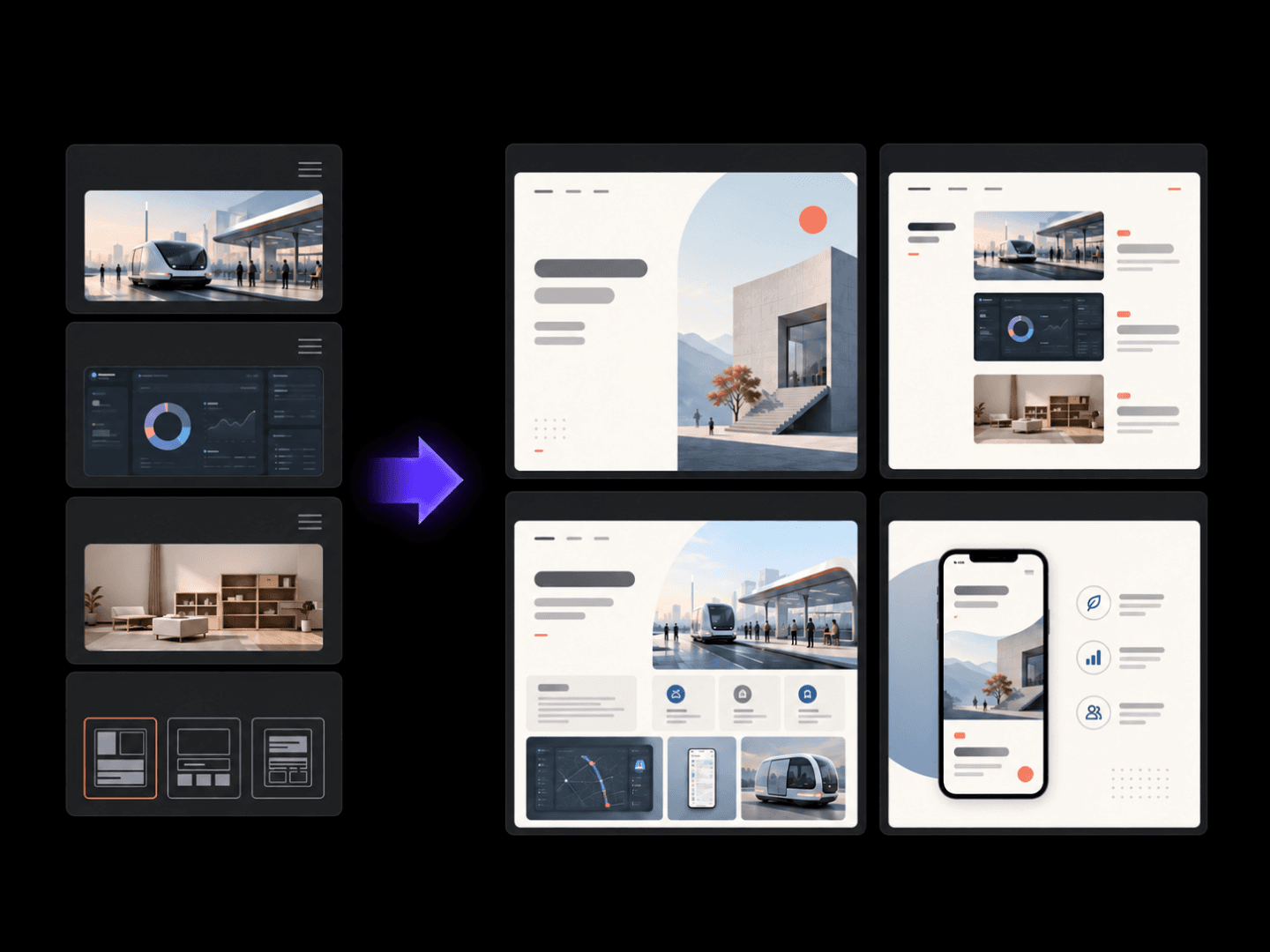
A body of work only reads as one thing if it's laid out as one thing. Upload the projects, add a line on your role in each, and get back a layout that holds them together as a set rather than a folder of loose files. Free credits are enough to see whether the structure fits.

入力
Personal info & positioning · 必須Work images · 必須Project notes · 任意Number of pages · 任意
出力
作品集页面视觉稿(页数按所选数量)

Work images必須

画像はキャンバスでアップロードします。ここでは設定のみ入力します。

Number of pages任意

What Is an AI Design Portfolio Generator?

An AI design portfolio generator turns your project images and background into a structured, visually consistent layout. In Virse you upload the work, describe your role on each piece, generate a first pass, and refine the structure worth publishing.

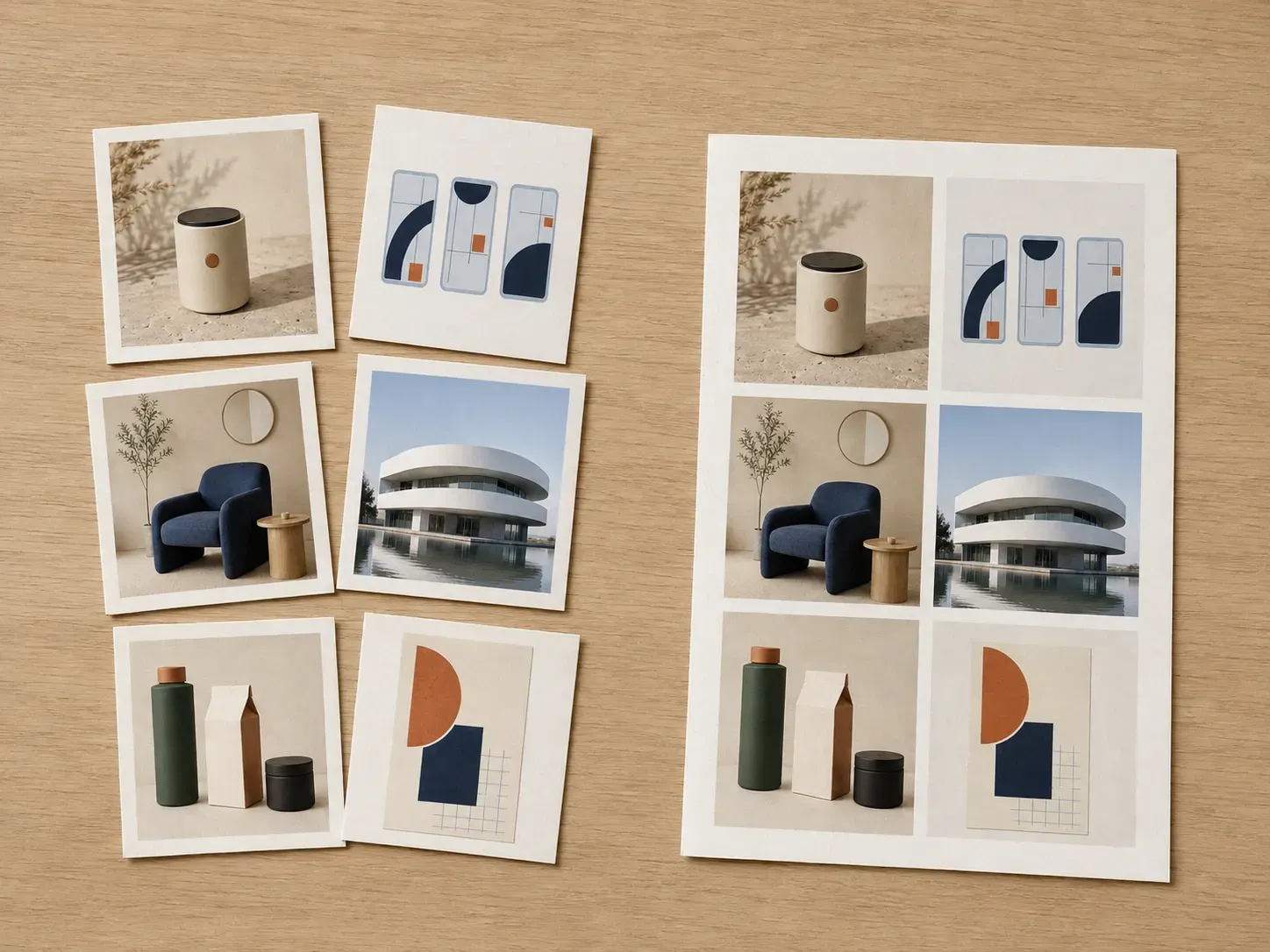
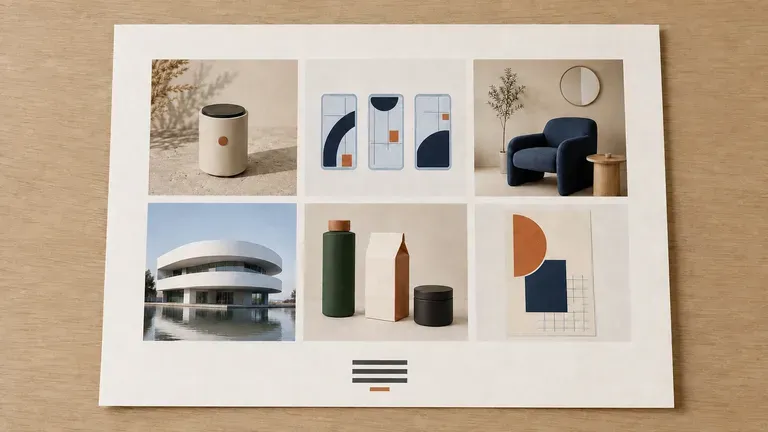
A messy stack of project thumbnails beside the same projects arranged into a tidy grid
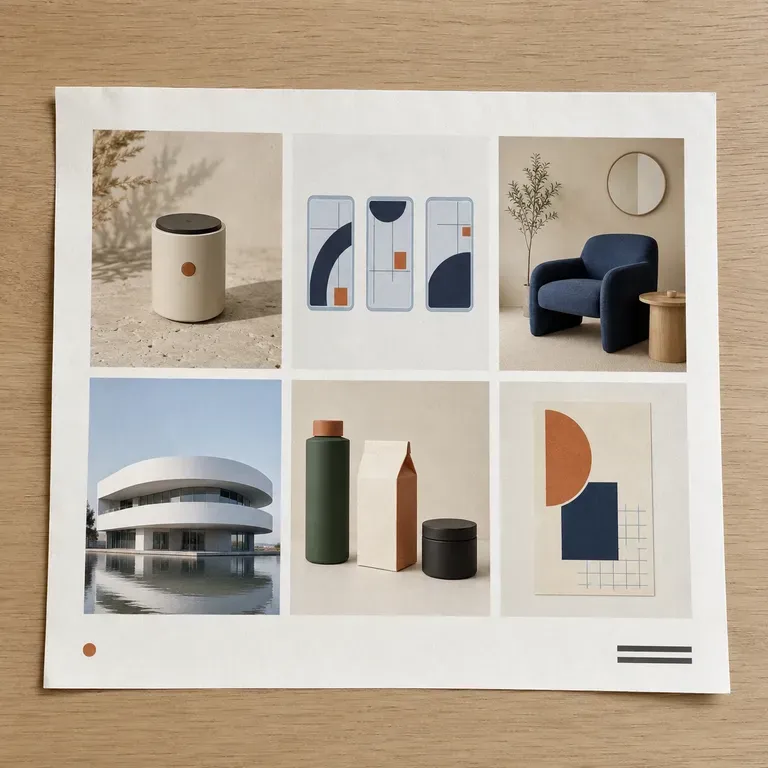
Project images turned into a structured portfolio layout

Why Use Virse's Design Portfolio Generator?

A portfolio has to hold together as a set, not just look good project by project. Seeing the whole layout early is what makes that possible.

A freshly generated portfolio grid page with tidy colour blocks in place of projects
Free

Start with Free Generations

Try your first portfolio layout on Virse credits. New users can generate up to 10 images, enough to see whether a structure fits your body of work before committing a full page build to it.

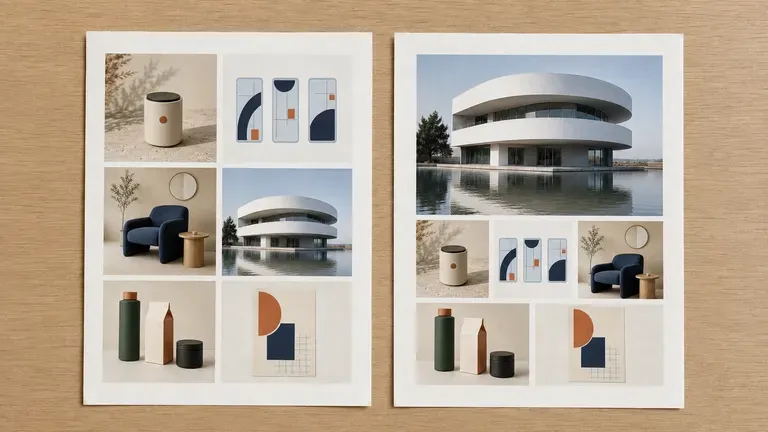
The same project set arranged as a grid layout and a story-led layout side by side
40+ models

Explore with Multiple AI Models

Virse brings 40+ AI models into one environment, and paid plans include unlimited model usage. You can see how different models arrange the same projects without rebuilding your layout for each one.

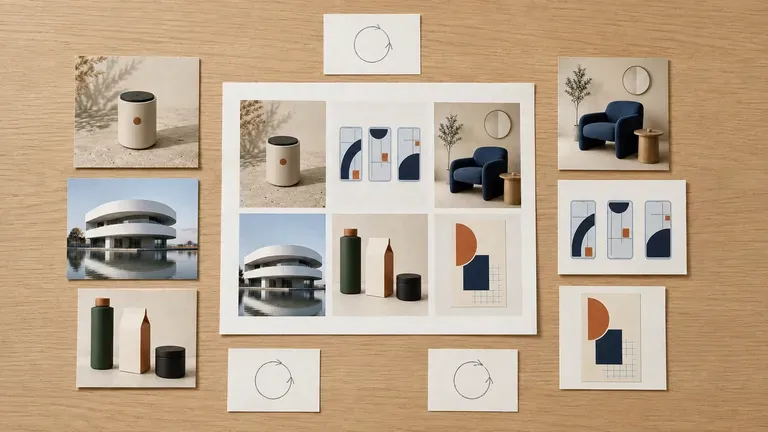
A complete portfolio page surrounded by loose project images and handwritten notes
Canvas

Compare Layouts on One Canvas

Project images, notes, generated layouts and alternative structures stay together on an infinite canvas. Virse keeps your project details in context, so the next pass builds on the layout already picked.

How to Generate a Design Portfolio with AI in Four Steps

  1. Upload your project images

    Add the images for each project you want to include, along with a short description of your role and the outcome.

  2. Choose a layout structure

    Pick a preset such as a case study grid, a story-led layout with more room to explain, or a minimal image-first showcase.

  3. Generate the layout

    Run an available AI image model and let it structure the projects into a consistent, visually coherent page.

  4. Refine and reorder

    Adjust the structure, swap which project leads, and keep working on it until the sequence reads the way you want.

Who Is an AI Design Portfolio Generator For?

People whose work needs to be seen as a set, not as scattered files.

A clean, minimal job-search portfolio page on a sparsely arranged desk

Job-Seeking Designers

Build a portfolio layout that presents a body of work consistently for applications and interviews.

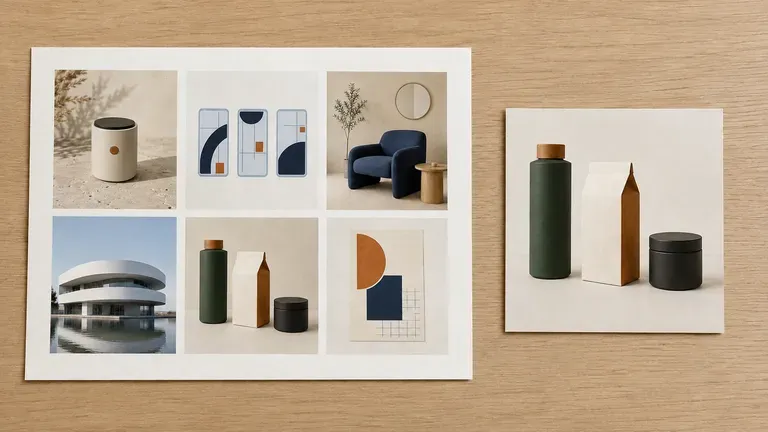
A freelancer's portfolio page beside a proof card from a recent project

Freelancers & Independent Studios

Keep a portfolio current with recent client work, formatted for a fast client-facing link.

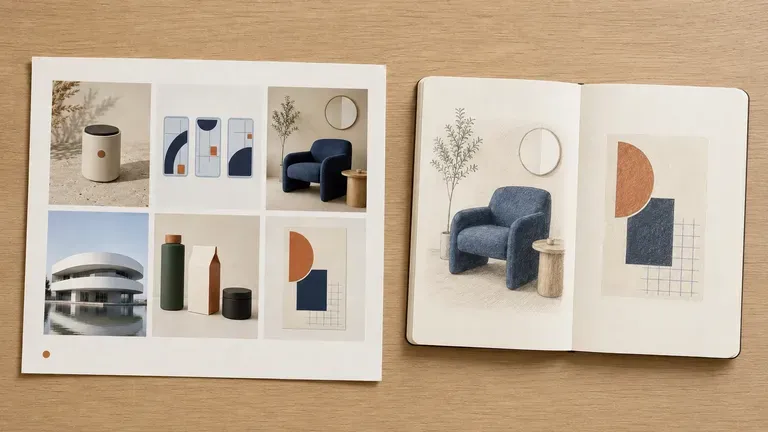
A student portfolio page with more white space beside an open sketchbook

Design Students

Turn coursework and personal projects into a portfolio structure ahead of graduation or an internship search.

Several consistently styled portfolio pages spread across a meeting room table

Agencies Showcasing Team Work

Present a consistent case study format across a team with different individual working styles.

AI Design Portfolio Generator Use Cases

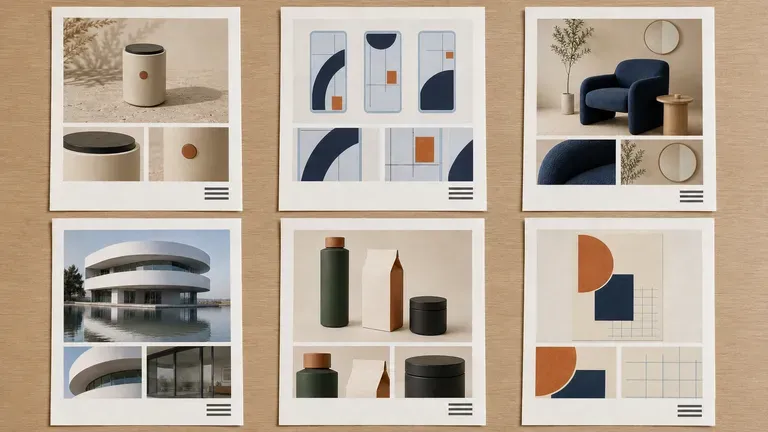
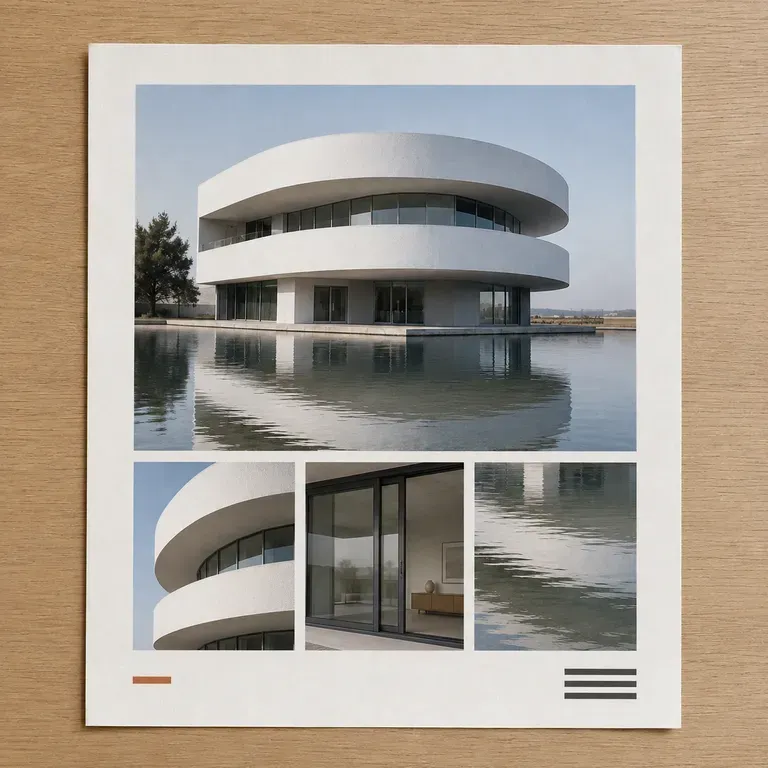
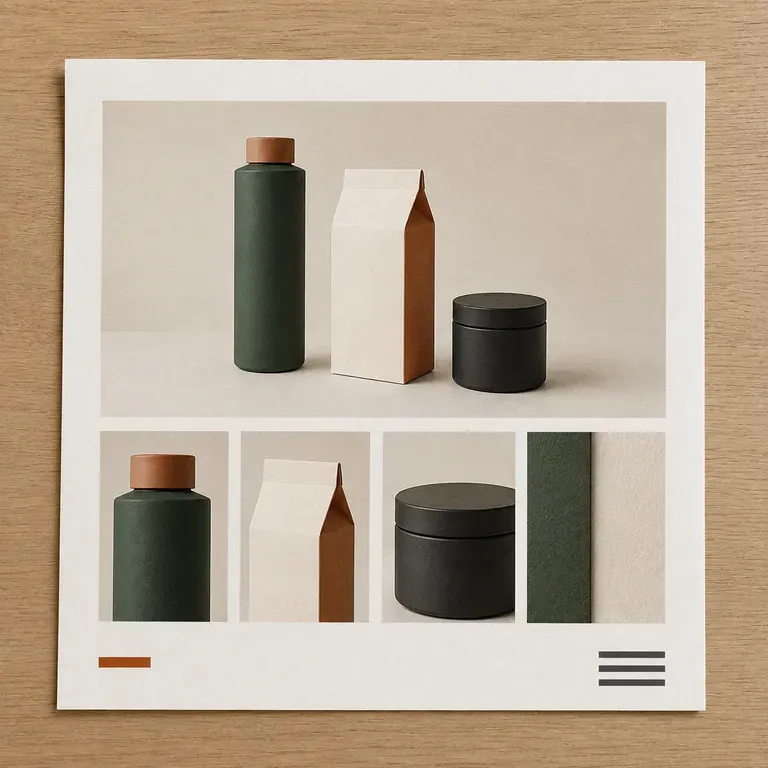
A close-up of a grid-style portfolio page
Case Study Grids: a uniform, scannable layout for a full body of work
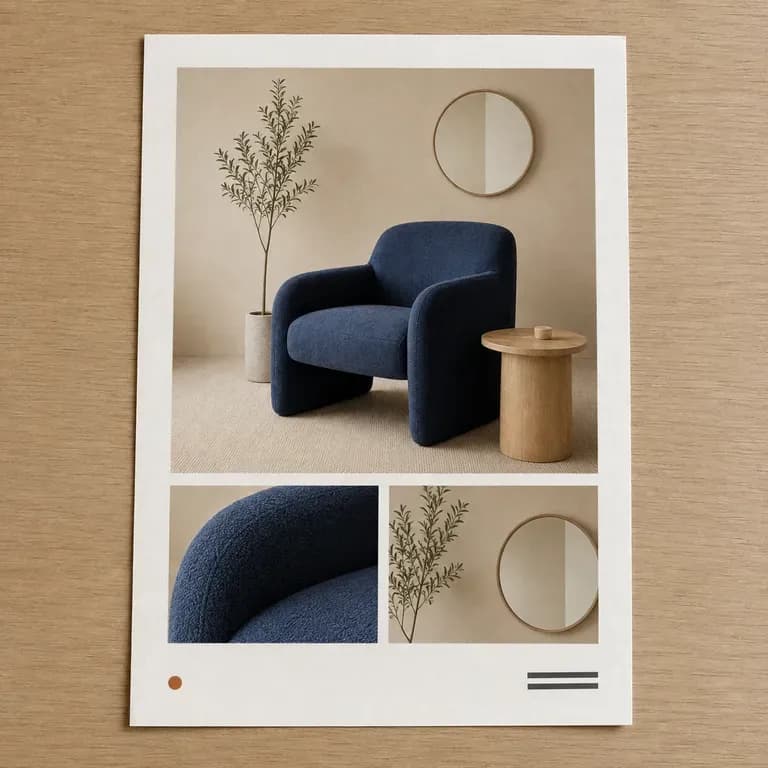
A close-up of a story-led single-project portfolio page
Story-Led Project Pages: one project per section with room for process detail
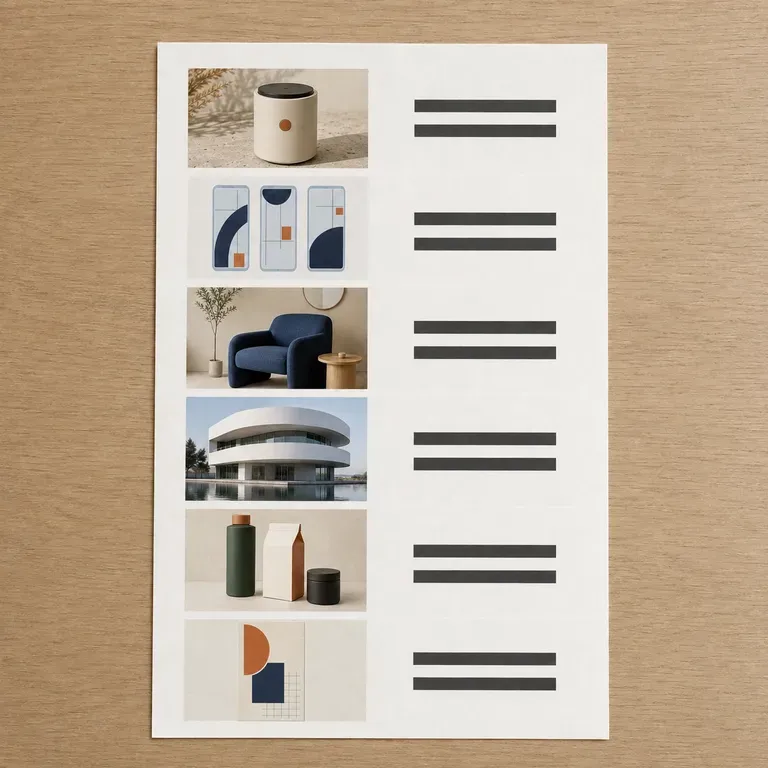
A close-up of a minimal, image-first portfolio page with almost no text blocks
Minimal Image-First Showcases: large images with almost no supporting text
A close-up of a compact, job-search-oriented portfolio page
Job Application Portfolios: a layout built for interviews and quick review
A close-up of a studio-facing portfolio page with a more commercial style
Client-Facing Studio Portfolios: a page formatted to send directly to prospects
A close-up of a student portfolio page with a more handmade feel
Student & Graduate Portfolios: coursework and personal projects presented as one set
FAQ

Frequently Asked Questions

Is Virse's design portfolio generator free?
You can start on free Virse credits. New users can generate up to 10 images with Nano Banana 2, enough to test a layout before deciding whether you need a paid workflow. Free access is limited rather than unlimited.
Do I need to write full case study text?
No. A short description of your role and outcome per project is enough for the generator to structure a layout. You can expand the writing afterward.
Does this publish a live website?
No. It generates the visual layout for your portfolio, an image you can review and use as the reference for a page builder or a design file. It does not output a hosted, published site.
Can I reorder or swap which project leads?
Yes. Regenerate with a different lead project or a different structure, and compare the results side by side on the canvas before settling on one.
Can I use this for a mixed body of work, like branding and product design together?
Yes. Upload projects across different types of work, and describe the range in your notes so the layout reflects the breadth rather than forcing a single theme.
What do Virse paid plans include?
Paid plans include access to 40+ AI models with unlimited model usage and unlimited team seats, aimed at studios and teams updating portfolios on a regular basis.

Generate Your Design Portfolio with AI

Upload your project images, generate a structured layout, and refine it into the portfolio you are ready to share.