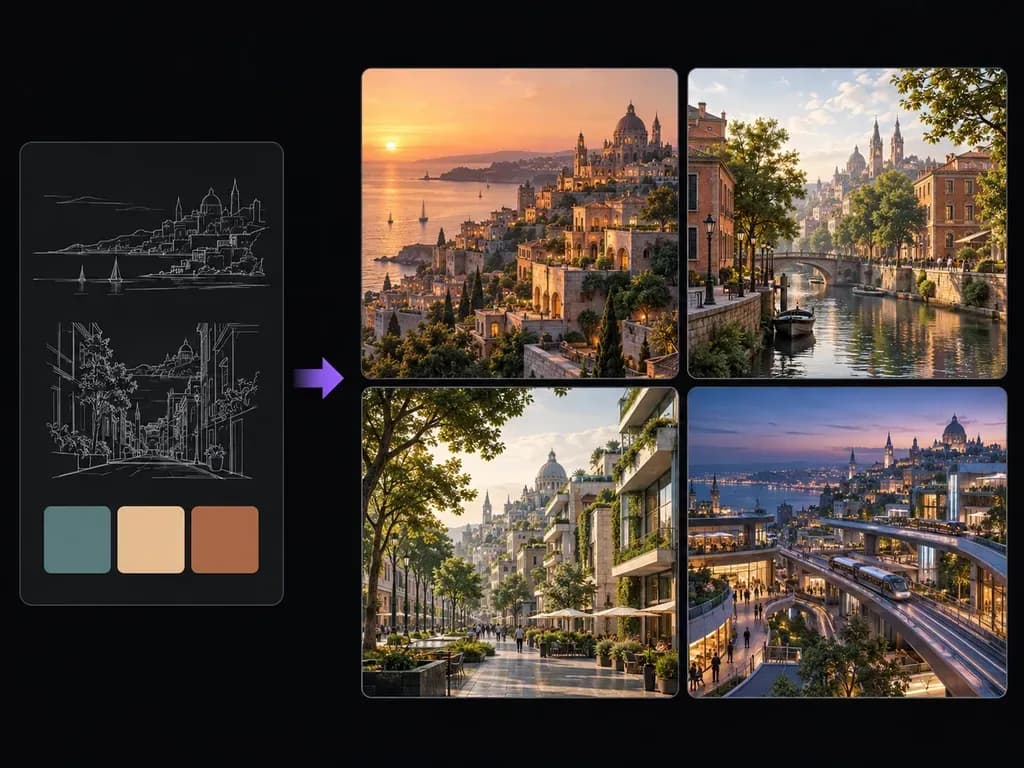
Urban brief
Era, Facade, and District Direction
Combine masonry, timber, steel, or terracotta materials with historical, contemporary, or near-future street cues in plain English.
Write out your city's architecture, building materials, district layout, era, camera vantage, and lighting, or attach a style reference. This AI city generator renders static skylines, street-level avenues, and urban district concepts on the Virse canvas.
An AI city generator (or AI cityscape generator) turns architectural and lighting notes into a 2D urban concept painting or skyline study without a base photo. Define three urban parameters so street geometry and horizons stay coherent:
• Facade materials: Name warm limestone colonnades, red-brick canal warehouses, timber-and-glass terraces, or oxidized copper domes.
• District and era: Ground the scene in a harbor quarter, tree-lined boulevard, historic railway square, or near-future transit corridor.
• Vantage and light: Pick an eye-level street view, rooftop overlook, or harbor skyline lit by morning mist, sunset gold, or blue hour.
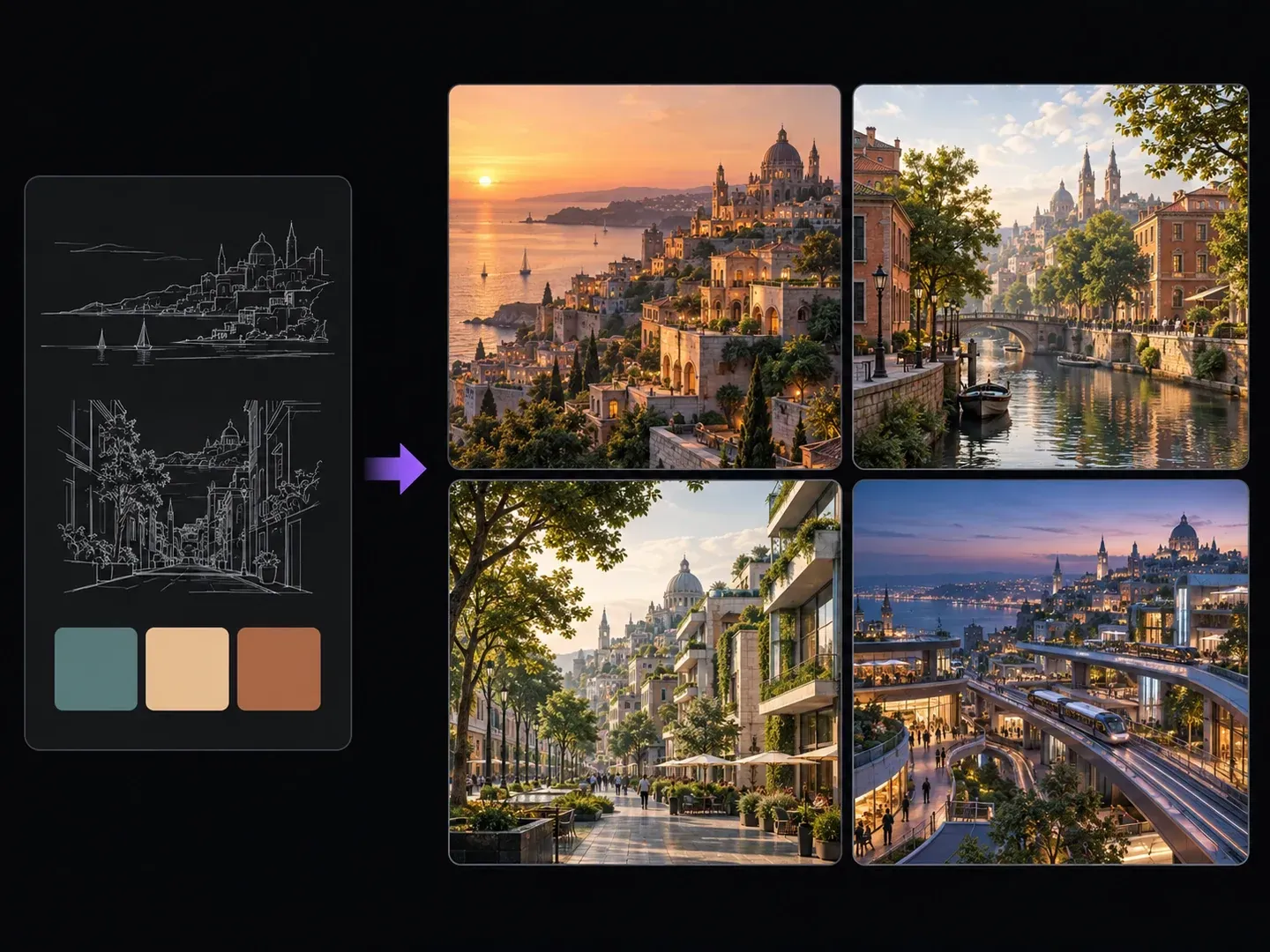
Three controls that make an urban concept art generator reliable for worldbuilding, storyboarding, and architectural moodboarding.
Combine masonry, timber, steel, or terracotta materials with historical, contemporary, or near-future street cues in plain English.
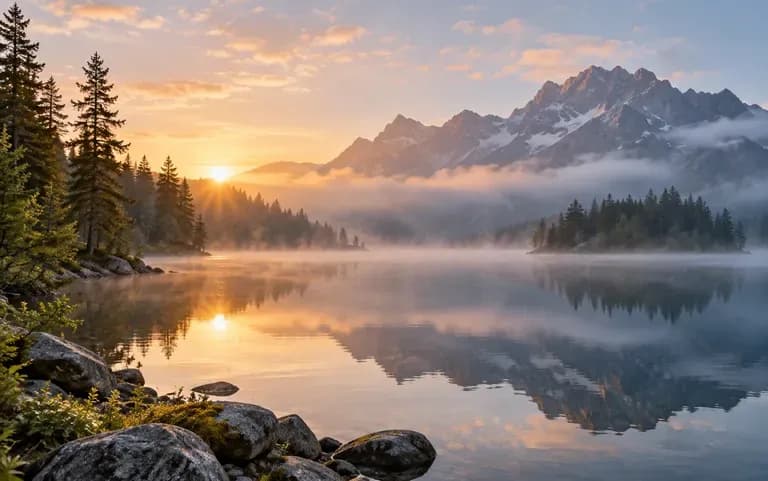
Switch from intimate cobblestone alleyways and boulevard sidewalks to sweeping hillside or waterfront skyline panoramas.

Render separate views for harbor fronts, canal quarters, and transit hubs and arrange them across the Virse board to establish a cohesive capital city.
Comparing structured architectural briefs in a fictional city skyline generator against vague one-word city prompts.
Generic Urban Prompts
Virse AI City Generator
To generate city street scene from text notes, name the district function, stone or timber materials, and historical or future era.
Specify whether the camera sits at pedestrian street level, on an elevated terrace, or across a harbor, and name the time of day.
Attach a simple skyline horizon sketch or material color card only when you want extra control over silhouette and palette.
Launch the urban render and verify building alignment, arch symmetry, and horizon depth across your workspace.
Specifying facade materials, camera height, and "no signage" keeps urban art grounded. Paste these three city briefs:
• Coastal sandstone city: "Wide hillside view of a terraced coastal city at sunset, sandstone buildings with copper roofs stepping down to a calm harbor, golden light, concept art, no text."
• Canal brick quarter: "Eye-level street and canal view of a historic brick city in misty morning light, narrow red-brick townhouses, stone footbridge, teal and terracotta palette."
• Blue-hour transit: "Street-level view of a near-future transit district at blue hour, timber-and-glass mid-rise buildings, elevated rail, wet pavement."

How film designers, game artists, novelists, and tabletop creators apply a futuristic and historic city art generator to establish urban worlds.
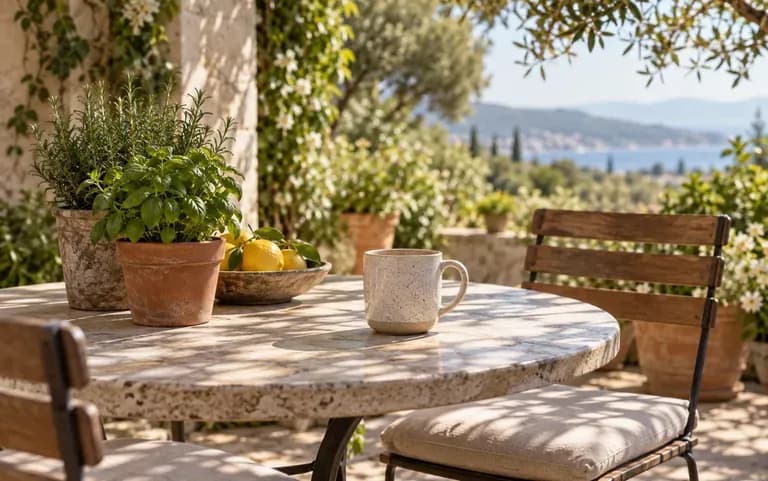
Block out establishing skyline shots, street corridors, and lighting color keys across dawn, sunset, and night scenes during pre-production.
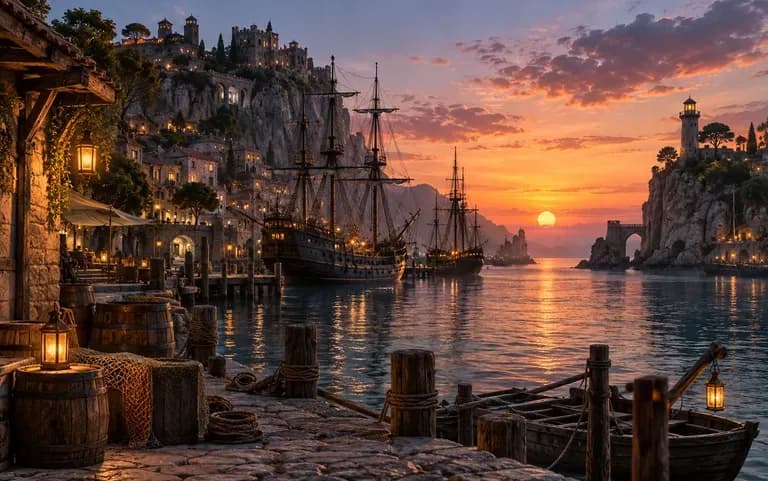
Explore distinct architectural silhouettes and material palettes for capital cities, merchant ports, and transit districts before 3D whiteboxing.
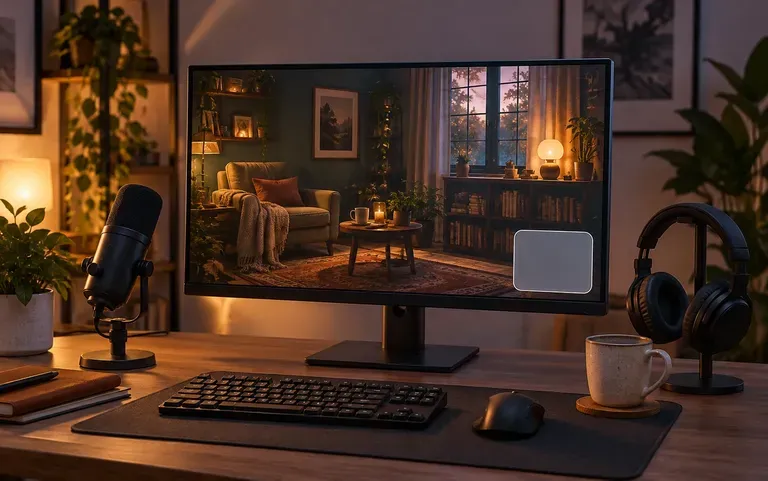
Visualize the streets, rooftops, and plazas of an invented metropolis so architectural descriptions stay consistent throughout a book series.

Create atmospheric perspective views of towns, guild quarters, and starport boulevards to show players what a settlement looks like from the ground.
Six static urban concept illustrations showcasing coastal, canal, boulevard, transit, desert, and alpine cityscapes.


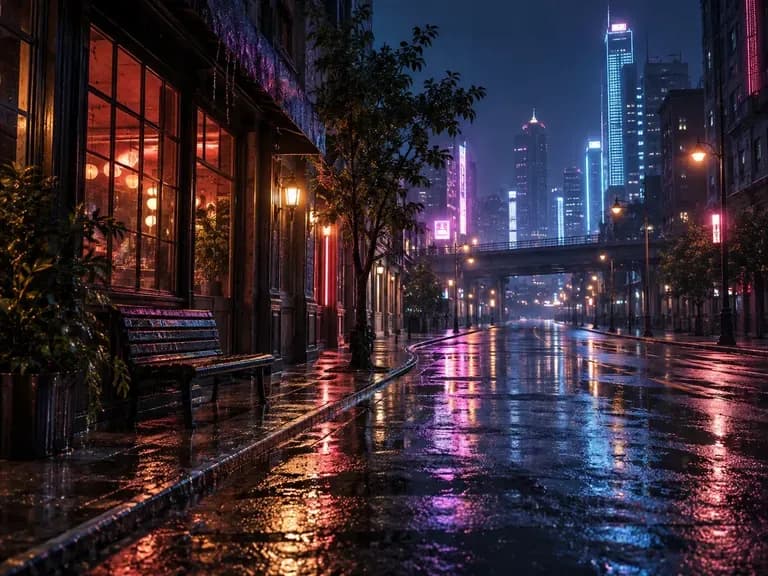
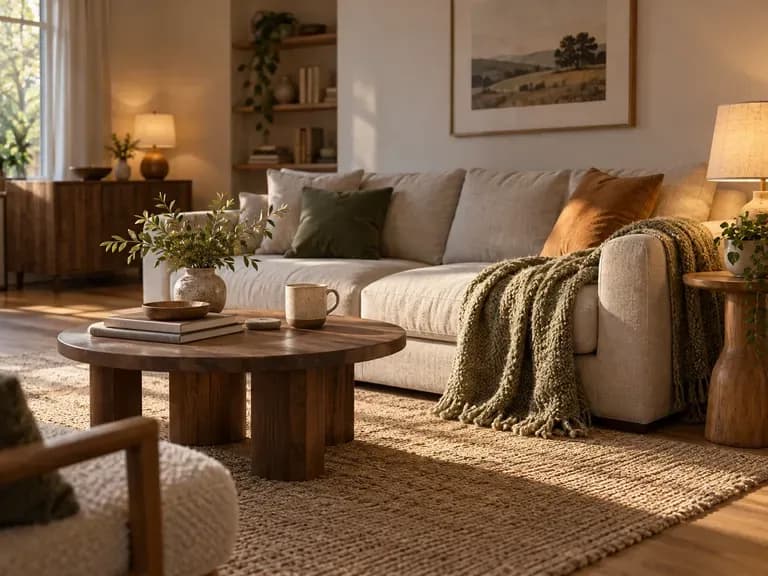

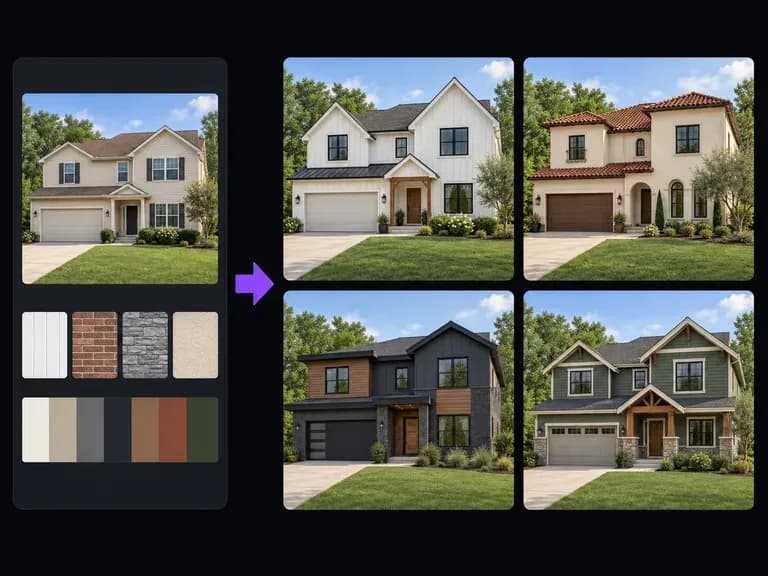
Focus on a single residential or commercial building facade rather than a full city skyline or street block.
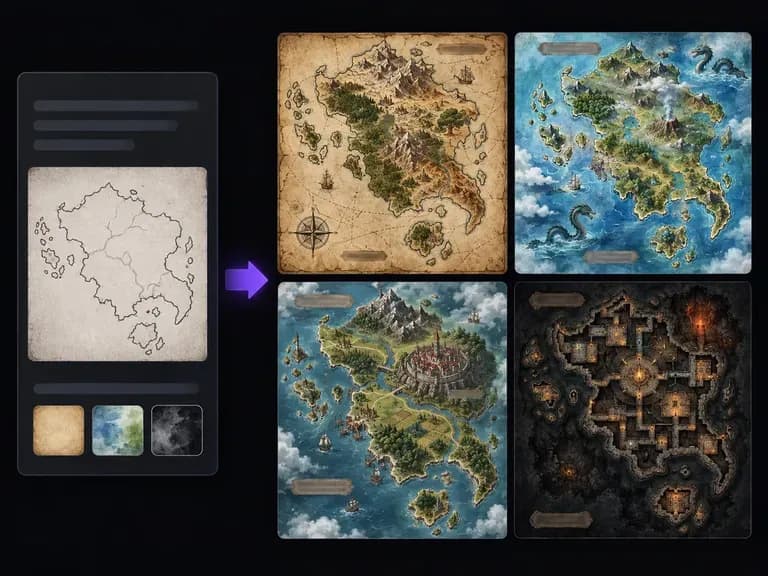
Need a top-down cartographic map rather than a perspective street or skyline view? Open our map generator.

Stage narrative interior and outdoor scenes with props, vehicles, and lighting inside your urban setting.
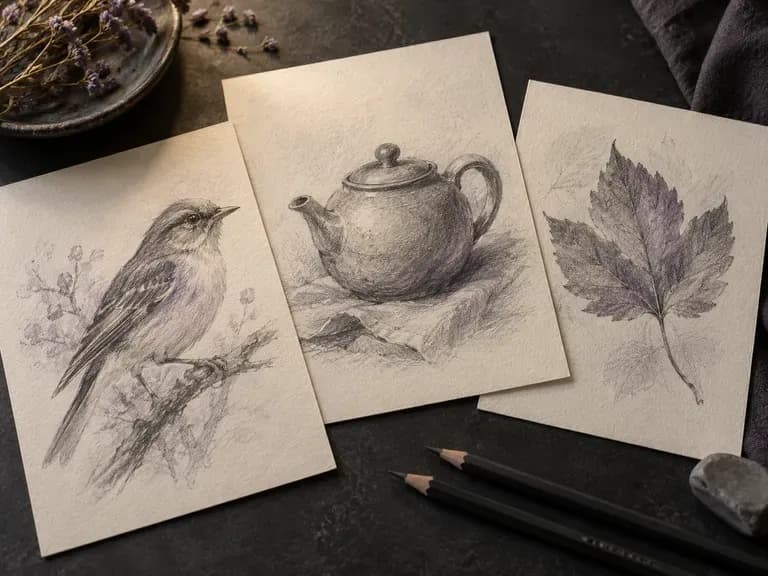
Turn painted cityscape concepts into crisp architectural ink or pencil perspective drawings.
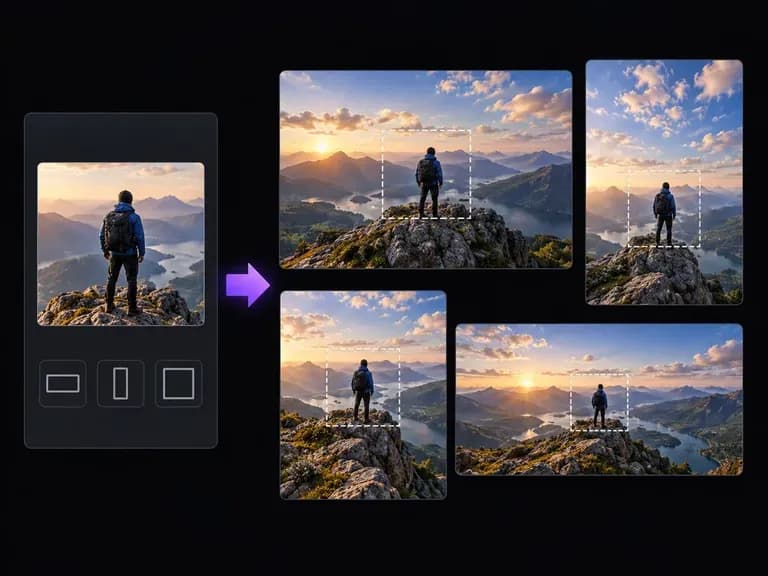
Widen a vertical street view or skyline frame into a sweeping widescreen establishing shot.
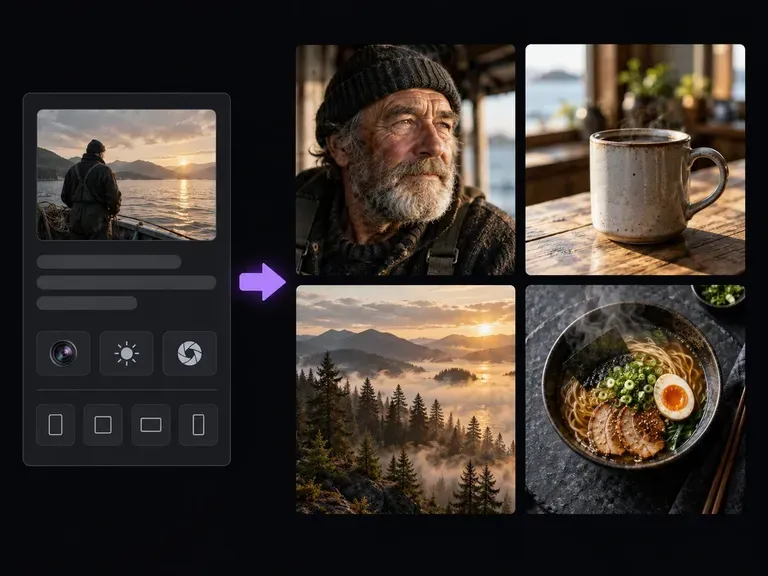
Produce photorealistic masonry close-ups, cobblestone courtyards, and glass-and-steel building studies.
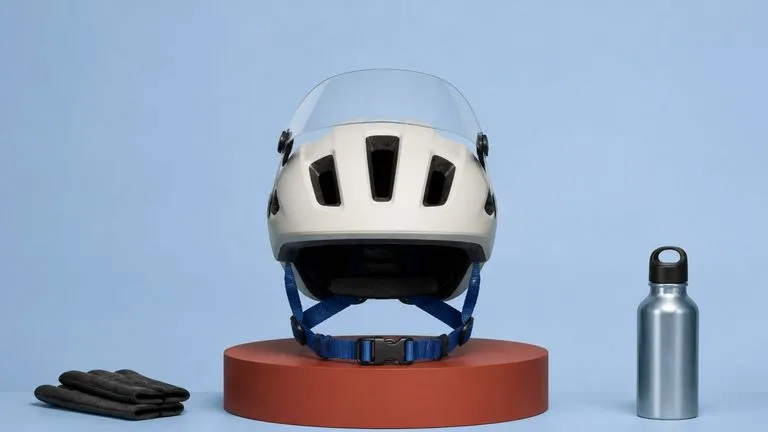
Render straight architectural perspective lines, believable brick and stone masonry, and golden-hour light.

Produce atmospheric painterly cityscapes, storybook town squares, and stylized animation background plates.

Pair a rough horizon or street-perspective sketch with material swatches up to 4K resolution on the canvas.

Follow multi-part urban prompts specifying era, facade materials, camera elevation, and sign-free streets.
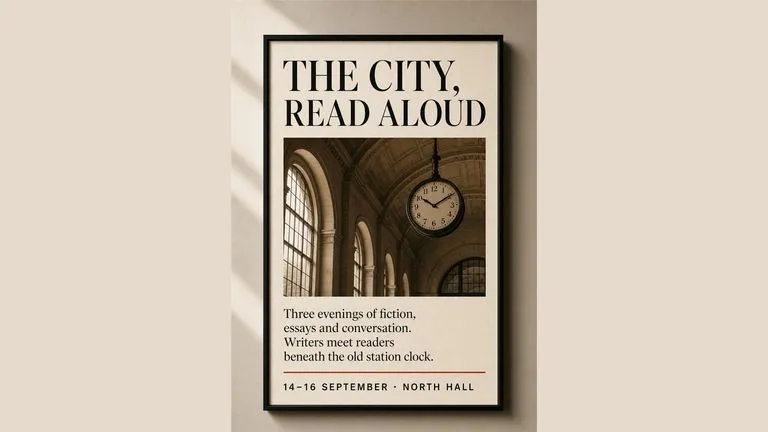
Keep distant window grids, roof tiles, and bridge arches sharp across widescreen skyline renders.
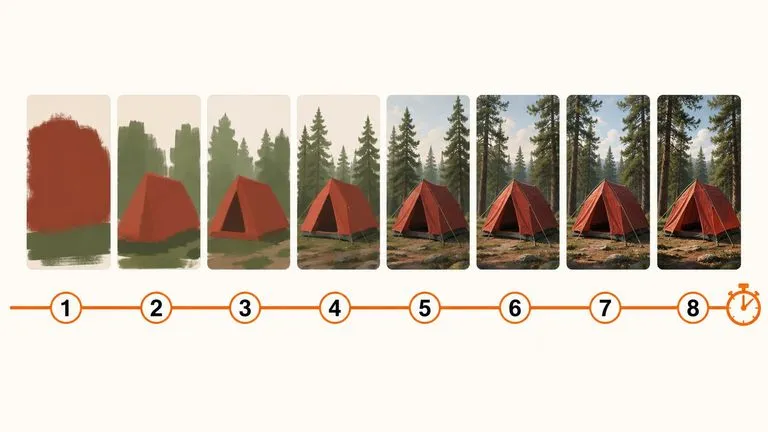
Block out quick skyline silhouettes and lighting moods at low credit cost before committing to final renders.
Describe your city's architecture, era, and camera vantage on the Virse canvas to explore atmospheric urban concept art across eras and lighting moods.