Virse vs Midjourney

Virse vs Midjourney: what happens after the image?

Midjourney generates, edits and animates images with its own models. Virse keeps references, results and documents together on a shared canvas. Midjourney may suit you if the image is the deliverable. Virse may be a better fit if the work then moves through a team. Based on public documentation, September 2026.

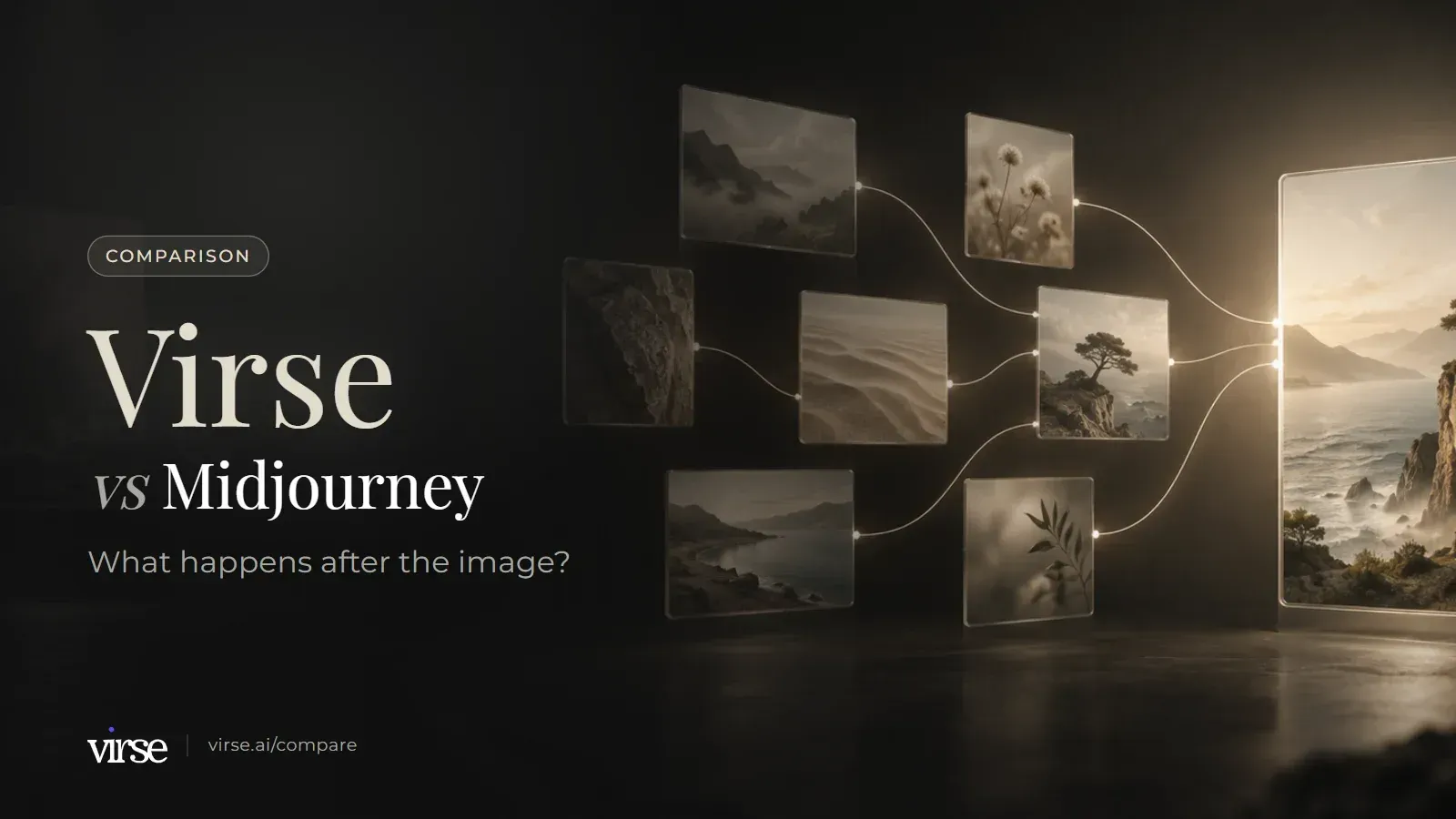
Virse vs Midjourney: floating image cards linked by fine lines of light into one final image. What happens after the image?

Results laid out for review on one canvas

A laptop screen preview with the main interface area in view
Generated campaign images arranged for review on the Virse canvas.

After the image: where the work goes

Both products generate images. This group covers what each one documents for the steps that follow: where the work sits, how it is filed, who sees it and how a team comes in.

DimensionVirseMidjourneySource
Working surfaceAn infinite canvas where references, briefs, documents and alternative results sit side by side. Image, video, text, search, Virse Creator and smart-tool nodes are added on the canvas.A Create page where images and videos generate in real time, an Edit page for the Editor, and an Organize page for managing everything you create.Source
Organising what you madeAsset management holds images, videos, documents, canvases and aesthetics in folders, with starring, moving, copying, batch management and restore from trash.The Organize page offers folders and folder groups, generating directly inside a folder, search over your own creations by prompt text and attributes, Saved Searches and bulk actions.Source
Who can see the workCanvases are shared by link with view, use (download) or edit permissions, or by email invitation. Team spaces have a security setting that pauses external sharing.Open by default: creations can appear on the public Explore page. Stealth mode, on the Pro and Mega plans, hides your creations from other users on the website.Source
Working as a teamTeam spaces with shared project folders, member groups, admins, per-member compute caps and allocation of unlimited-creation seats.Bulk billing for organisations needing 50 or more yearly Pro or Mega plans. The group plans article states that seat or admin management and SSO logins are not offered.Source

Keeping a look consistent

Midjourney has several documented ways to reuse a look or build on an earlier image. Virse handles the same job with connections and aesthetics. The difference is in how each is built and where it can be applied.

DimensionVirseMidjourneySource
Building the next image on earlier onesDrag a connection from one node to another to make it a reference for the next generation. The reference area shows which references a generation uses. Re-render, render new or clone a node to compare versions.The Edit model changes an existing image from written instructions, or generates new images from up to 4 reference images.Source
Building a look from chosen imagesBuild a reusable aesthetic from 1–20 reference images, covering colour, composition, lighting, material and mood. Aesthetics can be saved to folders and shared.Moodboards: add images by upload, by URL or from your Midjourney gallery. Each moodboard has an ID that becomes a code you add to prompts.Source
Where a saved look is appliedAesthetics can be used in generation, in search and by Virse Creator.Personalization profiles learn from images you like or select. Profiles and moodboards are applied to prompts with --p or the Personalization button next to the Imagine bar.Source
Ready-made and single-image looksOfficial aesthetics are available in the community library, and a single reference image can be connected into an image node.Style Reference applies the style of an image. Style codes come from an internal style library, browsable in the Style Explorer, and the Style Creator makes custom codes.Source

Making the image: models, editing and video

Midjourney builds and runs its own model family. Virse offers models from several providers on one canvas. That means different controls, not a better or worse set.

DimensionVirseMidjourneySource
Models40+ AI models (21 image, 16 video, 4 text), including GPT Image 2.5, Nano Banana Pro, FLUX 2 Pro and Ideogram 4.0. The model is chosen per generation along with aspect ratio, resolution and quality.Midjourney's own model versions, switched with --v or a default in settings. The current default is V8.2.Source
Editing an imageLocal (object) editing, currently experimental; remove background; expand (outpaint); upscale. GPT Image 2.5 outputs 1K, 2K and 4K.The Editor works on Midjourney images and your own uploads, with inpainting (Vary Region), Pan, Zoom Out, Smart Select and Layers.Source
VideoVideo nodes run models such as Veo 3.1, Kling 3.0, Seedance 2.5 and MiniMax H3. A connection can send an opening image into a video's first frame. Video models need a paid plan.Turns an image into a 5-second video, using it as the first frame. All plans generate in Fast mode; Standard, Pro and Mega can generate HD in Fast mode.Source
How usage is countedUsage is measured in compute, and the estimated compute is shown before generating. On paid plans, compute credits never expire. Plan details checked on the Virse pricing page on 2026-09-24.Plans include monthly Fast GPU time. Unused Fast time does not carry over and vanishes at the end of each month, on monthly and yearly plans alike.Source

What Virse adds once the image exists

Connections

Results stay next to what made them

On the canvas, a connection from one node to another makes it a reference for the next generation, and the reference area shows which references a generation used. Render new keeps the current result and adds another beside it, so versions can be compared without losing the earlier one.
Smart tools

A repeated task becomes a tool

Package the inputs, process and output requirements of a task you repeat as a smart tool. Run it again with new material, run a batch of similar assets the same way, share it with the team, or let Virse Creator call it.

Asset management

Files and permissions in one place

Images, videos, documents, canvases and aesthetics sit in folders you can share with permissions. Team spaces add shared project folders, member groups, admins and per-member compute caps.

Midjourney, Virse or both?

Midjourney is built around making images. The split below depends on how much of your work happens after the image exists.

A good fit for

  • Briefs, references, documents and results need to stay together on one canvas
  • Several people work on the same project and need shared folders, member groups and admins
  • You want to choose among 40+ models from several providers for each generation
  • You repeat the same production task and want to package it as a reusable smart tool
  • A brief arrives as Word or PDF files and you want Virse Creator to plan the steps and return images, video and documents on the same canvas

Not the best fit for

  • A single image or short video from Midjourney's own models is the deliverable
  • You already rely on Personalization profiles, Moodboards and style codes
  • You want the Editor's inpainting, Pan, Zoom Out and Layers on the same site you generate on
  • The Explore page and community style codes are part of how you find ideas
  • You need Stealth mode to keep creations off the public site, available on Pro and Mega

Taking Midjourney work onto a Virse canvas

Plan the move as rebuilding the direction, not as a file transfer.

  1. Step 1. Save your strongest Midjourney images

    Midjourney states you own the images and videos you create, even if you cancel your subscription, and a whole folder can be downloaded from its menu. Keep your strongest images together so they can serve as references.

  2. Step 2. Rebuild the look as an aesthetic

    Personalization profiles and moodboards are applied through --p codes inside Midjourney prompts. To carry a similar direction into Virse, build an aesthetic from 1–20 of the images you downloaded.

  3. Step 3. Put a live brief on the canvas

    Upload the brief as a Word or PDF file, drop the references beside it, and connect them to an image node. Generate, then use render new to compare a second result with the first.

  4. Step 4. Bring the team in

    Share the canvas by link with view, use or edit permissions, or move it into a team space folder. Reviewers can comment on the canvas, an image or a group, reply and mark comments resolved.

Example creative boards

A laptop displaying a website in a simple desk setting
Brief led board: a reference palette with three photographic directions.
A web designer presenting a completed site on a laptop
Campaign board: one hero composition, a detail study and a scene variation.
An application dashboard displayed on a laptop screen
Direction board: one product form explored across materials and lighting.

Common questions

Does Virse make better images than Midjourney?
This page does not try to answer that, because image quality cannot be verified objectively and it is what Midjourney is known for. Midjourney runs its own model versions, with V8.2 as the current default. Virse lets you choose among 40+ models per generation, so results depend on the model you pick. The tables compare the documented workflow around the image instead.
Does Midjourney have personalization and style references?
Yes. Personalization profiles learn from images you like or select, Moodboards build a style from images you add, and Style Reference, style codes and the Style Creator reuse or create looks. Virse covers the same need with aesthetics built from 1–20 reference images, which can be used in generation, search and Virse Creator, and saved to folders and shared.
Can a team use Midjourney?
Teams can buy individual accounts. Midjourney's group plans article offers bulk billing to organisations needing 50 or more yearly Pro or Mega plans, and states that it does not offer seat or admin management or SSO logins. Below that threshold, each account needs a unique billing email on the organisation's domain. Virse has team spaces with shared project folders, member groups, admins and per-member compute caps.
How do the plans and unused allowance compare?
On Virse, new accounts start with 200 free compute, and the Free plan tops up 50 compute a day while the balance is below 200. Free users can use every image model at 1K output; video models need a paid plan. Basic is $10/month, Pro and Max include unlimited generation on selected models and tiers, and on paid plans compute credits never expire. Business plans support up to 50 seats. Checked on the Virse pricing page on 2026-09-24. Plans, included compute and feature limits may change. Check the current Virse pricing page for the latest details. Midjourney's plan comparison, reviewed on 2026-09-24, lists four subscription tiers (Basic, Standard, Pro and Mega) starting at $10 a month, and no free trial is available on midjourney.com. Unused Fast time does not carry over to the next month.
How current is this comparison?
Midjourney sources were reviewed on September 24, 2026, and each table row links to the Midjourney page it relies on. This is a documentation comparison, not a hands-on benchmark. Features, offers and prices can change, so confirm the current terms before subscribing. If a row no longer matches what either product does, tell us at yifan@virse.art so we can review it.

Take one brief past the first image

Put a real brief, its references and your first results on one canvas, then share it with the people who have to sign it off.