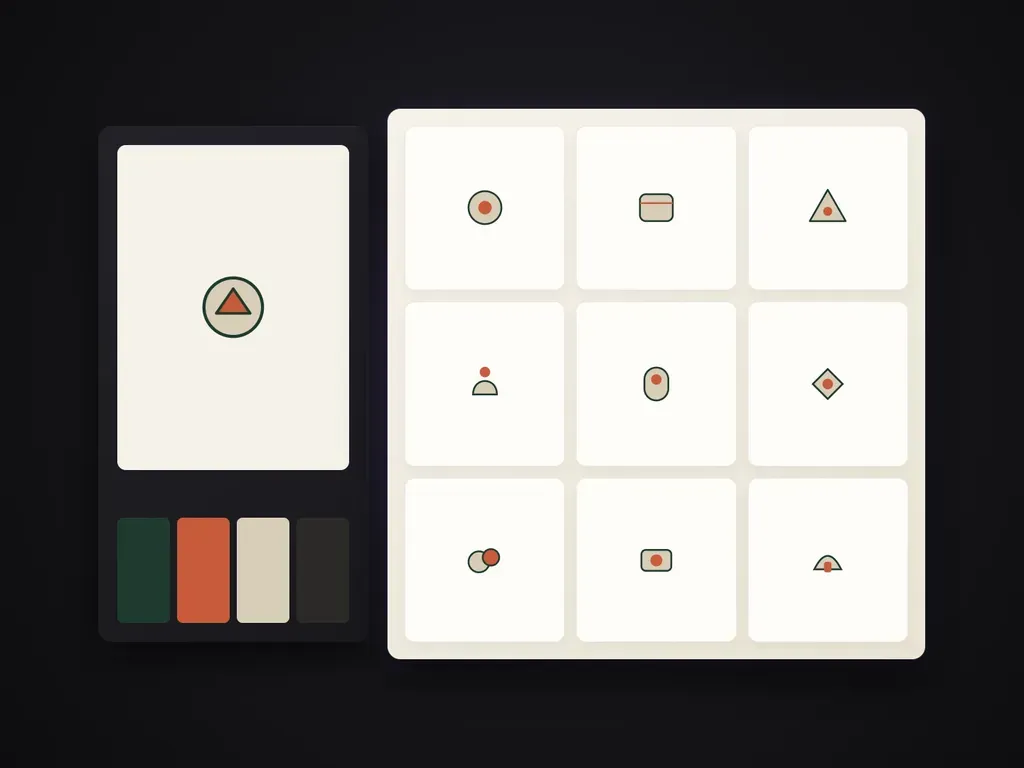
Style Lock
Style reference anchoring
Upload one existing icon, UI card, or brand illustration and every new icon inherits its exact stroke, fill, and texture rules.
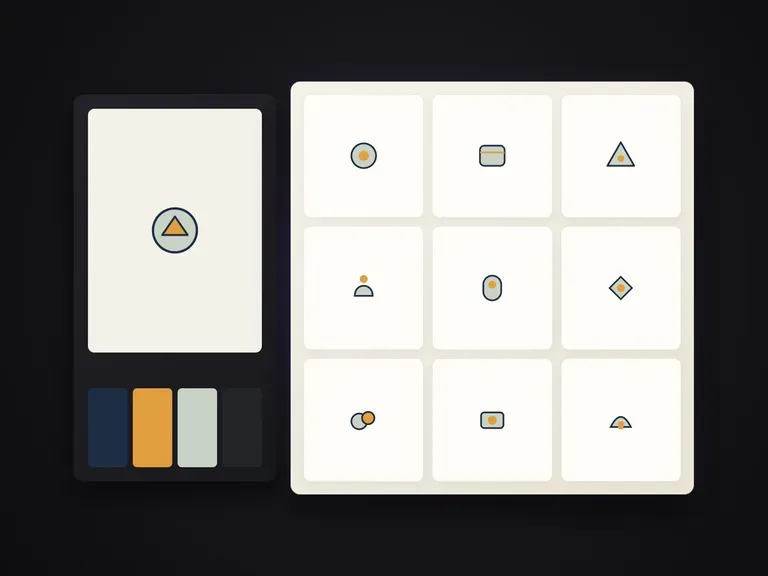
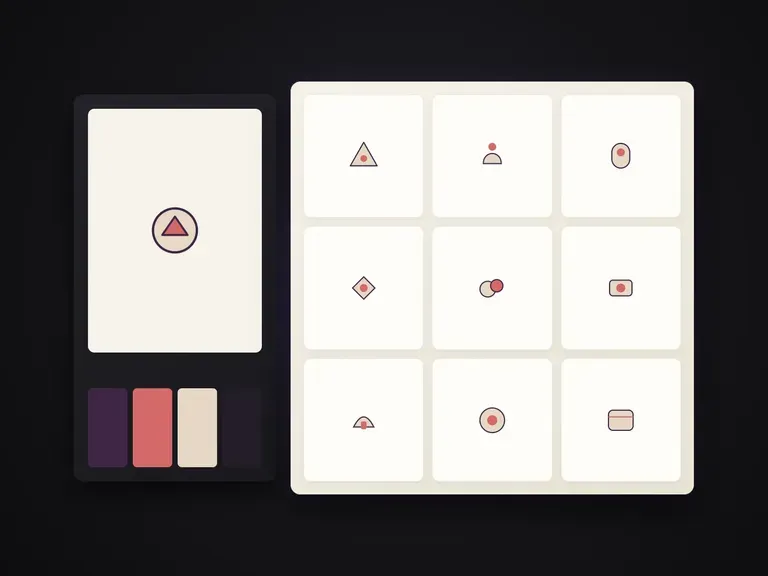
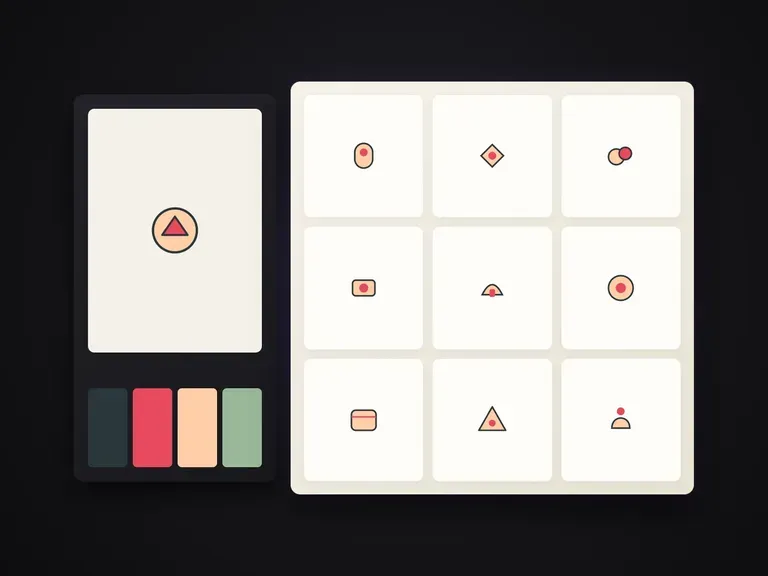
Generates a visually unified icon set from a list of object descriptions — one icon per object — matching the palette, line weight, texture, and background treatment of a style reference image.
Generating icons one by one in a general image tool produces mismatched stroke weights, shifting perspectives, and clashing palettes. Virse's Icon Set Generator takes a list of object descriptions and a single style reference image, then renders one icon per object—locking line weight, corner radius, colour palette, shading texture, and background treatment across the entire set:
· One style reference locks the system: Line weight, palette, and lighting carry over from your reference icon or illustration.
· Batch object list input: Enter all required icon subjects at once and receive one distinct icon per item.
· Unified grid consistency: Every icon shares the same camera angle, visual density, and background treatment.
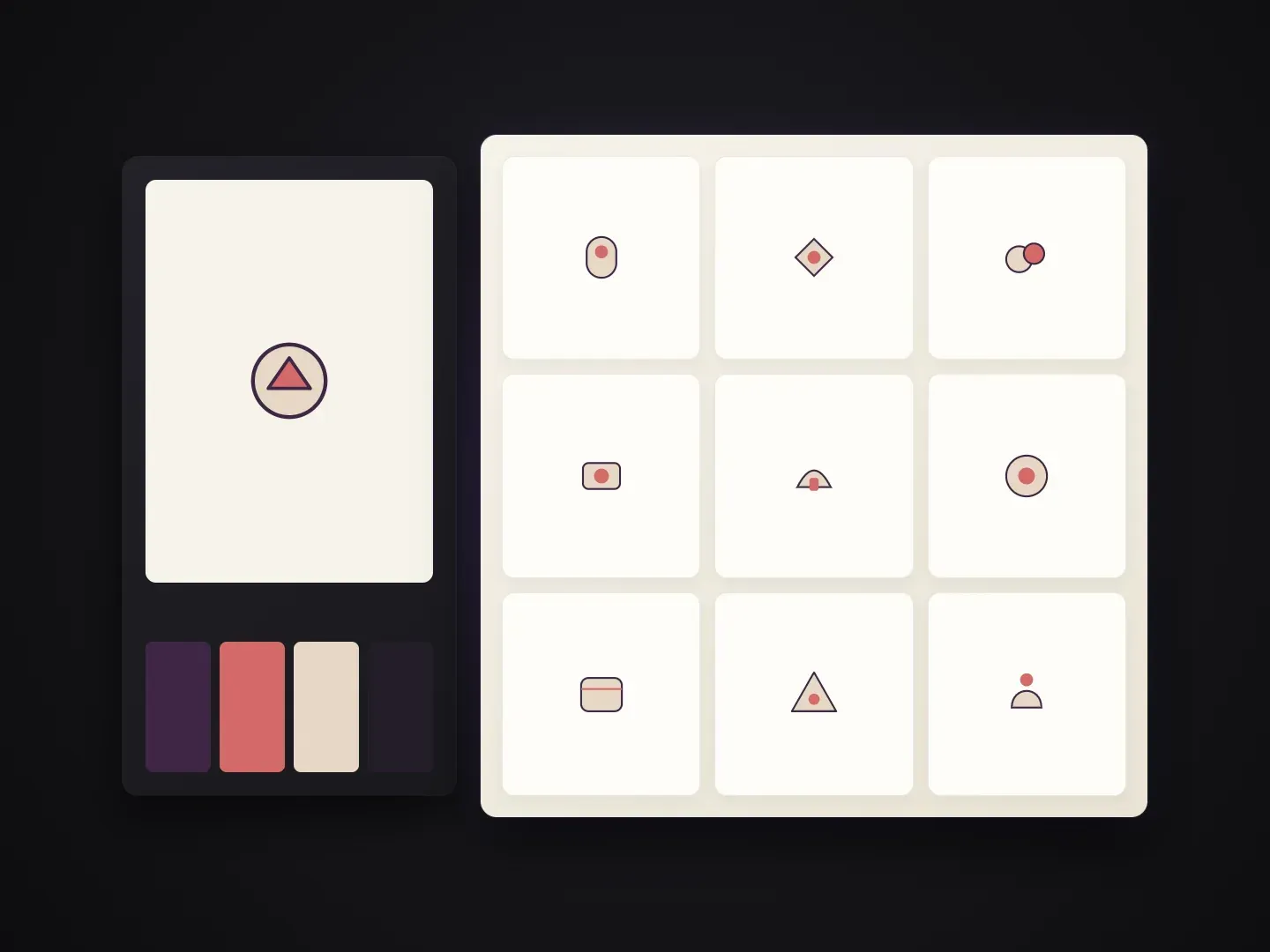
Visual consistency across ten icons matters more than any single icon in isolation.
Upload one existing icon, UI card, or brand illustration and every new icon inherits its exact stroke, fill, and texture rules.
Supply a comma- or line-separated list of objects or features and get a dedicated, centered icon for each item.
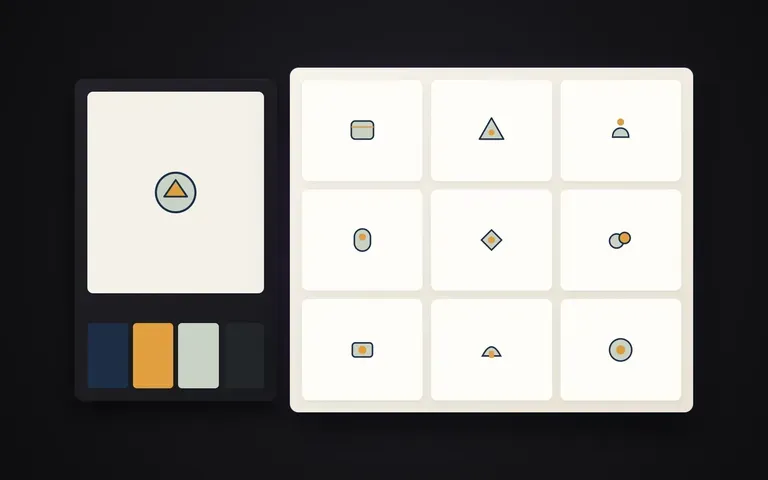
Works equally well for minimalist 2px stroke icons, duotone brand badges, clay 3D app icons, or textured game inventory items.
What changes when the entire icon list is generated against one shared style reference.
Prompting Icons Individually
Virse Icon Set Generator
Provide one icon or illustration that shows the exact stroke weight, colour palette, shading, and background style you want.
List the items, product categories, or UI actions you need—one clear object description per icon.
Optionally specify solid ground colours, rounded square badges, or duotone accent rules.
Review the complete icon grid on your Virse canvas and generate matching additions whenever new features ship.
Pair a clean style reference image with a concrete list of physical objects and a short style note to keep every icon readable at small sizes:
· SaaS analytics feature icons: Objects: bar chart, shield lock, lightning bolt, cloud sync, bell alert, gear. Style: 2px navy stroke, mint duotone fill.
· E-commerce category badges: Objects: espresso cup, croissant, coffee bag, pour-over kettle, grinder, gift box. Style: warm terracotta flat vector.
· 3D mobile app launcher set: Objects: camera lens, compass, calendar page, chat bubble, music note, bookmark. Style: matte tactile clay 3D on cream.
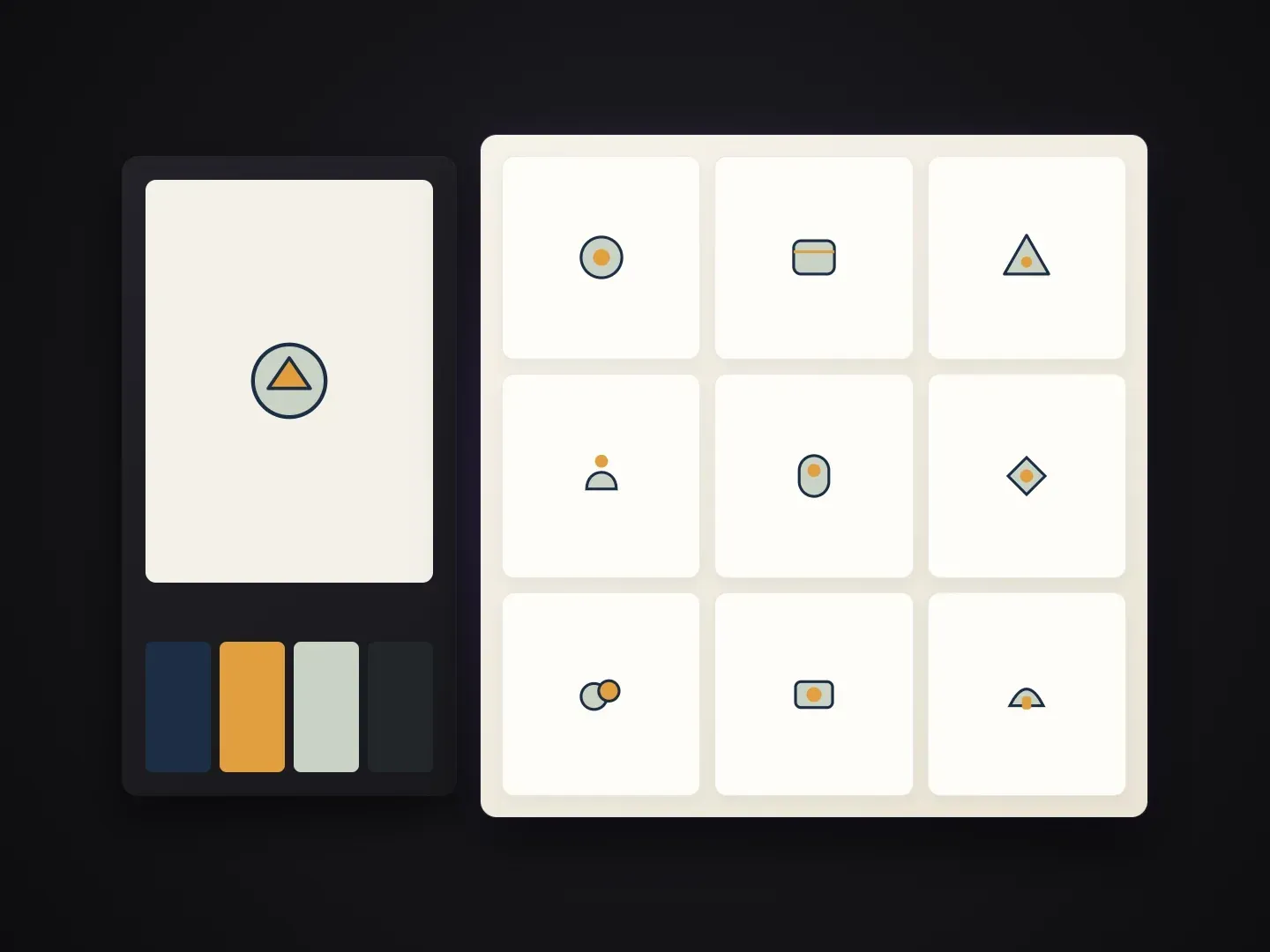
Designers and teams who need a family of icons that look drawn by the same hand.
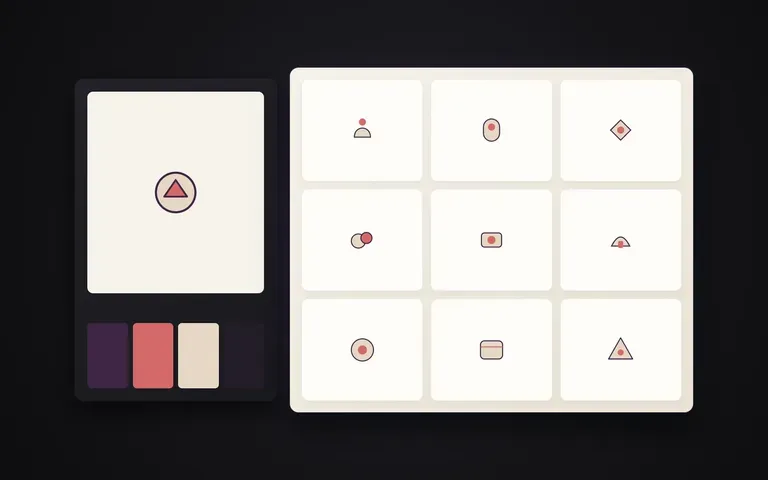
Produce cohesive feature icons, onboarding graphics, and category badges for web apps, landing pages, and design systems.
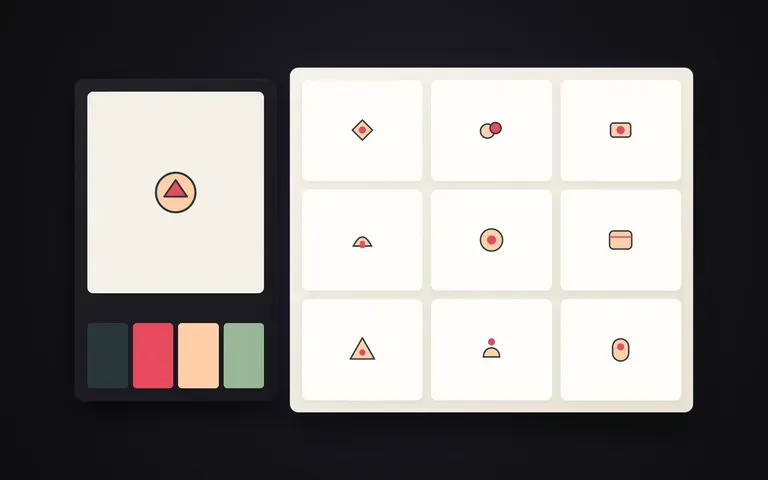
Create custom branded icon families for pitch decks, annual reports, infographics, and packaging callouts.
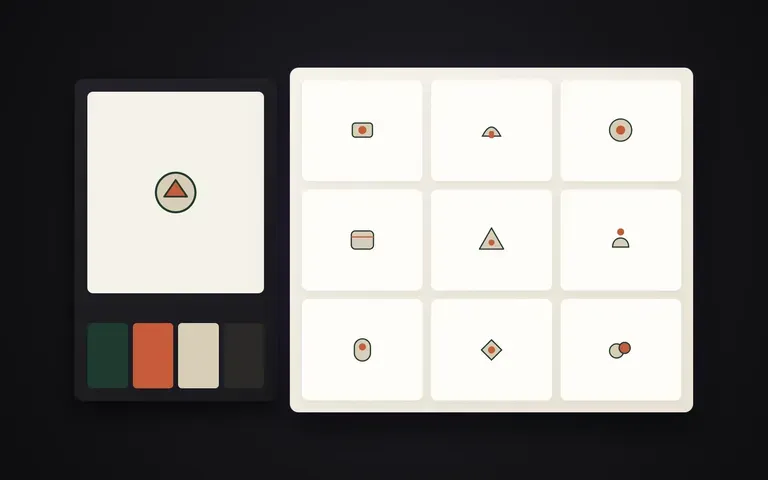
Generate matching inventory items, achievement badges, skill icons, and store category tiles from one approved concept.
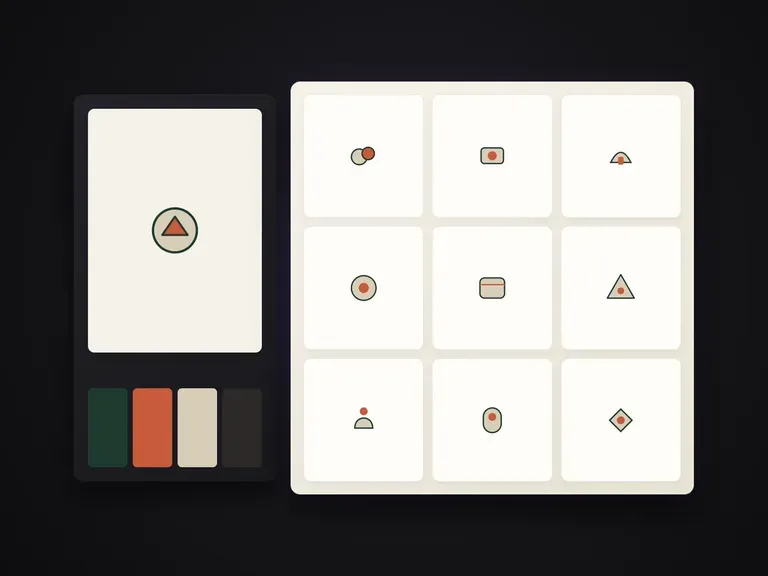
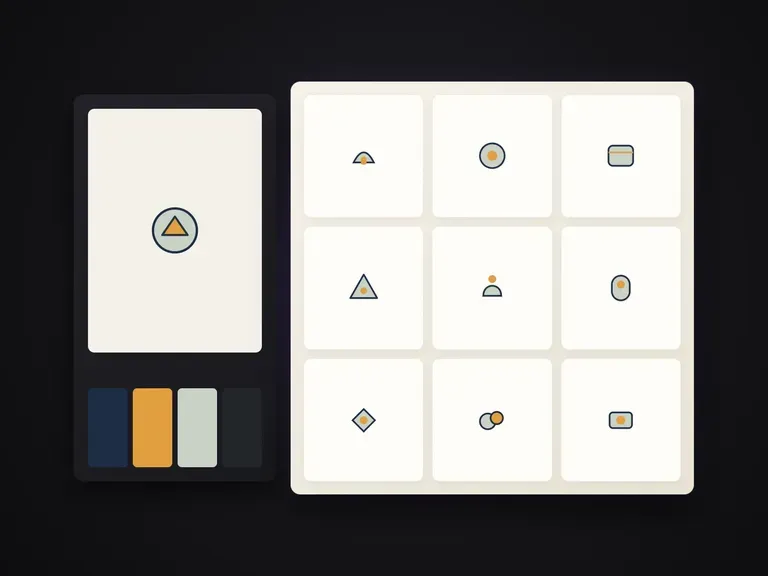
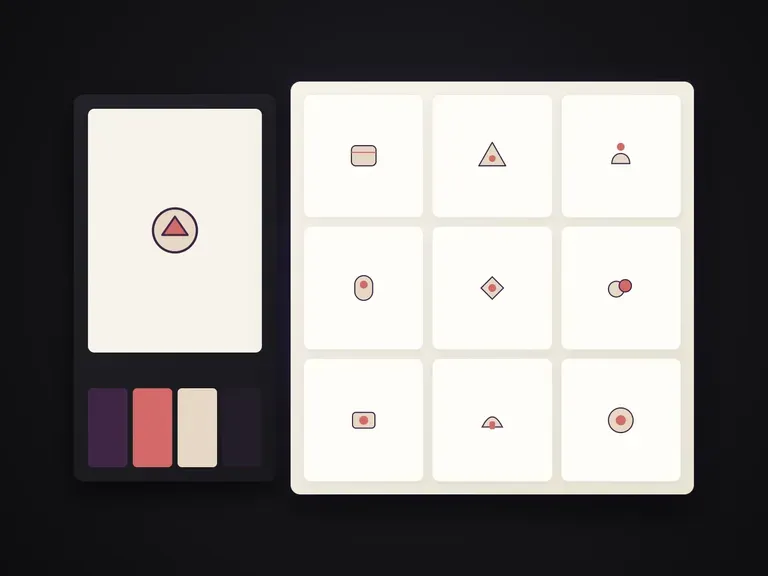
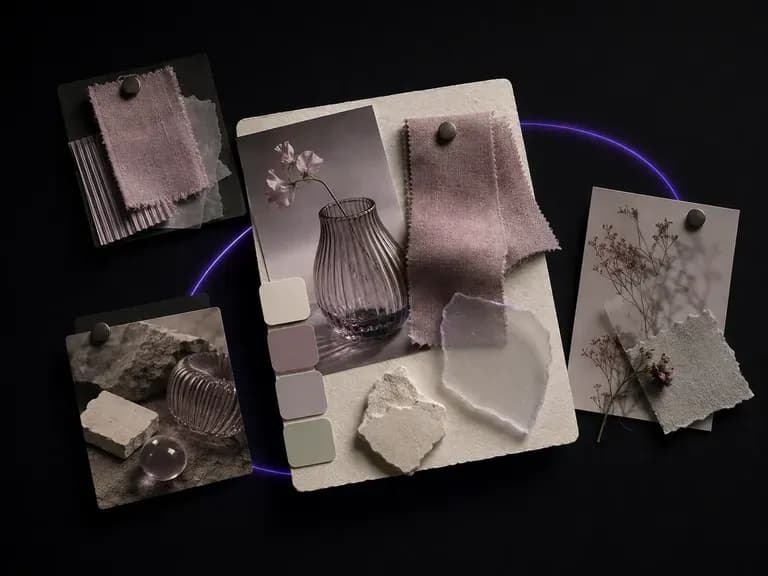
Supply a reference image or written theme and get several composed moodboards combining colour, material and imagery on one canvas so you have concrete directions to react to, starting on free credits.
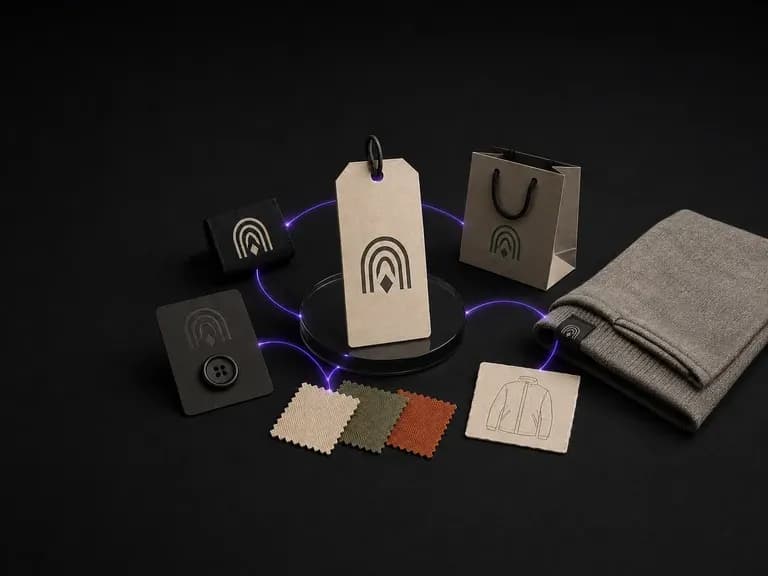
Describe your positioning, audience and garment category to generate a unified brand board where logo mark, colour palette and apparel style work together from the start, using free Virse credits.
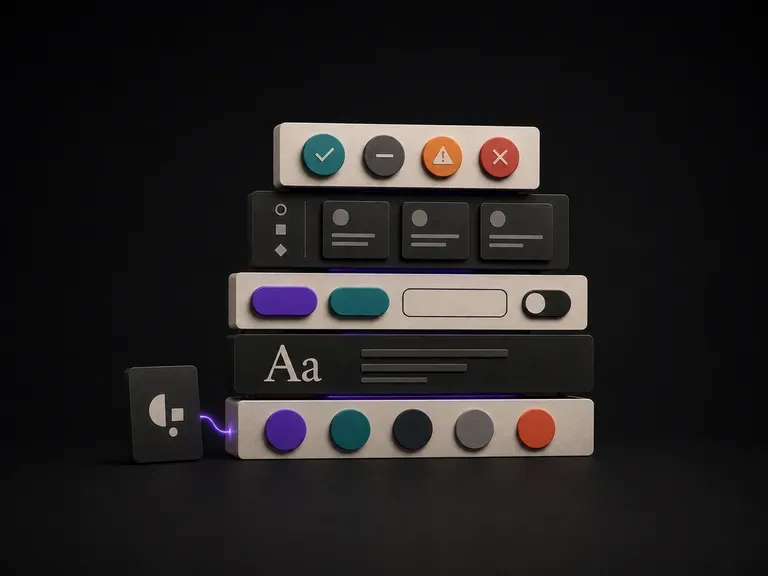
Upload your brand guidelines or existing screens, list the UI components you need, and generate a concrete visual component draft your team can build from, starting on free Virse credits.
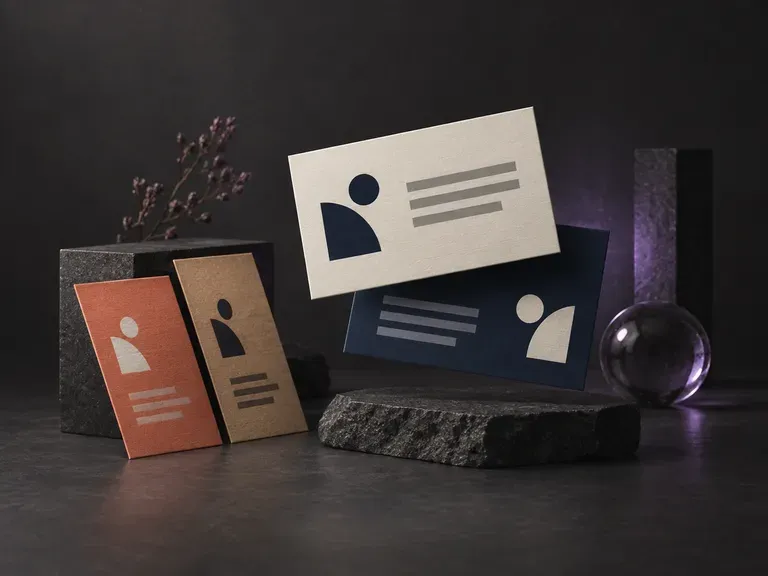
Type your name, title, company and contact details, and the AI business card generator places them on a card design for you.
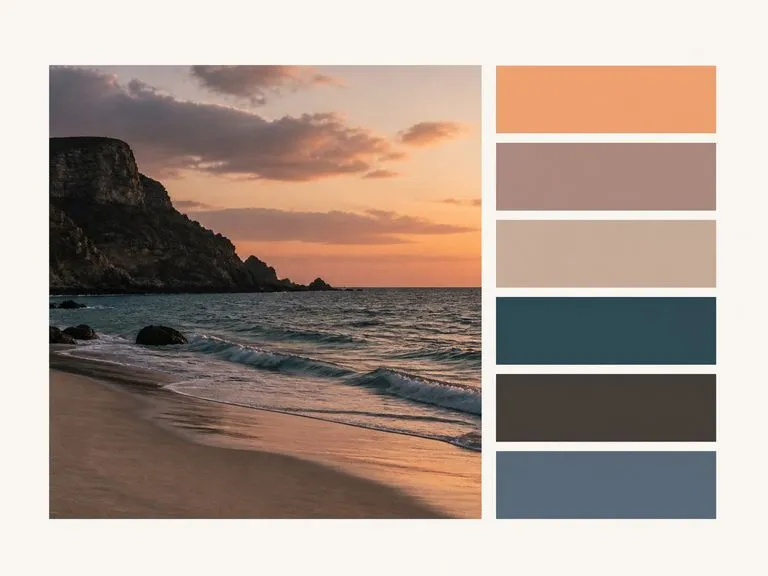
Upload a photo, brand logo, or UI screenshot, choose 4, 6, or 8 swatches, and pick a Bars, Grid, or Proportional layout. This color palette extractor clusters pixels deterministically into a labelled swatch sheet with HEX codes and image shares.

Enter two or three initials, upload an optional reference, and describe how the letters weave together. This free monogram design generator explores interlocking serif, geometric sans, script, and wax-seal monograms on one canvas.
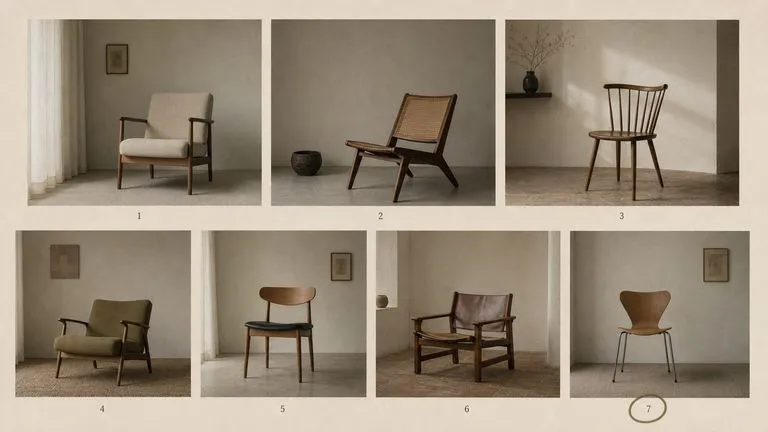
The generation of Black Forest Labs' FLUX line that came before FLUX 2, kept available as two entries — the standard model and Ultra.
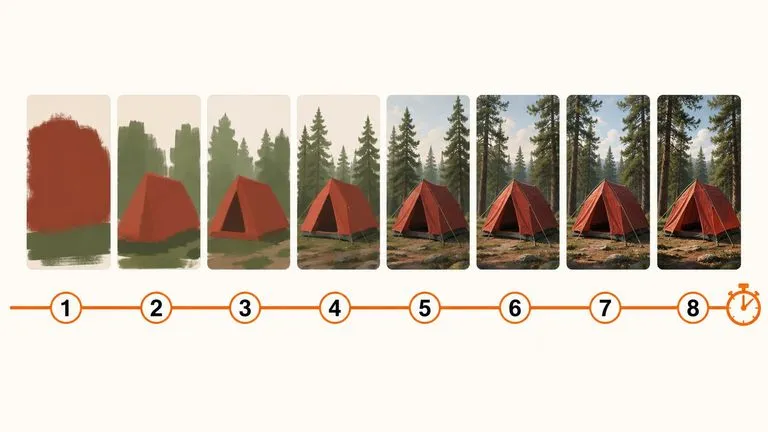
A 6-billion-parameter model compressed to an eight-step inference pipeline, built to return a usable picture before your train of thought moves on.
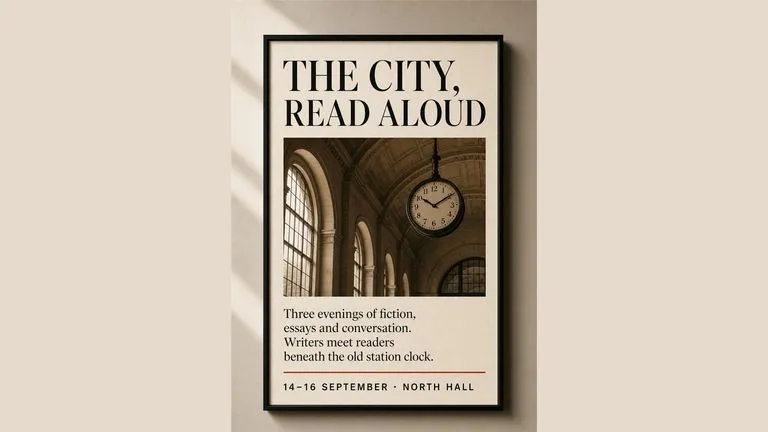
Generate studio-grade 4K images with Nano Banana Pro, blending multiple references while holding characters, products, and typography consistent.

OpenAI's ChatGPT Images 2.5 arrives in Virse as both API editions, GPT Image 2.5 Flare and GPT Image 2.5 Sunburst, with six quality grades and output up to 4K.
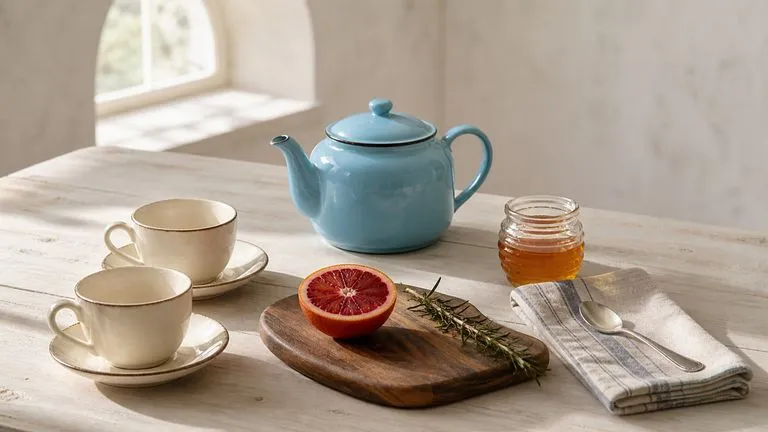
OpenAI's GPT Image 2.0 reads a hundred-word brief and attempts all of it, with independent quality and resolution controls from 1K to 4K.
Black Forest Labs' production model reads briefs up to 32,000 tokens, so brand rules, colour values, and compositional constraints can all go in at once.
Continue in your Virse canvas to review the inputs and run this tool.