Written shade
Describe Shade Depth and Subtlety
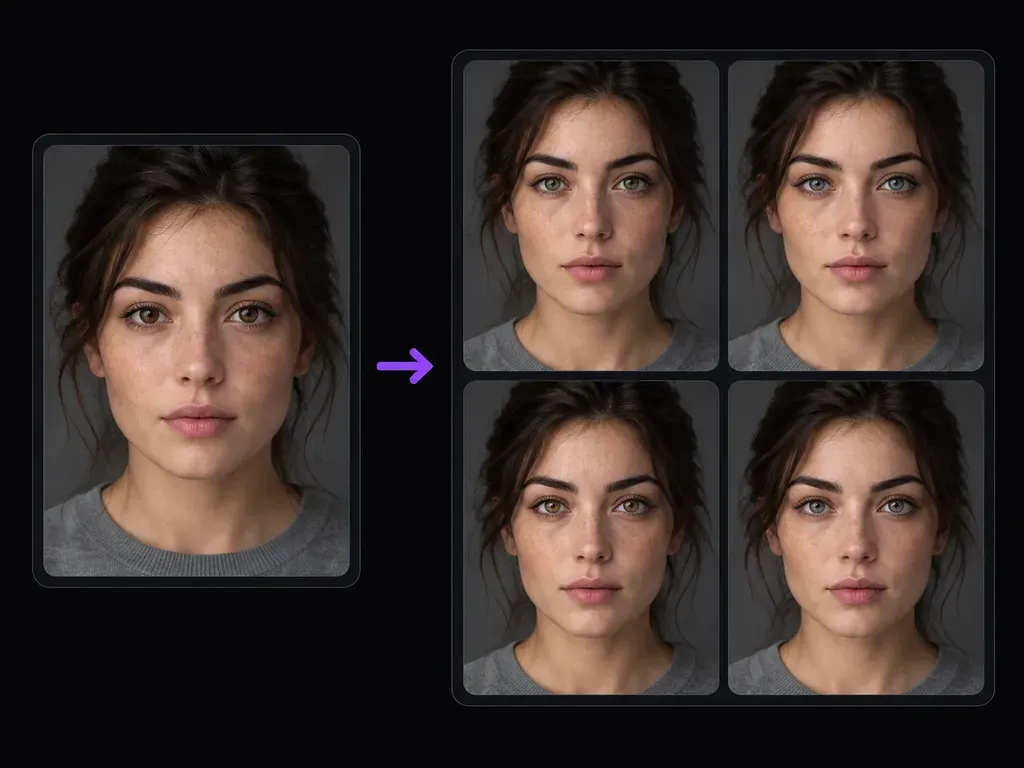
Specify the exact iris color and tone balance you want, such as honey amber with a dark limbal ring or muted slate blue, instead of scrolling through rigid preset circles.
Upload a clear portrait where both eyes are visible and describe the target iris shade and intensity you want to test. Using this eye color changer, you can evaluate a realistic eye color change beside your original headshot on the Virse workspace.
An eye color changer (or eye color photo editor) adjusts iris color in an uploaded portrait from your written shade notes. Instead of stamping a flat sticker over the face, inspect three details during an eye color change:
• Iris texture and limbal ring: Shift brown, hazel, blue, gray, or green tones while keeping the outer rim and spoke detail realistic.
• Pupil and catchlights: Retain the crisp black pupil center and original window or softbox reflections so the gaze stays lifelike.
• Sclera and skin neutrality: Keep the whites of the eyes, eyelid margins, eyelashes, and cheek undertones free from color spill.
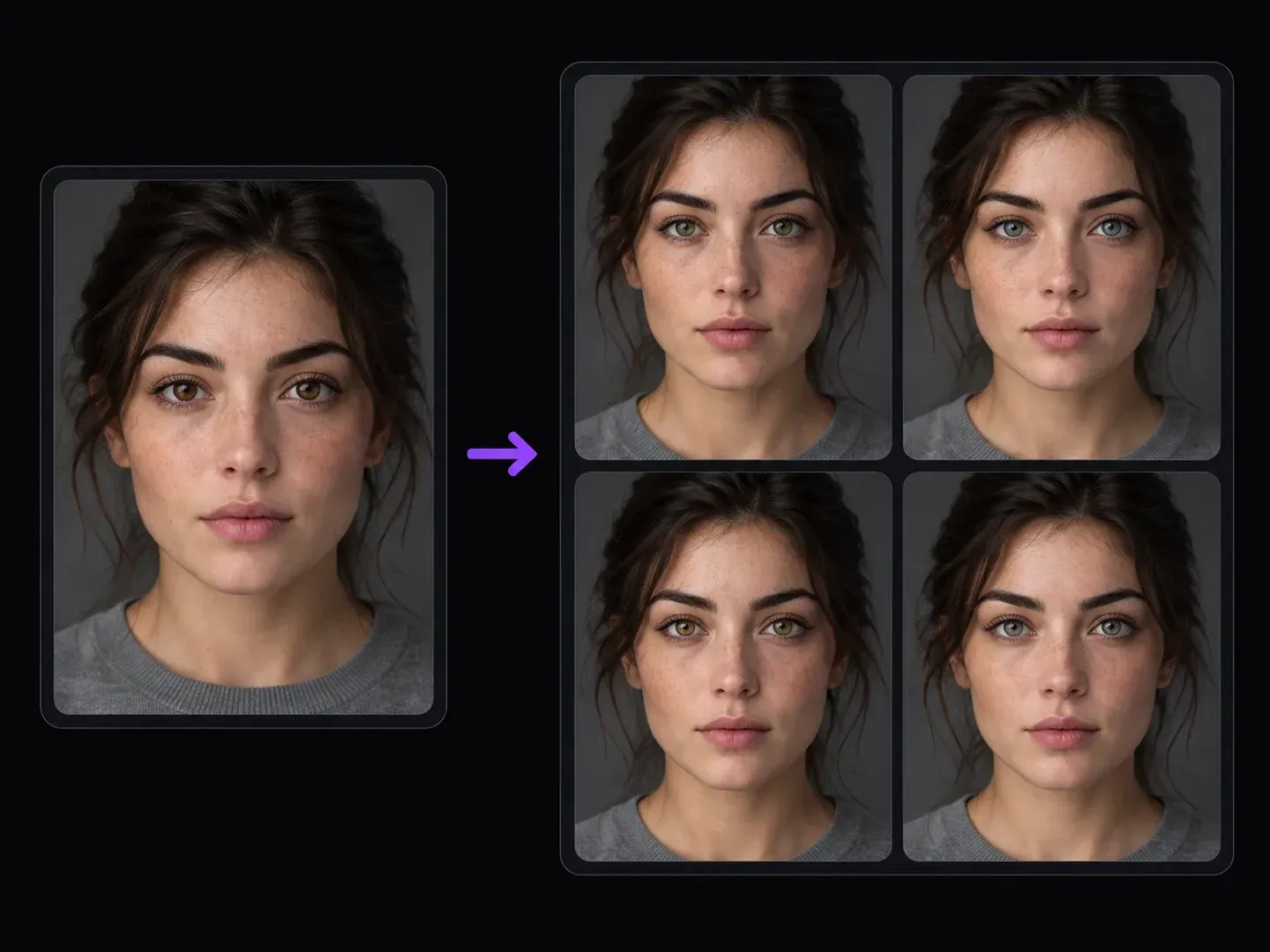
Three ways a prompt-guided AI eye color changer helps you test subtle or dramatic iris shades without flattening eye detail.
Specify the exact iris color and tone balance you want, such as honey amber with a dark limbal ring or muted slate blue, instead of scrolling through rigid preset circles.
Ask the generator to keep natural specular highlights, dark pupils, and upper eyelash shadows intact so the edited eyes match the lighting direction of your source photo.
Test hazel, amber, and slate-green iris shades across individual runs and pin them next to your unedited headshot on the Virse board to verify likeness.
Why written iris color notes beat flat beauty-app ring stickers and manual lasso masks.
Circular Filter Overlays and Manual Brushes
Virse AI Eye Color Changer
Provide a sharp portrait where both irises, pupils, and specular highlights are in focus so you can change eye color in photo portraits cleanly.
Write the target eye color and how natural or vivid it should look, noting that catchlights, pupils, eyelashes, and skin tone stay unchanged.
Apply the requested iris pigment change while leaving cornea catchlights intact.
Examine both eyes at 100% zoom to confirm pupil centering, white sclera balance, lash boundaries, and facial likeness.
Specific hue and reflection instructions prevent neon contact-lens artifacts in the eye color changer. Copy a warm-hazel, slate-blue, or honey-amber iris prompt below:
• Warm hazel portrait: "Change both irises to natural warm brown-hazel with a golden inner ring; keep original window catchlights and dark pupils."
• Blue-gray headshot: "Adjust the eye color to muted cool blue-gray with a dark outer limbal ring; preserve studio reflections and eyelid skin."
• Honey amber close-up: "Shift the iris shade to translucent honey amber matching the warm side light; retain natural spoke texture and sharp pupils."

Four portrait, creative, and character workflows where testing iris shades on a static photo saves manual retouching time.

Preview a restrained iris warmth adjustment or catchlight balance on a close-up portrait before committing to local color grading.
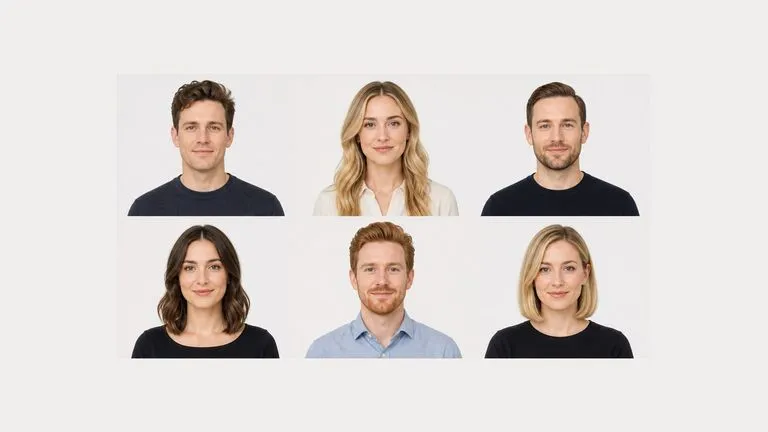
Explore how amber, ice-blue, or emerald eyes read on a cosplay portrait or themed social post without buying physical props for a single photo concept.

Generate visual reference portraits for fictional characters by testing specific eye colors against casting photos on one shared canvas.
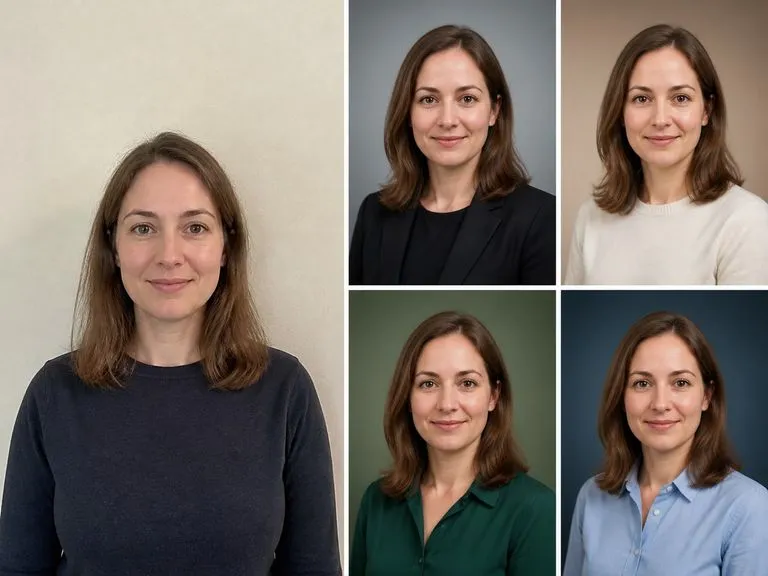
Try a subtle hazel or gray iris variation on a personal selfie while checking that your expression, eyebrows, and skin undertones still look like you.
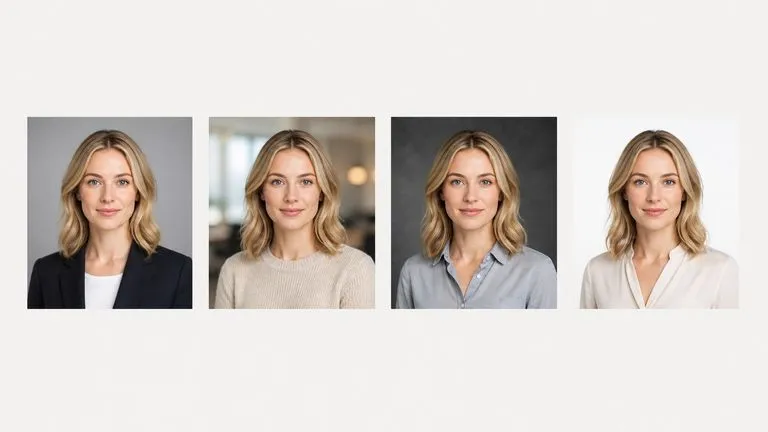
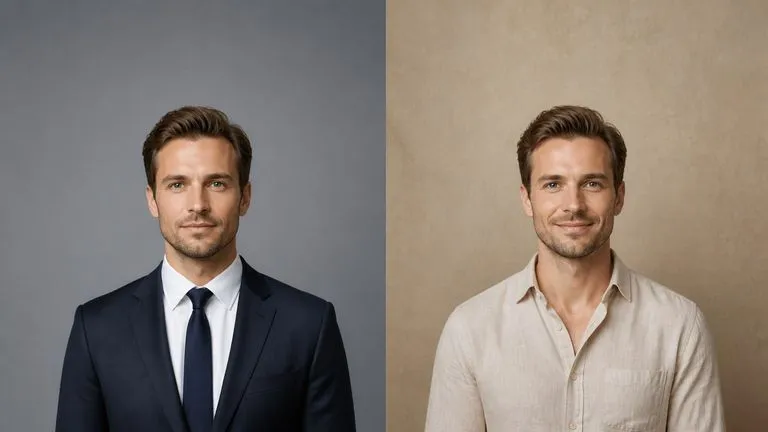
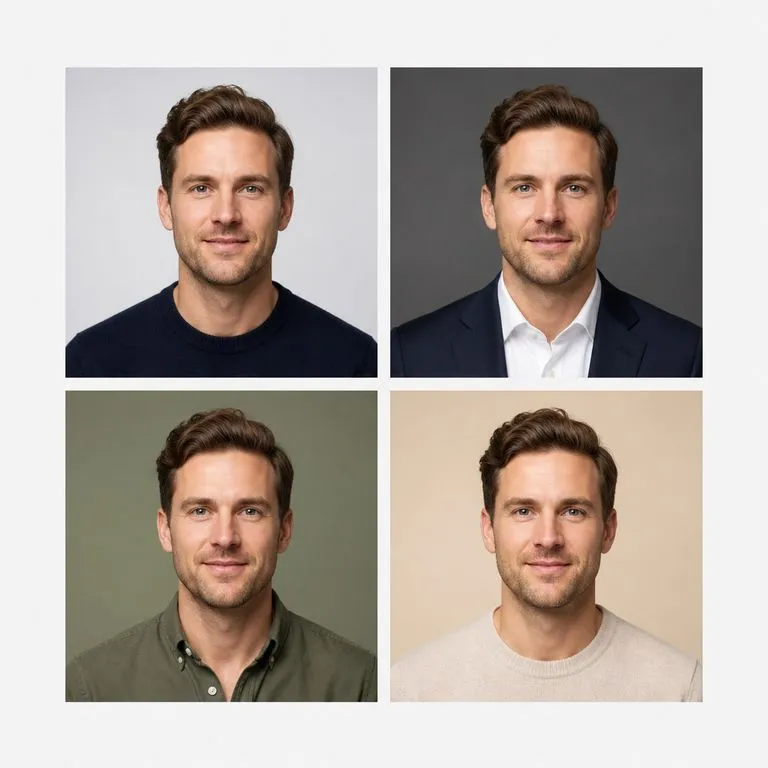
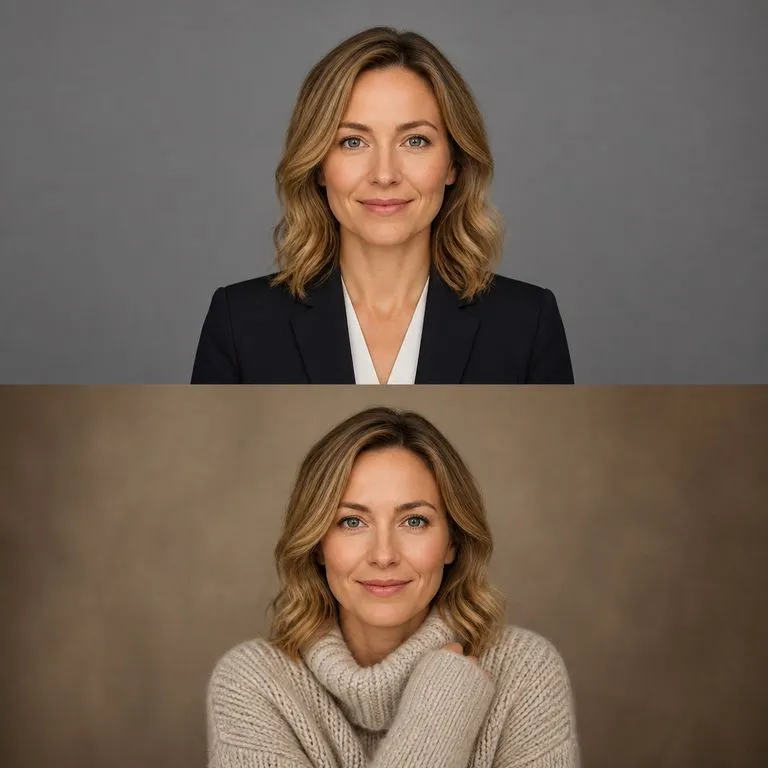
Six static portrait concepts illustrating how different iris shades interact with window daylight, warm golden hour, and studio lighting.




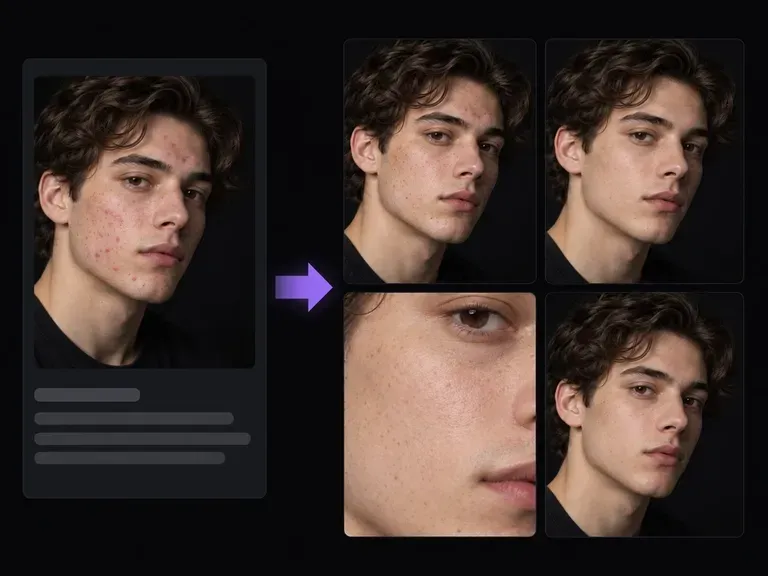
Retouch stray dust specs, forehead shine, or minor acne spots on close-up portraits.
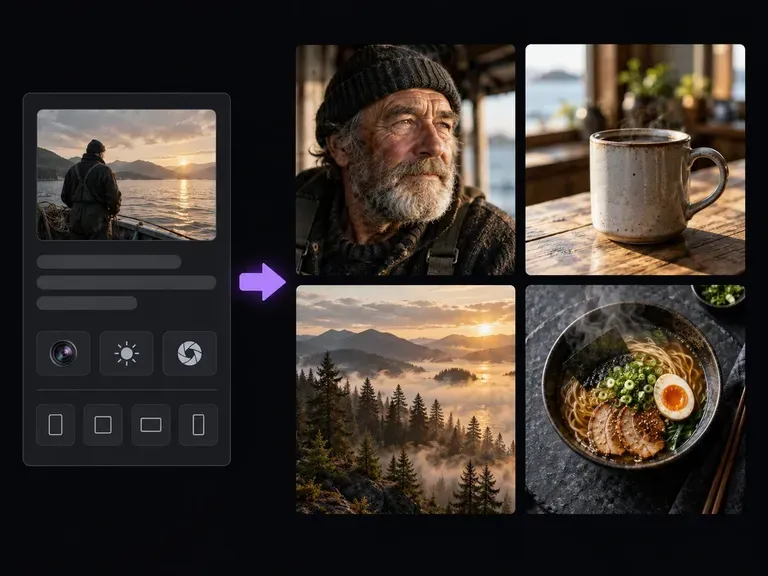
Originate close-up beauty photography and expressive studio portraits from text camera prompts.
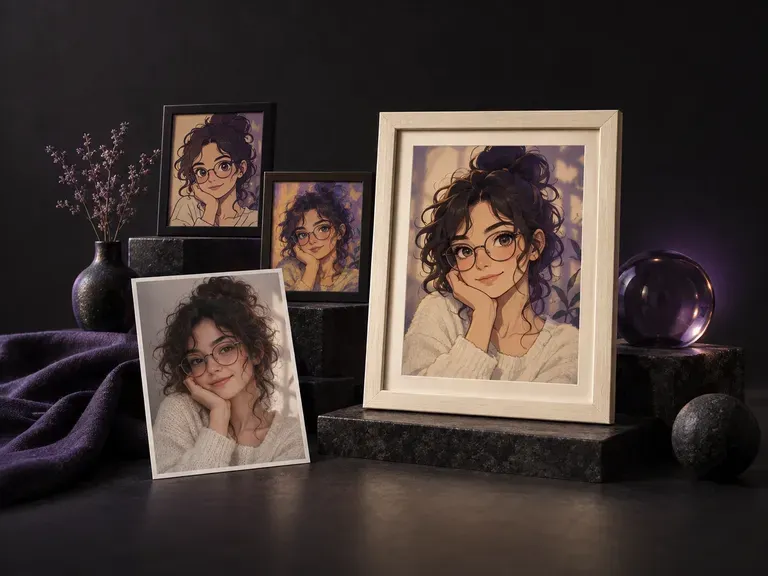
Restyle an everyday phone selfie into an editorial or themed portrait with new lighting and attire.
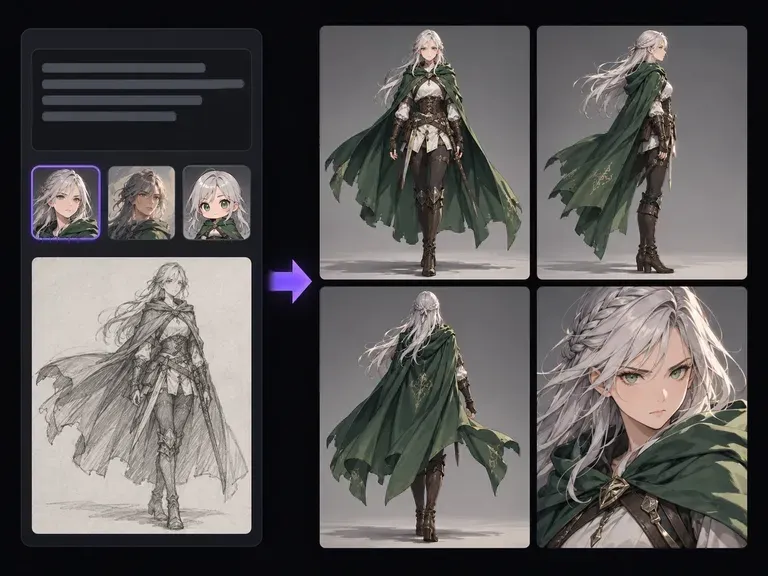
Design fantasy or sci-fi character sheets with striking eye colors and costume concepts.
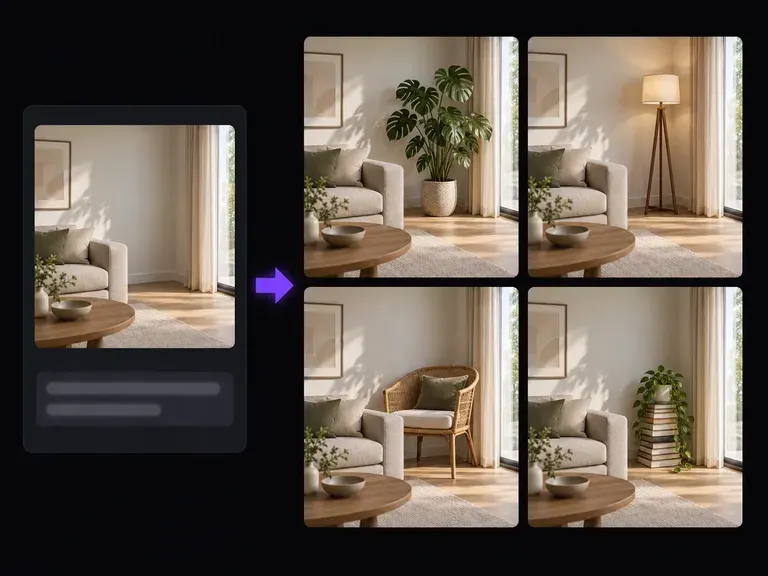
Add tortoiseshell glasses, gold hoops, or scarf accents to a headshot via plain-text prompts.
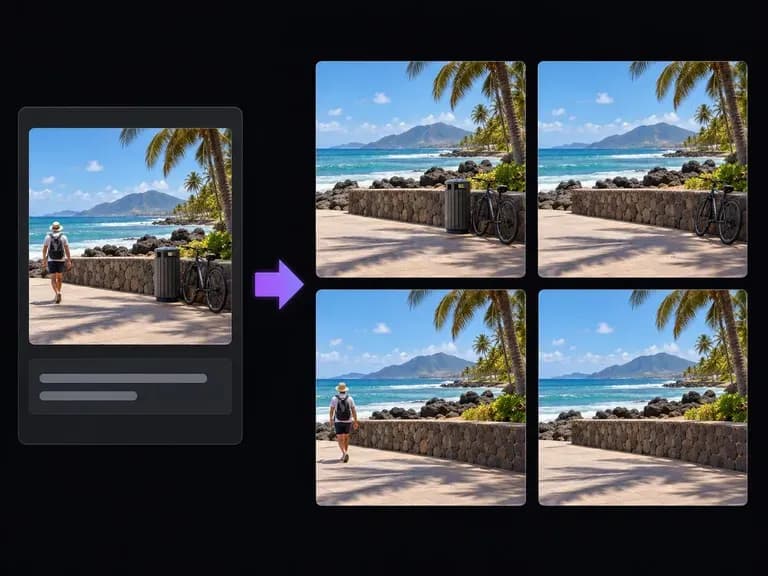
Erase photobombers, wall outlets, or distracting background clutter behind a portrait subject.

Inspect fine radial iris fibers and corneal catchlights from your upload at 4K output detail.
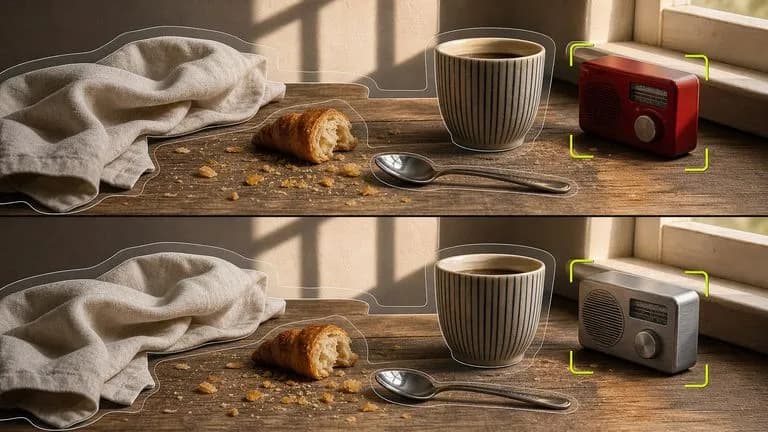
Shift localized iris pigment on an uploaded portrait while locking pupil position and catchlights.
Render lifelike corneal reflections, dark limbal rings, and natural eyelid shading under studio light.

Follow detailed iris color instructions that protect sclera whiteness and surrounding makeup.

Keep catchlight sharpness, eyebrow hairs, and complexion warmth steady across iris color comparisons.
Preview warm hazel, honey amber, and slate-blue iris shades rapidly at minimal credit cost.
Attach a sharp portrait in the Virse studio, type your desired hazel, amber, or slate-blue iris shade, and check corneal catchlights and pupil contrast side by side.