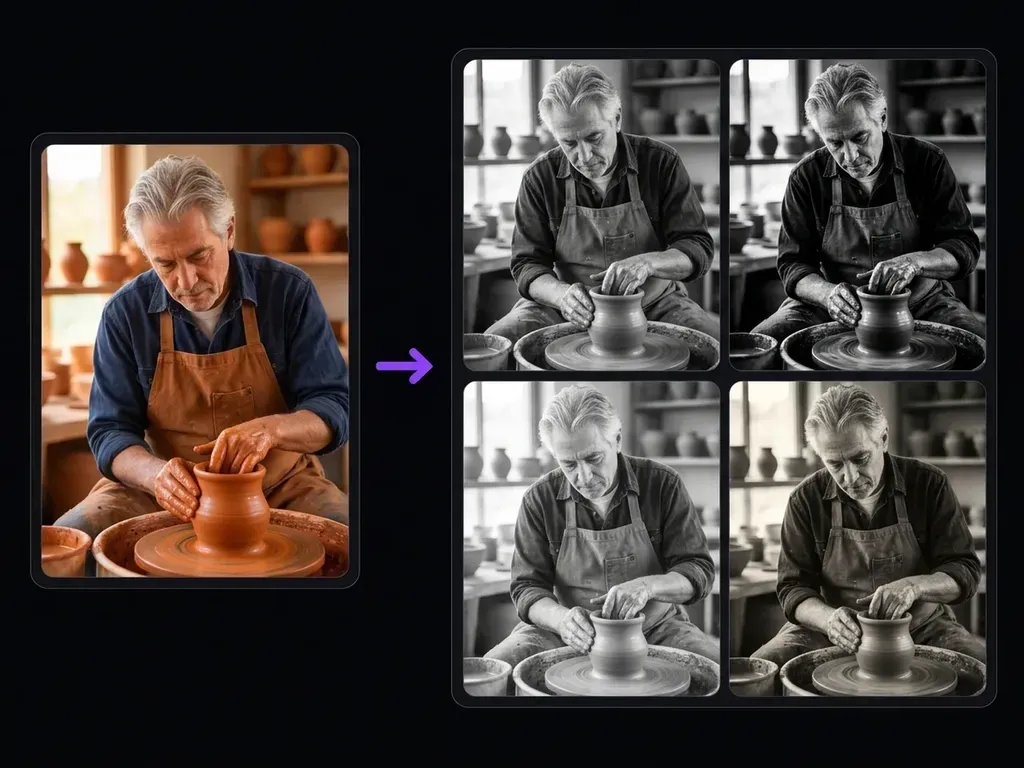
Depth shaping
True Grayscale Tonal Separation
Prevent matching luminance values on colorful clothing, foliage, and red architecture from colliding into muddied midtone grey zones.
Upload any color photograph, describe your target darkroom mood such as high-contrast film noir, classic silver-gelatin tones, or soft portrait grayscale with fine grain, and inspect monochrome proofs in Virse. Using our black and white photo editor shapes tonal depth across reds, greens, and skin highlights instead of flattening pictures into dull mid-gray.
An online black and white photo editor turns color photography into expressive grayscale imagery shaped by classic silver-gelatin contrast, dramatic film noir shadows, or delicate low-key softness. Upload your color frame to Virse, state how strongly sky tones, foliage, and highlights should separate, and audition darkroom directions together instead of relying on flat desaturation.
One-click average desaturation blends red bricks, blue denim, and skin tones onto nearly equal middle grays. Rather than colorizing antique monochrome prints (handled by Virse Old Photo Restorer), intentional color-to-monochrome editing depends on three essentials:
• Tonal separation across hues: Contrast foliage against sky clouds and isolate faces neatly from dark jackets using descriptive light balance.
• Noir sharpness or soft film texture: Request silver-gelatin contrast, subtle 35mm analog grain, or restrained matte shadows across separate passes.
• Clear non-RAW static limits: Converts through descriptive style prompts (PNG or JPG) without RGB channel mixer sliders, 16-bit RAW curves, or darkroom printing.
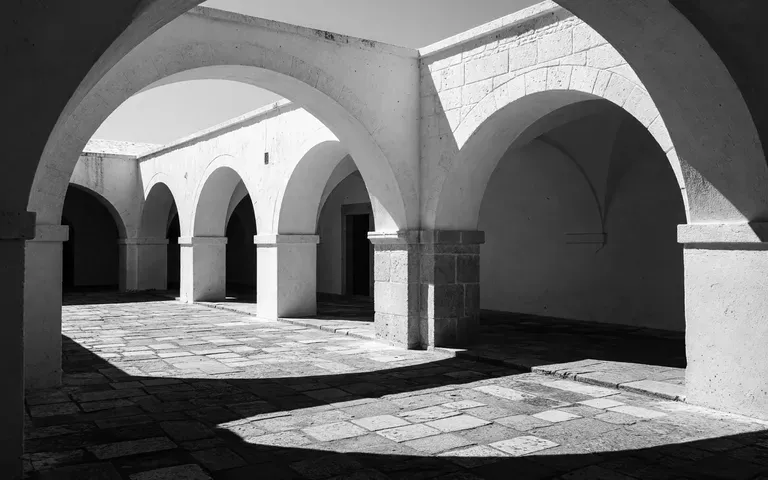
Designed for portrait photographers, street shooters, and print sellers running a monochrome photo filter to compare contrast styles.
Prevent matching luminance values on colorful clothing, foliage, and red architecture from colliding into muddied midtone grey zones.
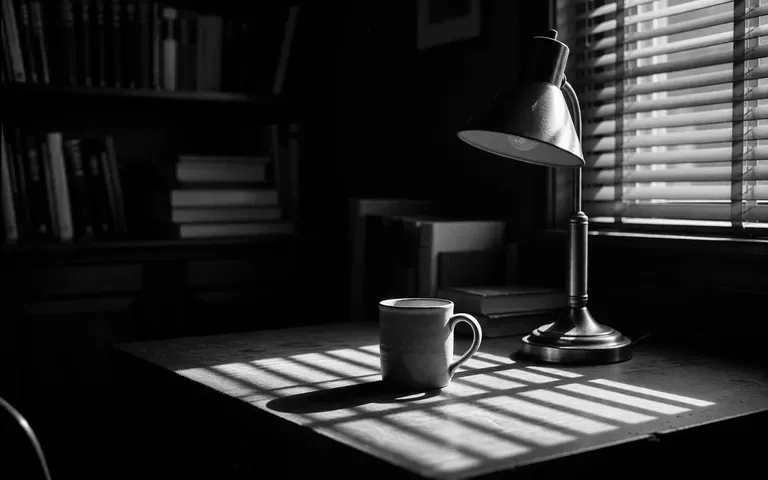
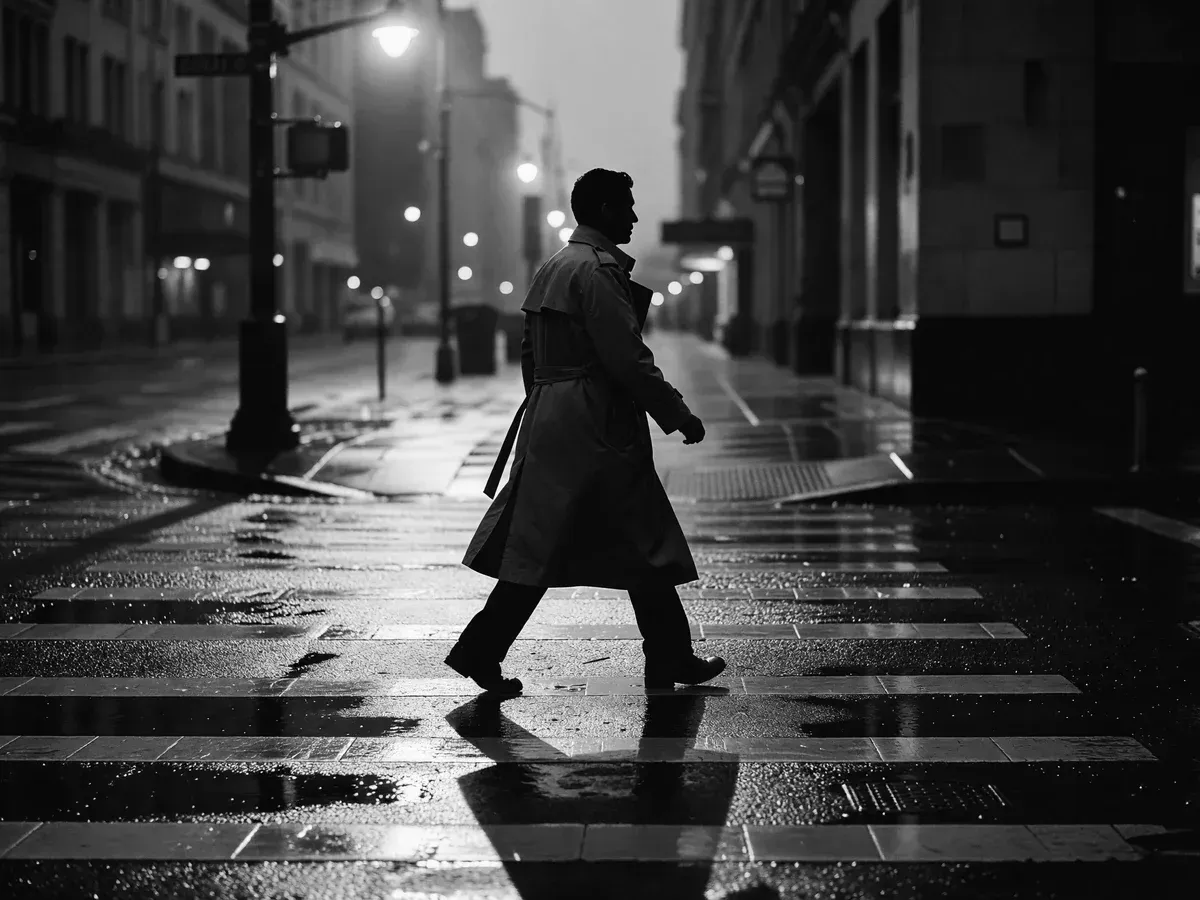
Test punchy film noir chiaroscuro shadows beside gentle matte curves and fine analog film grain across identical source photos.
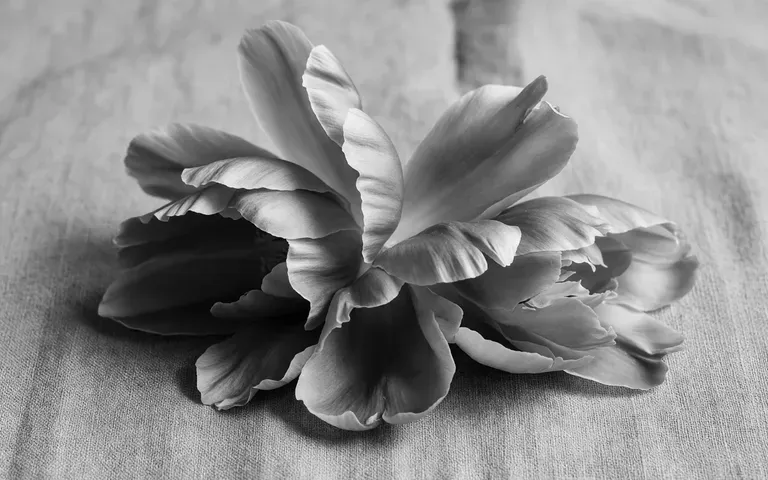
Maintain natural skin pore micro-contrast and delicate bright wedding fabric shimmer without washing bright faces into flat white chalk.
Comparing style-guided monochrome toning against basic one-button grayscale tools found across simple online editors.
Basic One-Button Desaturate Converters
Virse AI Black and White Photo Editor
Load a sharp JPG, PNG, or WebP color shot displaying full shadow details, open sky highlights, and clear facial features.
Describe tonal emphasis like punchy black shadows, open luminous skies, gentle matte highlights, or light analog darkroom grain.
Generate noir contrast passes alongside softer silver-gelatin trials so different darkroom finishes collect side by side on your canvas.
Inspect specular skin patches, hair separation from dark backgrounds, and sky clipping closely before exporting fine-art prints.
Combining contrast range, surface grain texture, and key highlight density steers color-to-monochrome edits predictably across subjects:
• Wet station clock hall monochrome: "Transform this evening grand hall clock interior photo into dramatic silver-gelatin black and white where brass pendulum reflections shine bright against dark iron arches."
• Soft low-contrast stoneware portrait: "Convert this window-lit handmade clay vase beside sheer linen curtains into gentle matte monochrome holding soft pale midtones with minimal shadow crush."
• Storm pass tonal separation: "Render this wide rocky alpine storm cloud scene into dramatic film noir black and white separating bright granite peaks against moody thunderclouds."
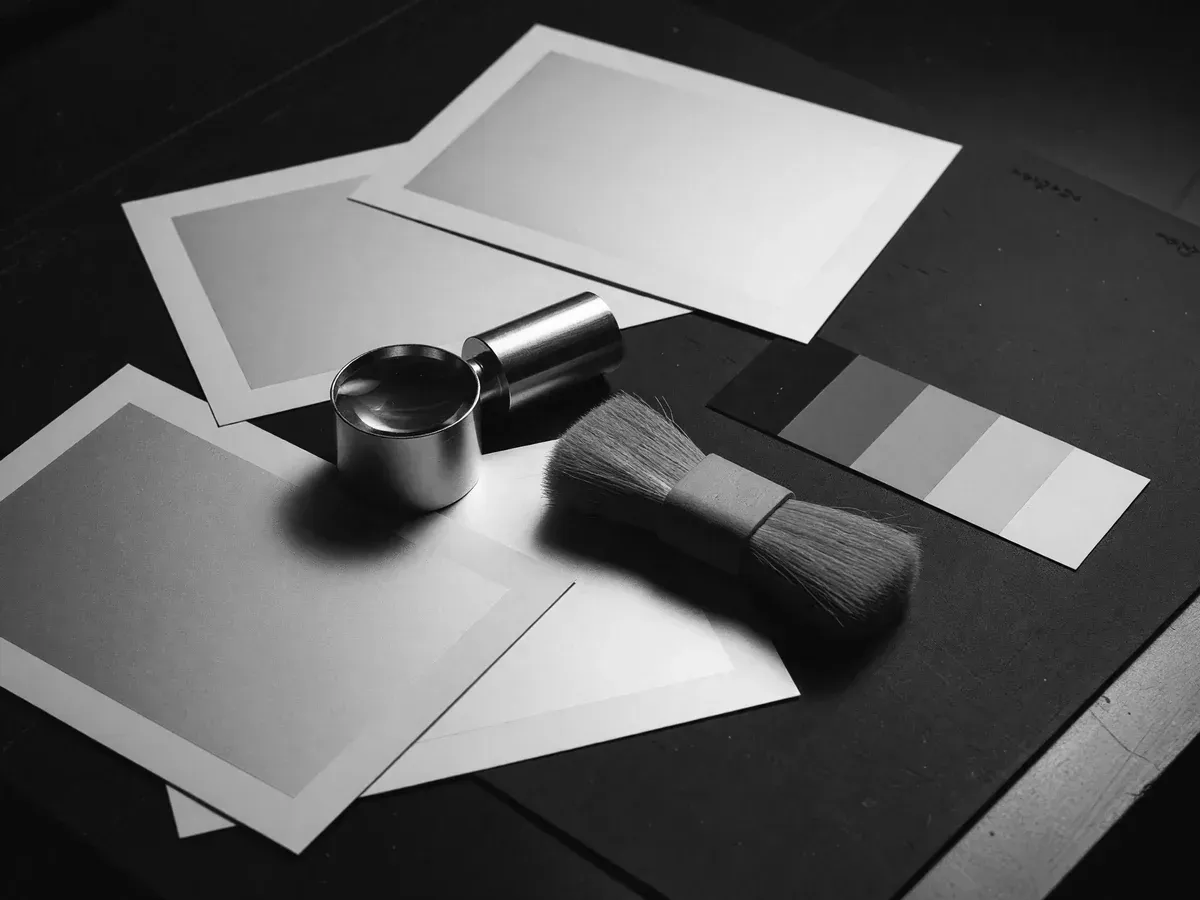
Four photography and publishing disciplines testing darkroom contrast curves prior to ordering paper prints or shipping galleries.
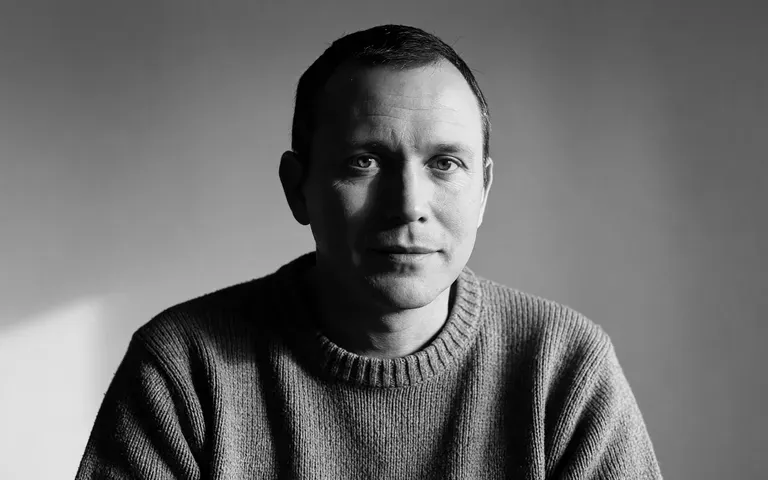
Convert lively reception or natural window portraits into calm silver-gelatin prints retaining delicate veil lace and cheek texture.
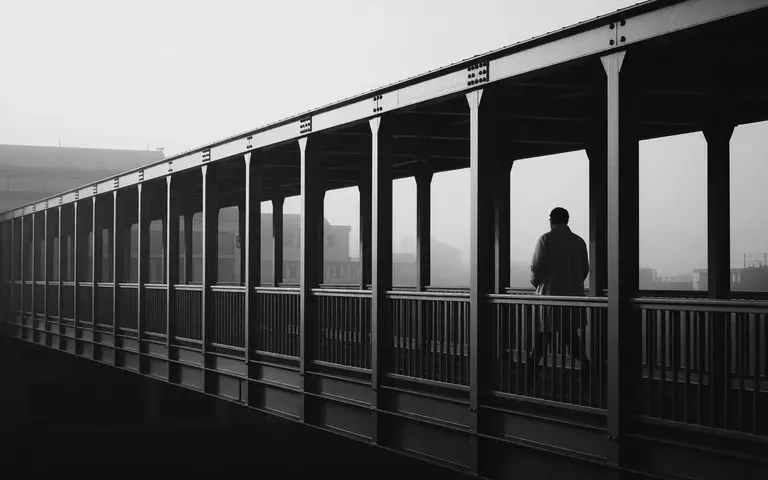
Refocus busy street captures cluttered with bright neon signs into disciplined 35mm monochrome compositions driven by geometry and shadow.
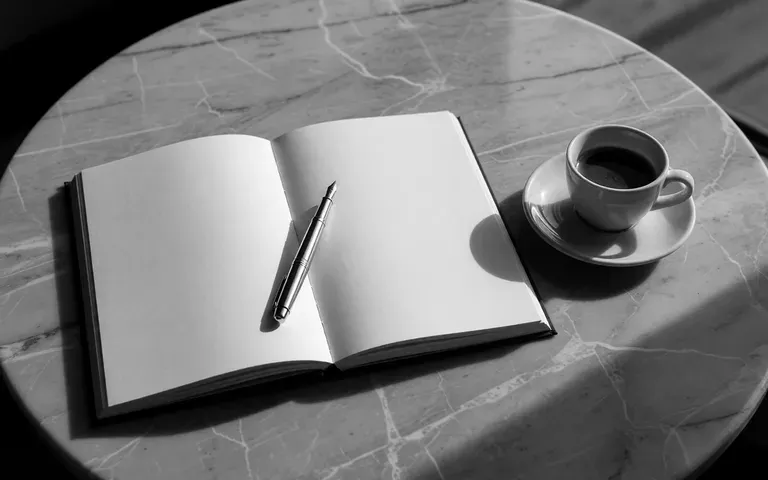
Harmonize multi-photographer print essays onto uniform contrast floors and matching grain structure ready for monochrome ink press runs.
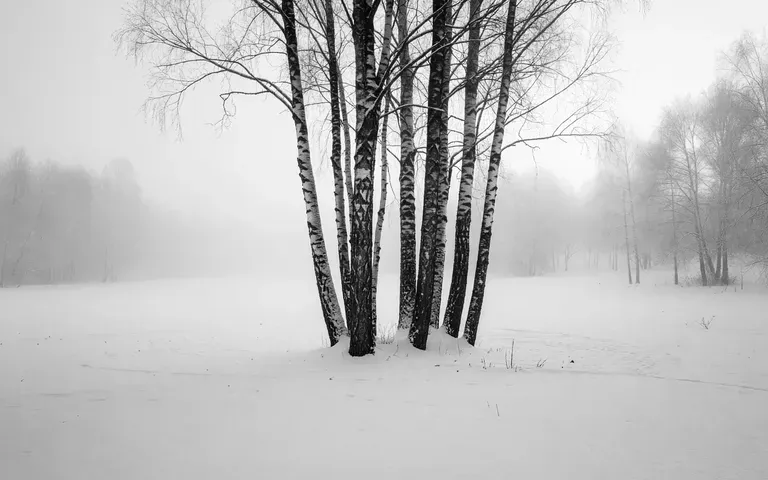
Audition deep gallery-grade matte blacks beside moody atmospheric snow mist before ordering museum rag sample editions.
Six color-to-grayscale studies spanning smoky jazz backstage lighting, concrete stairwells, ocean mist, vintage camera brass, sailboat rigging, and wet cobbles.
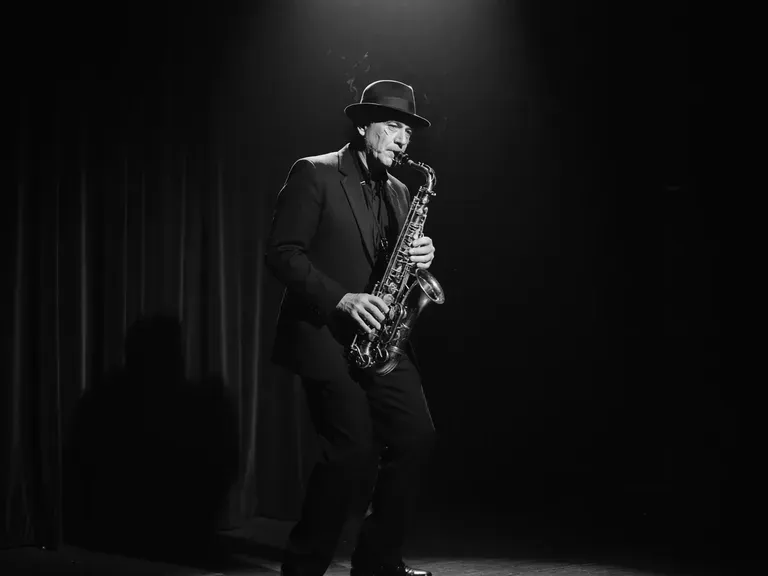
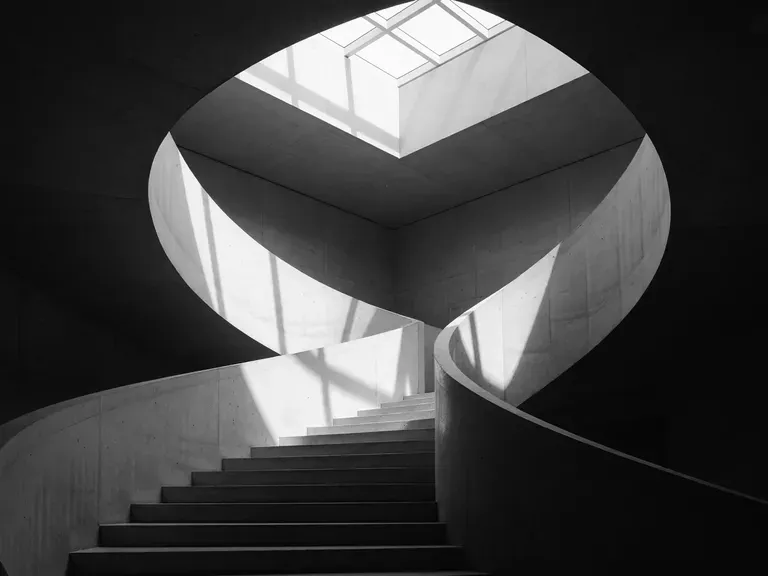
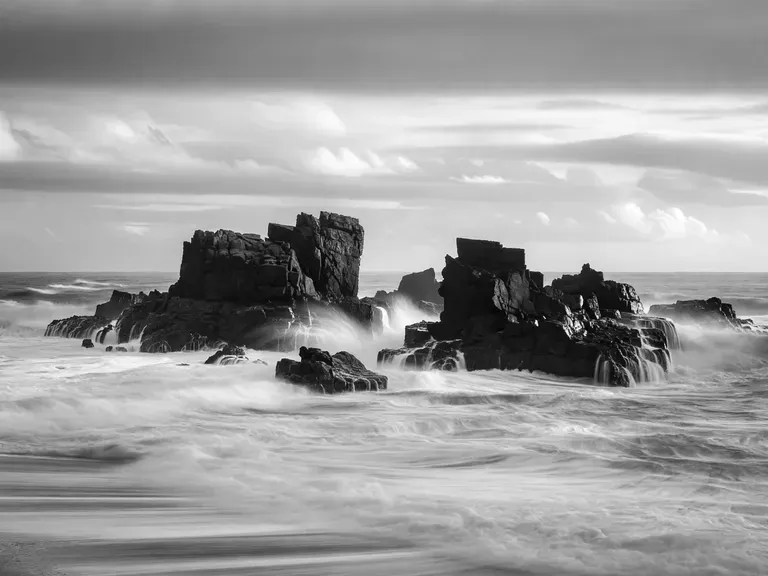
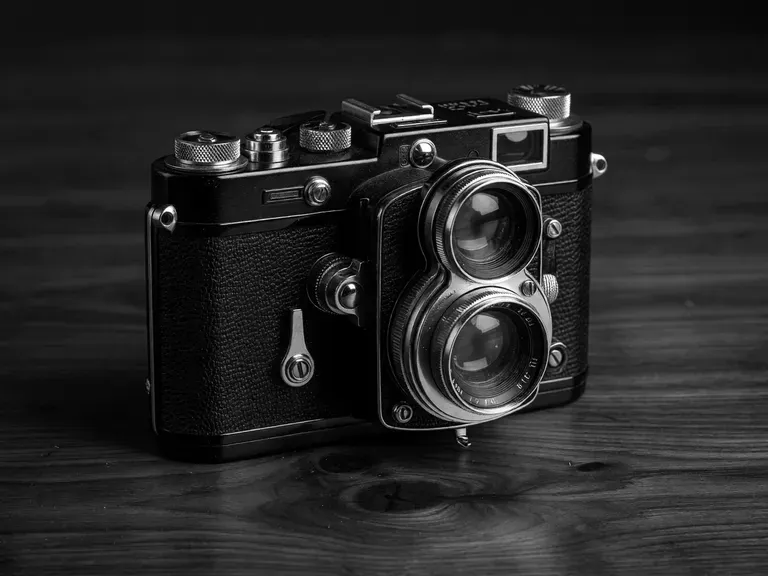
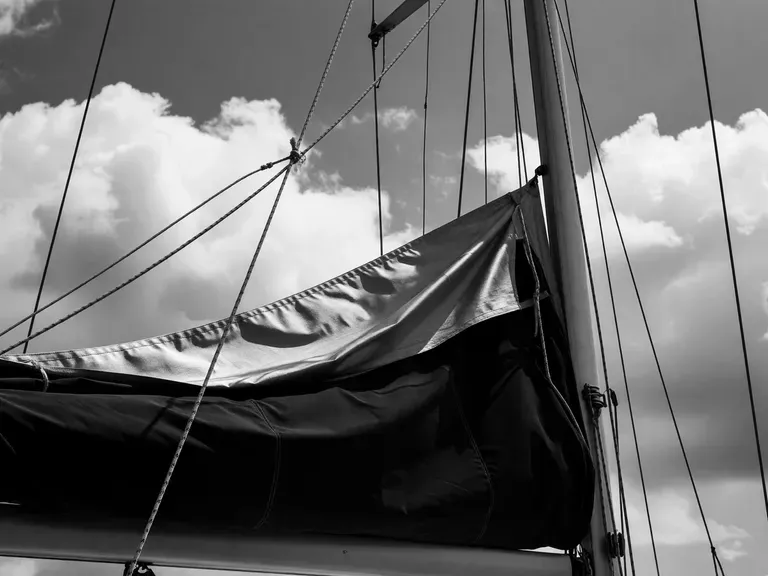
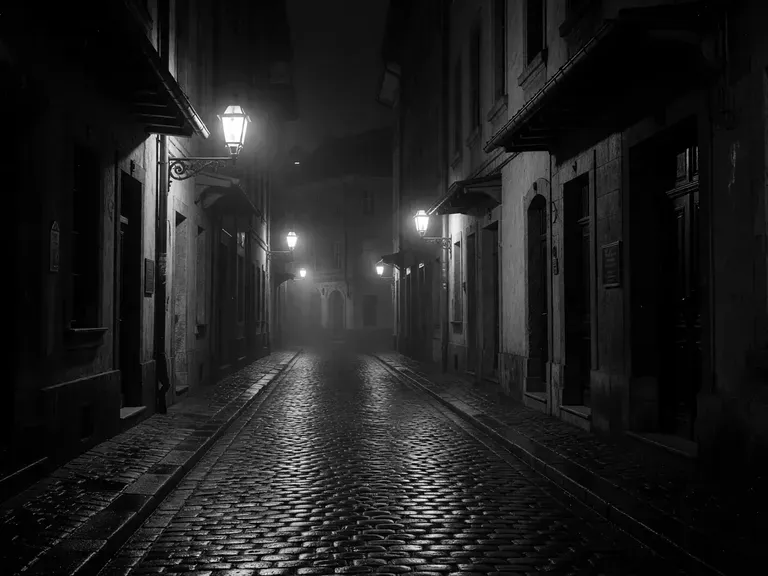
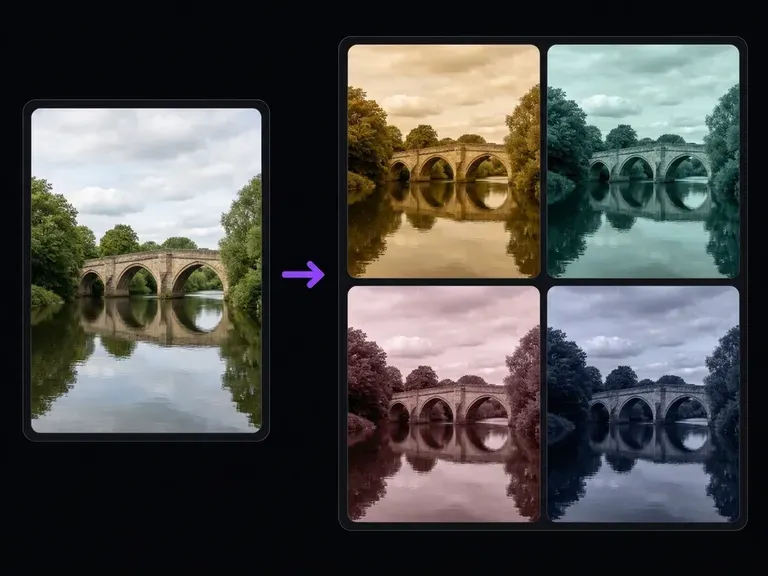
Sweep warm walnut sepia, dusty rose, or twilight steel-blue washes across monochrome or muted scenes without muddying highlights.
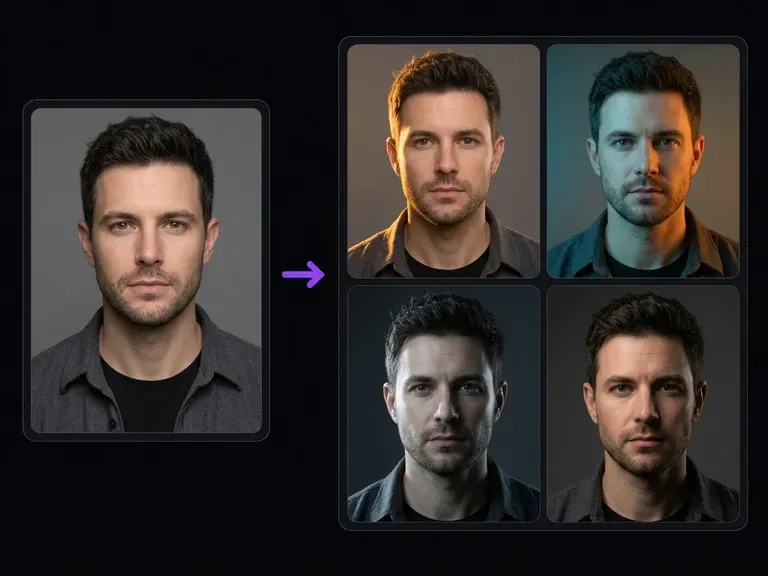
Shape directional key-light angle or softer studio shadows onto a single frame before styling high-contrast noir black and white.
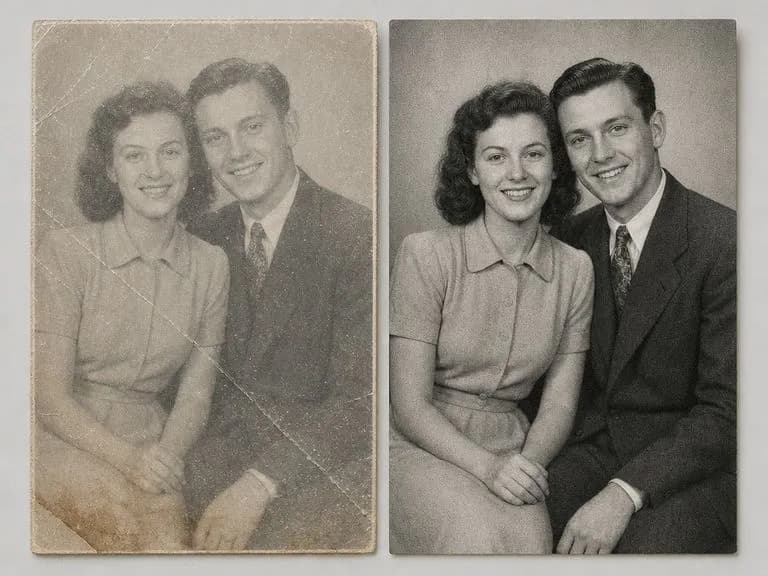
Repair scratches, folded creases, and faded staining on damaged antique pictures and optionally restore natural color.
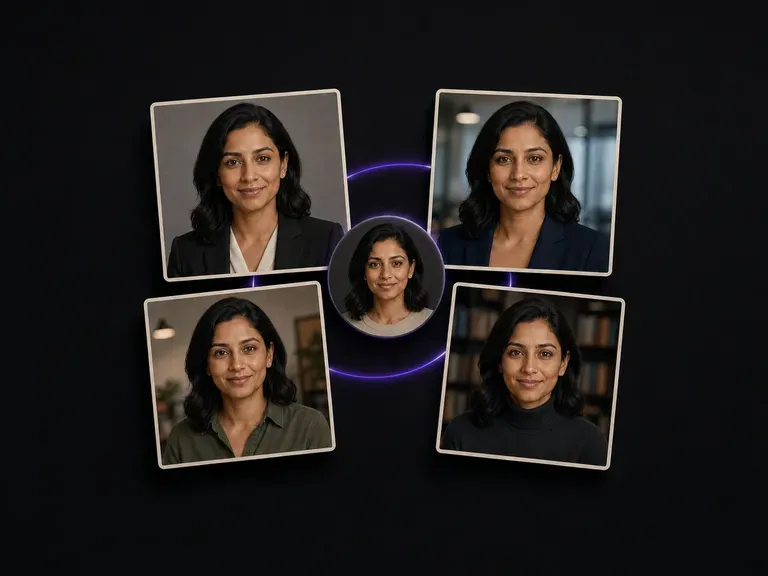
Create a matching set of studio portrait headshots from one front-facing photograph while keeping identity intact across monochrome crops.
Diagnose blur, grain clutter, or compression softness first and upscale small source photos to 1K, 2K, or 4K clarity.
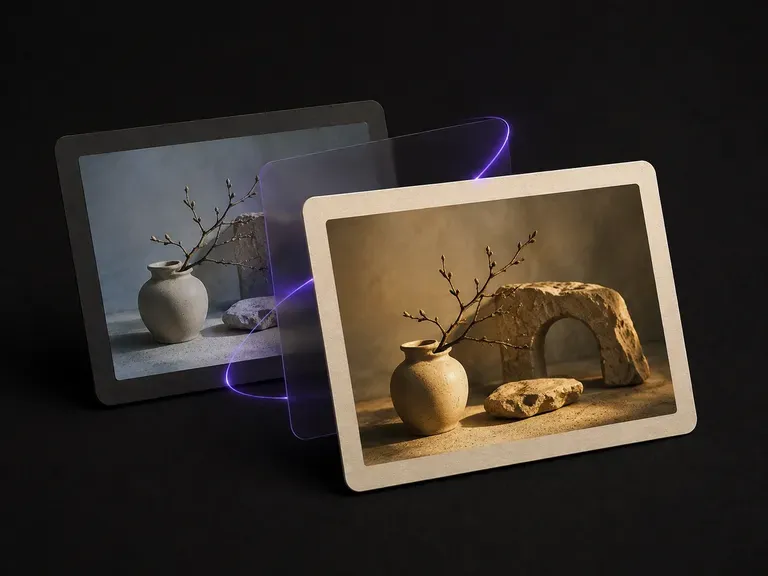
Match color grading straight between a source shot and a mood photo whenever your project wants warm palettes instead of monochrome tones.
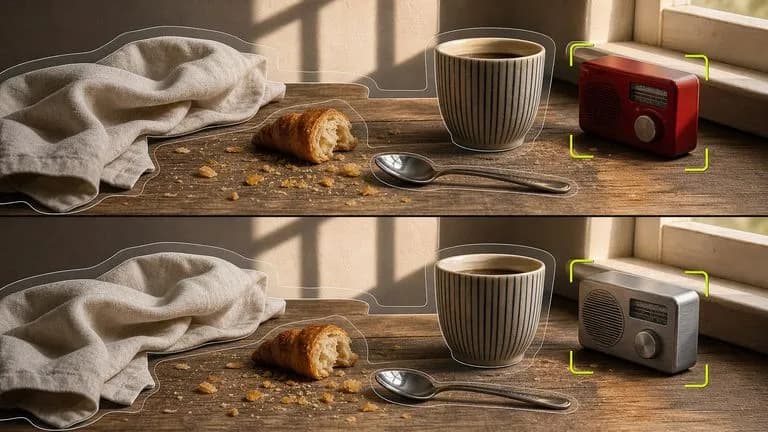
Protect delicate hair strands, brick patterns, and lens micro-detail firmly while remapping colorful scenes into balanced grayscale.
Test 1K darkroom versions using starter credits or inspect 4K silver-gelatin textures across foliage veins and sunlit water ripples.

Interpret nuanced tonal notes balancing velvety dark coat shadows against glowing overcast sky details across natural street portraits.
Deliver smooth highlight rolloff on bright daylight limestone and dramatic evening streetlamp reflections across tonal grayscale ranges.

Explore heavy chiaroscuro film noir depth, atmospheric fog mood, and sculptural contrast ratios across dramatic fine-art compositions.
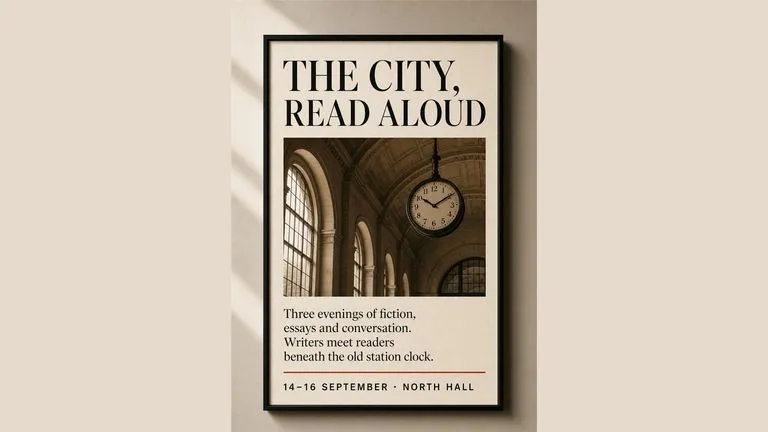
Keep facial pores, subtle eyelash sharpness, and wool weave grain steadfast under tight editorial inspection in grayscale runs.
Drop any color image onto Virse, choose silver-gelatin, film noir, or soft matte portrait balance, and preview side-by-side monochrome tones right in your browser.