Look from text
Written Film Color Grade Previews
Describe blockbuster teal-orange balance, bleach-bypass contrast, or warm pastel halation in plain words to preview look aesthetics visually.
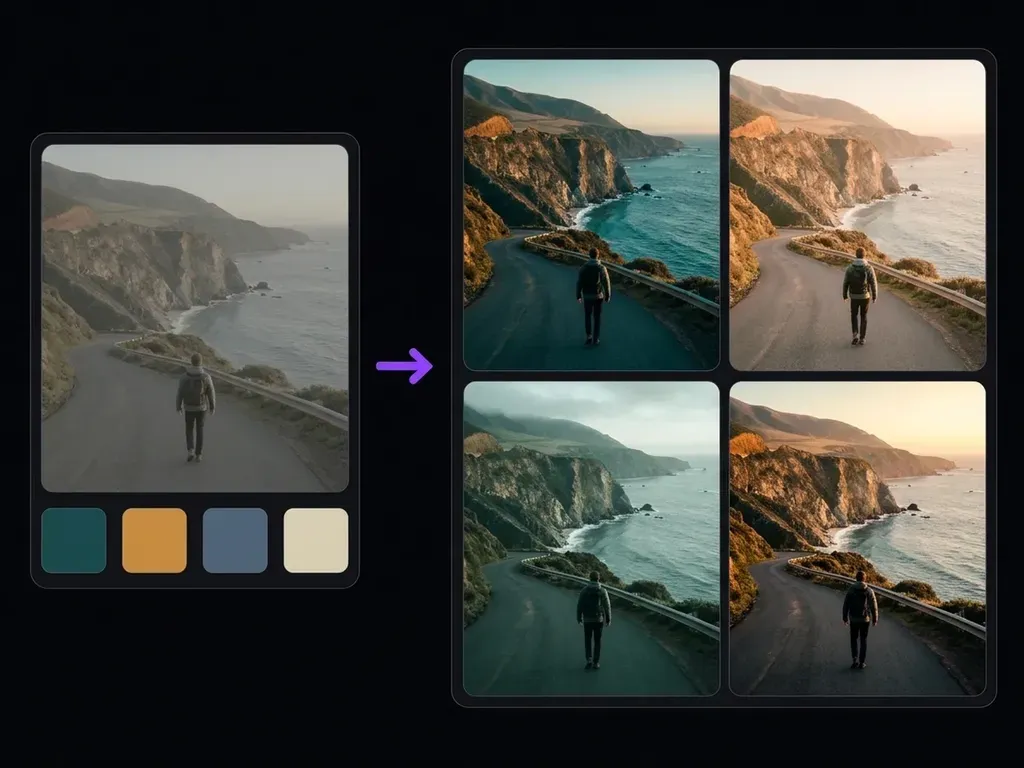
Describe a film color mood or upload a reference still alongside an optional test photograph to preview static cinema look grades side by side on Virse. Built purely for static visual look development rather than desktop NLE exports, this AI LUT generator produces image references without generating .cube or .3dl lookup table files.
An AI LUT generator look previewer helps cinematographers, colorists, and photo editors test cinema color grading moods as static image stills before touching NLE grading panels. Write mood notes or attach a reference still beside an optional test photo on Virse to compare blockbuster teal-amber, vintage film warmth, or cool Nordic slate visually without building .cube tables first.
Unlike steering-wheel game LUT generators or scripted lookup table compilers, colorists rely on visual mood alignment prior to keying Premiere Pro or DaVinci Resolve timelines. Testing visual looks first settles three practical questions:
• Explore looks from mood text: Unlike Virse Color Grade Transfer which computes matching statistics strictly between two pictures, test film moods from text alone or with one sample photo.
• Keep competing grades side by side: Evaluate Kodak-warm shadows next to bleach-bypass metallic contrast on one Virse workspace before setting curve nodes.
• Explicit non-.cube export limits: Outputs stay purely static image references (PNG or JPG) with zero .cube or .3dl 3D LUT file downloads for DaVinci Resolve, Premiere, or Final Cut Pro.
Built for cinematographers, colorists, and commercial directors locking a movie color palette generator direction before opening timeline nodes.
Describe blockbuster teal-orange balance, bleach-bypass contrast, or warm pastel halation in plain words to preview look aesthetics visually.

Attach a favorite cinema reference screenshot alongside your own location test snap to study how shadow tint and skin glow adapt.
Stack three competing look directions on canvas during pre-production meetings so DPs and clients agree before grading logs manually.
Comparing visual static look alignment in Virse against dialing raw DaVinci Resolve or Premiere color wheels without visual sign-off.
Blind Timeline Trial-and-Error in NLEs
Virse AI LUT Generator Look Previews
Provide written color temperature direction like silver bleach-bypass contrast, or upload a movie reference screenshot alongside an optional test photo.
Specify shadow hue cast, black point lift, saturation restraint, and skin highlight rolloff for accurate film LUT look preview framing.
Launch individual passes for warm tungsten contrast versus cool Nordic twilight so static boards gather next to one another on canvas.
Inspect neon street signs, sky gradients, and skin tones for unnatural clipping before dialing matching curves inside Resolve or Premiere.
Specifying shadow tint, midtone saturation, highlight rolloff, and lighting contrast keeps film LUT look preview aesthetics focused across genres:
• Bleach-bypass train car contrast: "Apply a desaturated silver bleach-bypass cinematic color grade to a sleeper train window scene keeping warm reading lamp skin highlights subtle and steel blacks crushed."
• Muted emerald reading room grade: "Render an analog 35mm library reading desk scene under soft emerald shadow wash with creamy antique paper highlights and restrained ink contrast."
• Sunset rooftop copper balance: "Preview an editorial sunset concrete terrace shot balanced between deep cerulean shadow pockets and glowing copper golden-hour rim light."
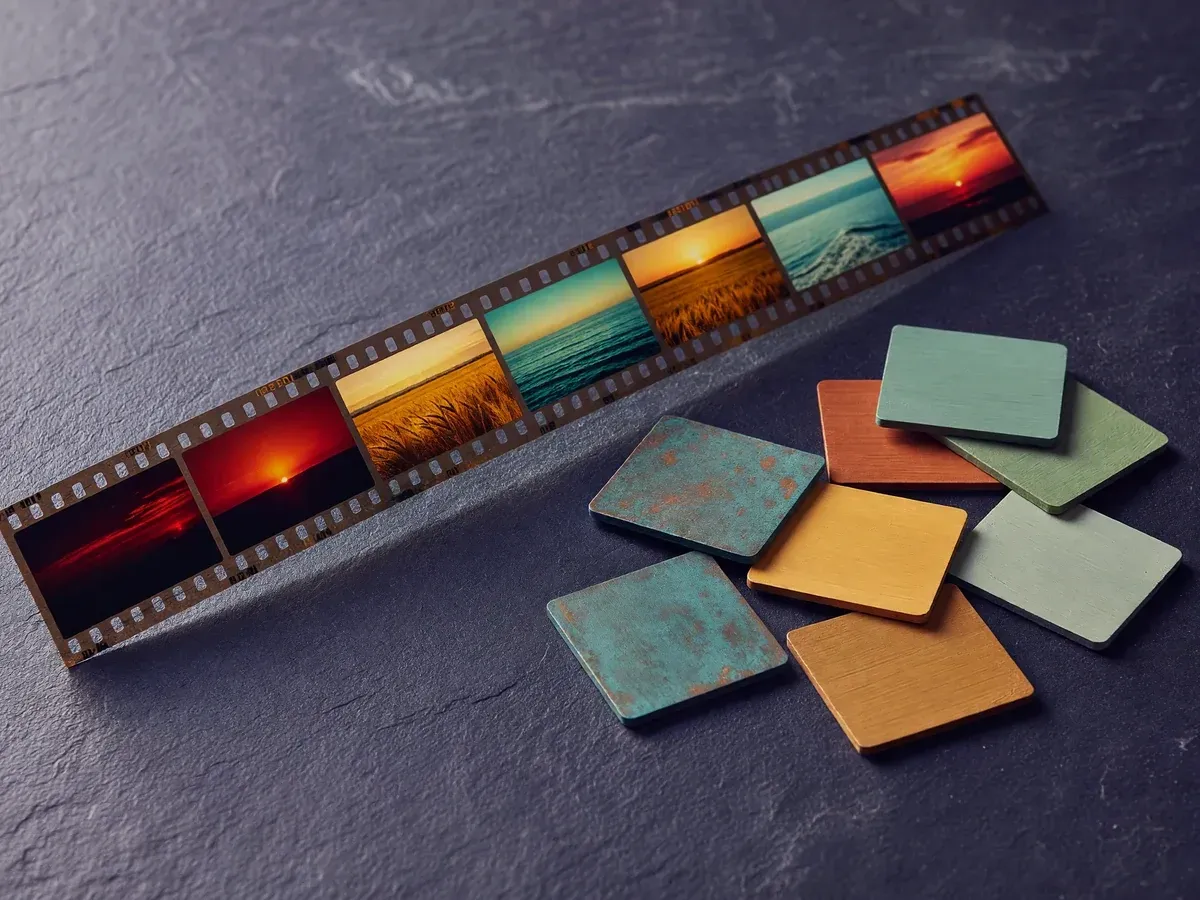
Four film and photography roles testing visual LUT aesthetics early before dialing NLE timeline nodes or building Lightroom presets manually.
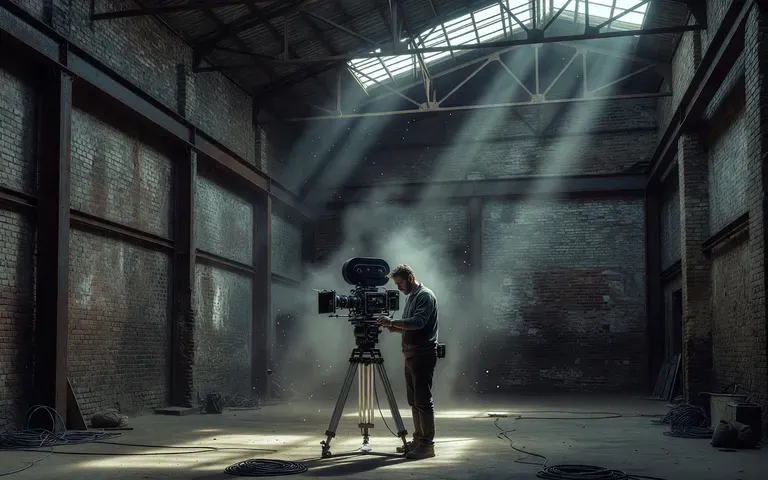
Sketch color scripts and test lighting palette moods on location scout snapshots before camera prep wraps.
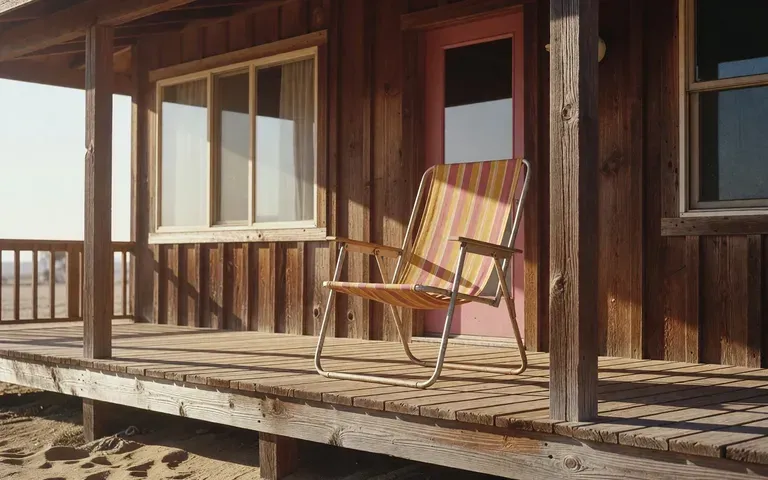
Send visual color grade lookboards directly to producers and agency creative leads ahead of editing suites.
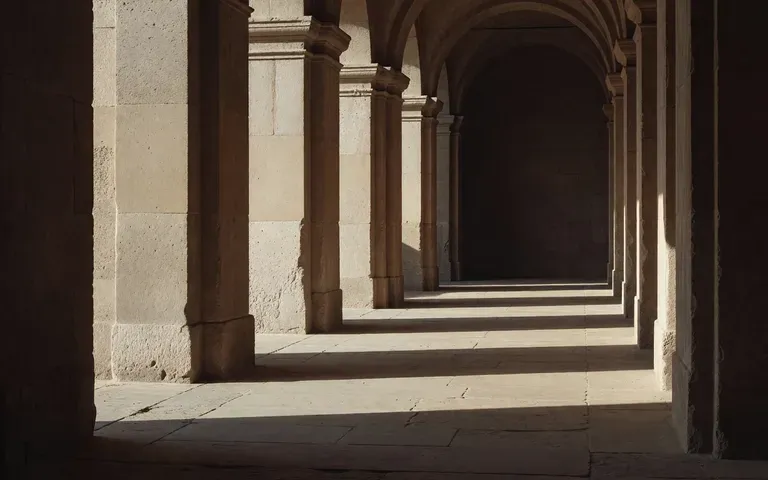
Audition consistent warm matte highlights or deep charcoal blacks across digital lookbooks before building Lightroom presets manually.
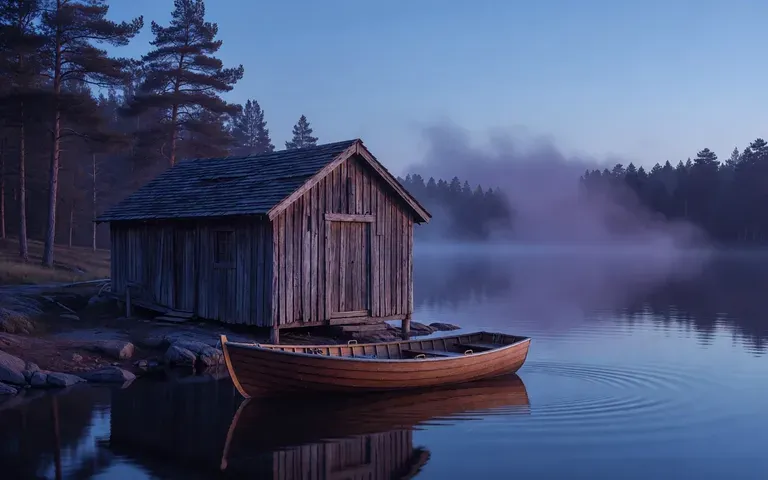
Verify how costume hues, wall paint, and tungsten practical bulbs harmonize inside one color grade pitch frame.
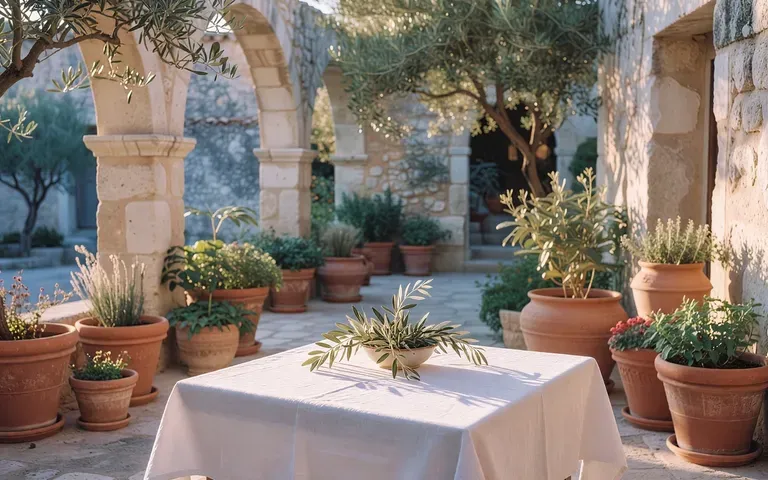
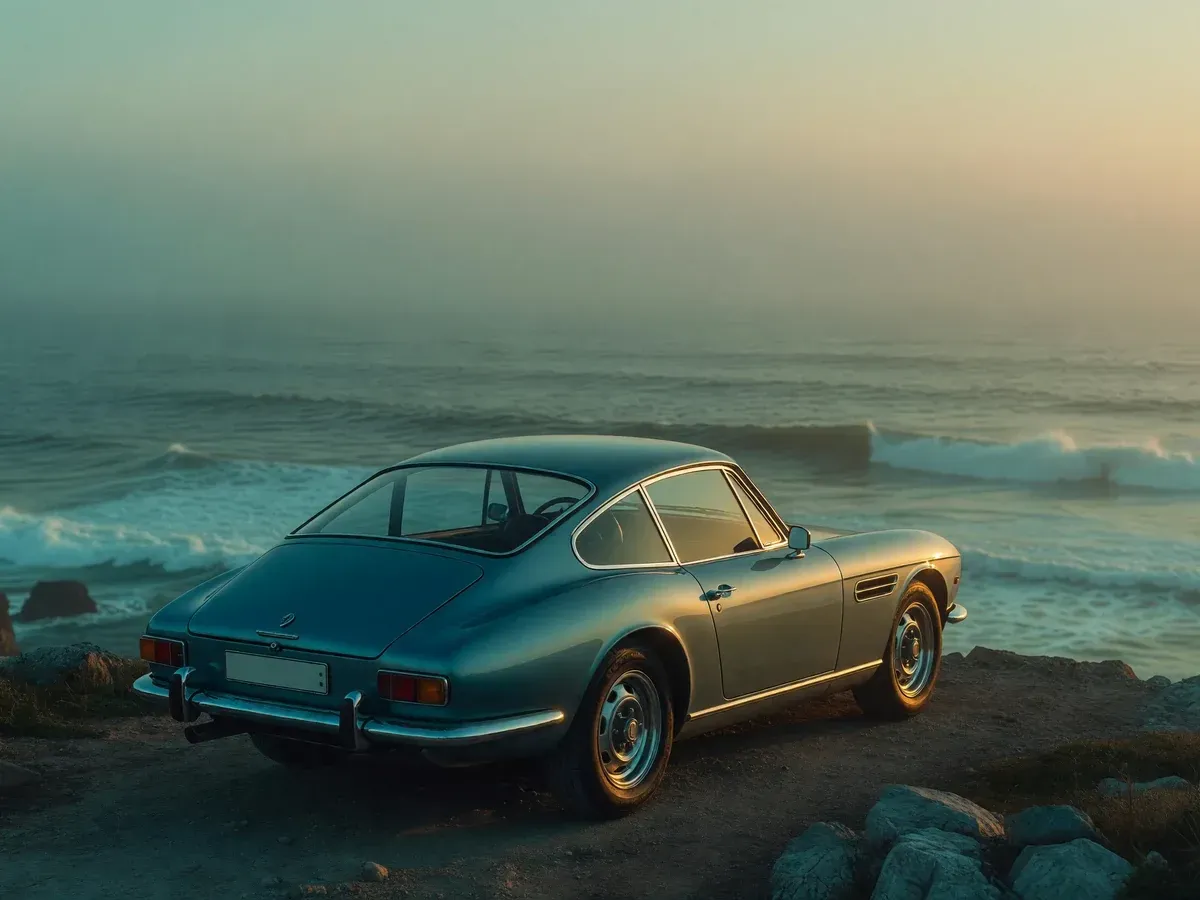
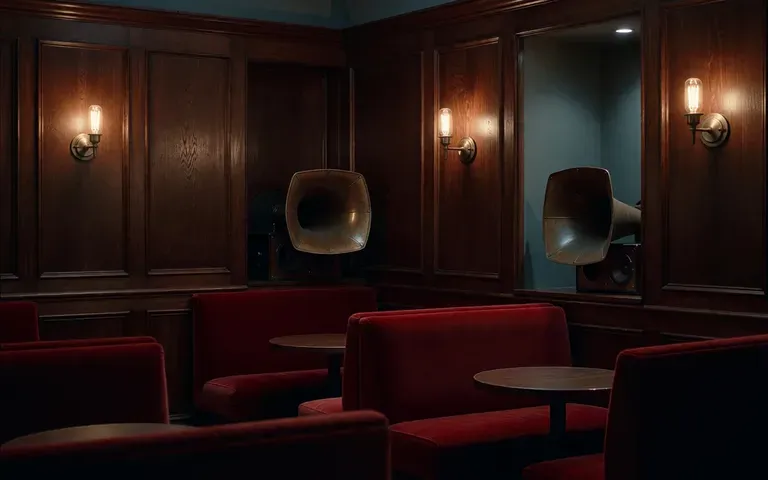
Six visual color grade studies spanning rainy bistro glass, desert chrome sun, misty mountain canopies, wet alley reflections, Tuscan gold, and studio gallery shadows.
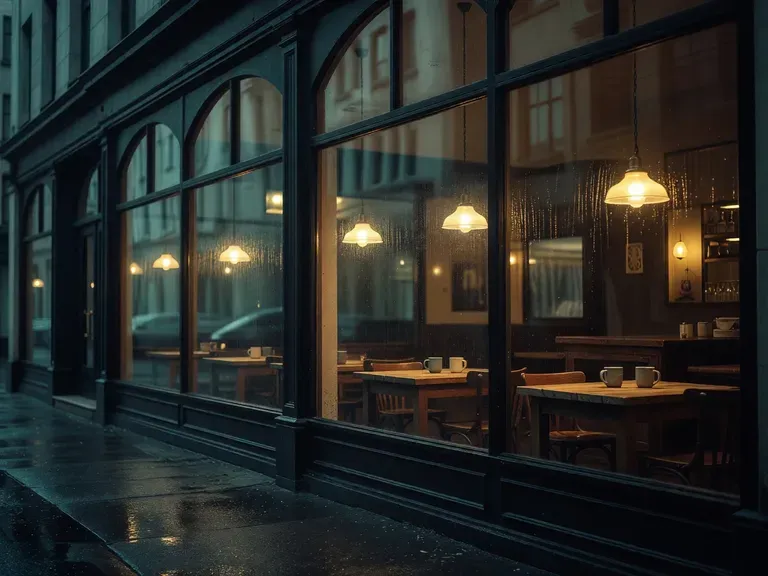
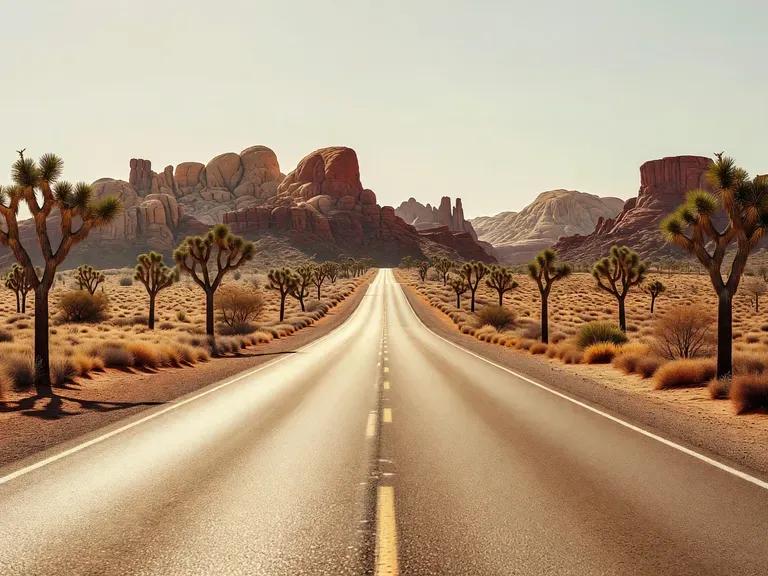
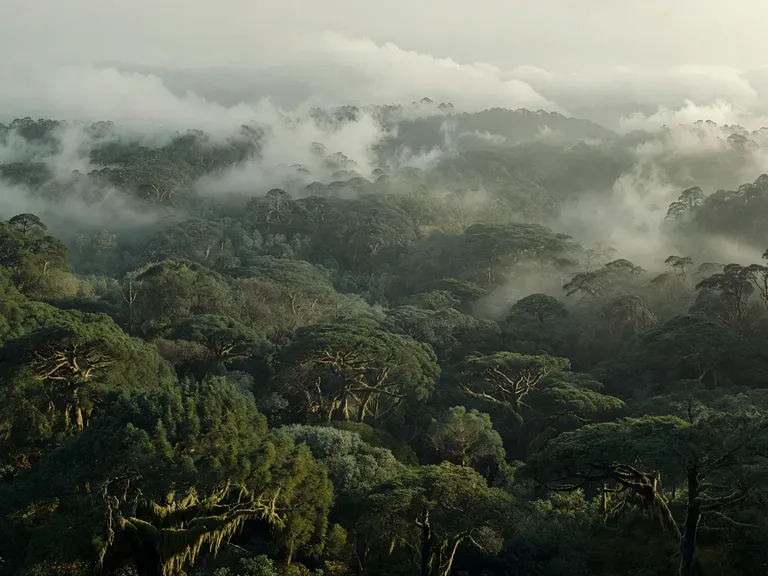
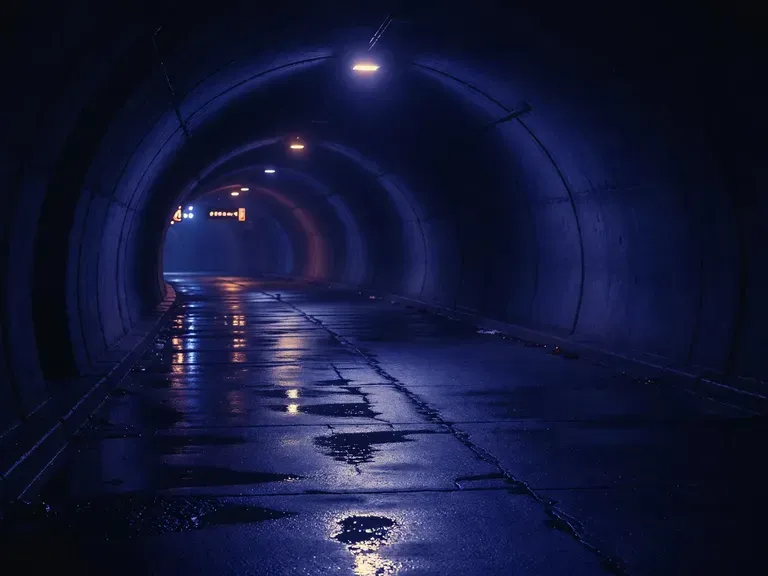
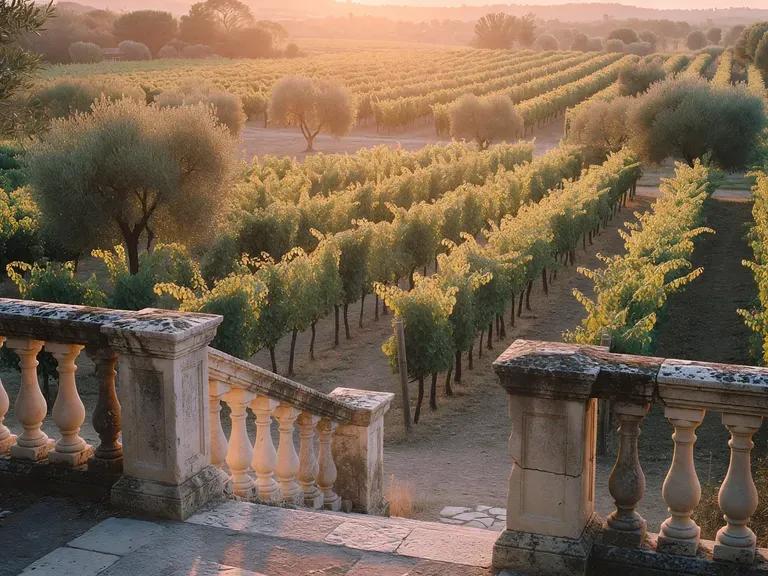
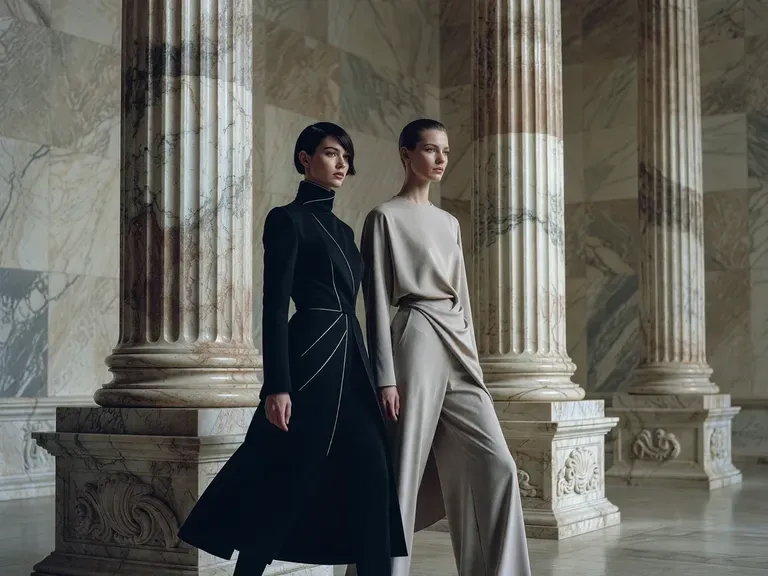
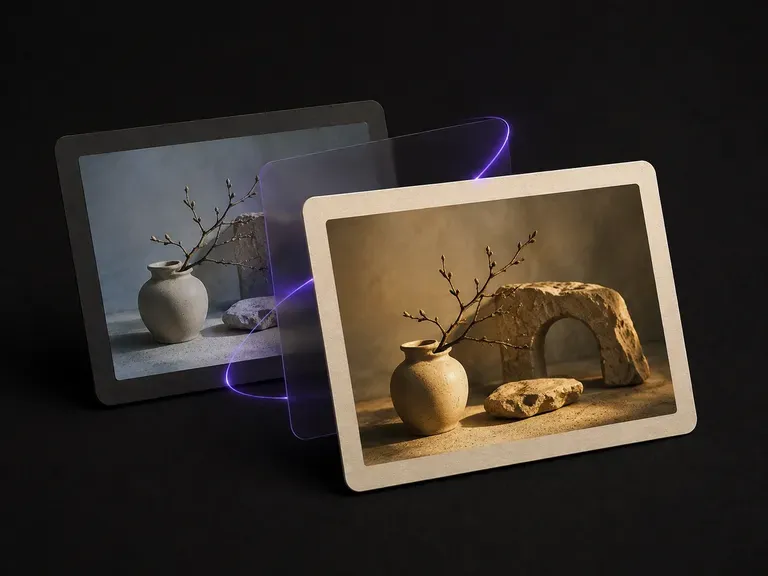
Apply an uploaded still's palette via deterministic Lab statistical matching with pixels unchanged when copying an existing grade fits better than writing look text.
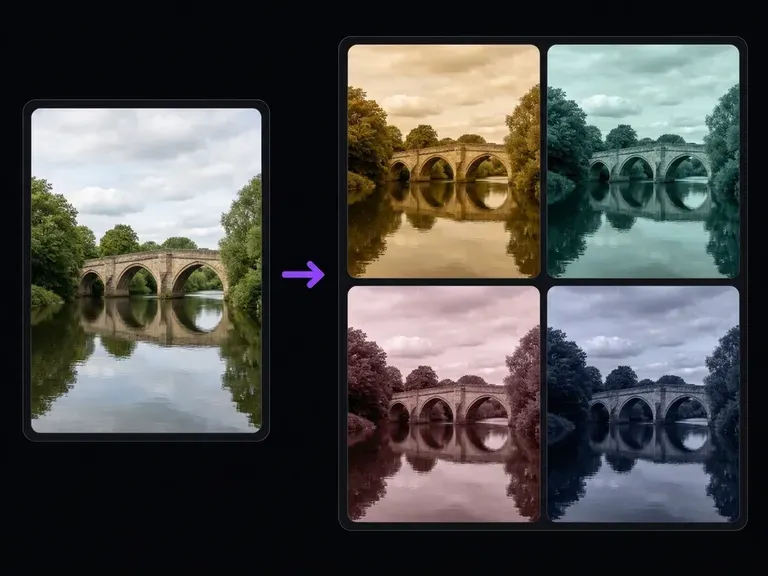
Sweep single-hue amber glazes, cool cyan twilight tints, or duotone washes across digital photos and editorial graphics.
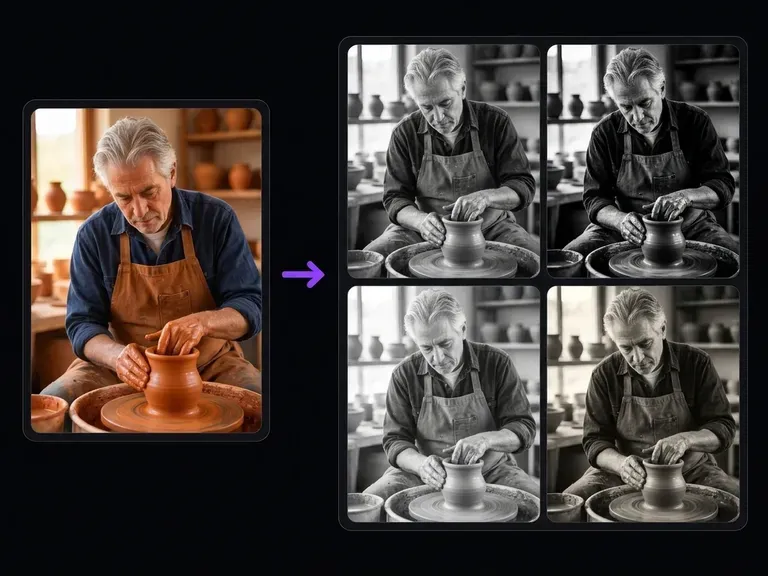
Step away from color palettes entirely into dramatic noir black shadows, classic silver-gelatin contrast, and 35mm monochrome grain.
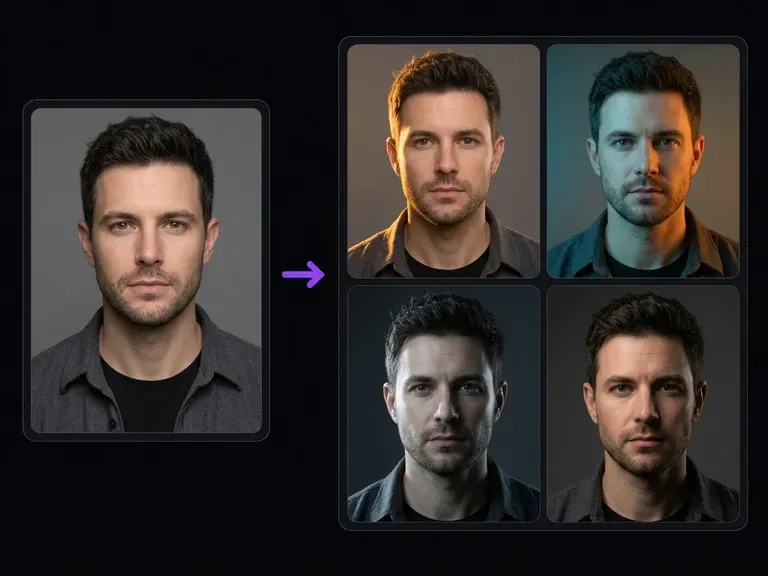
Adjust lamp direction, bounce softness, and practical warmth inside a static photograph prior to choosing final color grade contrast.
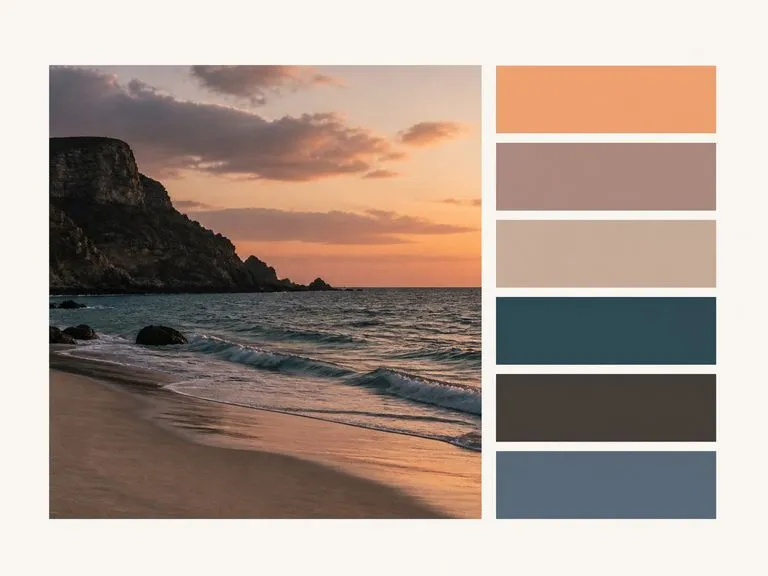
Pull 4, 6, or 8 labeled hex swatches and spatial proportions directly from any finished look frame for production design bibles.
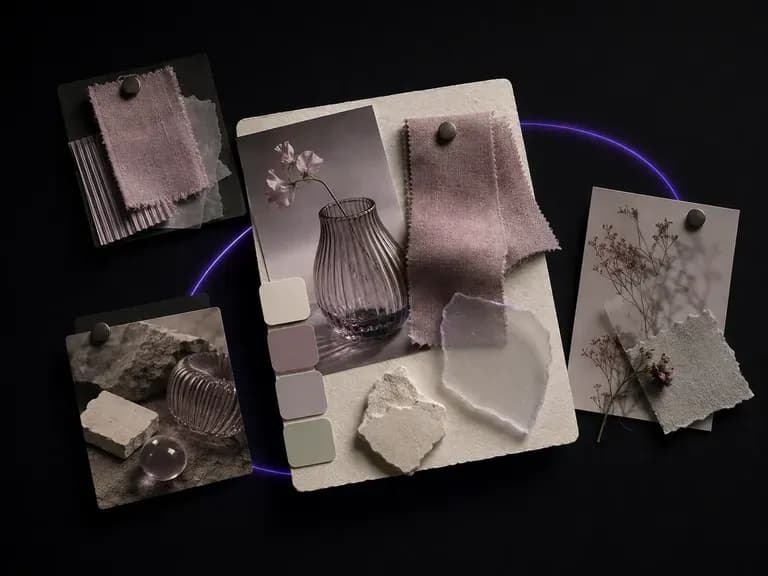
Arrange location concepts, wardrobe fabrics, and tonal inspiration from a theme prompt or single reference image into structured studio moodboards.
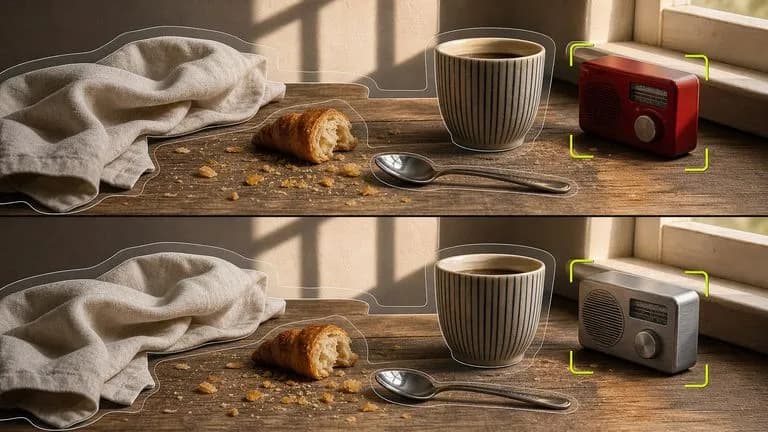
Keep actor faces, brick walls, and practical lamps steady while testing teal-amber or cool Nordic color looks onto uploaded photos.
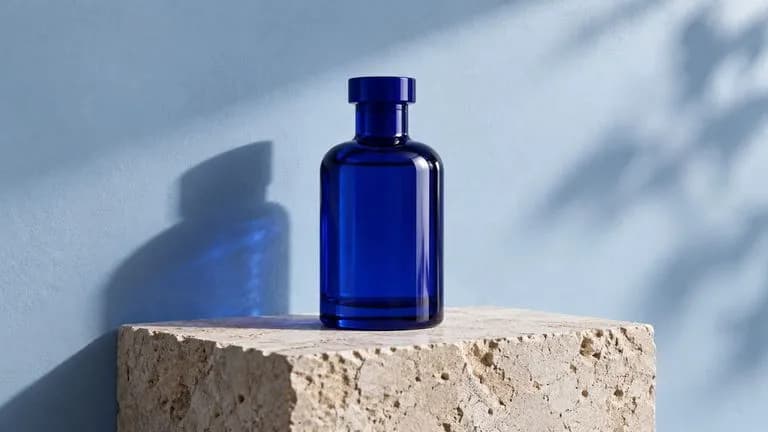
Run 1K look-dev iterations on starter credits or inspect 4K film grain softness and skin rolloff before exporting reference stills.

Follow detailed split-toning instructions naming dark shadow tints separately from pastel highlight compression across layered prompts.
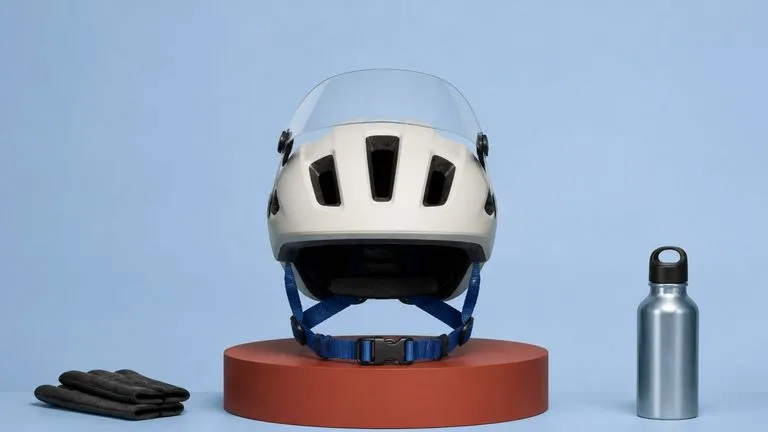
Hold complex mixed-lighting tungsten and daylight city streets coherent across bold high-contrast bleach-bypass cinema directions.

Push expressive moody night neons, dramatic atmospheric fog contrast, and saturated vintage Kodak hues across look-dev stills.
Honor multi-part cinematographer look directives specifying black point lift, midtone warmth, and highlight rolloff while holding layered look cues intact.
Write a cinema mood brief or pair an optional test frame on Virse, explore teal-amber, bleach-bypass, and vintage Kodak looks side by side, and align teams before dialing NLE scopes.