Local repair
Rebuild Occluded Backgrounds & Torn Margins
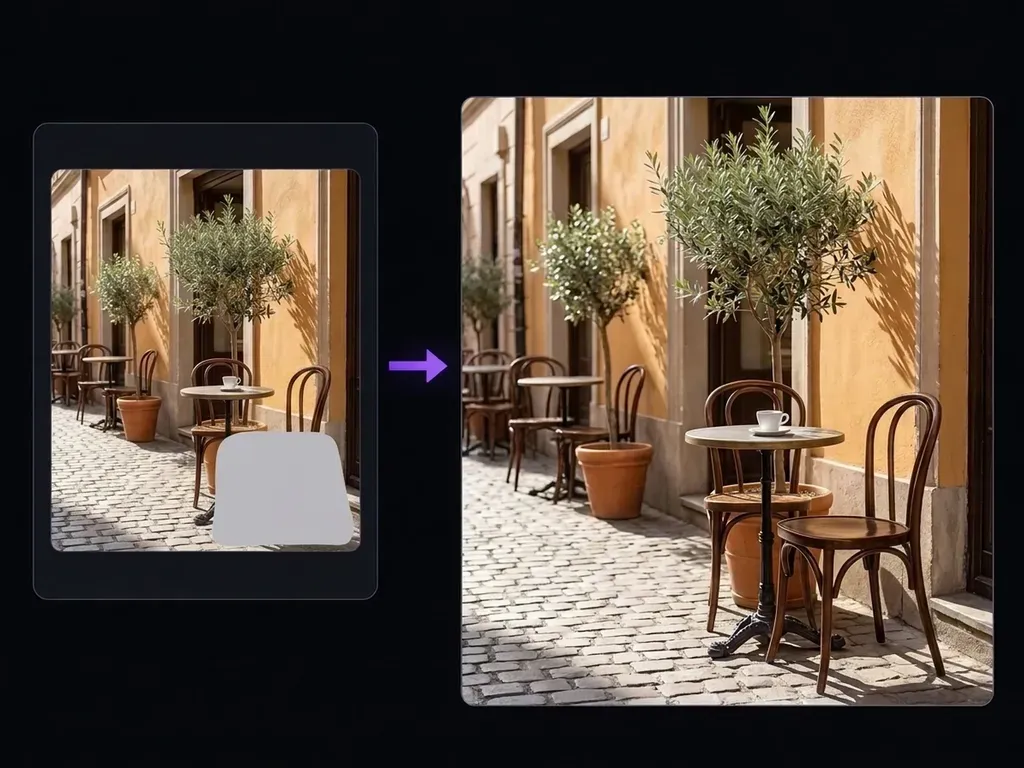
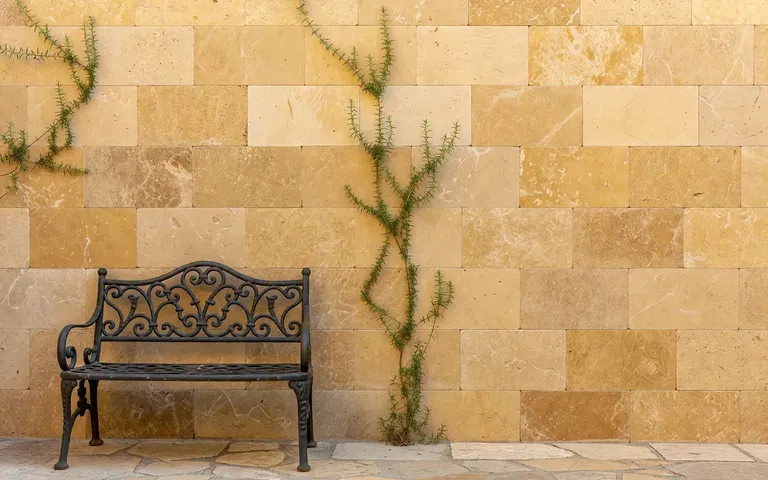
Describe hidden architectural masonry, fabric weaves, or missing print edges so repaired grain and lighting direction flow evenly across former blind spots.
Upload a photograph with torn edges, hidden background gaps, or worn localized damage alongside an optional replacement reference image on Virse. Built for text-guided AI inpainting on targeted photo fixes, this tool rebuilds the damaged region from surrounding color, shadow angle, and surface grain while leaving adjacent areas steady.
People asking what is inpainting AI can view AI inpainting as targeted patching for still photographs: name one torn corner, lost edge tile, or scuffed seam to rebuild from nearby architectural and tonal cues. Rather than repainting an entire frame from scratch, Virse combines your uploaded photograph with clear spatial notes and an optional patch reference right on the workspace canvas.
Early global edits often scramble faces, signs, or wall lines far outside the trouble spot just to repair one small blemish. Describing boundaries and surroundings up front clarifies three practical expectations:
• Text-localized regions over manual brushes: Point Virse toward the torn corner or scratched cuff in plain words rather than painting a lasso or brush mask on canvas.
• Role split against neighbor Virse tools: AI Generative Fill focuses on creative prop staging from a single upload prompt, whereas AI Inpainting centers on patching damaged surfaces, hidden areas behind removed clutter, and localized flaws with optional patch reference guidance.
• Flat raster output without pixel-lock parity: Saves a single flat PNG or JPG rather than a layered .psd, works on still images rather than video clips, and cannot promise zero shift outside the described zone.
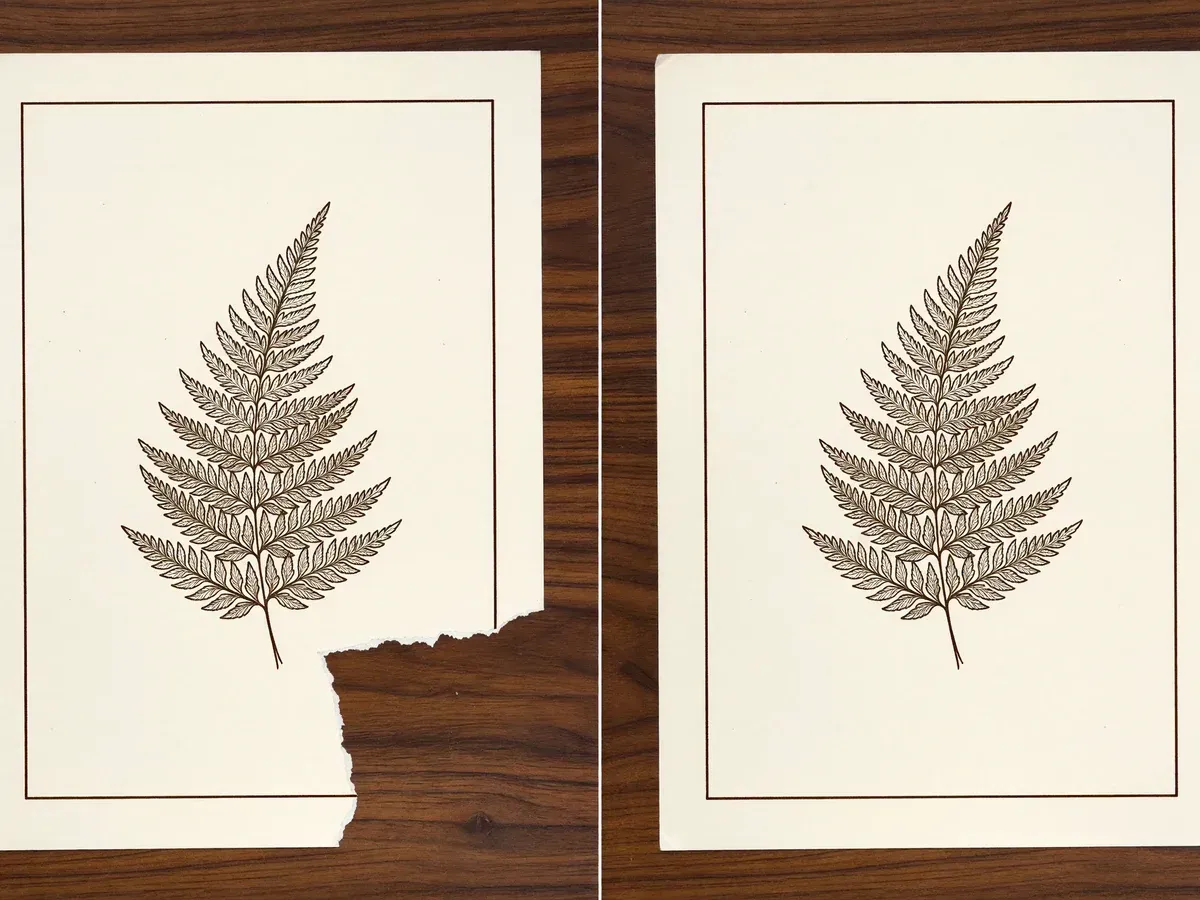
Built for archival restorers, product retouchers, and digital illustrators needing targeted localized repairs inside one canvas workspace.
Describe hidden architectural masonry, fabric weaves, or missing print edges so repaired grain and lighting direction flow evenly across former blind spots.
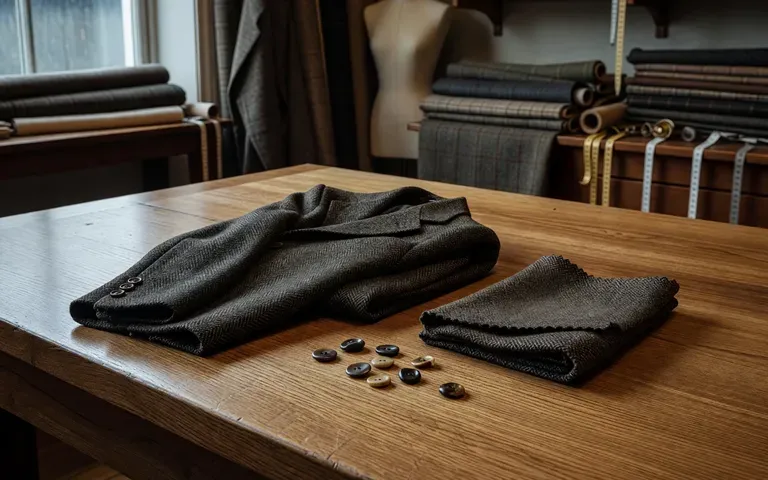
Upload a close tweed, ceramic, or patina swatch beside your source frame when written directions alone cannot express weave density or glaze texture.
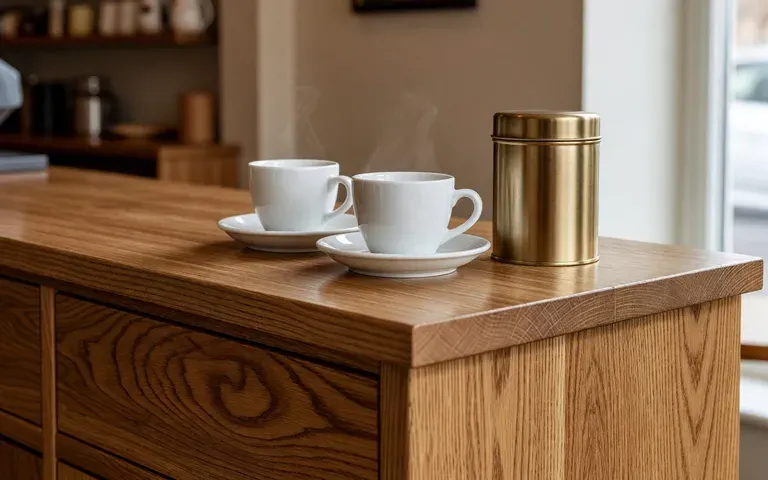
List neighboring tabletop cups, sign lettering, and frame trim explicitly as elements to preserve so localized inpainting focus stays tight around the flaw.
Why naming exact edit regions alongside preservation cues prevents full-frame redraws from drifting away from your original camera capture.
Broad Unbounded Prompt Edits
Virse Text-Guided AI Inpainting
Attach the JPG, PNG, or WebP file needing repair, plus an optional second image if copying matching tweed fabric weave or ceramic tile into a patch.
Name where the tear, blemish, or missing patch sits, what replacement texture belongs inside it, and which surrounding lamps, signs, or trim stay intact.
Pick a starter preset such as Patch missing corner or Fix localized flaw, run an initial AI inpainting pass, and compare repaired seams beside your untouched original photograph on workspace.
Zoom closely into repaired borders, straight table edges, and surrounding elements to confirm perspective lines hold true and untouched corners held steady.
Naming spatial position, target fill material, and neighboring details to hold fixed makes inpainting AI predictable across varied surfaces:
• Cedar trunk brass clasp repair: "Repair the missing upper-right brass trunk latch on this antique wooden chest using warm tarnished hardware matching the lower buckle while keeping all oak slats and corner rivets unchanged."
• Boxwood hedge behind removed bike: "Rebuild the dark green clipped boxwood hedge leaves and black wrought-iron fence bars along the lower center sidewalk where a bicycle sat while leaving upper brickwork intact."
• Enameled lid rim chip patch: "Fill the small chipped bare metal notch along the front left edge of this cobalt blue enameled Dutch oven lid with glossy dark blue glaze while leaving stone counter veins untouched."
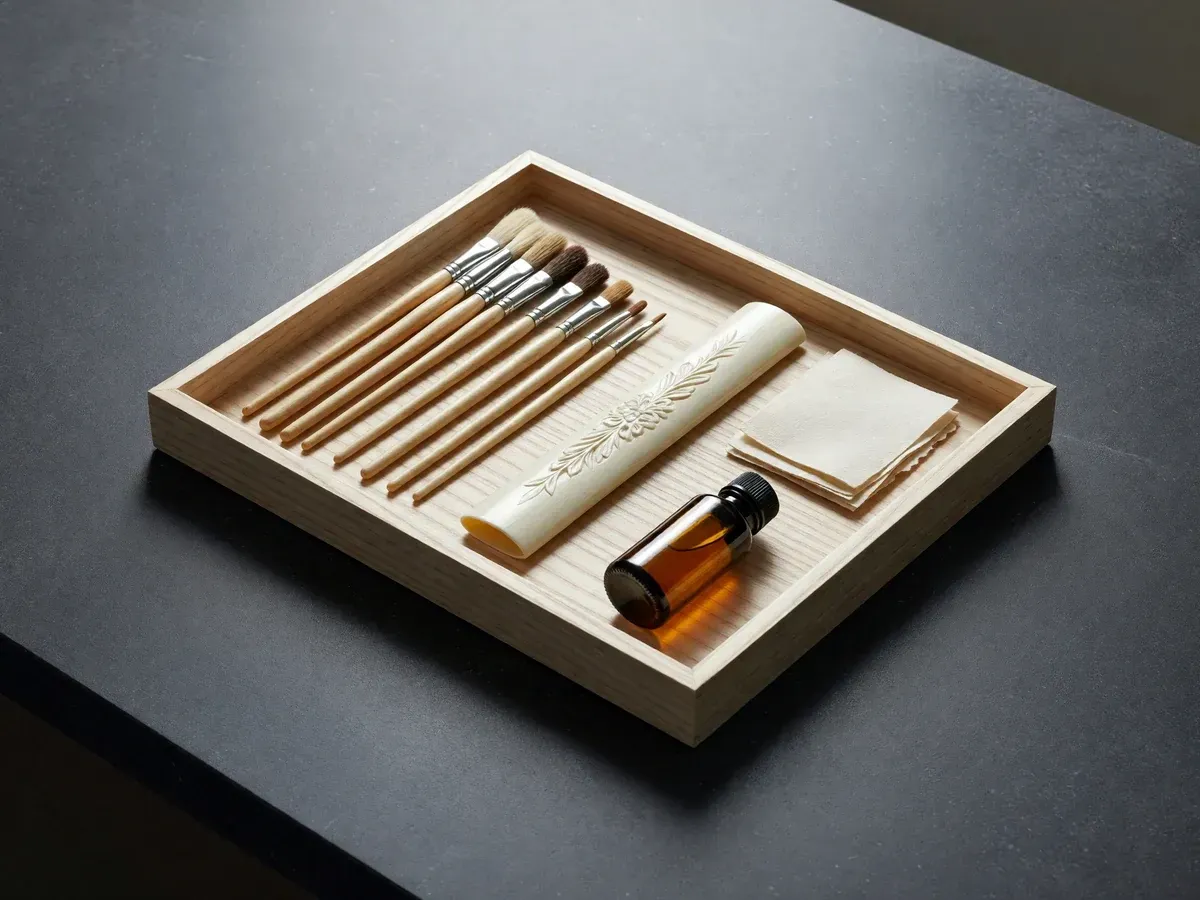
Four creative and editorial teams repairing archival print tears, catalog scuffs, interior wall blemishes, and localized artwork flaws in browser.
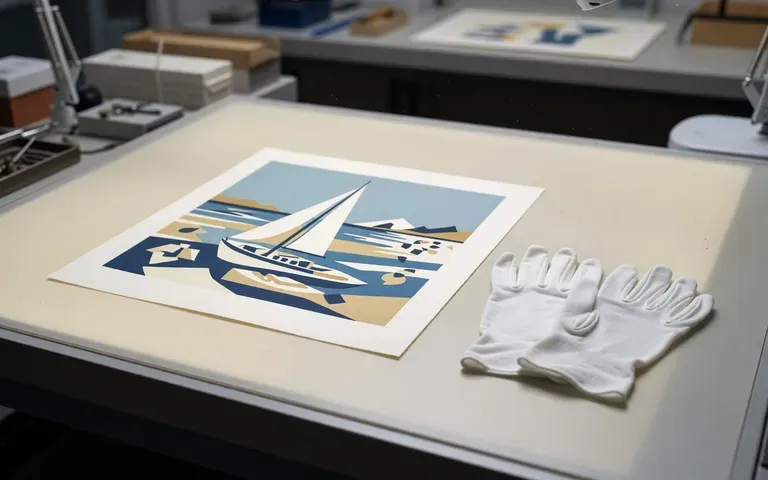
Preview missing print corners, margin gouges, and paper abrasion repairs visually before committing fragile paper artifacts to physical restoration.
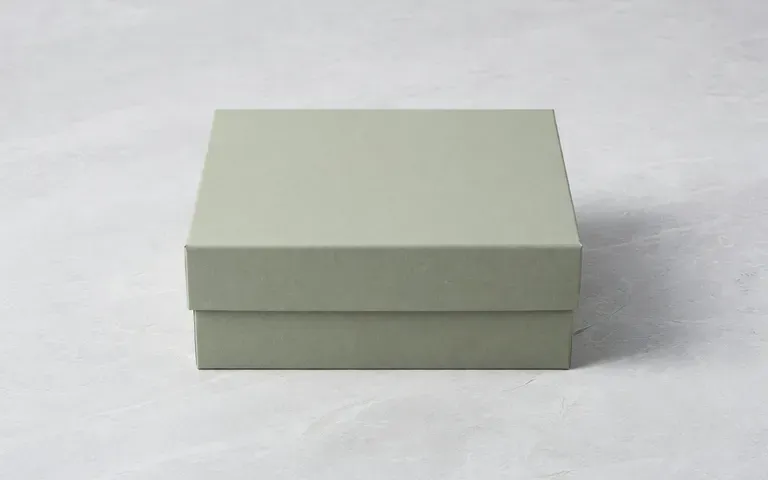
Patch cardboard box corner dings, light label scrapes, and hairline bottle scratches directly on studio product hero stills instead of re-shooting sets.
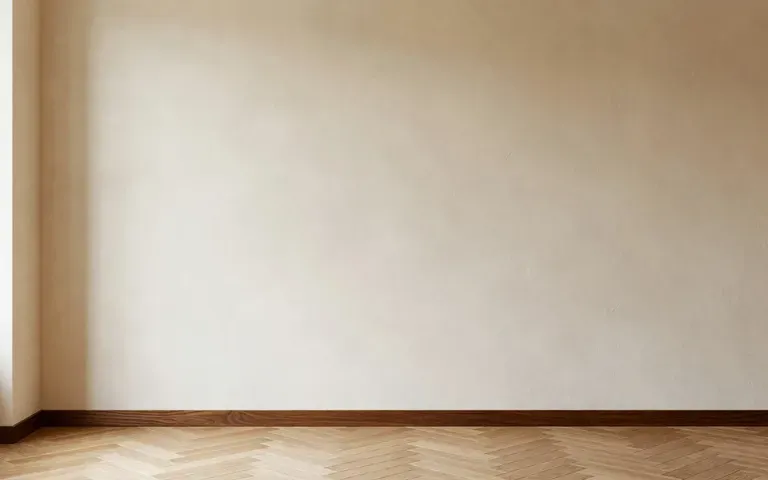
Mend torn baseboard molding, wall outlet plate scars, and chipped plaster corners inside property listing frames directly in the workspace.
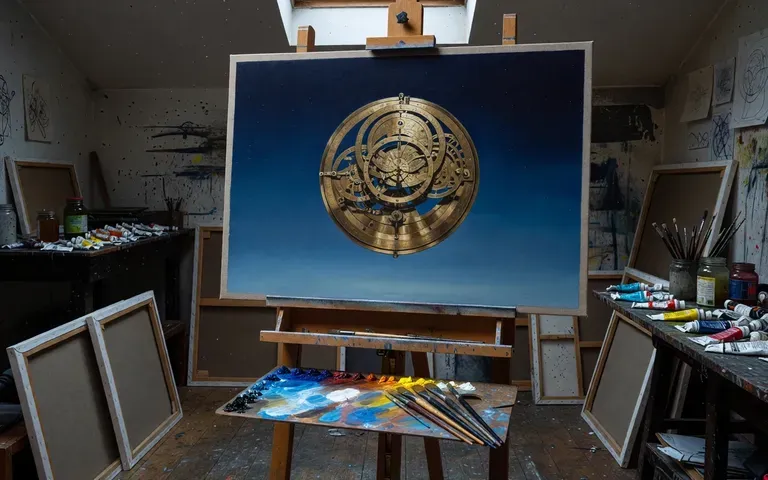
Fix distorted minor background details, odd instrument dials, or bent collar seams inside finished digital artworks while keeping hero lighting intact.
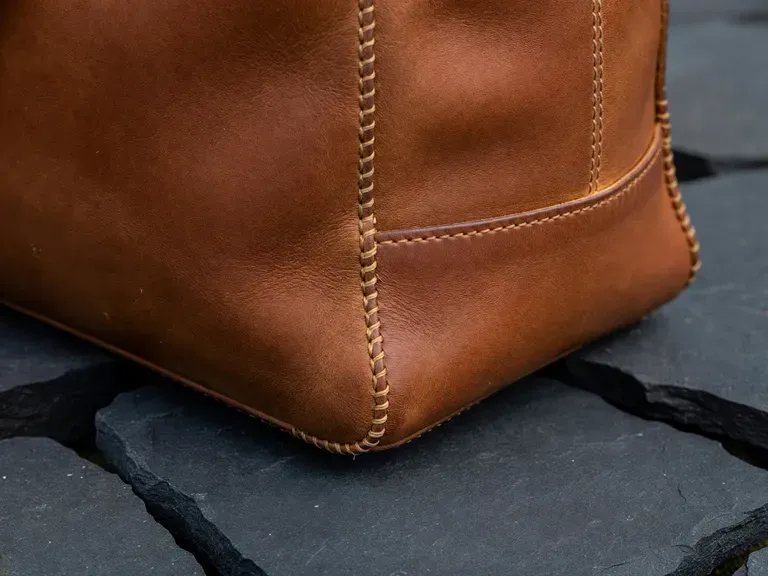
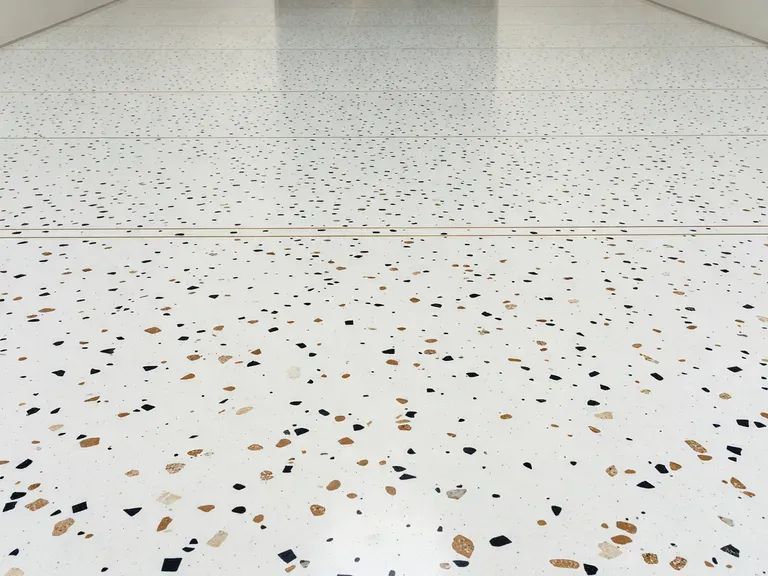
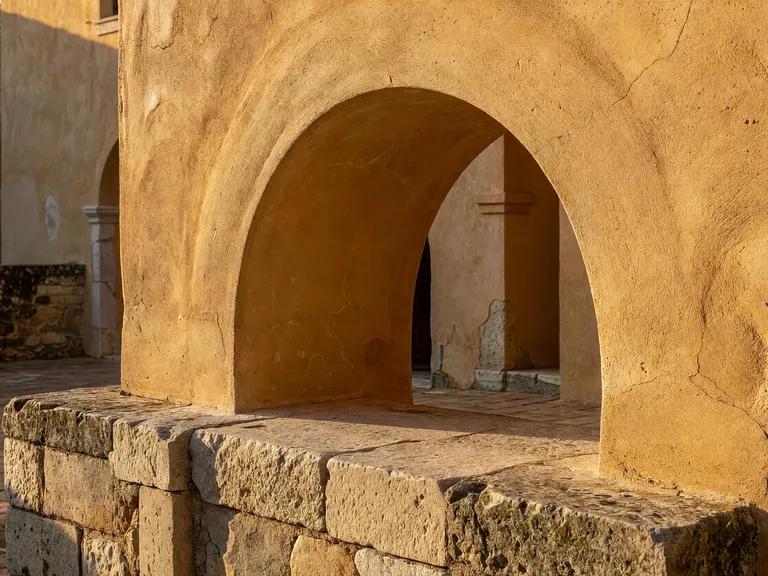
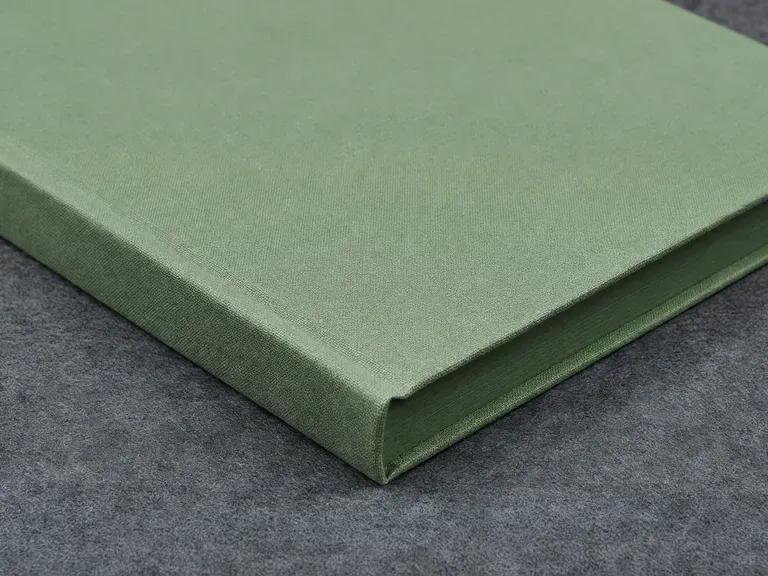
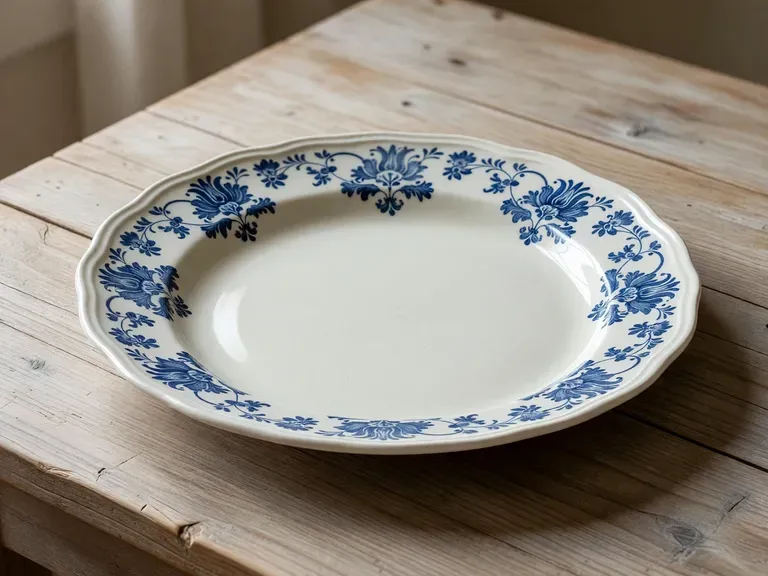
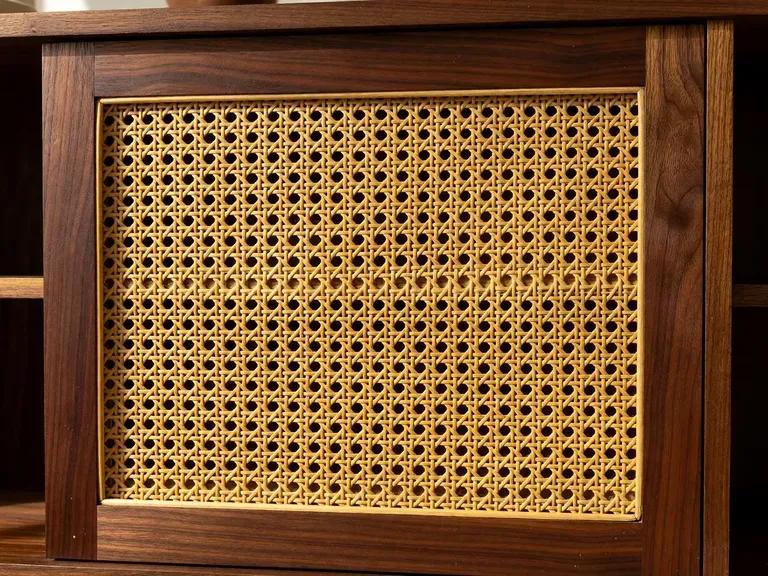
Six localized repair examples covering saddle-leather travel bags, terrazzo lobbies, ochre stucco arches, clothbound books, ceramic platters, and woven rattan cabinetry.
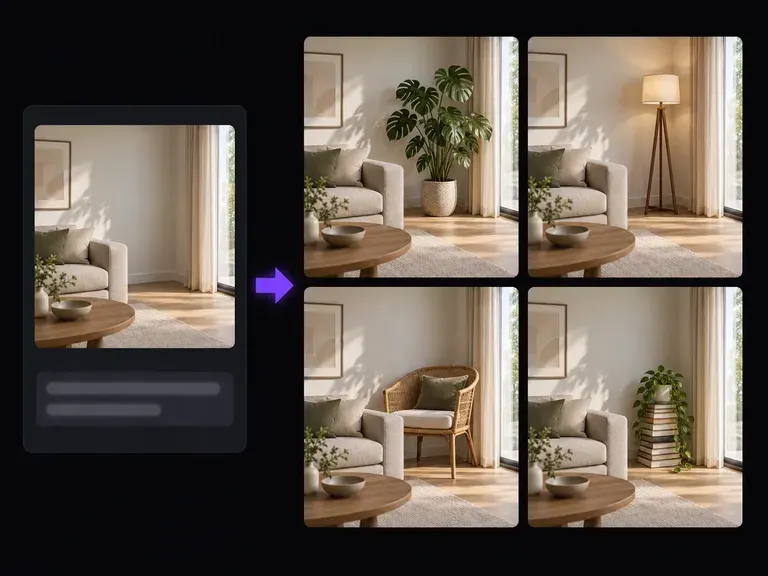
Stage new props, tabletop additions, or interior surface swaps across scenes using descriptive text edits from one uploaded photograph.
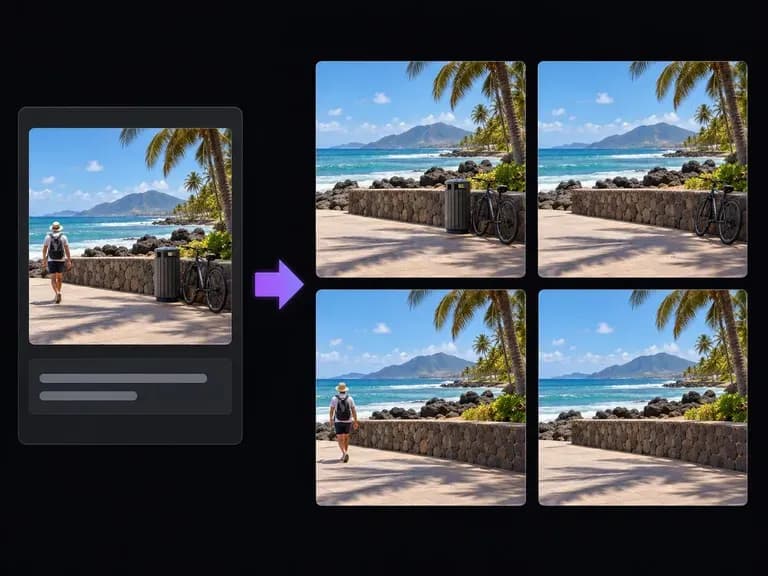
Name stray electrical wires, passersby, or distracting foreground clutter in plain text to erase unwanted items and infill matching backgrounds.
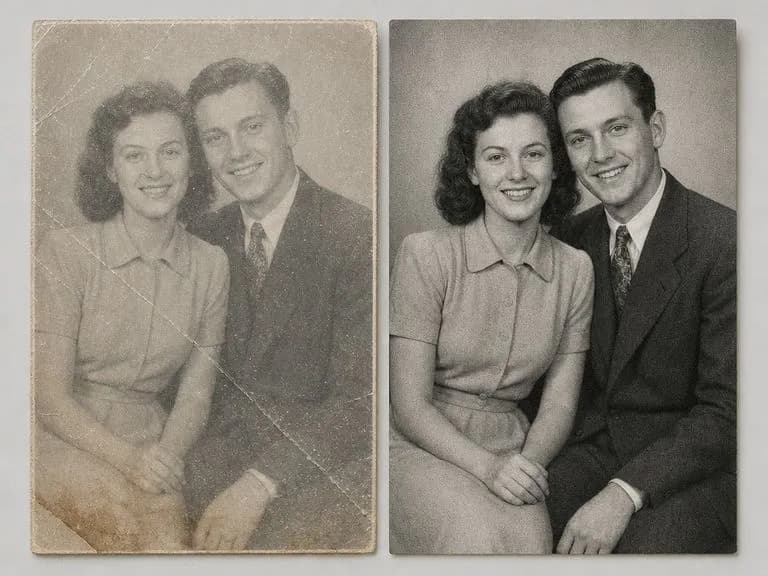
Clear scratches, emulsion creases, and color fade from scanned silver-gelatin prints while preserving facial identity and optionally colorizing.
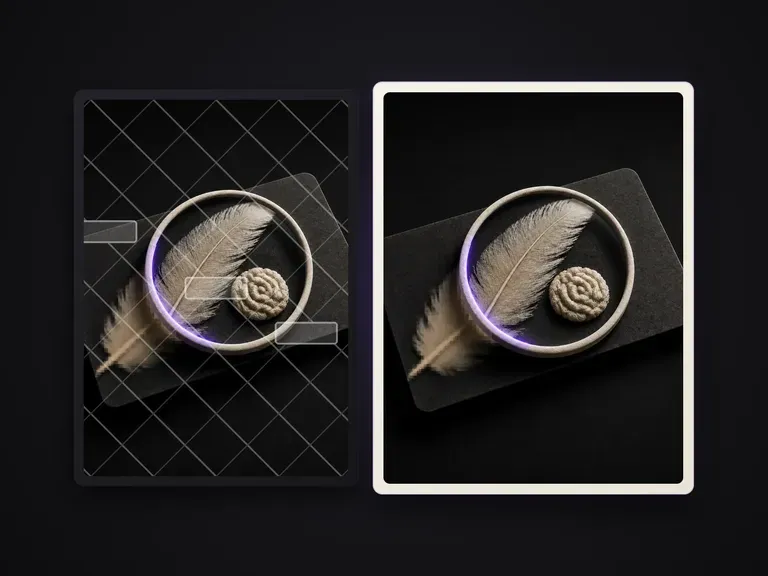
Identify overlaid text stamps and foreground patches item by item to rebuild hidden underlying plate detail while leaving surrounding pixels alone.
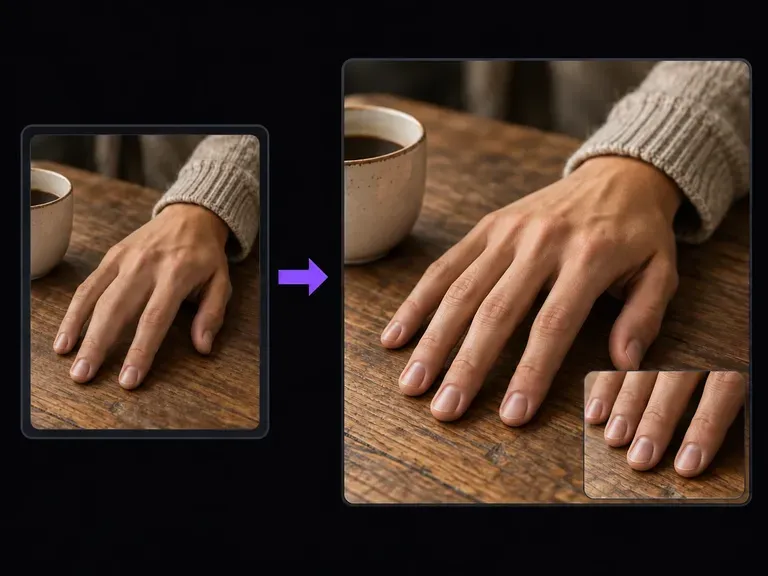
Repair distorted four-finger or six-finger synthetic hand errors inside AI portraits via targeted spatial prompts without manual mask painting.
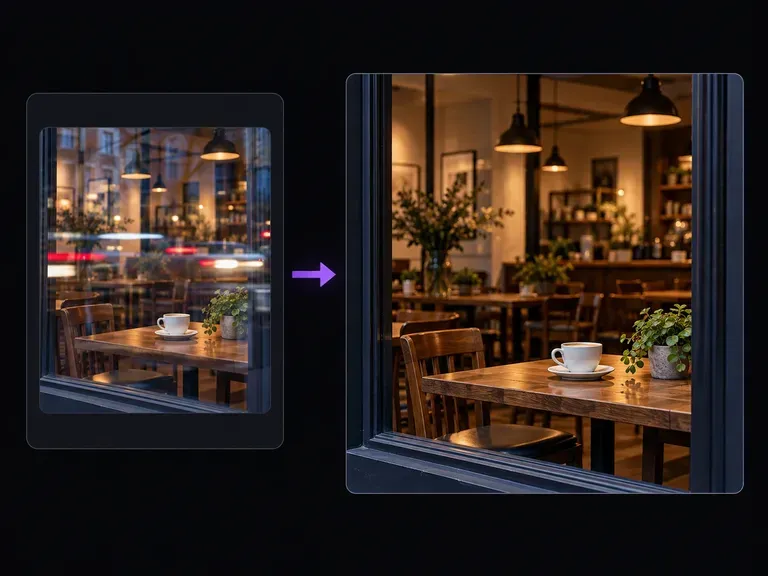
Dim window reflections, eyeglass lens spots, and harsh glare streaks while filling obscured surfaces behind the light.
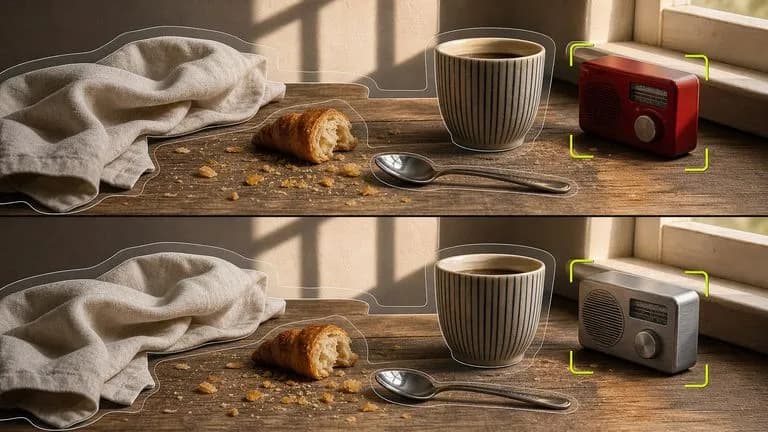
Track fine cloth weaves, carved plaster shadows, and nearby woodgrain boundaries faithfully when patching small damaged image areas.

Reconstruct delicate porcelain glaze sheen, leather stitch alignment, and woven book cloth grain across sharp 4K resolution passes.

Parse explicit spatial constraints pinning down corner locations, replacement finish materials, and adjacent elements to freeze intact.
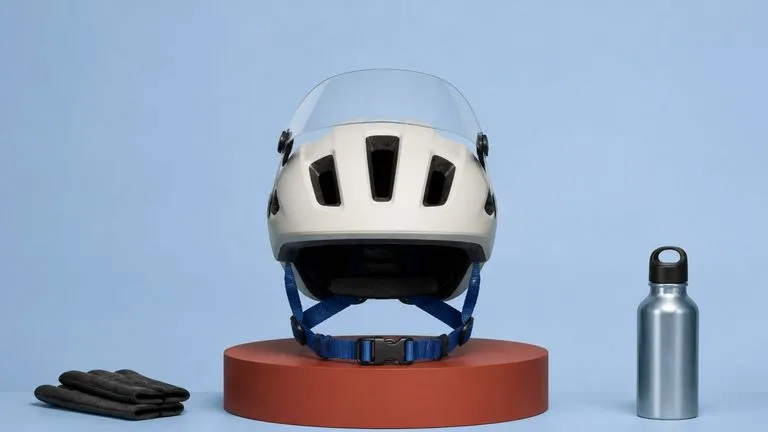
Blend continuous light gradients across repaired plaster walls, marble floor slabs, and grained leather hides with natural texture harmony.

Rebuild expressive illustrated patches, painterly brush strokes, and intricate decorative repairs inside stylized concept art scenes.

Run early localized repair tests at 1K resolution while checking whether written phrasing holds neighboring background lines steady.
Upload a damaged photo or illustration, name the region to rebuild alongside elements to keep intact, and inspect patched details directly on canvas.