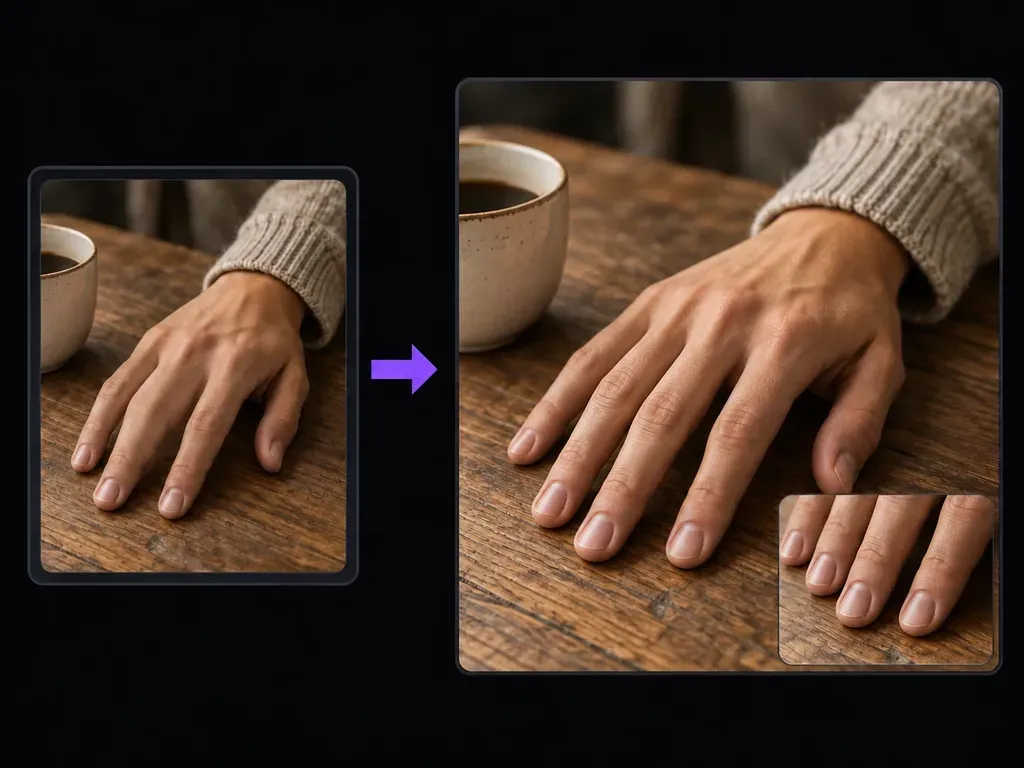

Finger count
Five-Digit Count & Knuckle Redraw
Replace four-fingered hands, six-digit hallucinations, and fused middle-and-ring fingers with five distinct digits and natural knuckle spacing.
Upload an image containing a hand generation error, then write a clear note describing where the problem hand sits, the natural five-digit posture you want, and the surrounding sleeves or props that should stay untouched. With this AI hands fixer on the Virse canvas, you can locally redraw four-fingered hands, six-digit glitches, and fused knuckles without painting pixel masks by hand.
An AI hands fixer (often searched when creators need to fix AI hands in photo renders or illustrations) takes an uploaded image with a malformed hand and uses your written location and posture instructions to redraw the targeted hand region into an anatomically plausible structure.
Instead of requiring a manual brush tool, polygon lasso, or ControlNet depth skeleton setup, this workflow relies on text-guided localization. When you describe the hand defect and the surrounding props, you steer three core elements of the repair:
• Explicit five-digit counting: Specify that the redrawn hand must show five separated, countable digits consisting of a thumb plus index, middle, ring, and little fingers rather than four merged digits or six extra fingers.
• Wrist, sleeve, and prop preservation: Name the adjacent knit cuff, wristwatch, wooden tabletop, or white ceramic cup so the model anchors the new hand to the existing wrist angle and object boundaries.
• Multi-pass anatomy verification: Because hand articulation and finger occlusion are complex, a single pass may not resolve every joint error on the first try, and minor detail shifts outside the hand zone can still occur, so always inspect finger counts, knuckles, and contact points on the canvas.
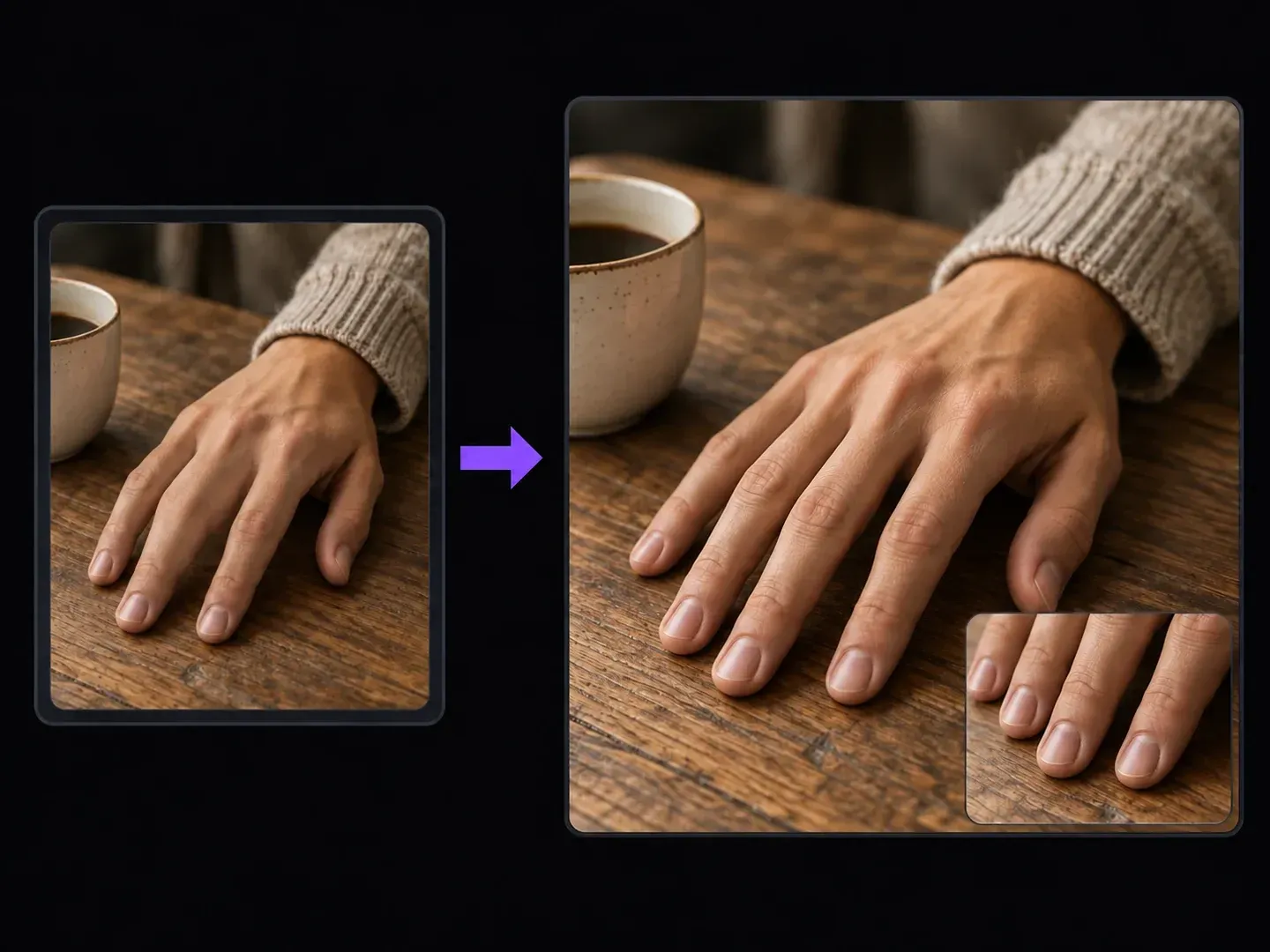
How digital artists, portrait creators, and designers repair extra fingers in AI art and synthetic photography without discarding an otherwise strong render.
Replace four-fingered hands, six-digit hallucinations, and fused middle-and-ring fingers with five distinct digits and natural knuckle spacing.

Direct the repair by writing where the defective hand sits in the frame and how the fingers should rest, with no manual brush or mask painting required.
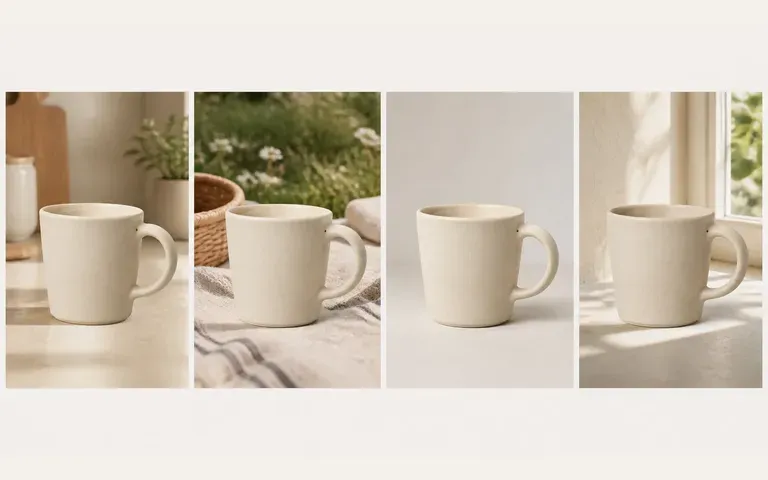
State which nearby cup, book spine, tabletop, or sleeve cuff touches the hand so the redrawn fingers respect object edges and lighting direction.
How using targeted written instructions to fix distorted fingers online compares with re-rolling your entire text-to-image seed from scratch.
Re-Rolling the Entire Image Seed
Virse AI Hands Fixer
Select the synthetic portrait, concept illustration, or render where you need to correct malformed hands in images. Uploading a source image is mandatory.
Write which hand has the defect (for example, the right hand on the table), specify five clearly separated digits, and list the sleeve or object next to it.
Submit your instruction to generate a static image where the targeted hand region is redrawn to match the surrounding lighting and skin tone or art style.
Count the thumb and four fingers, check knuckle angles and object contact, and verify whether any subtle detail outside the hand area shifted.
Spelling out the exact hand location, the five-digit structure, and the adjacent props gives the model clear boundaries. Use these three templates when you redraw AI generated hands:
• Tabletop four-to-five digit correction: "Redraw the relaxed adult hand resting on the wooden tabletop beside the white ceramic cup so it has five clearly separated and countable digits: one thumb and four fingers (index, middle, ring, and little) with visible fingertips; keep the beige knit sleeve, wrist angle, white cup, wood grain, and warm window light unchanged."
• Six-finger portrait lapel fix: "Fix the subject's left hand resting against the navy blazer lapel by removing the extra sixth finger and redrawing a natural five-fingered hand with realistic knuckle joints and fingernail alignment; preserve the face, suit fabric, and studio lighting."
• Fused fingers holding a book: "Repair the fused fingers on the lower right hand holding the hardcover book spine so four fingers wrap naturally around the cover edge with the thumb resting on the side; maintain the original illustration brushwork and sleeve cuff."

Four creative workflows where salvaging a flawed hand saves an otherwise approved character render or synthetic photo.

Rescue fashion lookbooks and lifestyle portraits where the model's face and outfit rendered cleanly but a resting hand showed four or six digits.
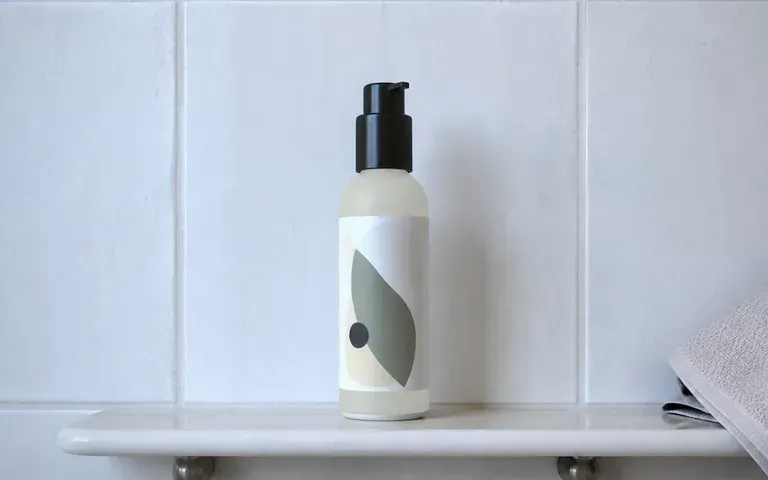
Fix twisted thumbs, merged gauntlets, and extra fingers on fantasy or sci-fi character sheets without repainting the entire figure by hand.

Clean up distracting finger glitches in promotional lifestyle visuals before publishing campaign banners where viewers immediately spot AI hand errors.
Correct expressive hand gestures, such as pointing, open-palm speaking poses, or resting hands, across sequential panel frames on the Virse canvas.
Six static hand repair examples covering four-digit tabletop corrections, extra finger removal, prop interactions, and illustrated character hands.




Modify clothing sleeves, tabletop props, or larger background sections around your subject with text prompts.
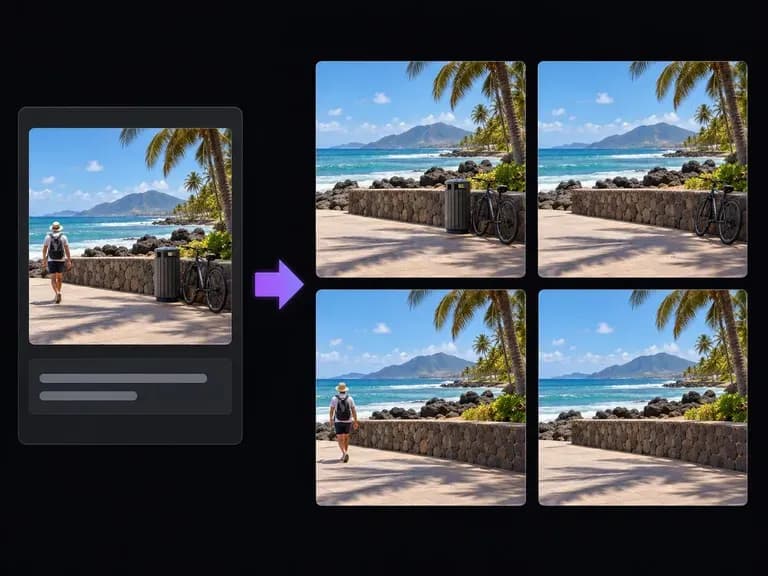
Delete stray floating artifacts, extra background limbs, or unwanted table items from a generated scene.
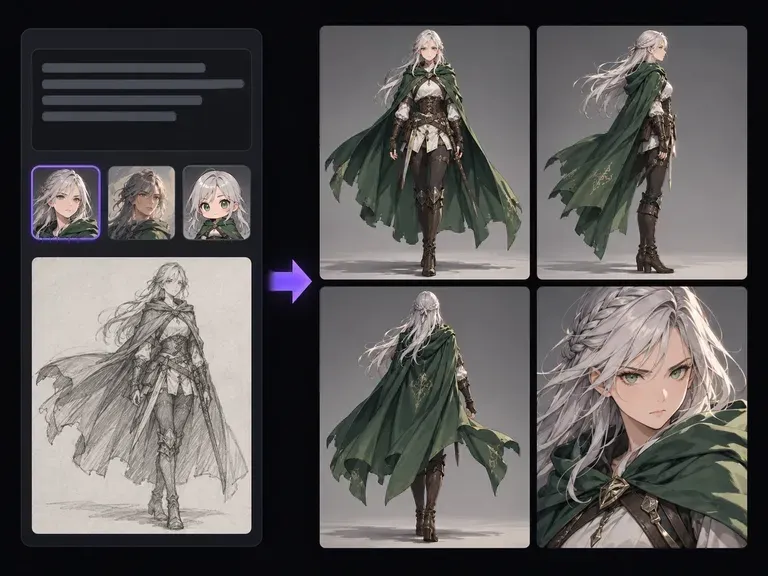
Draft new protagonist illustrations from text prompts before sending selected frames here for finger refinement.
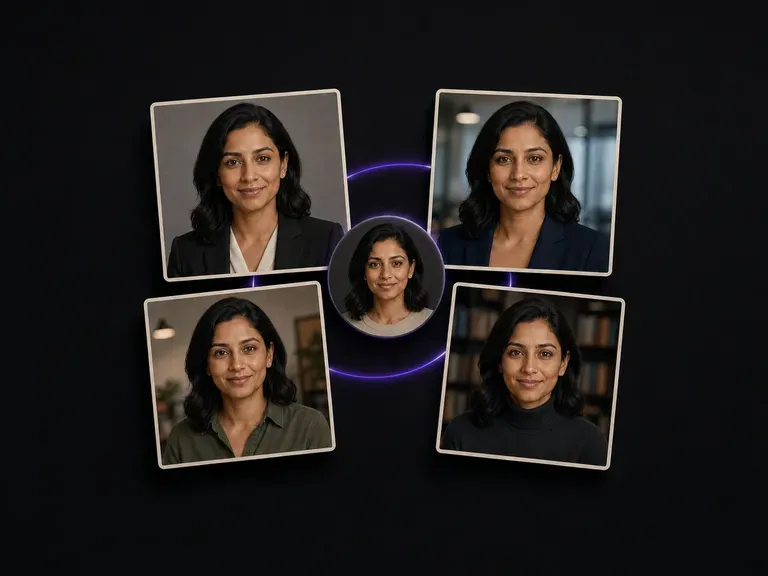
Produce clean studio-lit corporate headshots when you want upper-body framing that focuses on the face and shoulders.
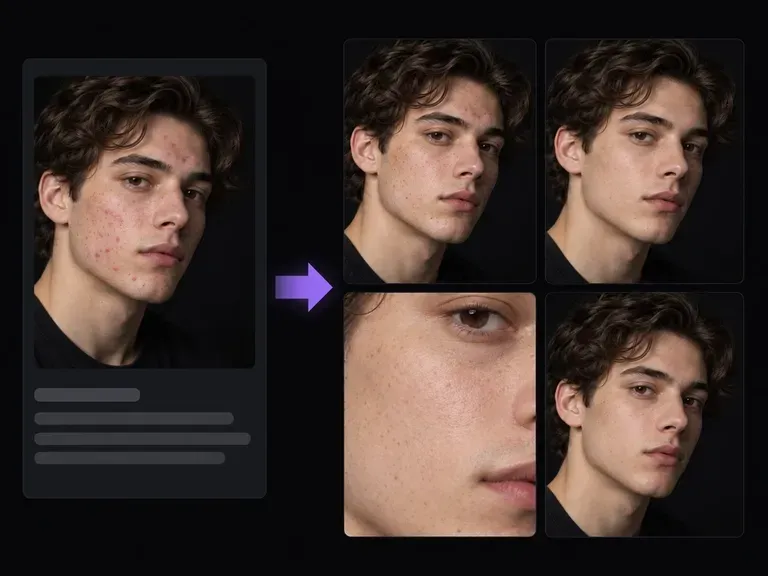
Smooth out minor skin texture spots, stray hairs, or small surface glitches on close-up portraits.
Crisp up fingernail edges, skin grain, and fabric weave after completing your localized hand repair.
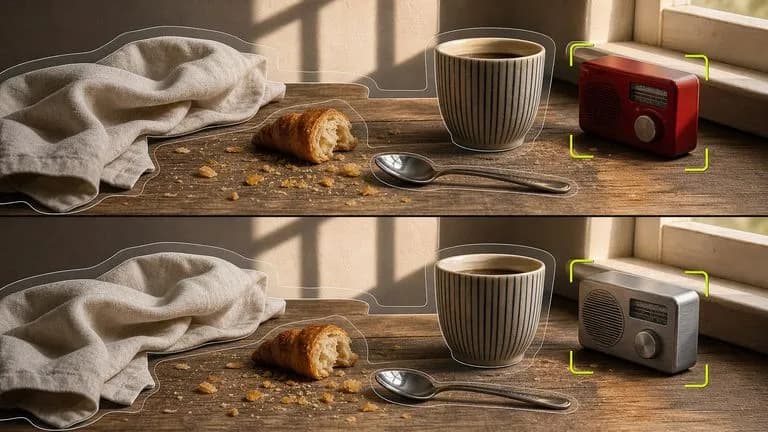
Anchor the existing sleeve cuff, wrist angle, and tabletop lighting while rebuilding the flawed finger geometry.

Follow explicit five-digit counting rules and object-preservation notes when repairing malformed hands.

Reference your uploaded image at up to 4K resolution to match skin tone, fingernail shading, and wood or fabric textures.
Render realistic knuckle creases, natural finger taper, and accurate shadow contact on tabletops and props.

Keep surrounding sleeve knit patterns, ceramic props, and color grading stable while testing hand repair variations.
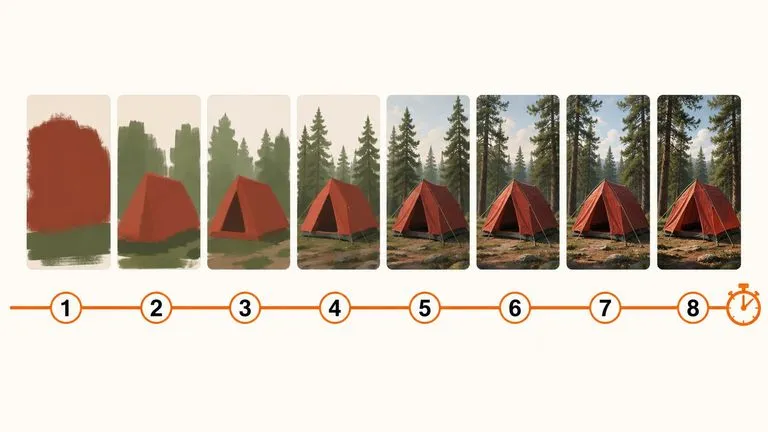
Generate multiple quick hand posture attempts at low credit cost so you can pick the cleanest five-finger result.
Drop in an image with a hand glitch, specify five separated digits plus the surrounding props to keep, and review the redrawn hand on the Virse workspace.