Contour blend
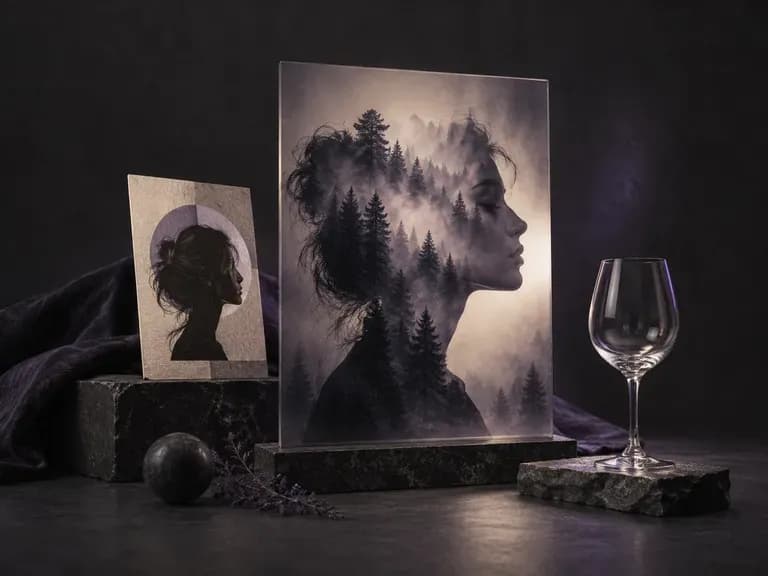
Double Exposure Silhouette Nesting
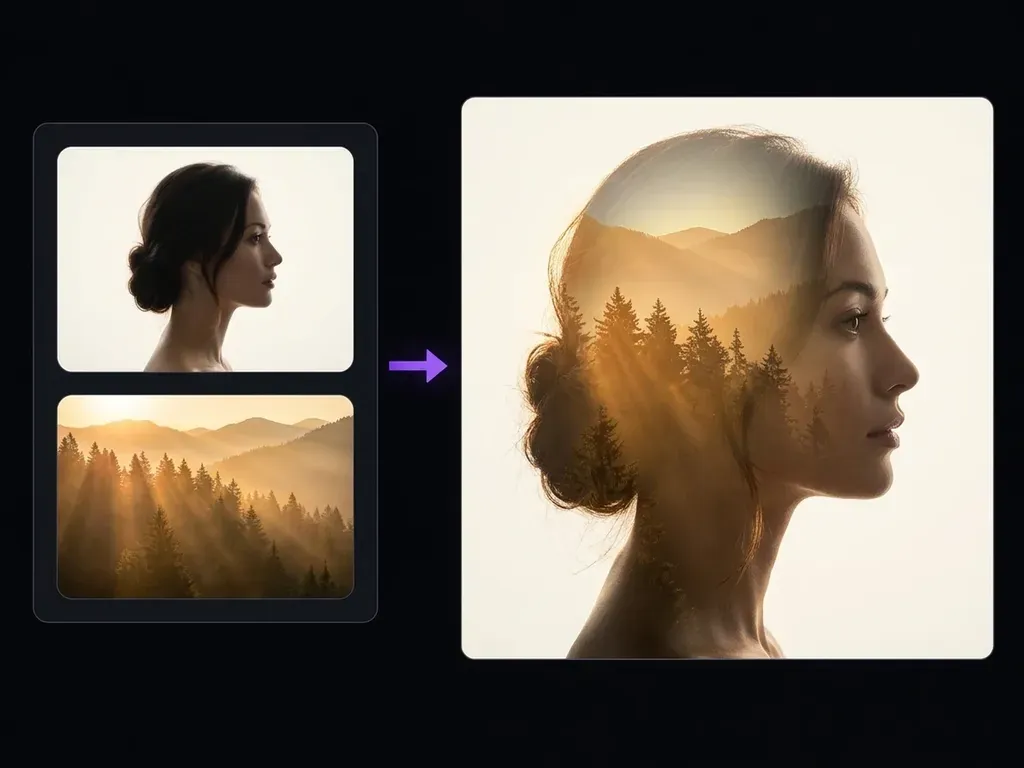
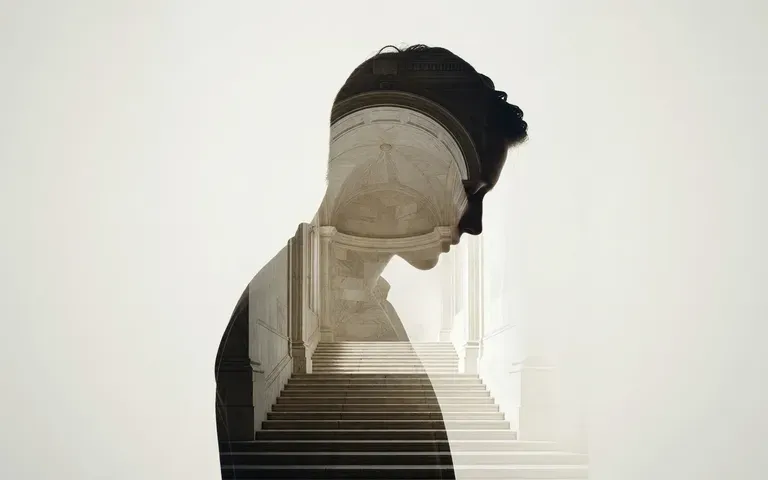
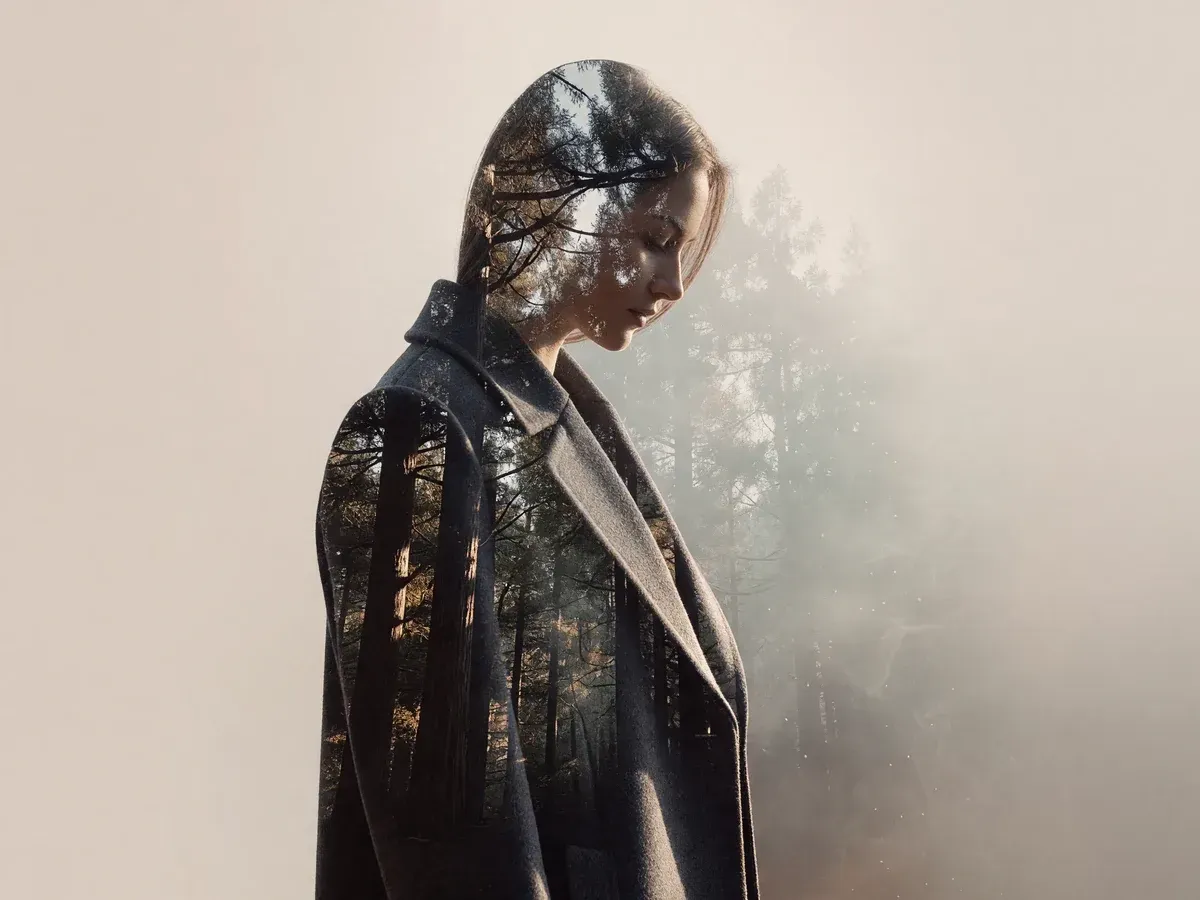
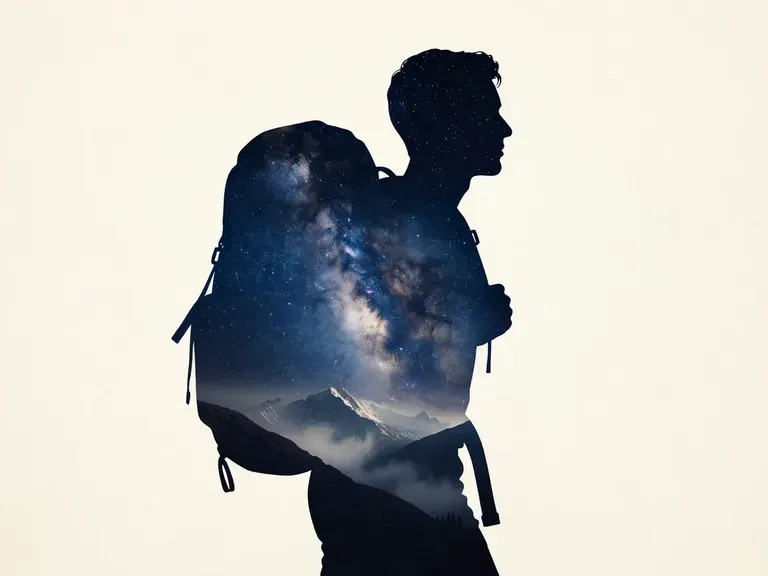
Nest evergreen forests, architectural staircases, or mist clouds inside a sharp foreground profile while holding clear outline separation.
Drop two separate photographs or artwork plates onto the Virse workspace and state how their contours, highlights, or surface grain should merge. Built strictly for 2D raster blending rather than Blender 3D mesh scenes, this AI image blender arranges poetic double exposures, gradient fades, and texture patina washes side by side.
An AI image blender fuses two flat photographs or illustrated plates into one artistic static composition based on lighting, contour, and surface mood cues. Upload a strong primary silhouette alongside an atmospheric forest canopy or plaster patina, then state which shape stays prominent while testing double exposures or tonal fades on canvas, separate from 3D Blender mesh files.
Desktop layer suites expect hand-brushed feathered masks and Photoshop blend modes like Screen or Multiply that flatten highlights before tones balance. Directing blend behavior in plain words keeps three creative priorities steady:
• Contour-anchored light fusion: Guide woods, mist, or stone grain into midtone shadows while clear face profiles or bottle outlines remain recognizable.
• Poetic overlays vs. realistic montages: Built strictly for dual-plate double exposures and moody fades rather than multi-subject scene merging via AI Image Merger or geometric region masking via AI Image Masking Tool.
• Single flattened file boundaries: Saves finished single-layer PNG or JPG files with no .psd layer stack, blend-mode dropdown, or exact opacity sliders.
Built for independent book jacket designers, portrait photographers, and surface visualists testing dual-plate overlays without manual brush masking.
Nest evergreen forests, architectural staircases, or mist clouds inside a sharp foreground profile while holding clear outline separation.
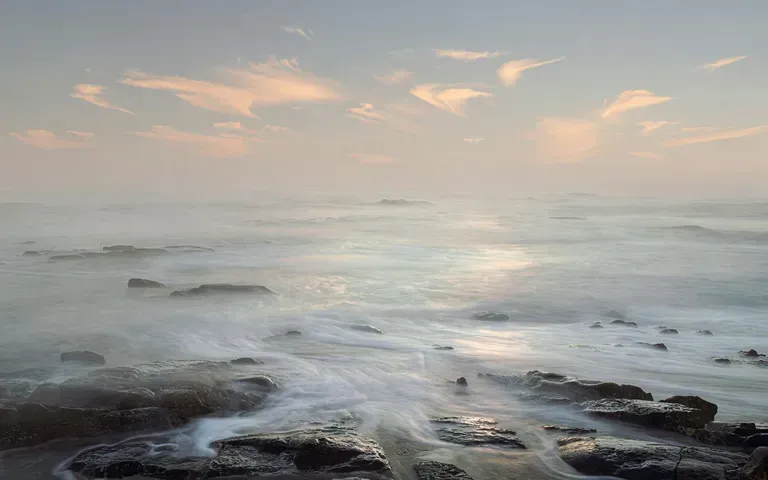
Dissolve dusk ocean waves, fog bands, or ink washes smoothly into one sky frame without leaving an abrupt horizontal seam bar.
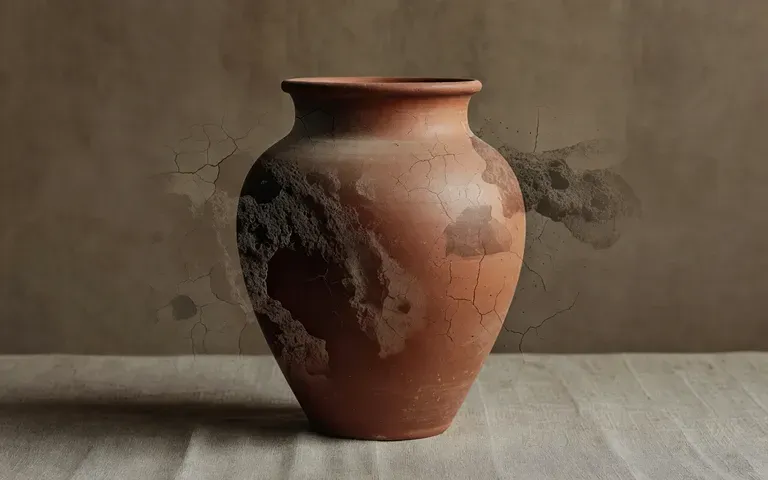
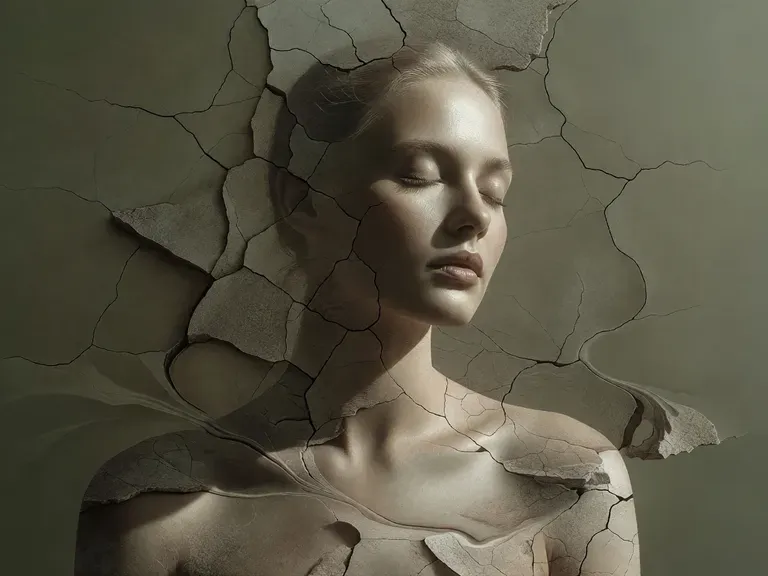
Apply weathered basalt stone, rag paper fibers, or satin aluminum grain over photos while dark texture settles lightly into midtones.
Why semantic dual-image blending solves harsh midtone washes without constant opacity slider guesswork and brush erasing.
Manual Layer Masks & Opacity Math
Virse AI Image Blender
Drop two clear PNG, JPG, or WebP files onto the canvas uploader so one distinct lead subject sits beside a calmer fog, foliage, or texture plate.
Specify which image anchors main outlines and state whether you want nested double exposure, soft gradient fade, or surface patina.
Launch sequential runs with varied written moods so a subtle plaster patina test sits directly beside a darker silhouette mix on canvas.
Inspect facial profiles, bright sky highlights, and dark fabric grain against your uploads since output saves purely as a flattened image.
Naming your lead contour, atmospheric filler, and highlight protection stops double exposures from turning murky across busy zones:
• Coastal cliffs cello profile: "Blend image one, a studio side portrait of a cellist holding her bow, with image two, windswept white chalk cliffs and slate ocean swell so sea mist settles within dark coat folds while facial profile stays distinct."
• Brass compass tidepool blend: "Blend image one, an unbranded vintage brass pocket compass resting flat, smoothly into image two, pale cerulean tidepool water ripples and soft seafoam mist so circular brass contours stay clear across watery tones."
• Rain street lantern glow: "Blend image one, a silhouetted pedestrian beneath a translucent umbrella, smoothly into image two, blurred amber paper lantern bokeh over evening cobblestones with gentle midtone mist."
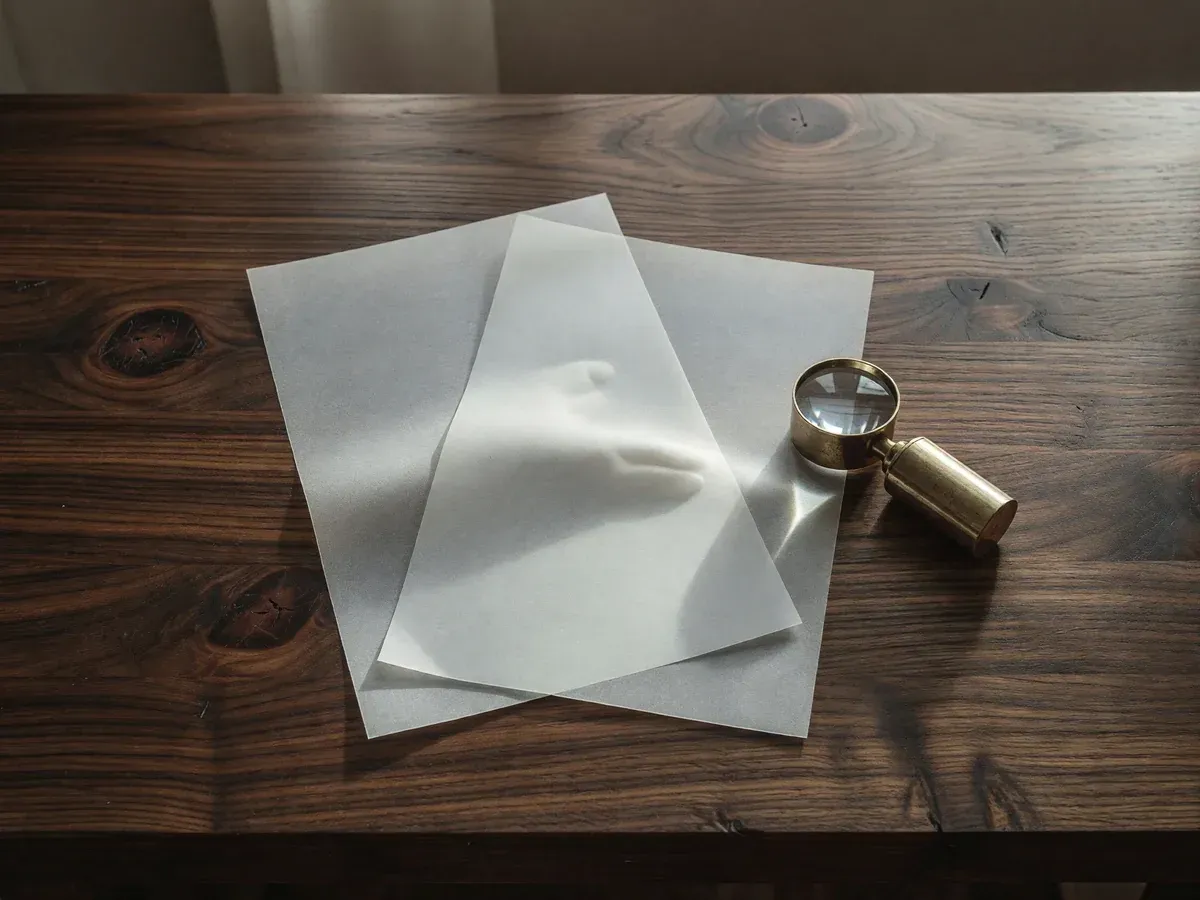
Four visual disciplines building double exposures, gradient headers, and surface patina tests on an open workspace.
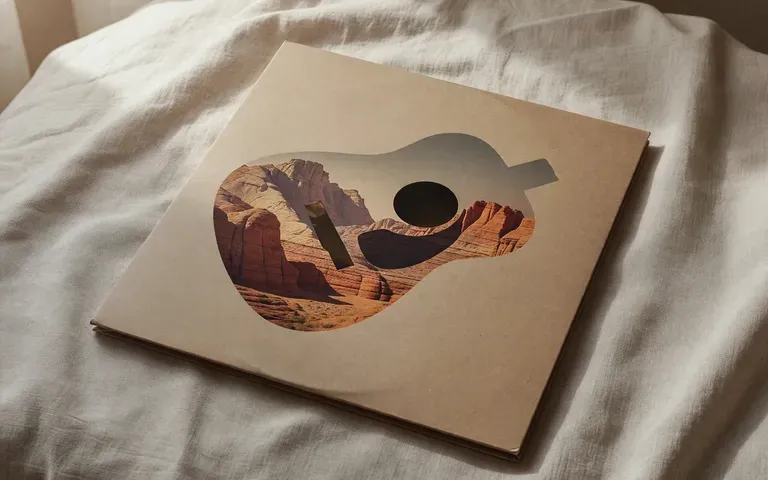
Produce poetic sleeve art blending desert stone formations, dark profiles, and dusk skies side by side before adding type elsewhere.
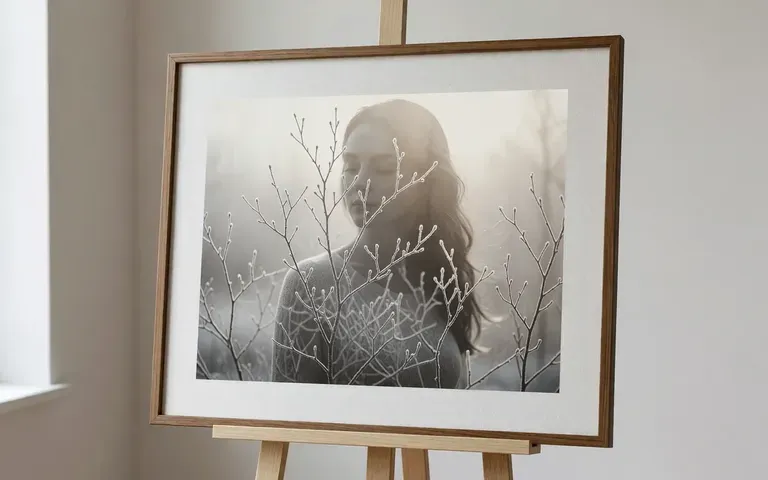
Layer wintry birch branches, alpine mist, or stair shadows subtly within monochrome and muted studio portrait sessions.
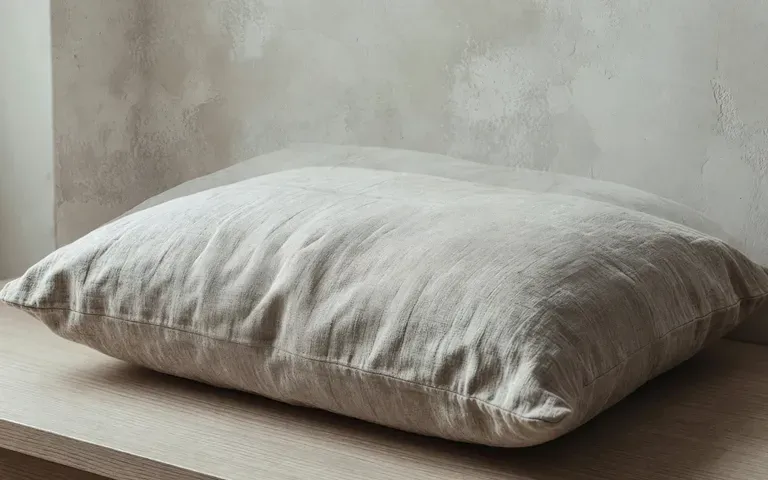
Wash weathered lime plaster grain, rag fibers, or stone crackle softly across understated home objects without booking extra sets.
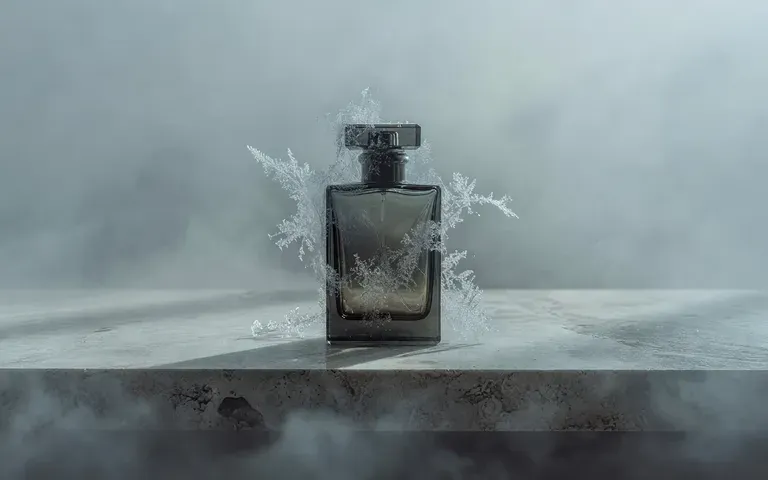
Merge delicate frost crystals, dappled canopy leaves, or soft cloud haze gently onto fragrance glassware for seasonal social cards.
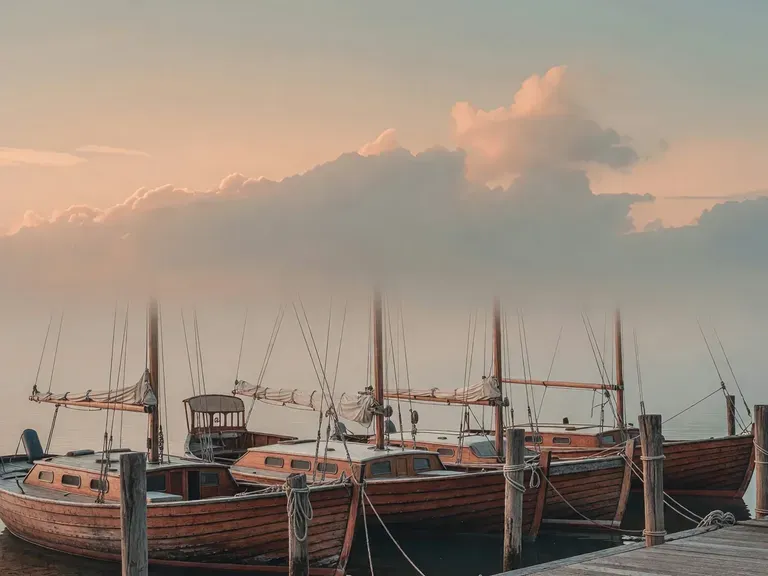
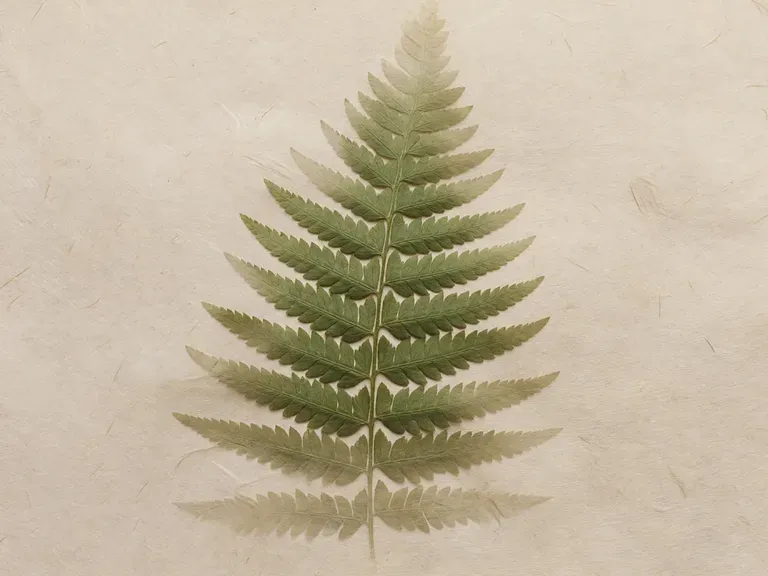
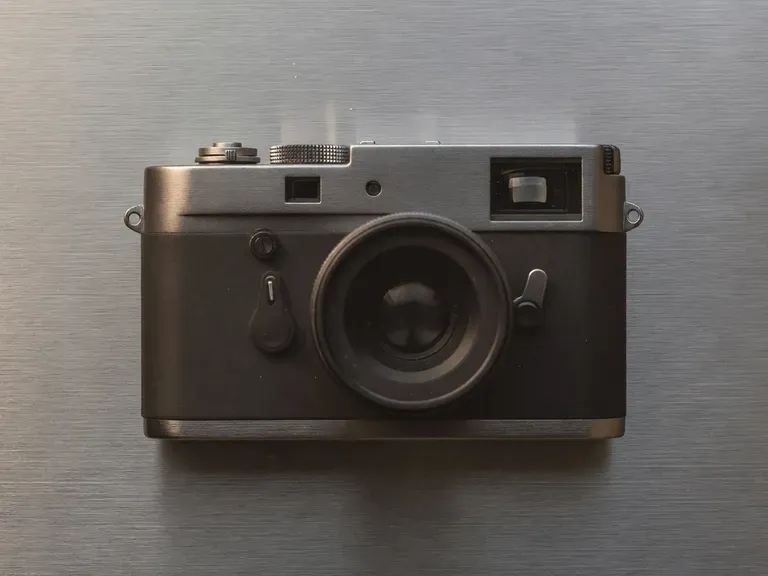
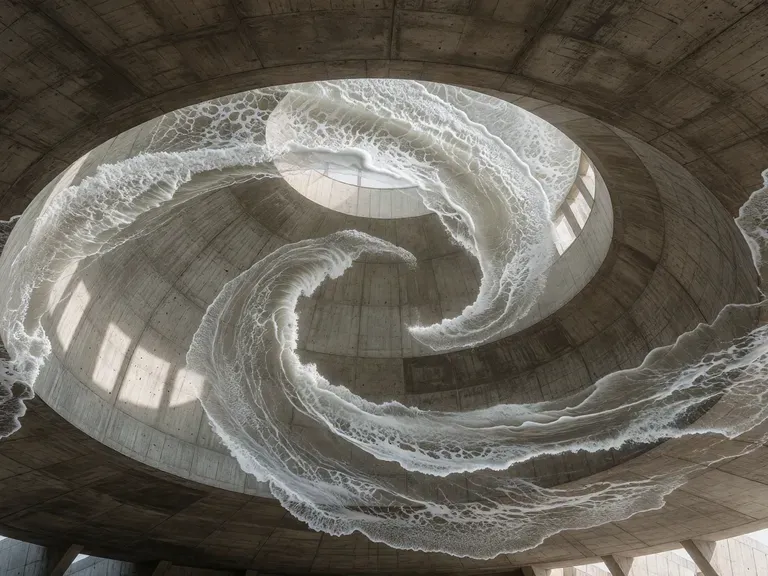
Six dual-image blend concepts spanning forest silhouettes, cracked lime patina, ocean horizon fades, pressed paper botanicals, satin hardware grain, and concrete curves.
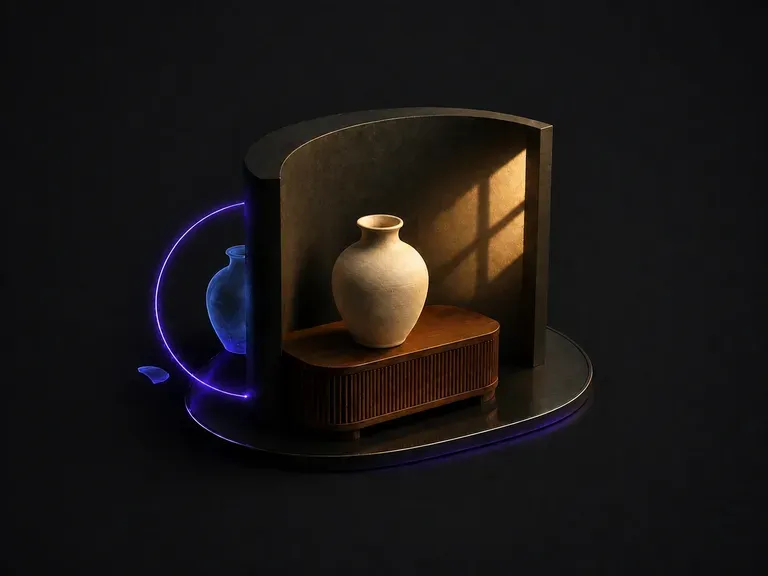
Mark circular, angular, or silhouette boundaries where two uploads meet whenever a composition calls for an explicit geometric mask zone.
Reconcile conflicting light direction and color warmth across realistic multi-subject composites that look pasted together.
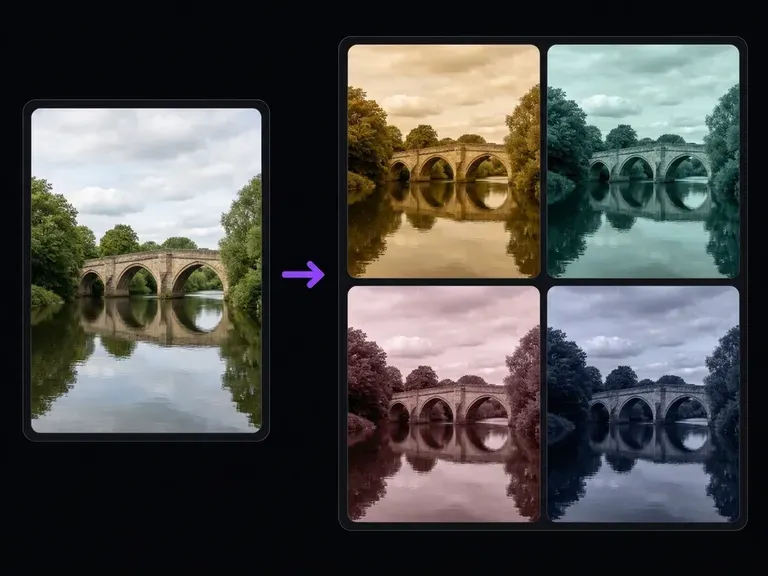
Apply unified amber warmth, cool twilight slate, or duotone washes across blended artwork while preserving contrast.
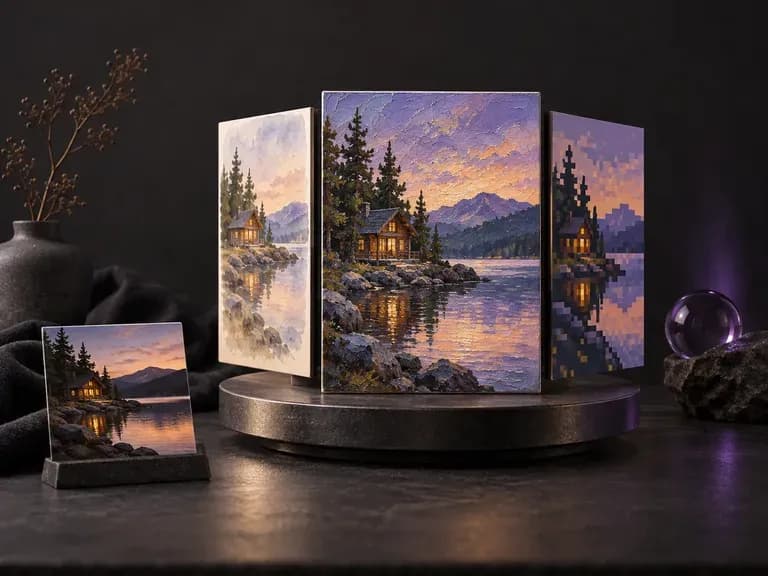
Redraw either an initial photo or a finished dual-plate blend in woodcut, gouache, or textured editorial illustration styles.
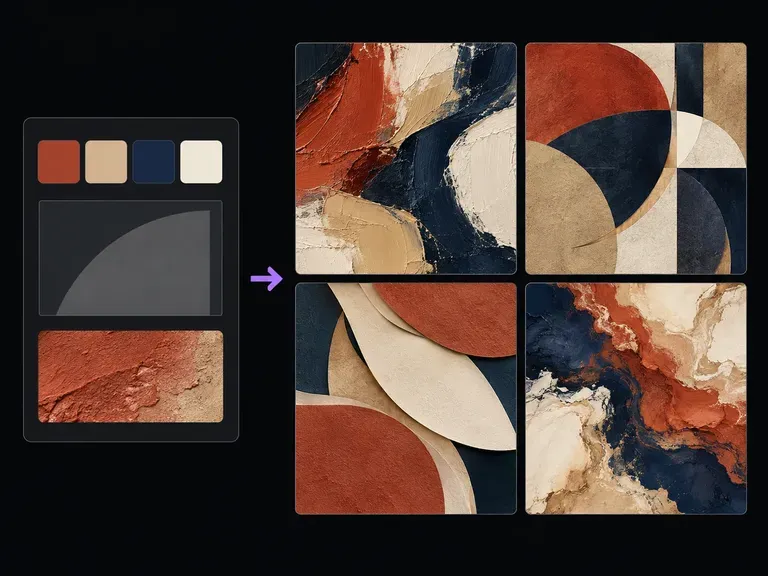
Generate original impasto color fields, torn paper collages, or fluid ink swirls tailored for secondary blend texture plates.
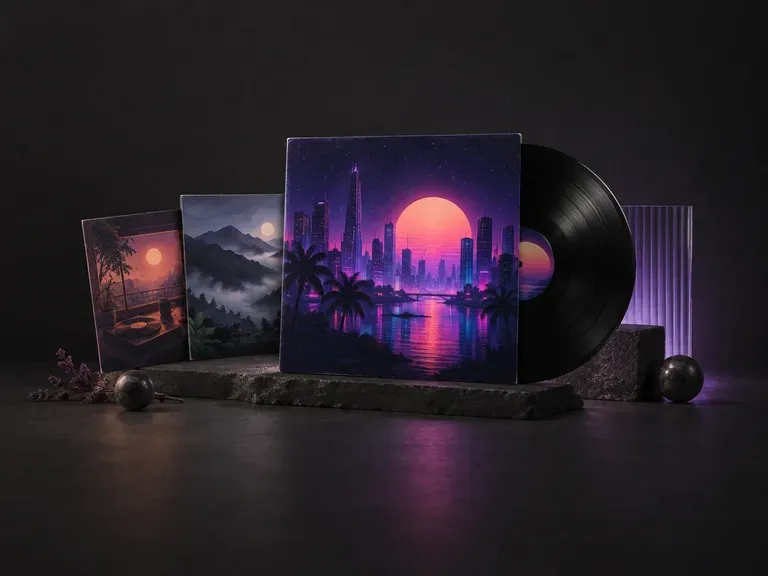
Turn resolved atmospheric double exposures into complete streaming release covers paired with genre composition cues.
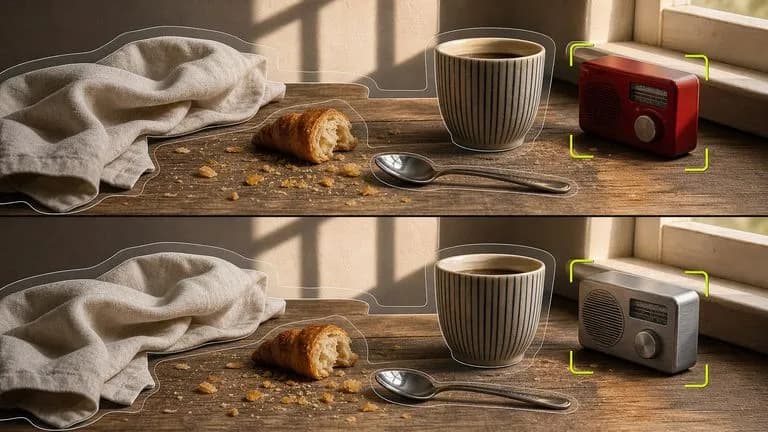
Anchor the main profile silhouette firmly across double exposures while drawing mist, cloud streaks, and surface grain from plate two.
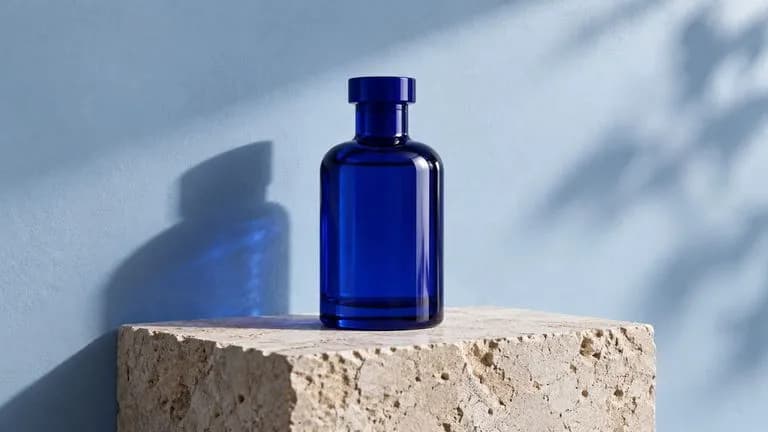
Run high-detail dual-image blend studies up to 4K raster output while balancing bright highlight glow against shadow texture.

Parse explicit priority briefs separating primary foreground outlines from delicate parchment, stone, or metallic patina overlays.

Push expressive sunset crossfades, foggy double exposures, and rich atmospheric mood shifts evenly across mixed source pairs.
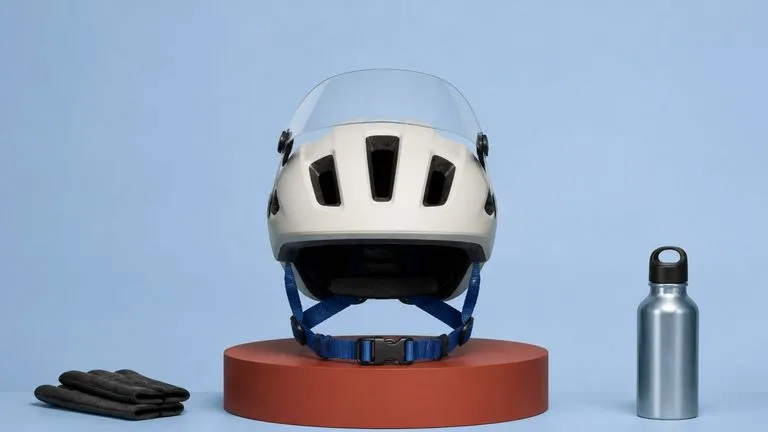
Hold believable tonal smoothness between pale portrait highlights, quiet skies, and weathered paper fibers without patchy contrast.
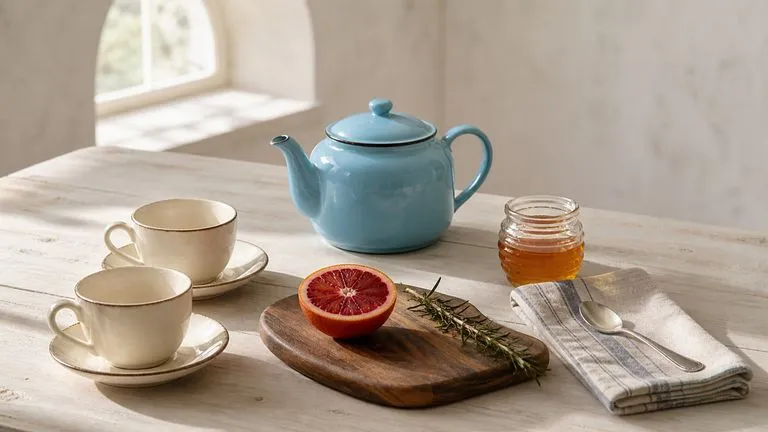
Experiment with bold and subtle mood variations economically on light starter compute before dialing higher studio detail.
Drop two source plates onto the Virse workspace, state contour priority and blend mood, and compare finished dual-image studies side by side.