
Two Entries
The standard model and FLUX 1.1 Pro Ultra, both in the Virse model list.
The generation of Black Forest Labs' FLUX line that came before FLUX 2, kept available as two entries — the standard model and Ultra.
Abra esta página em um navegador de desktop para começar a criar.
FLUX 1.1 Pro is a text-to-image model from Black Forest Labs, the generation preceding FLUX 2 Pro. Virse carries two entries from it, the standard model and FLUX 1.1 Pro Ultra.
The model is built around three major strengths:
Neither entry is built for editing — FLUX Kontext is the model in the same family designed for that. Briefs written here run unchanged on FLUX 2 Pro, which makes comparing the two generations on your own work a single click rather than a rewrite.
FLUX 2 Pro superseded this generation. Saying otherwise would waste your time, so the useful question is when the older model is still the right one.
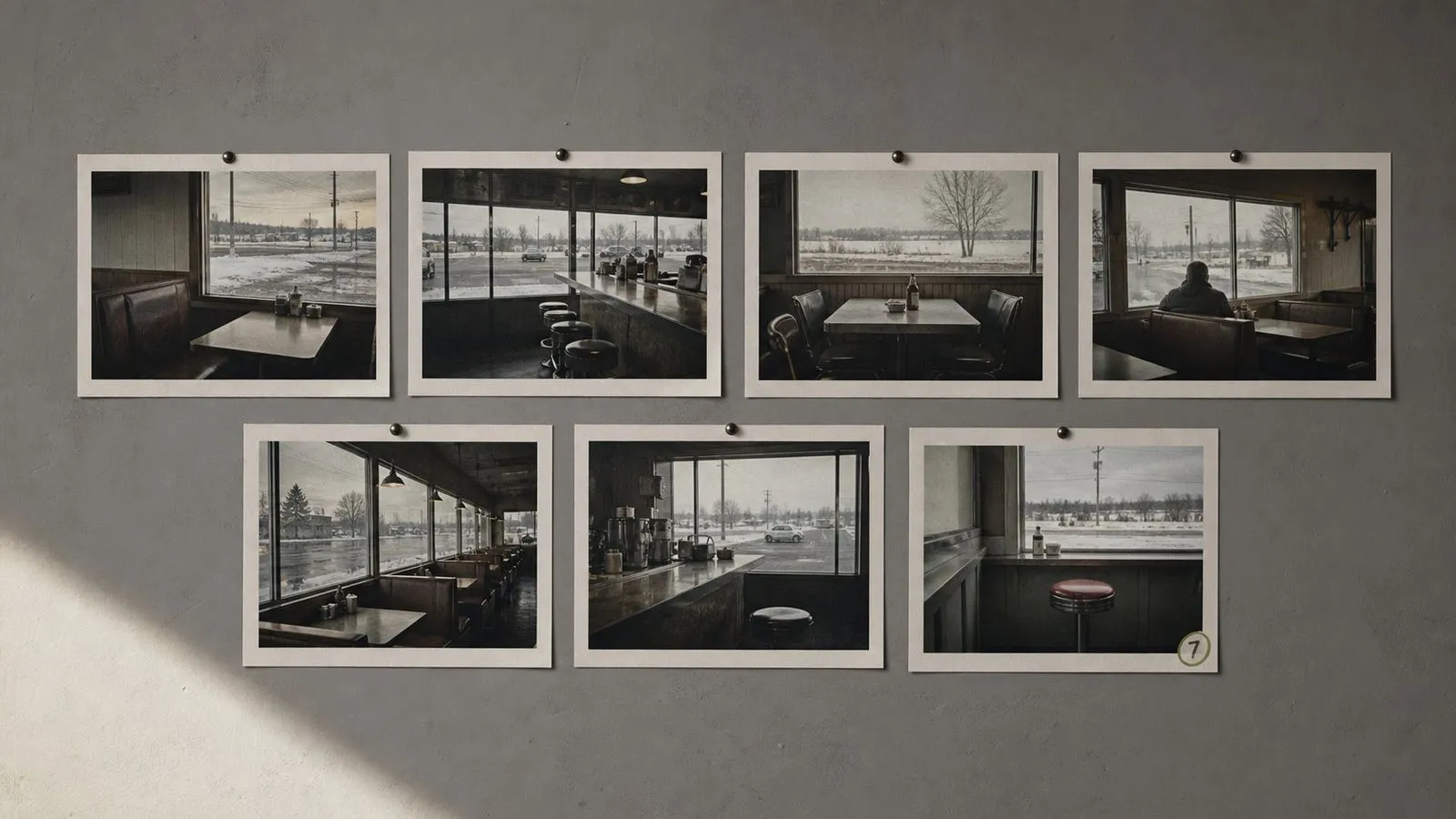
The answer is continuity. Model generations have different aesthetic defaults, and a series built on FLUX 1.1 Pro does not always transfer cleanly to its successor — the seventh image in a set has to match the first six, and switching engines halfway is how a set stops looking like a set. There is also Ultra, whose less-processed rendering character suits work you intend to grade yourself rather than accept as delivered.
Use FLUX 1.1 Pro to extend something that already exists. Continue an established asset series, match previously approved output, and produce flat, unstylised captures for a colourist to finish.
The standard model and FLUX 1.1 Pro Ultra, both in the Virse model list.
Less stylistic processing applied to the output.
The look that existing FLUX 1.1 asset sets were built on.
Briefs run unchanged on FLUX 2 Pro and across the FLUX line.
Editing is handled by FLUX Kontext in the same family.
Standard and Ultra accept identical briefs.
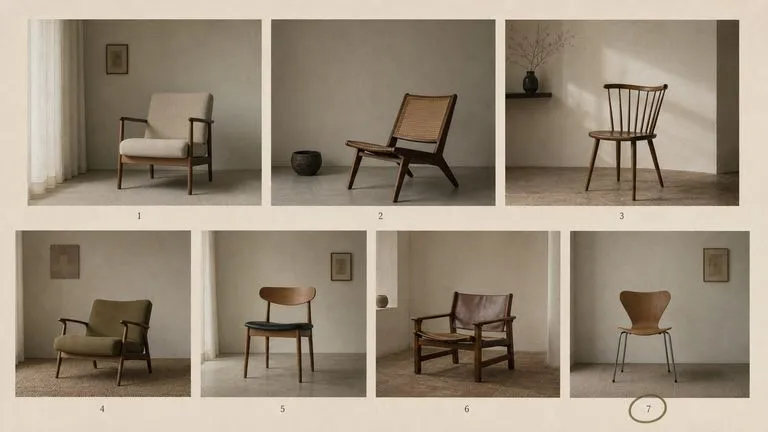
The main reason this generation stays available. When six images in a set came from FLUX 1.1 Pro, the seventh should too, and no amount of prompt engineering makes a newer model produce the older one's defaults.
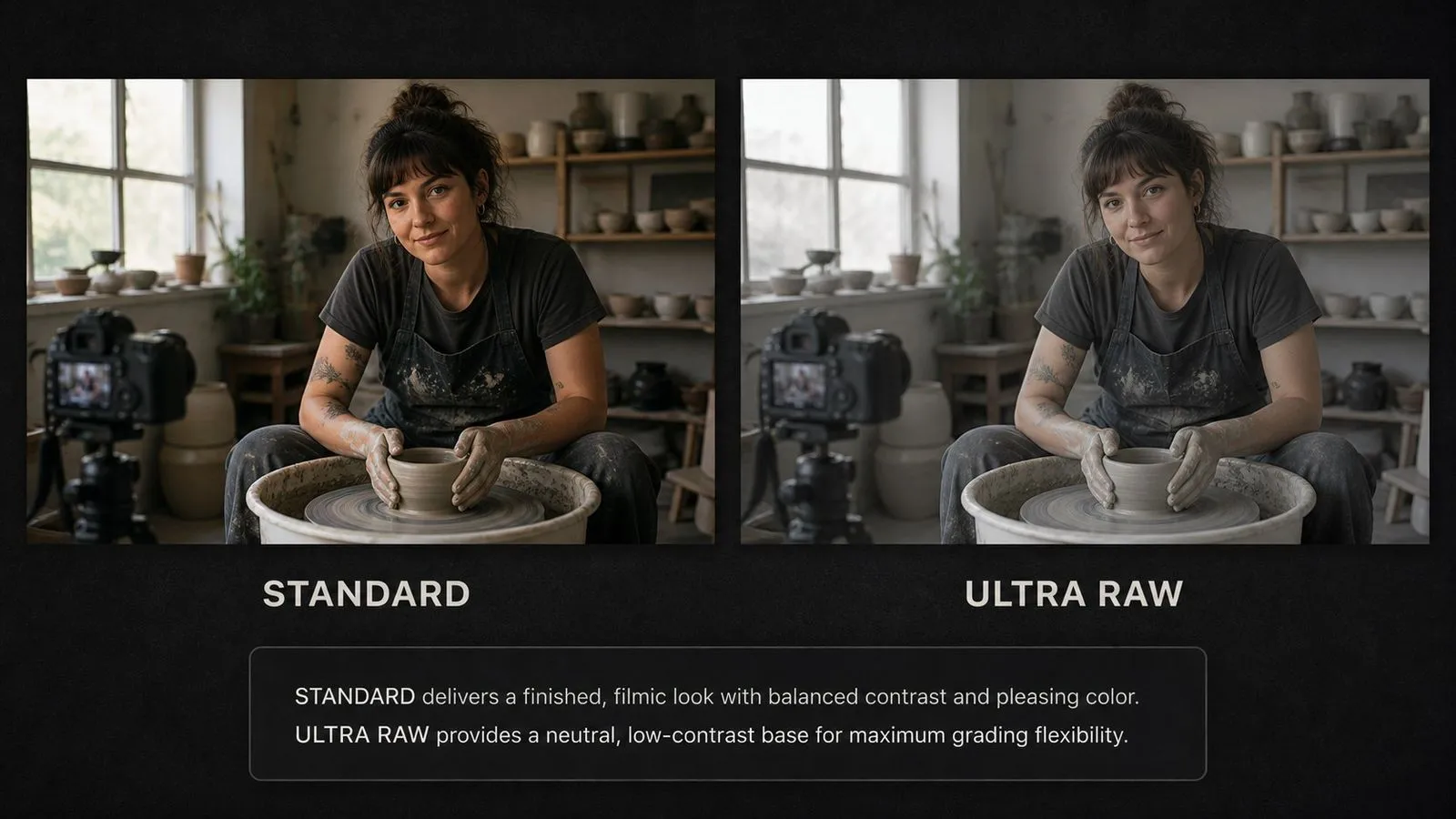
A flatter, less stylised starting point. Useful when the image is heading into a grading pass and you would rather the model had not already made those decisions for you.
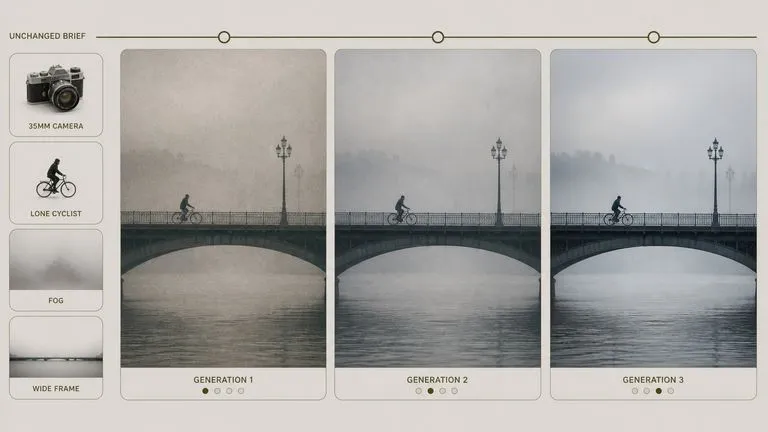
A prompt written here runs on FLUX 2 Pro without modification, so testing whether the newer generation suits your work costs nothing but the click.
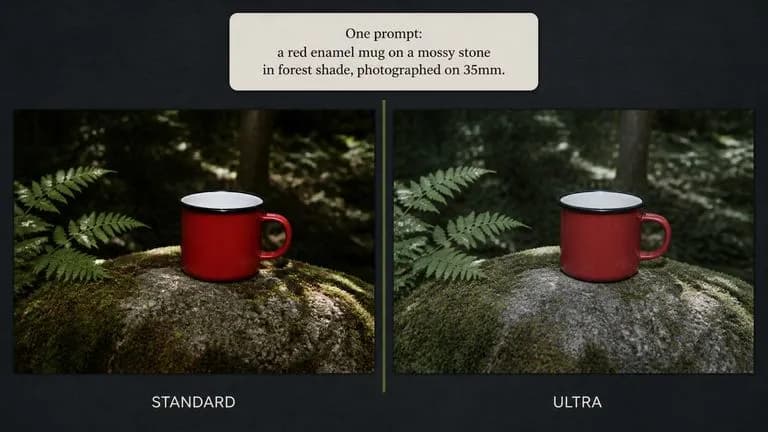
Standard and Ultra take the same brief, which means comparing their output is a like-for-like test rather than two separate experiments.
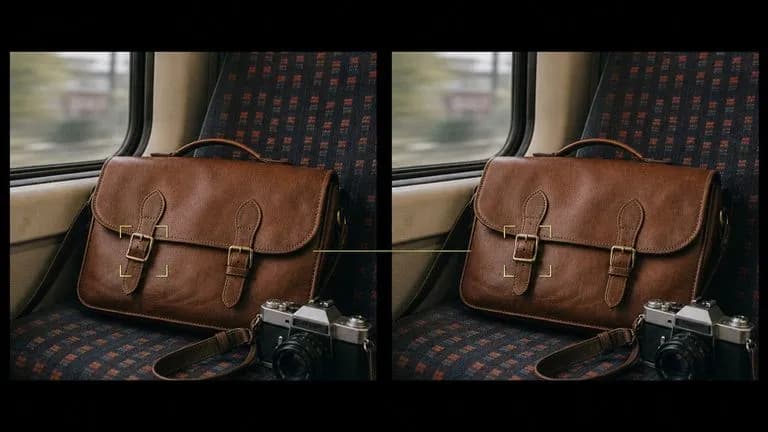
Generate on either entry and edit in Kontext without leaving the family or the canvas.
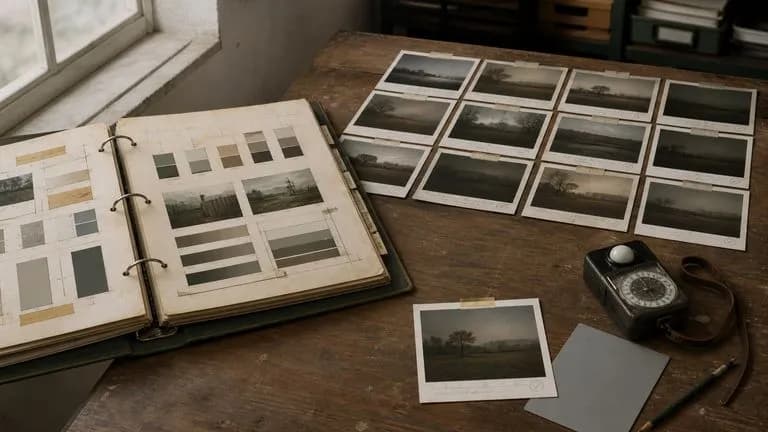
For teams with an established FLUX 1.1 workflow, the value is that nothing about it has changed.
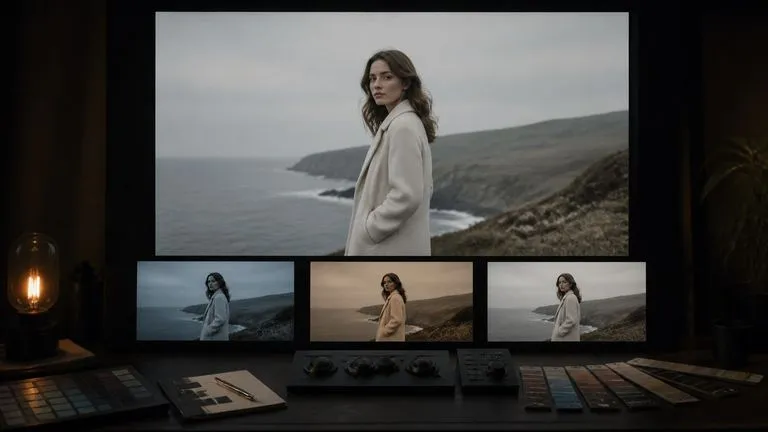
Continuity work has a specific problem: you need the new image beside the old ones to know whether it matches, and the old ones usually live somewhere else. Virse solves that by keeping the set together. Import the approved assets onto the canvas, generate the new one next to them, and judge the match by looking rather than by memory.
Place previously approved images on the canvas and generate the new one alongside, so drift is visible immediately.
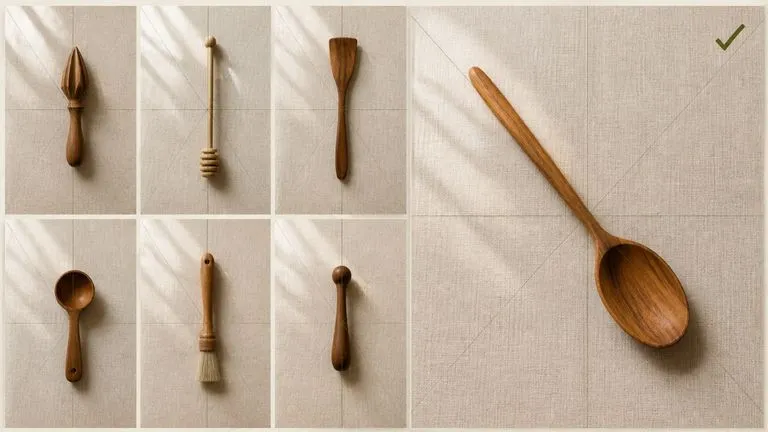
Run the same brief on FLUX 2 Pro beside it and see whether the difference matters for this particular series.
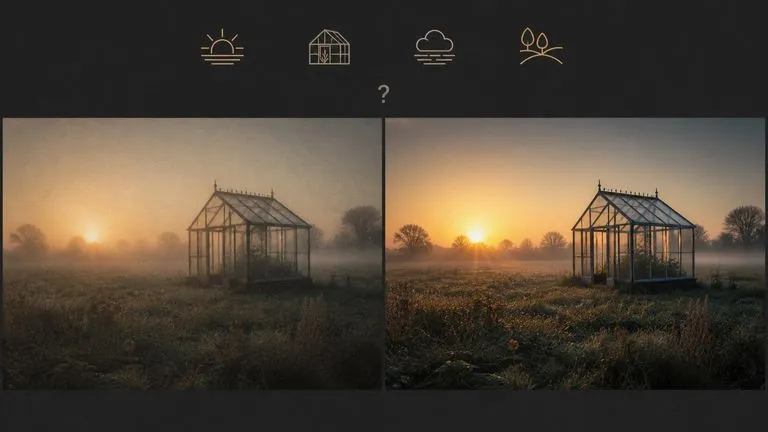
Move between FLUX 1.1 Pro and 30+ other image and video models without leaving the canvas or rewriting the brief.
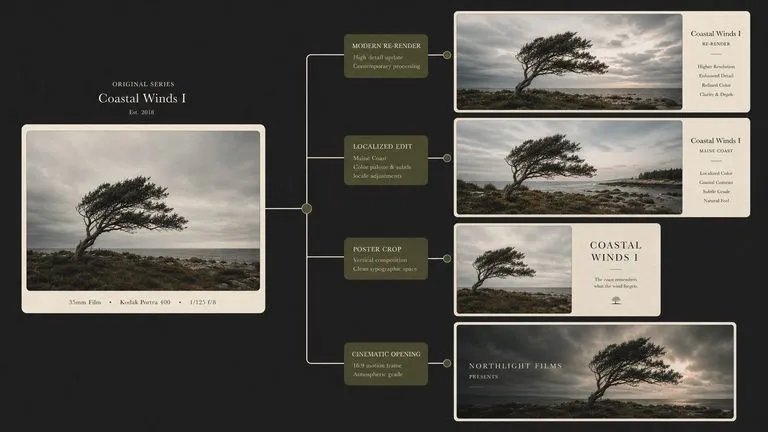
Generate on Ultra, then adjust in FLUX Kontext without exporting to a separate editor first.
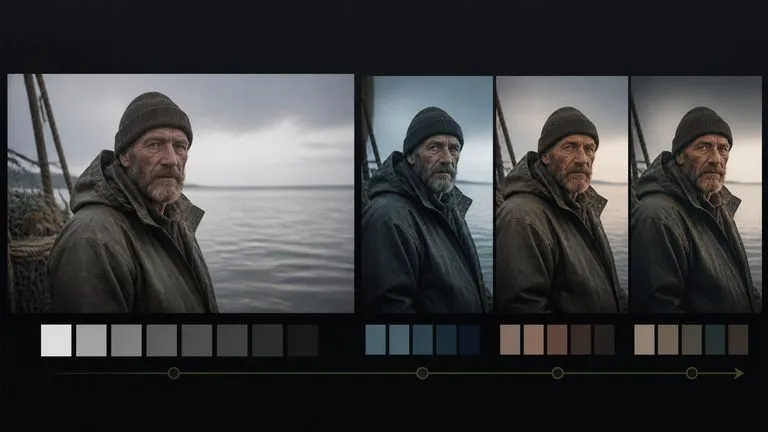
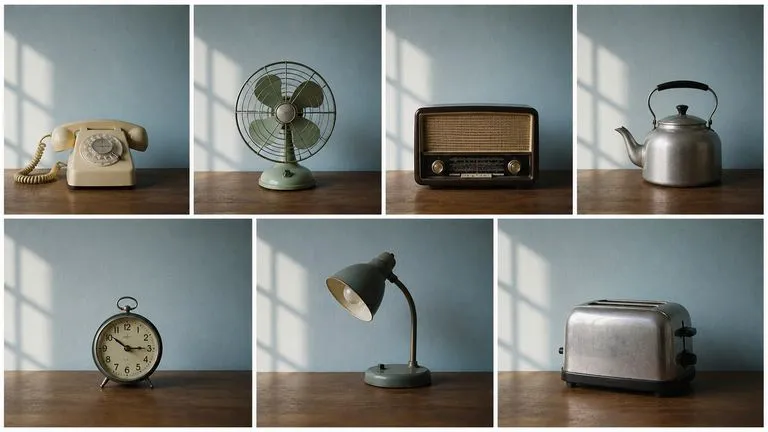
Additional images for an asset set already built on this generation.
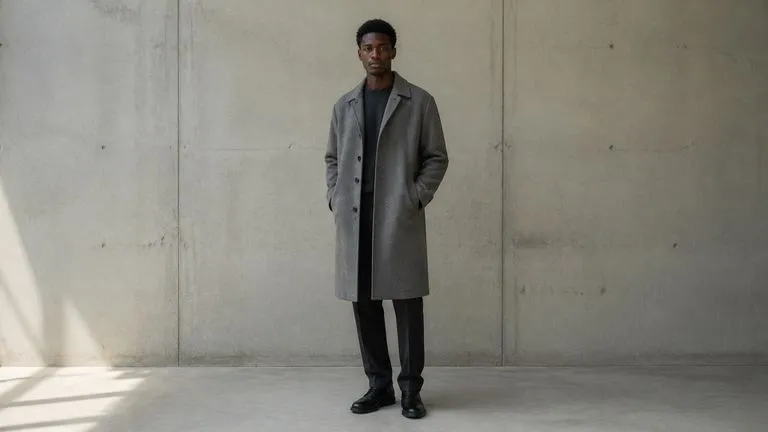
Unstylised output on Ultra, intended to be colour-graded afterwards.
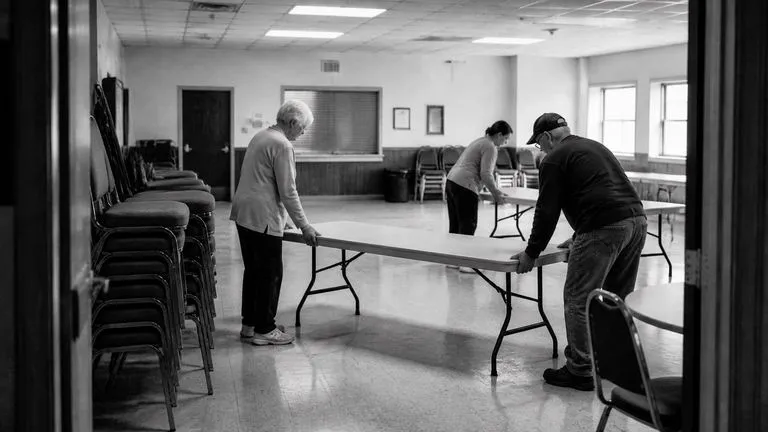
Photographic work where a restrained treatment suits the subject.
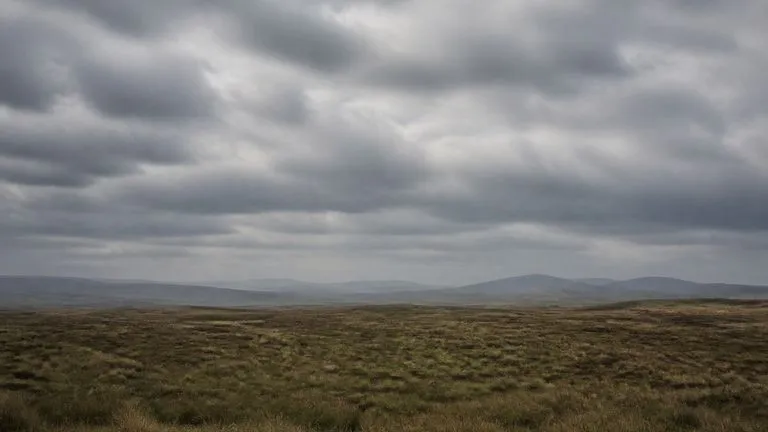
Wide scenes used as backgrounds or reference for other work.
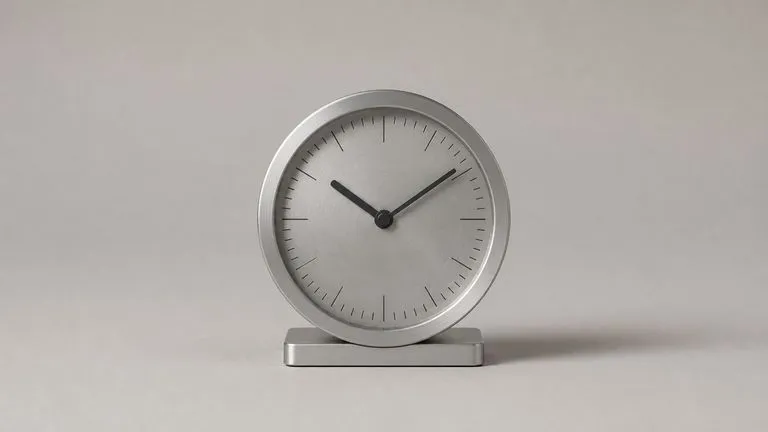
Neutral renders that a retoucher will finish.
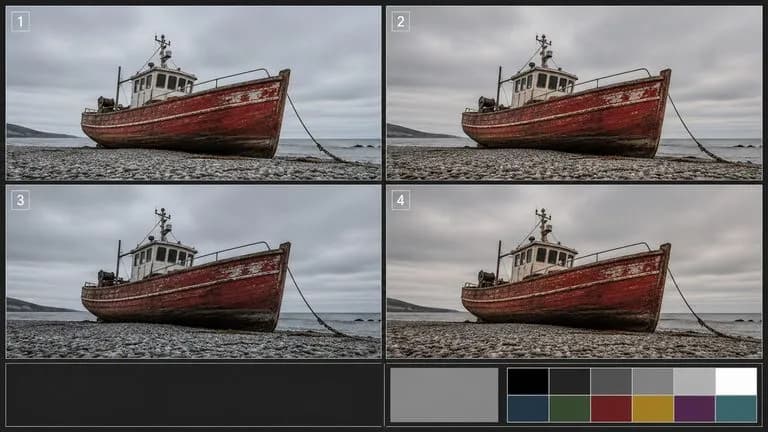
Reference output for testing what a newer model does differently.
Run the brief on FLUX 2 Pro first. If you cannot tell the difference, use the newer model.
The standard model for most work, Ultra when you want a flatter starting point.
State how the image was supposedly made — film stock, format, or capture style — rather than listing quality words.
Take the result into FLUX Kontext for adjustment rather than regenerating it.
A useful FLUX 1.1 Pro prompt usually includes four elements:
Em vez de escrever
Professional photo of a workshop, highly detailed, sharp focus, 8k.
Escreva
A 35mm film photograph of a woodworking bench, shot from standing height looking down. Hand planes and chisels laid in a row along the back edge, shavings scattered across the surface. Single window light from the left, no fill. Visible grain and slightly muted colour.
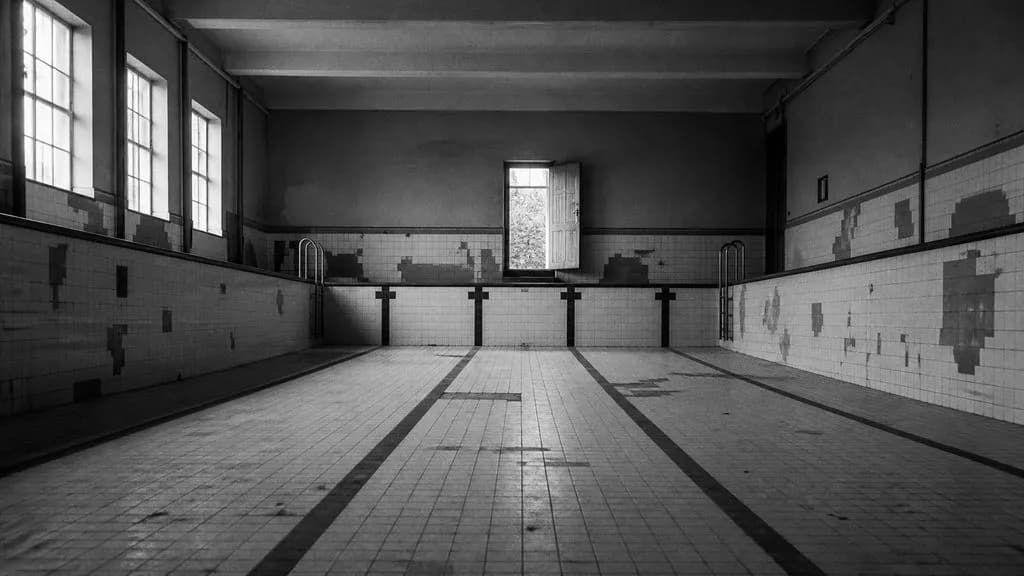
A black and white documentary photograph of an empty municipal swimming pool, drained, seen from the shallow end. Tiled walls with visible repairs, a single door propped open at the far end letting in daylight. High contrast, grain visible, no artificial lighting. Wide shot, horizon line low in the frame.
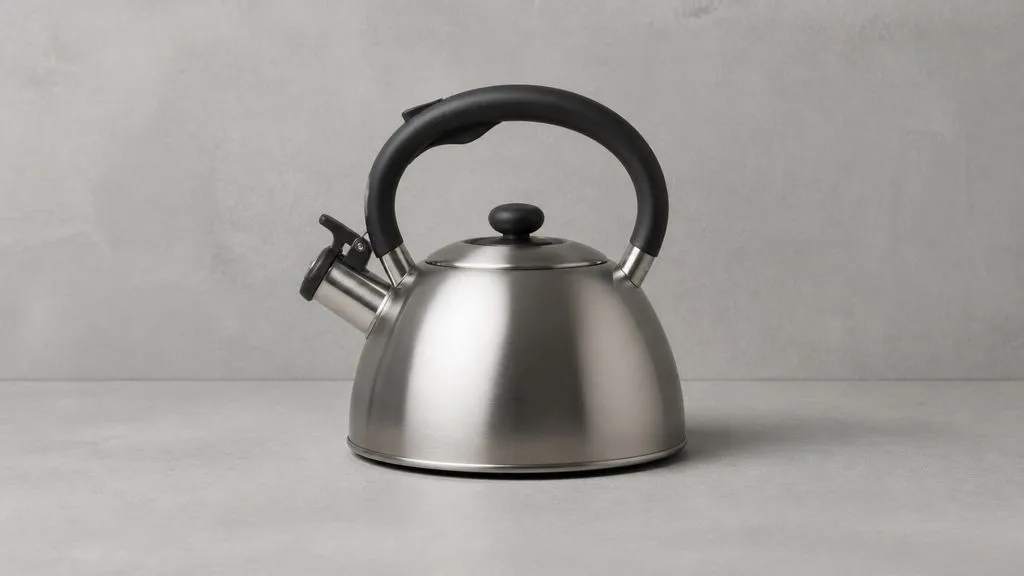
A brushed steel kettle on a plain concrete surface, photographed straight on at product height. A single large source from camera left with a weak bounce opposite, one soft shadow trailing right. Neutral colour, flat contrast, no stylisation and no colour grading applied — a raw capture intended to be graded afterwards. Centred composition with even margins.
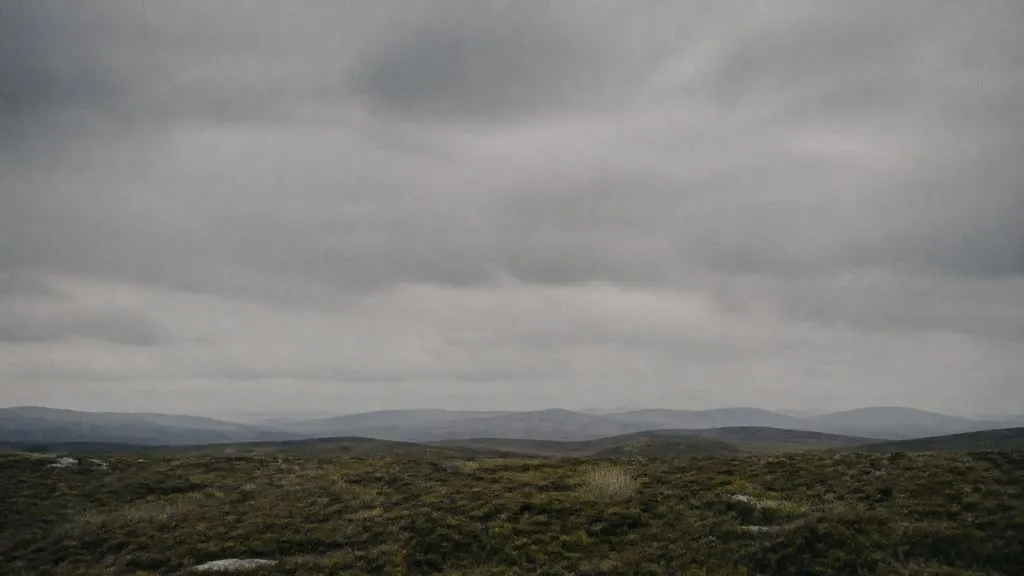
A wide landscape of moorland under heavy cloud, no buildings and no figures. Late afternoon with the sun behind cloud, light flat and even, distant hills fading into atmospheric haze. Medium format film character, fine grain, muted greens and browns. Horizon in the lower third, sky occupying the rest of the frame.
| Dimensão | FLUX 1.1 Pro | FLUX 1.1 Pro Ultra |
|---|---|---|
| Rendering character | Standard processing applied | Raw mode, less processing |
| Best for | General work on this generation | Output you intend to grade |
| Instruction set | Identical to Ultra | Identical to standard |
| Editing | Use FLUX Kontext | Use FLUX Kontext |
| Brief portability | Runs on Ultra and FLUX 2 Pro | Runs on standard and FLUX 2 Pro |
| How to choose | Run one brief through both | Run one brief through both |
"35mm film" and "medium format" carry information. "8k" and "sharp focus" carry none and take up space in the brief.
If a colourist is going to touch the image anyway, a flatter starting point gives them more to work with.
For continuations, reuse the original prompt verbatim and change only the subject. Rewriting the treatment is what breaks a set.
Run the brief on FLUX 2 Pro occasionally. Continuity is a real reason to stay; habit is not.
Explore focused tools for creating, editing, and preparing design assets.

Carregue uma fotografia e receba um conjunto de retratos profissionais com qualidade de estúdio, cada um num cenário, vestuário e tom diferentes. O seu rosto permanece inalterado. Não há etapa de treino nem lote de imagens para reunir primeiro.
Substitui o fundo de uma foto de produto por uma cor sólida uniforme especificada — através do nome da cor, de um código hex ou de uma imagem de referência de cor — mantendo o produto intacto, com sombras de contacto naturais e contornos limpos. Não indicado para fotos de listagem conformes com fundo branco puro nem para substituição de fundos de cena/lifestyle.
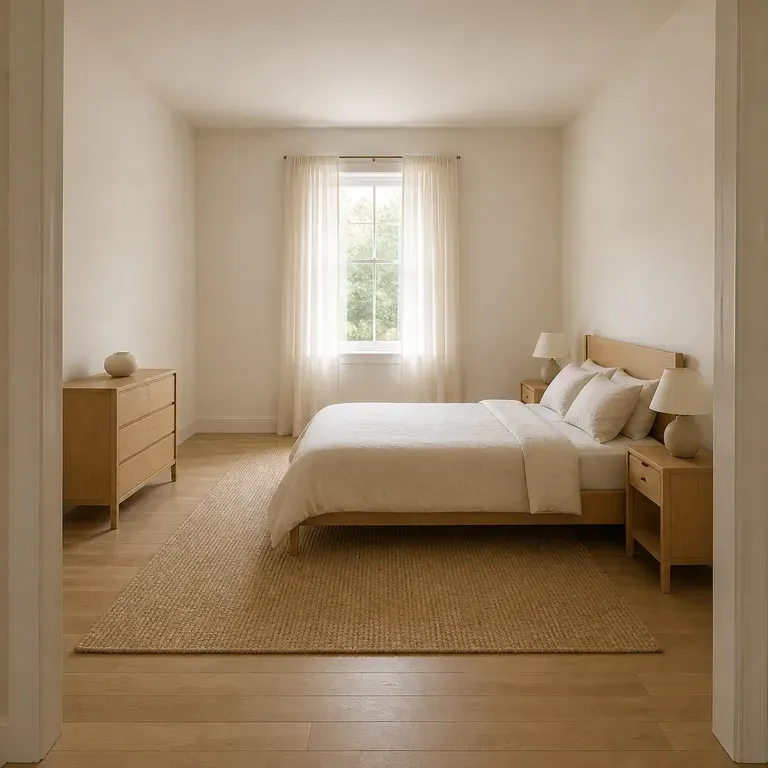
Um quarto inclui a cama, a arrumação, o candeeiro de leitura que realmente usa às 23h, e nada disso deve mudar de sítio só porque o visual muda. Carregue uma fotografia, diga o que precisa que o quarto faça por si e receba um conjunto de redesigns que deixam a parede da cama, a janela e a abertura da porta exatamente onde as deixou. O primeiro conjunto funciona com créditos Virse gratuitos.

Black Forest Labs' production model reads briefs up to 32,000 tokens, so brand rules, colour values, and compositional constraints can all go in at once.

Black Forest Labs' editing models, FLUX Kontext Pro and Kontext Max, built to apply one described change while the rest of the frame survives untouched.
A 6-billion-parameter model compressed to an eight-step inference pipeline, built to return a usable picture before your train of thought moves on.
When six images came from this generation, generate the seventh here too — and put it beside the others before you decide.