
Gestão de membros
Para equipes de empresas, o gerenciamento de membros reúne acesso, permissões e consumo de recursos em um só lugar, tornando a colaboração mais clara e controlável.
Funcionalidade | O que faz |
|---|---|
Membros | Adicione membros por links de convite ou e-mail e remova os que não participam mais. |
Administradores | Defina membros como administradores para que várias pessoas possam gerenciar o espaço de equipe. |
Limites de CU | Defina limites mensais de CU para os membros e consulte o uso da equipe. |
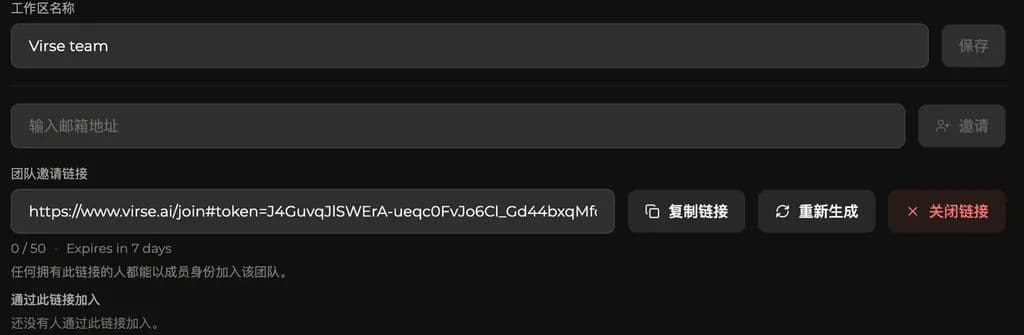
Os administradores podem adicionar membros nas configurações da equipe. O Virse oferece dois métodos de convite; escolha conforme o tamanho da equipe e quem deseja convidar.
Método | Ideal para |
|---|---|
Link de convite | Ideal para convidar vários membros rapidamente. Copie o link e envie aos colegas para que possam entrar seguindo o processo. |
Convite por e-mail | Ideal para convidar membros específicos. Insira um endereço de e-mail e envie o convite; funciona bem para equipes menores ou com acesso controlado. |
Se um membro não participa mais do trabalho da equipe, um administrador pode removê-lo. Após a remoção, ele não poderá mais entrar no espaço de equipe nem acessar o conteúdo de colaboração e os recursos da equipe.
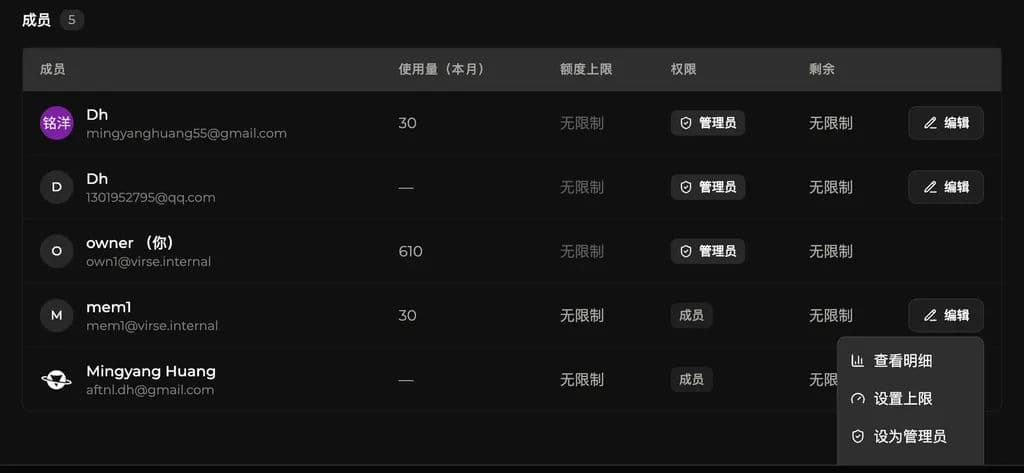
Defina administradores e limites mensais de CU
Na lista de membros, os administradores podem configurar a função e o limite mensal de CU de cada membro.
Defina administradores
Os administradores podem promover outros membros a administradores. Após a promoção, eles podem ajudar a gerenciar membros, permissões e configurações de recursos.
Isso é útil quando várias pessoas precisam gerenciar o espaço de equipe, como líderes de projeto, design ou operações.
Defina limites mensais
Os administradores também podem definir o limite mensal de CU de cada membro.
CU são consumidas quando os membros usam os recursos de geração por IA. Os limites mensais permitem controlar quantas CU cada membro pode usar no mês atual e evitar o consumo sem controle.
Consulte o uso de CU
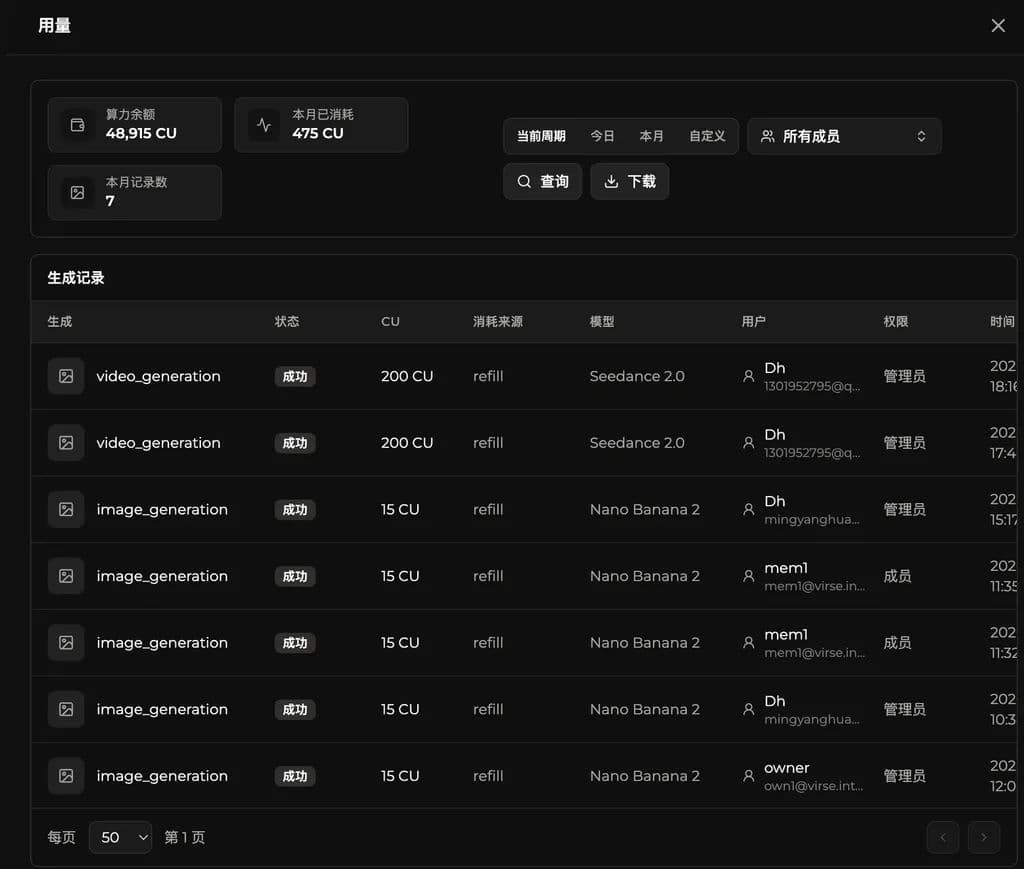
Além de definir limites, os administradores podem consultar o uso de CU dos membros. As consultas podem ser filtradas por período e escopo de membros para entender o consumo real de recursos.
Filtro | Descrição |
|---|---|
Hoje | Veja o uso de CU de hoje. |
Este mês | Veja o uso de CU do mês atual. |
Personalizado | Selecione um intervalo de tempo personalizado e veja o uso nesse período. |
Todos os membros | Veja o uso de toda a equipe. |
Membro específico | Veja o uso de um membro selecionado. |
As consultas de uso ajudam os administradores a entender o ritmo de consumo de CU da equipe e identificar o uso por membro. Isso oferece mais contexto para ajustar os limites mensais.
Última atualização: