무료
무료 생성으로 시작하세요
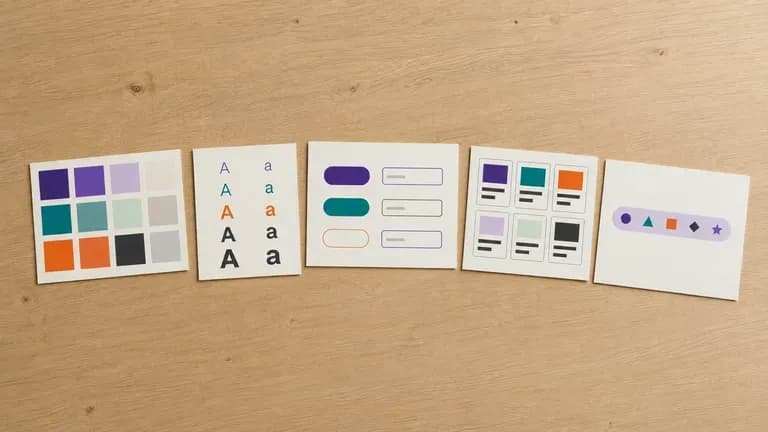
Virse 크레딧으로 첫 디자인 시스템 초안을 시도해 보세요. 신규 사용자는 최대 10개의 이미지를 생성할 수 있어, 전체 문서화 작업에 본격적으로 투입하기 전에 방향이 적합한지 확인하기에 충분합니다.

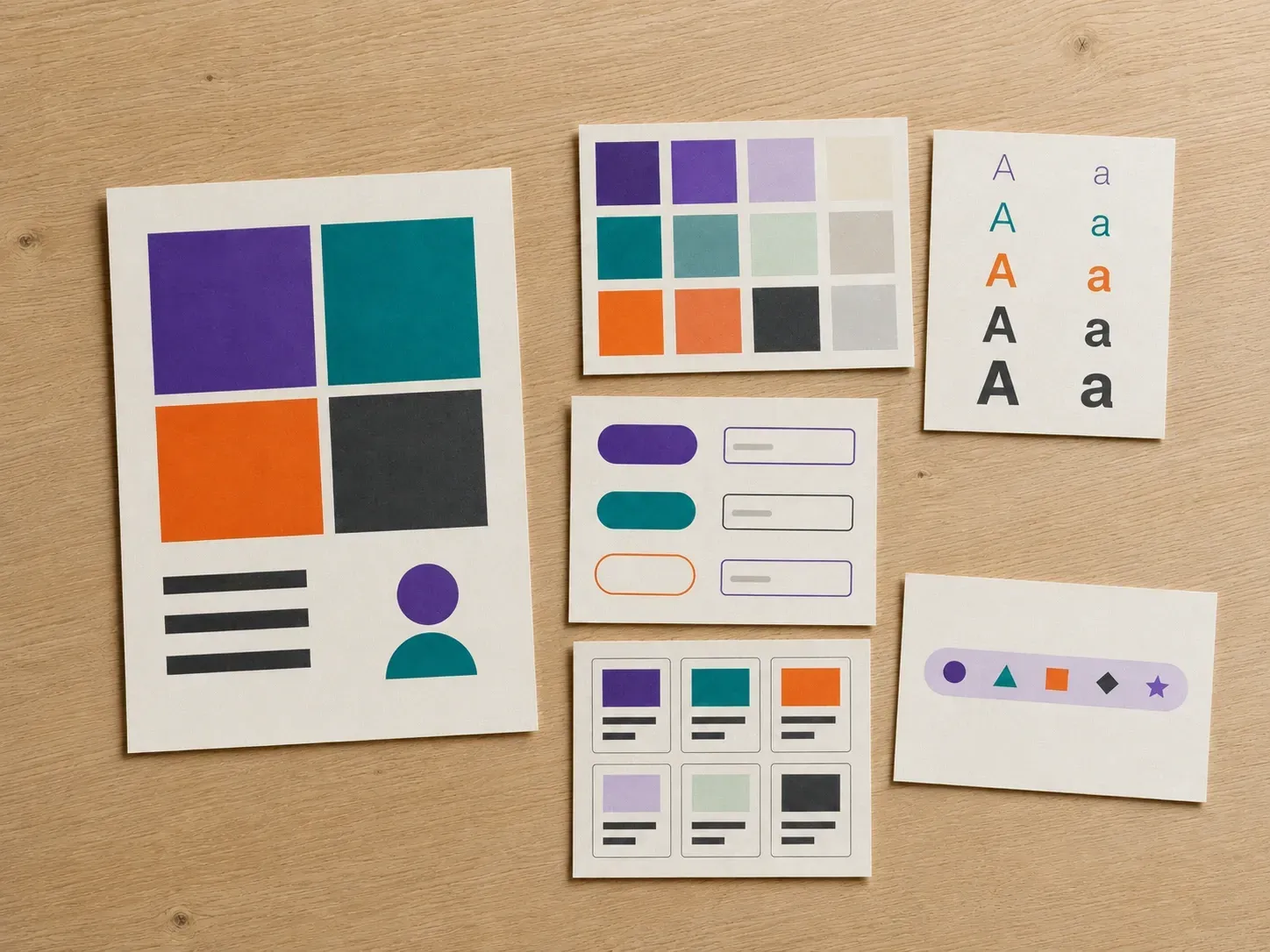
폼 필드가 어떻게 보이는지 명시하지 않는 브랜드 가이드라인은 모든 화면이 각자 새로 만들도록 내버려 둡니다. 가지고 있는 자료, 공식 규칙이나 실제 화면을 업로드하고, 필요한 컴포넌트를 나열하면, 팀이 구축할 수 있는 구체적인 형태로 그 규칙을 전환한 시각적 초안을 받아볼 수 있습니다. 무료 크레딧만으로도 첫 번째 시안을 확인하기에 충분합니다.
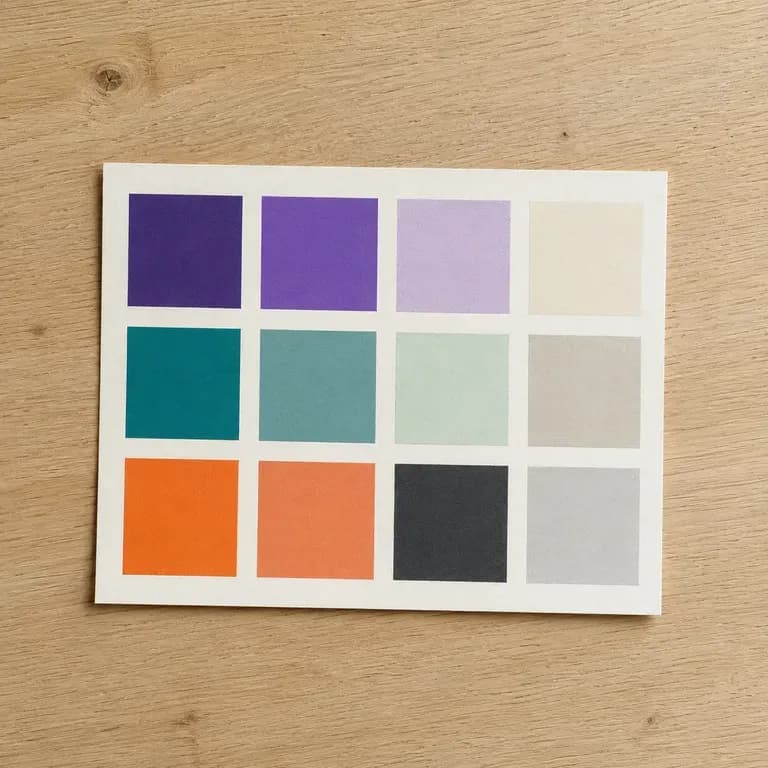
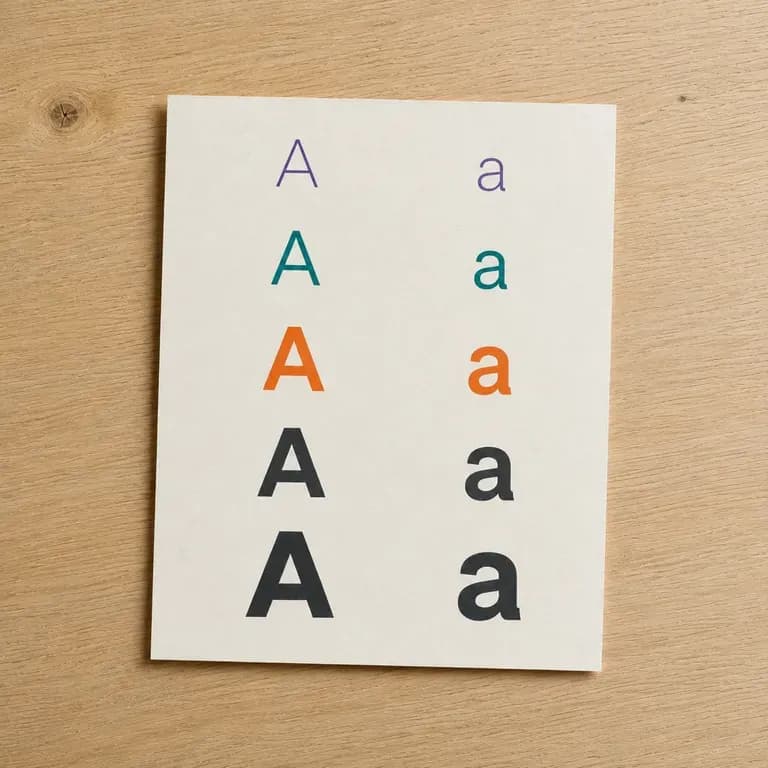
AI 디자인 시스템 생성기는 브랜드 가이드라인과 기존 화면을 색상, 글꼴, 간격 및 공통 컴포넌트를 포함하는 시각적 초안으로 전환합니다. Virse에서는 보유한 자료를 업로드하고, 필요한 컴포넌트를 설명한 뒤, 초안을 제품 팀이 따를 수 있는 참조 자료로 다듬을 수 있습니다.
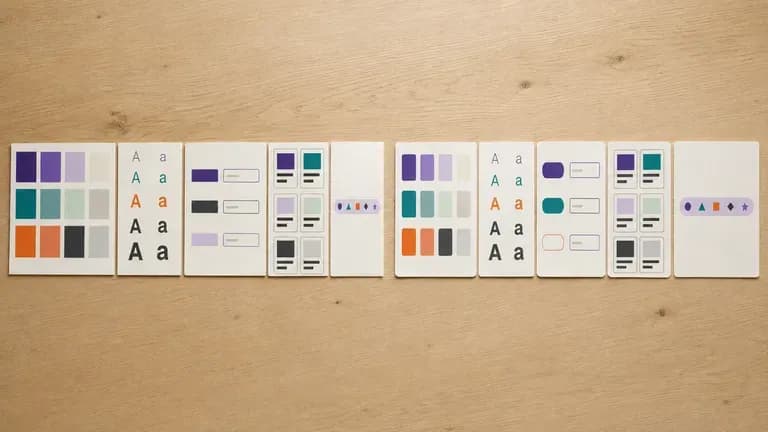
디자인 시스템은 누구도 버튼을 다시 발명할 필요가 없도록 존재합니다. 명확한 시각적 출발점은 팀이 그 목표에 더 빠르게 도달하도록 합니다.
Virse 크레딧으로 첫 디자인 시스템 초안을 시도해 보세요. 신규 사용자는 최대 10개의 이미지를 생성할 수 있어, 전체 문서화 작업에 본격적으로 투입하기 전에 방향이 적합한지 확인하기에 충분합니다.
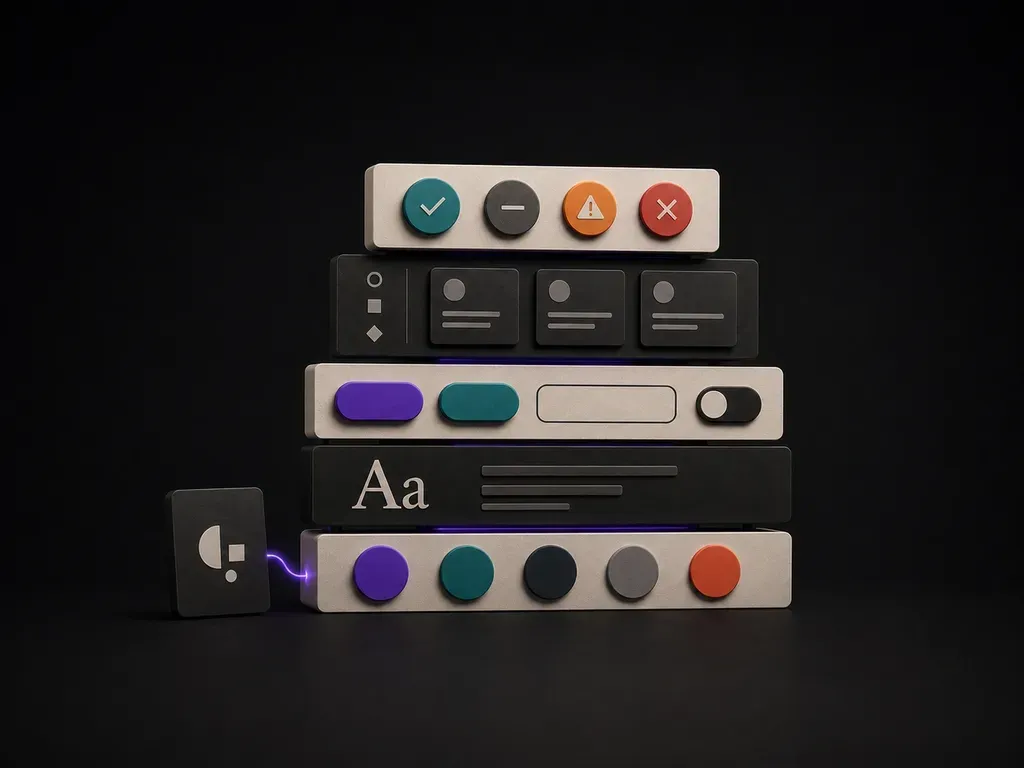
Virse는 40개 이상의 AI 모델을 하나의 환경으로 가져오며, 유료 플랜에는 무제한 모델 사용이 포함됩니다. 각 모델마다 브리프를 다시 작성하지 않고도, 서로 다른 모델이 동일한 브랜드 규칙을 컴포넌트 스타일링으로 어떻게 변환하는지 확인할 수 있습니다.
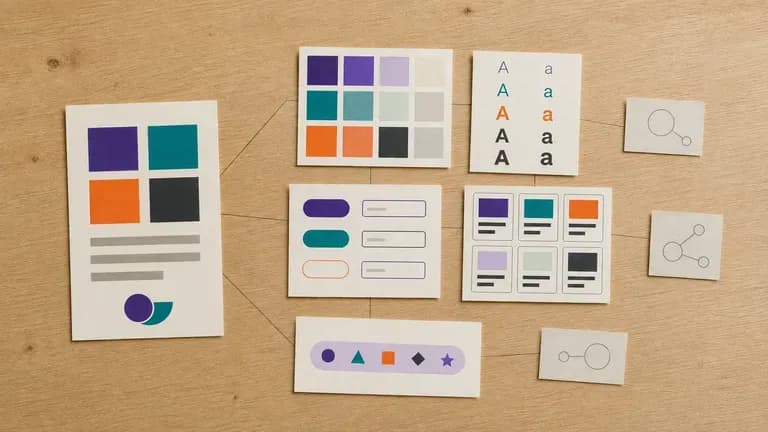
가이드라인, 화면, 생성된 초안, 대안 방향이 무한 캔버스에 함께 유지됩니다. Virse는 브랜드 맥락을 계속 사용할 수 있게 하므로, 다음 컴포넌트 페이지는 이미 선택된 방향을 기반으로 구축됩니다.
수작업으로 몇 주가 걸리는 컴포넌트 설정과 Virse 캔버스의 빠른 비주얼 디자인 시스템 보드를 비교해 보세요.
수동 컴포넌트 라이브러리 설정 우선
Virse 디자인 시스템 빌더
생성기가 참고할 구체적인 자료를 갖도록 브랜드 가이드라인이나 이미 존재하는 제품의 화면을 추가하세요.
버튼, 폼 필드, 카드 또는 내비게이션 등 다룰 컴포넌트 유형을 설명해 초안이 실제 제품 영역에 맞도록 하세요.
사용 가능한 AI 이미지 모델을 실행하고, 색상, 타이포그래피, 간격 및 나열한 컴포넌트를 포함하는 초안을 생성하게 하세요.
작업이 필요한 부분을 조정한 다음, 제품 및 엔지니어링 팀이 참고해 구축할 비주얼 레퍼런스로 초안을 캔버스에 유지하세요.
브랜드 가이드라인이나 기존 앱 스크린샷을 업로드하고, 핵심 UI 컴포넌트와 테마 무드를 나열하세요:
· B2B 분석 다크 모드 시스템: 딥 카본 표면 #0B0F17, 인디고 기본 액션, 6px 테두리 반경, 버튼, 데이터 테이블 배지, KPI 카드, 검색 입력 필드.
· 소비자 핀테크 모바일 UI 키트: 고대비 웜 화이트 표면, 포레스트 그린 기본 색상, 필 버튼, 숫자 키패드, 거래 목록 행, 알림 배너.
· 에디토리얼 퍼블리싱 디자인 시스템: 종이빛 라이트 모드, 세리프 디스플레이 헤더 + 깔끔한 산세리프 UI 컨트롤, 태그 필, 기사 카드, 뉴스레터 가입 모듈.
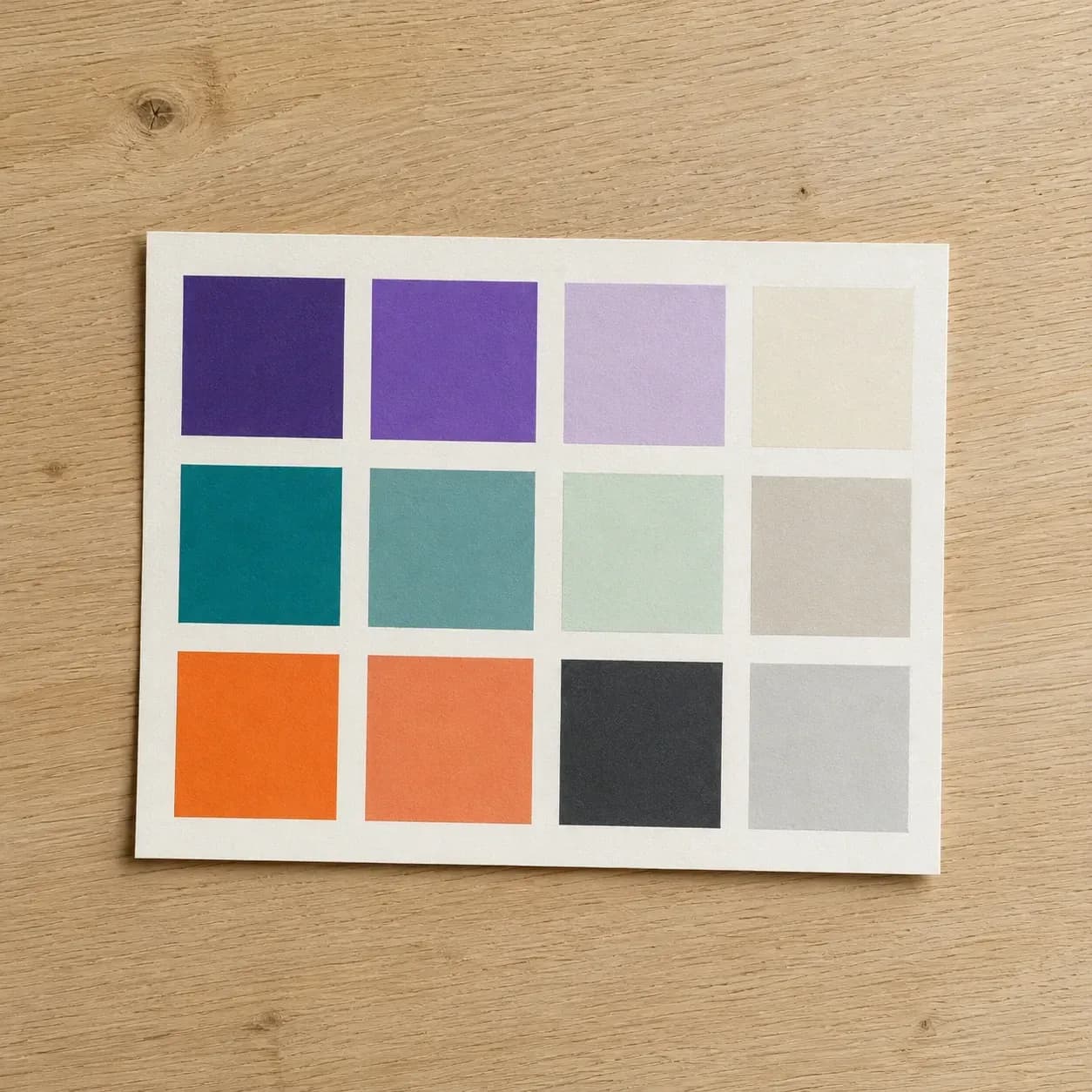
더 많은 화면이 만들어지기 전에 공유된 시각 언어가 필요한 팀.
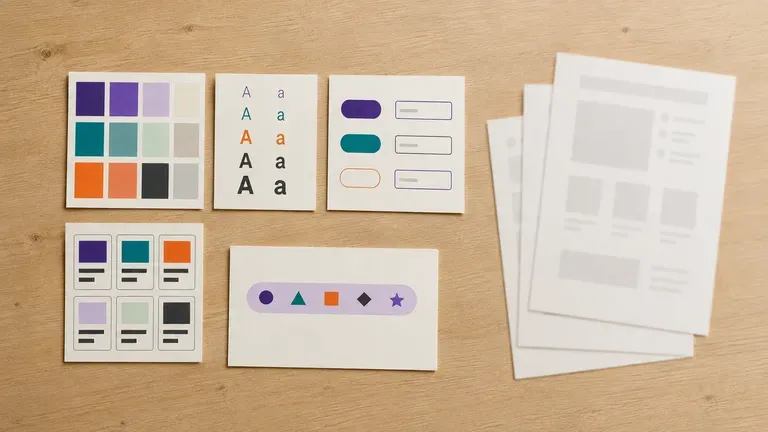
디자인 도구에서 전체 디자인 시스템을 공식화하기 전에 브랜드 규칙을 컴포넌트 초안으로 전환하세요.
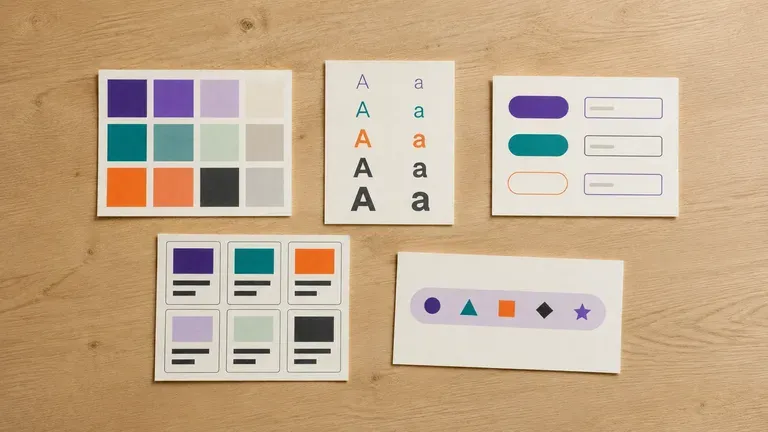
전담 디자인 시스템 팀 없이도 초기 비주얼 시스템을 확보하세요.
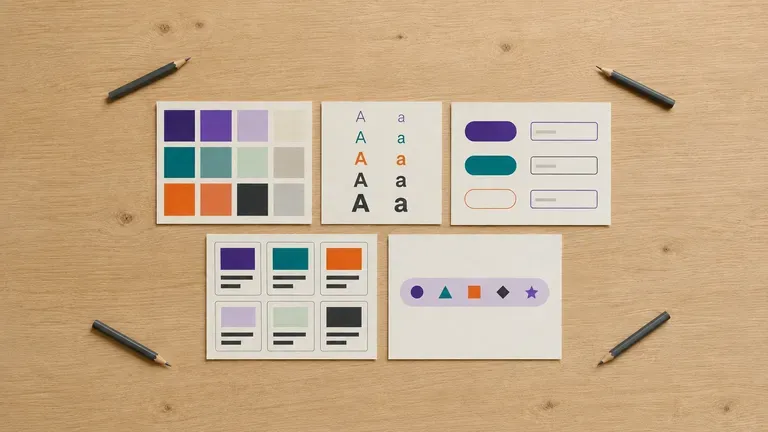
일관성이 무너지기 전에 성장하는 팀을 공통의 비주얼 언어로 정렬하세요.
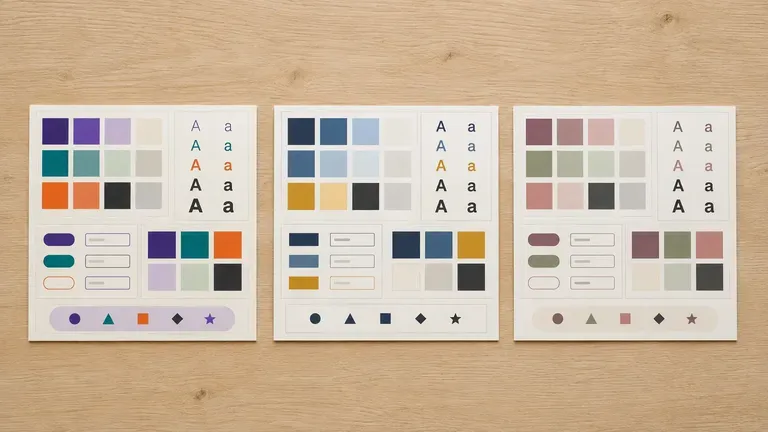
전체 구축 단계에 들어가기 전에 클라이언트 제품을 위한 초기 디자인 시스템을 제작하세요.
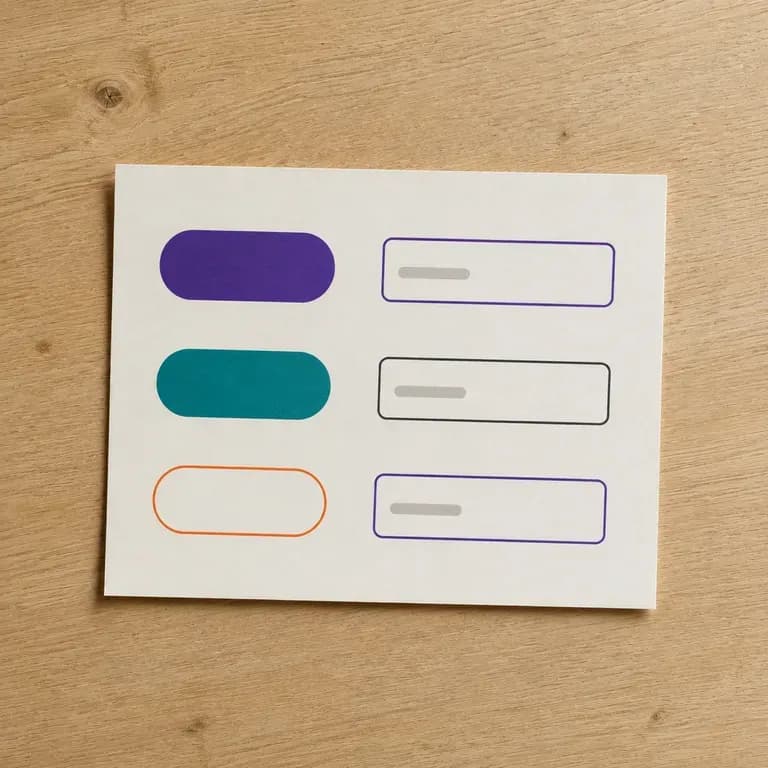
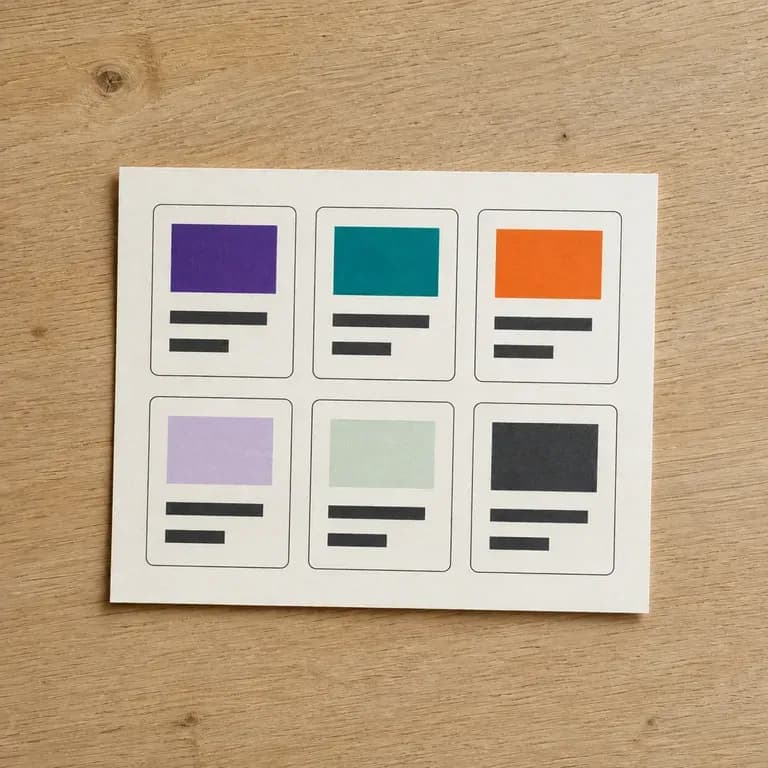
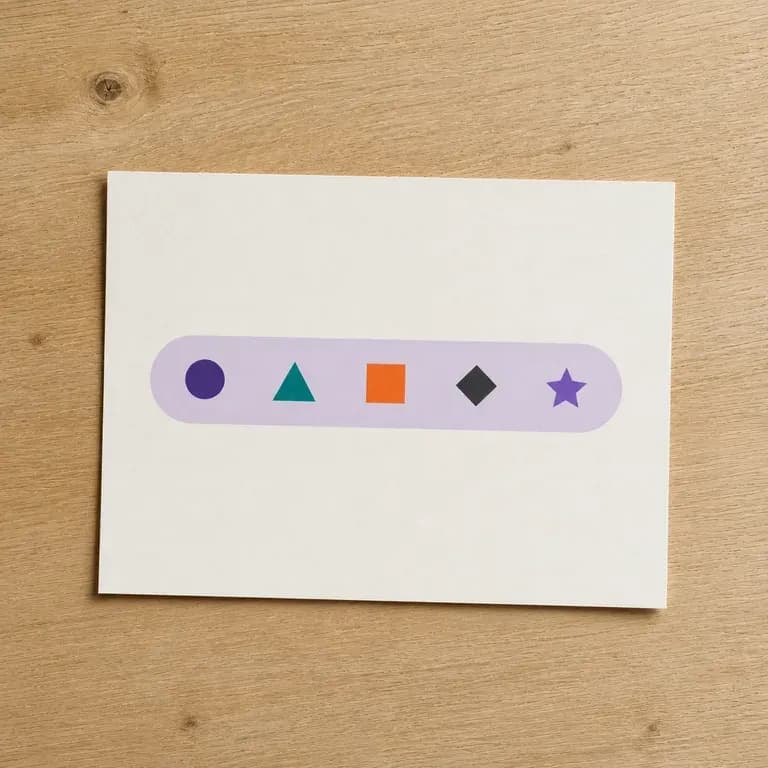
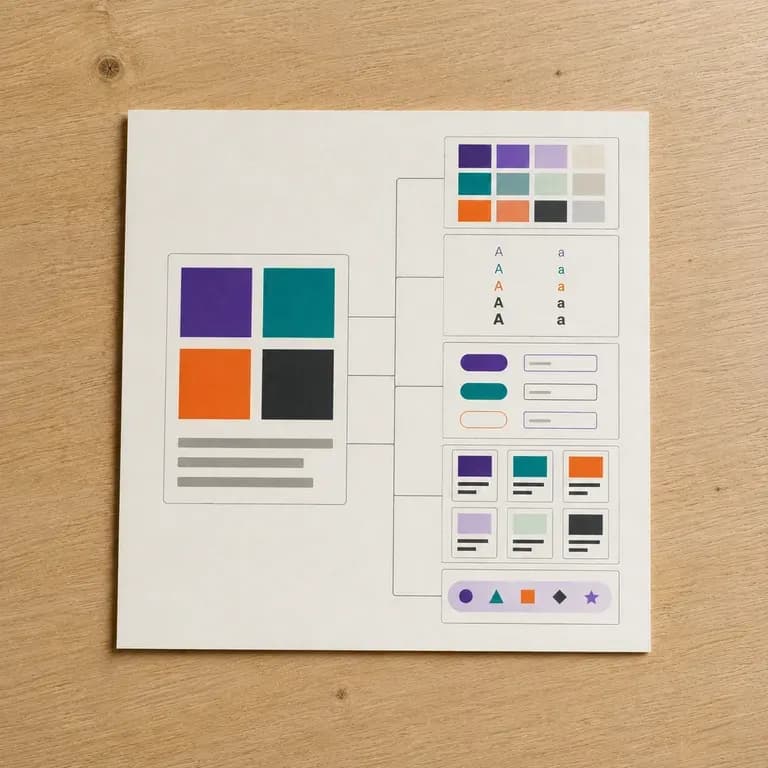
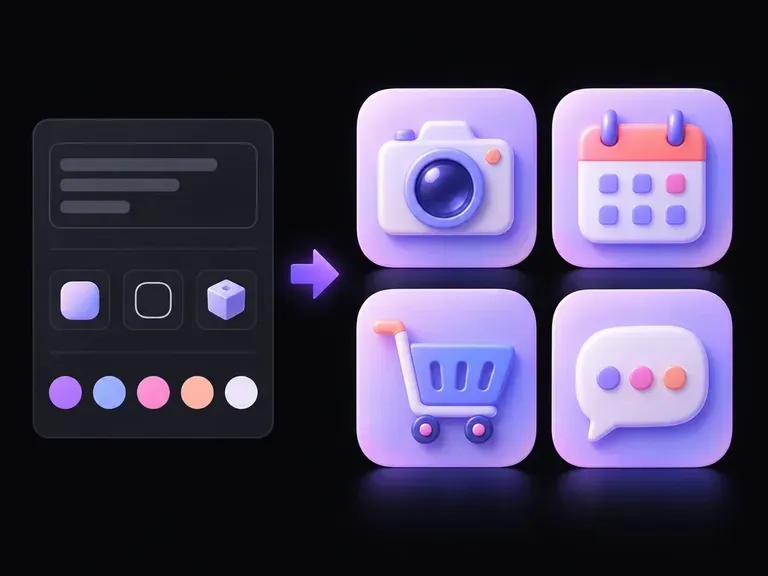
카메라, 캘린더 또는 설정 기어는 선명한 윤곽선, 평면적인 기하학 배지, 촉감이 느껴지는 3D 오브젝트로 표현될 수 있습니다. 필요한 심볼과 시각적 처리 방식을 설명하면, 이 AI 아이콘 생성기가 모바일 런처 아이콘, SaaS 인터페이스, 피치 덱에 활용할 수 있는 아이콘 아트워크를 제작해 하나의 캔버스에서 비교할 수 있게 해줍니다.
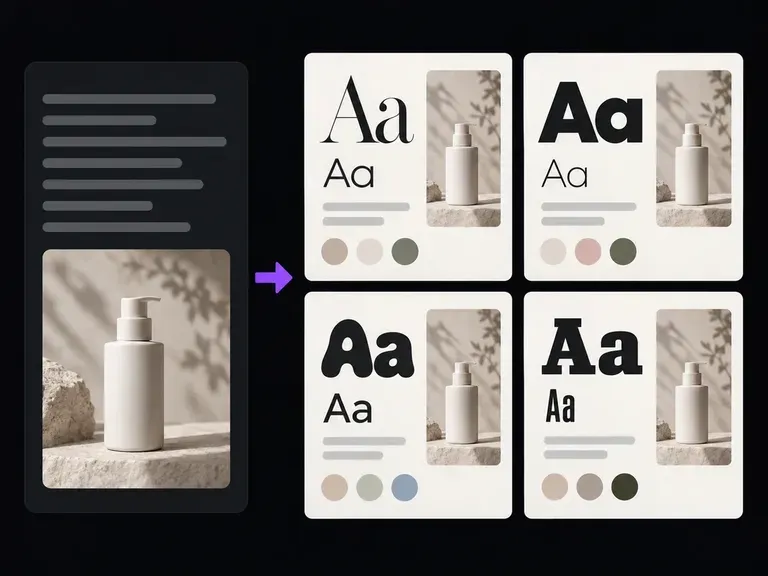
Describe your project, target audience, and mood to generate illustrated typography specimen boards alongside named heading and body font recommendations. This font pairing generator previews serif and sans-serif contrast for editorial, SaaS, and brand briefs.
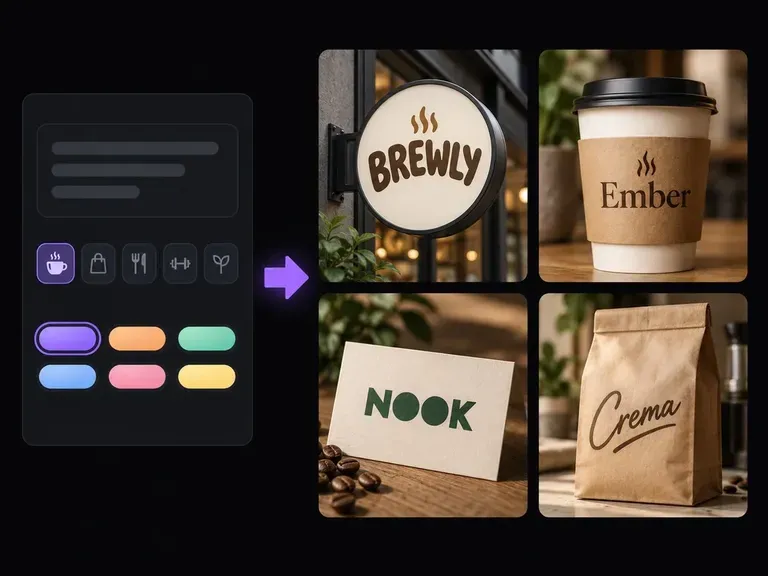
비즈니스가 제공하는 것, 대상 고객, 전달하고 싶은 톤을 설명하세요. Virse의 AI 비즈니스 이름 생성기는 각 이름이 어떻게 들리고 보이는지 평가할 수 있도록 작성된 근거와 워드마크 콘셉트가 포함된 구조화된 후보 목록을 캔버스에 제공합니다.
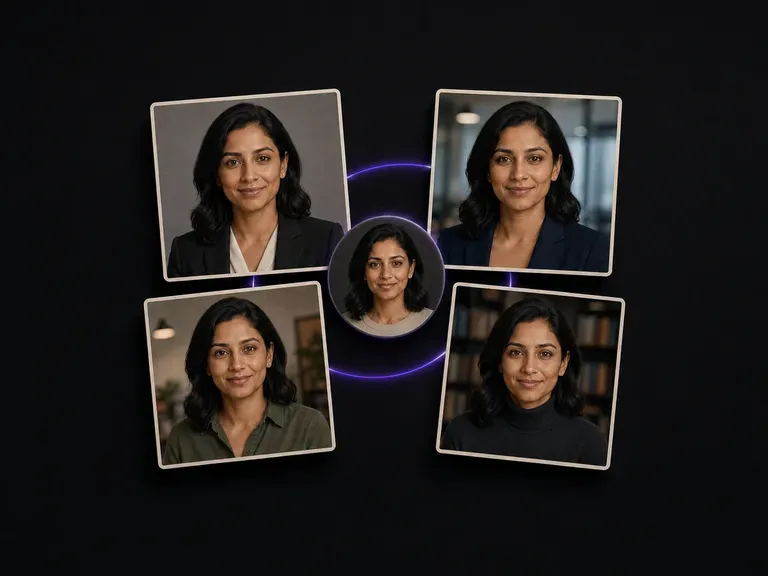
사진 한 장을 업로드하면 각기 다른 장면, 의상, 분위기의 스튜디오급 전문 프로필 사진 세트를 받을 수 있습니다. 얼굴은 그대로 유지됩니다. 학습 단계도 없고, 먼저 여러 장의 이미지를 모을 필요도 없습니다.
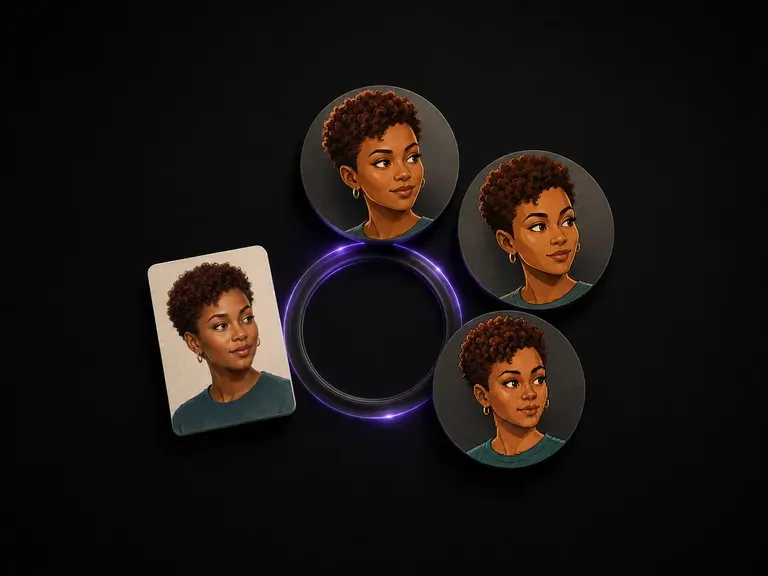
인물 사진 하나를 업로드하고 스타일을 선택하세요. 픽사풍 3D 룩부터 픽셀 아트까지 여섯 가지 고정 옵션이 있습니다. 스타일은 완전히 달라져도 됩니다. 당신임을 알아보게 하는 특징은 달라지지 않습니다.
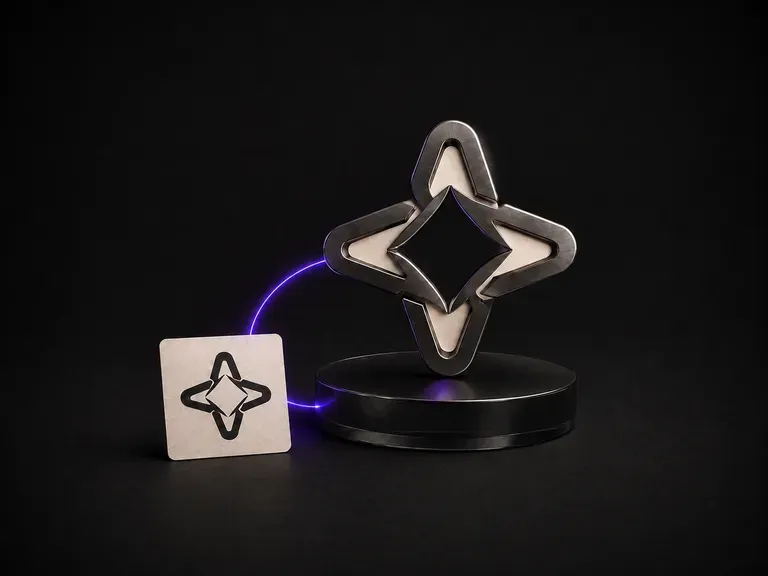
평면 로고와 소재 레퍼런스를 제공하세요. 브러시드 메탈, 주조 유리, 월넛 등 직접 촬영한 어떤 소재든 가능합니다. 실루엣과 글자 형태는 그린 그대로 정확히 유지하면서, 해당 소재의 입체적인 오브젝트로 마크를 렌더링합니다.

동일한 Virse 캔버스에서 FLUX 3 Image로 1K, 2K 또는 4K 스틸 이미지를 만들고 편집하세요. 네이티브 오디오가 포함된 720P 또는 1080P의 5~20초 장면을 만들려면 FLUX 3 Video로 전환하세요.

Virse에서 Nano Banana 2.1로 이미지를 생성하고 편집하세요. 1K, 2K 또는 4K 출력을 선택하고 최대 14개의 참조 이미지를 사용해 피사체, 설정, 소재를 안내할 수 있습니다.

Alibaba의 Qwen Image 3.0 Pro는 열두 문자 체계의 글자를 언어로 렌더링하며 조밀한 레이아웃에서도 10픽셀까지 가독성을 유지합니다.
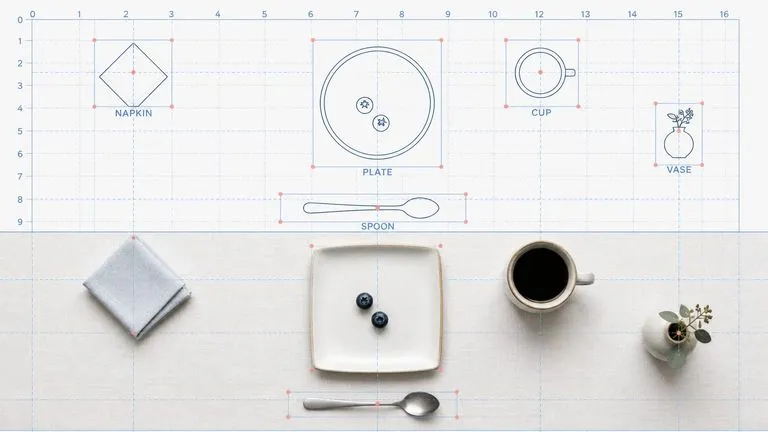
Reve AI의 2세대 모델은 렌더링 전에 위치를 지정할 수 있는 요소 레이아웃을 구성하므로 지정한 배치가 그대로 나옵니다.
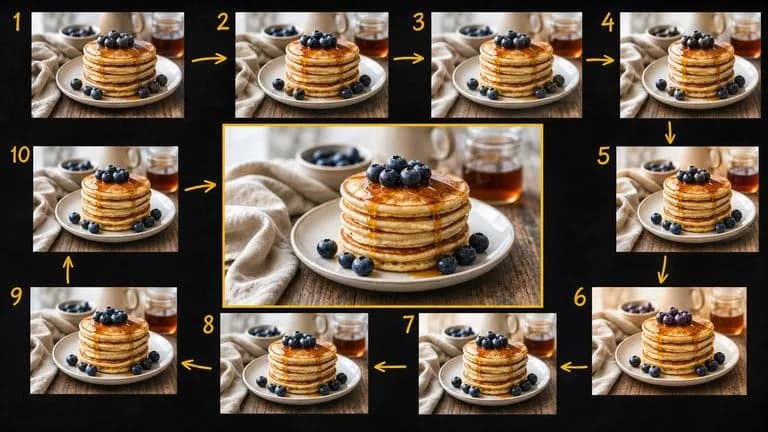
Google의 Gemini 2.5 Flash Image, 원조 Nano Banana는 대화 속도로 이미지를 생성하고 편집하므로 긴 작업 대신 한 문장으로 수정할 수 있습니다.

ByteDance의 Seedream 4.0 및 Seedream 4.5는 작성한 설명과 제공한 이미지로부터 생성하여, 하나의 원본 사진을 프로젝트에 필요한 만큼 다양한 방향으로 전개합니다.