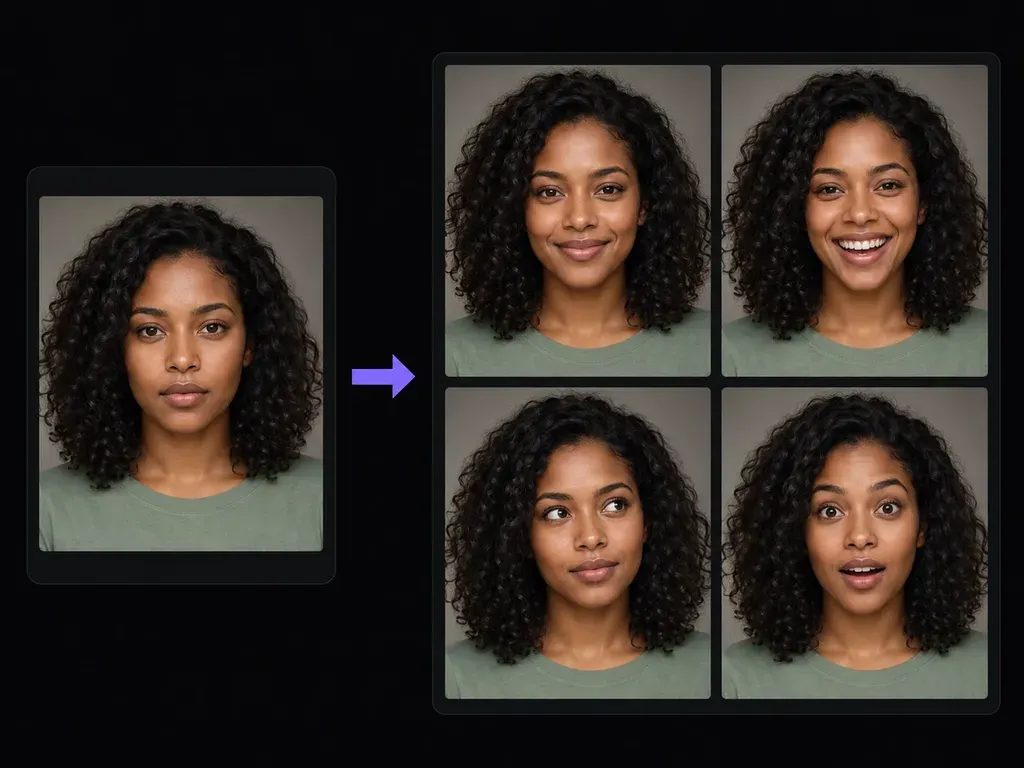
Subtlety control
Written Emotion and Intensity Notes
Describe both the emotion and its restraint, such as a slight approachable smile or quiet curiosity, instead of dragging a single exaggerated slider.
Upload a portrait with clear facial features and describe the target emotion and intensity, from a closed-lip soft smile to a thoughtful or gently surprised look. With this facial expression changer, evaluate mouth-corner lifts and eye warmth on the canvas.
An AI expression changer (or face expression editor) redraws the muscles around the mouth, cheeks, eyes, and eyebrows in an uploaded portrait from your emotion brief. Regulate three facial cues without caricature:
• Coordinated eye and cheek warmth: Pair a slight mouth-corner lift with subtle lower-eyelid warmth so a smile reads across the whole face.
• Closed-lip or parted-lip control: Specify whether lips stay gently closed or part slightly to avoid synthetic teeth in formal headshots.
• Restrained intensity: Request a subtle jaw softening or calm thoughtful gaze while keeping head tilt, hairstyle, and lighting intact.
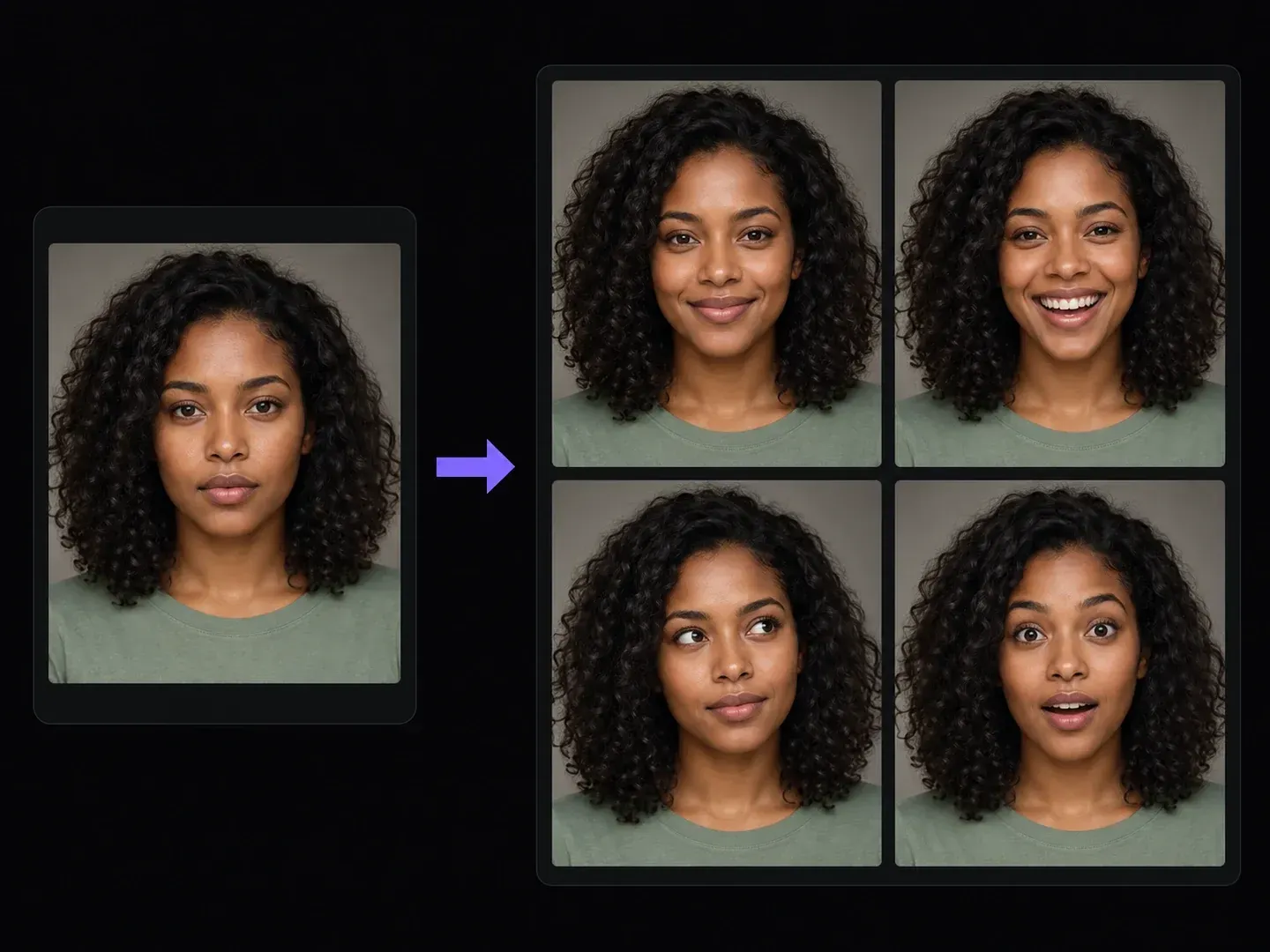
How headshot photographers, professionals, and character illustrators use a face expression editor without cartoon grin distortion.
Describe both the emotion and its restraint, such as a slight approachable smile or quiet curiosity, instead of dragging a single exaggerated slider.
Direct how the eyebrows, lower eyelids, and lip corners work together so thoughtful, delighted, or surprised moods avoid a pasted-on look.
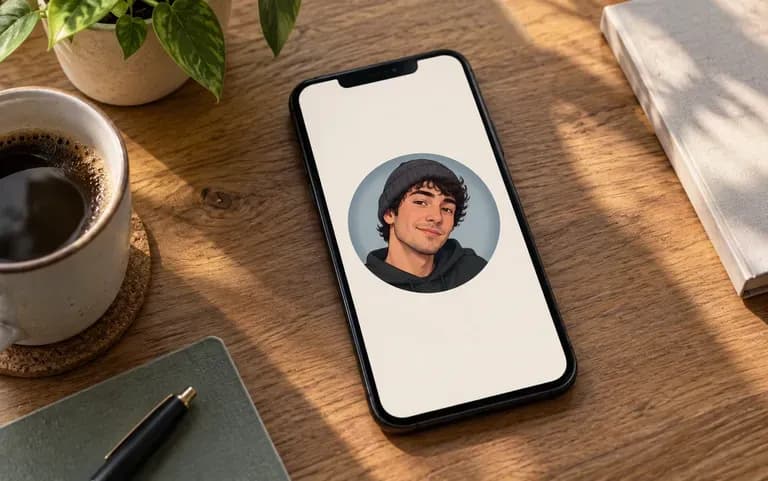
Test closed-lip smile, parted-lip smile, and reflective mood passes across individual runs and line them up on one Virse expression board.
Why nuanced micro-expression notes beat automatic AI smile filter phone apps.
One-Click AI Smile Filter Apps
Virse Facial Expression Changer
Upload an evenly exposed headshot with clear brows, eyes, and lips when you want to change facial expression in photo files.
Write the target expression (like a closed-lip smile or gentle surprise) and note how subtle it should be while keeping lighting stable.
Redraw the mouth corners, cheeks, and brow posture on your uploaded headshot card.
Check mouth corners, tooth shading (if open-mouthed), eye creases, and facial likeness next to your original headshot before saving.
Stating whether the lips remain closed or part slightly prevents tooth artifacts in the facial expression changer. Pick a prompt from the three examples below:
• Closed-lip smile: "Change the neutral expression to a warm closed-lip smile with gently lifted mouth corners and relaxed eyes; keep identity and hair unchanged."
• Small open-mouth smile: "Adjust the expression to a natural delighted smile with slightly parted lips and soft cheek lift; preserve skin texture and lighting."
• Calm thoughtful look: "Shift the portrait to a calm thoughtful expression with a relaxed jaw, neutral closed lips, and attentive eyes; keep background fixed."
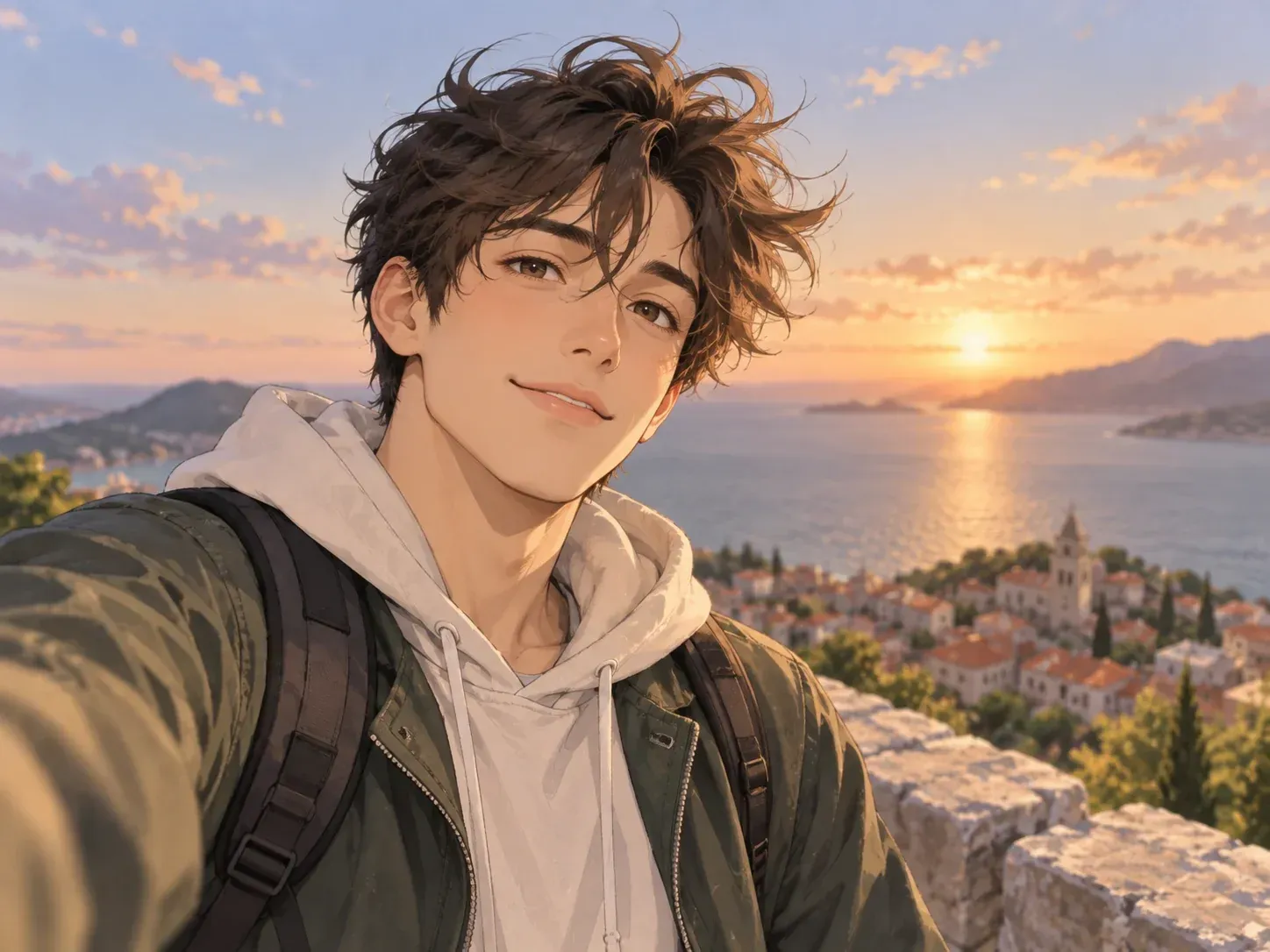
Four professional and creative scenarios where being able to turn neutral face into smile photo options or test subtle moods saves reshoot time.
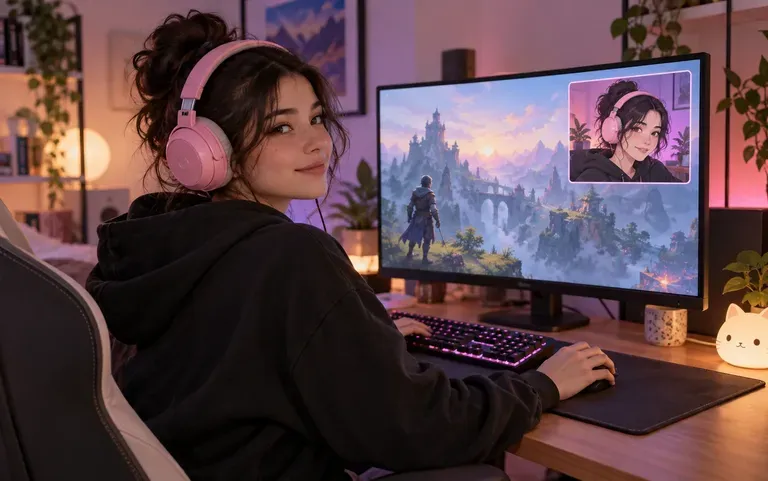
Soften an overly tense or unsmiling corporate portrait into an approachable closed-lip smile for LinkedIn profiles, speaker bios, and team directories.
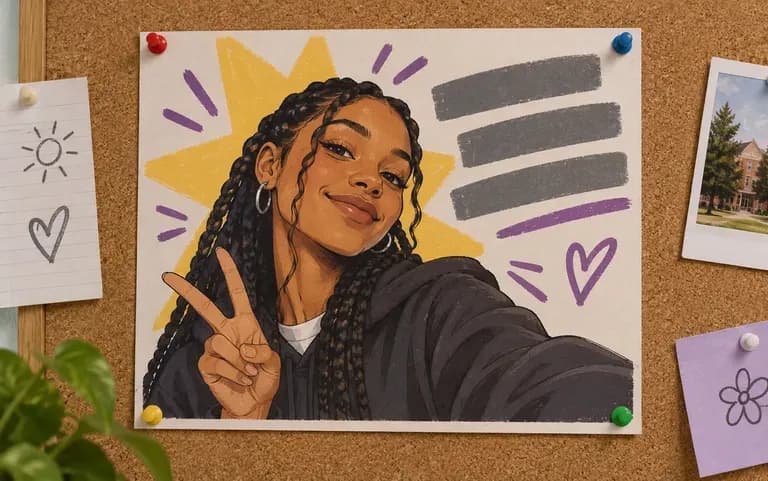
Test whether a slight mouth-corner lift rescues a blinking or stern frame from a portrait session when the lighting and posture are otherwise sharp.
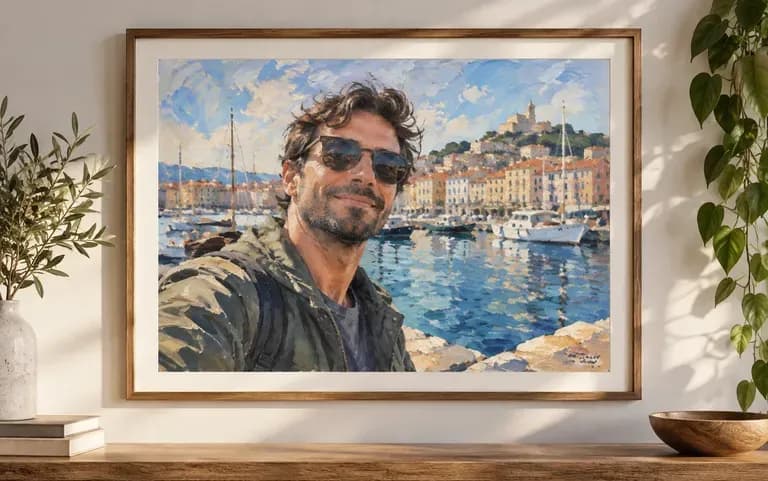
Generate a consistent 4-panel expression reference sheet (smile, laugh, thoughtful, surprised) from an original character portrait.
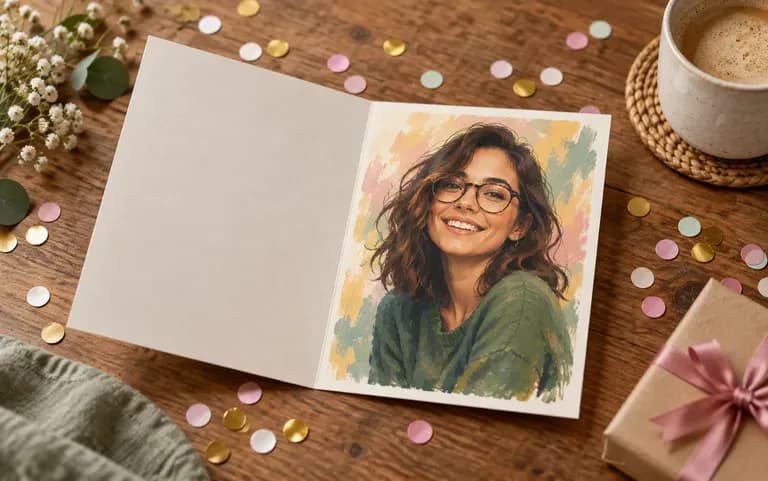
Explore attentive, delighted, or gently surprised expressions on a studio portrait without staging exaggerated YouTube caricature faces.
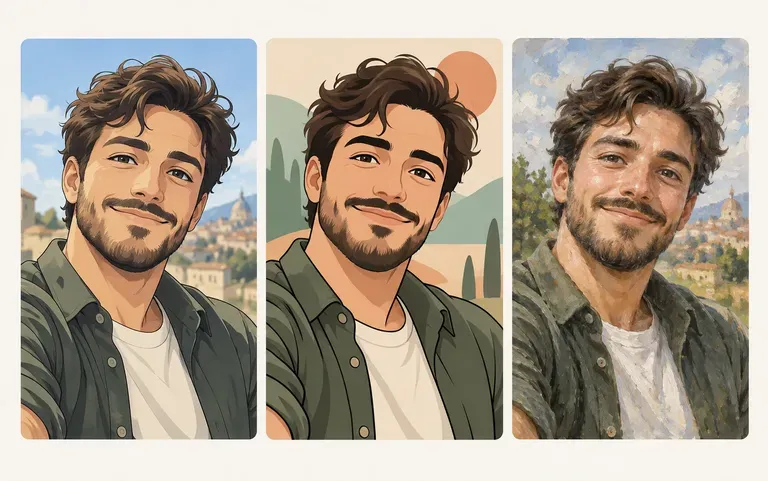
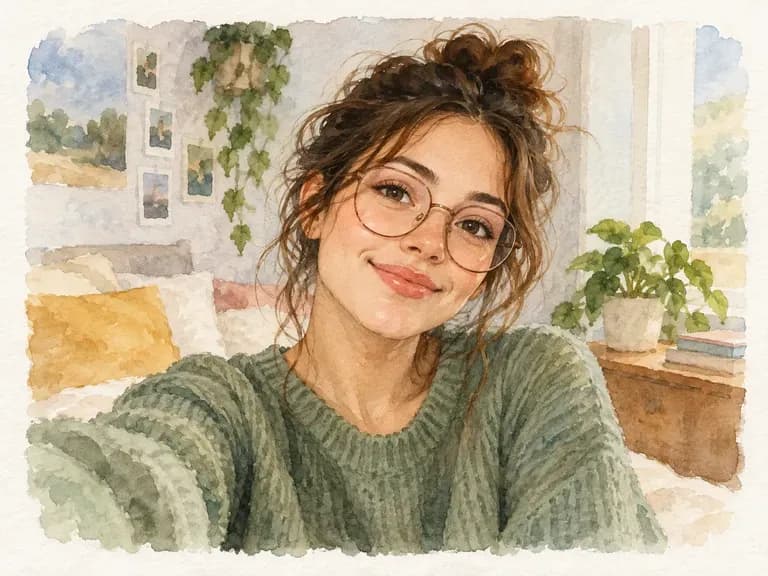
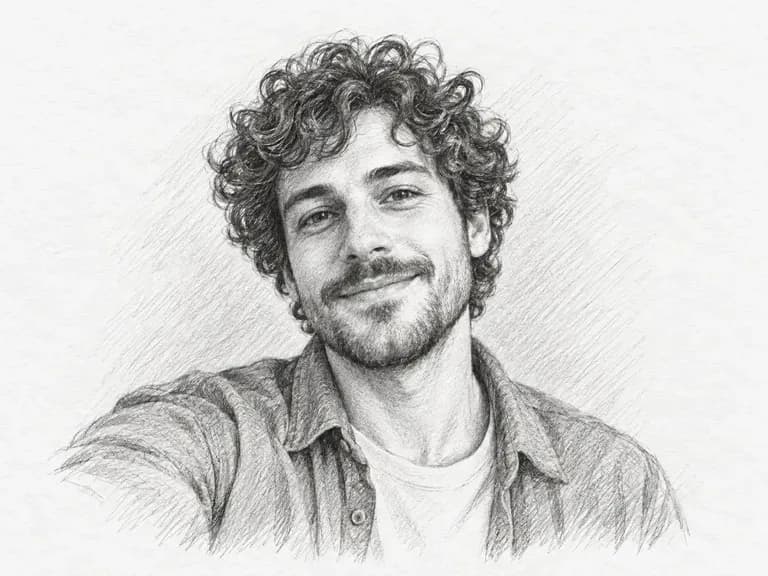
Six static portrait studies demonstrating how restrained micro-expression prompts adjust mood while keeping lighting and framing consistent.


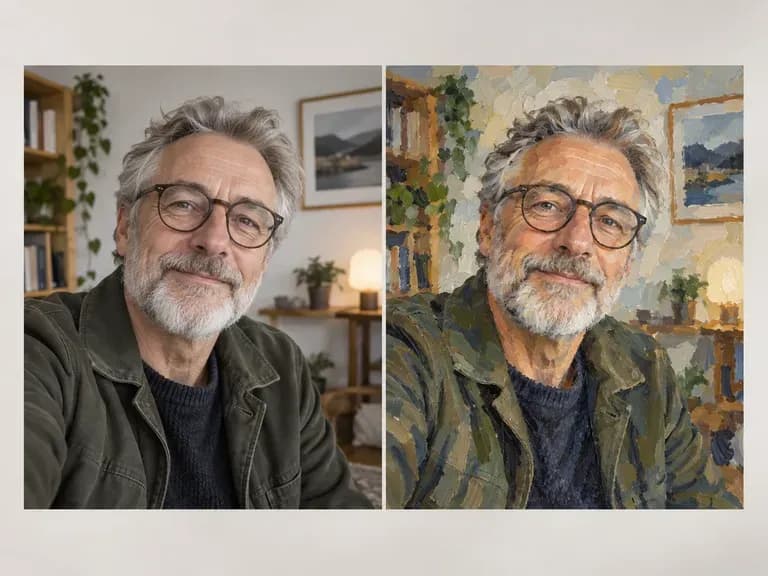
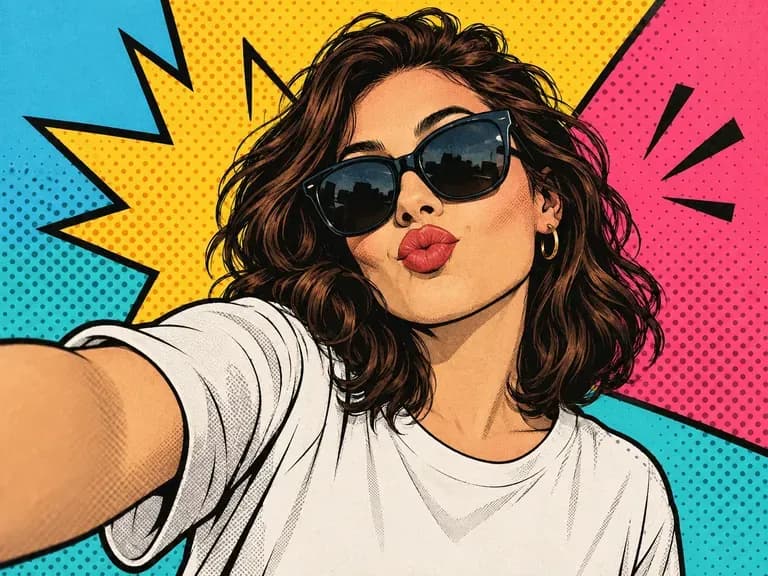
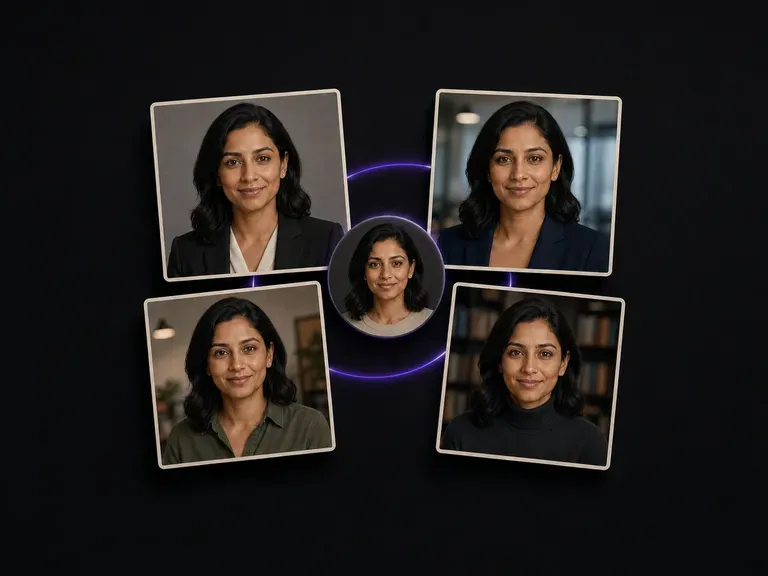
Convert casual phone snapshots into corporate bio photos with studio key light and business attire.
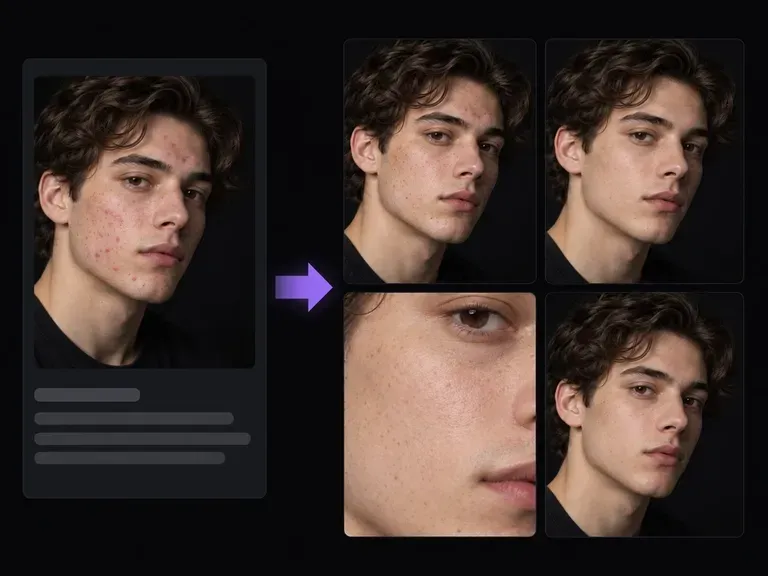
Retouch transient blemishes, nose shine, or stray flyaways on a portrait while keeping skin pores intact.
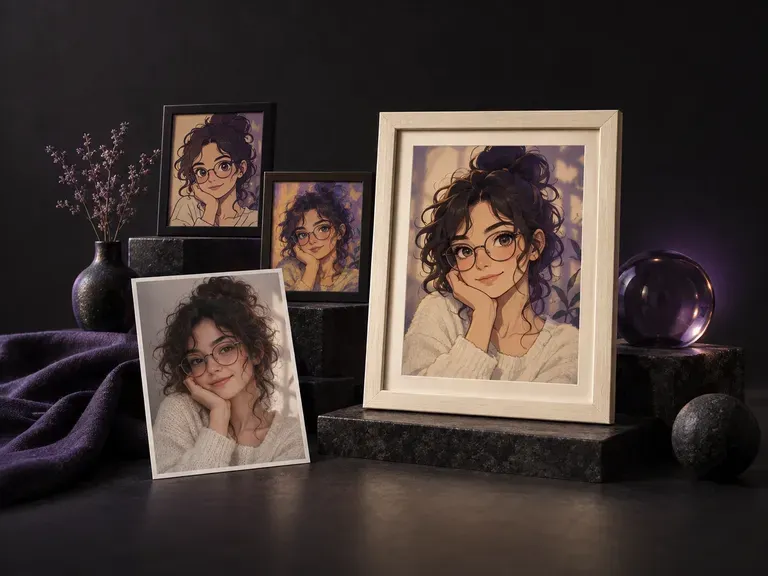
Adapt a smartphone portrait into new studio backdrops, lighting moods, and wardrobe layers.
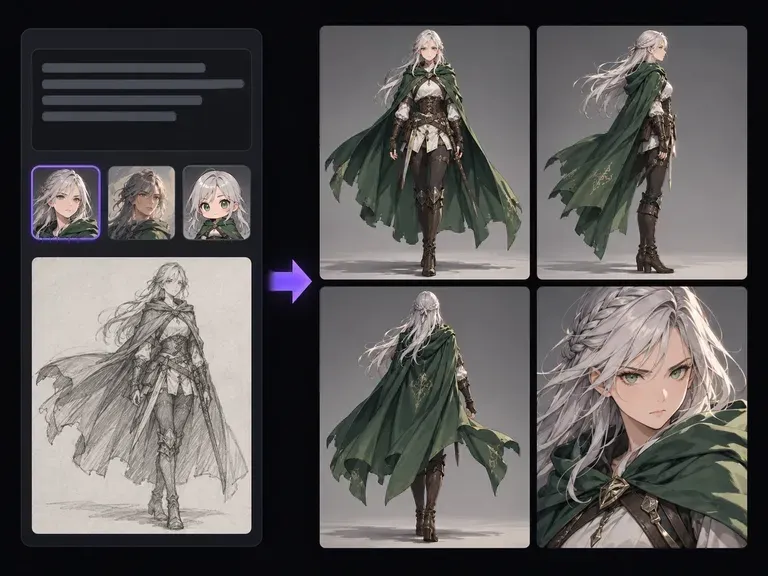
Design original 2D or realistic characters from text prompts before building a 4-panel emotion sheet.
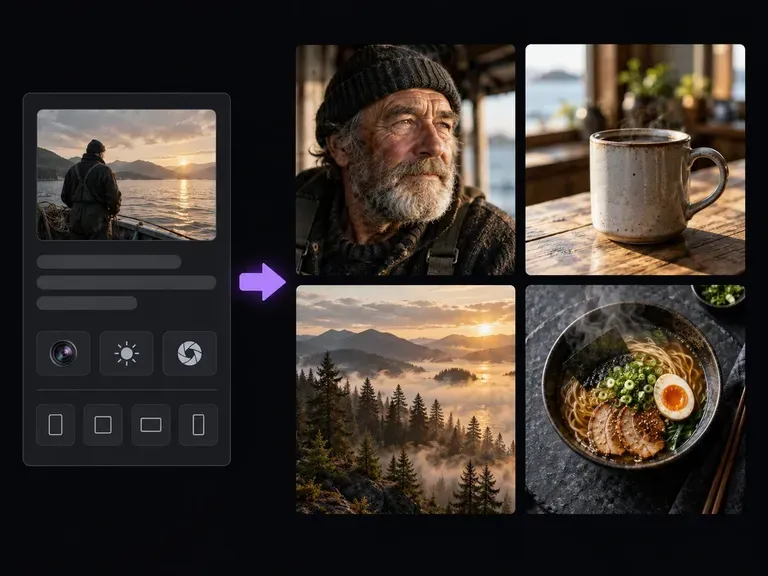
Originate expressive editorial portraits and natural lifestyle scenes from text camera descriptions.
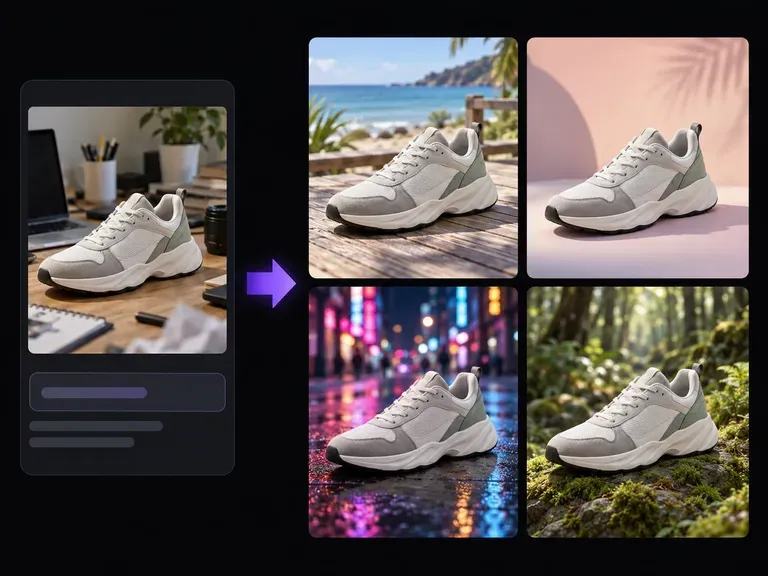
Swap the room behind your portrait for a clean studio sweep, bookshop corner, or sunlit park.
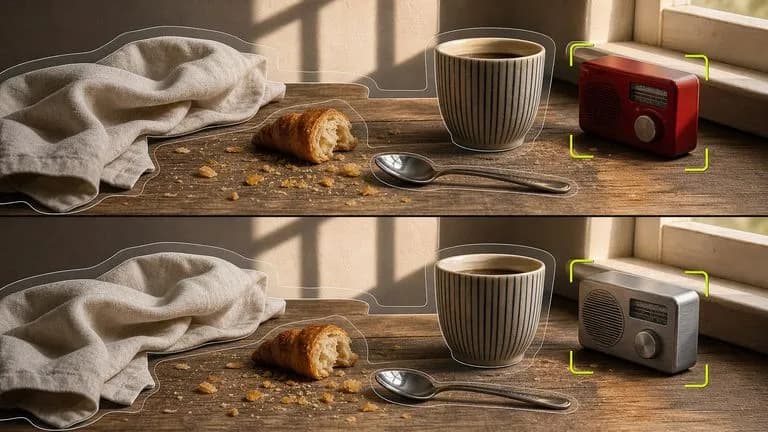
Refine lip corners, cheek warmth, and brow posture on a portrait while keeping hair and clothing fixed.

Keep subtle lower-eyelid warmth and natural lip grain sharp at up to 4K output resolution.
Synthesize natural nasolabial folds, believable tooth shading, and crisp eye catchlights.

Honor restrained micro-expression prompts that distinguish closed-lip smiles from parted-lip grins.
Preserve iris catchlights, brow hairs, and collar seams across 4-panel micro-expression boards.
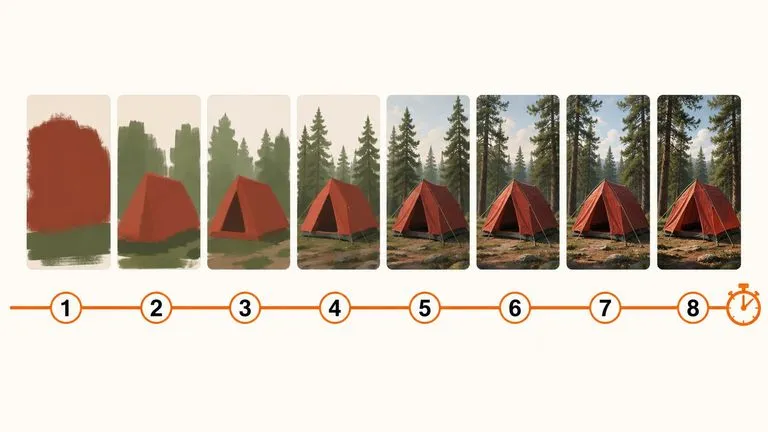
Preview closed-lip smiles, reflective gazes, and gentle surprise passes quickly with low compute usage.
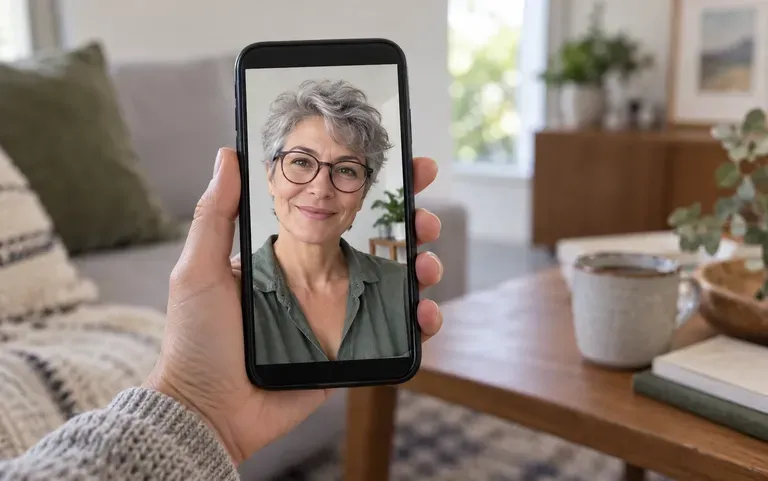
Upload a portrait to the Virse workspace, specify a gentle closed-lip smile or thoughtful gaze, and verify mouth corners, eye warmth, and facial likeness side by side.