Text or sketch
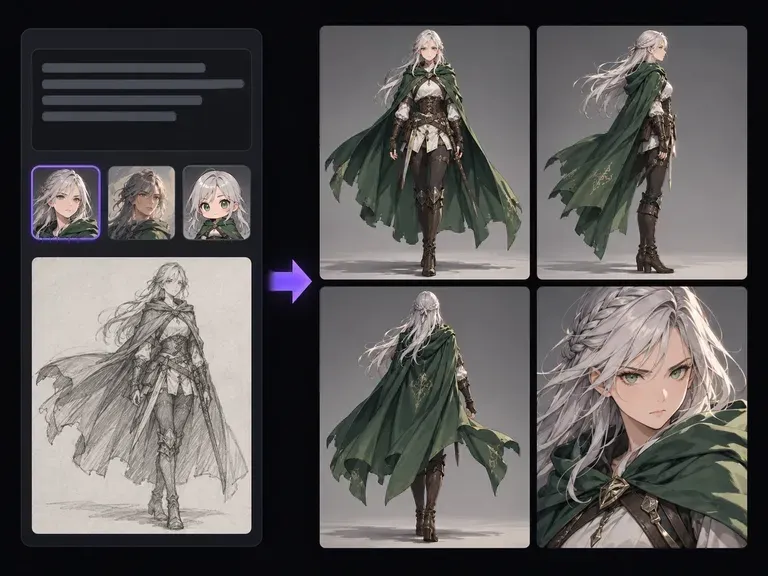
Dual Pose Input Modes
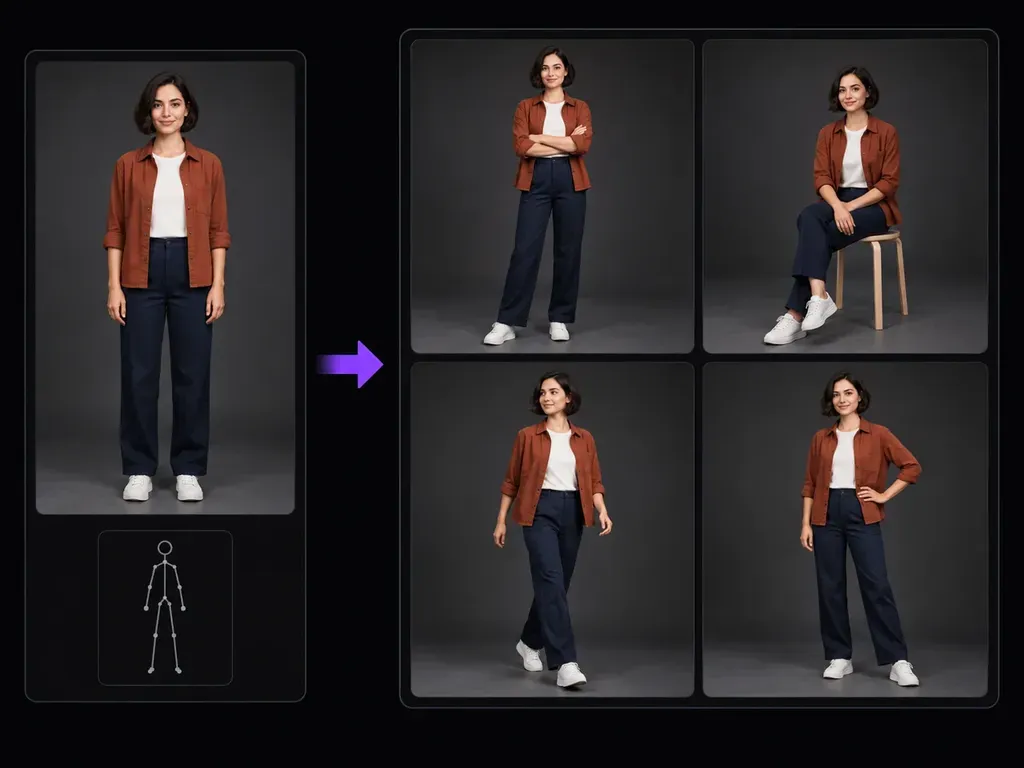
Guide the posture change with a written stance description, upload a stick-figure sketch or pose reference photo, or combine both inputs when you need specific limb placement and camera framing.
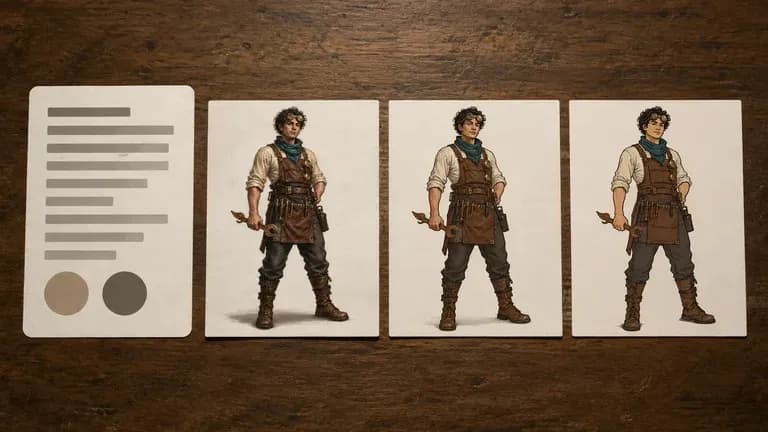
Upload a clear person photo or original character illustration and pair it with a written posture description or pose reference image. Using this AI pose generator, you can explore full-body stances, seated angles, and walking steps beside your subject card.
An AI pose generator (or pose reference generator) redraws an uploaded person or character in a new static posture guided by your written stance brief or pose reference image. Anchoring synthesis to your subject card lets you audit:
• Full-body limb placement: Test standing arms-crossed poses, seated stool angles, walking strides, or hand-on-hip turns with full framing.
• Wardrobe continuity: Carry over jacket color, shirt layers, trouser cut, footwear, and hairstyle from your uploaded subject card.
• Anatomical review: Compare each static output beside your source image on the canvas to verify hands, feet, and facial likeness.
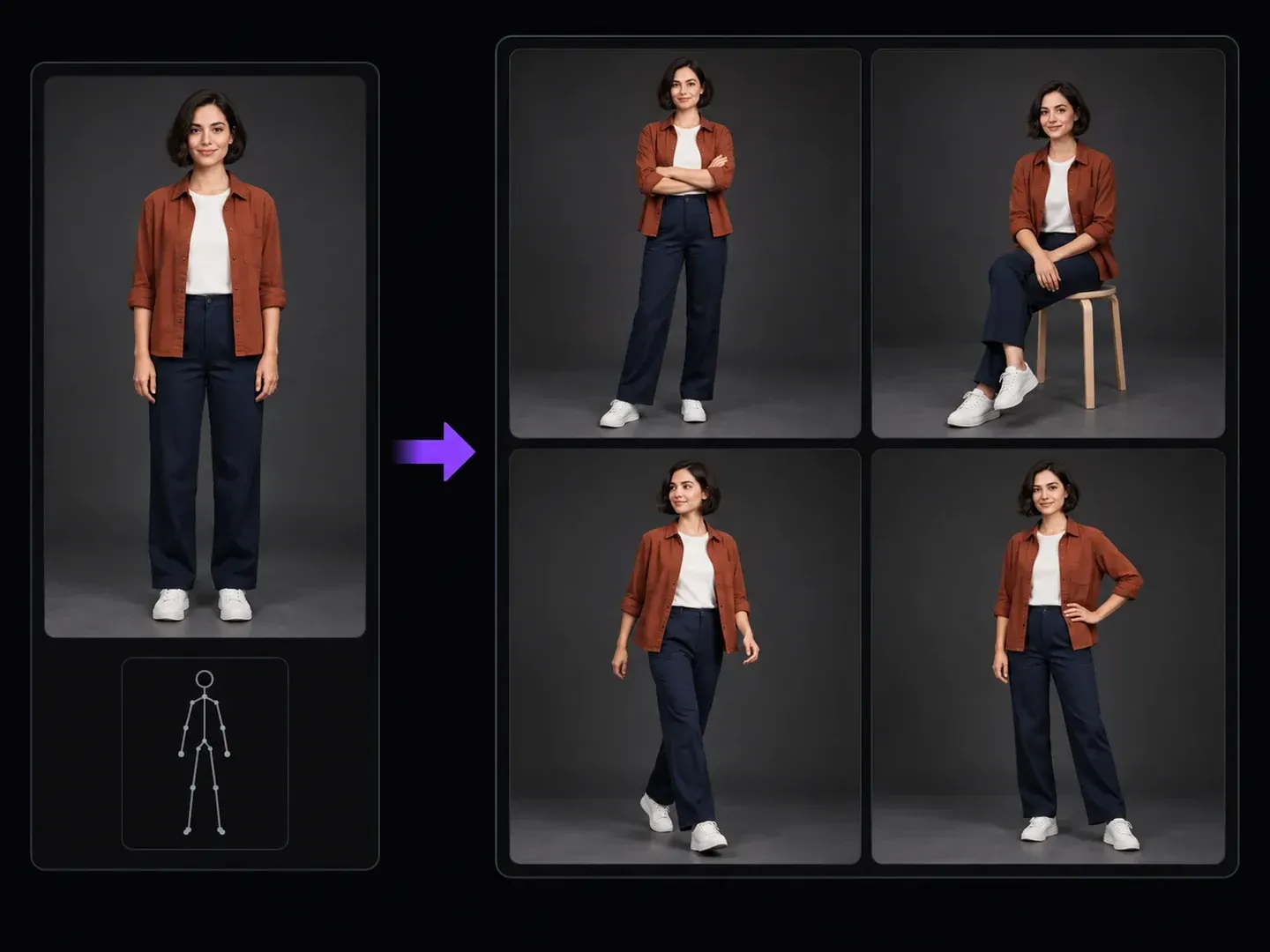
Three capabilities that make an AI character pose generator faster and more garment-aware than posing blank 3D mannequins.
Guide the posture change with a written stance description, upload a stick-figure sketch or pose reference photo, or combine both inputs when you need specific limb placement and camera framing.
Keep your subject's color palette, layered clothing, footwear, and hairstyle anchored to the uploaded reference photo while the generator reconstructs torso and limb geometry.
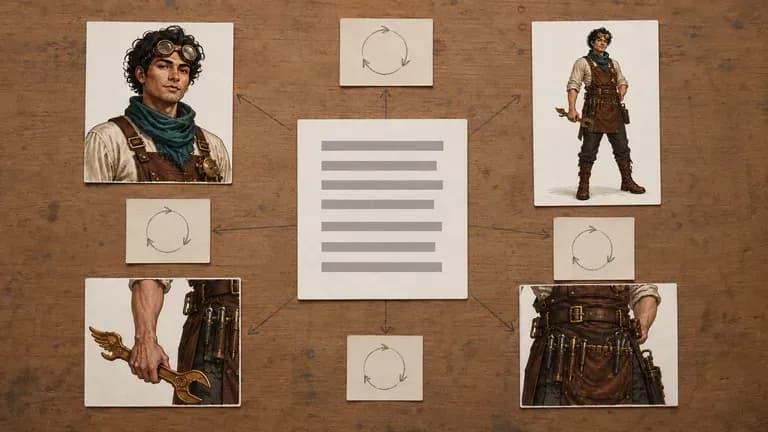
Draft standing, stool-seated, and mid-stride posture studies across separate runs and group them on one Virse board to check finger counts and shoe contact.
Why pairing a subject reference card with an AI pose changer beats posing blank 3D wooden dolls.
3D Mannequin Apps and Bare Text Prompts
Virse AI Pose Generator
Select a clear person photo or character sheet with readable outfit and proportions when you want to change pose in photo AI projects.
Write the target posture in plain words, upload a pose reference photo or stick-figure sketch, or combine both for tighter stance control.
Specify a full-body head-to-toe crop with visible footwear, a three-quarter portrait, a studio photo finish, or a 2D illustration style.
Create the static posture image and inspect hands, fingers, foot placement, clothing folds, and facial identity beside your original upload.
Specific limb and framing instructions help you generate poses from reference image inputs or written briefs with fewer anatomical errors. Try these three posture prompts:
• Crossed-arms stance: "Repose the uploaded woman in the rust overshirt and navy trousers into a standing pose with arms folded, full-body framing."
• Seated stool pose: "Place the uploaded subject in an upright seated pose on a studio stool with hands on one knee and both feet visible."
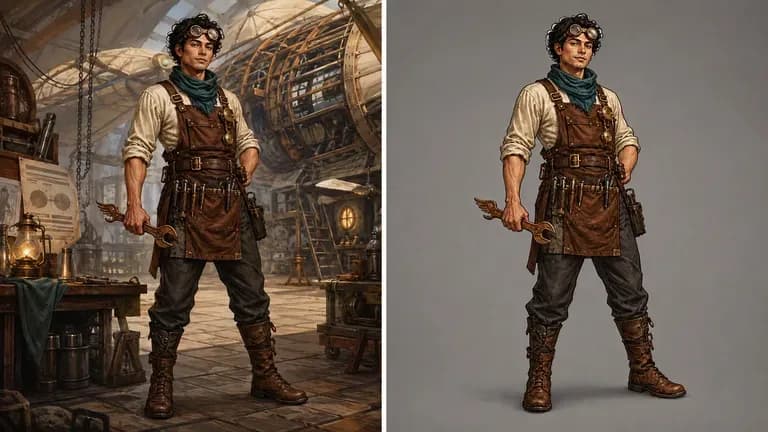
• Walking stride: "Redraw the uploaded original character taking a natural walking step forward with relaxed arm swing and intact costume layers."
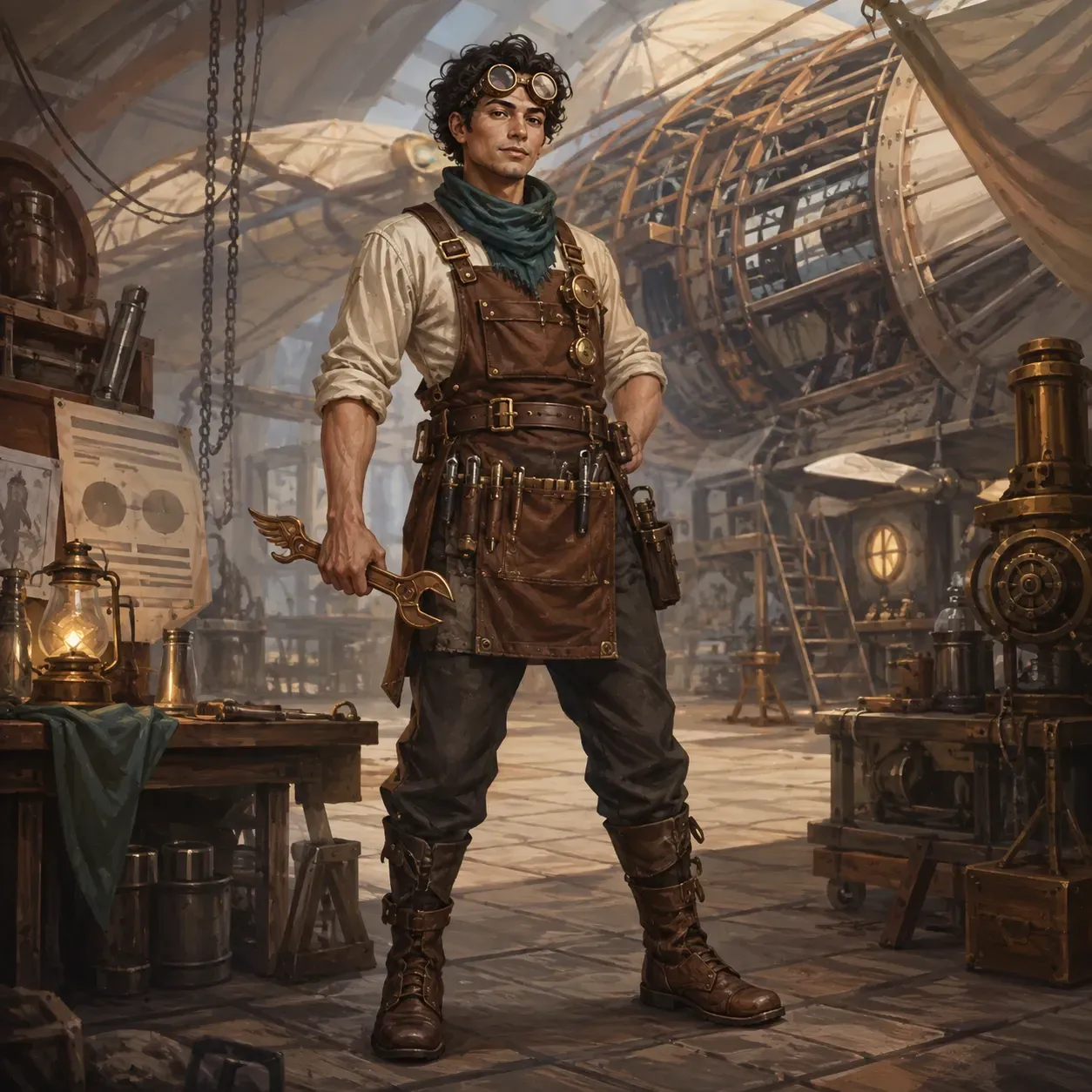
Where illustrators, lookbook stylists, storyboarders, and art directors use a pose reference generator to explore body language.
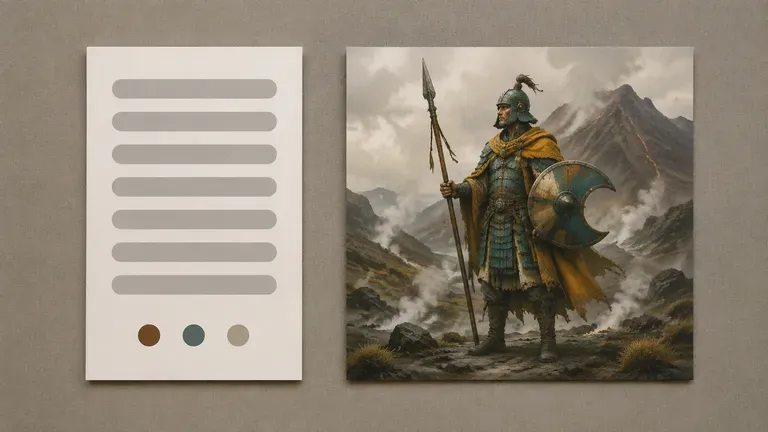
Turn a flat front-facing character turnaround into seated, walking, and three-quarter stance references before inking comic panels or key illustrations.
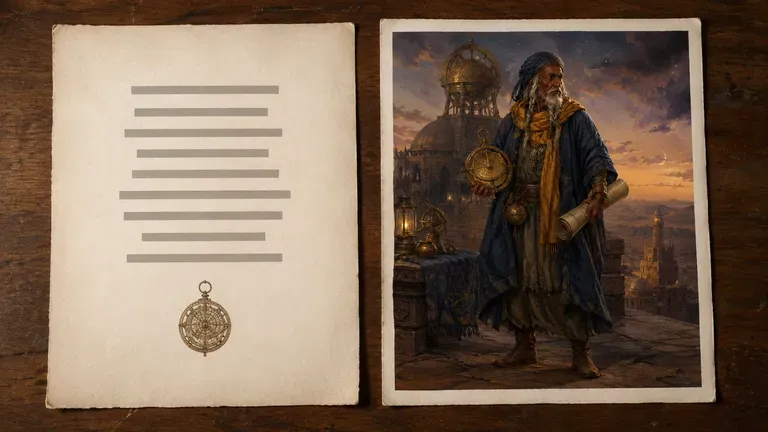
Preview how a styled outfit combination reads across arms-crossed, seated stool, and hand-on-hip studio postures when planning ecommerce shot lists.
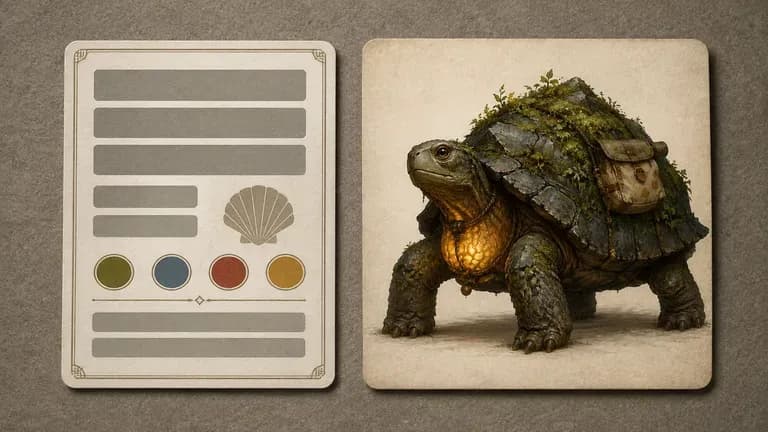
Pair rough stick-figure thumbnail sketches with a finished character design card to explore clear body language and silhouette readability across scenes.
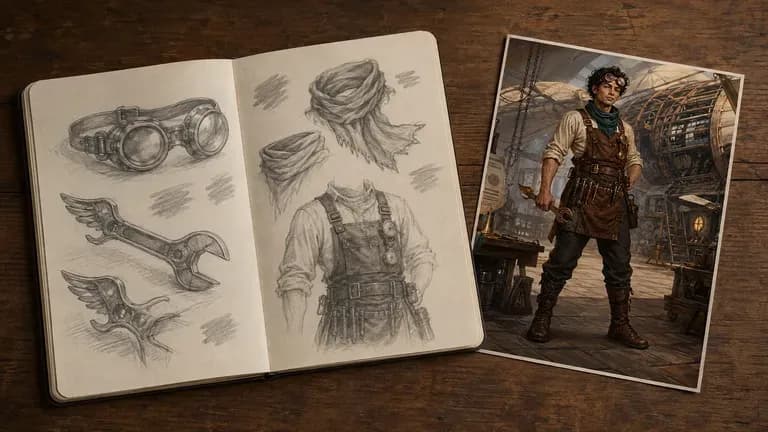
Build multi-angle posture moodboards from a single talent portrait or synthetic studio model without booking a separate test shoot for every stance.
Six static posture studies showing how person photos and original character sheets adapt to new standing, seated, and walking directions.
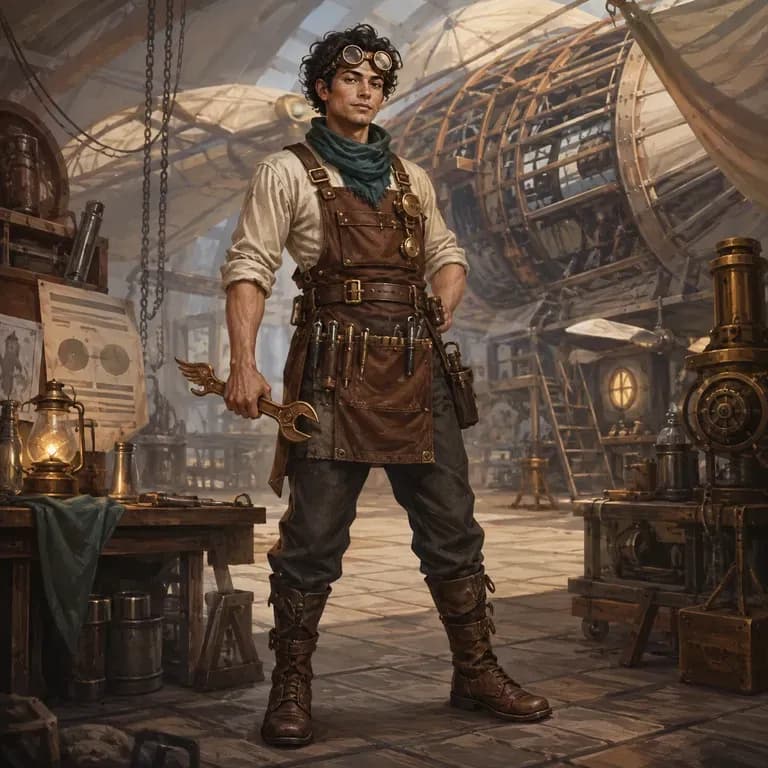
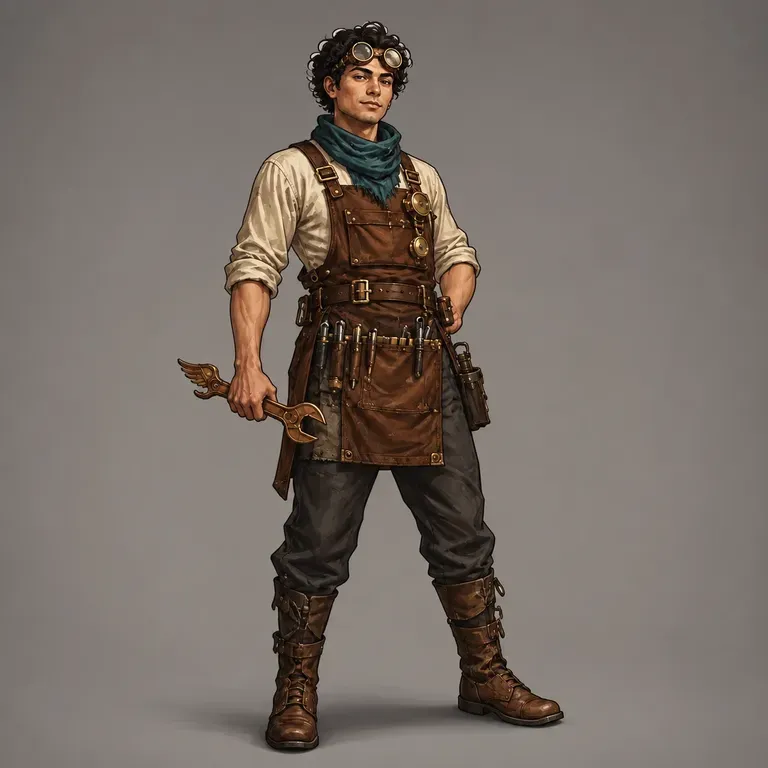
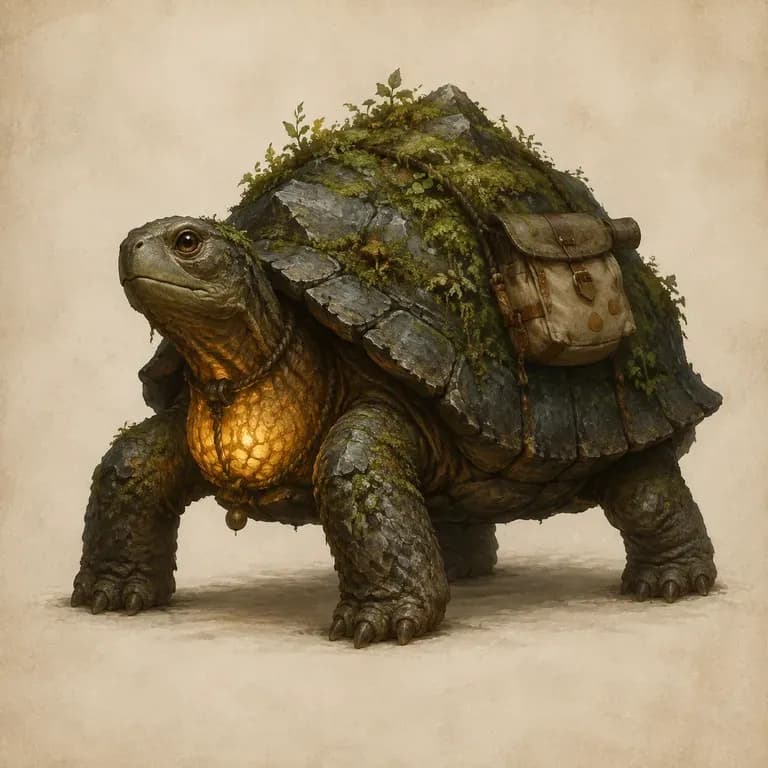

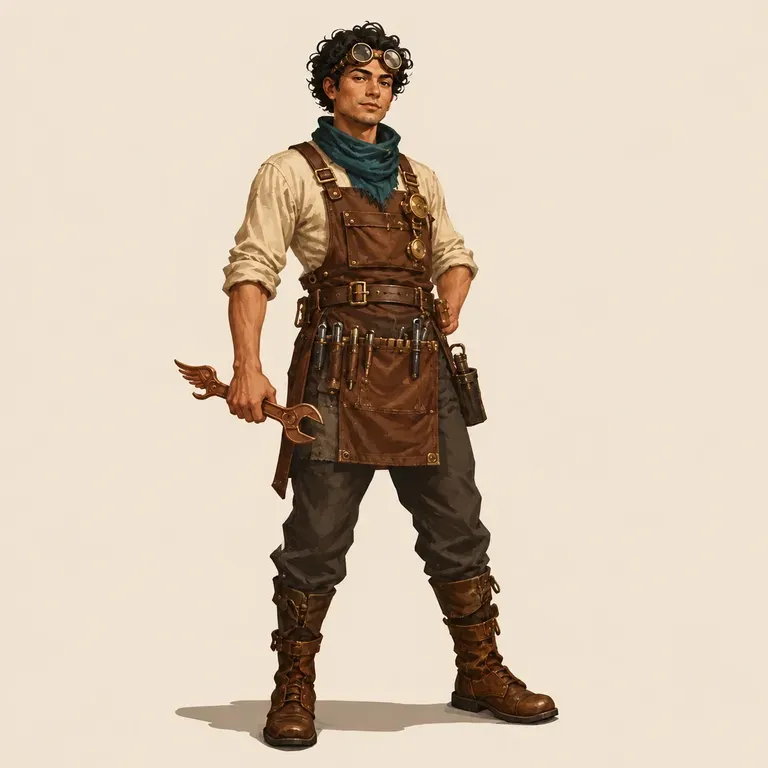
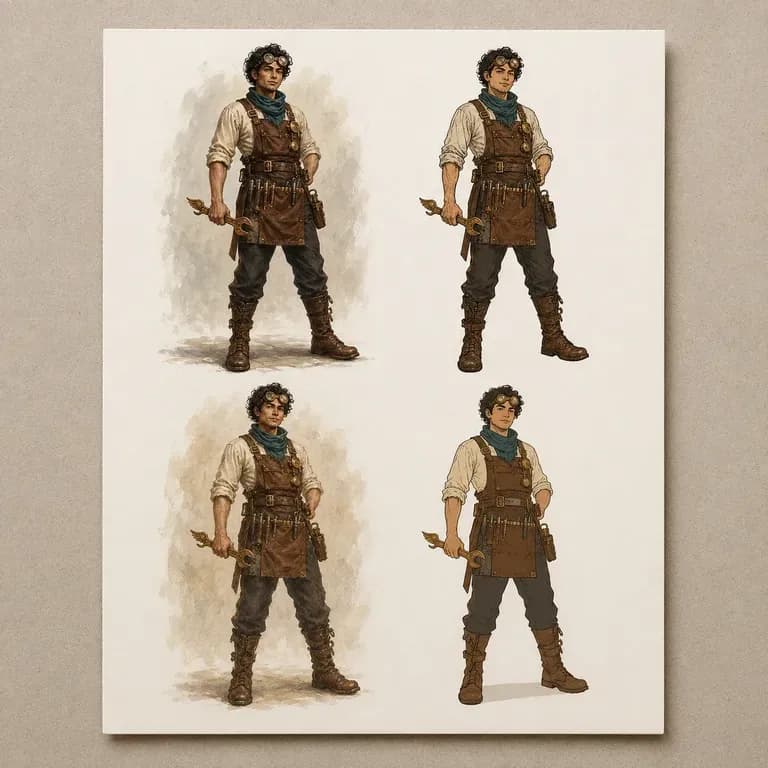
Build fictional characters and full-body costume sheets before testing standing or seated poses.
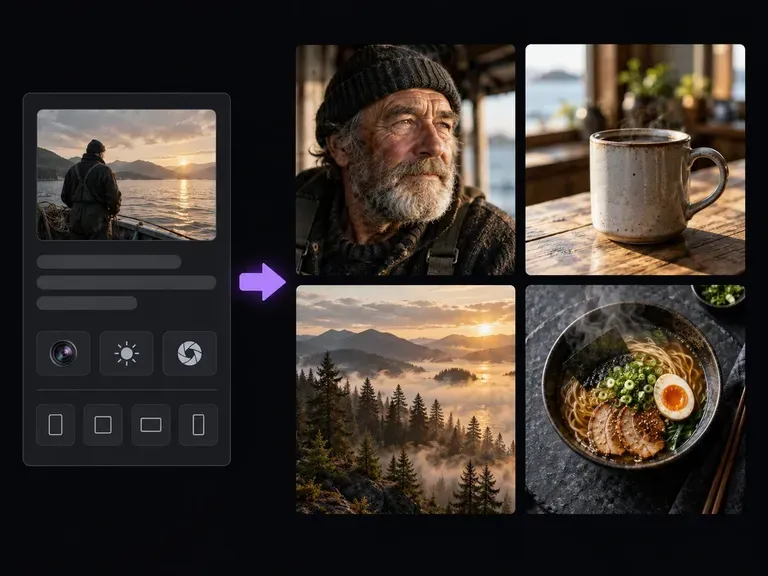
Originate photorealistic fashion models and full-figure studio shots from camera and wardrobe briefs.
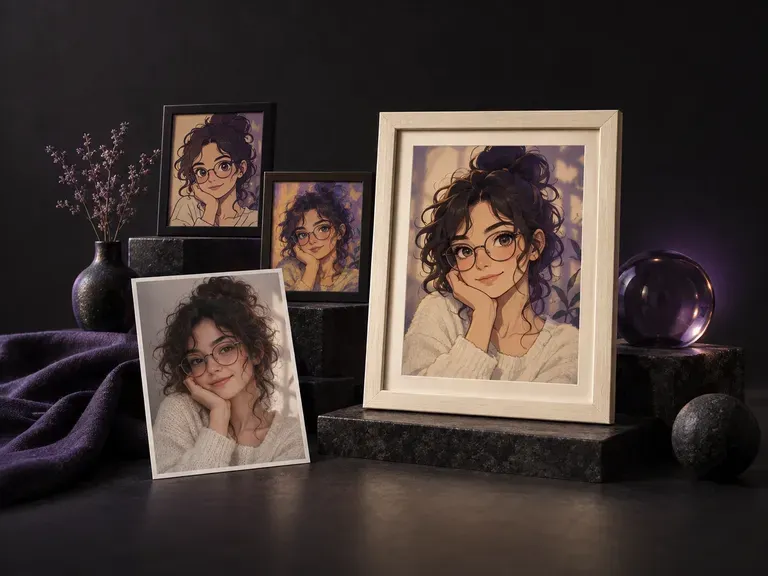
Turn a personal headshot into a styled lookbook portrait with custom studio lighting.
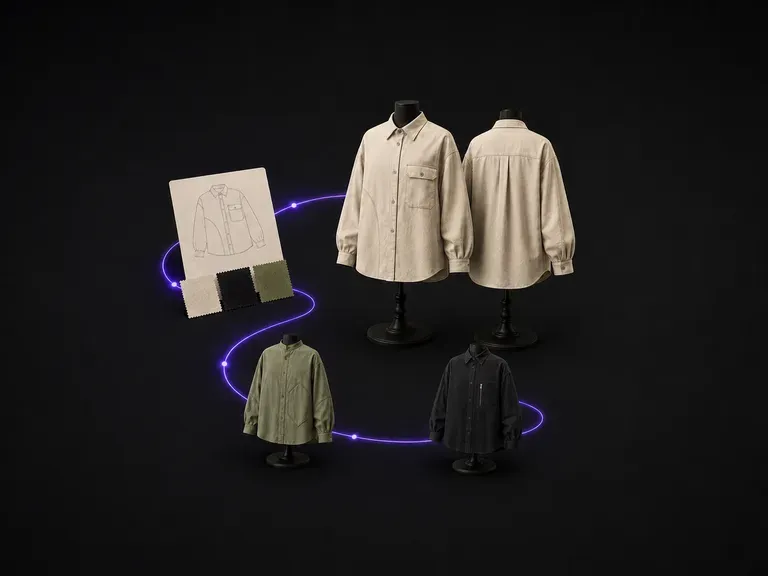
Sketch layered fashion pieces, outerwear silhouettes, and textile combinations on the Virse board.
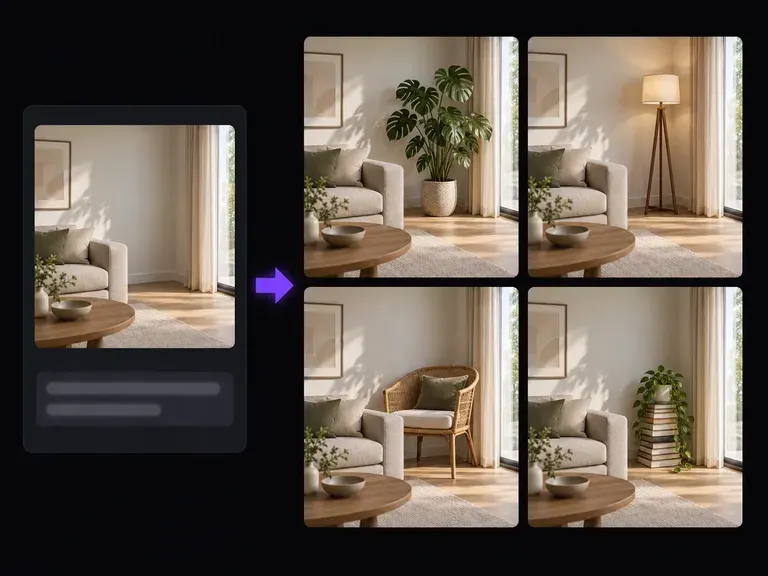
Paint in sneakers, leather belts, or studio stools around a re-posed model using text instructions.
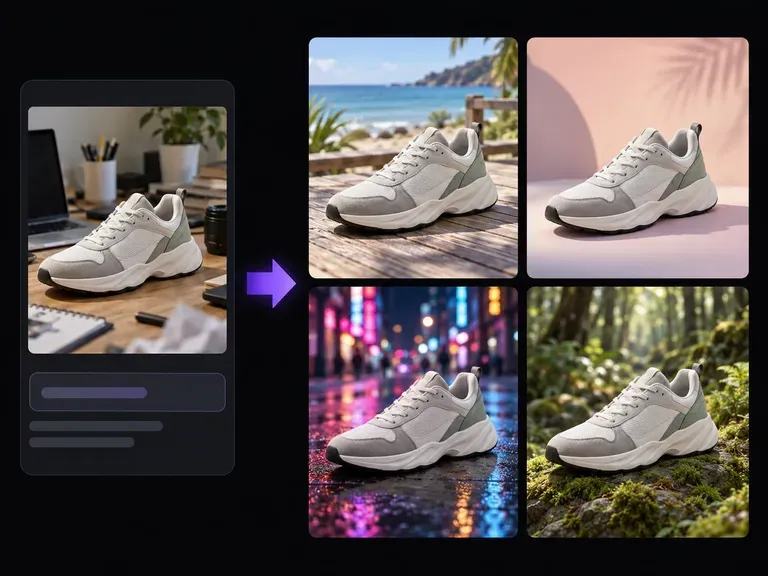
Move your re-posed subject from a neutral studio sweep into an urban street, cafe, or nature backdrop.

Pair a subject reference card with stick-figure posture sketches at up to 4K resolution on one board.
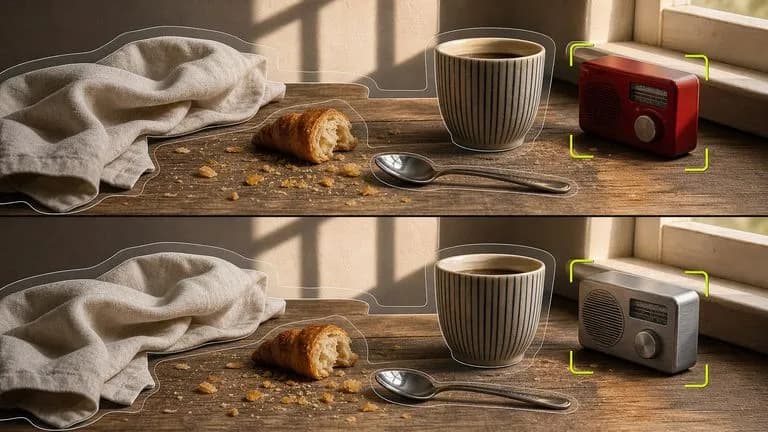
Synthesize standing, seated, and walking postures from a model card while preserving garment hues.
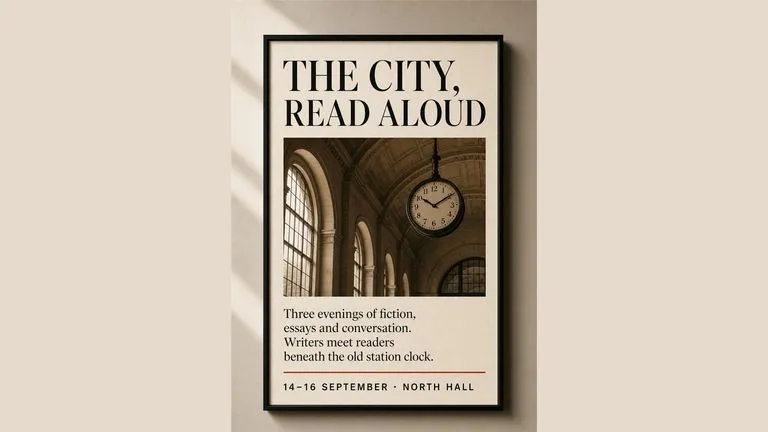
Keep shoe soles, trouser seams, and jacket buttons sharp across standing, seated, and walking studies.
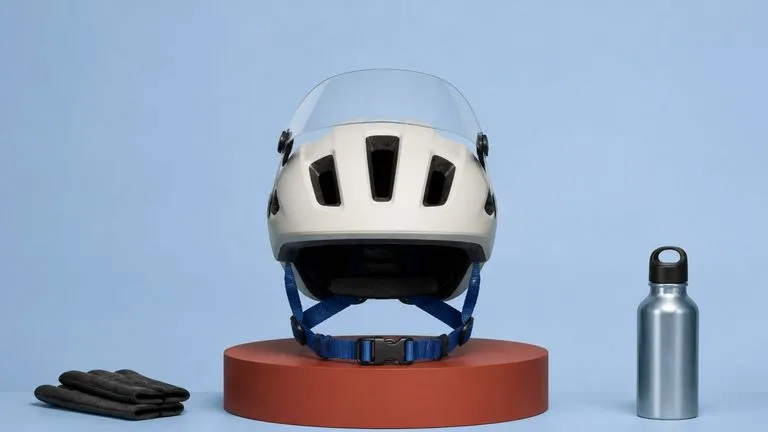
Synthesize natural sleeve creases, floor contact shadows, and proportional limb articulation.

Honor detailed posture notes that combine a subject card with head-to-toe framing instructions.

Draft expressive 2D character poses, comic action stances, and editorial fashion silhouettes.
Bring a studio portrait or character turnaround into Virse, pair it with a written stance brief or pose sketch, and review every limb and garment detail side by side.