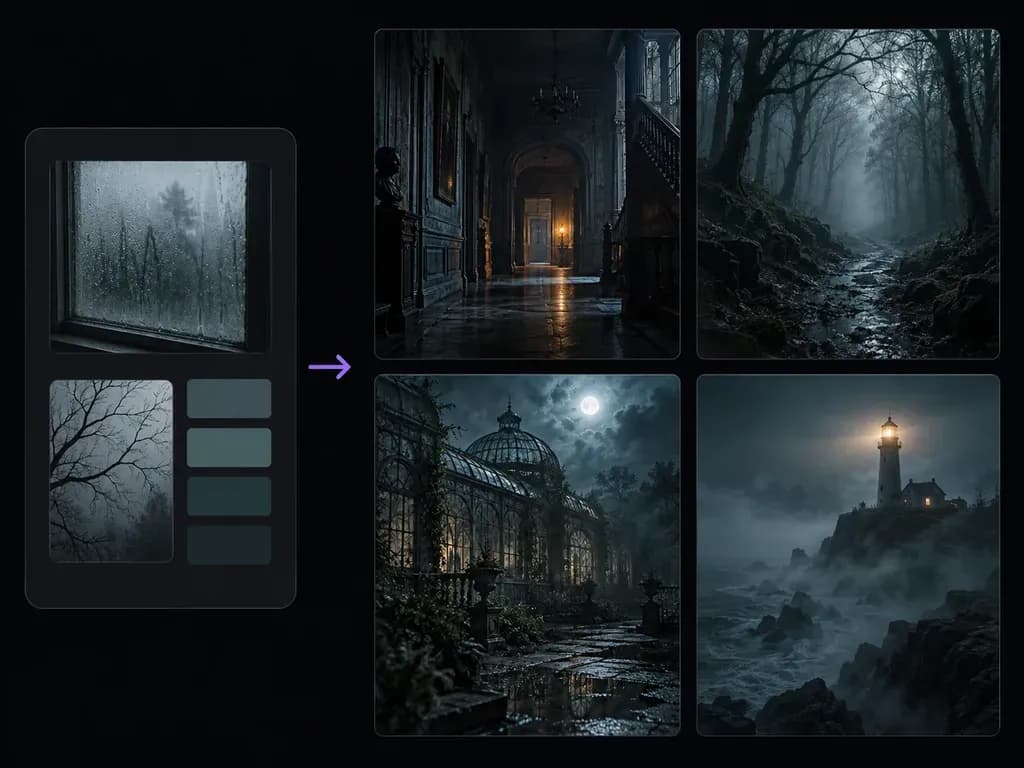
Lighting brief
Chiaroscuro Lighting and Mist Control
Balance isolated warm candle or lantern glow against cold moonlight and volumetric fog using plain English lighting notes.
Describe your setting, subject, light source, suspense mood, and artistic medium in a written brief, or attach a composition reference. With this AI horror image generator, dark-fiction creators render candlelit manor halls and foggy woods without gore.
An AI horror image generator (or AI creepy image generator) converts environmental and lighting notes into a 2D suspense illustration or gothic concept painting without shock filters. Define three atmospheric anchors to build tension:
• Light and shadow: Pair a single warm brass wall sconce, iron lantern, or lighthouse beam against deep slate and indigo shadows.
• Architectural decay: Name weathered stone masonry, peeling damask wallpaper, rusted glasshouse ironwork, or gnarled pine roots.
• Weather and air: Specify low silver ground mist, sea fog, rain-streaked glass, or dust motes to give empty spaces tangible mood.
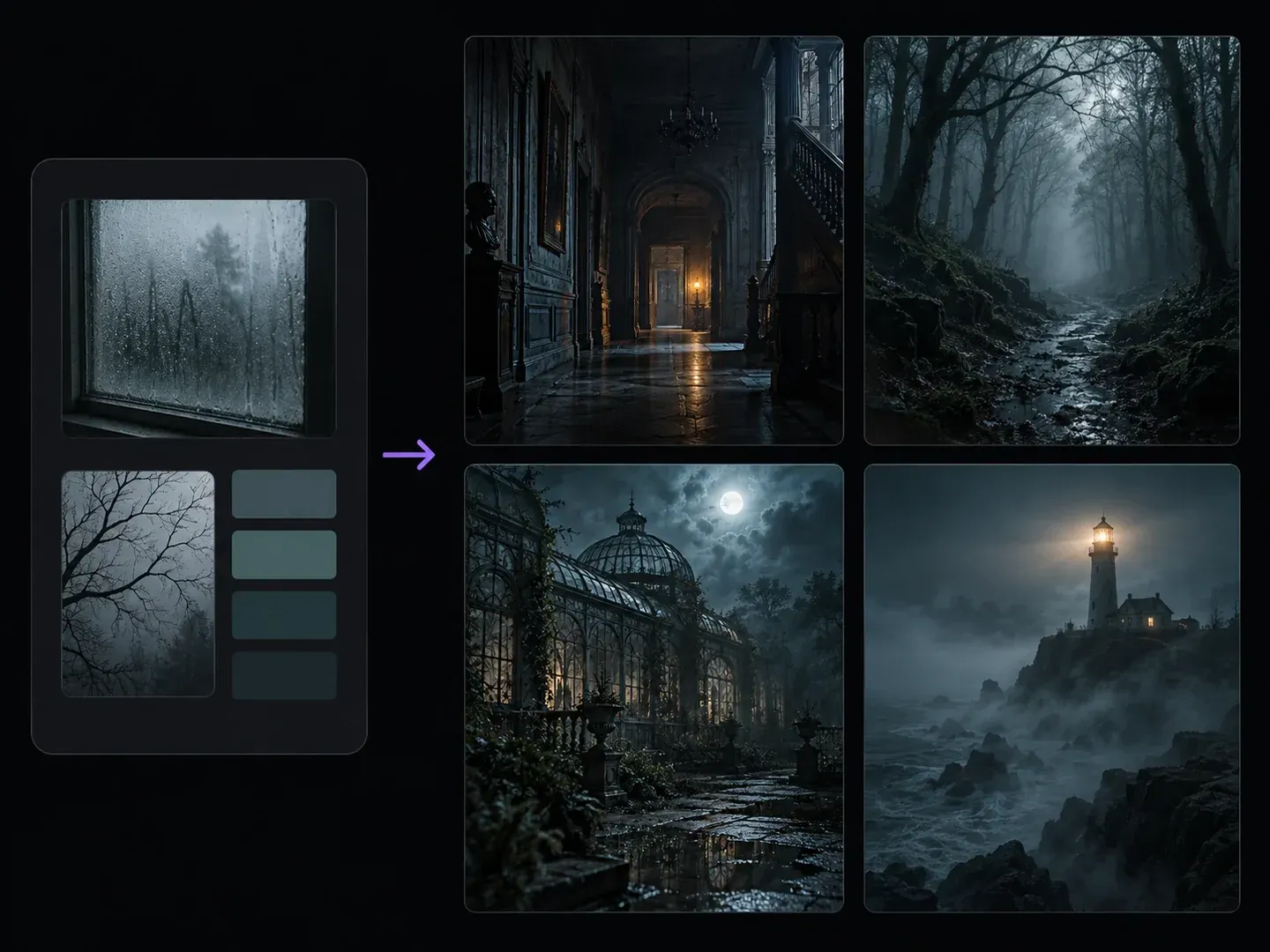
Three controls that make a gothic horror art generator practical for book covers, tabletop modules, and mystery storyboards.
Balance isolated warm candle or lantern glow against cold moonlight and volumetric fog using plain English lighting notes.

Shift from claustrophobic Victorian hallways, attic studies, and stone cellars to overgrown glasshouses and storm-lashed cliffside lighthouses.
Build quiet dread through shadow, scale, and uncanny stillness rather than blood, open wounds, or grotesque jump-scare faces.
How custom lighting and architecture instructions for suspense scene concept art outperform novelty horror filter apps.
Generic Shock Filters
Virse AI Horror Image Generator
To generate haunted manor scene from text notes, name the room or outdoor setting, period architecture, and surface textures.
Specify where the primary light originates, such as a distant hallway sconce, moonlight through glass, or a lighthouse beam.
Upload an original room perspective sketch or environment photo only when you want extra control over camera framing and silhouette.
Generate your static suspense artwork and check that foreground shadows, architectural lines, and distant focal points read clearly.
Combining a period setting, one light source, and "no gore" keeps dark fiction art cohesive. Copy these three suspense prompts:
• Manor corridor: "Empty Victorian manor hallway at midnight, dark oak wainscoting and faded wallpaper, single amber wall sconce at the far end, long shadows, gothic realism, no gore."
• Woodland trail: "Narrow dirt path in an ancient pine forest at dusk, low silver mist around mossy roots, slate-blue twilight, iron lantern on a stone marker, folk horror art."
• Conservatory: "Forgotten Victorian glasshouse at night, pale moonlight through arched iron frames, overgrown ferns and wet stone tiles, chiaroscuro oil."
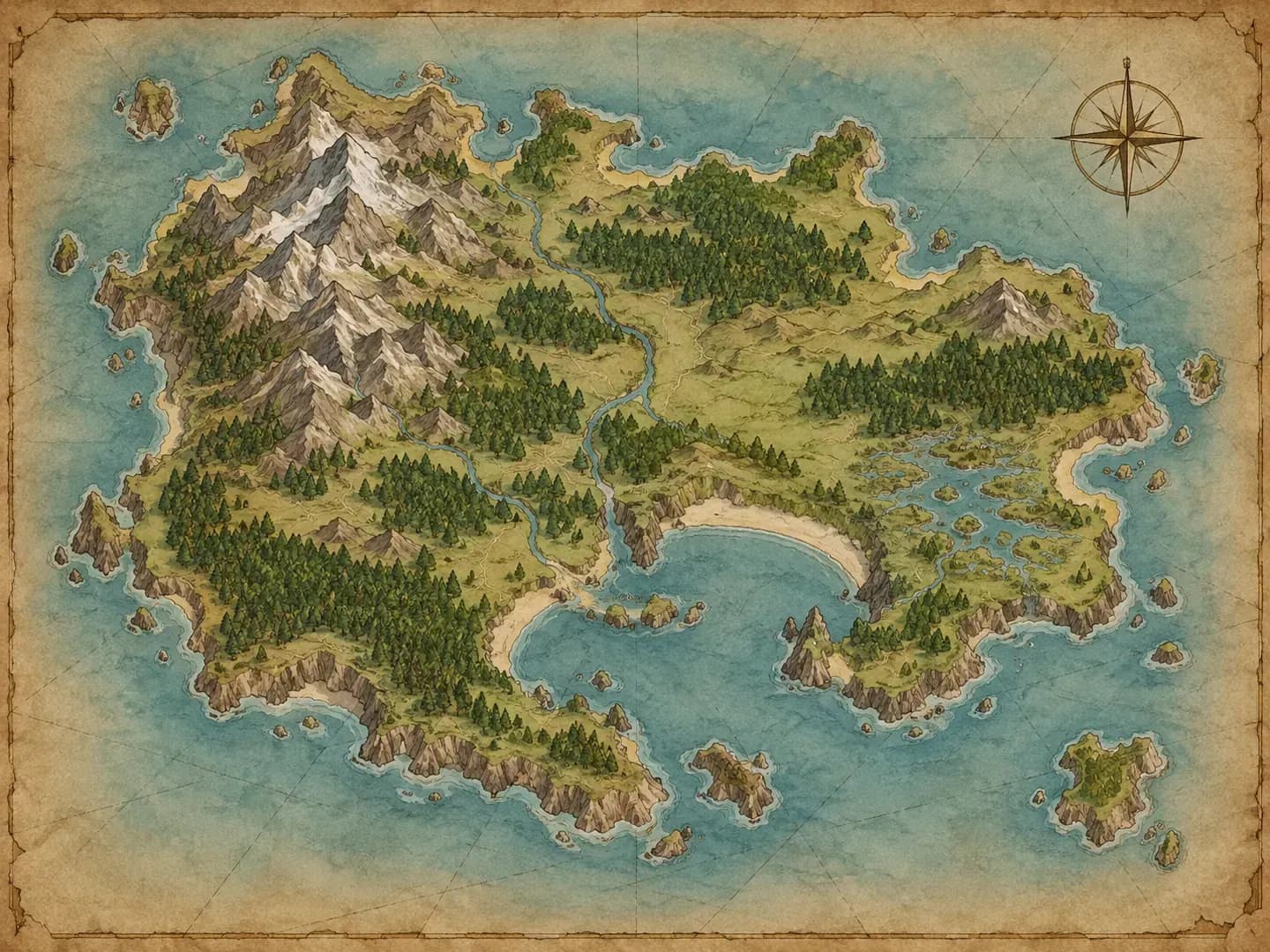
How dark fiction writers, tabletop directors, podcast producers, and indie developers use an atmospheric horror background generator for visual storytelling.
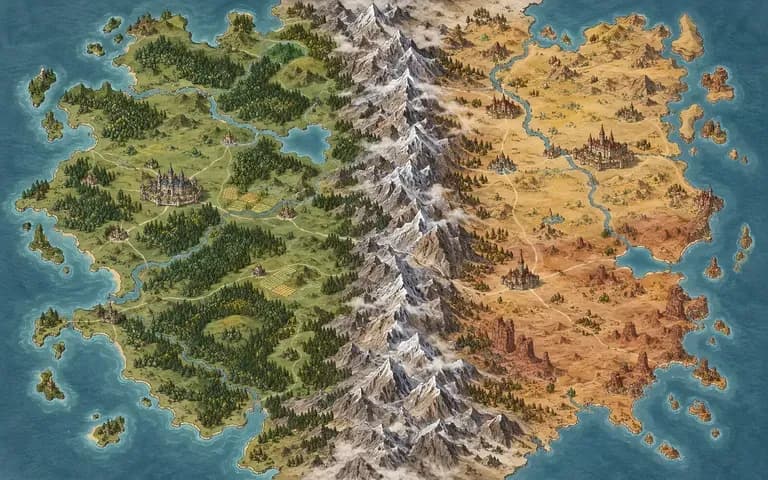
Draft chapter mood boards, setting references, and early book cover concepts that capture the exact manor, marsh, or coastal town from a manuscript.
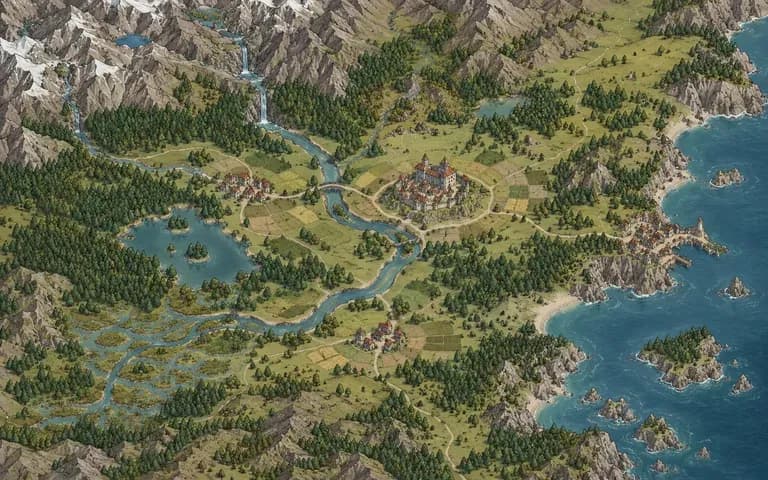
Prepare printable location handouts of eerie corridors, foggy graveyards, and abandoned laboratories so players immediately feel the investigative tone.
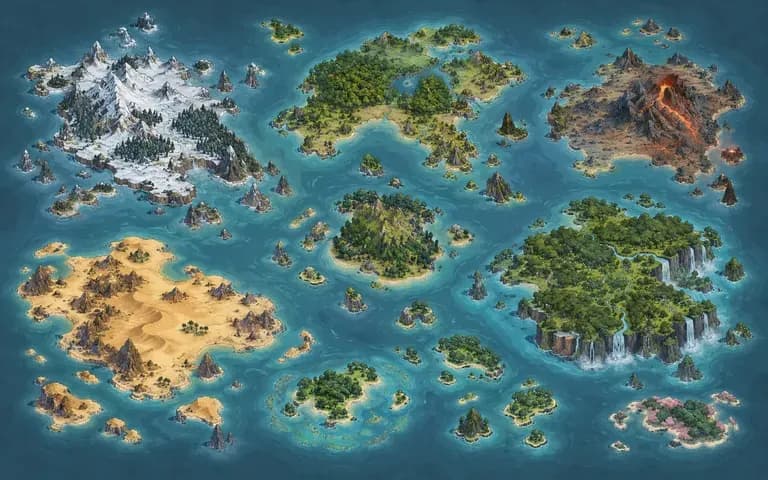
Design square episode artwork and series thumbnails featuring moody architectural silhouettes and dim streetlamps that read clearly at small sizes.
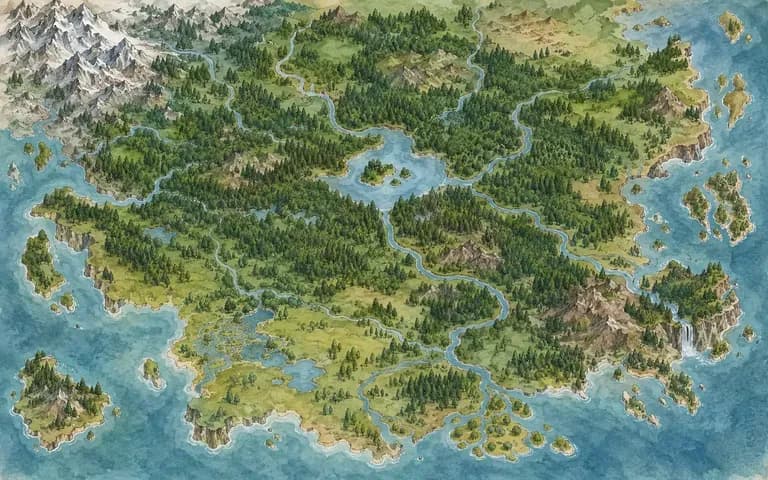
Explore lighting keys, color scripts, and room perspectives for visual novels and point-and-click mysteries before building final environment assets.
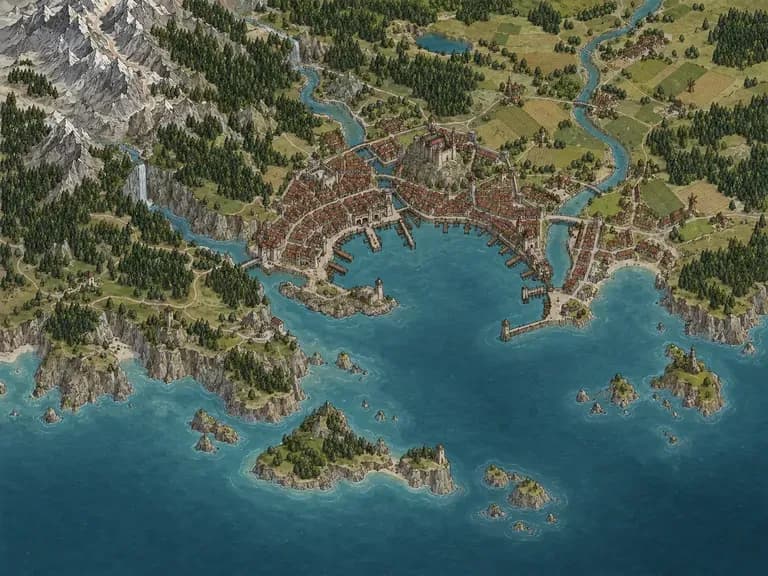
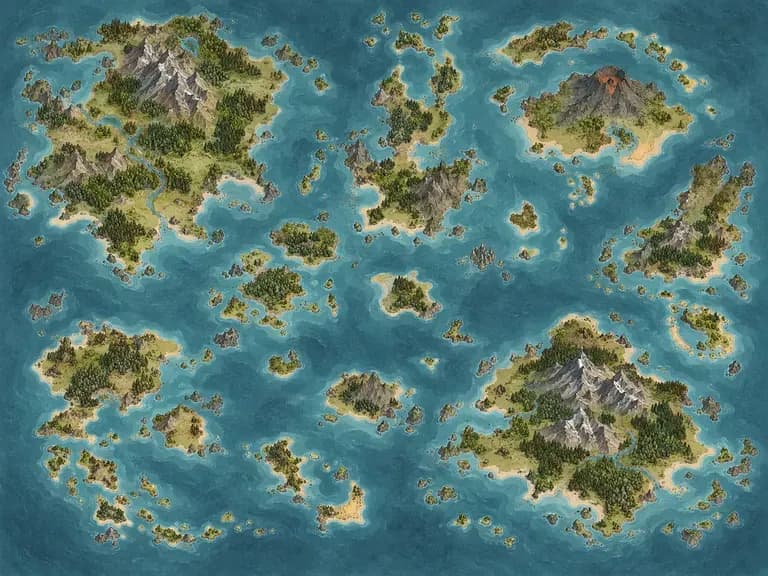
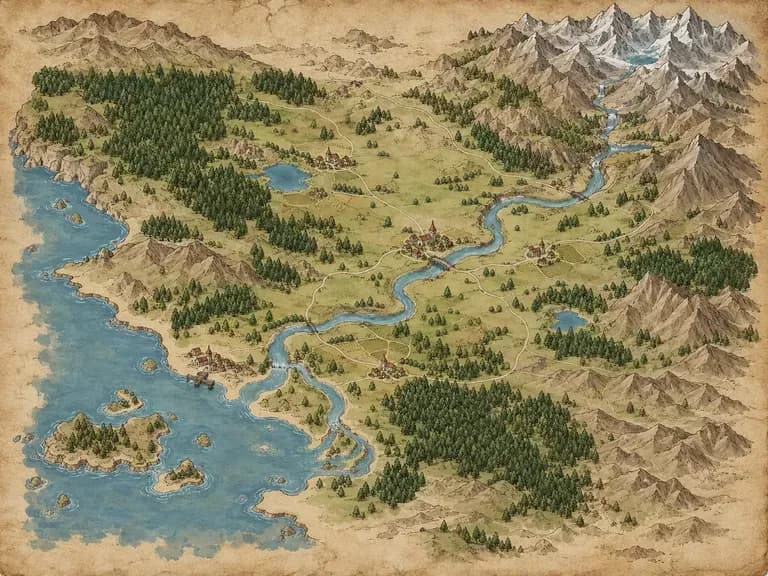
Six static suspense and gothic environment illustrations created from lighting and architectural briefs.
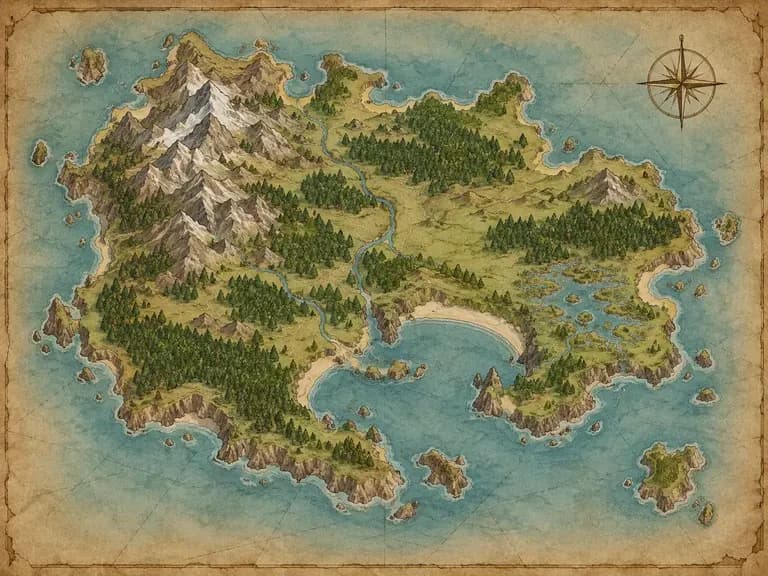
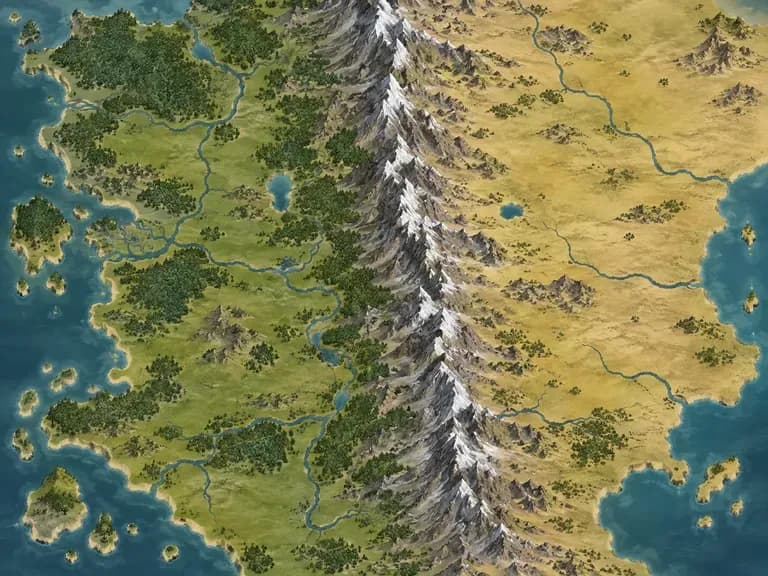
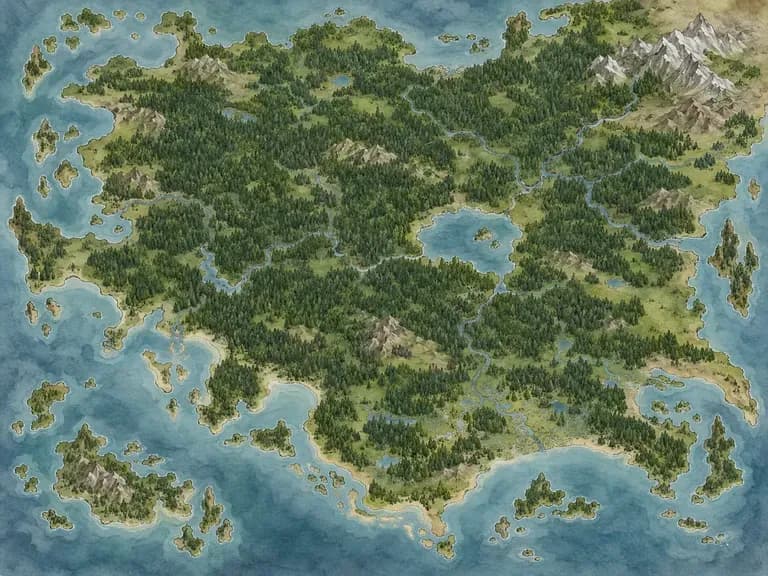
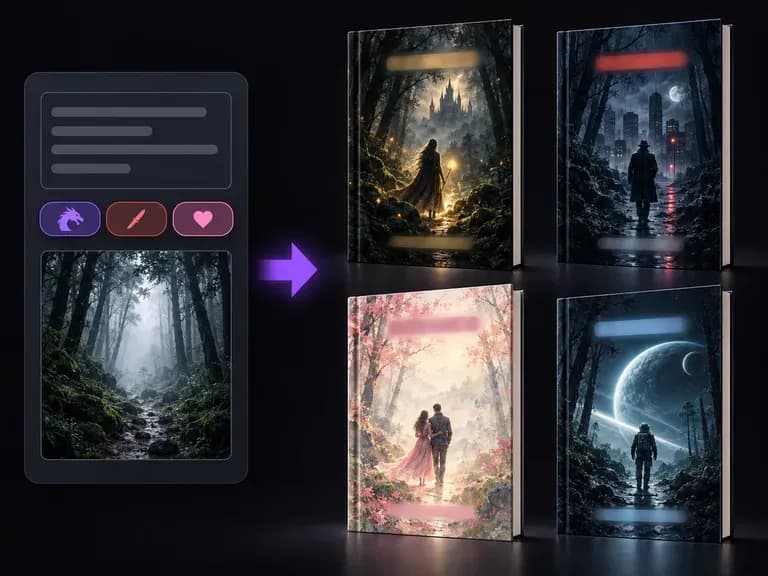
Turn your gothic manor or misty forest concept art into a complete thriller or mystery book cover mockup.
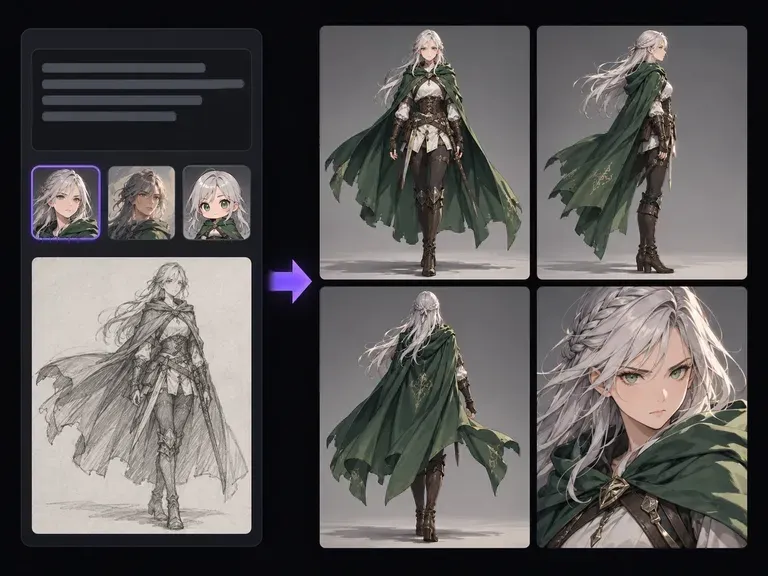
Illustrate investigators, gothic heroines, and folklore figures to inhabit your dark fiction settings.
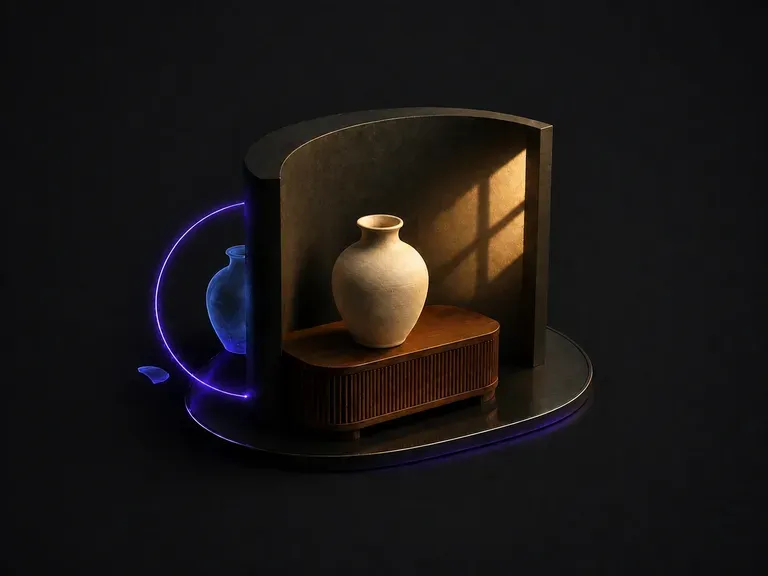
Adjust shadow contrast, lantern warmth, and moonlight balance across existing environment renders.
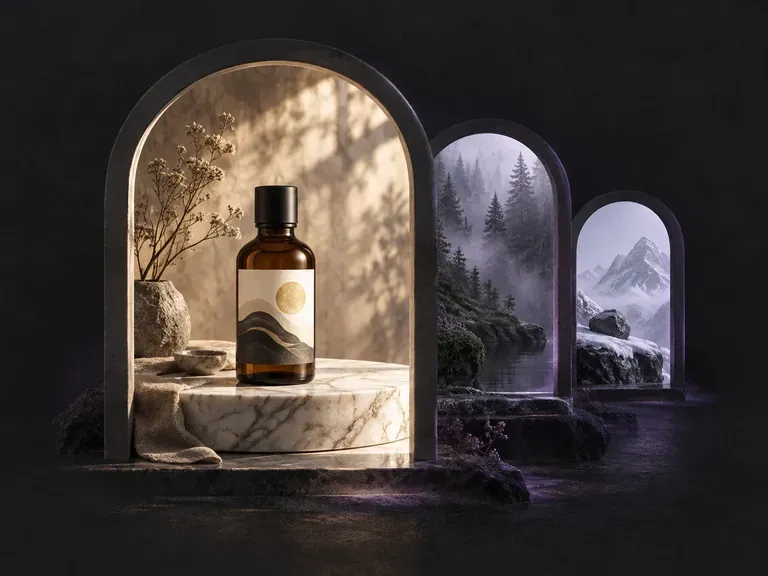
Compose story-driven rooms and exterior locations with tailored props, weather effects, and mood lighting.
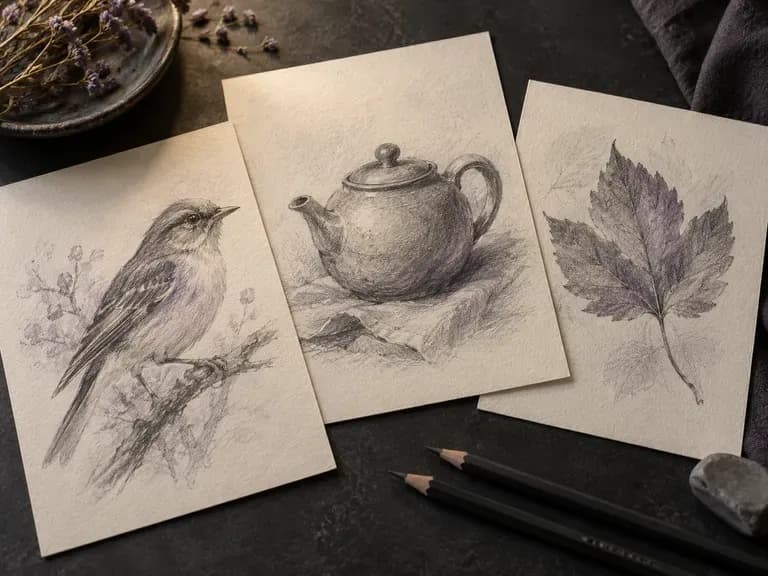
Restyle dark gothic rooms and misty forest concepts into crosshatched ink etchings or charcoal studies.
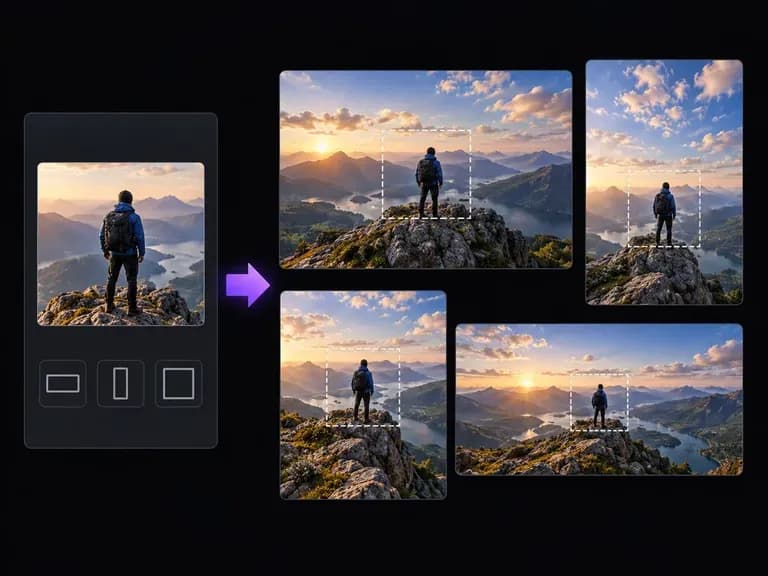
Outpaint a tall hallway or cliffside tower study into a wide horizontal banner or desktop wallpaper.
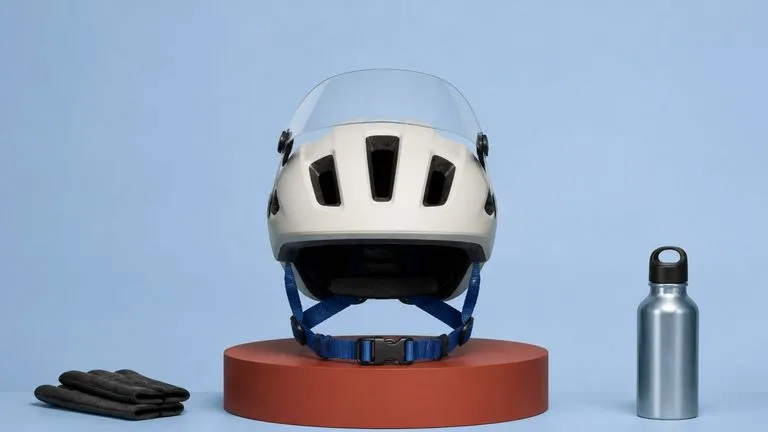
Capture gradual shadow falloff, aged timber and stone grain, and natural fog density across dark environments.

Paint moody gothic oil canvases, folk-horror book plates, and stylized mystery backgrounds.

Blend an optional corridor perspective sketch with lighting directions at up to 4K canvas resolution.

Interpret multi-clause suspense prompts covering period architecture, single-point lamps, and moody shadow.
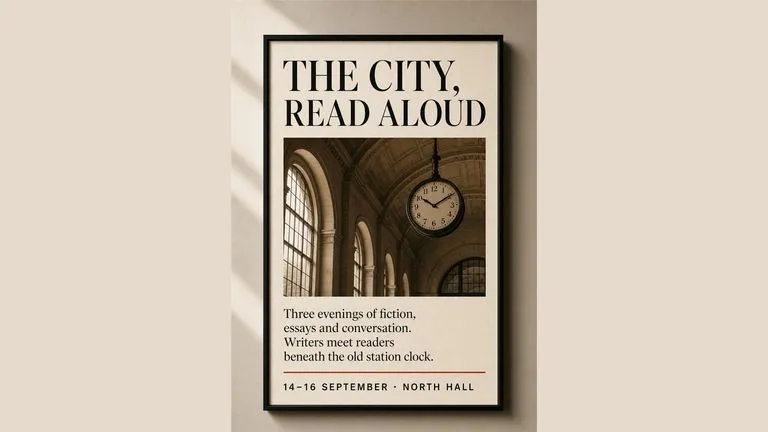
Keep wrought-iron conservatory frames, oak paneling, and distant beacon lights crisp in low-key scenes.
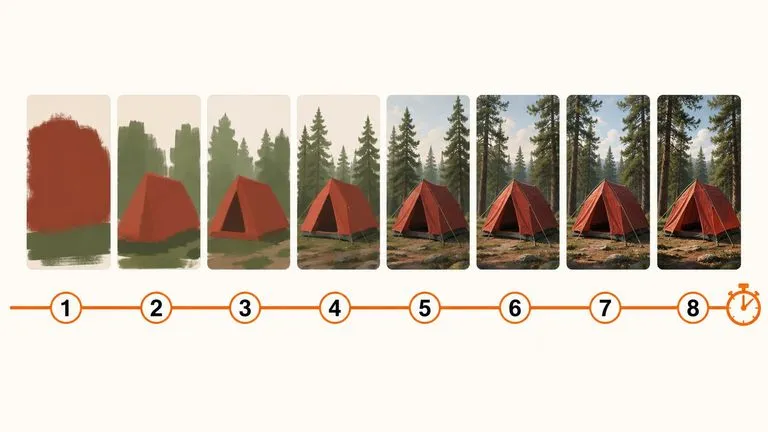
Preview hallway framing and mist thickness rapidly at minimal compute cost before full-resolution rendering.
Write your lighting, weather, and architectural brief on the Virse canvas to create atmospheric horror and mystery artwork without graphic gore.