
Dua Entri
Seedream 5.0 Pro dan Seedream V5 Lite, tercantum secara terpisah di Virse.
Generasi Seedream terbaru dari ByteDance, tersedia sebagai Seedream 5.0 Pro dan Seedream V5 Lite, keduanya menggunakan brief tertulis yang sama.
Buka halaman ini di peramban desktop untuk mulai berkarya.
Seedream 5.0 adalah generasi terkini dari lini Seedream ByteDance, dan Virse menyediakannya sebagai dua entri terpisah, bukan satu.
Itu lebih berguna daripada kedengarannya. Seedream 5.0 Pro dan Seedream V5 Lite menerima brief yang sama dan gambar input yang sama, yang berarti memilih di antara keduanya bukanlah latihan riset — melainkan menjalankan satu prompt dua kali dan melihat dua hasil. Sebagian besar keluarga model mengharuskan Anda berkomitmen sebelum bisa membandingkan; yang satu ini tidak.
Gunakan Seedream 5.0 saat Anda menginginkan generasi terkini dan lebih suka menguji daripada membaca. Hasilkan citra kampanye, visual produk, ilustrasi editorial, dan karya fotografis, lalu biarkan perbandingan berdampingan menentukan entri mana yang cocok untuk pekerjaan tersebut.
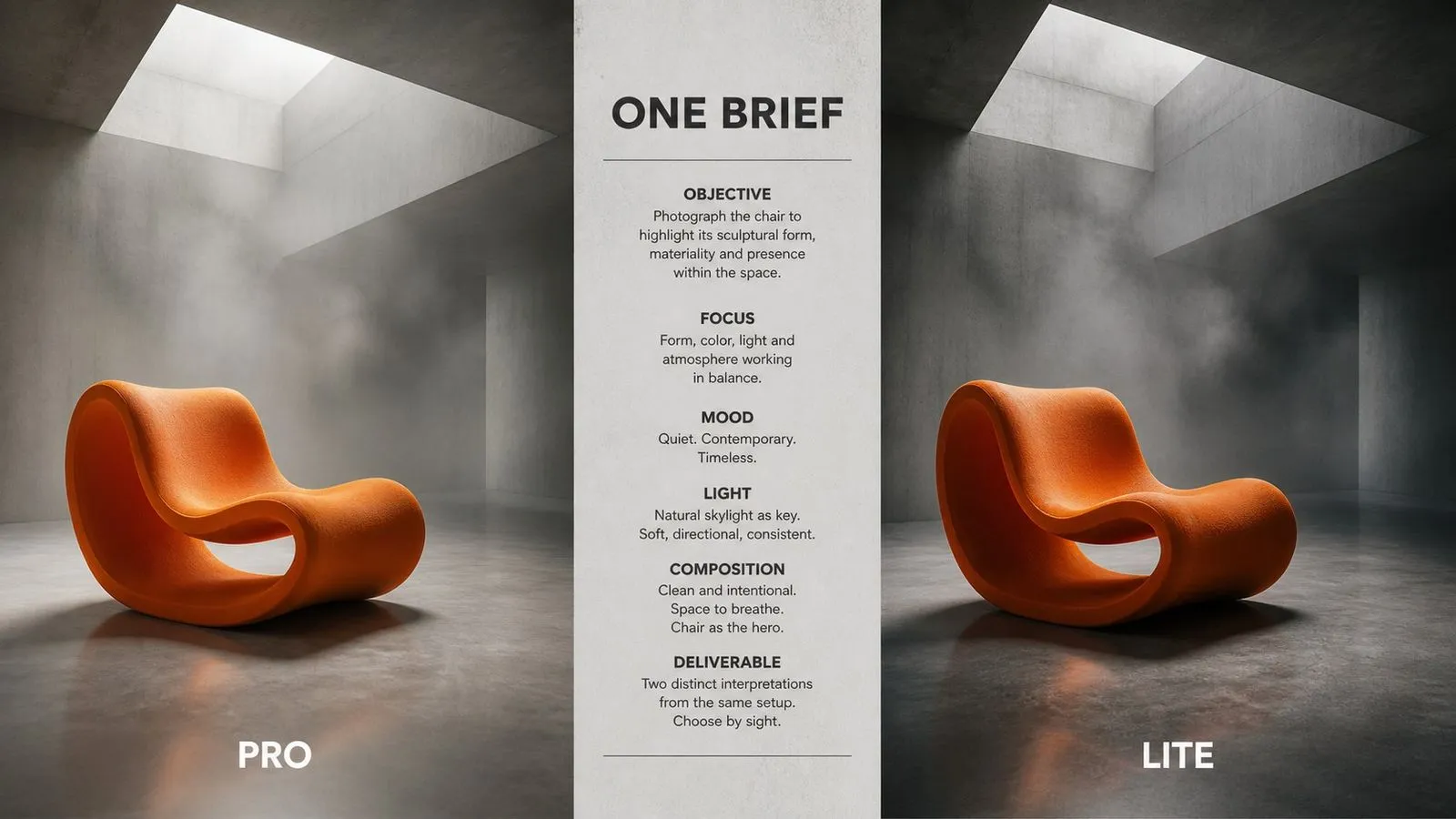
Seedream 5.0 adalah generasi saat ini dari lini gambar Seedream milik ByteDance, setelah Seedream 4 dan Seedream 4.5. Model ini menghasilkan gambar dari deskripsi tertulis dan menerima gambar masukan untuk pengeditan dan transformasi.
Model ini dibangun berdasarkan tiga kekuatan utama:
Entri Pro menawarkan ukuran keluaran yang dapat dipilih; entri Lite berjalan pada satu ukuran tetap tanpa perlu konfigurasi. Generasi sebelumnya tetap tersedia secara terpisah sebagai Seedream 4 dan Seedream 4.5, dan brief dapat dipindahkan di antara keempat entri tanpa perubahan.
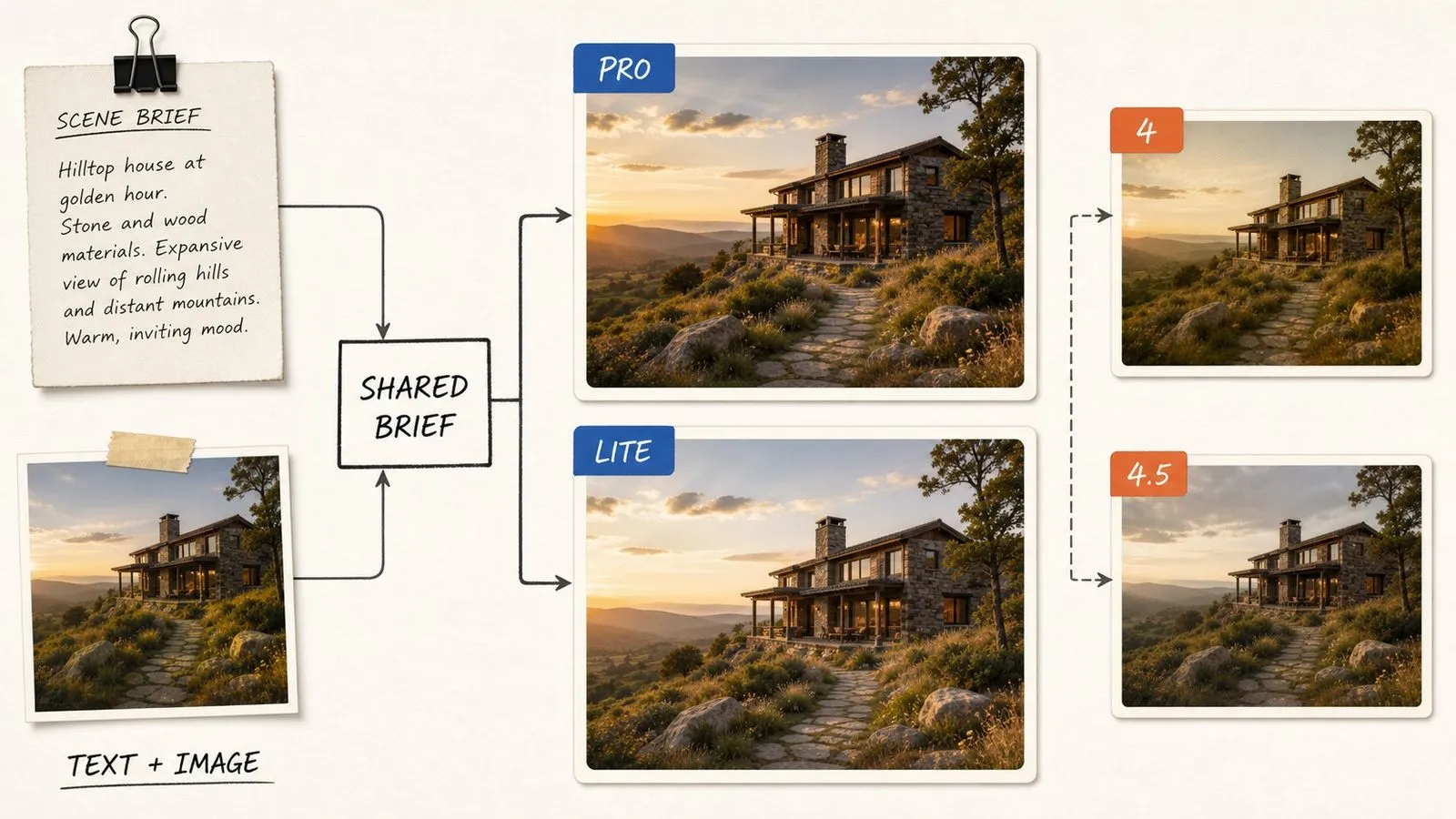
Seedream 5.0 Pro dan Seedream V5 Lite, tercantum secara terpisah di Virse.
Pilih ukuran output untuk setiap generasi.
Satu ukuran output, tidak ada yang perlu dikonfigurasi sebelum menghasilkan.
Tidak ada entri yang memperlakukan bekerja dari gambar yang disediakan sebagai mode sekunder.
Prompt yang sama berjalan di kedua entri tanpa modifikasi.
Prompt berpindah ke dan dari Seedream 4 dan 4.5 tanpa perubahan.

Karena kedua entri menerima brief yang sama, mengevaluasinya cukup dengan satu prompt dan dua klik. Ini menghilangkan masalah umum memilih model berdasarkan lembar spesifikasi, bukan berdasarkan pekerjaan Anda sendiri.
Seedream 5.0 Pro menampilkan ukuran output sebagai pilihan, yang Anda butuhkan ketika satu konsep harus dikirim baik sebagai thumbnail maupun gambar full-bleed.
Entri Lite menghapus pertanyaan soal ukuran sepenuhnya. Ketika Anda membuat dalam volume besar dan setiap gambar akan menuju tempat yang sama, itu berarti satu hal lebih sedikit yang menghalangi antara ide dan output.
Tidak ada entri yang memperlakukan transformasi sebagai mode sekunder. Berikan gambar dan jelaskan perubahan pada entri mana pun yang Anda gunakan.
Lini Seedream mempertahankan perilaku prompting yang stabil lintas generasi, sehingga brief yang sudah ada dapat diteruskan tanpa perlu ditulis ulang untuk rilis baru.
Seedream 4 dan 4.5 tetap ada dalam daftar model. Untuk pekerjaan dengan tampilan yang sudah mapan, tetap menggunakan generasi lama adalah pilihan yang sah, bukan kompromi.
Dua entri yang menggunakan satu brief hanya menjadi keunggulan jika Anda dapat melihat kedua hasilnya bersama-sama. Jika tidak, itu hanya dua model dan satu keputusan yang terus Anda tunda. Virse menjalankannya berdampingan di kanvas yang sama. Prompt yang sama, dua output, disusun berdampingan — mengubah perbandingan abstrak menjadi tinjauan lima detik.
Hasilkan brief yang sama melalui Pro dan Lite secara bersamaan, lalu pilih dari pasangan tersebut alih-alih dari dokumentasi.
Tambahkan Seedream 4.5 ke perbandingan yang sama. Yang lebih baru tidak otomatis lebih baik untuk tampilan tertentu.
Berpindah antara Seedream 5.0 dan lebih dari 30 model gambar dan video lainnya tanpa meninggalkan kanvas atau menulis ulang brief.
Prompt yang menghasilkan gambar terpilih tetap berada di kanvas bersamanya, sehingga gambar berikutnya dalam seri dimulai dari tempat yang sama.
Visual utama yang dihasilkan pada generasi terkini dari lini ini.
Fotografi item, baik dari brief tertulis maupun dari foto yang sudah ada.
Citra konsep untuk artikel dan fitur.
Lingkungan, interior, dan pekerjaan lokasi.
Mengubah gaya dan menyesuaikan gambar yang sudah Anda miliki.
Brief yang sama di berbagai entri dan generasi, untuk memutuskan apa yang sebaiknya dijadikan standar dalam sebuah proyek.
Susun prompt sekali saja, dalam kalimat deskriptif yang sederhana.
Hasilkan melalui Seedream 5.0 Pro dan Seedream V5 Lite secara bersamaan.
Jalankan arahan yang sama pada Seedream 4.5 agar perbandingan mencakup seluruh lini.
Pilih entri yang paling sesuai untuk pekerjaan ini dan gunakan untuk sisa seri.
Prompt Seedream 5.0 yang berguna biasanya mencakup lima elemen:
Alih-alih menulis
Bidikan atmosferik yang indah dari toko buku tua dengan pencahayaan hangat yang menawan dan suasana yang kuat.
Tulis
Interior toko buku bekas yang sempit, rak dari lantai hingga langit-langit di kedua sisi. Sore menjelang petang, satu jendela di ujung jauh, debu terlihat dalam cahaya. Cahaya tungsten hangat dari satu bohlam gantung di tengah lorong. Fotografis, sedikit desaturasi, grain halus. Diambil dari tengah lorong pada ketinggian mata, simetris.
Ruang tangga beton setinggi dua lantai dengan satu skylight di atas. Tekstur bekisting terbuka pada dinding, pegangan tangga baja, tanpa furnitur. Cahaya siang mendung jatuh lurus dari skylight, bagian lainnya berada dalam gradasi bayangan. Bergaya fotografis, warna netral dingin, tanpa nuansa hangat. Diambil dari dasar menghadap ke atas, tangga berputar keluar dari bingkai.
Tiga botol kaca dengan tinggi berbeda di atas kain linen gelap, diberi cahaya dari belakang dengan latar dinding abu-abu polos. Cahaya tepi menegaskan setiap tepi, tanpa cahaya pengisi dari depan, bayangan pekat pada lipatan kain. Redup dan kontras rendah, grain halus. Komposisi terpusat dengan ruang yang sama di kedua sisi, diambil lurus dari depan setinggi botol.
Seseorang dengan jumper rajut tebal duduk bersandar pada dinding plester polos, tampak tiga perempat, memandang ke luar kamera ke arah kiri. Satu sumber cahaya lembut dari kiri atas, penurunan cahaya halus, tanpa fill pada sisi bayangan. Fotografis dengan tekstur kulit alami tetap dipertahankan, tanpa penghalusan. Pembingkaian dari pinggang ke atas, ruang luas ke arah pandang subjek.
| Dimensi | Seedream 4.5 | Seedream 5.0 |
|---|---|---|
| Posisi dalam lini | Generasi sebelumnya | Generasi saat ini |
| Entri di Virse | Satu | Dua: Pro dan V5 Lite |
| Pemilihan ukuran | Tetap | Dapat dipilih di Pro, tetap di Lite |
| Mode input | Teks dan gambar | Teks dan gambar |
| Portabilitas arahan | Dapat dijalankan di 5.0 tanpa perubahan | Dapat dijalankan di 4.5 tanpa perubahan |
| Cara memilih | Jalankan satu arahan melalui keduanya | Jalankan satu arahan melalui keduanya |
Bandingkan entri menggunakan prompt yang memang ingin Anda gunakan, bukan prompt asal-asalan. Perbedaannya muncul pada hal-hal spesifik, bukan pada subjek generik.
Saat membandingkan, ubah hanya entrinya. Mengubah prompt pada saat yang sama membuat pengujian tidak bermakna.
Untuk sebuah seri, pertahankan kalimat gaya yang identik di setiap gambar. Konsistensi itulah yang membuat satu set terbaca sebagai satu pekerjaan.
Jalankan Seedream 4.5 dalam perbandingan yang sama. Untuk tampilan tertentu, generasi sebelumnya terkadang lebih cocok untuk pekerjaan tersebut.
Jelajahi alat terfokus untuk membuat, mengedit, dan menyiapkan aset desain.
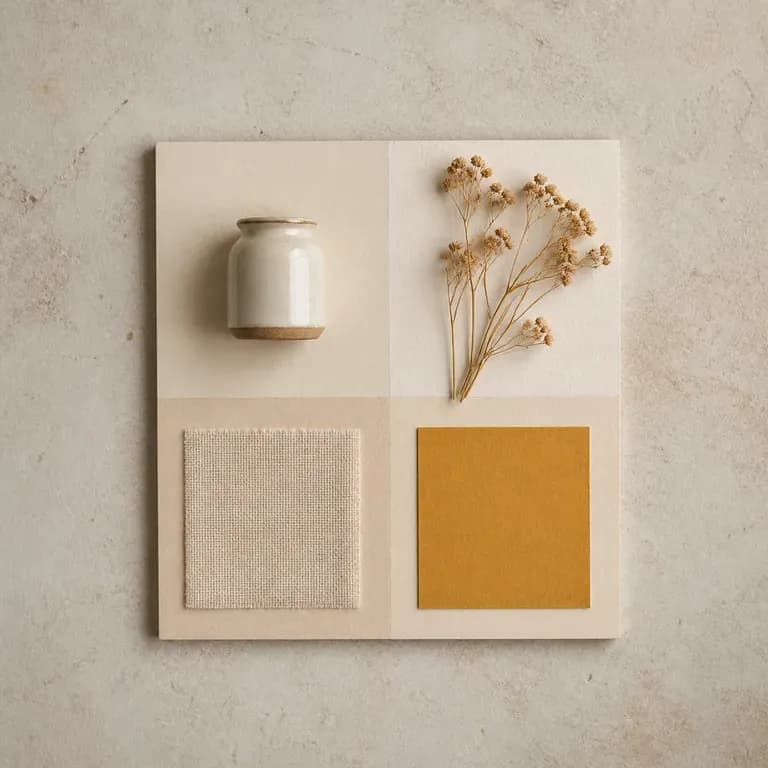
Satu versi mood hanyalah tebakan. Berikan referensi atau tema tertulis, lalu dapatkan beberapa pembacaan berbeda atas ide, warna, material, dan citra yang sama yang disusun bersama dalam satu board, sehingga ada sesuatu untuk ditanggapi alih-alih halaman kosong. Kredit gratis cukup untuk memulai.
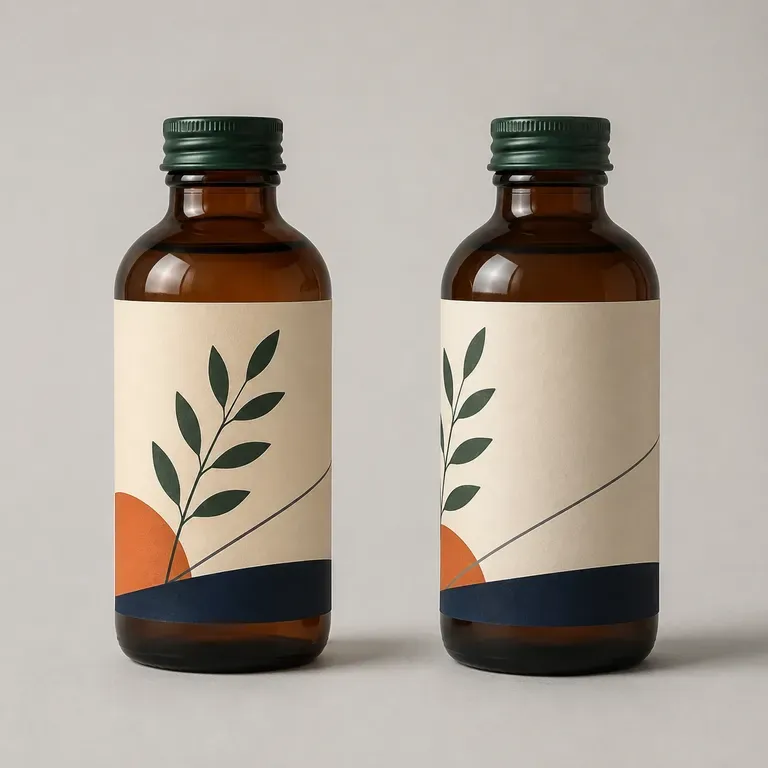
Kemasan yang terlihat tepat saat datar masih bisa berantakan ketika dililitkan pada botol atau kotak sungguhan. Jelaskan produk dan formatnya, lalu dapatkan konsep dalam bentuk mockup 3D agar Anda mengetahui masalah itu sebelum menjadi karya seni datar. Kredit gratis cukup untuk melihat versi pertama secara menyeluruh.
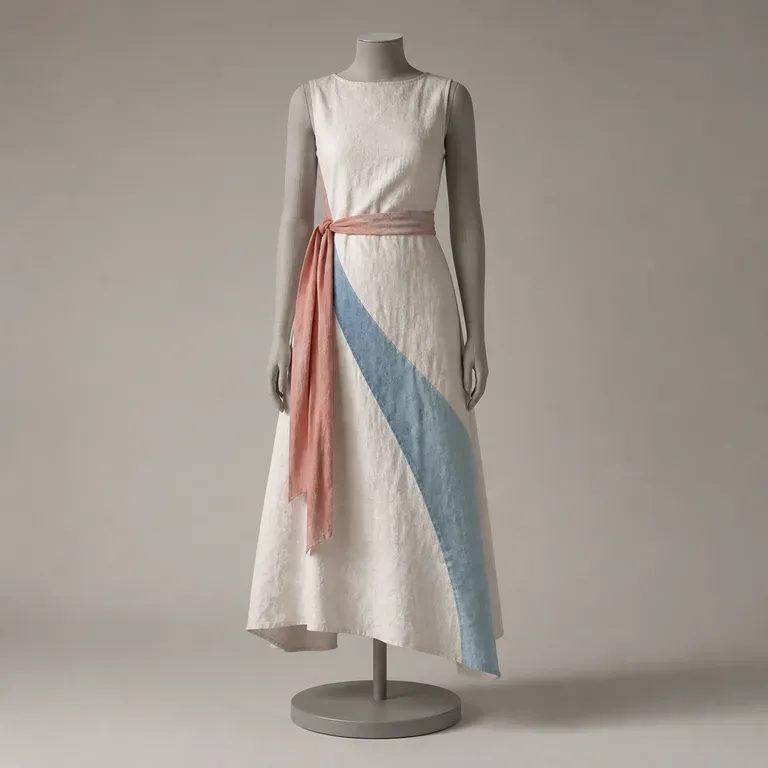
Satu tampilan saja tidak memberi tahu Anda apakah sebuah koleksi terasa padu. Jelaskan musim, audiens, dan siluet yang Anda bayangkan, lalu dapatkan kembali satu set lengkap tampilan bergaya yang berbagi satu palet dan satu kisah kain, sehingga Anda dapat menilai keseluruhan rentang, bukan hanya satu bagiannya, dengan kredit Virse gratis untuk memulai.
Seedream 4.0 dan Seedream 4.5 dari ByteDance menghasilkan gambar dari deskripsi tertulis dan dari gambar yang Anda berikan, mengubah satu gambar sumber menjadi sebanyak mungkin arah yang dibutuhkan proyek.

Generate studio-grade 4K images with Nano Banana Pro, blending multiple references while holding characters, products, and typography consistent.

Black Forest Labs' production model reads briefs up to 32,000 tokens, so brand rules, colour values, and compositional constraints can all go in at once.
Satu arahan, dua entri, berdampingan di kanvas — cara yang lebih baik untuk memilih model daripada membaca tentang salah satunya.