
Four Output Sizes
Work at 0.5K, 1K, 2K, or 4K from the same written brief.
Google's Nano Banana 2 pairs flagship-level image quality with Flash-class speed, across four output sizes from rapid 0.5K prototypes to finished 4K.
Buka halaman ini di peramban desktop untuk mulai berkarya.
Nano Banana 2 is Google's speed tier for image generation, built so that exploring an idea costs time measured in seconds rather than minutes.
The interesting part is what it does not give up to get there. Subject consistency, coherent multi-element scenes, dynamic editing, and 4K output all survive the jump to Flash speed, which is unusual — fast models normally trade away exactly the things that make output usable. What changes is how quickly you can put a dozen versions side by side.
Use Nano Banana 2 when the answer is not obvious yet. Run visual searches, build moodboards, test compositions, generate social sets, and produce the volume of variations a real creative decision needs before anything gets locked.
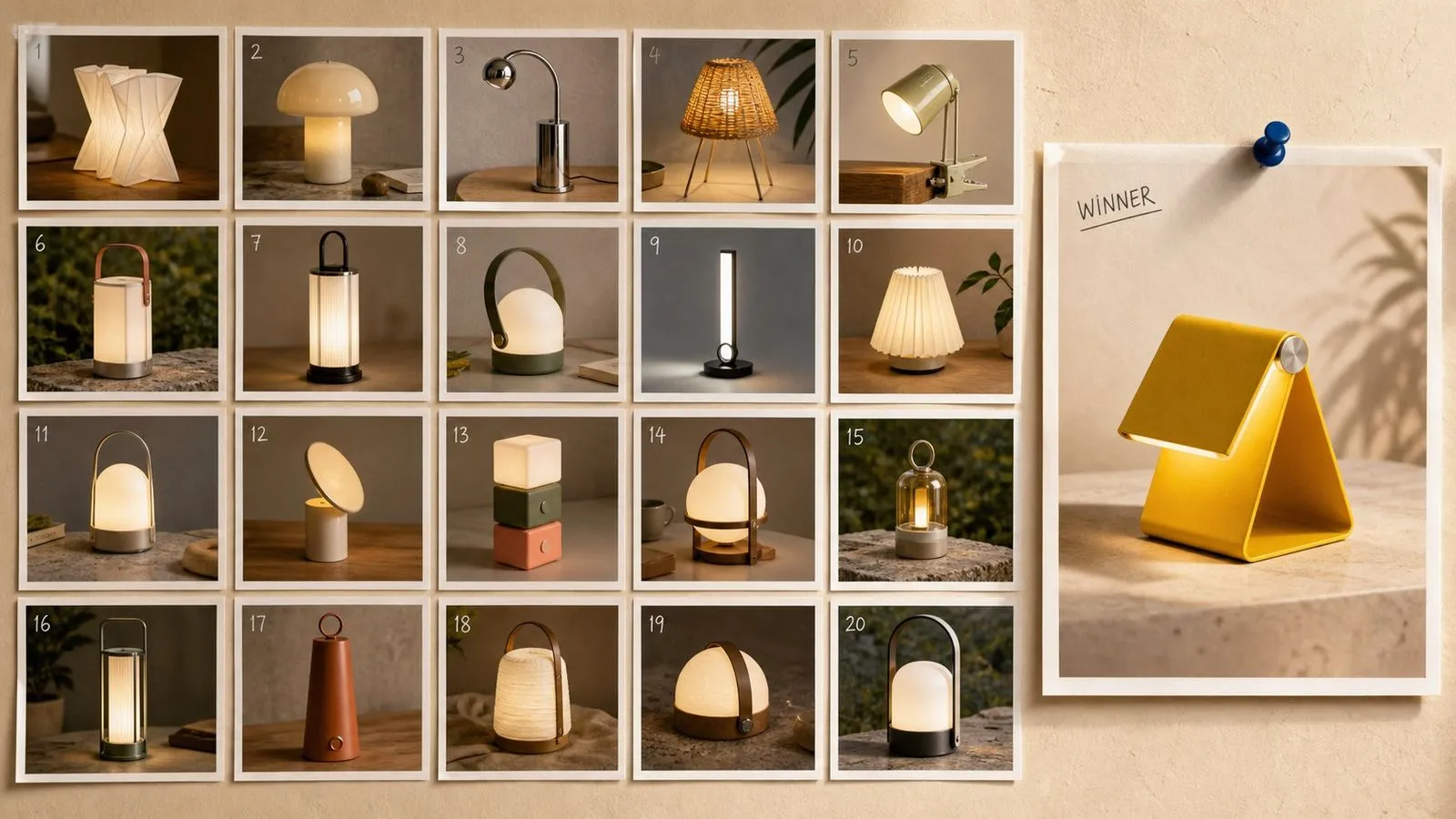
Nano Banana 2 is an AI image generation model developed by Google DeepMind, built on Gemini 3.1 Flash Image and released in February 2026. It generates and edits images from written instruction, following detail about subjects, arrangement, lighting, and the role of any reference you attach.
The model is built around three major strengths:
Nano Banana 2 generates natively from 512 pixels up to 4K, with 2K as its default output. Every image carries SynthID and content credentials, and the model supports flexible aspect ratios along with dynamic editing of pictures you supply.
Virse also lists Nano Banana Lite, a fixed-size entry from the same family. It removes the size decision entirely, which suits batch work where every image is going to the same place.
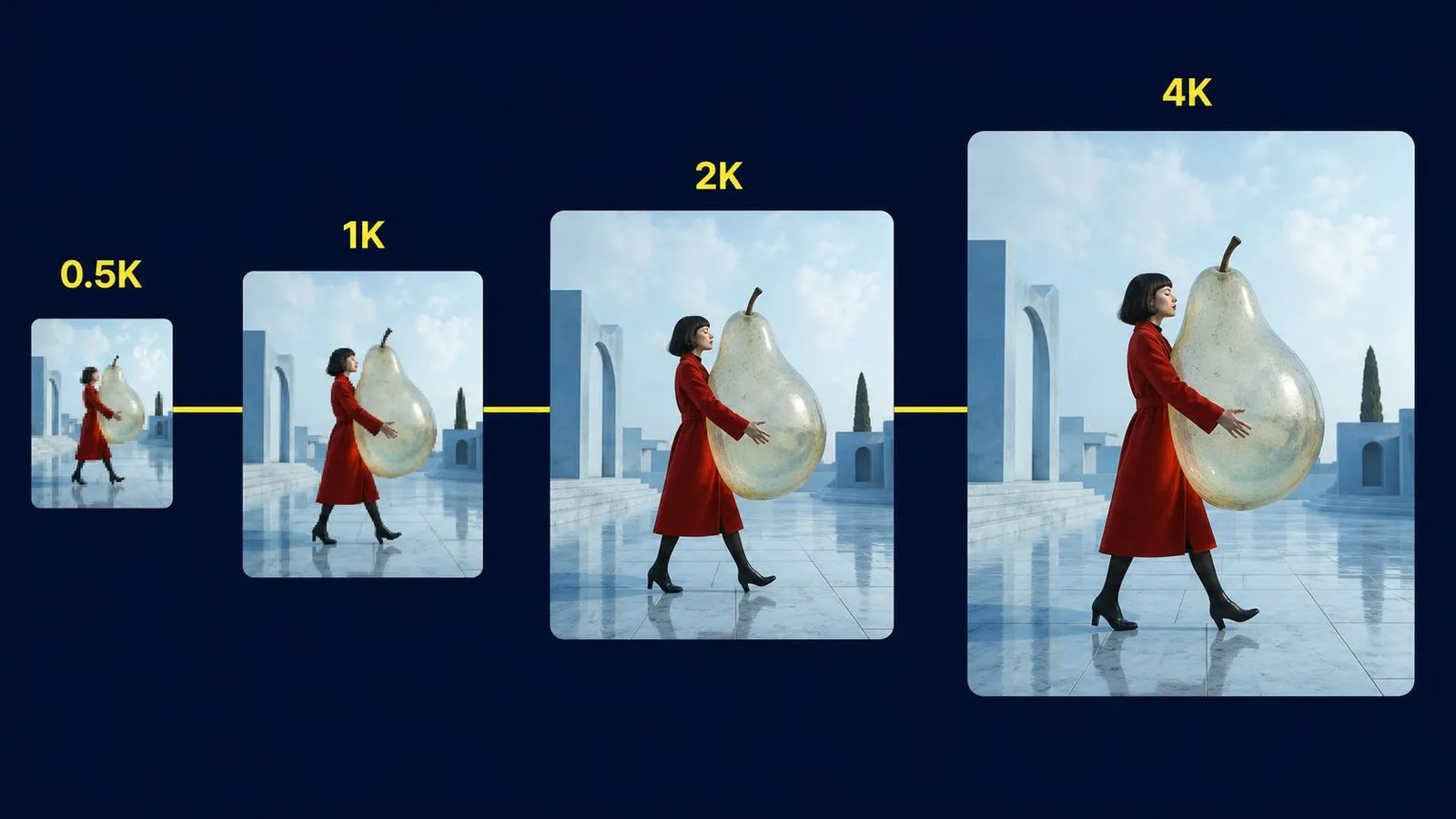
Work at 0.5K, 1K, 2K, or 4K from the same written brief.
The smallest size exists for speed, so testing twenty compositions stays a routine decision.
The middle of the range is tuned as the everyday setting rather than a compromise.
Part of the Gemini Flash line, tuned so a render finishes before your attention moves on.
Hold several characters and objects coherent within a single scene.
Provenance signals embedded automatically, invisible on the picture itself.
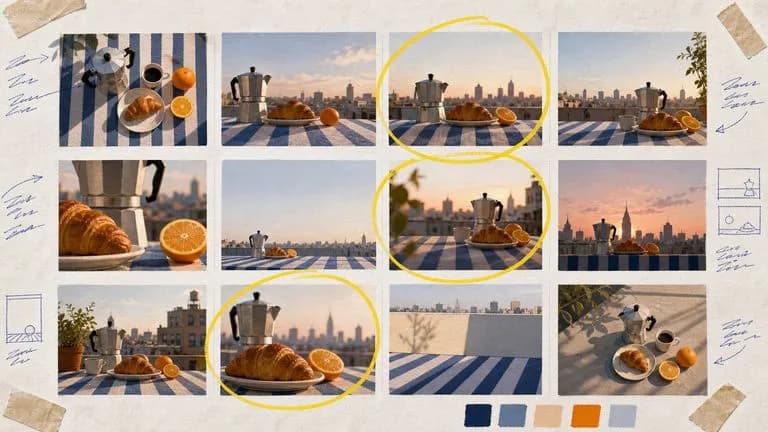
Most models give you one size or a narrow range. The 512-pixel tier exists specifically so that generating twenty variations is something you do without deliberating, and composition, palette, and framing all read perfectly well at that size.
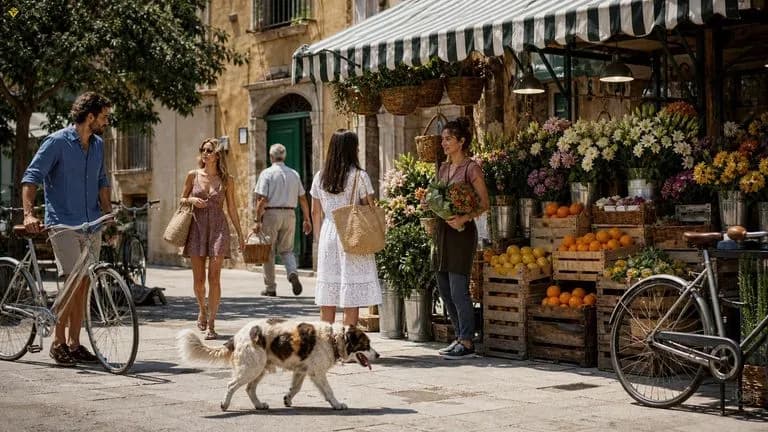
The Flash line targets turnaround rather than maximum fidelity, but Nano Banana 2 keeps the characteristics that normally disappear first — coherent scenes, consistent subjects, legible structure — so fast output stays usable rather than merely quick.
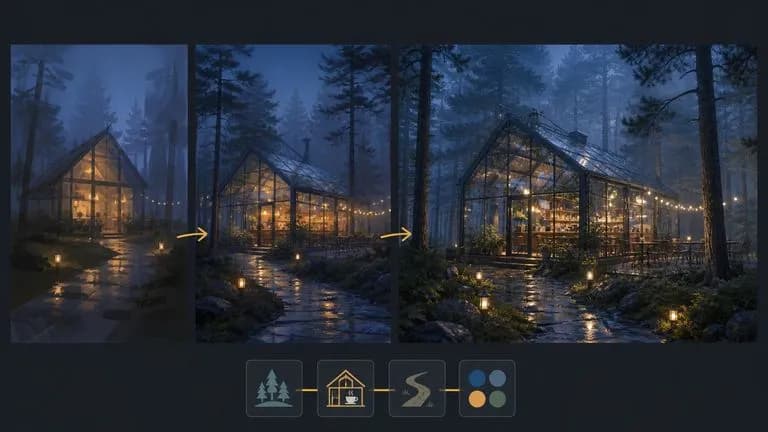
Because a single model covers 512 pixels through 4K, the prompt that worked during exploration produces the finished image without being re-tuned for a different engine.
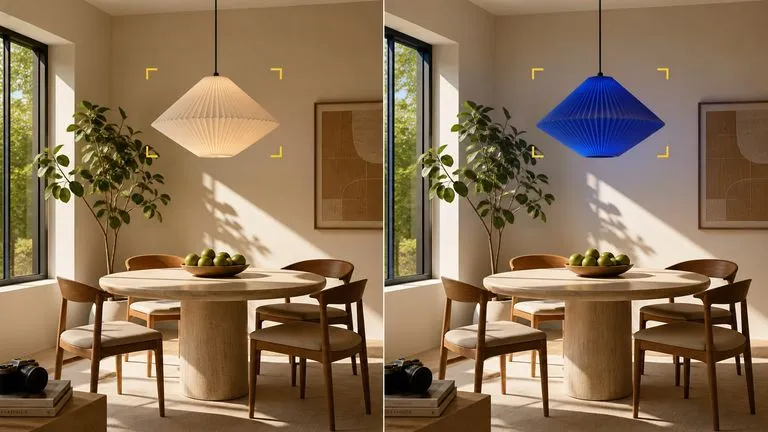
Supply an existing picture and describe the change. The model works inside the image you gave it rather than generating a replacement.
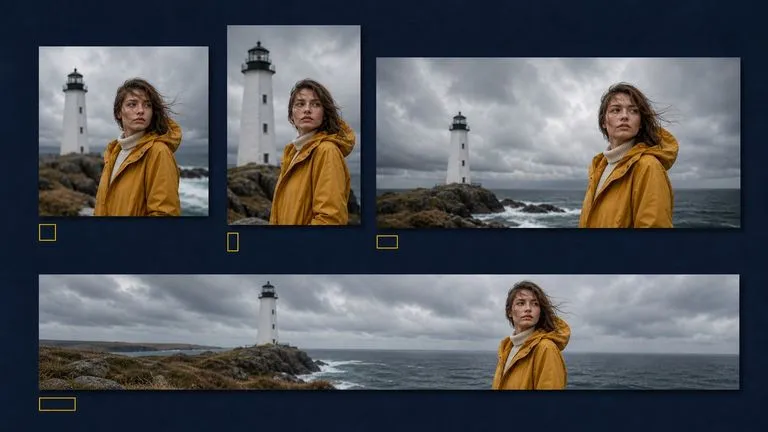
Square, portrait, landscape, and wide crops come from the same brief, which matters when one concept has to ship in six formats.
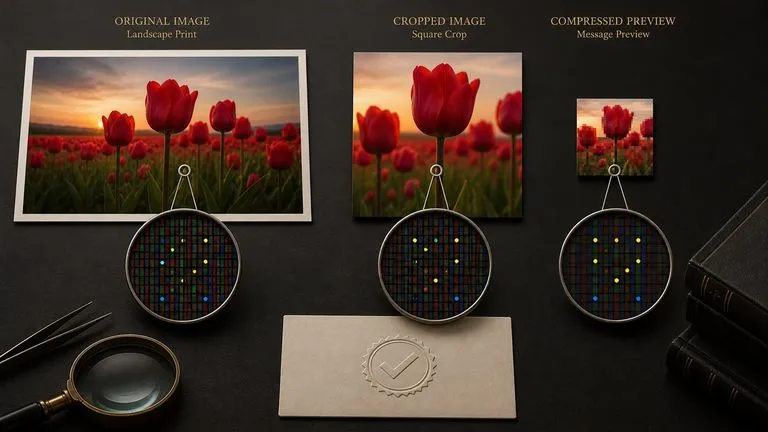
SynthID is embedded in the pixel data and survives cropping, resizing, and compression, with content credentials attached to the file. Neither marks the visible image.
Fast generation only helps if you can see the results together. Twenty images scattered across twenty downloads is not a comparison, it is a filing problem. Virse lays every attempt onto one canvas as it arrives. A batch of variations stays a batch, so choosing between them happens by looking rather than by opening files one at a time.
Generate a spread of directions at the prototyping size and lay them side by side before deciding which deserves a full render.
Directions you passed over stay on the canvas as reference, which is where most second-round ideas actually come from.
Move between Nano Banana 2 and 30+ other image and video models without leaving the canvas or rewriting the brief.
When a concept needs stronger typography or tighter identity control, hand the working prompt to Nano Banana Pro on the same canvas.
Search a visual direction wide before any budget is committed to it.
Assemble a coherent board from images generated to brief rather than scavenged from search.
Produce a week of posts in one sitting, in the aspect ratio each platform wants.
Article headers and inline graphics at 2K without a separate upscaling step.
Show the same item across several colourways, settings, or arrangements.
Change backgrounds, seasons, or lighting across an existing set of pictures.
Drop to 0.5K for as long as the content is still an open question.
Name the subject, the setting, the light, and the framing in plain sentences.
Run several variations at once and compare them on the canvas rather than one by one.
Take the prompt that worked and generate it again at 2K or 4K, unchanged.
A useful Nano Banana 2 prompt usually includes four elements:
Alih-alih menulis
Cozy interior, warm atmosphere, beautiful lighting, high detail.
Tulis
A narrow kitchen with pale wood cabinets and a single window above the sink. Late afternoon light entering at a low angle, throwing a long rectangle across the floorboards. A ceramic bowl of lemons on the counter. Shot from the doorway at eye level.
A pair of white leather trainers on a polished concrete floor, photographed from a low three-quarter angle. Overhead daylight from a skylight, soft shadows directly beneath the shoes, a faint reflection in the floor. Neutral grey and white palette, nothing else in frame. Generate the same shot in four colourways: white, sand, forest green, and black.
A flat vector illustration of a person working at a desk beside a large window, viewed from the side. Four colours only: deep navy, warm cream, muted orange, one soft grey. No gradients, no outlines. Simple geometric shapes, generous negative space above the figure, plants on the windowsill as basic silhouettes.
Using the supplied photograph of the room, change the view through the window to winter — bare trees, overcast light, no snow on the ground. Keep the furniture, wall colour, and camera position exactly as they are. Cool the interior light slightly so it reads against the new outdoor light. Leave the foreground untouched.
| Dimensi | Nano Banana Lite | Nano Banana 2 | Nano Banana Pro |
|---|---|---|---|
| Built for | Batch work, no decisions | Speed and volume | Final assets and print |
| Output sizes | One fixed size | 0.5K, 1K, 2K, 4K | 1K, 2K, 4K |
| Prototyping tier | Not applicable | Yes, 512 pixels | No |
| Text rendering | Short strings | Workable for short strings | Long passages and multilingual layouts |
| Identity control | Single subjects | Consistent within a scene | Stronger across a full series |
| Where it fits | High-frequency output | Exploration, moodboards, social volume | Campaign key visuals, packaging, print |
The prompt does not change between 0.5K and 4K. Settle the idea at the size that costs you nothing to repeat.
When generating a set, vary colour or angle or setting — not all three. Sets built by rewriting everything end up looking unrelated.
"8k", "ultra detailed", and "masterpiece" do not raise the output size. The size selector does, and the words just crowd the brief.
If you find yourself re-running to fix a headline, you have reached this model's limit rather than a prompting problem. Nano Banana Pro is the next step.
Explore focused tools for creating, editing, and preparing design assets.
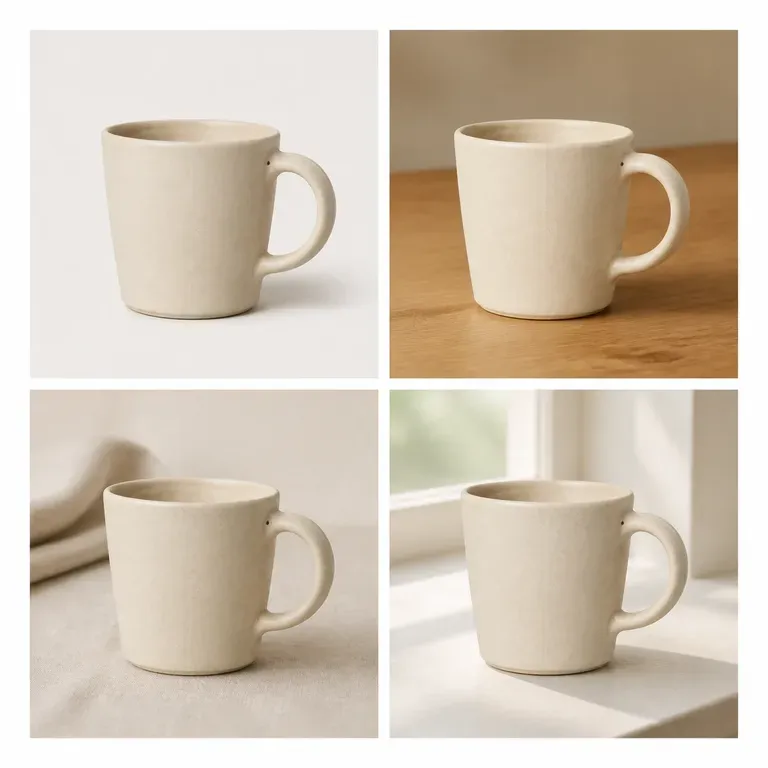
Variasi yang diam-diam mengubah produk bukanlah variasi, melainkan produk yang berbeda. Unggah satu gambar, tentukan apakah adegan, warna, atau sudut yang harus berubah, dan dapatkan kembali satu batch yang mempertahankan semua hal lainnya. Kredit gratis cukup untuk menguji apakah subjek benar-benar tetap konsisten di seluruh batch.
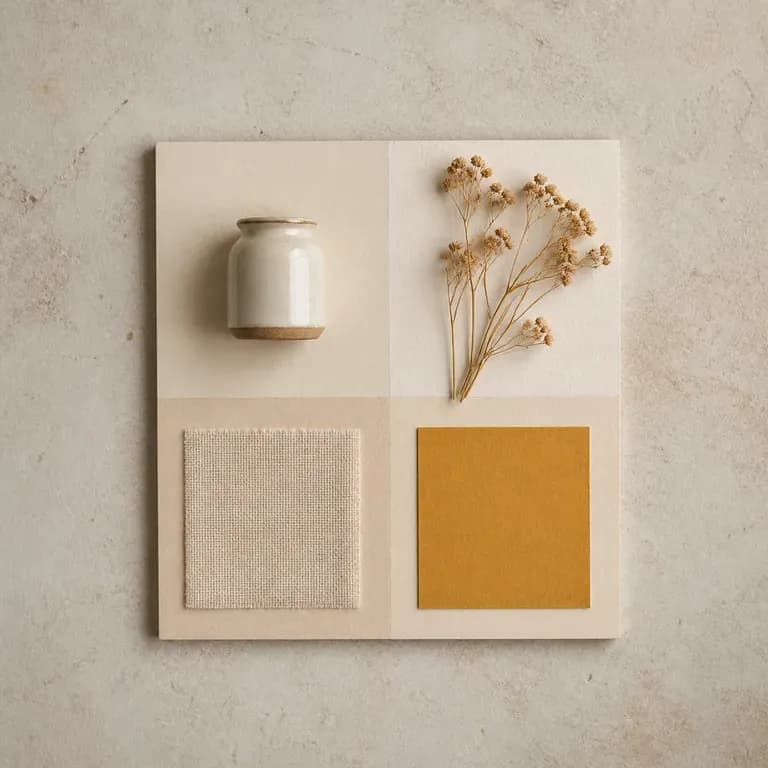
Satu versi mood hanyalah tebakan. Berikan referensi atau tema tertulis, lalu dapatkan beberapa pembacaan berbeda atas ide, warna, material, dan citra yang sama yang disusun bersama dalam satu board, sehingga ada sesuatu untuk ditanggapi alih-alih halaman kosong. Kredit gratis cukup untuk memulai.
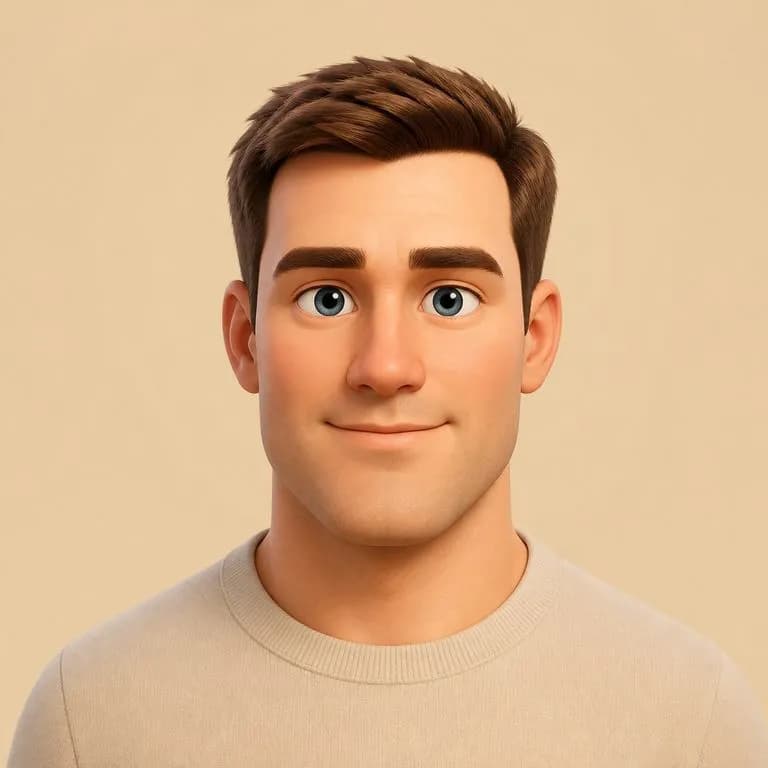
Unggah satu potret dan pilih gaya. Enam opsi tetap, mulai dari tampilan 3D mirip Pixar hingga seni piksel. Gayanya boleh berubah sepenuhnya. Ciri-ciri yang membuat Anda mudah dikenali tidak.
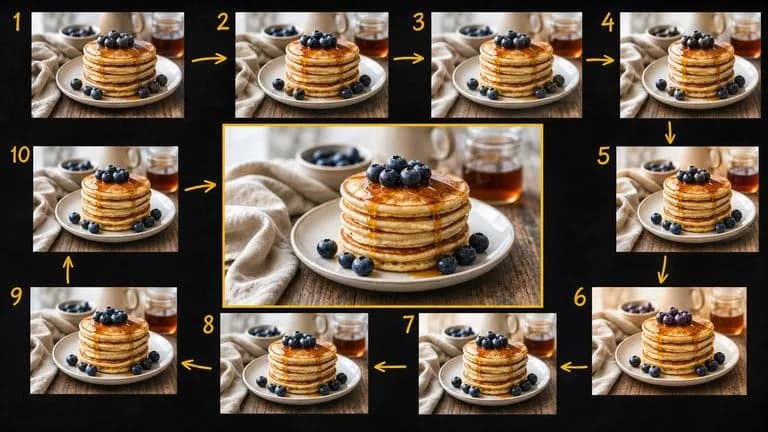
Google's Gemini 2.5 Flash Image — the original Nano Banana — generates and edits pictures at conversation speed, so a correction takes a sentence instead of a session.

Generate studio-grade 4K images with Nano Banana Pro, blending multiple references while holding characters, products, and typography consistent.
Model 6 miliar parameter yang dipadatkan menjadi pipeline inferensi delapan langkah, dibuat untuk menghasilkan gambar yang siap pakai sebelum alur pikiran Anda beralih.
Generate the spread, lay it out, and let the comparison make the decision a single render never can.