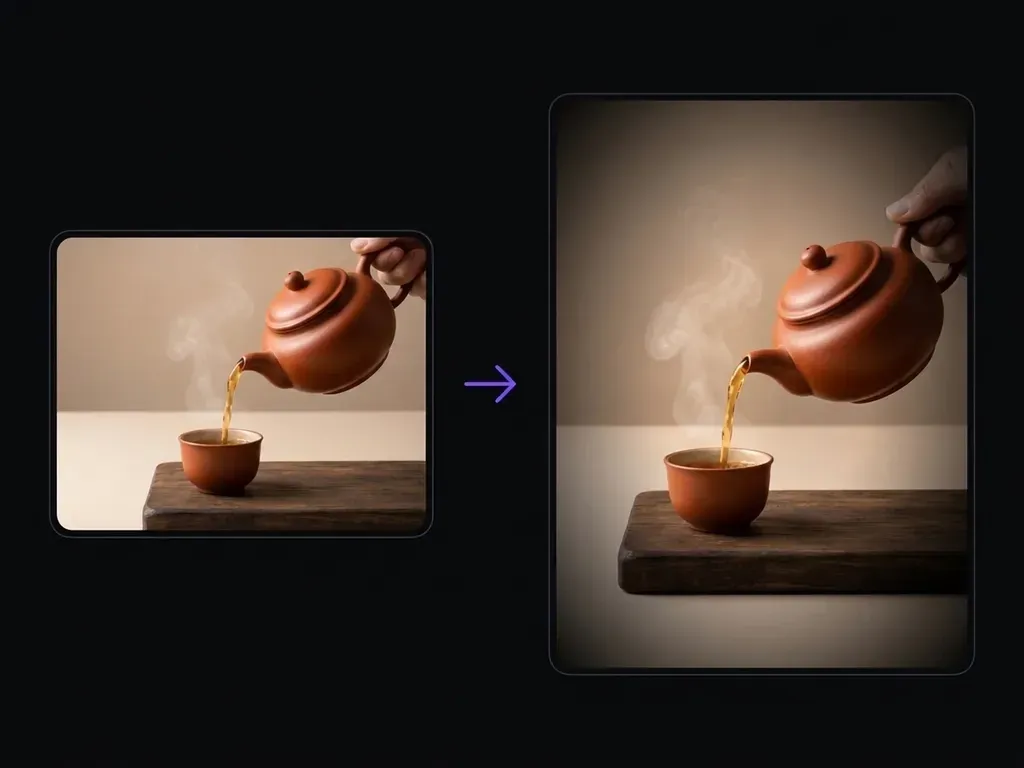
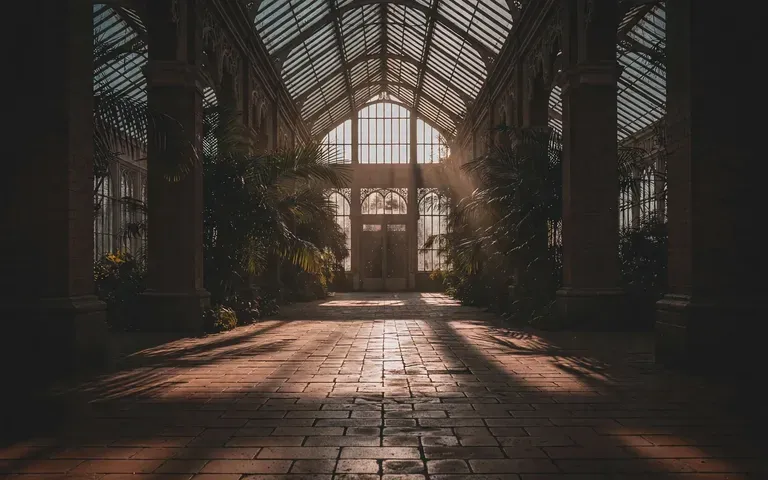
Edge control
Smooth Optical Corner Falloff
Darken bright skies, pale concrete walls, and stray floorboards around the outer frame while leaving central highlights luminous and naturally lit.
Upload an outdoor portrait, jewelry frame, or interior study where busy walls or bright skies pull focus outward. Describe the perimeter depth and center spotlight feel you want inside Virse. Running a vignette effect here leaves your main subject untouched. It trades bright outer corners for gradual optical falloff right beside your source file.
An online vignette effect darkens outer photo borders and corners gently so a viewer's eye settles first on your primary subject. Upload any static photograph to Virse, explain whether you want faint optical lens falloff or bold stage shading in plain English, and review quiet corner fades beside deeper passes next to your untouched capture on the shared workspace canvas without rigid oval masks.
Basic two-slider vignette websites stamp a dull gray-black ring evenly across all four corners. That flattens pale highlights and swallows off-center faces. Built strictly for static still frames, Virse guides optical perimeter shading around three clear boundaries:
• Gradual falloff around the focal area: Blend perimeter dimming smoothly into shadowed backgrounds instead of stamping a sharp geometric oval mask.
• Zero draggable radius sliders: Corner reach, transition softness, and warmth respond to written descriptions rather than percentage bars or XY center pins.
• Dark perimeter default and edge safety: Outer borders darken by default without bright white halos unless requested, and images work best when corners hold no tiny text.

Practical visual controls for portrait studios, jewelry sellers, and layout editors aiming to quiet distracting edges without flattening midtone warmth.
Darken bright skies, pale concrete walls, and stray floorboards around the outer frame while leaving central highlights luminous and naturally lit.
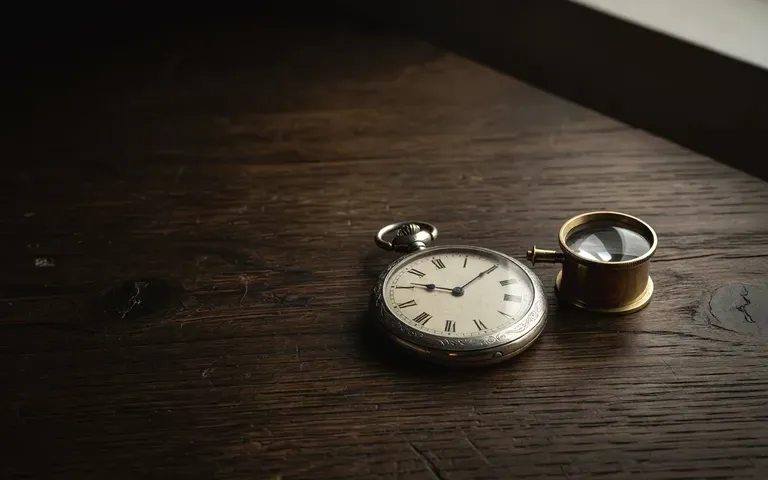
Describe a subject standing toward the left or upper third. The shaded perimeter yields around faces, hands, and hero merchandise instead of cutting across them.
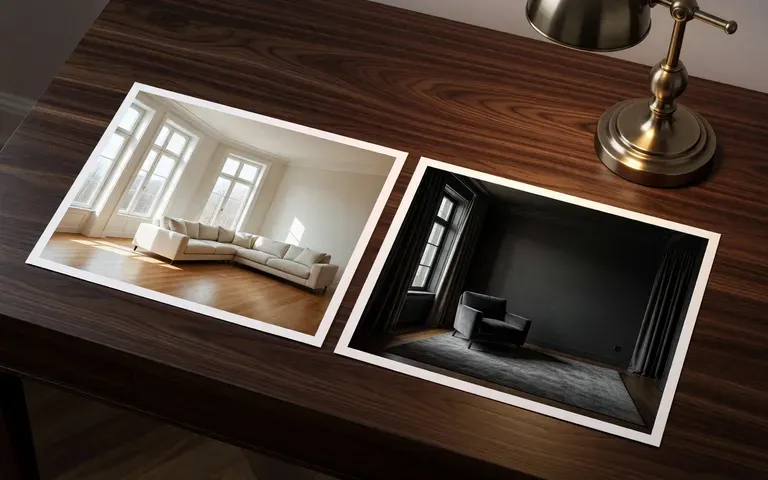
Review restrained studio vignette options right next to deeper moody passes alongside your unaltered photograph before picking a keeper.
Why descriptive optical falloff avoids the muddy gray halos common on fixed-slider browser vignette tools.
Basic Oval Border Sliders
Virse AI Vignette Effect
Drop in a JPG, PNG, or WebP portrait, tabletop still, or interior shot where bright edges compete with your focal point.
State whether you want faint optical falloff, deep stage spotlight shading, or warm charcoal corner depth without a bright white edge ring.
Run one conservative shading note first. Then queue a stronger pass beside it to judge how much background structure stays visible.
Zoom in along outer edges beside your unaltered original so deep shadows do not bury hands, jewelry clasps, or small corner logos.
Combining one corner darkness level, one focal position cue, and one edge-safety boundary keeps perimeter shading organic without crushing outer details:
• Off-center cafe portrait: "Add a gentle optical vignette effect that softly darkens outer plaster walls and bright window edges while keeping the person standing on the left third bright and warm, no sharp circle line."
• Moody jewelry flat-lay: "Apply deep matte theater corner shading around a dark slate velvet ring tray so overhead lighting feels concentrated on the gold setting while keeping subtle texture in surrounding shadows."
• Overcast stone courtyard: "Tone down pale gray sky corners and lower cobblestone edges with balanced warm charcoal vignette falloff that leads eyes up the sunlit staircase without obscuring the iron railing."
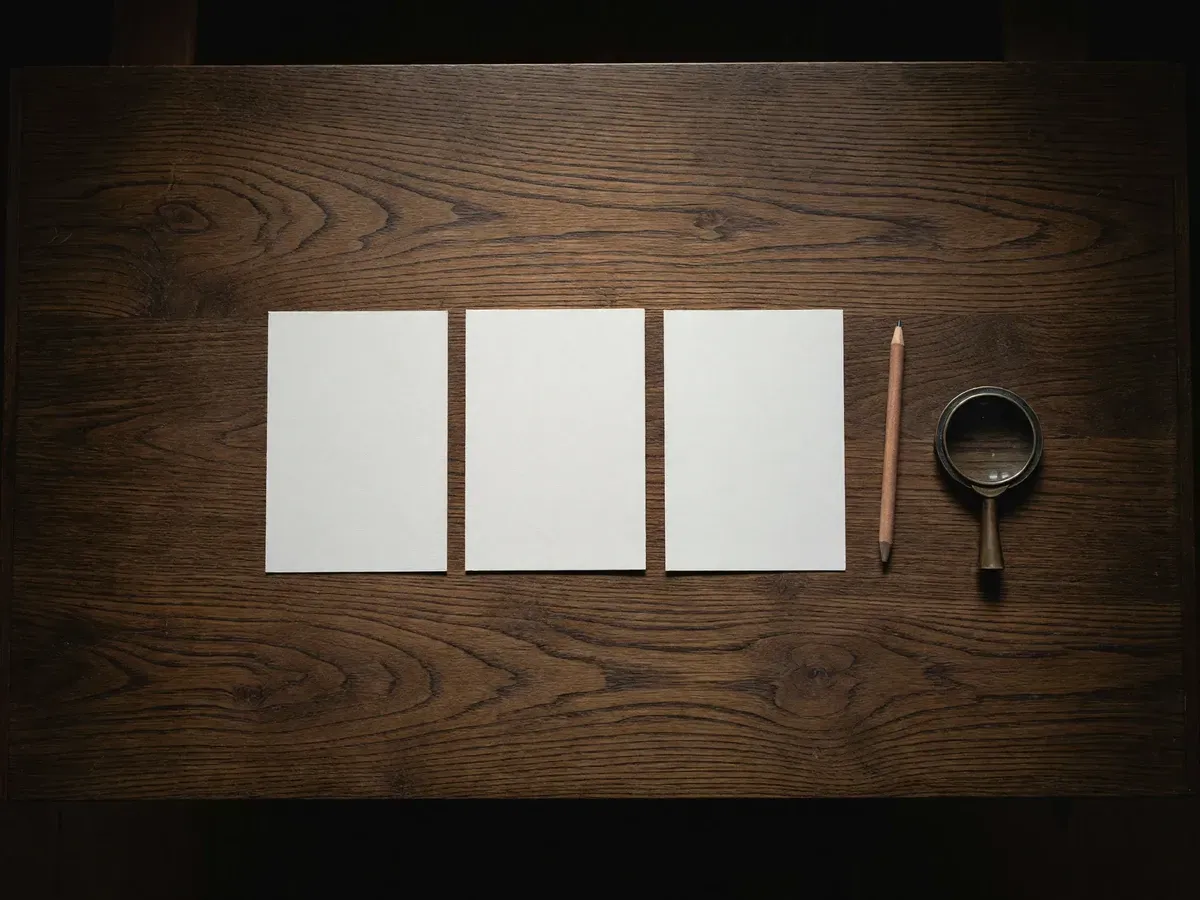
Four practical teams quieting edge clutter and anchoring viewer attention across finished still photographs directly inside a browser.
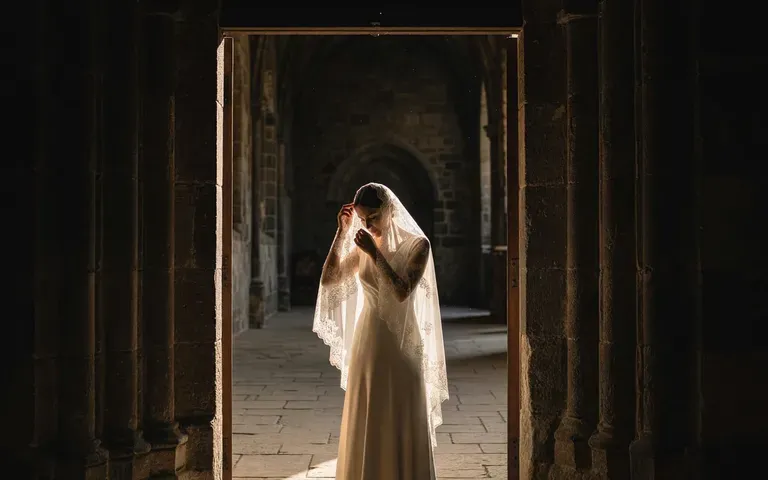
Quiet bright venue ceilings, stray door frames, and busy guest tables around couple portraits without dragging separate radial brushes per file.
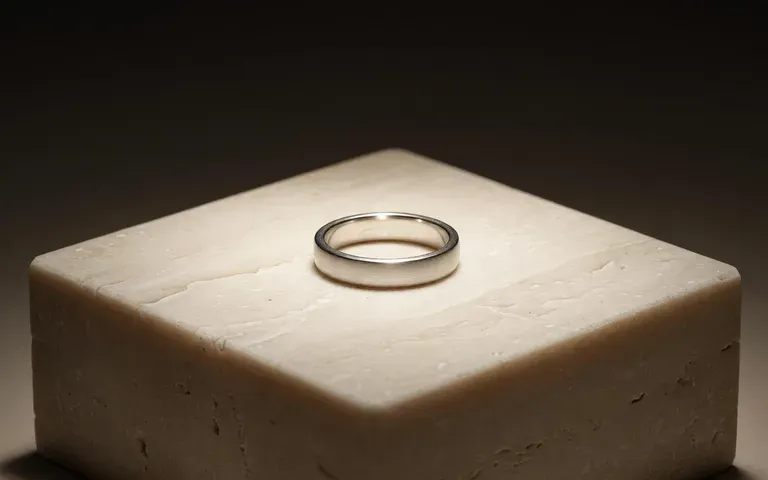
Focus shopper attention directly onto ring facets, pottery glazes, and leather stitching by muting distracting studio sweep corners.
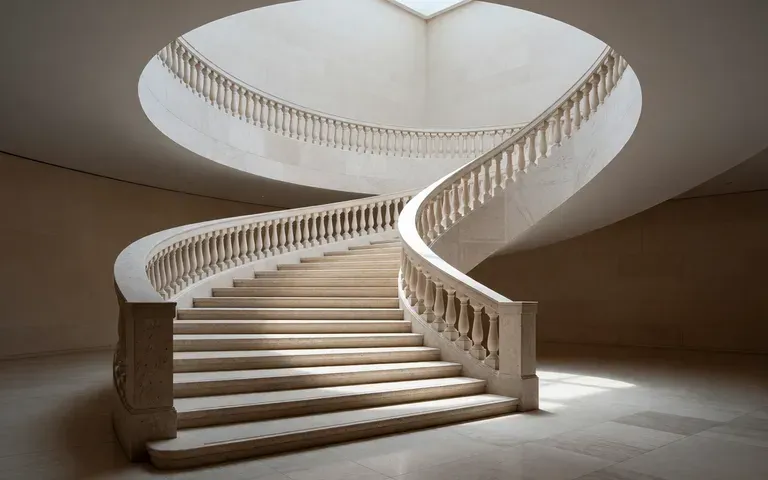
Balance blown-out skylight corners and bright parquet foregrounds so structural columns and warm seating groups command center stage.
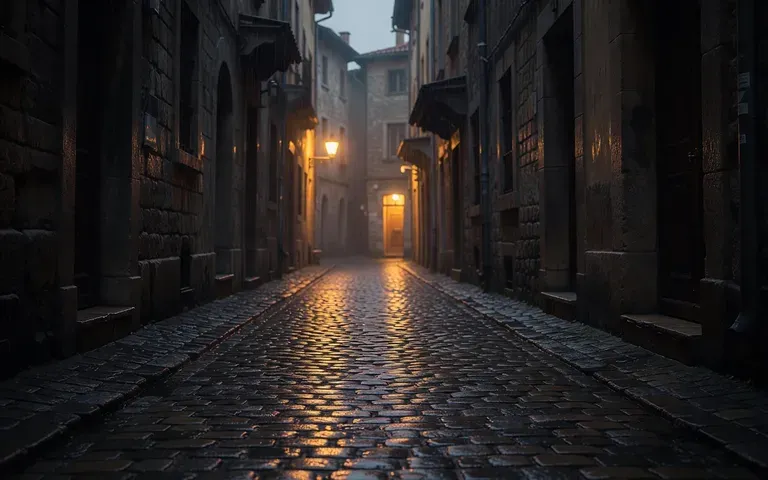
Darken busy photographic borders to carve comfortable tonal breathing room behind magazine mastheads or poster titles.
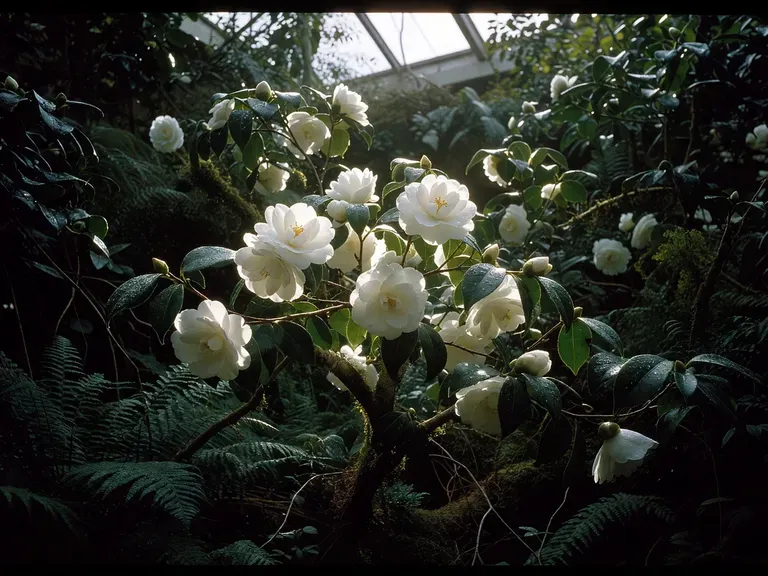
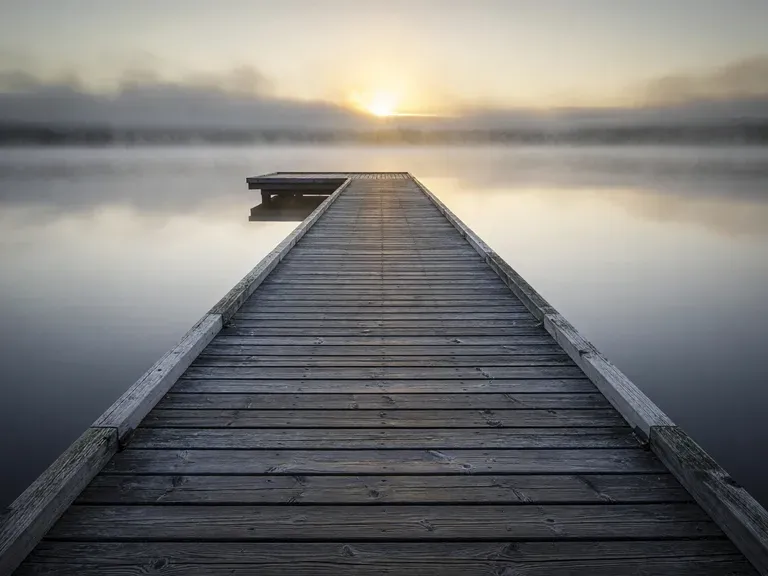
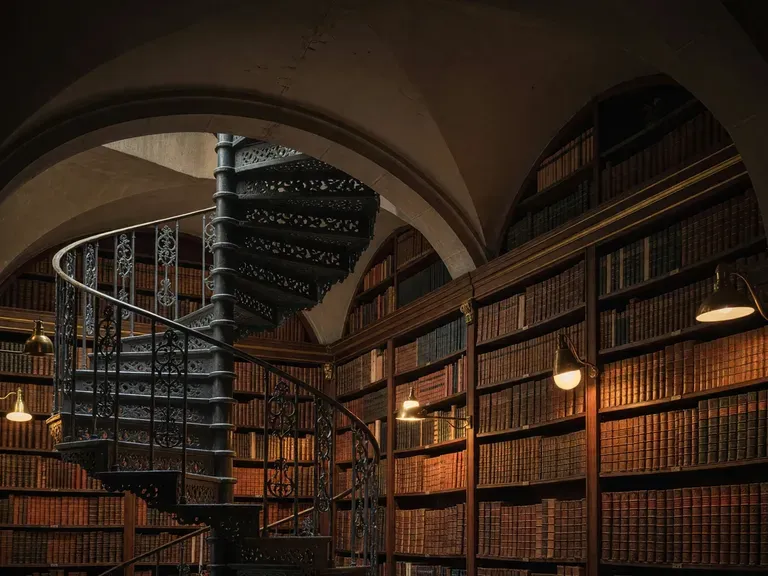
Six still visual studies spanning artisan workshops, conservatory foliage, tabletop espresso hardware, misty docks, libraries, and clay studios.



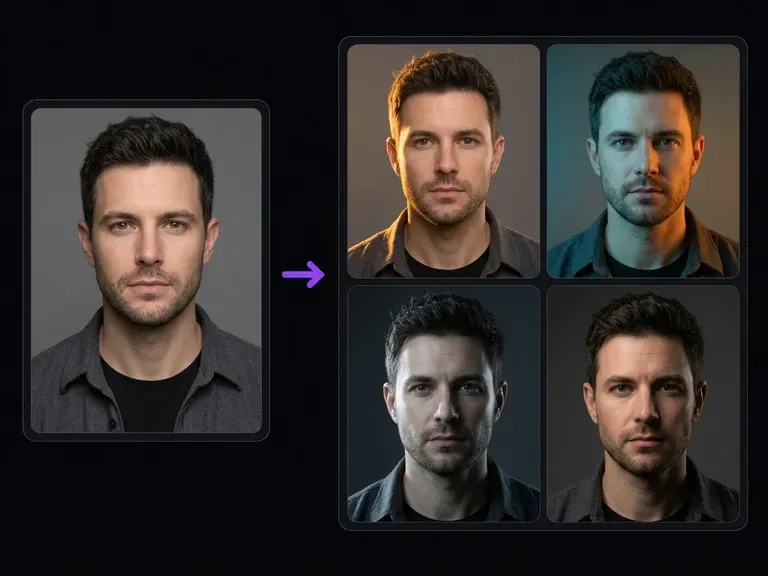
Shift primary key-light angles and Kelvin warmth across subjects when darkening corners alone cannot fix flat lighting.

Harmonize harsh directional shadows and mixed ambient highlights before sealing borders with a perimeter vignette.
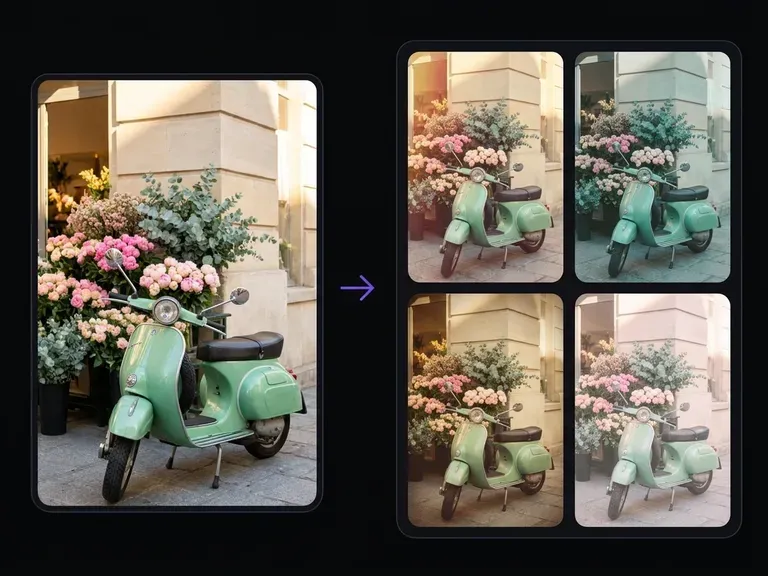
Pair muted corner falloff with warm 1970s faded shadows and classic analog paper warmth on a single frame.
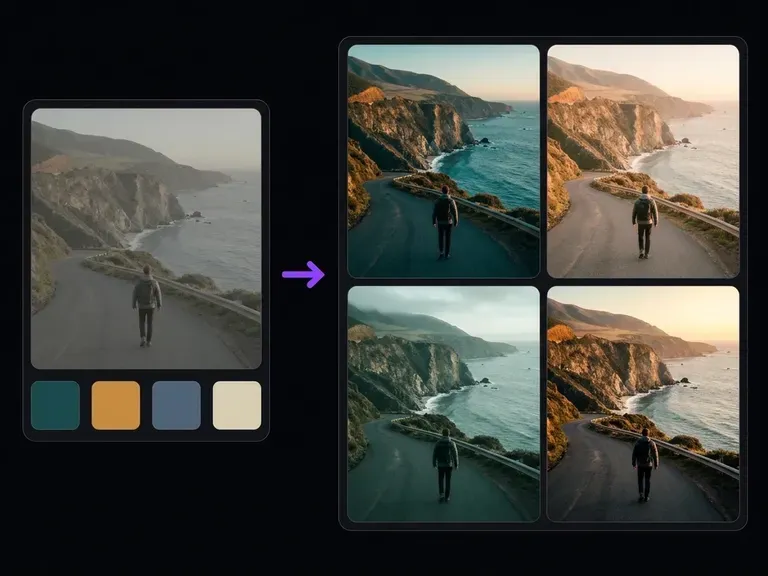
Preview cinema-inspired color grades on modern captures alongside dramatic corner contrast without grading nodes.
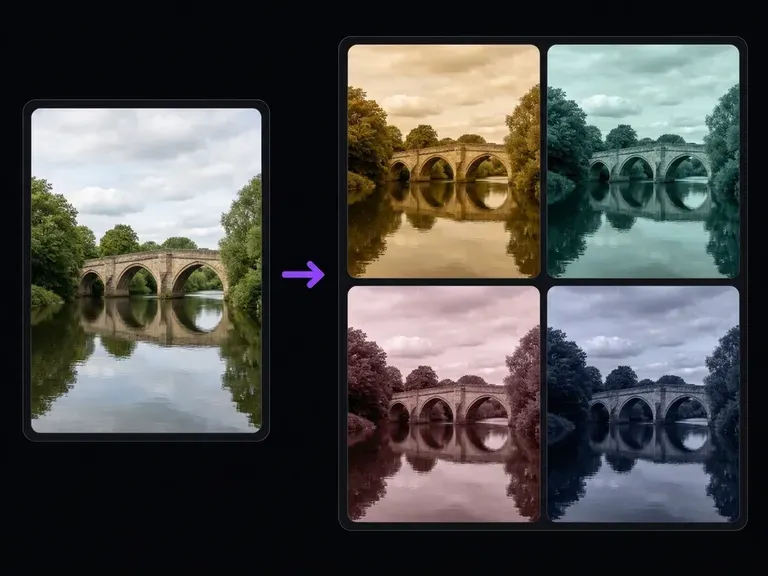
Wash midtones and skies in subtle amber, teal, or monochrome color casts before setting perimeter darkness.
Restore edge clarity on compressed or low-resolution uploads prior to softening outer corners with a vignette filter.
Preserves recognizable garments, architectural geometry, and facial identity while dimming bright outer margins naturally.

Protects delicate skin highlights and fine jewelry reflections up to 4K resolution inside shaded spotlight crops.

Follows strict prompt cues to leave off-center subjects untouched while softening distracting upper wall corners.
Renders rich darkroom shadow transitions and smooth tonal gradients across portraits lit by warm interior lamps.

Pairs moody theatrical falloff with expressive editorial shadow tones across evening street and interior captures.
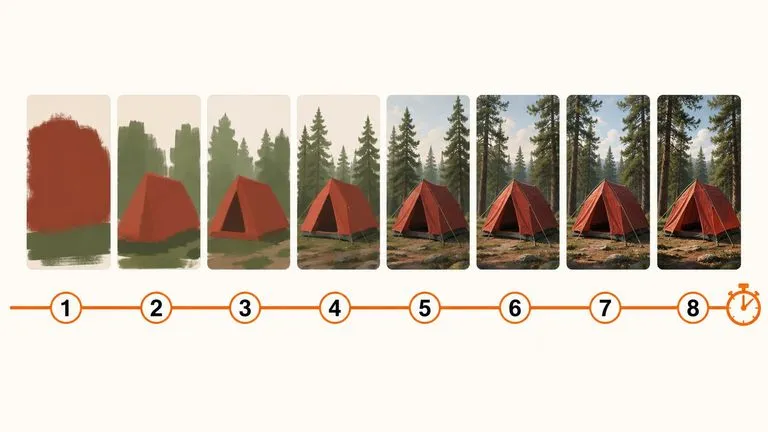
Lets you test light optical corner dimming against dramatic spotlight framing early before paying for full high-res renders.
Upload a static portrait, product still, or street shot to the Virse workspace, describe gentle or theatrical edge shading, and compare finished outputs beside your original file.