Feature Lock
Extracts core typographic DNA
Reads x-height, stroke weight contrast, aperture openness, terminal angles, and decorative textures from your uploaded sample.
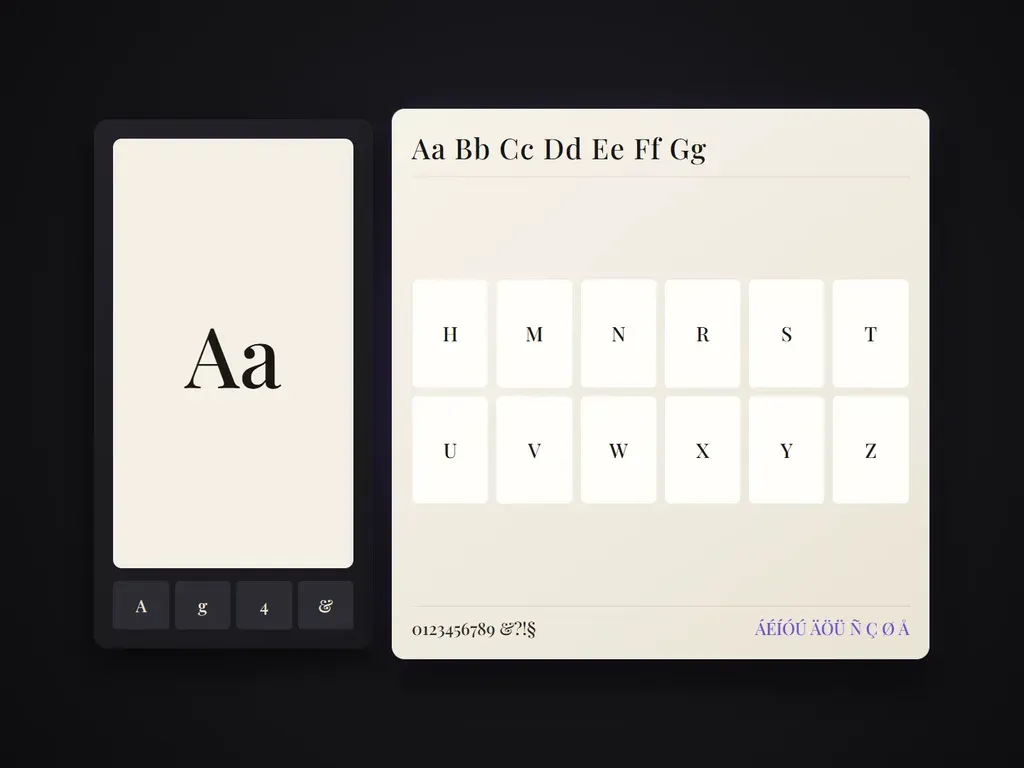
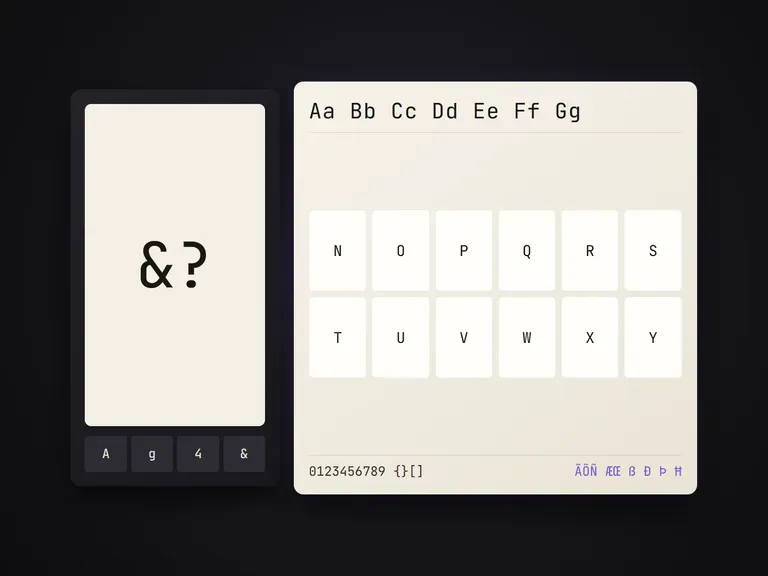
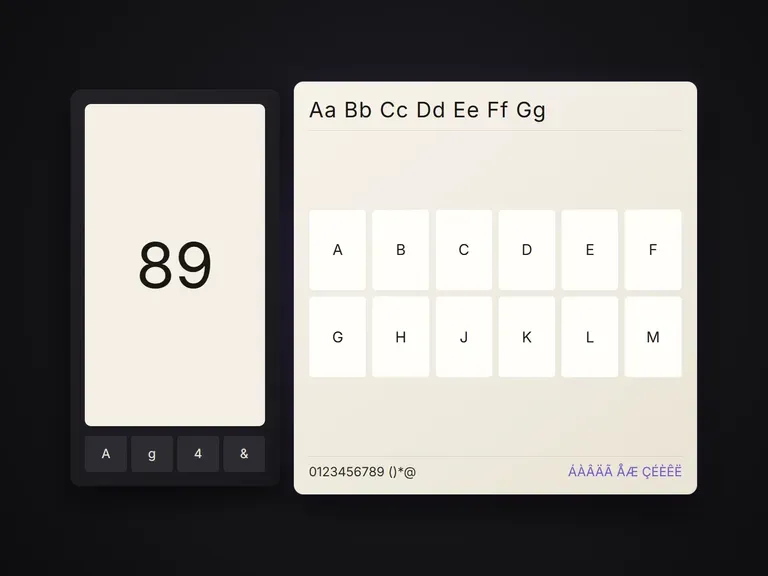
Expands type specimen images into a full set of character-table specimen sheets — alphabet, numerals, punctuation, extended Latin — carrying the typeface's design features through every character. Outputs are type-design specimen images, not an installable font file.
When you design a custom display wordmark, a 3-letter logo, or a hand-lettered poster title, seeing how those same design rules extend across the full alphabet takes days of manual drawing. Typeface Builder reads your type specimen image and expands it into complete character-table specimen sheets—uppercase, lowercase, numerals, punctuation, and extended Latin—carrying the exact stroke modulation, serif structure, and texture through every glyph:
· DNA-faithful glyph expansion: Propagates stroke contrast, terminals, serif brackets, and inline details to A–Z and 0–9.
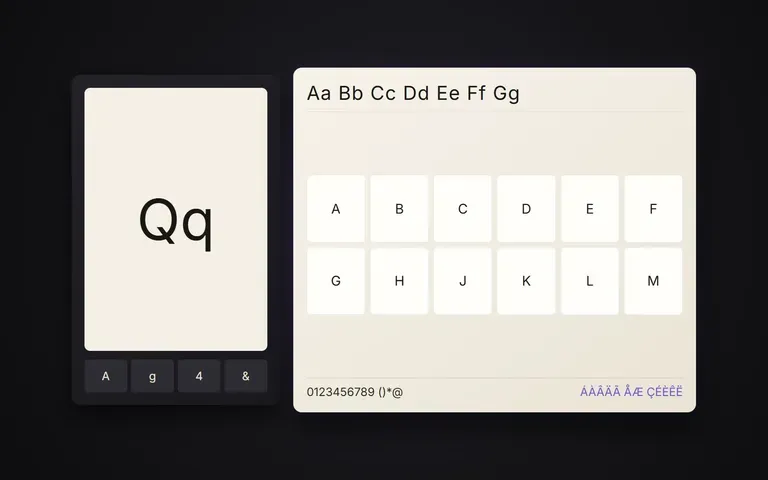
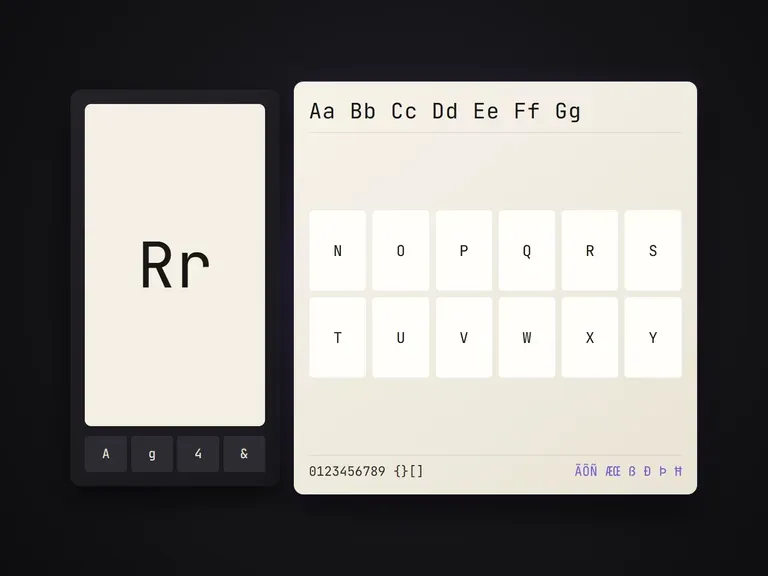
· Complete character sheets: Generates organized specimen grids covering alphabet, numerals, symbols, and diacritics.
· Visual specimen output: Produces high-resolution type specimen images for brand boards and font-creation reference.
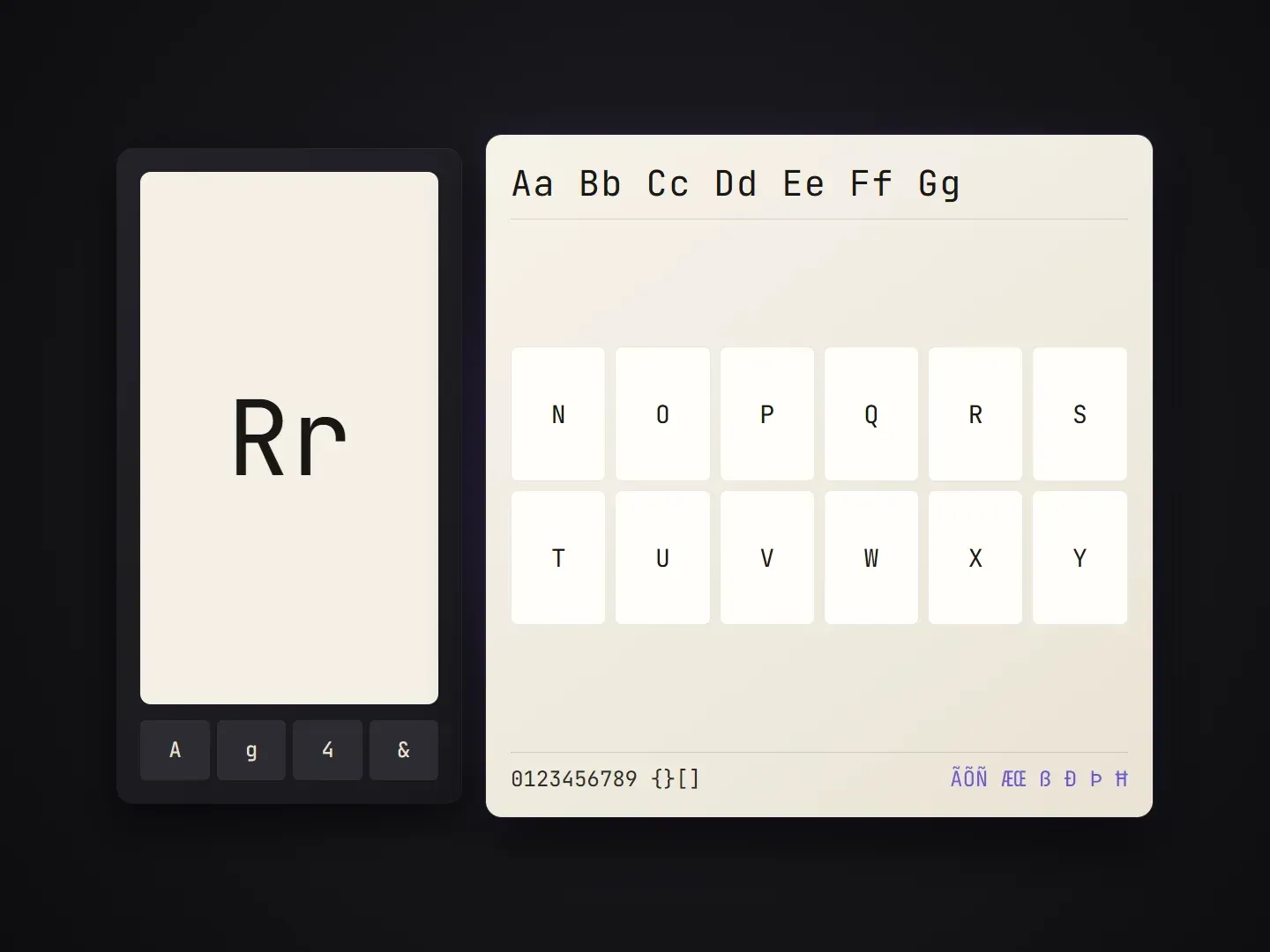
Test whether a lettering direction holds up as a complete typeface before drawing every Bézier curve by hand.
Reads x-height, stroke weight contrast, aperture openness, terminal angles, and decorative textures from your uploaded sample.
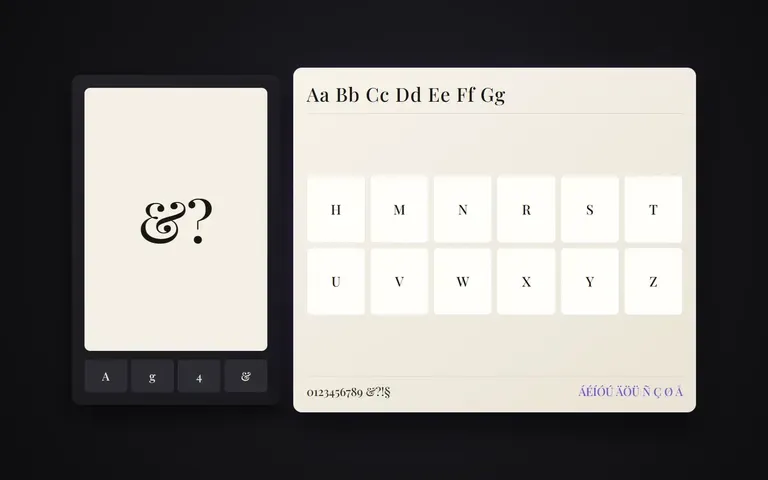
Builds structured specimen tables for A–Z, a–z, 0–9, currency symbols, punctuation marks, and accented Latin characters.
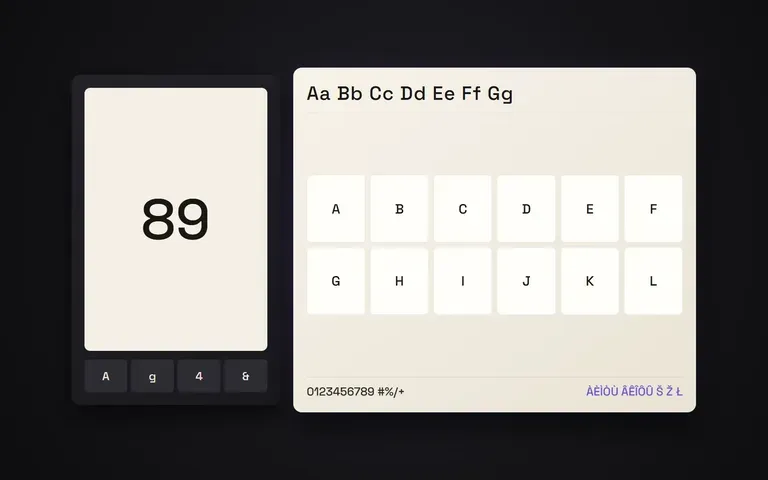
Outputs clean visual specimen boards you can drop into brand guidelines or trace in Glyphs and FontLab.
What changes when you preview the entire character table from a single lettering sample first.
Manual Character Extrapolation
Virse Typeface Builder
Drop in a clear image of your wordmark, custom lettering sample, or partial alphabet showing the core letterforms.
Specify uppercase A–Z, lowercase a–z, numerals 0–9, punctuation, or extended Latin accented characters.
Note key traits to preserve, such as high-contrast Didone serifs, monoline geometric terminals, or distressed ink edges.
Inspect the full character table on your Virse canvas and export the specimen boards for your pitch or font editor.
Upload your lettering sample and include a short note naming the target character set and structural traits so every glyph stays true to your specimen:
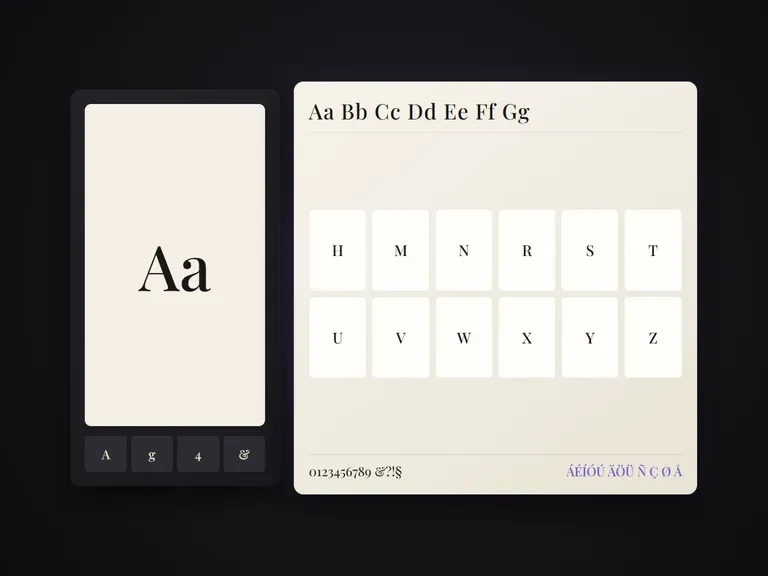
· High-contrast editorial serif: Expand sample into Uppercase A–Z + Numerals 0–9 sheet; preserve hairline horizontals, sharp bracketed serifs, and ball terminals.
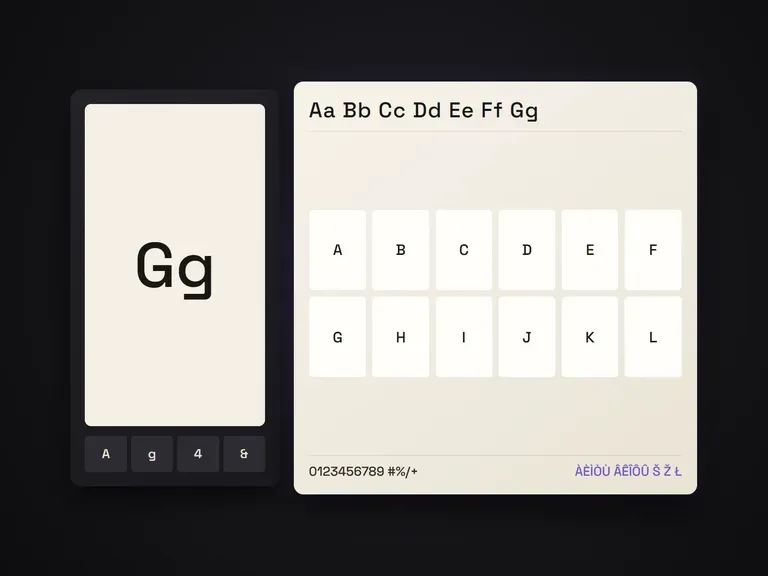
· Geometric tech grotesque: Build Uppercase, Lowercase, and Punctuation grid; keep uniform monoline stroke, squared ink traps, and wide open counters.
· Vintage packaging script / slab: Generate A–Z + 0–9 + symbols specimen sheet; maintain spurred slab serifs, inline shadow cut, and warm cream specimen ground.
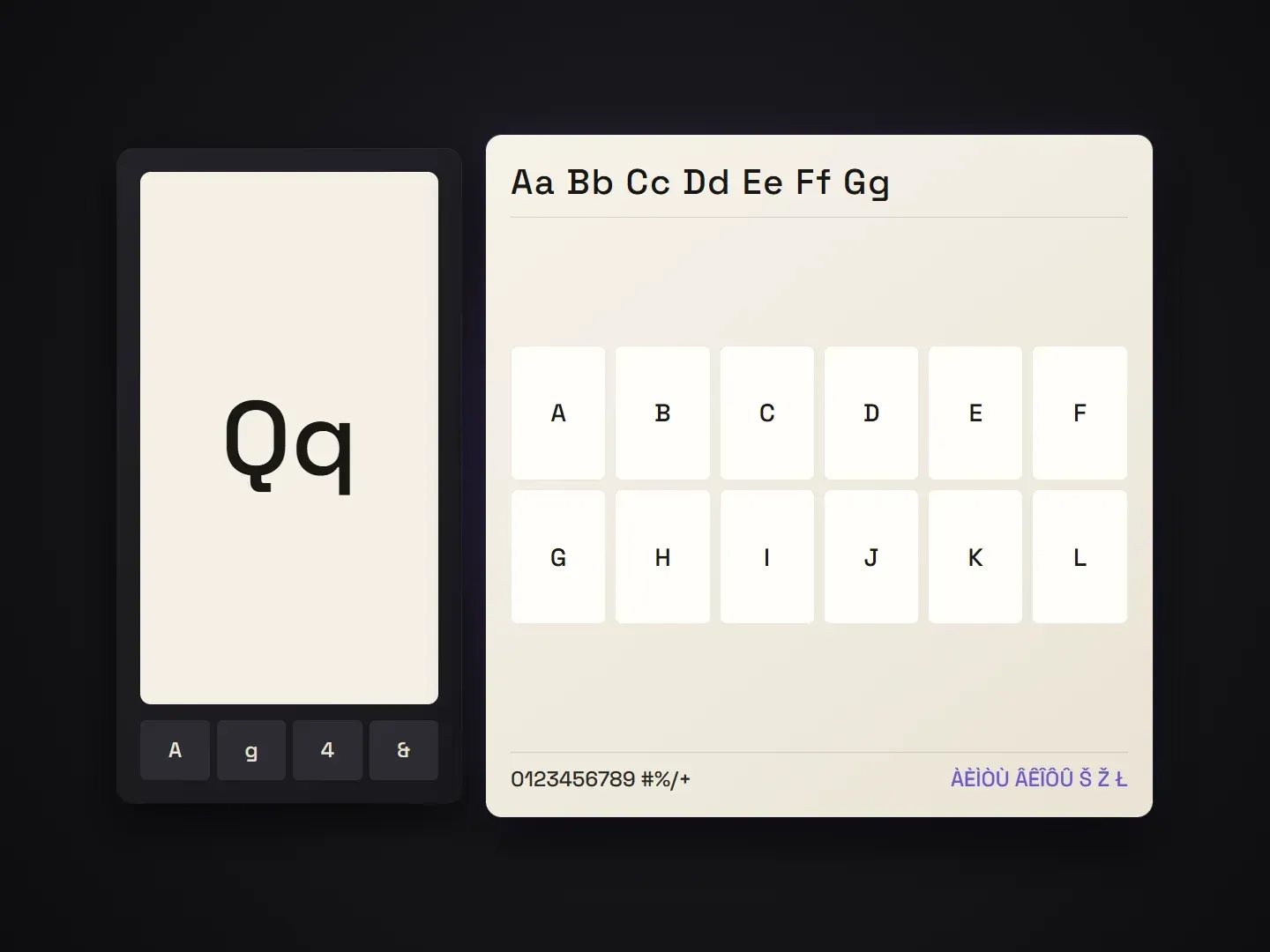
Designers turning a few custom letters into a complete typographic system.
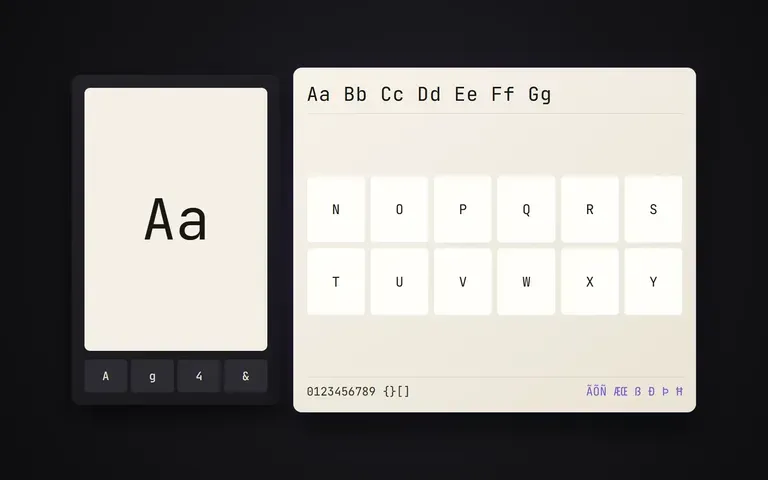
Rapidly prototype how a 4-letter sketch translates across the full Latin alphabet, numerals, and punctuation before vectorizing in Glyphs.
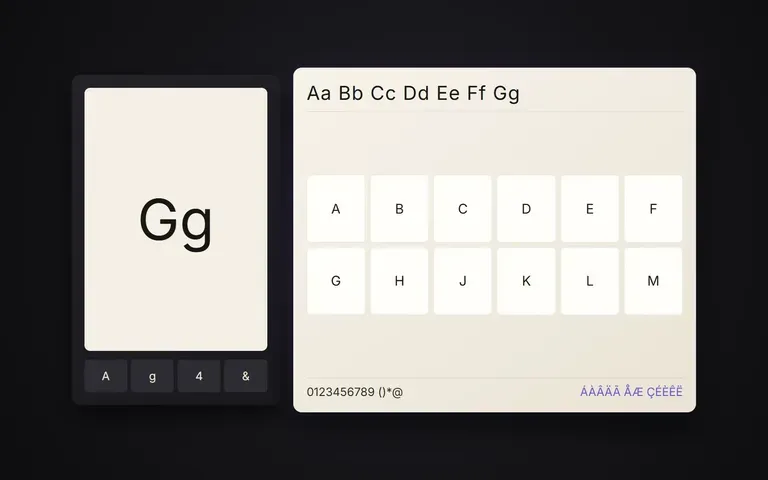
Show clients a complete custom brand typeface specimen board during identity pitches instead of just a standalone wordmark.
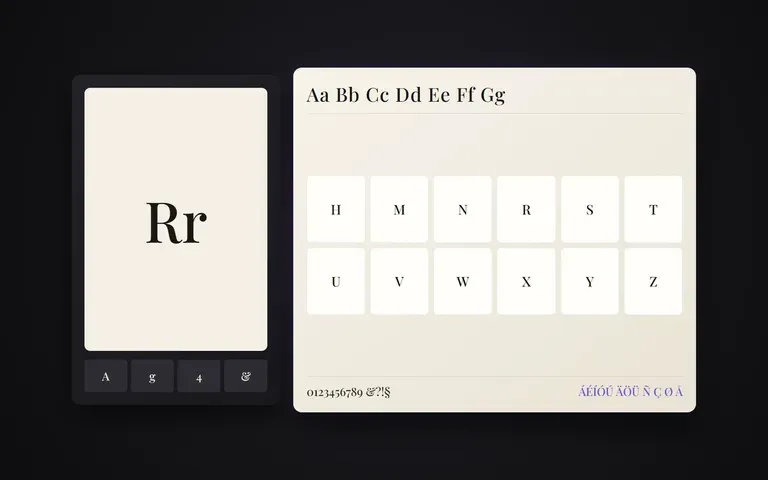
Expand stylized title lettering into matching numerals, price tags, and UI character sheets with unified texture.
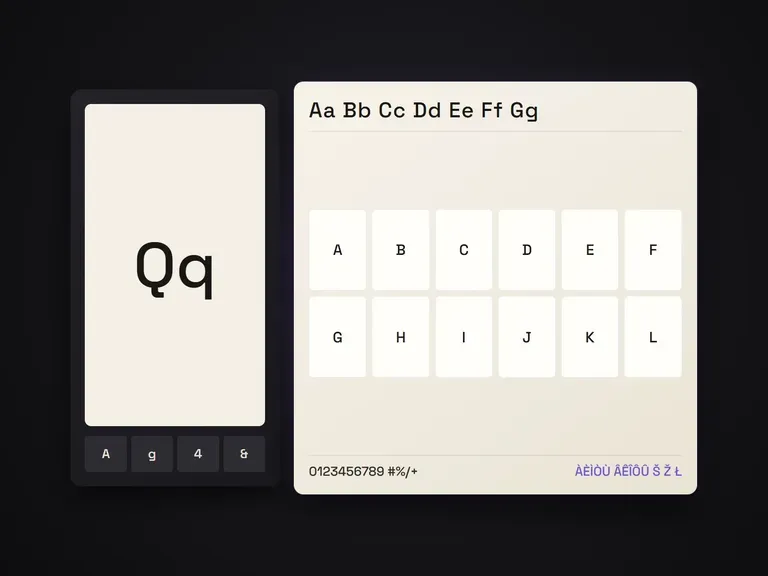
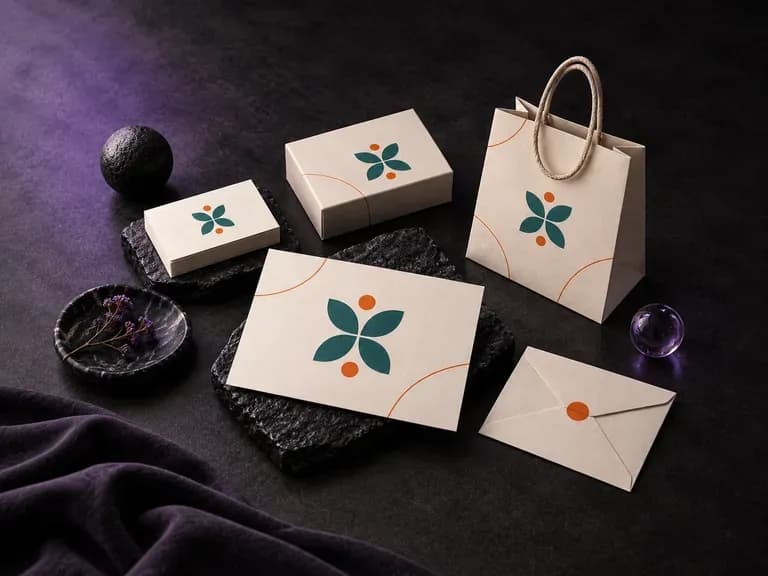
Upload your existing logo, color palette, and supporting brand graphics, then list the physical items you want in the frame. This branding mockup generator composes a coordinated presentation board across stationery, packaging, menus, or event collateral.
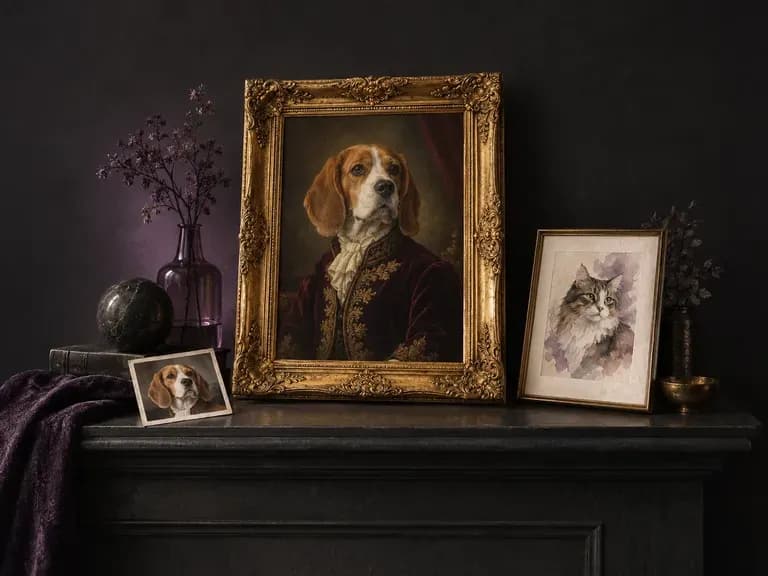
Upload a clear photo of your dog, cat, or rabbit, choose an art style, and note any special markings. Virse's AI pet portrait generator turns your pet's likeness into a royal 18th-century oil painting, loose watercolor, or cheerful cartoon avatar.
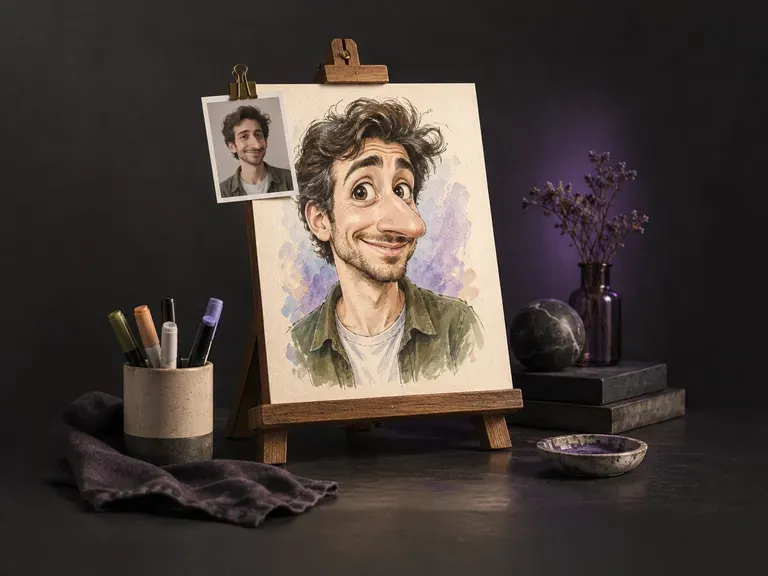
A great caricature amplifies the features friends recognize first while keeping the likeness clear. Upload a front-facing photo of one person, and this AI caricature generator pushes facial proportions across boardwalk marker, ink, watercolor, or 3D clay.
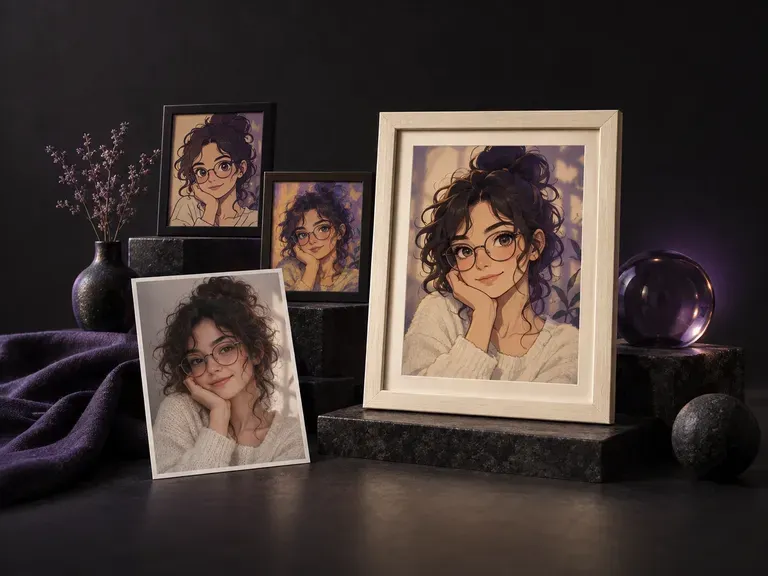
Upload a front-camera, mirror, cafe, or travel shot to restyle your portrait for social profiles. This AI selfie generator and AI selfie photo generator keeps your natural smartphone framing, head tilt, and lighting across anime, cartoon, and art styles.
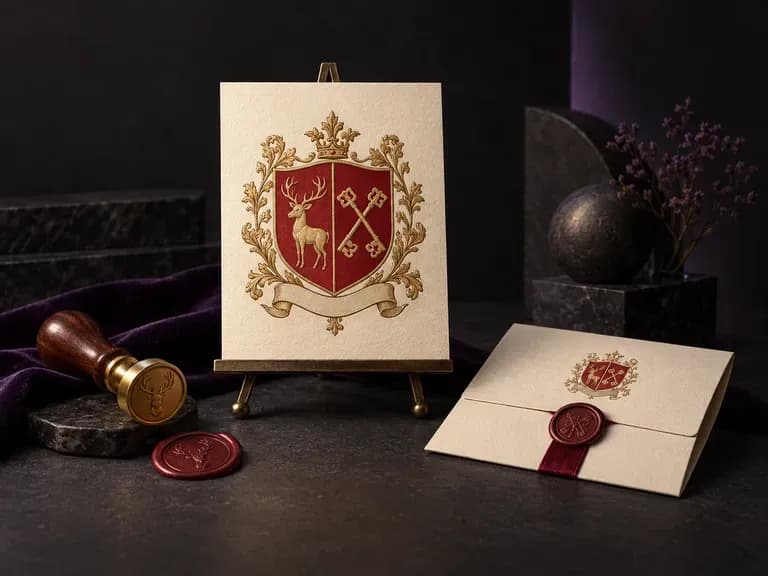
A meaningful family emblem brings together the symbols, shield geometry, and colors that tell your story in one drawing. Enter your surname, motifs, and shield layout, and this AI family crest generator renders an original coat of arms on a clean white background.
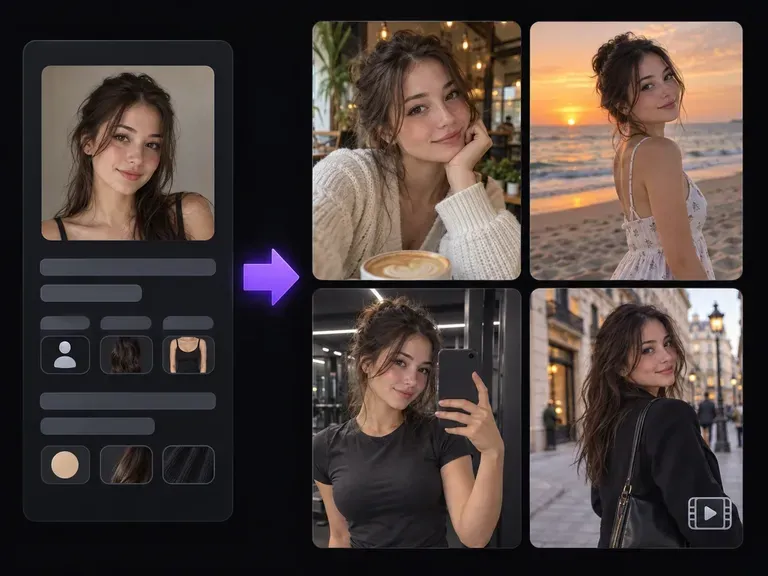
Design a recognizable digital creator with our AI influencer generator. Lock in facial structure, skin tone, hair silhouette, and aesthetic from a reference portrait or trait brief, then stage your virtual persona across street-style outfits, cafes, and studios.
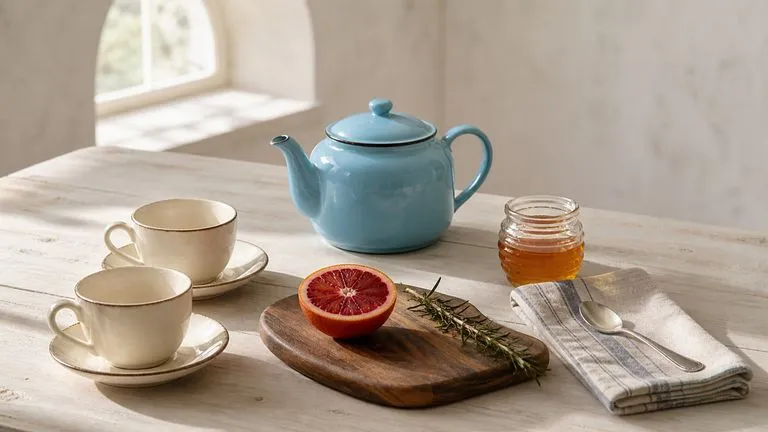
OpenAI's GPT Image 2.0 reads a hundred-word brief and attempts all of it, with independent quality and resolution controls from 1K to 4K.
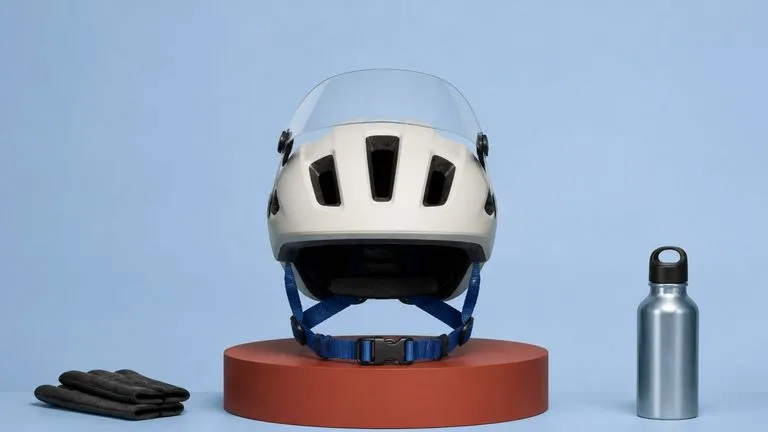
Black Forest Labs' production model reads briefs up to 32,000 tokens, so brand rules, colour values, and compositional constraints can all go in at once.
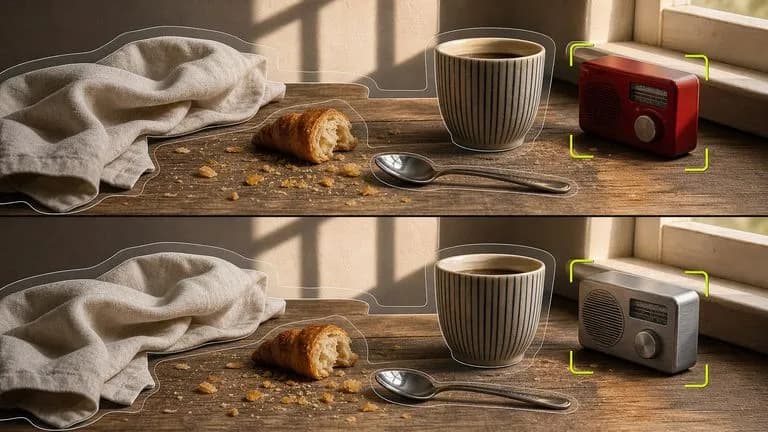
Black Forest Labs' editing models, FLUX Kontext Pro and Kontext Max, built to apply one described change while the rest of the frame survives untouched.

ByteDance's newest Seedream generation, available as Seedream 5.0 Pro and Seedream V5 Lite, both taking the same written brief.
A text-to-image foundation model trained from scratch around layout, with bounding-box placement, hex colour conditioning, and native 2K output.
Create and edit stills with FLUX 3 Image at 1K, 2K or 4K. Switch to FLUX 3 Video for 5–20-second scenes at 720P or 1080P with native audio, on the same Virse canvas.
Continue in your Virse canvas to review the inputs and run this tool.