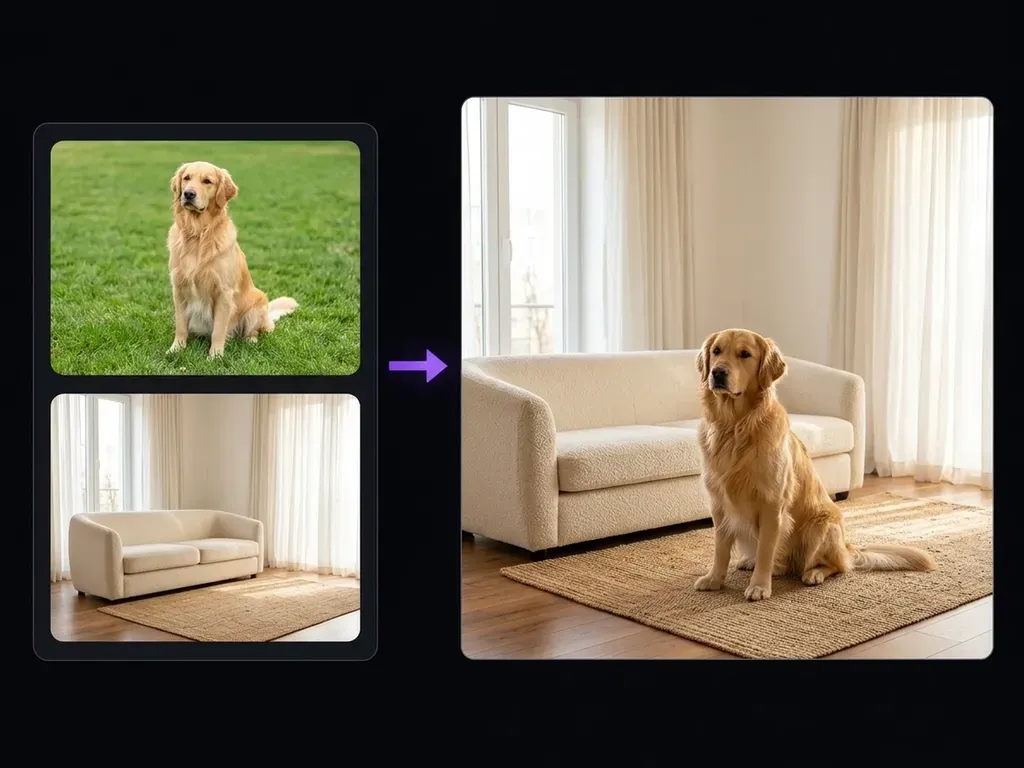
Input clarity
Grounded Multi-Subject Staging (2 to 3 Inputs)
Pair up to three sharp photos so woven clothing folds, furniture contours, and natural facial expressions carry through without muddy edge overlap.
Drop two or three clear subject or environment photographs into Virse, name where each element belongs across the frame, and describe your shared light source. Our AI image merger arranges separate subjects into one believable static photograph with grounded floor shadows rather than stacking cutout stickers.
An AI image merger combines two or more separate photographs into a single grounded static scene while harmonizing camera elevation, directional light, and contact shadows. Upload two or three clear source captures, name where each figure or prop sits across the frame, and compare composite scale beside your originals rather than stitching jagged scissors cutouts inside desktop editors.
Manual collage workflows struggle when one photo came from cool overcast pavement and another from a warm kitchen fixture so pasted items look stuck onto flat floorboards. Guiding composition in plain sentences settles three practical parts:
• Realistic grouping vs. artistic fades: Gathers distinct travelers, pets, or products inside one physical space rather than using translucent double exposures in AI Image Blender or two-adult paired portraits in Couple Photo Generator.
• Aligned contact shade and bounce light: Grounds shoes, chair legs, and tableware onto wood or stone under one stated solar angle.
• Flattened single-image limits: Delivers one flattened PNG or JPG per launch rather than editable .psd layers, automated 20-image batch grids, or locked multi-person facial likeness.
Designed for photographers, small product studios, and social editors acting as a multi image combiner across real subjects inside one shared visual frame.
Pair up to three sharp photos so woven clothing folds, furniture contours, and natural facial expressions carry through without muddy edge overlap.
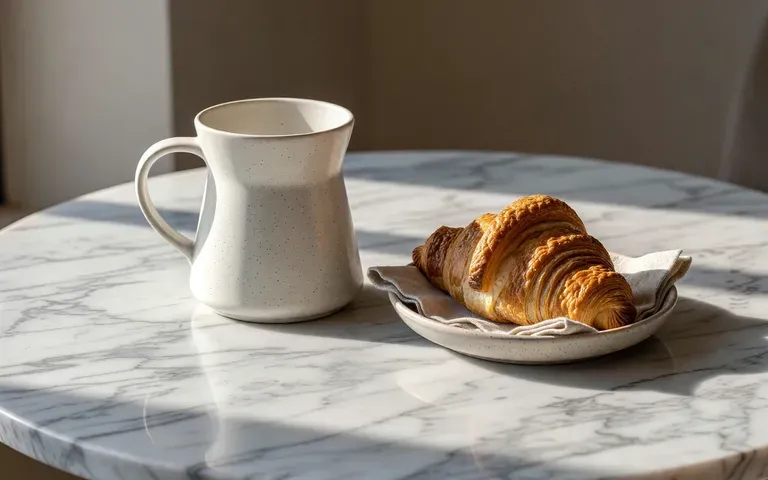
Match window highlights, cast shadow lengths, and cool-to-warm ambient bounce across items captured under mismatched fixtures prior to merging.
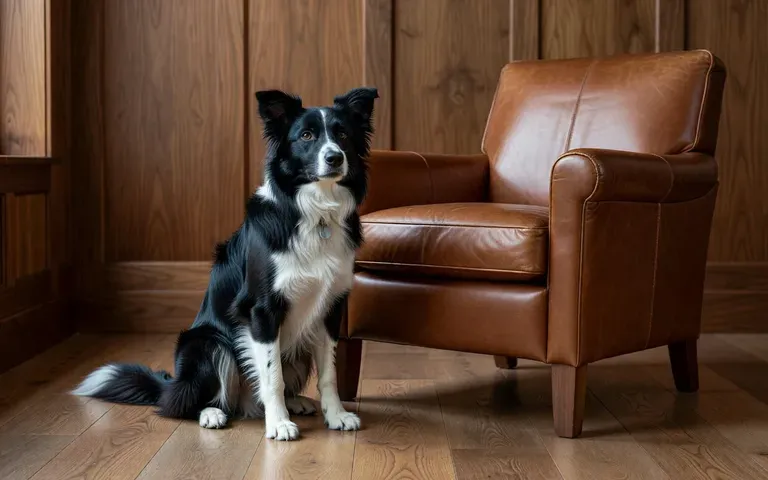
Describe left, center, or rear placement plus camera height so added pets, suitcases, or floor lamps follow common room vanishing lines.
Why lighting-aware scene composition prevents pasted cutout halos compared against manual copy-and-paste layer stacks.
Manual Cutout & Paste Collage
Virse AI Image Merger
Choose distinct, evenly lit JPG, PNG, or WebP photographs where outfits, fur outlines, or ceramics stand clear of heavy background clutter.
State whether each upload sits on the left, center, or foreground, confirm seated or standing eye height, and describe sunlight direction or cloud fill.
Generate one static composite per launch and tweak spacing notes if a newly placed chair needs shifting farther back toward a sunlit wall.
Inspect hand structure, multi-person likeness, horizon balance, and floor contact shadows against original uploads before downloading your export.
Specifying left-to-right placement, floor contact surfaces, and ambient light orientation keeps multi-subject renders physically believable:
• Two cyclists cafe table stop: "Merge image one, a road cyclist resting on a cedar park bench, and image two, another friend holding a paper pastry bag, seated side by side at an outdoor walnut sidewalk table bathed in late afternoon west sun."
• Walnut turntable oak sideboard: "Place the matte walnut vinyl turntable from image one beside the stacked clothbound record sleeves in image two across a sunlit oak credenza with matching right-window reflections."
• Three travel accessories bench grouping: "Arrange the rolled sage wool scarf, brushed brass compass, and waxed canvas rucksack from separate uploads together across a dark slate bench illuminated from the upper left."
Four everyday creators uniting solo captures, catalog pieces, and interiors into grounded scenes without desktop masking suites.
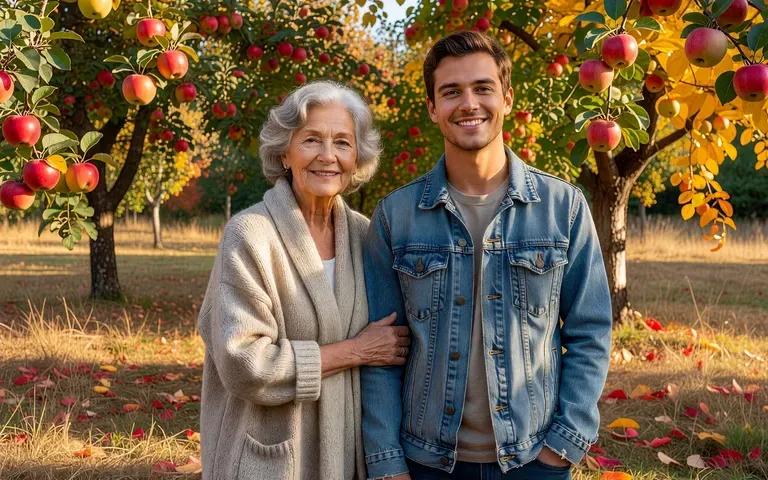
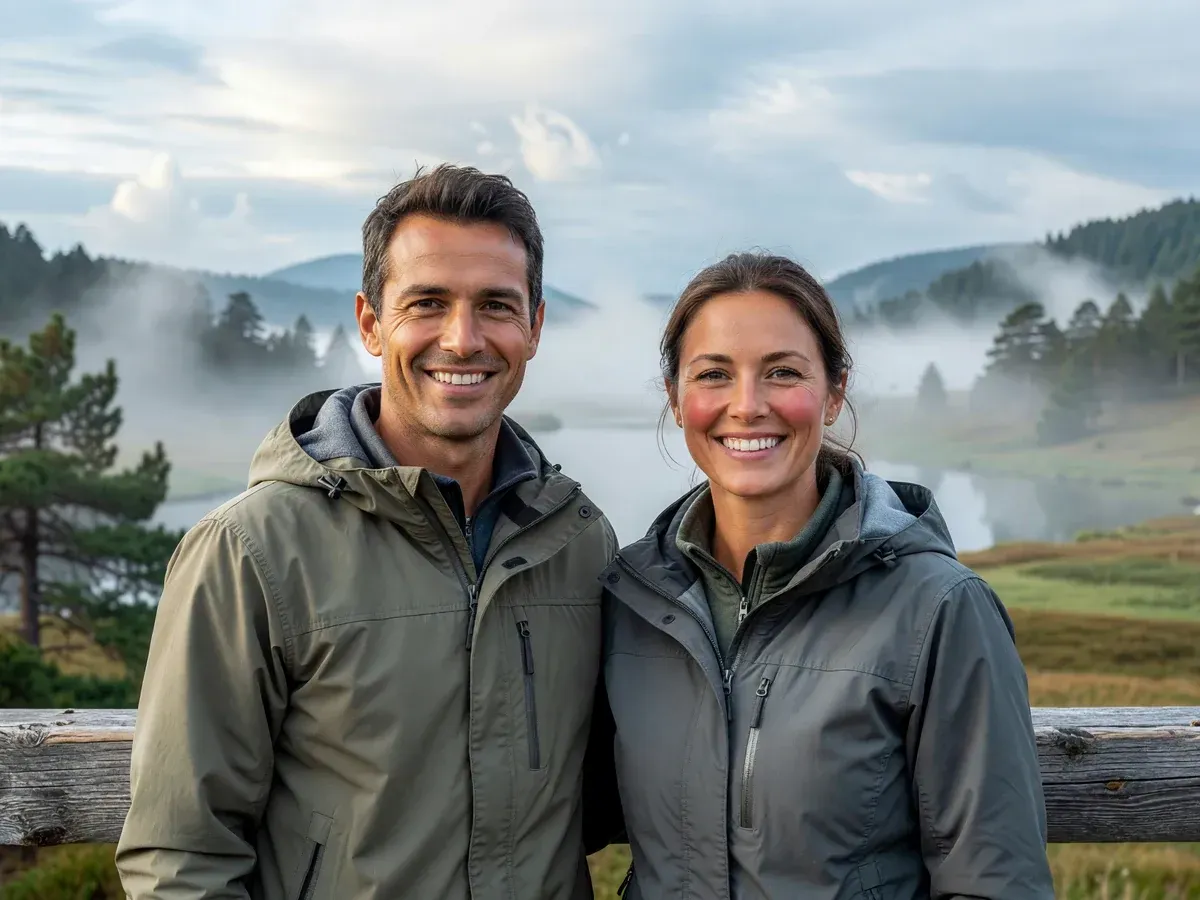
Bring relative portraits taken during separate seasons together beside quiet park orchards or home porches under matched daylight.

Stage an uncluttered studio outfit photo naturally beside sunlit courtyard fountains or harbor walkways under steady outdoor illumination.
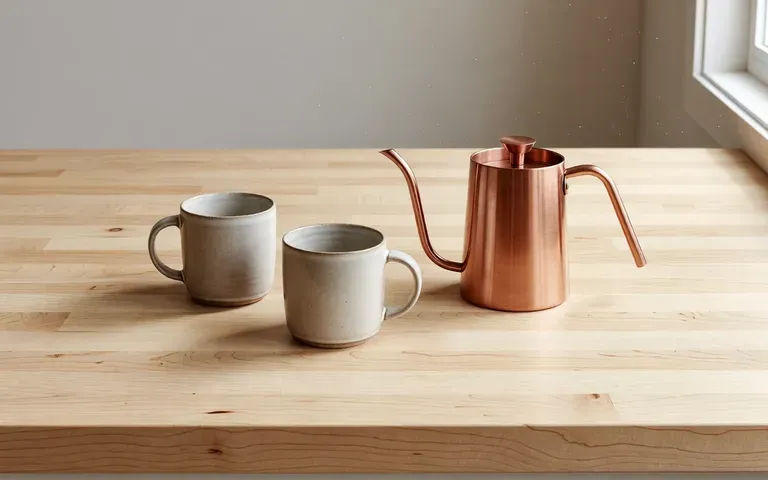
Combine two separately photographed stoneware cups beside a gooseneck kettle on maple butcher block without rebuilding tabletop studio sets.
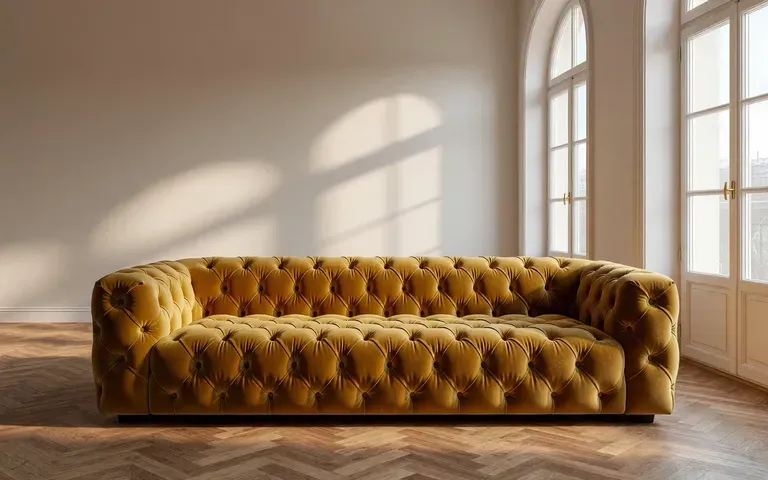
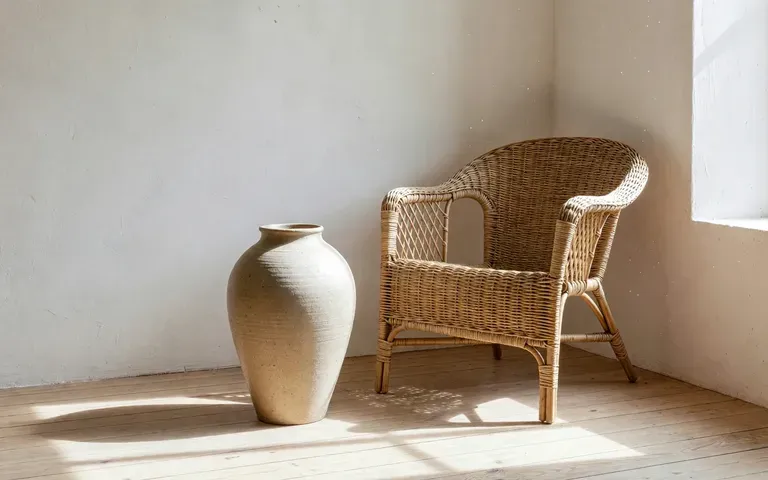
Preview velvet sofas, accent lamps, or indoor ferns inside bare sunlit rooms with believable oak floorboards and window shadows.
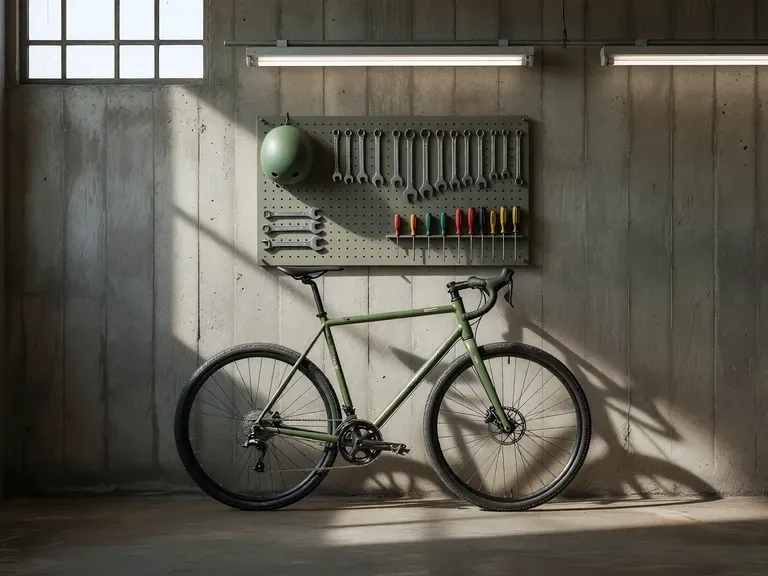
Six grounded staging examples covering mountain trail companions, dual pet portraits, bakery sidewalks, quiet study lamps, courtyard planters, and bike workshops.
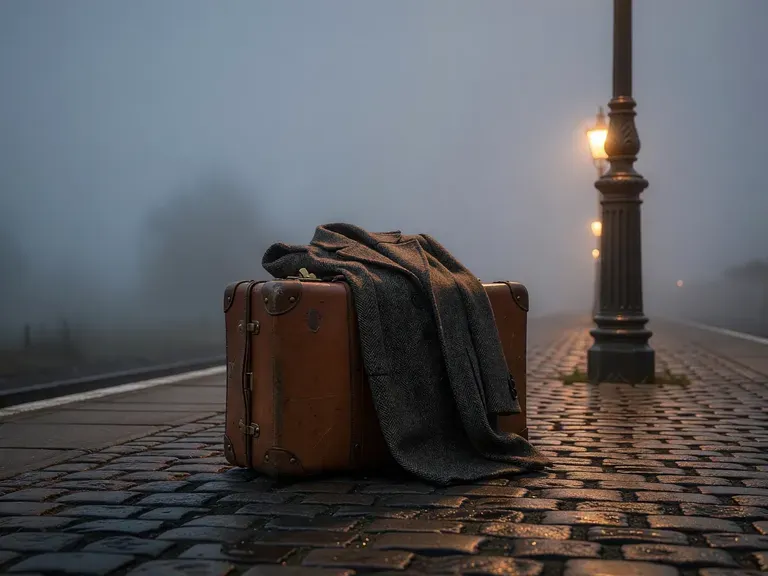

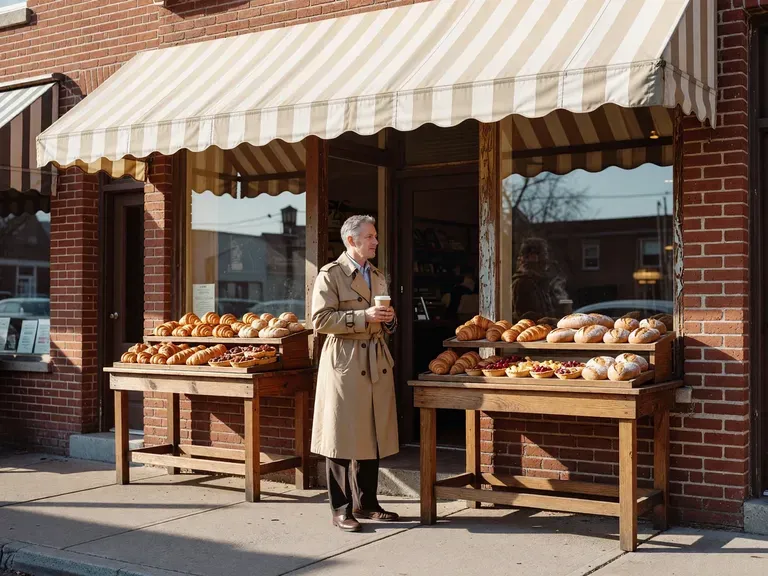
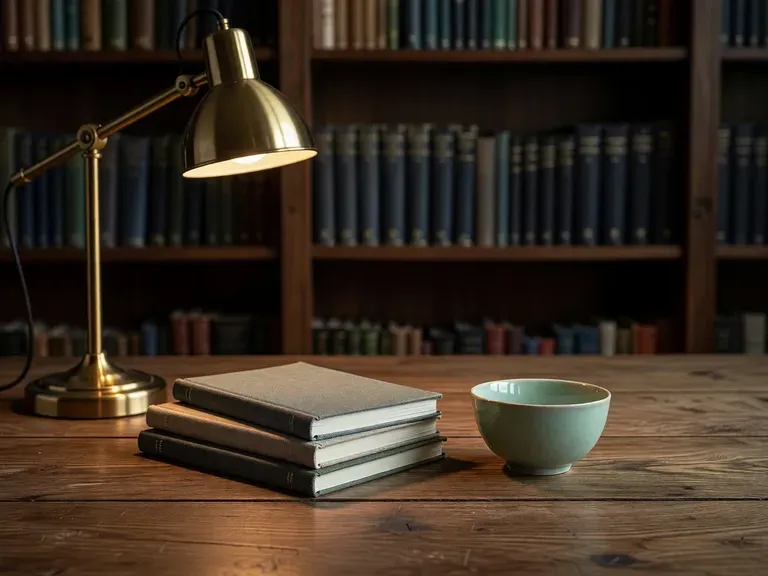

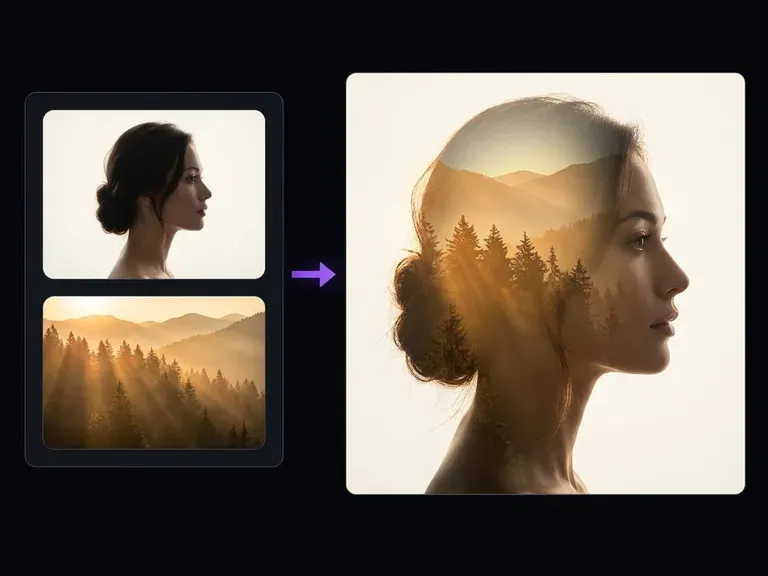
Create poetic double exposures, smooth horizon fades, or weathered patina washes when artistic blending beats realistic room staging.

Unify clashing shadow directions, overcast fills, or warm light leaks after stitching separate elements into one scene.

Drop isolated hero product shots directly into kitchen counters, stone bath shelves, or lifestyle rooms with grounded bounce reflections.
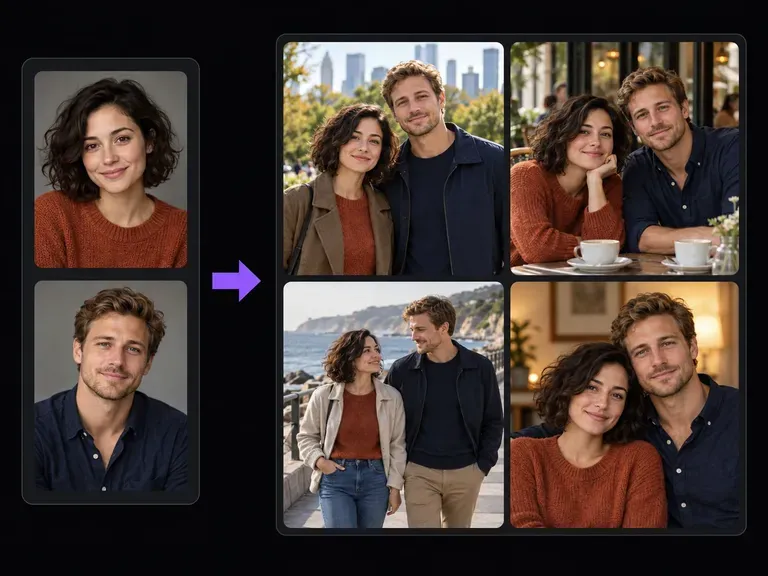
Compose casual or travel two-person scenes explicitly mapped from two solo adult portraits along parks, cafes, or piers.
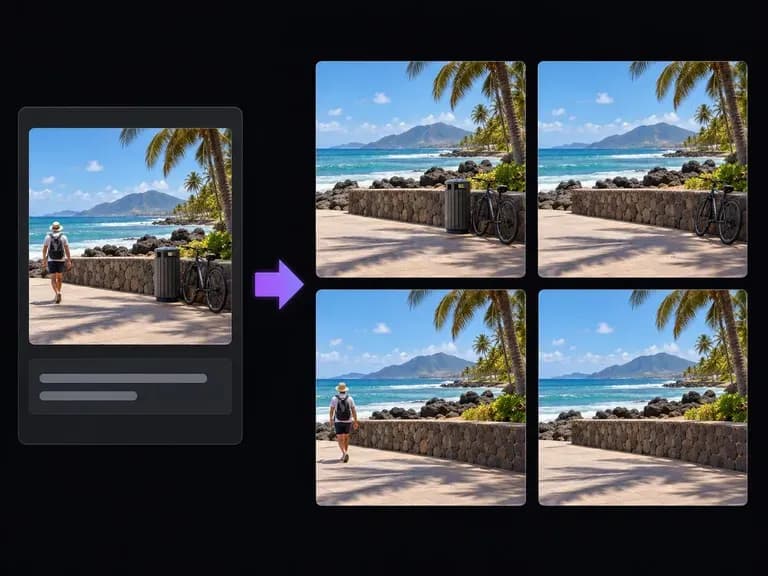
Point out stray background bystanders or unwanted tabletop clutter in plain words before merging your key subjects into one frame.
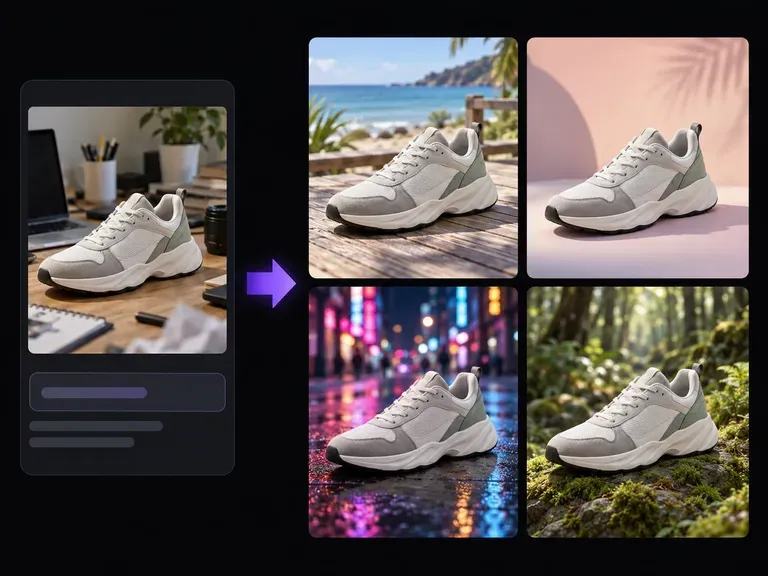
Swap only the studio backdrop or plain room behind a single isolated subject rather than staging two separate uploads together.
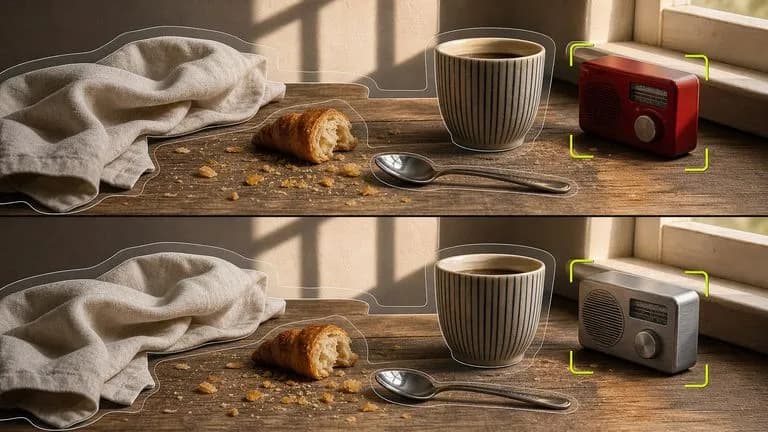
Keep foreground garments, furniture proportions, and room structure consistent while unifying newly introduced subjects under matched directional light.

Combine up to three uploaded subject frames into sharp 4K static rasters that track multi-part placement notes without slipping edges.

Follow detailed positional instructions naming left-to-right order, floor contact shadows, and cool-versus-warm ambient fill across subjects.

Unite disparate outdoor snapshots smoothly under golden hour haze, soft overcast courtyard glow, or cozy indoor tungsten fixtures.
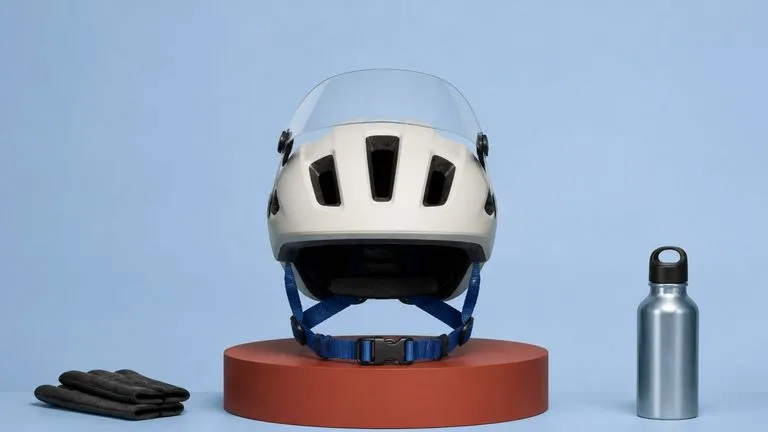
Hold believable organic contrast between shaded wooden planks, woven clothing fabrics, and soft skin highlights inside combined group shots.

Preserve dense multi-subject room texture clarity, brick masonry lines, and small tabletop items during heavy scene merging tasks.
Upload two or three sharp photographs, describe left-to-right positioning and shared sunlight, and compare grounded static composites side by side.