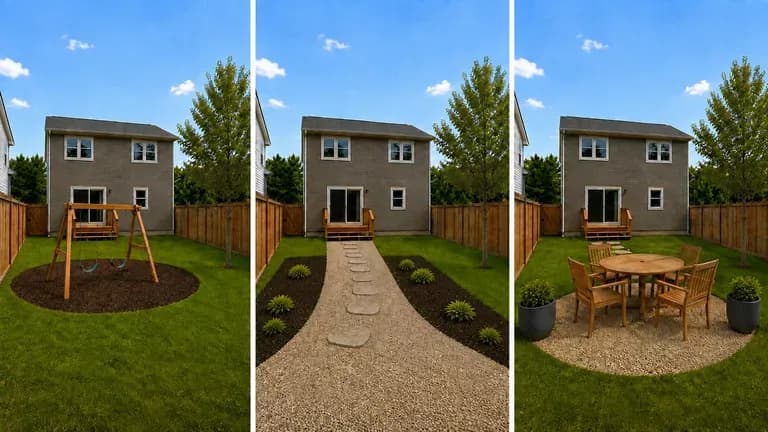
Boundary-aware
Keep House Walls and Fence Lines Intact
Work within the actual lot shape shown in your corner photo so patios, walkways, and privacy hedges fit the boundary you already own.

Upload a photo of your front or back yard and list the zones you need, from a flagstone patio and pergola to a dog run and play area. This AI yard design generator previews hardscape and planting layouts while keeping walls and fences intact.
An AI yard design generator takes a photo of your lot and previews how the ground inside your fence can be divided into functional zones for AI backyard design and front curb appeal:
• Hardscape vs. softscape zoning: Separate flagstone patios, timber pergolas, and gravel paths from turf lawns, perennial borders, and raised garden beds.
• Multi-use family circulation: Carve out room for a children's play area, a durable pet run, and tucked-away bin storage without crowding outdoor dining.
• Architectural preservation: Keep house walls, rooflines, windows, and perimeter fences anchored while testing new paving and planting combinations.
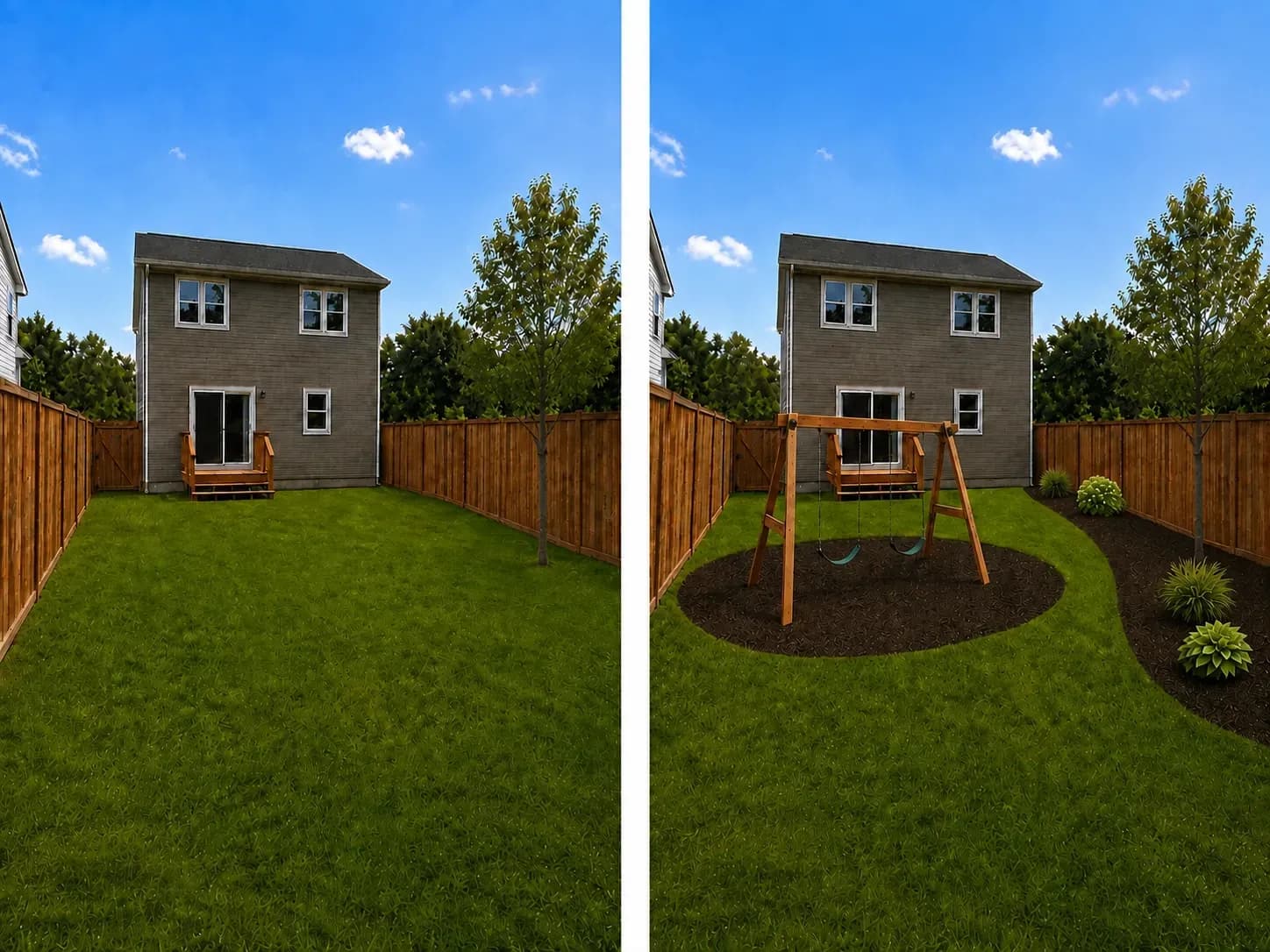
Three controls that make testing backyard AI design layouts on Virse more practical than single-filter garden apps.
Work within the actual lot shape shown in your corner photo so patios, walkways, and privacy hedges fit the boundary you already own.
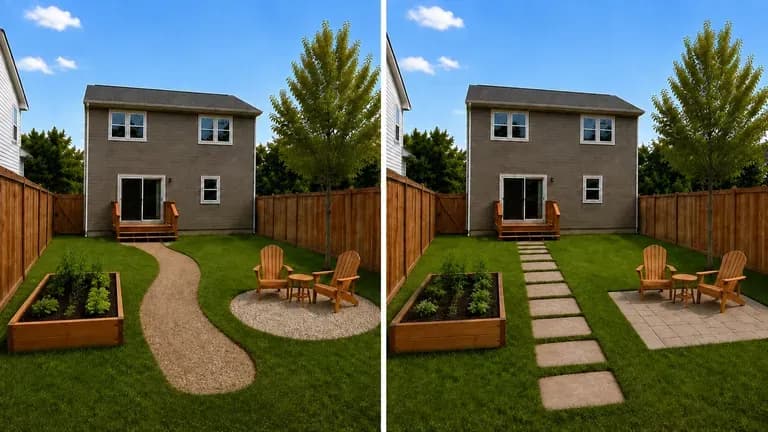
Run the same yard photo and zoning brief across multiple image models in one workspace to compare how each arranges paving, turf, and planting beds.
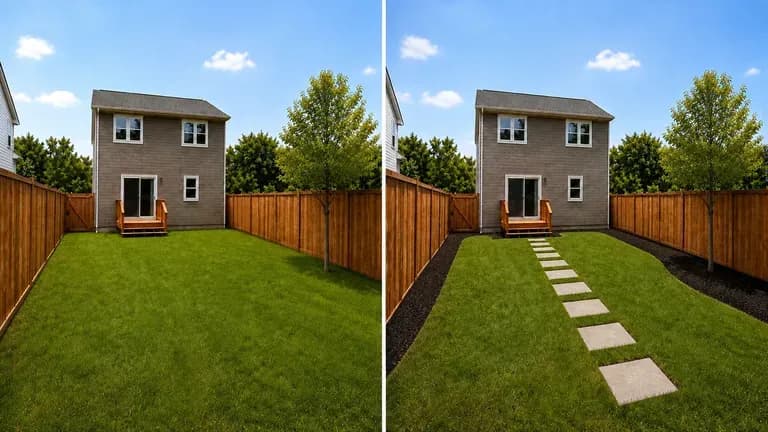
Keep your original property photo next to family-play, xeriscape, and entertaining previews on an infinite canvas so you can refine the layout before requesting contractor bids.
How zoning your actual property photo on Virse compares with one-click outdoor filter apps.
Generic Outdoor Style Filter Apps
Virse AI Yard Design Generator
Stand near a back or front corner so one photo captures both the house wall and the full perimeter fence line.
Name all functional areas that must share the yard, such as a firepit patio, cedar pergola, dog run, or drought-tolerant beds.
Run the generator to divide your lot footprint into clear hardscape, lawn, and planting zones inside your existing boundary.
Compare your favorite preview against the real yard with a tape measure to verify clearances before hiring a contractor.
Listing functional zones with hardscape and plant materials builds clear layouts. Copy any of these three briefs to AI design my backyard or front yard:
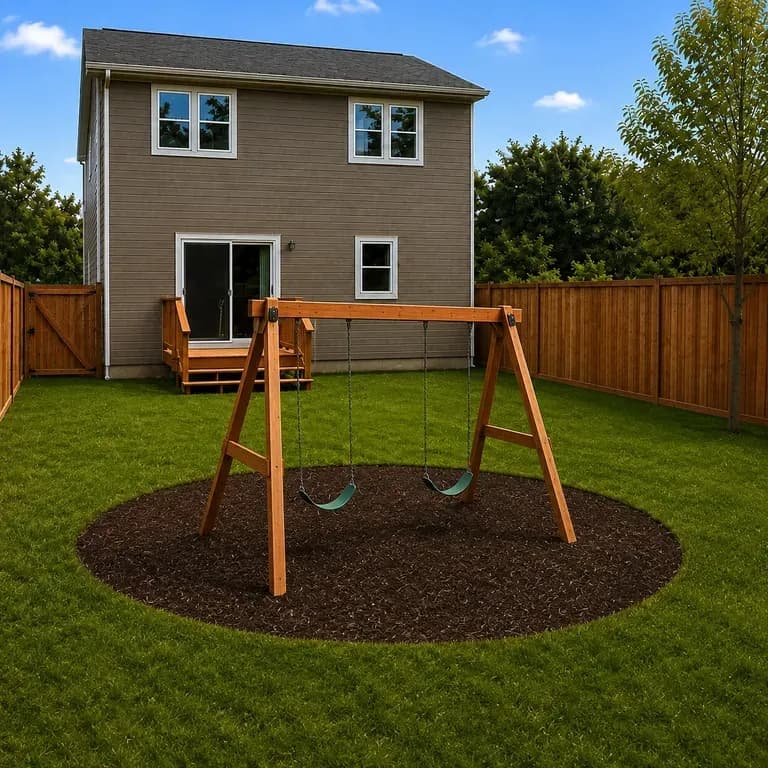
• Family and pet backyard: "Keep wood fence and house wall intact; add a bluestone patio by the door, a mulched play zone on the left, a clover dog run on the right, and lawn."
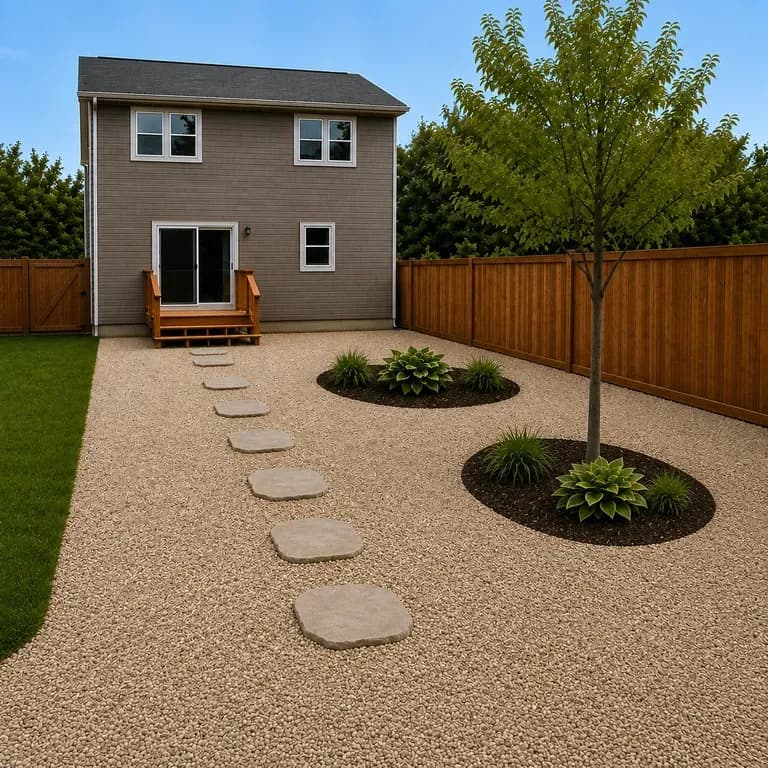
• Low-maintenance xeriscape: "Replace sloped front turf with granite paths, basalt stepping stones, drought-tolerant lavender, and path lights."
• Entertaining patio and firepit: "Build a cedar pergola over a travertine patio, connect a gravel firepit circle with benches, and add hedges."
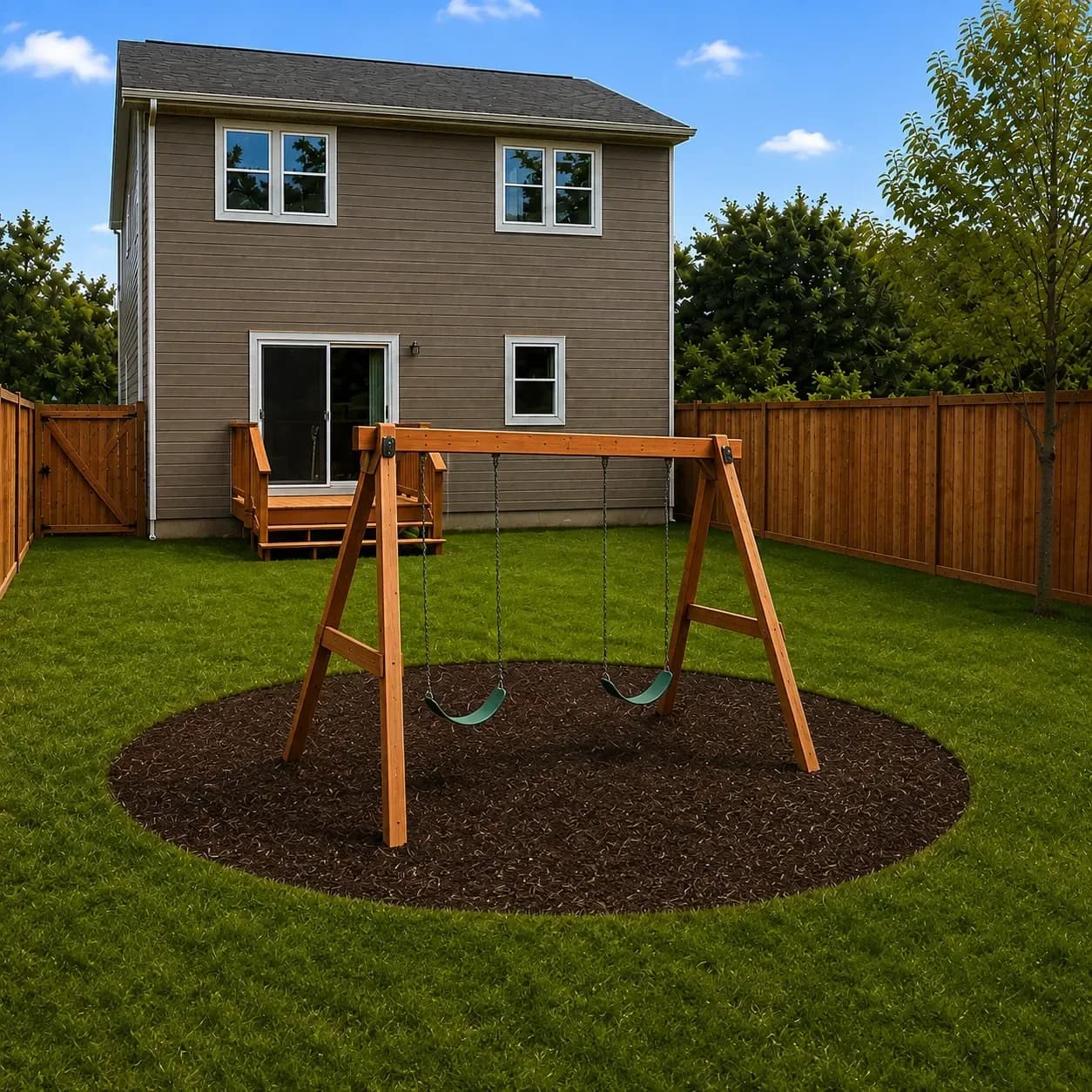
Four property and outdoor workflows that preview zoned layouts before breaking ground or ordering stone and plants.
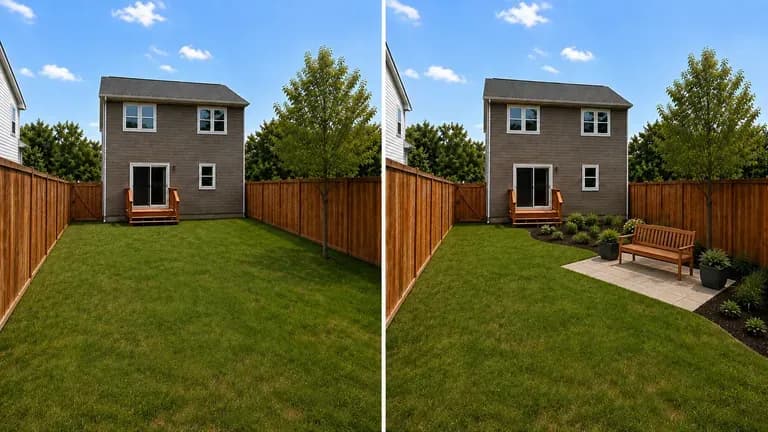
Compare how a flagstone patio, timber deck, or xeriscape conversion looks inside your actual fence line before calling hardscape contractors for estimates.
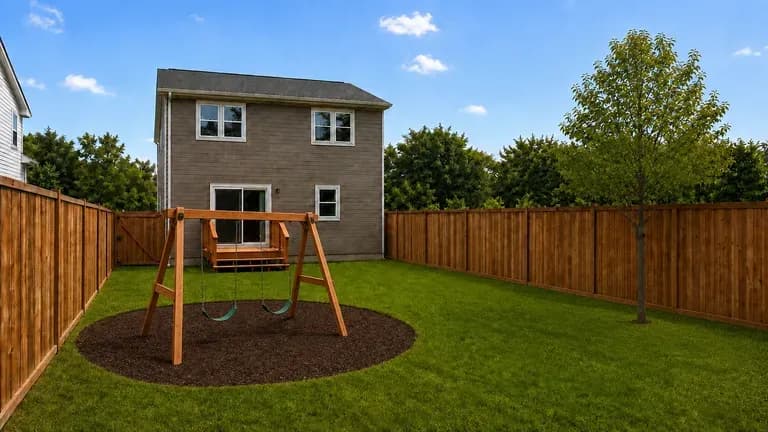
Test how a swing set, trampoline, raised vegetable garden, and dog run can share a single backyard without turning the entire lot into mud or concrete.
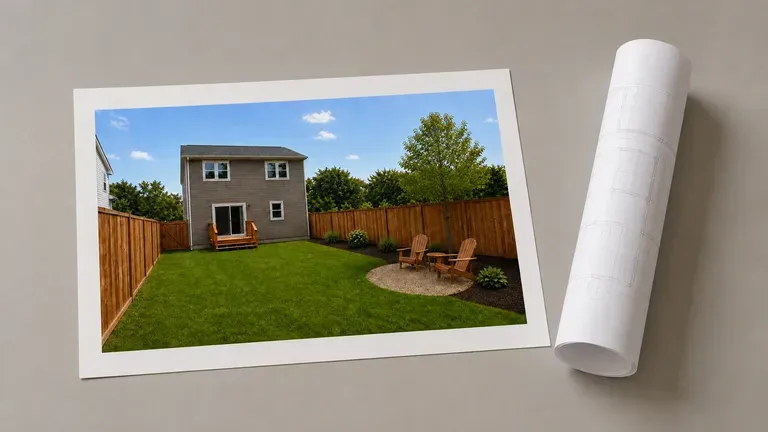
Generate two or three visual zoning concepts from a client's site photo during an initial consultation to align on scope before drafting CAD construction plans.
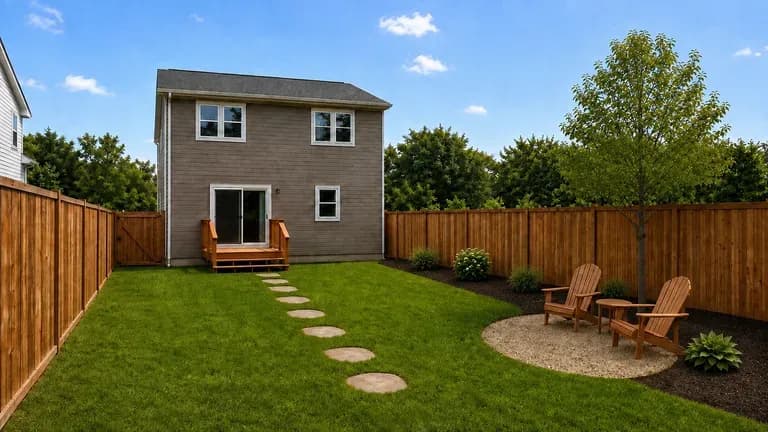
Show prospective buyers how an empty, patchy, or overgrown lot could be zoned for outdoor dining and family use alongside the original listing photo.
Six property redesign previews illustrating family play zones, drought-tolerant xeriscaping, entertaining patios, fenced boundaries, pet runs, and before-and-after comparisons.
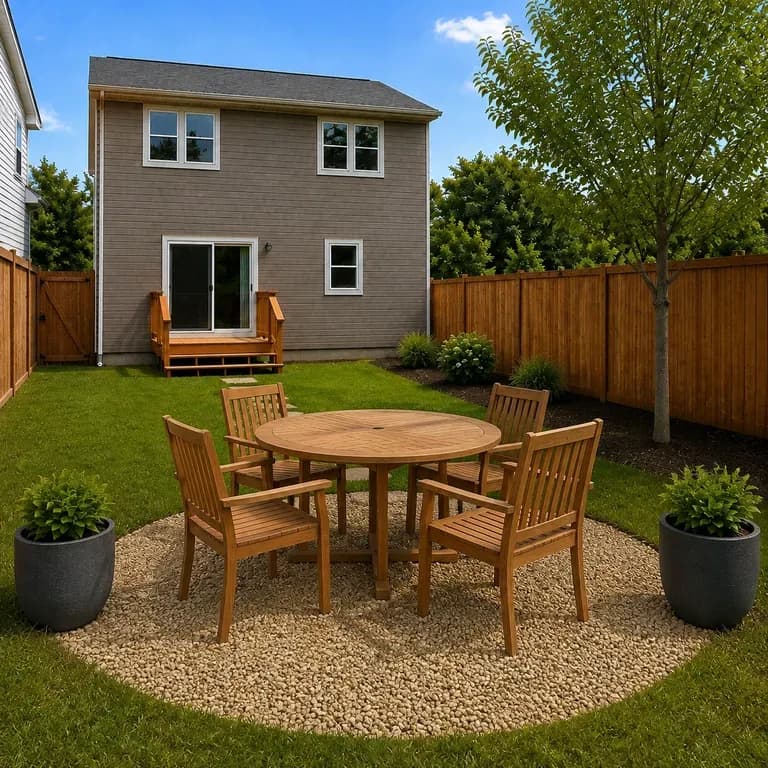
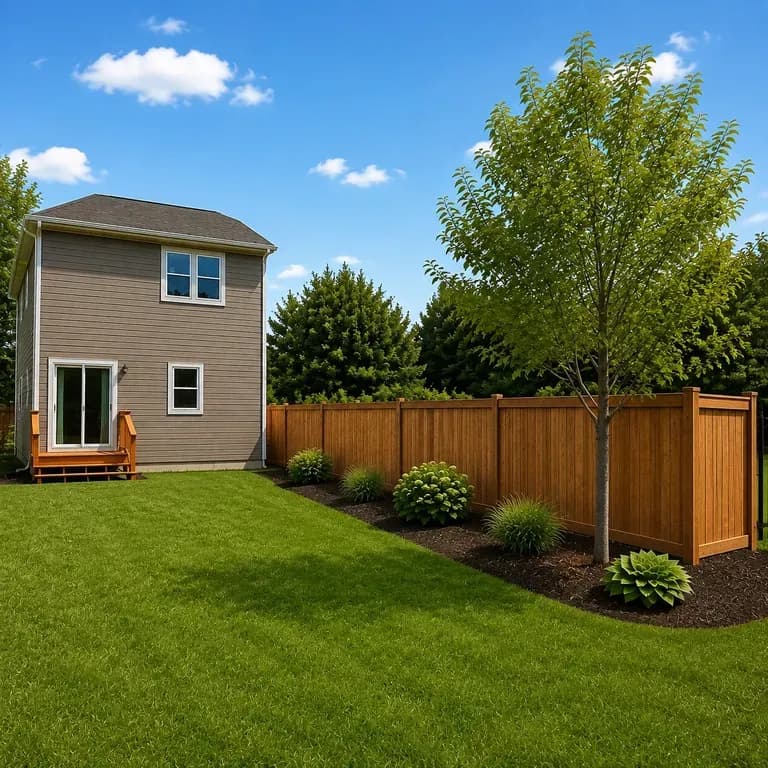
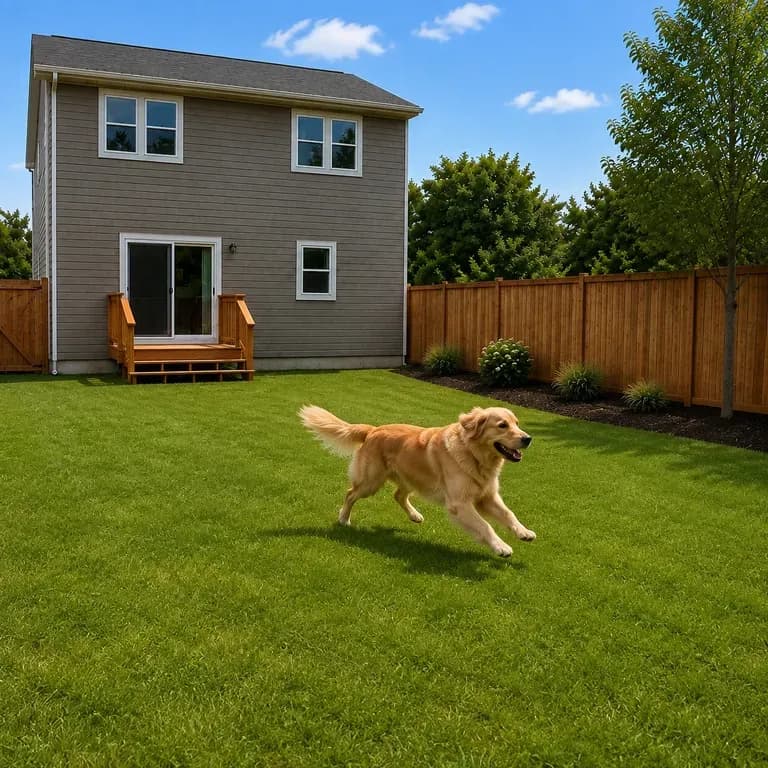
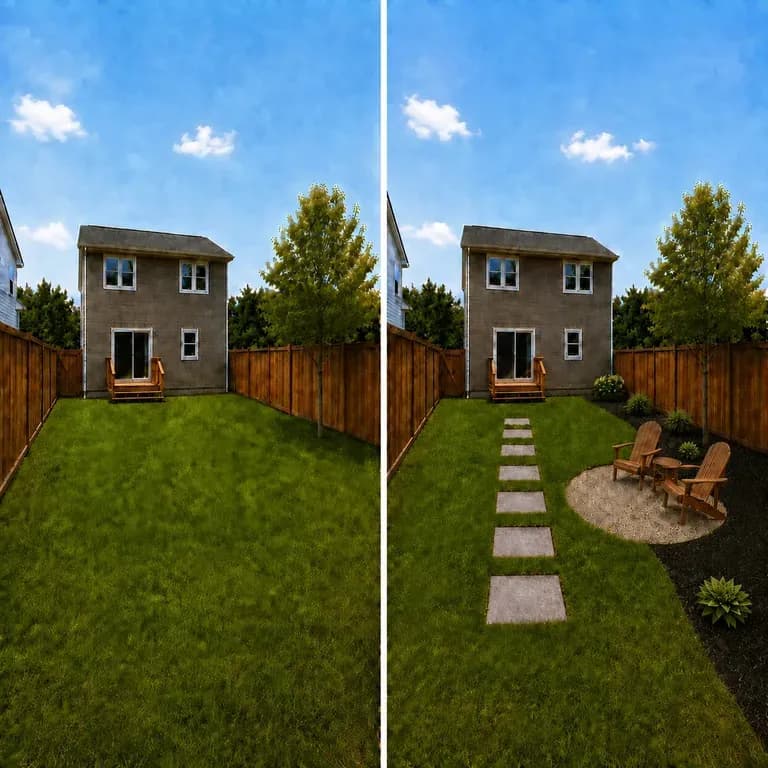

Focus on a specific patio, deck, pergola, or outdoor kitchen while keeping your building intact.
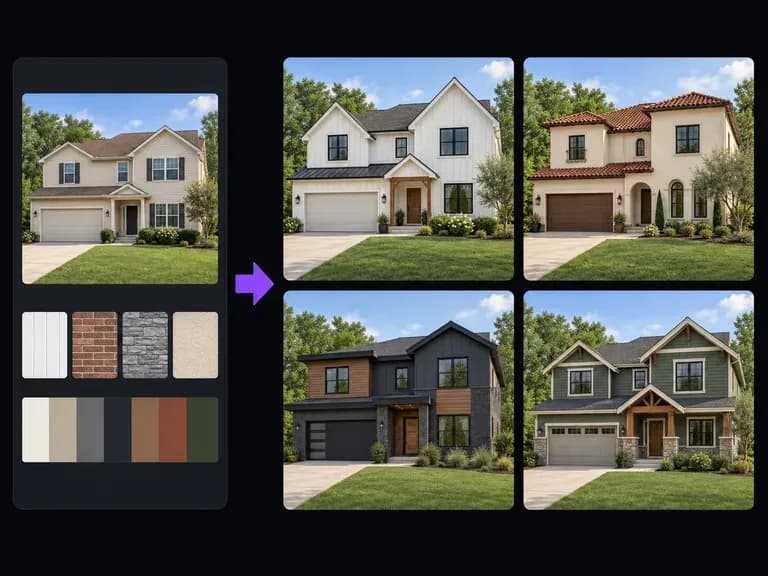
Compare new siding materials, paint palettes, roof styles, and front-entry updates for the house itself.
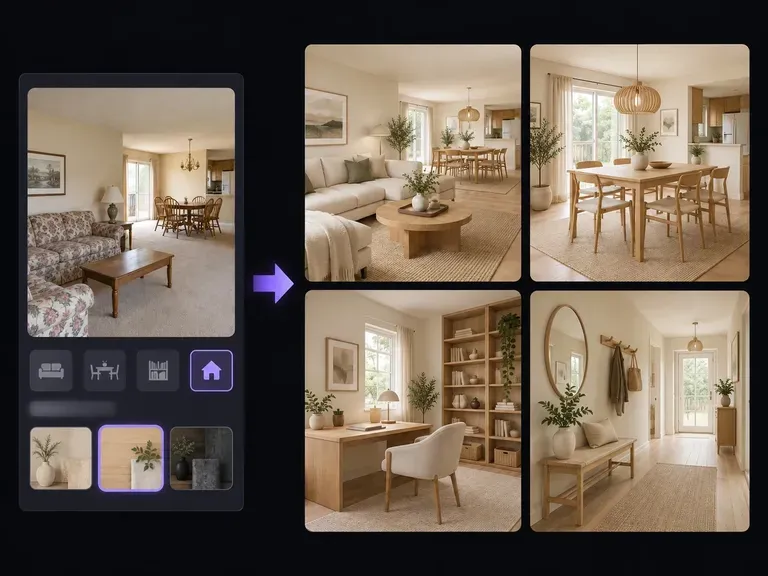
Explore interior room layouts, flooring materials, and furniture that connect to your outdoor spaces.
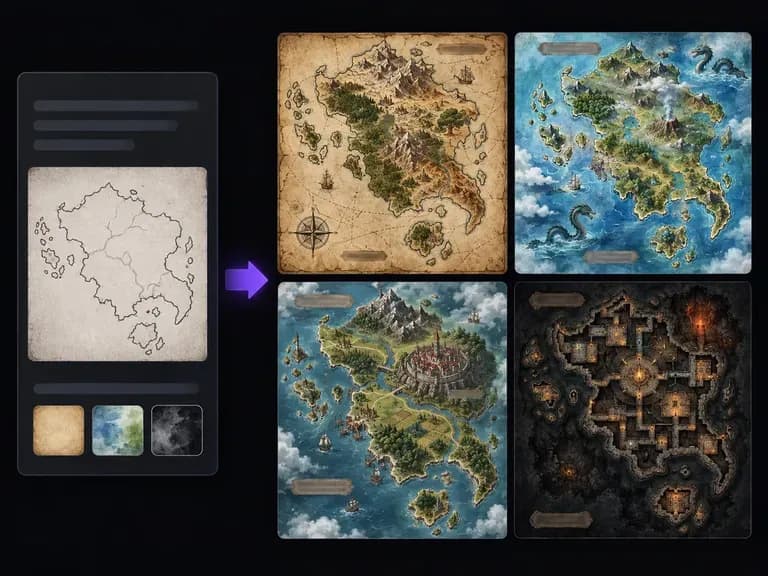
Draw parchment coastlines, mountain ranges, and ink-stamped region labels for tabletop worlds.

Lay out sequential panels, inked characters, and consistent costumes across comic pages.
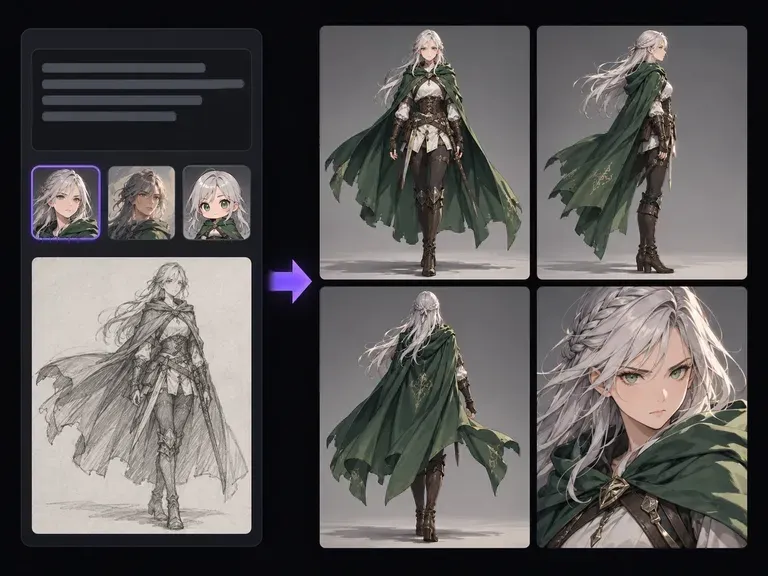
Develop turnaround sheets, facial expressions, and wardrobe details for original characters.

Produce realistic studio lighting, contact shadows, and natural material grain for commercial shots.

Swap backgrounds, lighting setups, or colorways while keeping your core subject geometry locked.

Explore four distinct framing and styling variations side by side on the canvas in a single run.
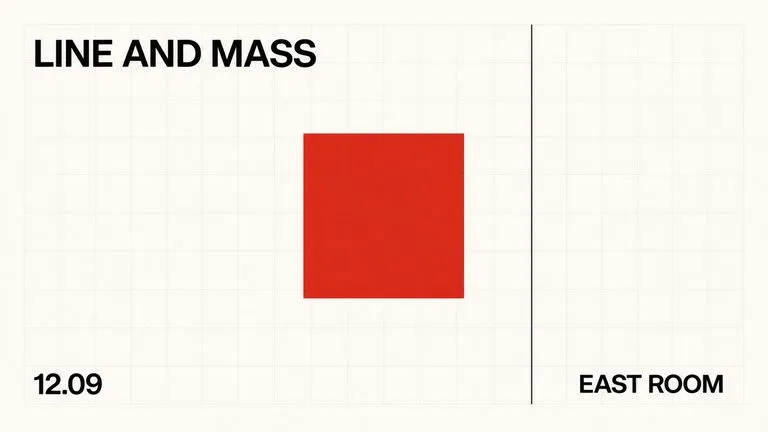
Keep display headlines, packaging wordmarks, and monogram badges sharp inside generated visuals.

Translate detailed creative briefs into balanced compositions with reliable spatial relationships.

Render high-contrast metallic reflections, fabric weaves, and shallow depth of field.
Upload a corner photo of your yard, list the patio, play, and planting zones you need, and compare boundary-aware redesigns side by side.