Mood Board Generator

Mood Board Generator

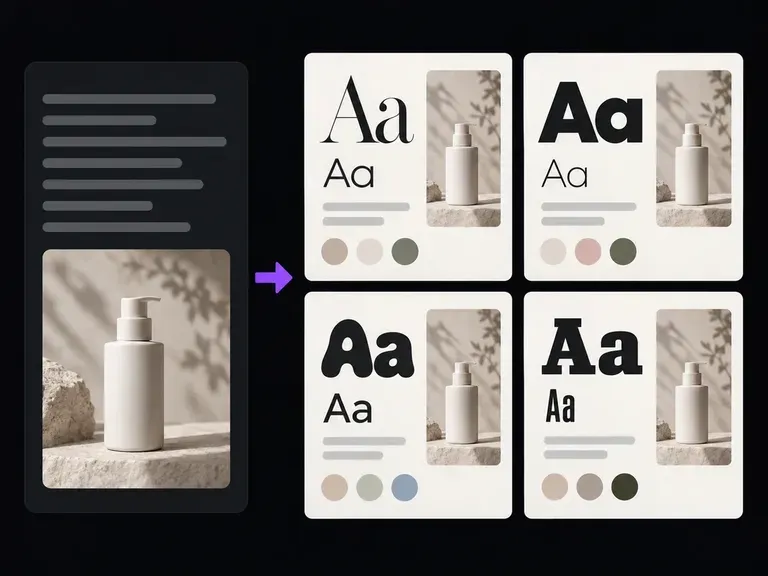
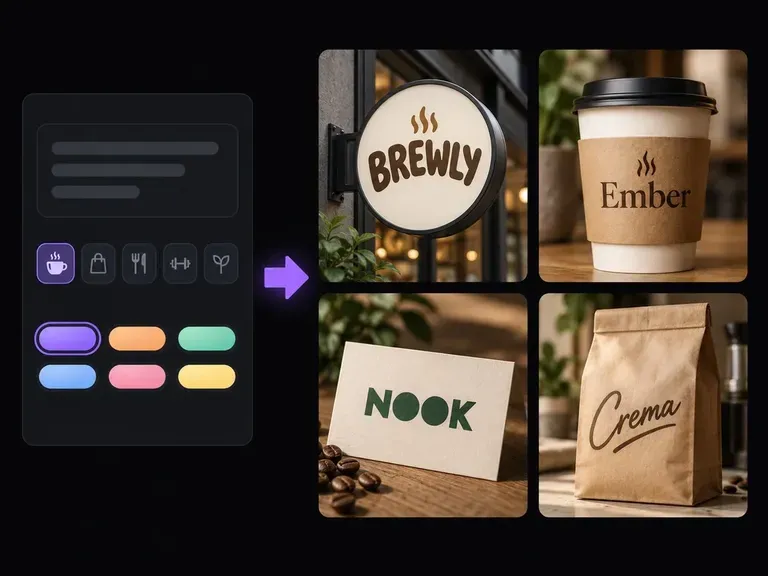
One version of a mood is just a guess. Give it a reference or a written theme, and get back a few different reads on the same idea, colour, material and imagery composed together on one board, so there's something to react to instead of a blank page. Free credits are enough to start.

Masukan
Style image · OpsionalTheme, mood & palette notes · Opsional
Keluaran
拼合情绪板 × 1
Style imageOpsional

Gambar diunggah di kanvas; formulir ini membawa pengaturannya.

What Is an AI Moodboard Generator?

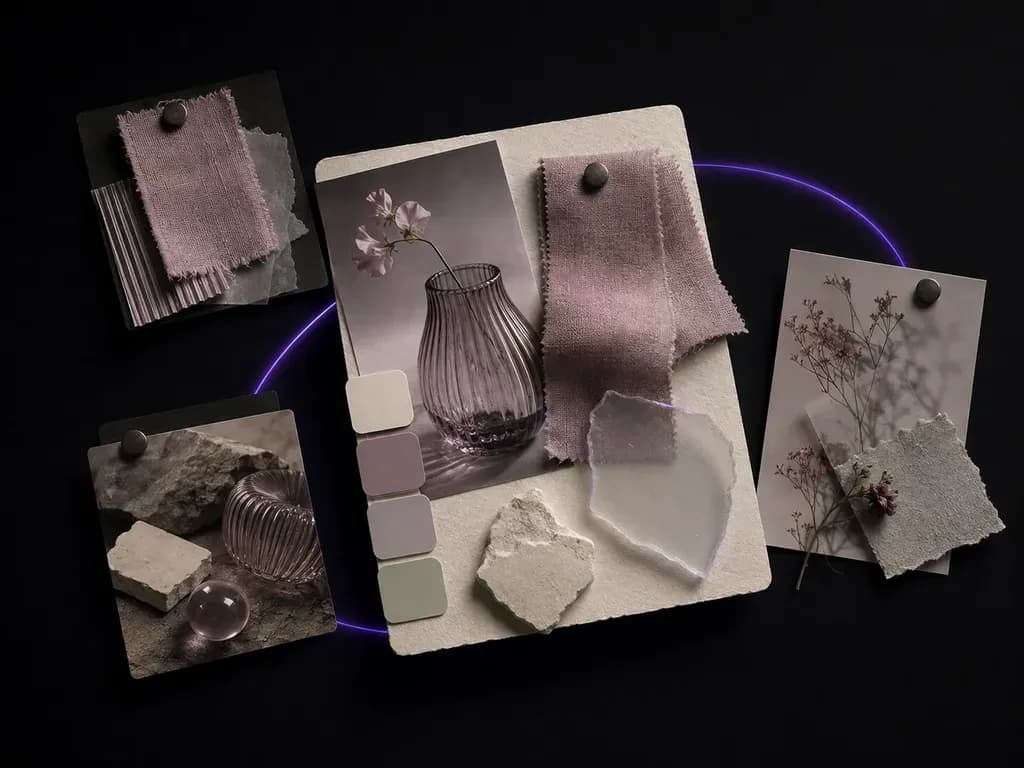
An AI moodboard generator turns a style reference or a written theme into one composed board of colour, material, imagery and layout. In Virse you describe the direction, generate a few reads on it, and compare the results on one canvas before choosing where a project goes next.

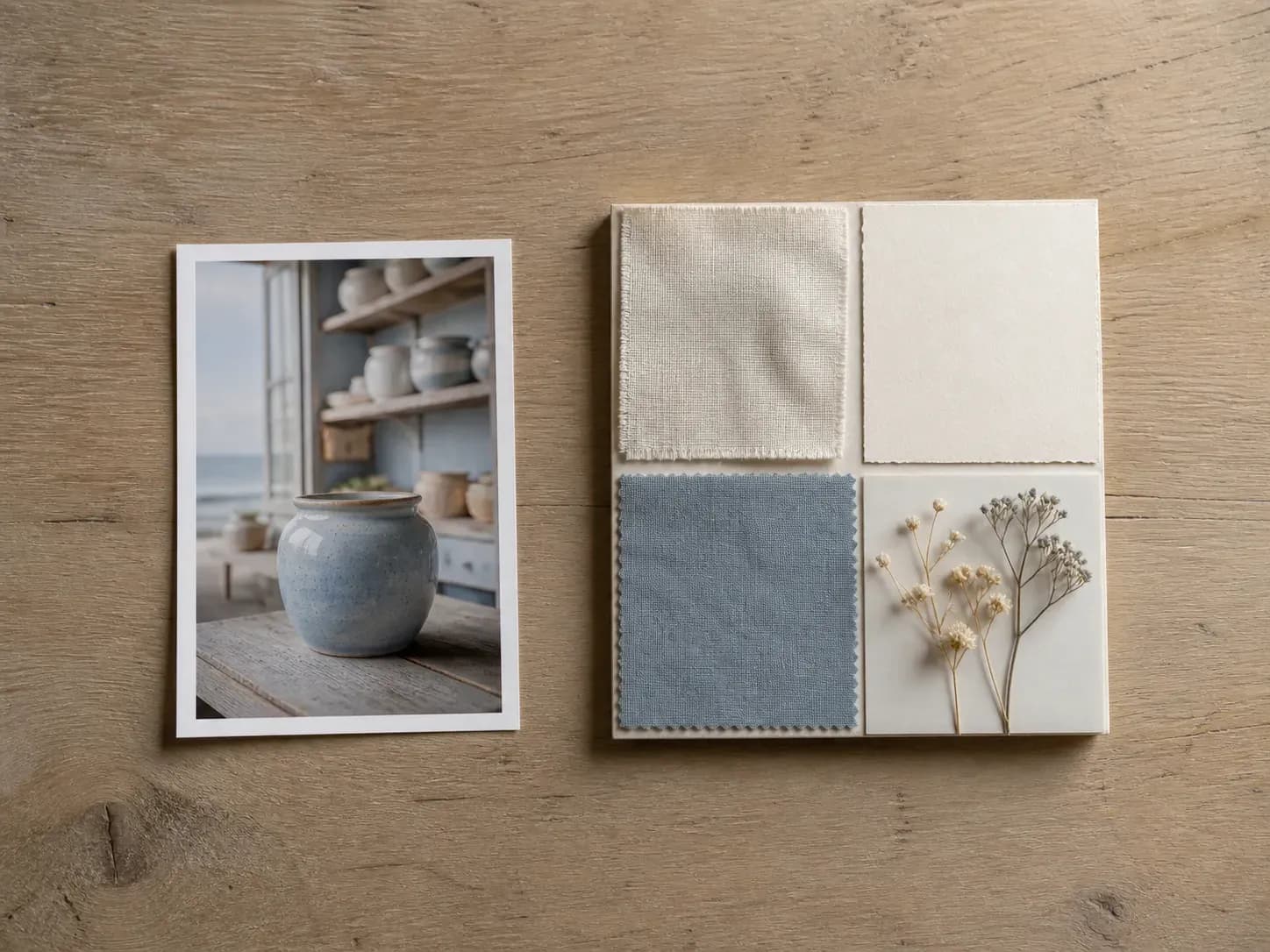
A glazed ceramic jar reference photo beside a full moodboard extending its coastal theme
A style reference turned into a composed moodboard

Why Use Virse's Moodboard Generator?

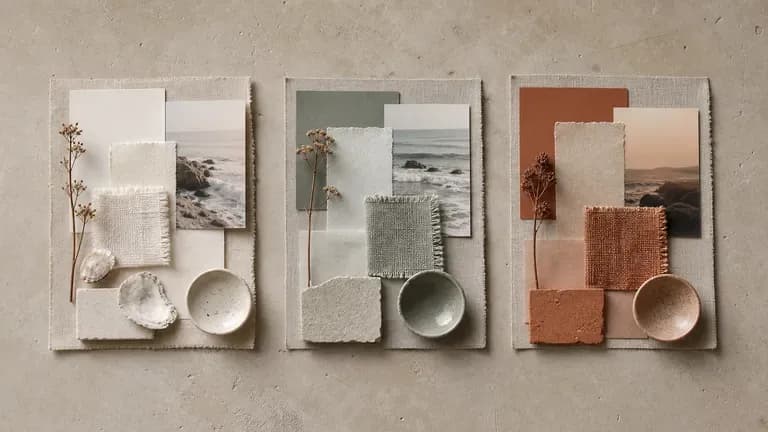
A moodboard exists to be argued with. What matters is how many versions of the argument you can see at once.

Three moodboard variants for the same coastal fragrance brand theme in different tones
Free

Start with Free Generations

Try your first moodboard directions on Virse credits. New users can generate up to 10 images, enough to test whether a mood and palette actually hold together before you build a full brand deck around it.

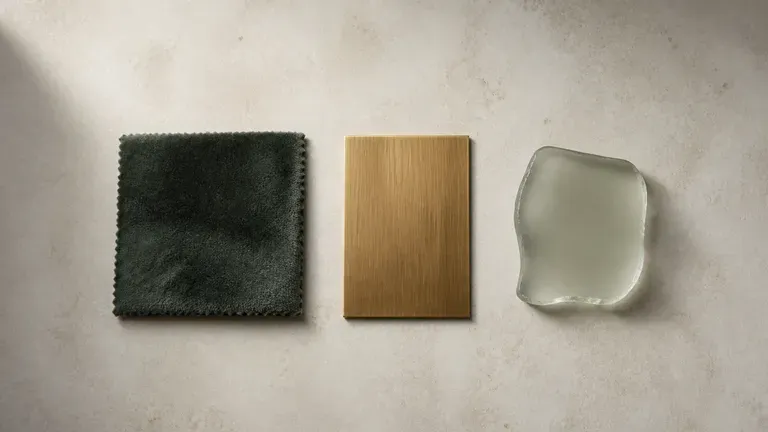
Three close-up material swatches, velvet, brass and frosted glass, arranged side by side
40+ models

Explore with Multiple AI Models

Virse brings 40+ AI models into one environment, and paid plans include unlimited model usage. Different models read the same theme differently, and you can compare those reads without rebuilding your brief each time.

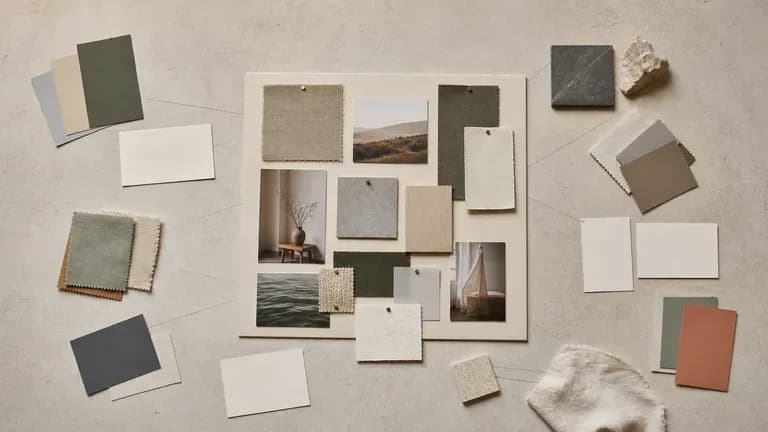
A complete moodboard surrounded by scattered colour cards, fabric swatches and blank notes
Canvas

Compare Directions on One Canvas

References, notes, generated boards and alternative directions stay together on an infinite canvas. Virse keeps the theme and colour direction in context, so the next round builds on what already worked rather than starting cold.

How to Create a Moodboard with AI in Four Steps

  1. Start from a reference or a theme

    Upload an image you already like, or write out the mood, palette and materials you have in mind. Either one is enough to begin.

  2. Choose how wide to explore

    A tight preset stays close to your input, a wider exploration preset mixes in more variation, useful early on when the direction is still open.

  3. Generate and compare boards

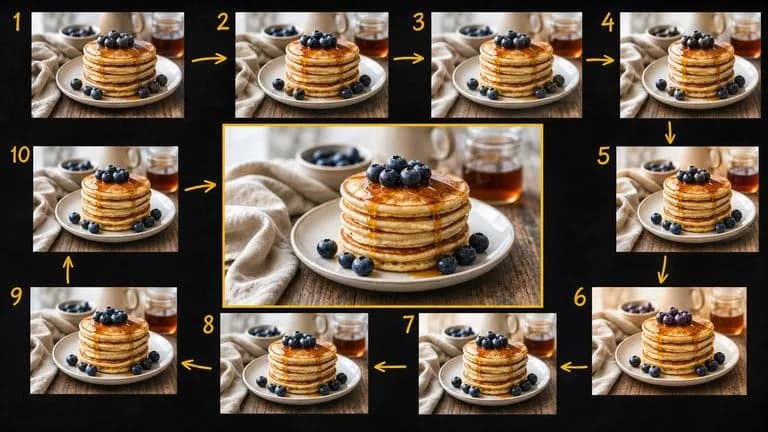
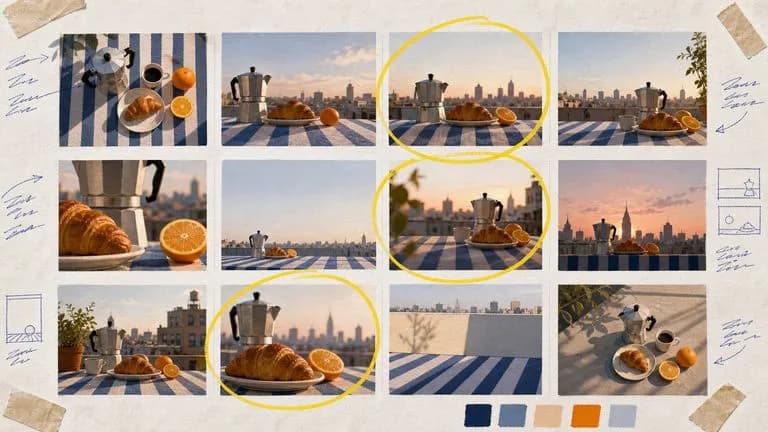
    Run an available AI image model and let it compose a few boards from the same input. Bring the ones with something to say next to each other on the canvas.

  4. Refine the direction

    Pick the board that reads closest to what you meant and keep adjusting the notes and references from there. It carries forward as the reference for the next stage of the project.

Who Is an AI Moodboard Generator For?

People who need to show a feeling before anyone can agree on it.

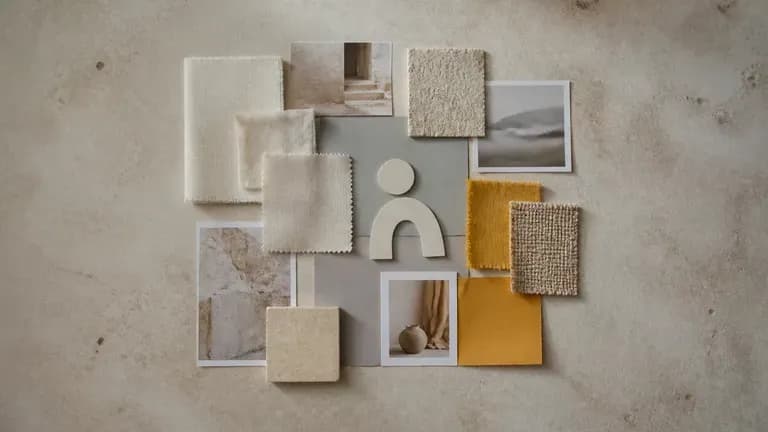
A brand-tone moodboard with ivory, ochre and grey swatches beside a plain logo silhouette

Brand & Identity Designers

Set an early visual direction for a brand before logo and colour decisions get made.

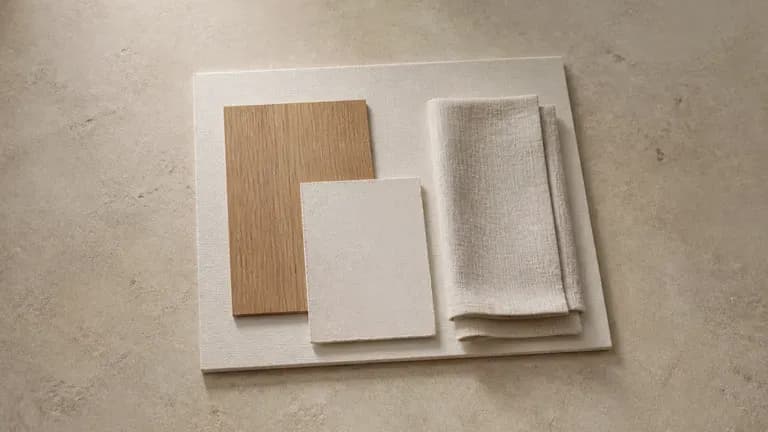
An interior material board with wood veneer, plaster chips and linen curtain fabric on a coffee table

Interior & Product Designers

Pull colour, material and texture references into one board ahead of a physical build.

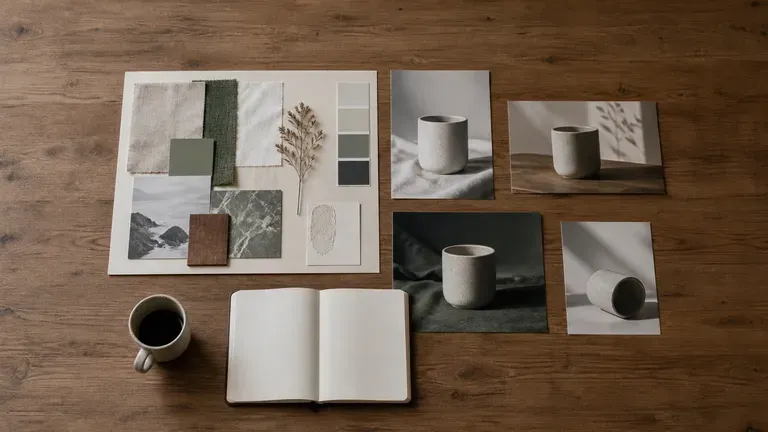
A moodboard beside product photographs on a meeting table with coffee cups and a notebook

Marketing & Creative Teams

Align a team on the tone of a campaign before the first asset gets briefed.

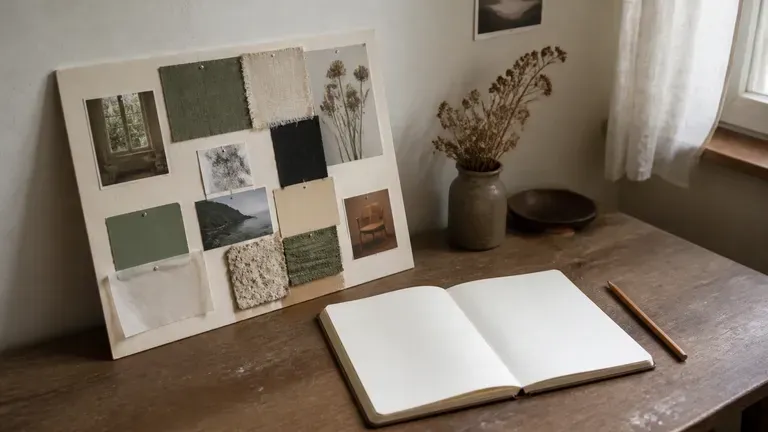
A moodboard beside a sketchbook and pencil on a desk corner in relaxed light

Students & Independent Creatives

Explore a visual direction for a personal project without assembling references by hand.

AI Moodboard Generator Use Cases

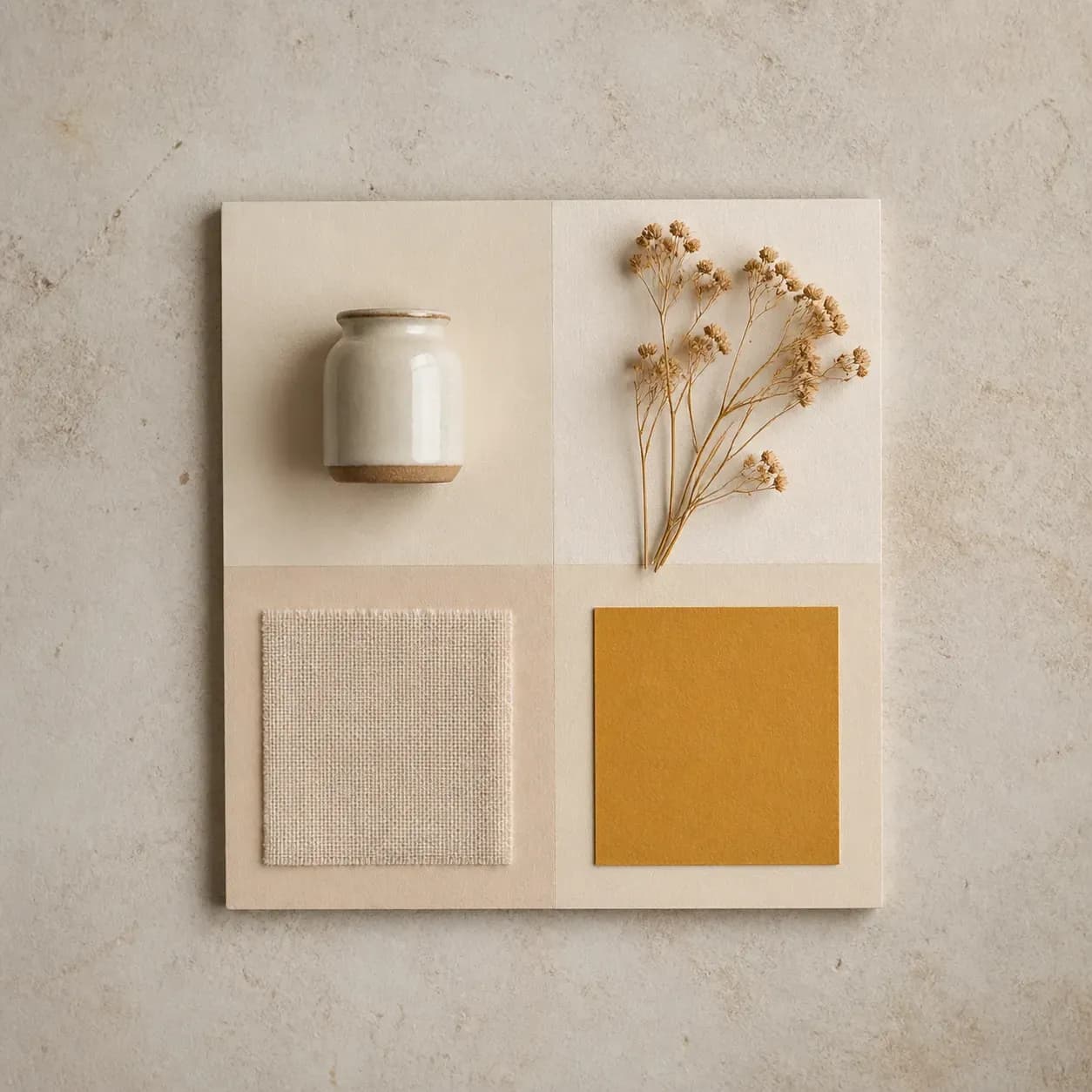
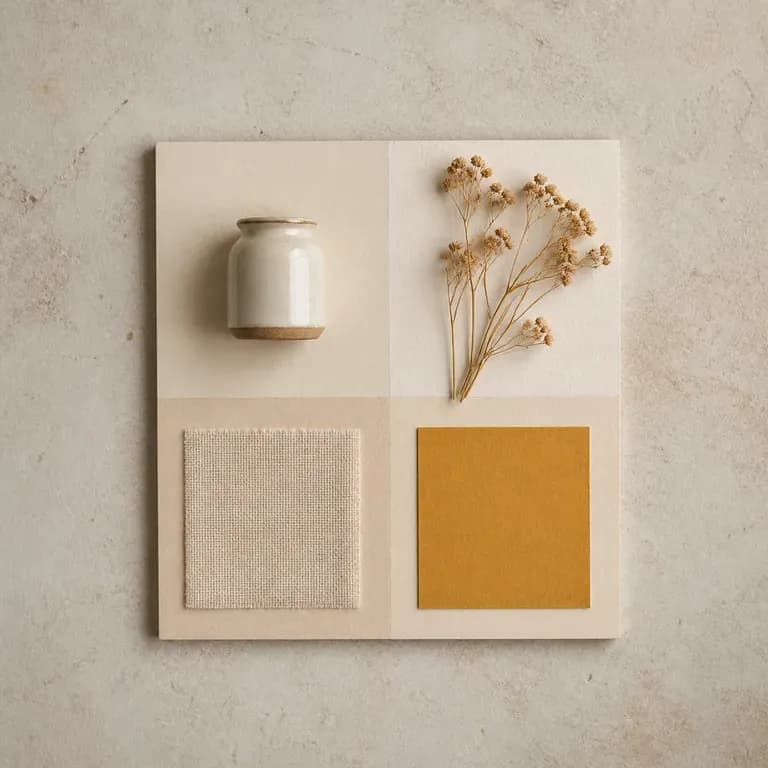
A moodboard in warm white and ochre tones with a ceramic jar, dried flowers and linen
Brand Direction Boards: colour, type feel and imagery ahead of a logo or identity brief
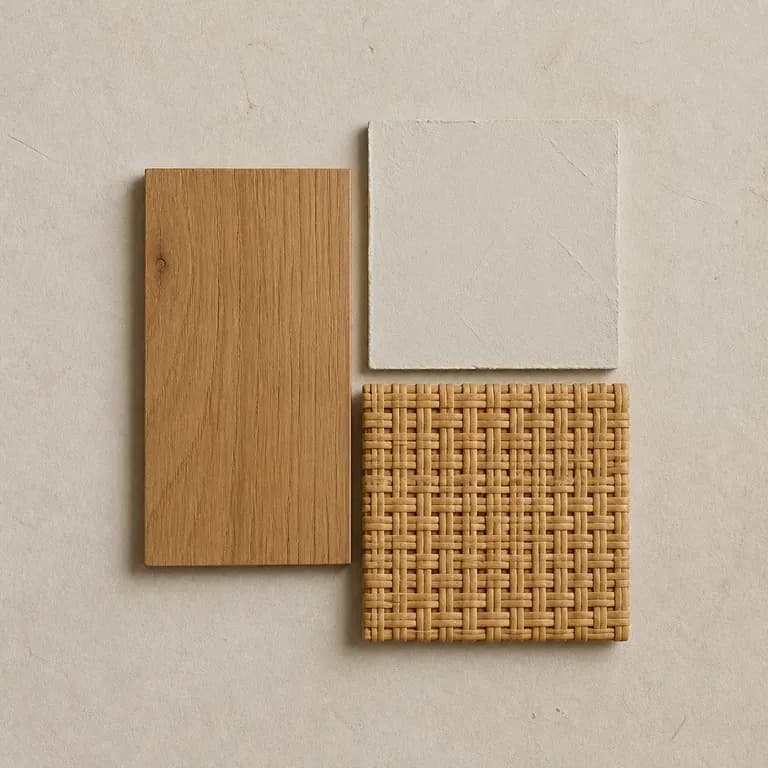
An interior material moodboard combining wood grain, plaster and rattan textures
Interior Material Boards: fabric, finish and colour references for a room or space
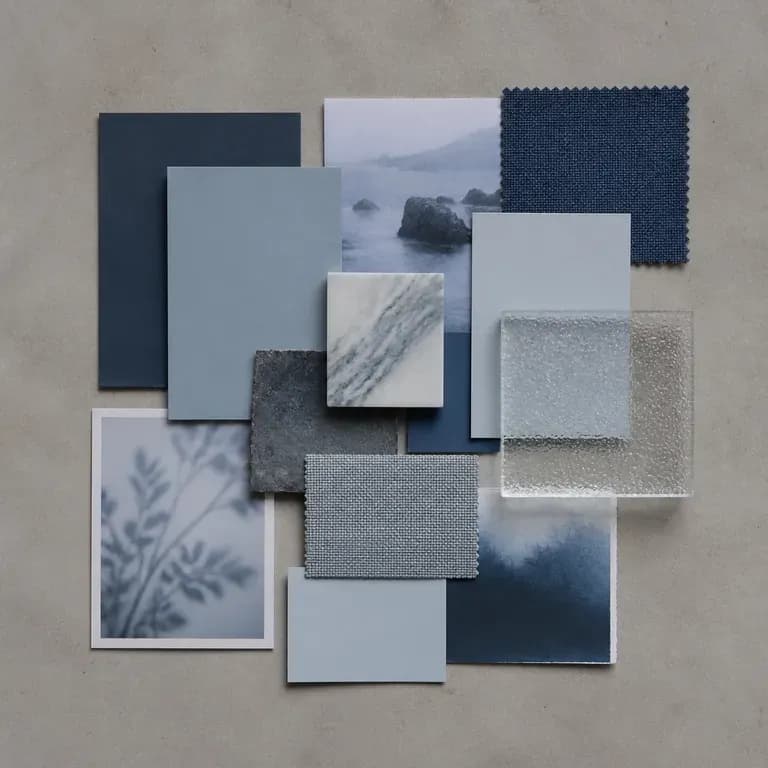
A cool-toned advertising moodboard with misty blue cards and frosted glass texture
Campaign Tone Boards: the mood a marketing campaign should feel like before assets exist
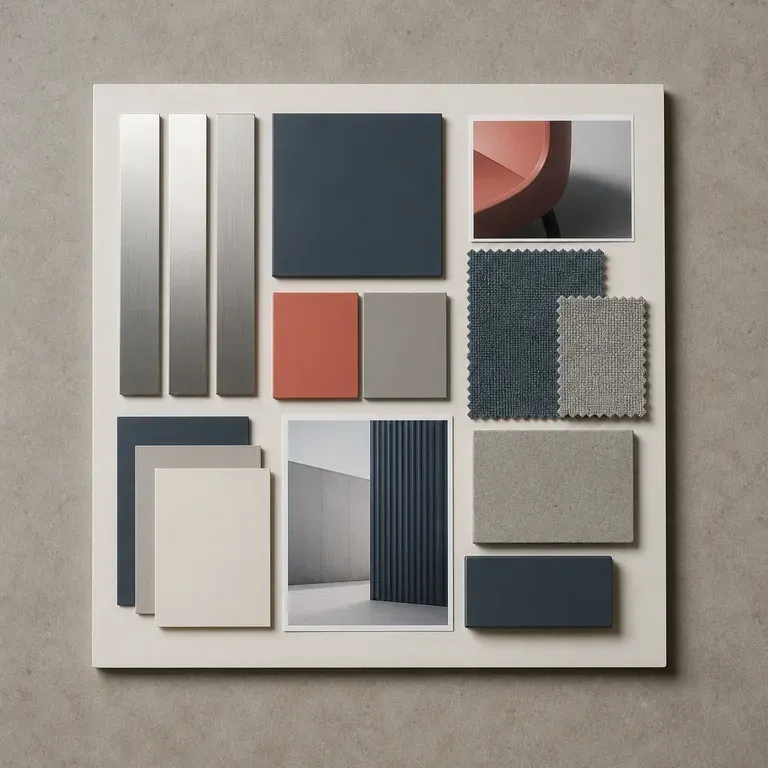
A product design moodboard pairing brushed metal strips with matte plastic colour blocks
Product Design Boards: material and form references ahead of a physical prototype
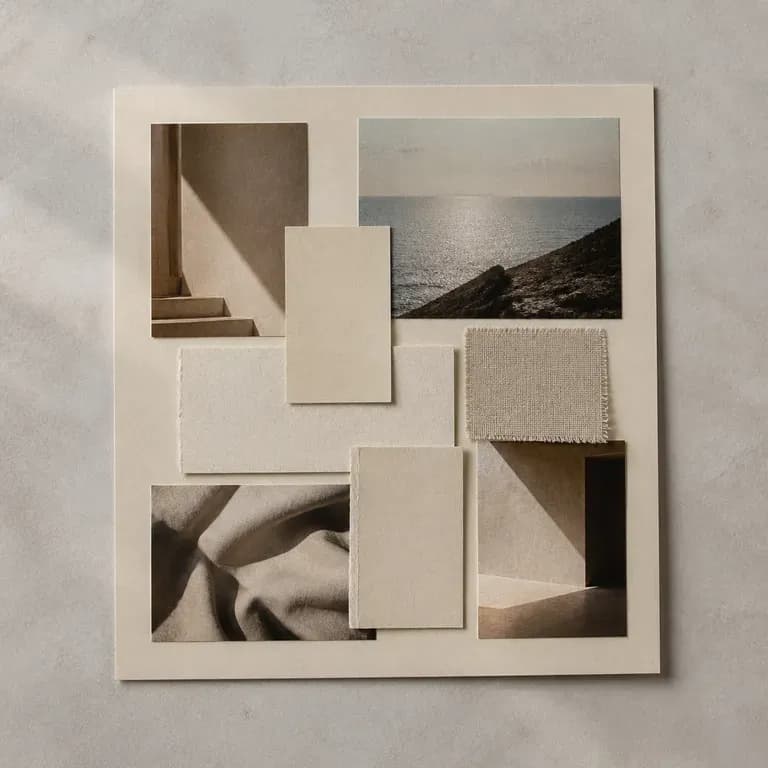
An editorial photography moodboard with grainy film photos and beige paper stock
Editorial & Content Boards: the visual world for a shoot, a lookbook or a story
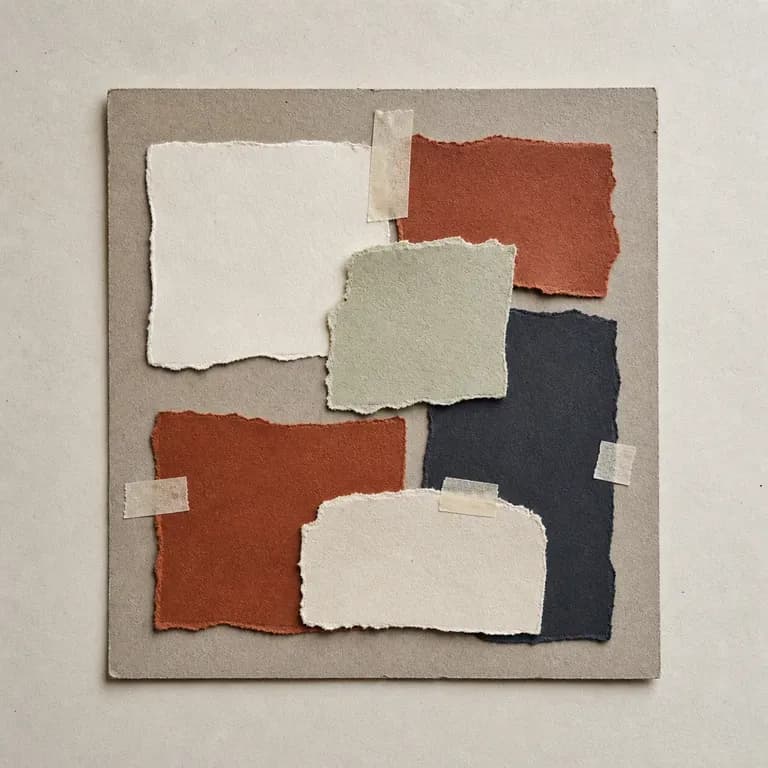
A student project moodboard with a handmade feel and rough-edged paper
Personal & Student Project Boards: a first visual direction for an independent piece of work
FAQ

Frequently Asked Questions

Is Virse's moodboard generator free?
You can start on free Virse credits. New users can generate up to 10 images with Nano Banana 2, enough to test a few directions before deciding whether you need a paid workflow. Free access is limited rather than unlimited.
Do I need a reference image to start?
No. You can start from a written theme, describing the mood, colour and materials you want, or from a reference image, or both together.
Can I generate more than one moodboard from the same input?
Yes. You can run several reads on the same theme or reference and keep them side by side on the canvas to compare which one holds up.
Will the board match my brand colours exactly?
It works from the palette you describe or reference, but treat the first pass as a direction to react to rather than a locked colour spec. Refining with notes narrows it further.
Can I use the moodboard for client presentation?
Yes. Boards land on a normal canvas, so you can arrange them alongside notes and references for a client or team review.
What do Virse paid plans include?
Paid plans include access to 40+ AI models with unlimited model usage and unlimited team seats, aimed at people and teams who need this more than a handful of times a month.

Generate Your Moodboard with AI

Turn a reference or a theme into a full moodboard, compare a few directions side by side, and carry the one that fits into your next brief.