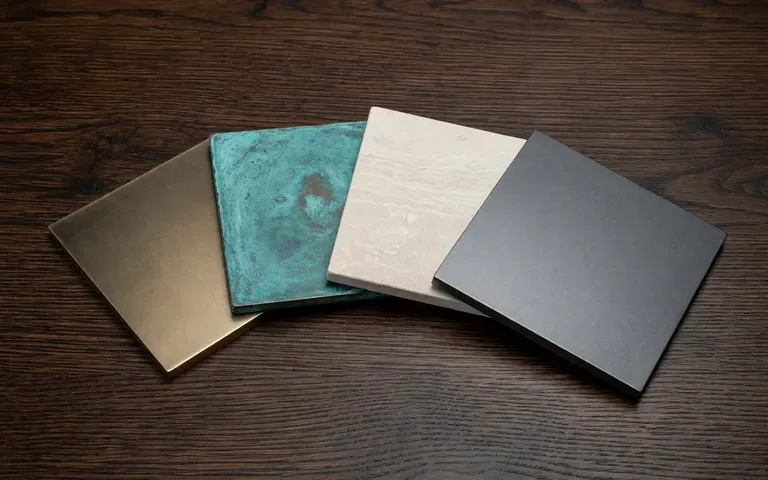
Multi-channel
Target One Channel or a Full Shader Sheet
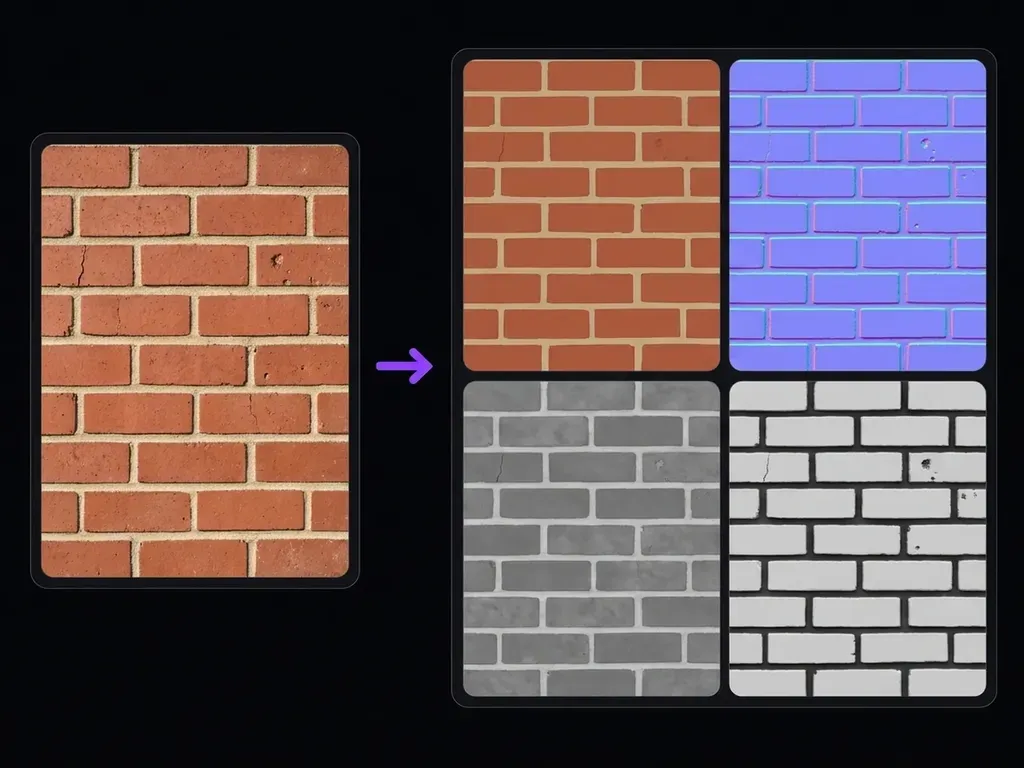
Generate PBR textures one channel at a time to dial normal relief strength, or request a four-map preview plate to check how albedo stains align beside roughness gloss.
Upload a flat surface photo or write material notes covering base tint, surface bumps, and matte specular wear inside Virse. Built as an online PBR texture generator for early shader look development, this preset creates individual 8-bit raster plates or multi-channel comparison grids alongside your original reference.
An online PBR texture generator turns a material photograph or plain-text wear brief into 8-bit albedo, normal, roughness, and height map previews for 3D shading tests. Rather than replacing optical scanner banks or procedural graphs, this AI PBR texture generator builds raster texture plates straight on canvas so look-dev artists compare roughness contrast and wear before final scene baking.
Multi-camera scanning domes take specialized rigging, while procedural node trees demand hours of wiring just to test one patina variation. Visual channel synthesis surfaces three technical expectations immediately:
• Individual or 4-map visual channels: Export Albedo, Normal, Roughness, or Height rasters separately, or render a combined four-map overview when establishing material direction.
• Role split against neighbor Virse tools: Material Pack Extractor builds one fixed six-piece visual layout placing a shaded sphere beside channel swatches, while Bump Map Texture Generator focuses on grayscale height maps alone and PBR Texture Generator lets you prompt dedicated shader maps from photos or text.
• No procedural graph or scan equivalence: Produces standard 8-bit PNG or JPG files rather than .sbsar, .mtlx, .exr, or packaged .uasset/.unitypackage bundles, and estimates channels visually rather than measuring laser reflectance.
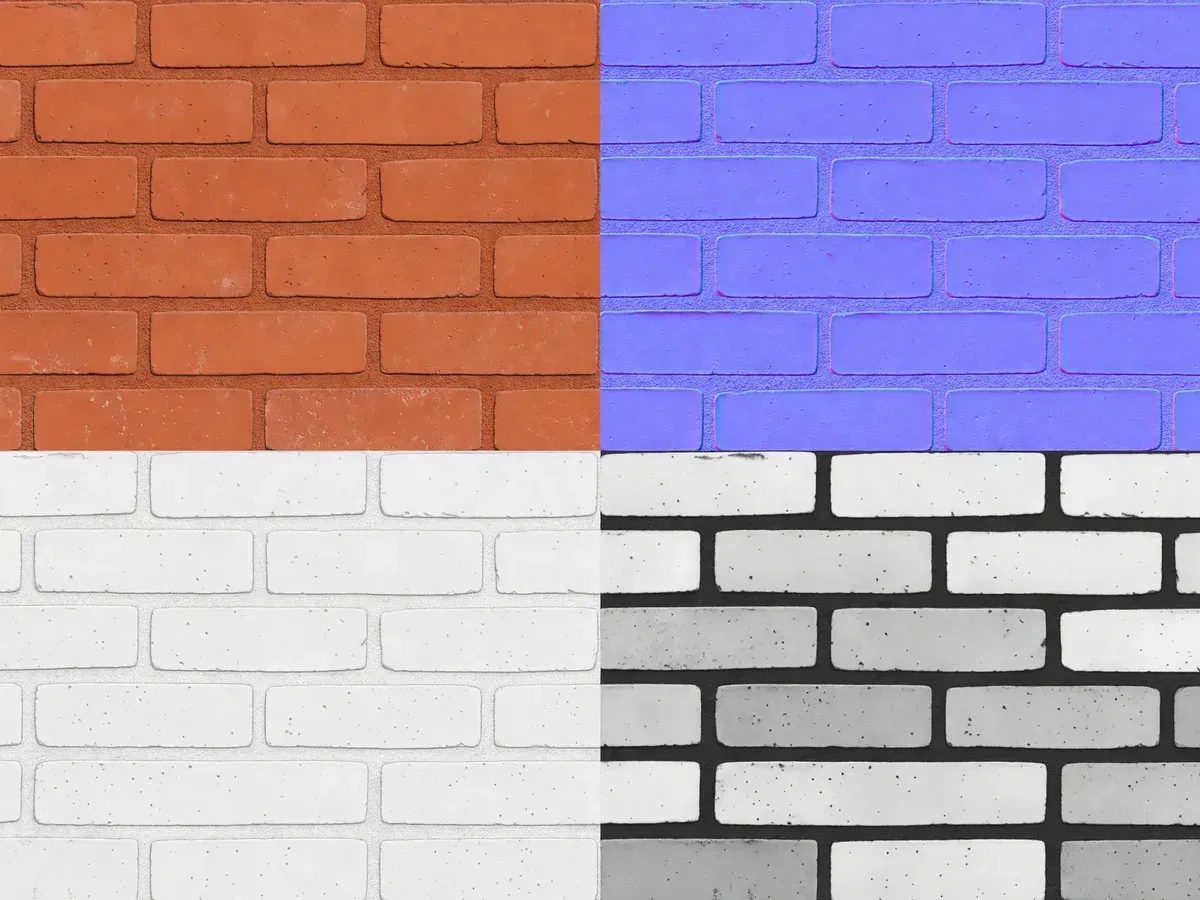
Built for environment artists, architectural visualizers, and CMF teams drafting PBR shader channels before authoring procedural node graphs.
Generate PBR textures one channel at a time to dial normal relief strength, or request a four-map preview plate to check how albedo stains align beside roughness gloss.
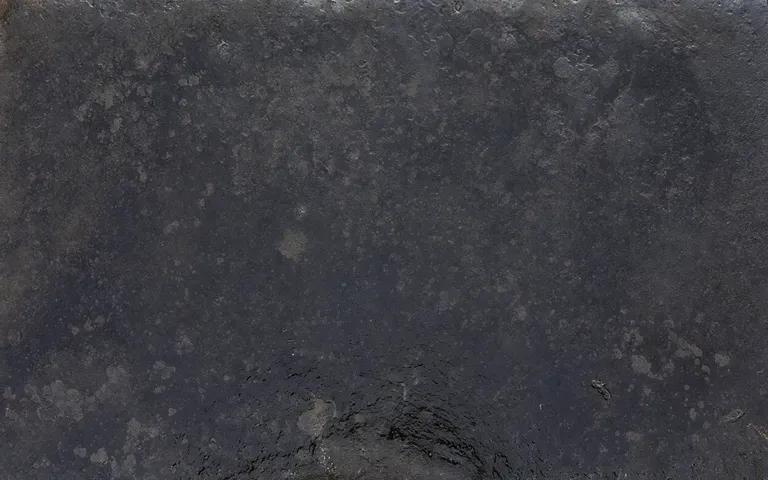
Upload an overcast sidewalk snapshot as a starting swatch, or leave upload slots blank when blocking conceptual tarnished alloys or limewash surfaces from written notes alone.
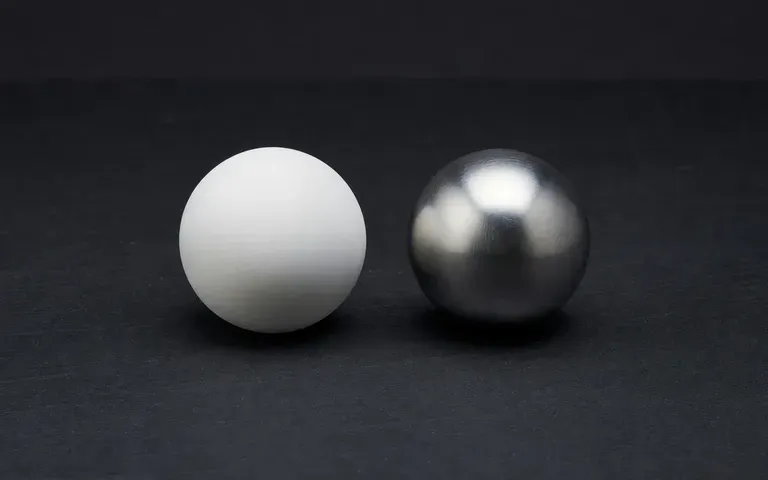
Compare your original swatch next to generated channels on workspace to check pixel alignment between maps, green-channel normal direction, and four-edge border repeat before loading shaders in Blender.
Why direct browser channel blocking fits concept scenes even though final hero assets still require manual engine validation.
Laser Scan Vaults & Procedural Graphs
Virse AI PBR Texture Generator
Attach a flatly lit surface photo (JPG, PNG, or WebP), or leave uploads blank and describe grain structure, dust pockets, and sheen contrast in plain text.
Specify whether Virse should generate an individual Albedo, tangent Normal, Roughness, or grayscale Height plate, or render a quad comparison sheet.
Run alternate generations one at a time if painted wear highlights look overly glossy in roughness previews or when masonry mortar joints need deeper normal definition.
Verify OpenGL (+Y) versus DirectX (-Y) normal green polarity, inspect four-edge wrap offsets, and align pixel overlays inside Blender, Unreal, or Unity.
Naming light flatness, target shader channel, and bright-versus-dark surface response keeps this albedo normal roughness generator steady across materials:
• Salted turquoise boat hull paint: "Orthographic PBR albedo and roughness texture channels of flaking turquoise marine hull paint over weathered gray cedar planks with bright chalky salt blooms and dark bare wood seams under flat overcast light."
• Sun-faded asphalt crackle: "Top-down tangent space normal map (+Y OpenGL green orientation) of weathered gray asphalt pavement dotted with gravel aggregate pits and branching tar seams."
• Hand-oiled black walnut grain: "Flat matte PBR albedo and roughness channels of satin hand-oiled American walnut planking showing fine open pore streaks as brighter high-roughness valleys against smooth darker grain crowns."
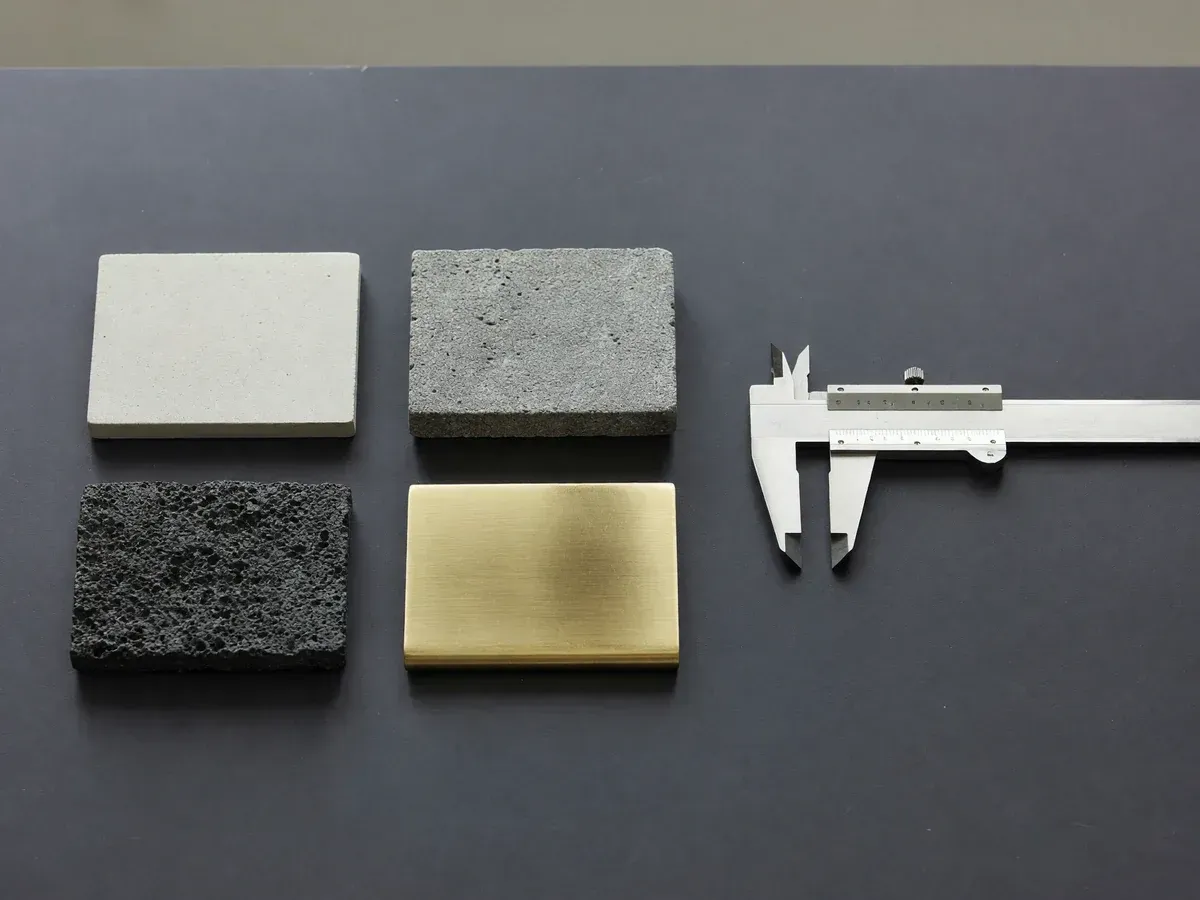
Four 3D creation teams blocking surface realism, specular breakup, and normal detail before heavy engine shader work.
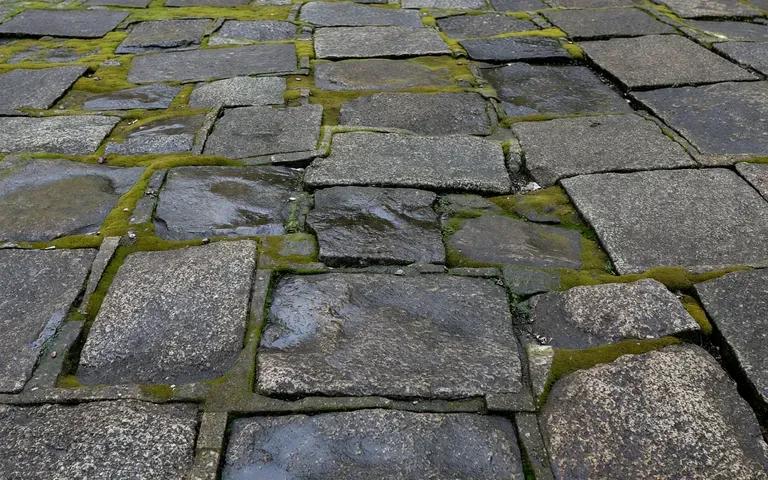
Draft ruined flagstone floors, damp moss patches, and weathered mortar variations directly from site snapshots during early world blocking.
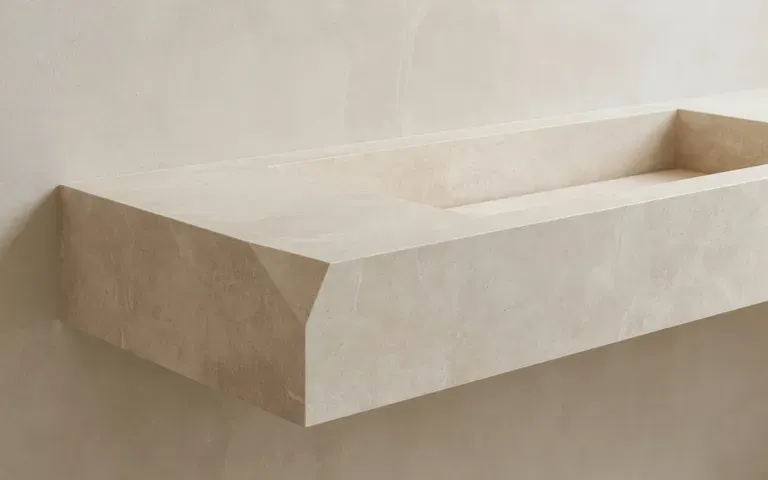
Explore honed limestone, matte stucco, and vein-cut stone gloss maps side by side while pitching architectural interiors to clients.
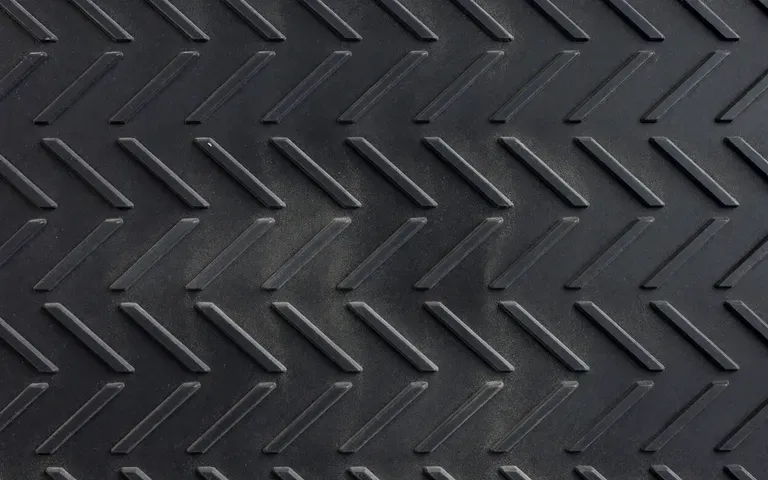
Sketch industrial tire treads, ribbed conveyor rubber mats, and scuffed polymer textures using starter runs before building engine prefabs.
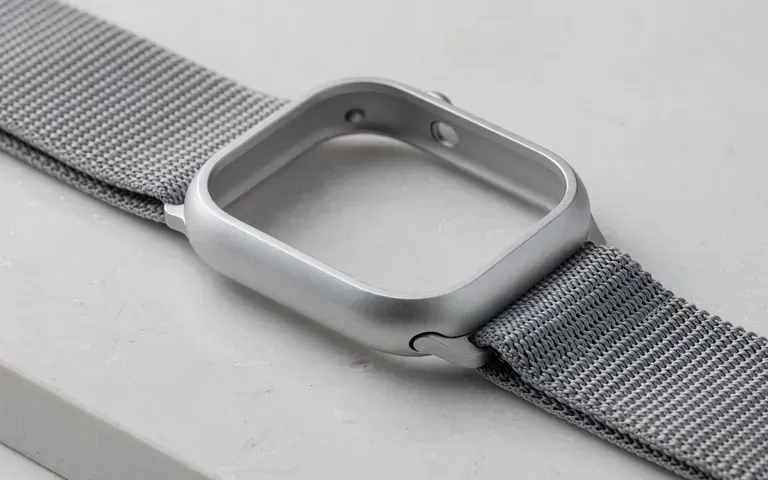
Test woven acoustic meshes, brushed titanium chamfers, and powder-coat matte roughness variation across industrial hardware shells.
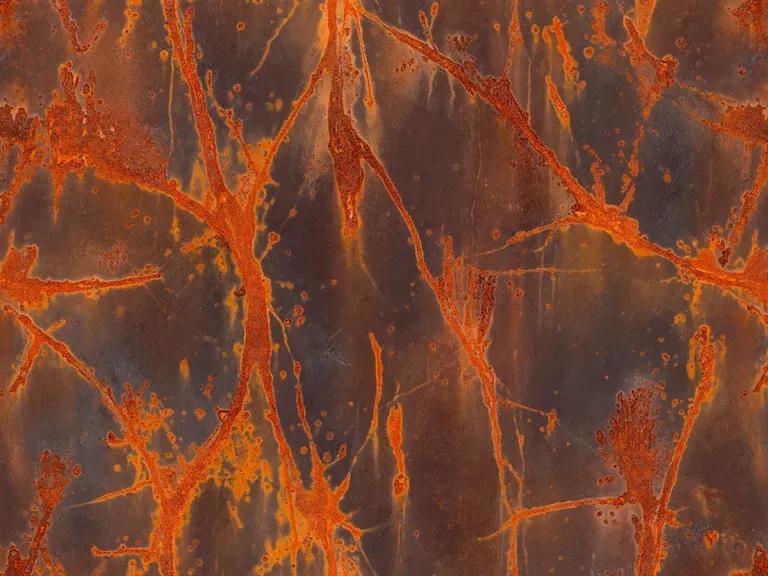
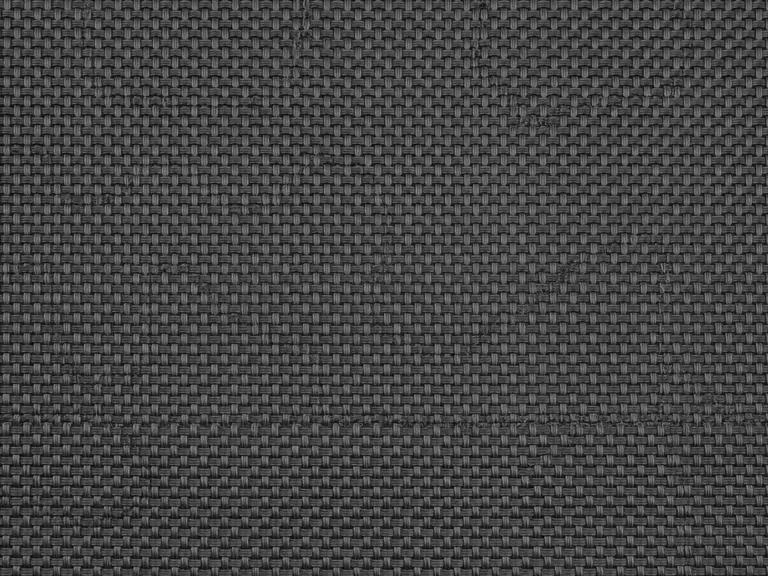
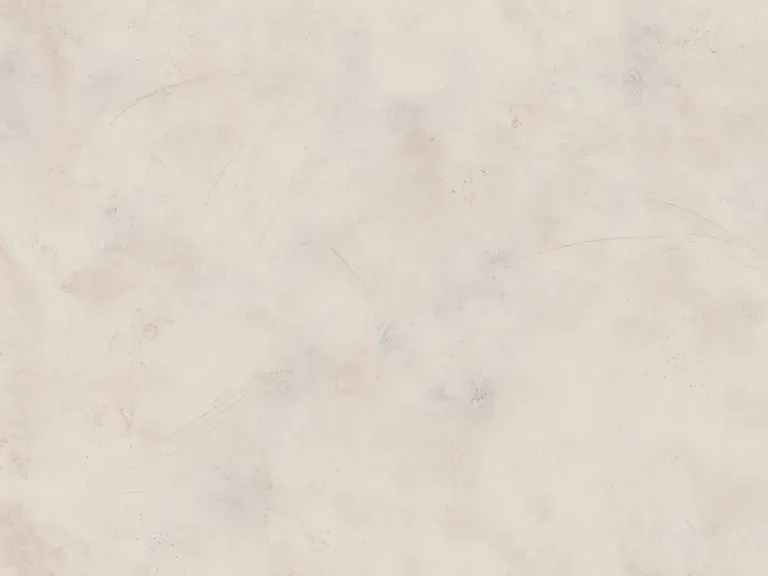
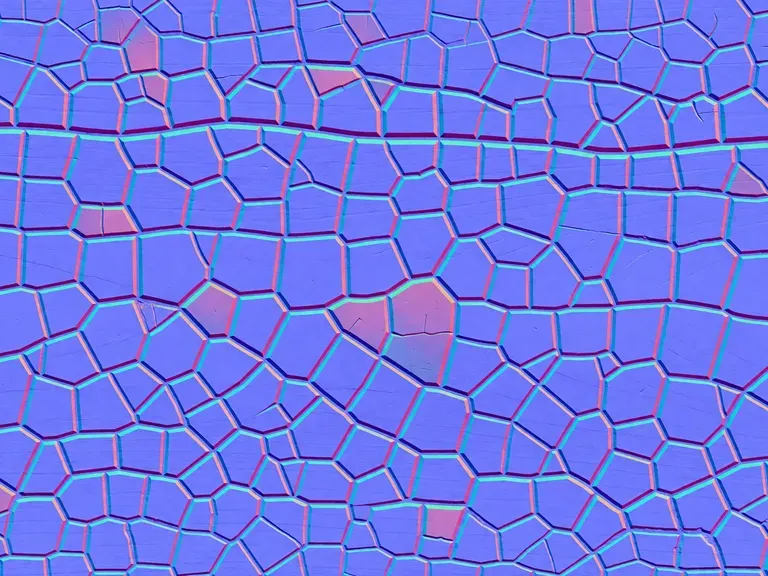
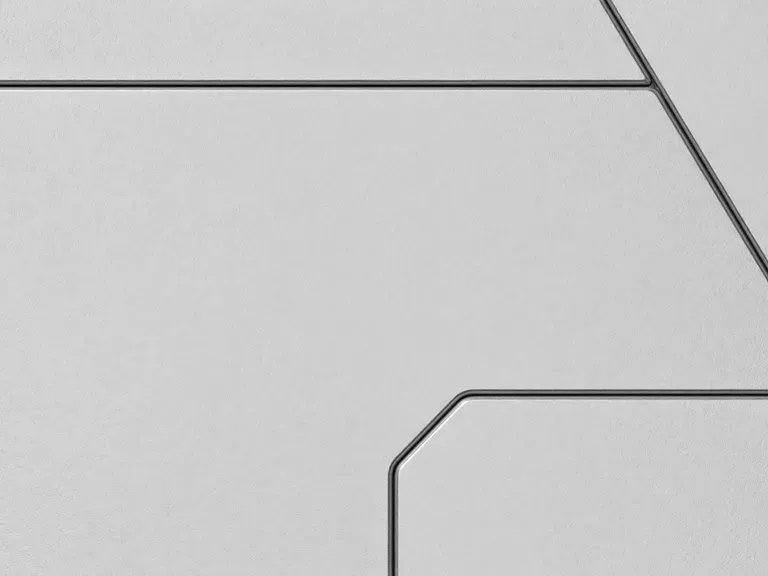
Six material map plates covering rusted architectural steel albedo, porous travertine tangent normals, braided nylon roughness, lime plaster, charred cedar normals, and blasted titanium roughness.
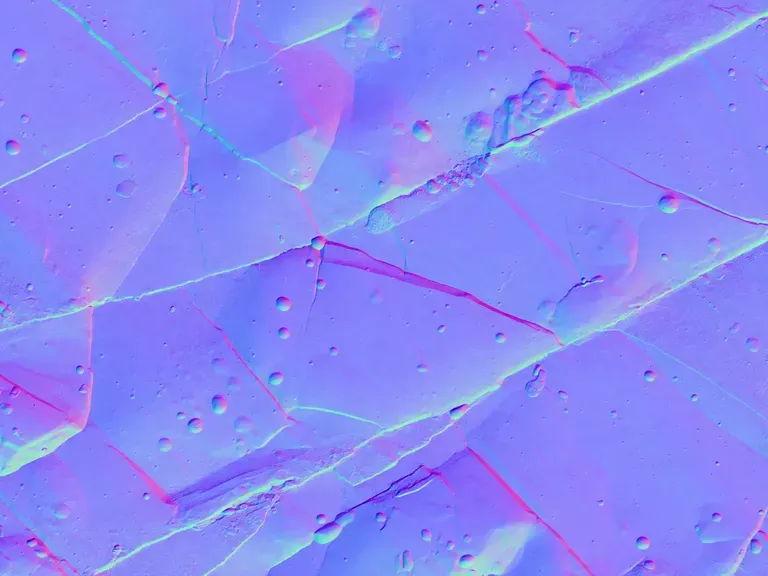
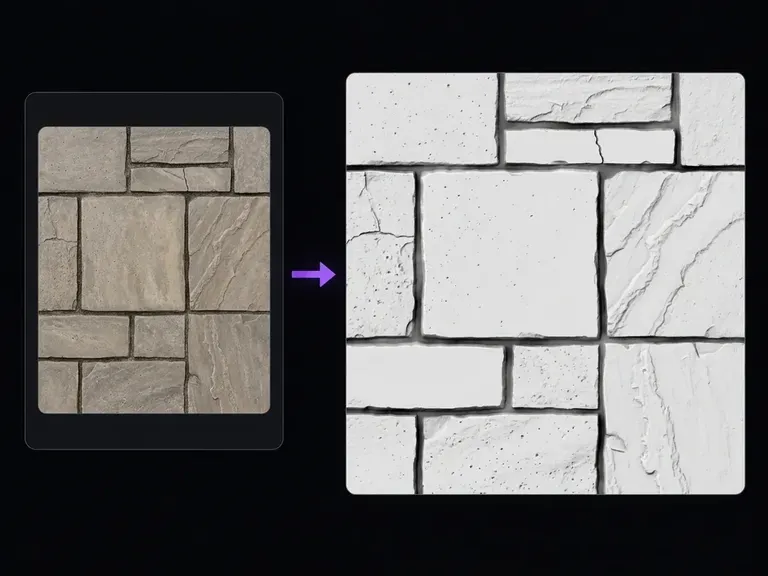
Generate dedicated single-channel 8-bit grayscale relief height maps where pale ridges rise and dark grooves recess into surface geometry.
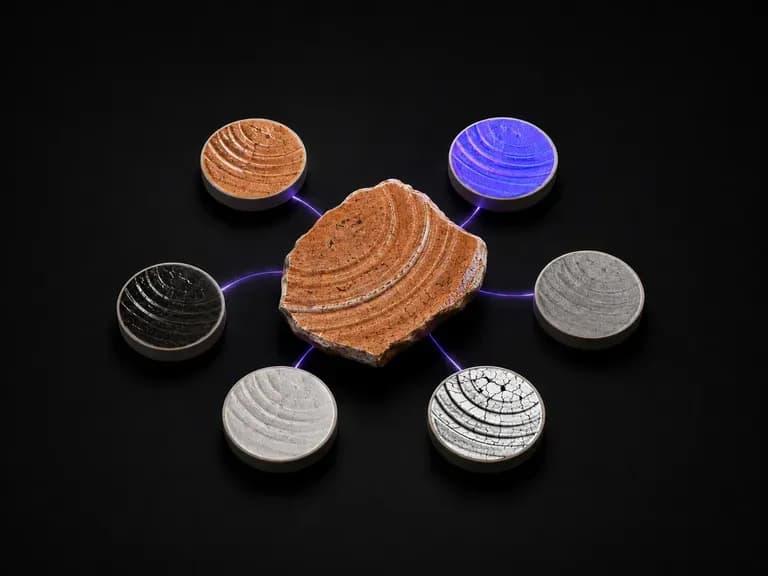
Turn one material photo into an illustrative six-panel study joining a shaded sphere beside base albedo, normal, roughness, metallic, and ambient occlusion plates.
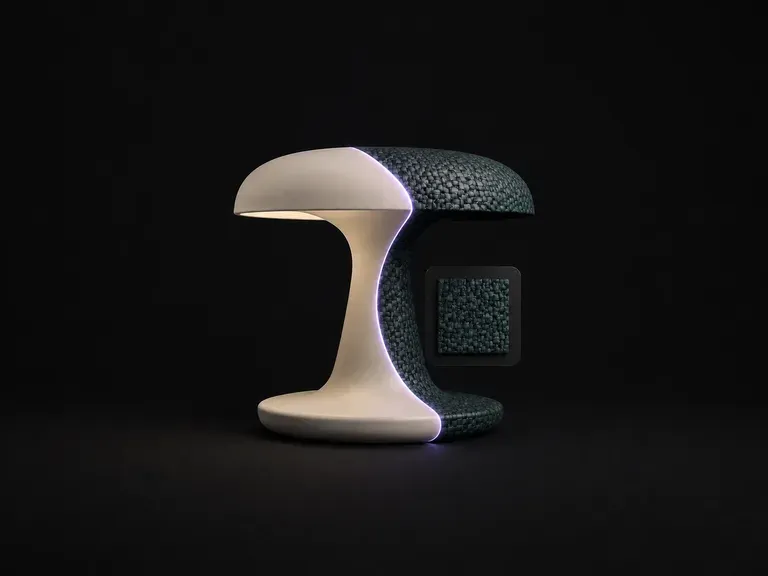
Wrap scanned marble, fabric, or brushed metal swatches onto photographed consumer products while holding foreground edges and silhouettes intact.
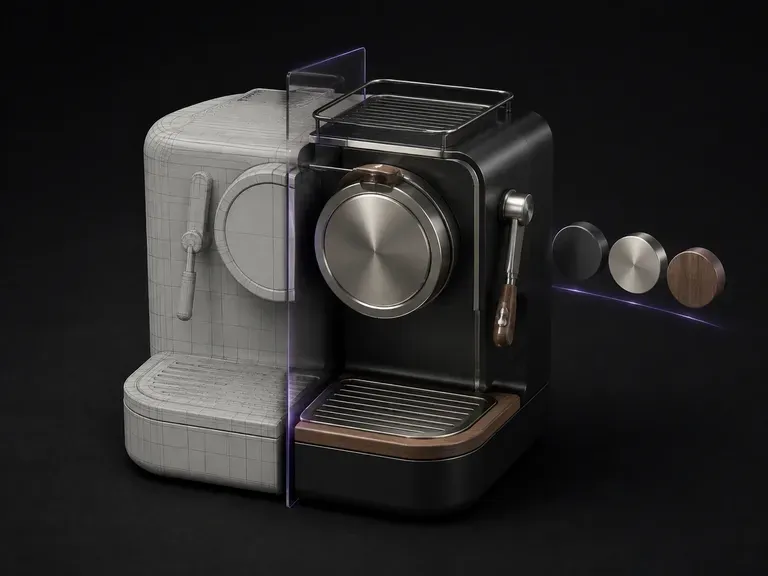
Transform neutral gray shaded 3D clay renders into lit product shots finished with lacquer, brushed metal, or knit textures.
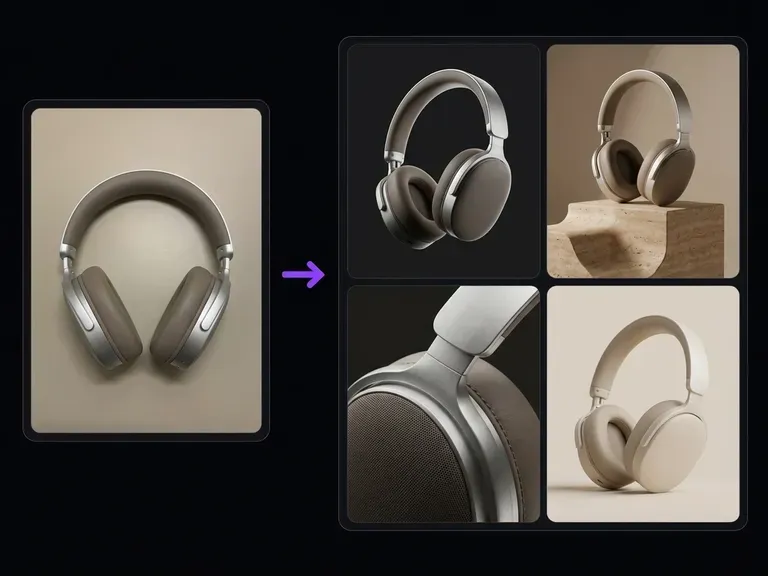
Preview studio-lit glass, ceramic, or anodized metal hardware stills straight from rough sketches or plain camera snaps without uploading CAD.
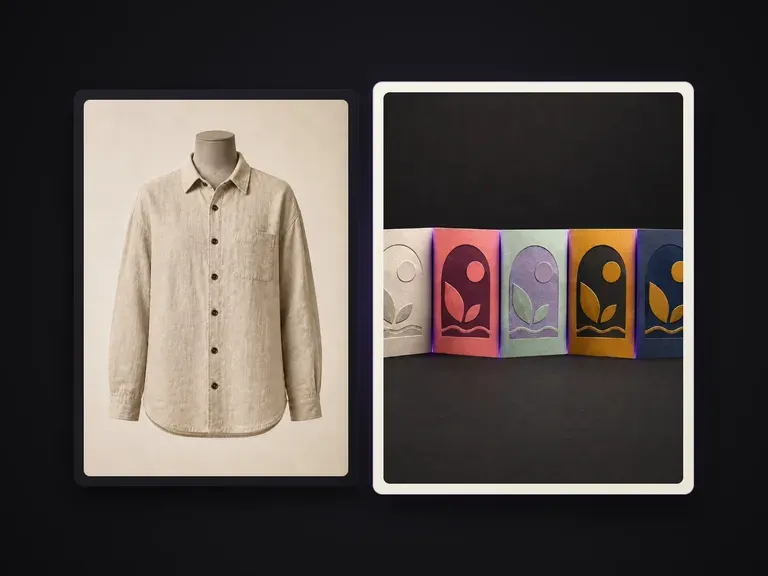
Dewarp and flatten rumpled cloth, rug, or patterned pillow photos into flat unwrinkled swatches before building material maps.
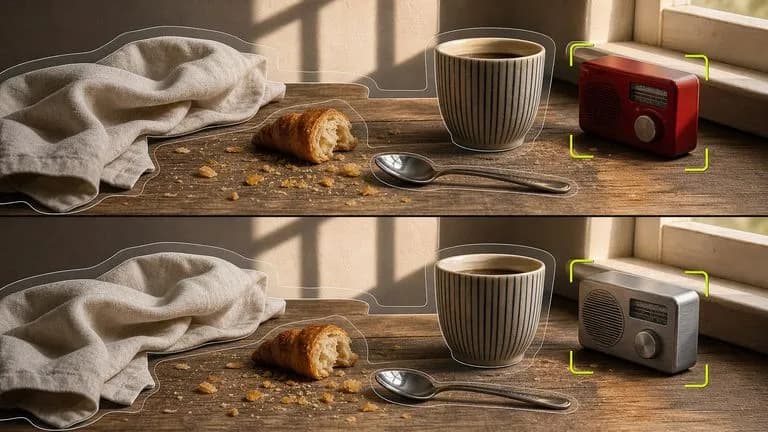
Follow surface crack paths, grout masonry joints, and cloth weave seams reliably when deriving aligned albedo or roughness passes from photos.
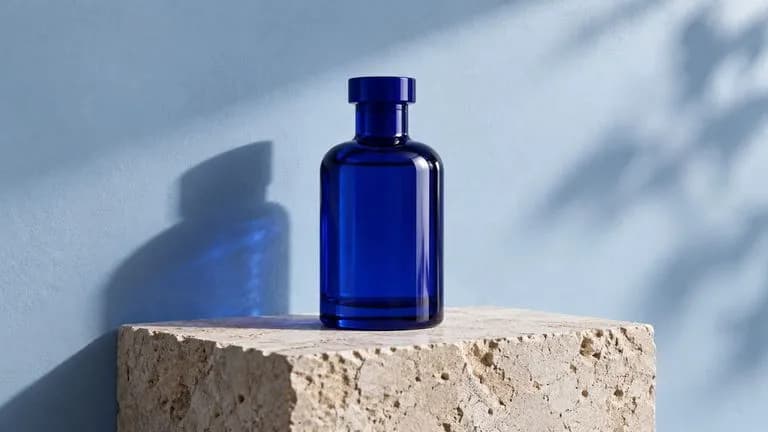
Render fine textile weaves, pitted stucco pores, and delicate oxidized patina edges clearly at up to 4K raster output dimensions.

Follow structured technical briefs specifying target channel encoding, light-free flat albedo tone, or bright-vs.-dark roughness polarity rules.
Generate natural organic shading across aged granite, troweled plaster, and charred wood fissures without rigid grid stamps.

Explore expressive distressed paint peels, weathered dock timber, and heavy industrial grime textures purely from rich text briefs.
Test early roughness-versus-gloss descriptions across starter 1K compute runs before committing detailed multi-channel surface passes.
Drop a flat surface snapshot or write detailed wear instructions, generate 8-bit shader channel previews, and inspect roughness and normal response side by side.