Graffiti Design Generator
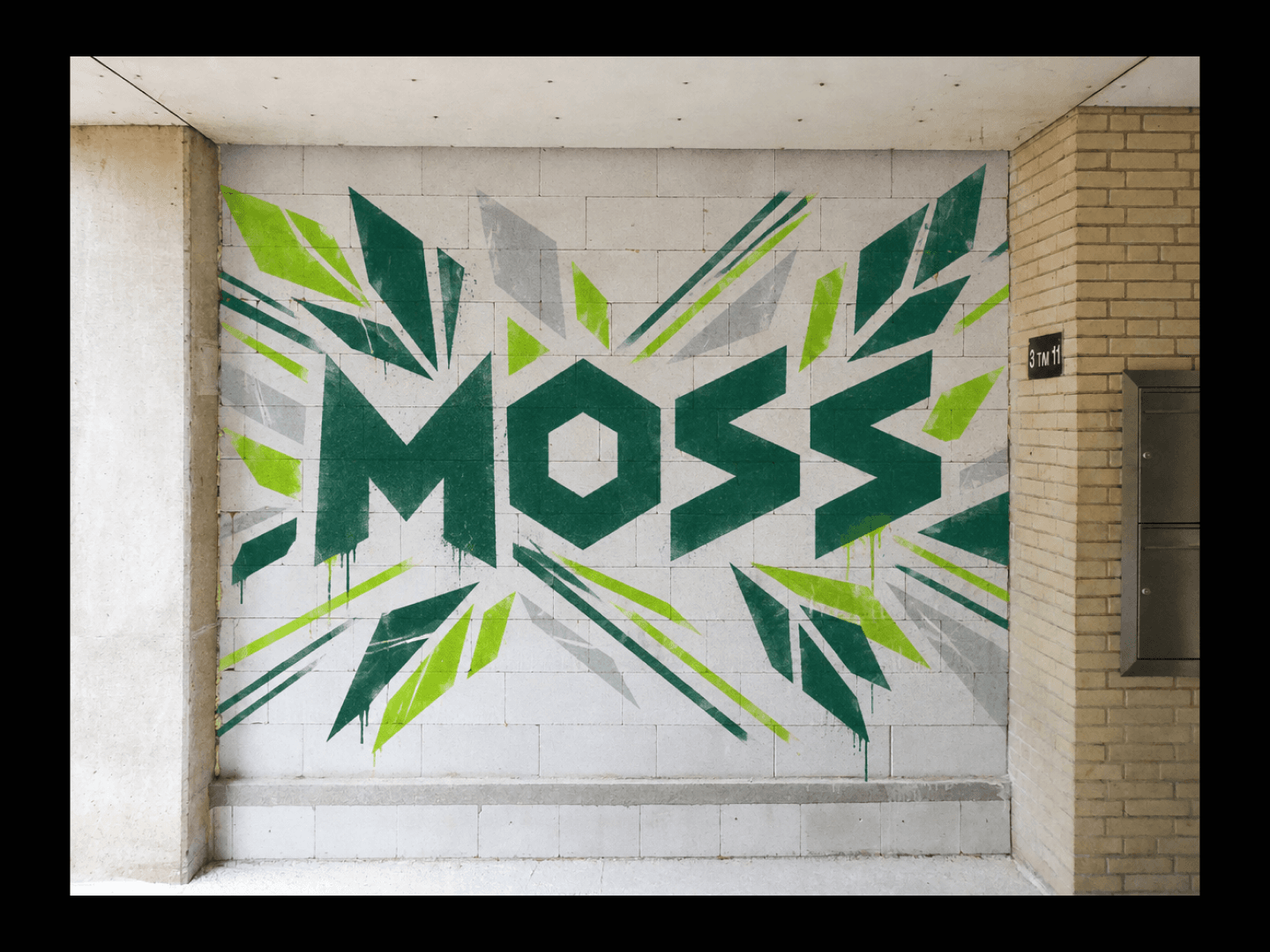
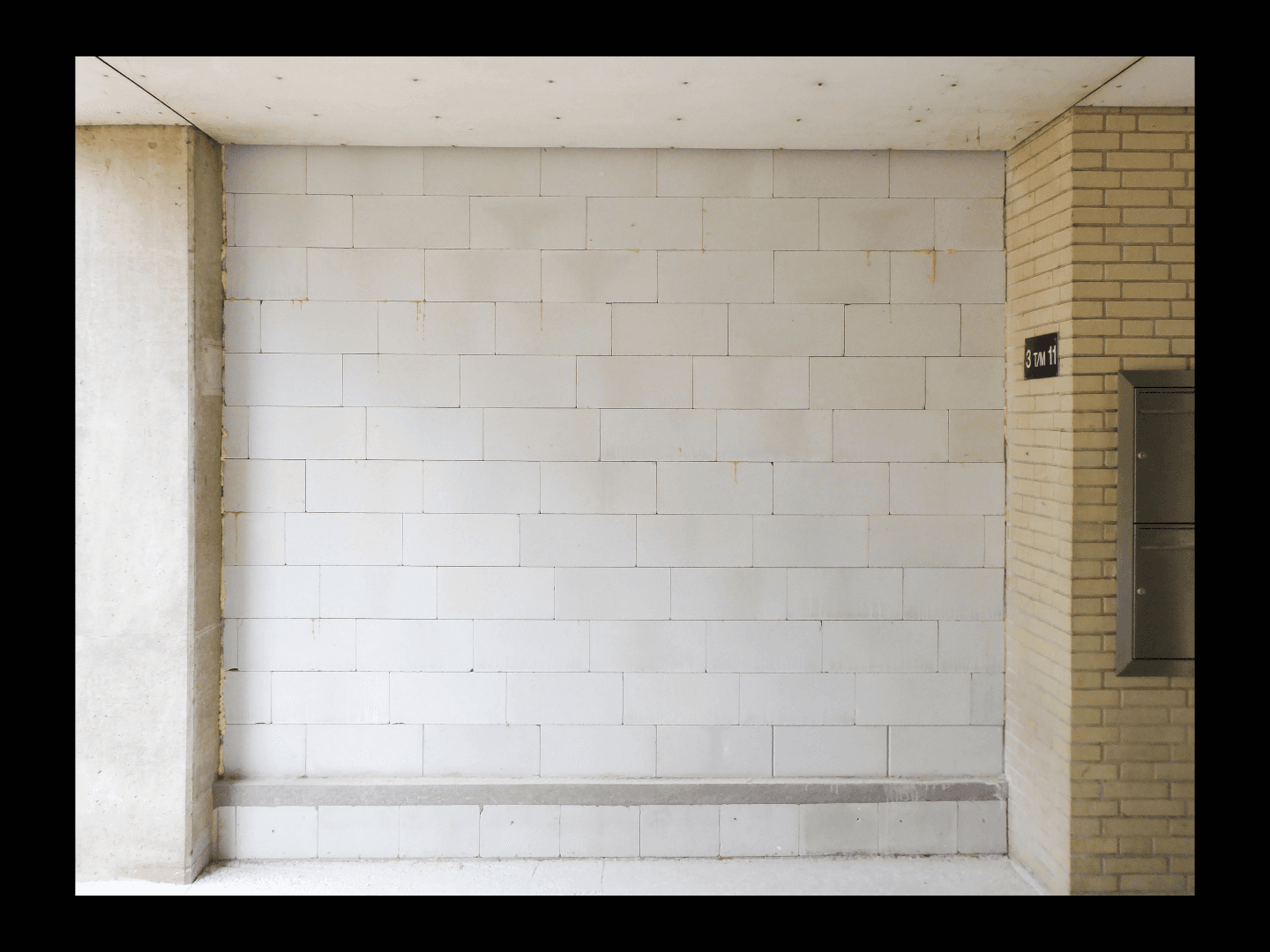
Entrada · OriginalSaída · Resultado

Graffiti Design Generator

A piece that looks tight on paper can fall apart at wall scale, where sightlines and surface texture change everything. Describe the theme and the tag, and get concepts back shown on a real wall mockup in the setting you actually have in mind. Free credits are enough to see the first direction land.

Entrada
Theme & text · ObrigatórioGraphic elements · OpcionalWall scene photo · OpcionalStyle preference · OpcionalNumber of designs · Opcional
Saída
涂鸦墙面效果预览(款数按所选数量)
Wall scene photoOpcional

A imagem é carregada na tela; este formulário leva as definições.

Number of designsOpcional

What Is a Graffiti Design Generator?

A graffiti design generator turns a theme, text and wall scene into an original graffiti concept shown as a wall mockup. In Virse you describe the style and setting, generate a few directions and compare them on one canvas before anything gets painted.

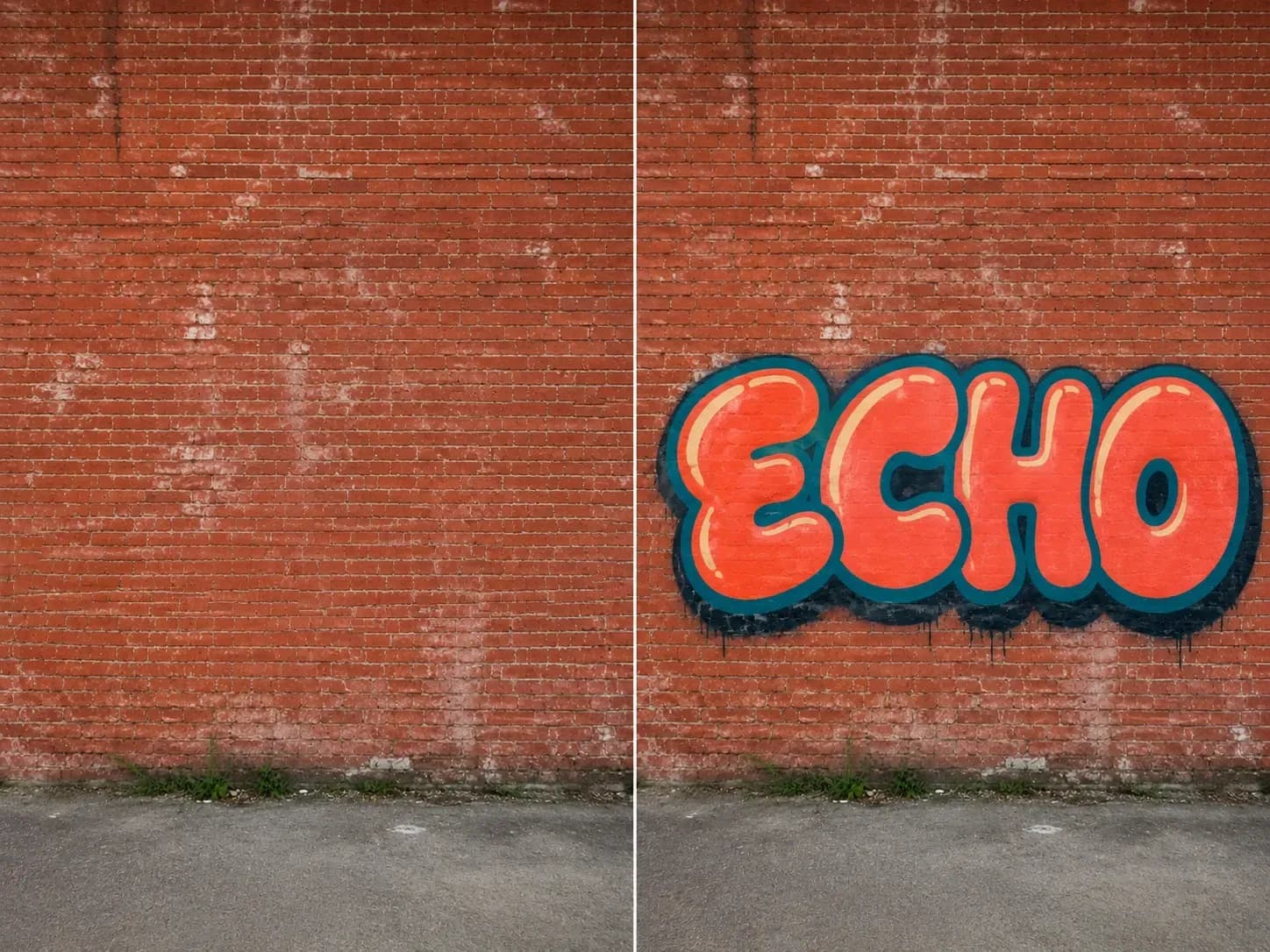
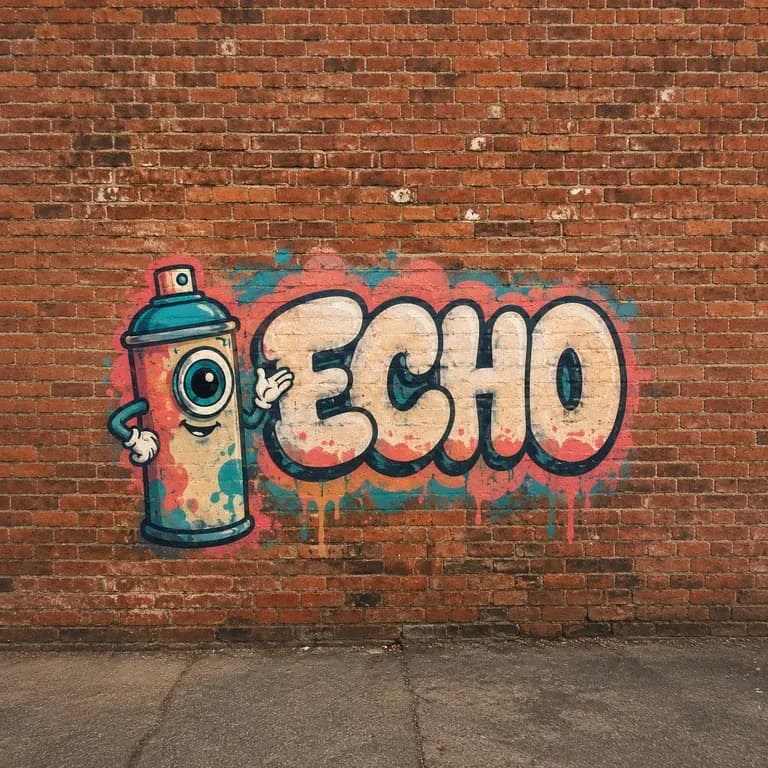
A brick wall reference photo beside the word ECHO painted as bubble-letter graffiti with spray texture
A theme brief turned into a graffiti concept on a wall mockup

Why Use Virse's Graffiti Design Generator?

Graffiti has to work at wall scale, in a real setting, not just as a flat sketch. Seeing it on a wall mockup early is what catches that.

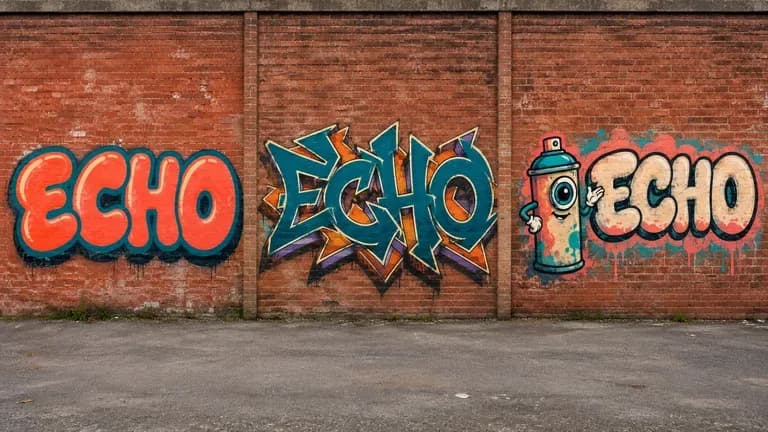
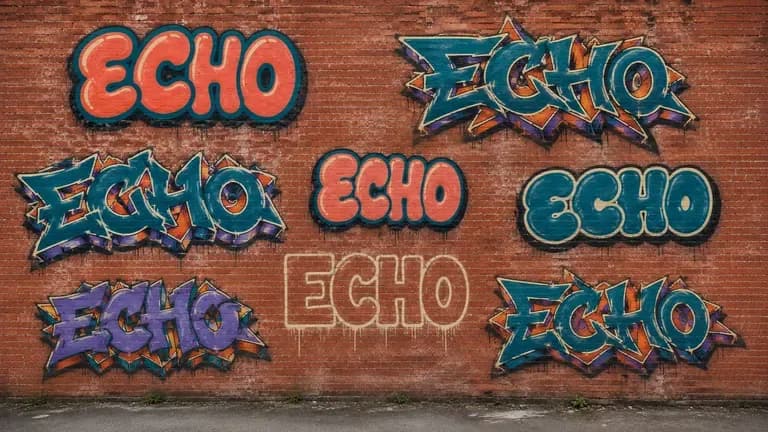
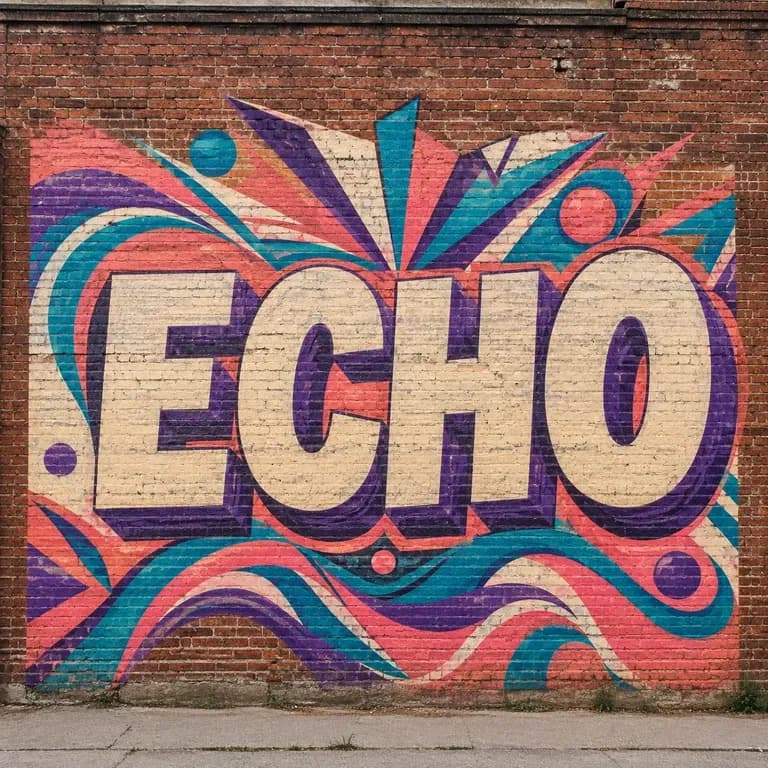
The word ECHO painted in three graffiti styles: bubble letter, wildstyle, character-led
Free

Start with Free Generations

Try your first graffiti concept on Virse credits. New users can generate up to 10 images, enough to see whether a style and layout hold up before committing to a wall.

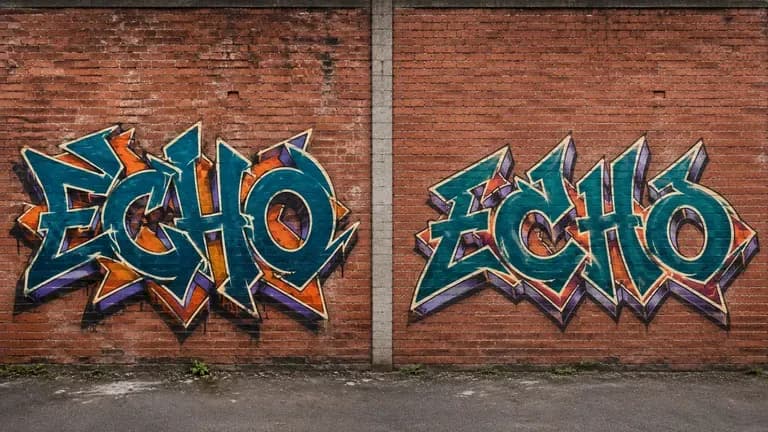
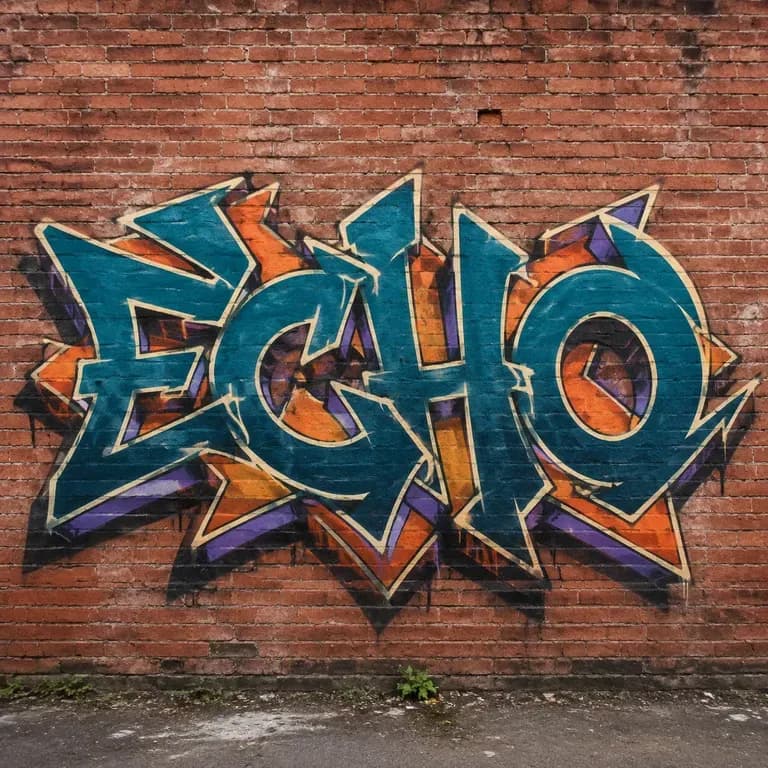
Two wildstyle interpretations of the word ECHO painted side by side
40+ models

Explore with Multiple AI Models

Virse brings 40+ AI models into one environment, and paid plans include unlimited model usage. You can see how different models handle the same theme without rebuilding your brief for each one.

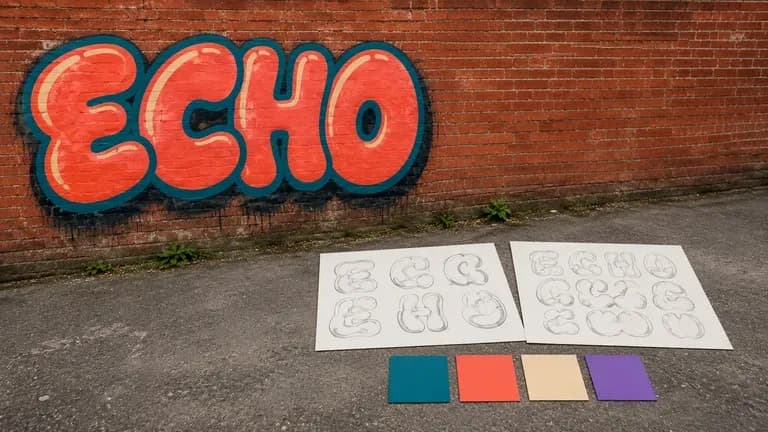
A wall graffiti piece beside sketch references and colour swatches, suggesting a wall preview
Canvas

Compare Designs on One Canvas

References, generated concepts and alternative wall settings stay together on an infinite canvas. Virse keeps your theme and text in context, so the next round builds on the direction already picked.

How to Generate a Graffiti Design with AI in Four Steps

  1. Describe the theme and text

    Write out the theme, any short text or tag you want included, and the graphic elements you have in mind.

  2. Choose a lettering style

    Pick bubble letter, wildstyle, or a character piece, matching the energy and complexity you want.

  3. Generate concepts and wall mockups

    Run an available AI image model and let it produce graffiti concepts shown on a wall mockup in the setting you described.

  4. Refine before painting

    Adjust colours, letterforms and composition with updated notes, then keep the settled design as the reference for the real wall.

Who Is a Graffiti Design Generator For?

People who need a piece to work at wall scale before any paint goes up.

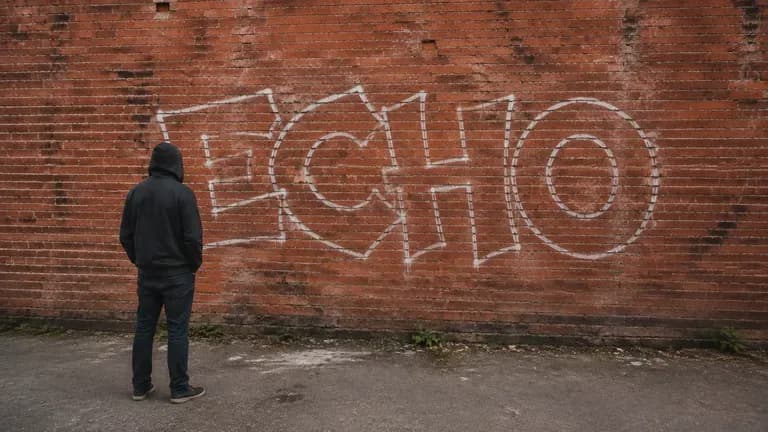
A graffiti artist facing a brick wall with an early sketch, shown from behind or cropped below the shoulders

Street & Mural Artists

Explore a lettering style and layout before committing spray paint to a real wall.

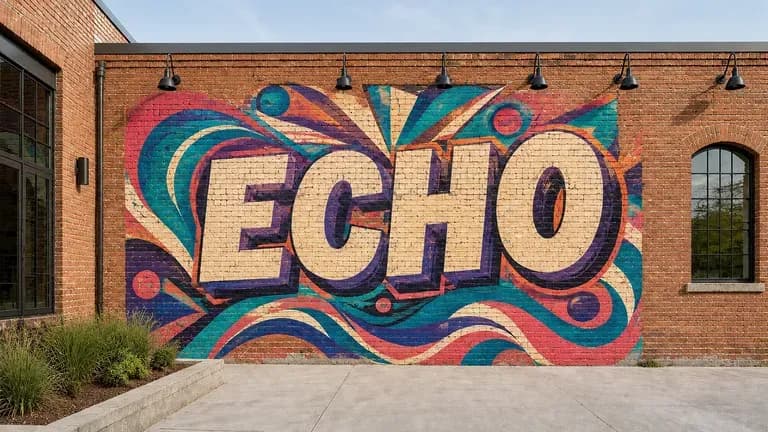
A commissioned mural wall in bright, commercial-looking colours for a brand event

Brand & Event Muralists

Design a branded or themed piece for a commissioned mural or event backdrop.

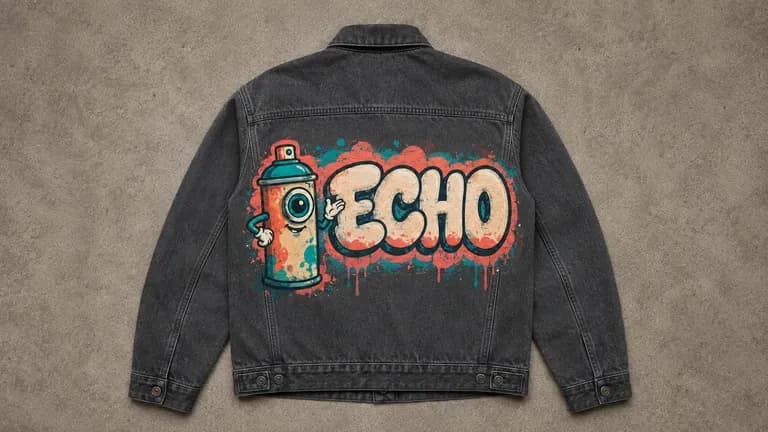
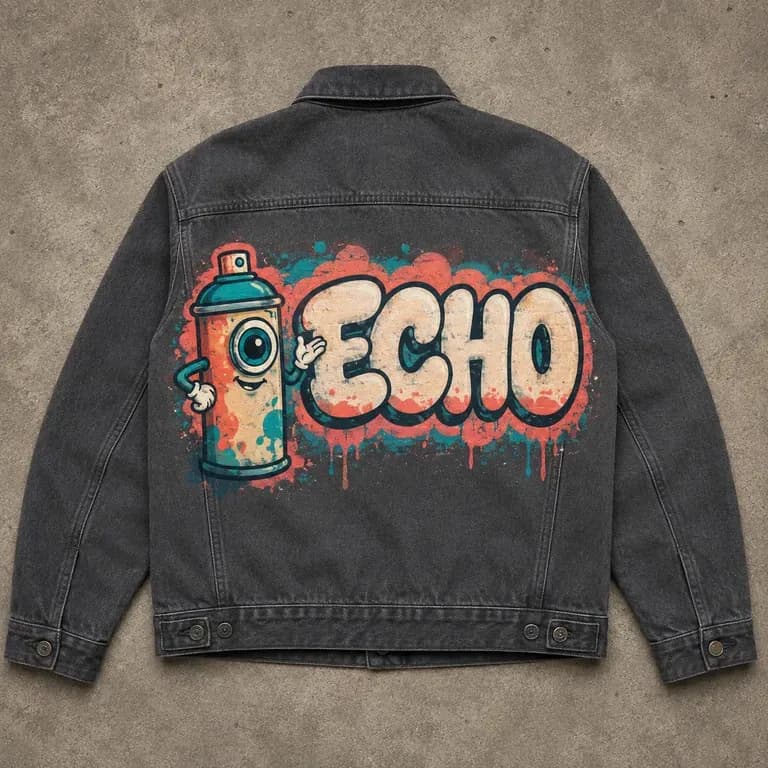
A graffiti-style graphic printed on the back of a jacket

Streetwear & Apparel Designers

Turn a graffiti-style graphic into artwork for apparel or merchandise.

A practice wall with several smaller lettering studies, suggesting student or hobbyist practice

Students & Hobbyist Artists

Practise lettering styles and composition as a personal art exercise.

Graffiti Design Generator Use Cases

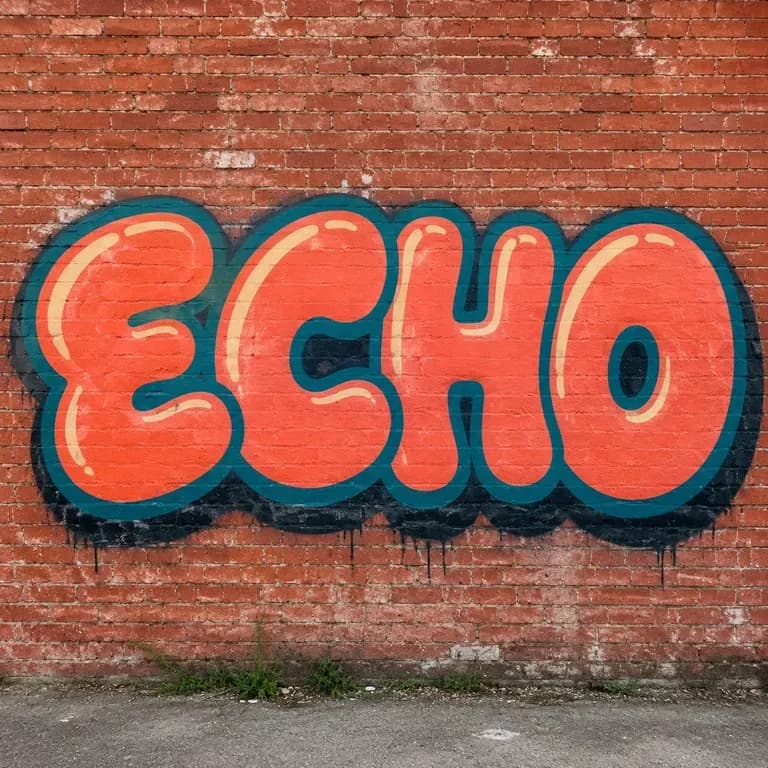
A close-up of the word ECHO in bubble-letter graffiti style
Bubble Letter Pieces: rounded, bold outlines with a clean fill
A close-up of the word ECHO in wildstyle graffiti
Wildstyle Compositions: interlocking, arrow-heavy letterforms with high energy
A close-up of a character-led graffiti piece incorporating the word ECHO
Character-Led Pieces: a graphic figure or icon leading the composition
A close-up of a commissioned mural-style graffiti piece
Commissioned Mural Concepts: a branded or themed piece for a real wall
A close-up of a graffiti graphic printed on a jacket
Apparel-Ready Graphics: a graffiti-style design adapted for a T-shirt or hoodie
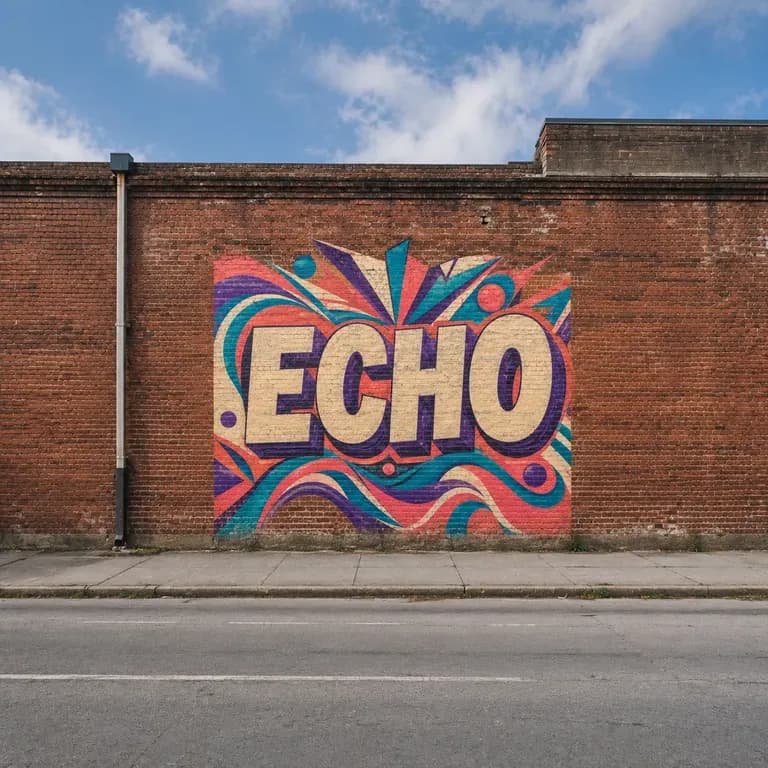
A wide view of a graffiti piece shown in its real wall setting
Wall Mockup Previews: a concept shown in its intended real-world setting
FAQ

Frequently Asked Questions

Is this graffiti design generator free?
You can start on free Virse credits. New users can generate up to 10 images with Nano Banana 2, enough to test a concept before deciding whether you need a paid workflow. Free access is limited rather than unlimited.
Will my exact text or tag stay unchanged?
That is the goal, but treat the first result as a draft to check, especially for wildstyle lettering, which is deliberately hard to read even when done by hand. Keeping the text short helps.
Does this generate a stencil or a paint-by-number guide?
No. It generates a visual concept and wall mockup for planning and reference. It does not output a stencil, layer guide or paint-matching file.
Can I see the design in a specific wall setting?
Yes. Describe the setting, such as a brick wall or an underpass, and the mockup places the concept in that scene.
Can I generate more than one style for the same theme?
Yes. You can run several directions from the same brief and compare them side by side on the canvas before choosing one to develop.
What do Virse paid plans include?
Paid plans include access to 40+ AI models with unlimited model usage and unlimited team seats, aimed at artists and studios producing concepts regularly.

Generate Your Graffiti Design with AI

Describe your theme and text, generate graffiti concepts with a wall mockup, and refine the one worth developing.