Coin Design Generator

Coin Design Generator

Flat art doesn't tell you how a design will actually catch light once it's struck in relief. Describe the theme, the wording and the finish, and get front and back concepts back with a 3D preview that shows the raised detail before anything goes to a mint. Free credits cover a first pass.

입력
Theme & inscription · 선택Theme symbol references · 선택Shape · 선택Material preference · 선택Number of designs · 선택
출력
Commemorative coin front-and-back previews (count based on selection)

Theme symbol references선택

이미지는 캔버스에서 업로드합니다. 여기서는 설정만 입력합니다.

Number of designs선택

What Is a Coin Design Generator?

A coin design generator turns a theme, wording and finish into front and back concepts shown with a 3D preview. In Virse you describe the occasion and the details, generate a few directions and compare them on one canvas before anything goes to a mint.

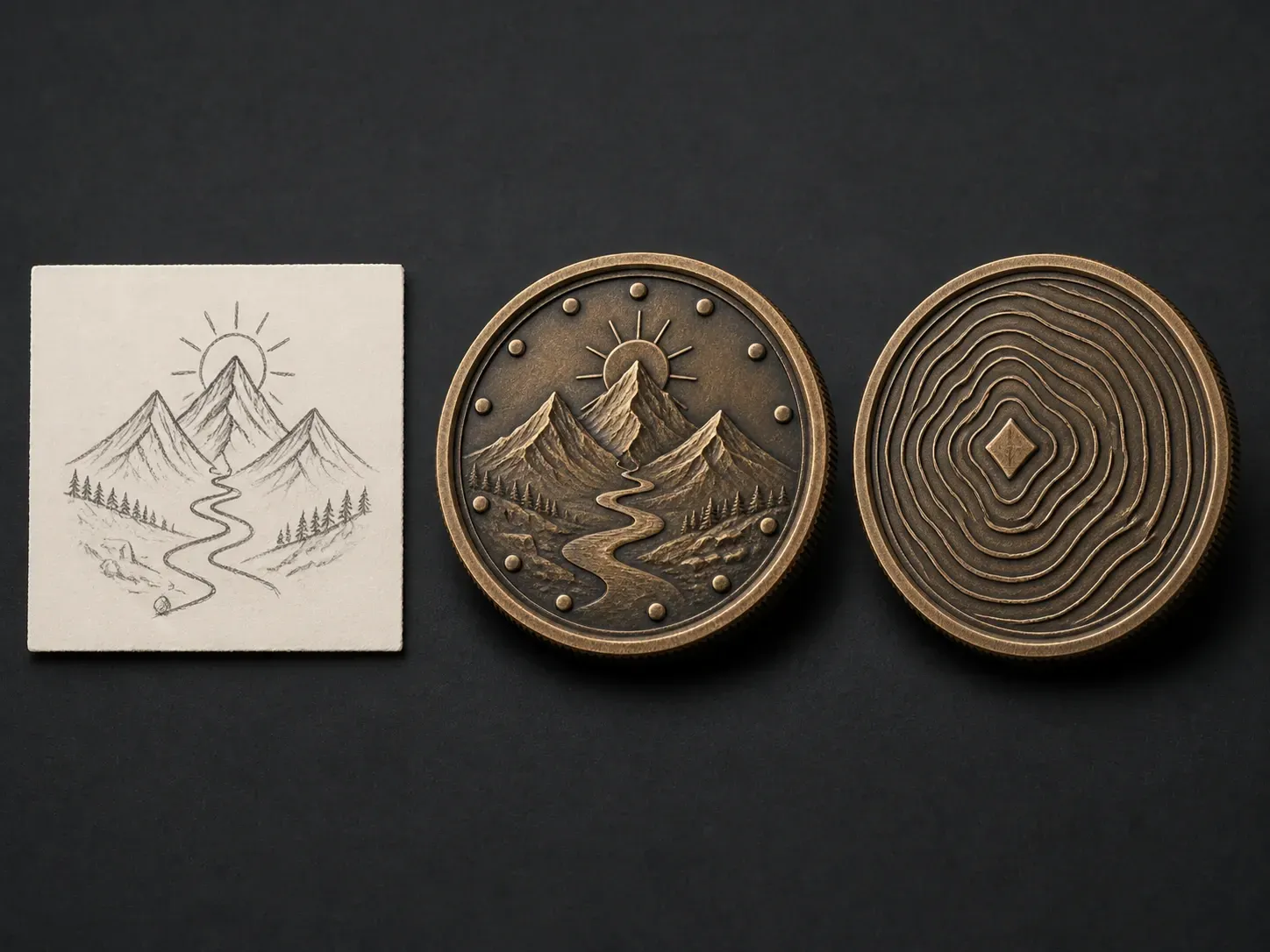
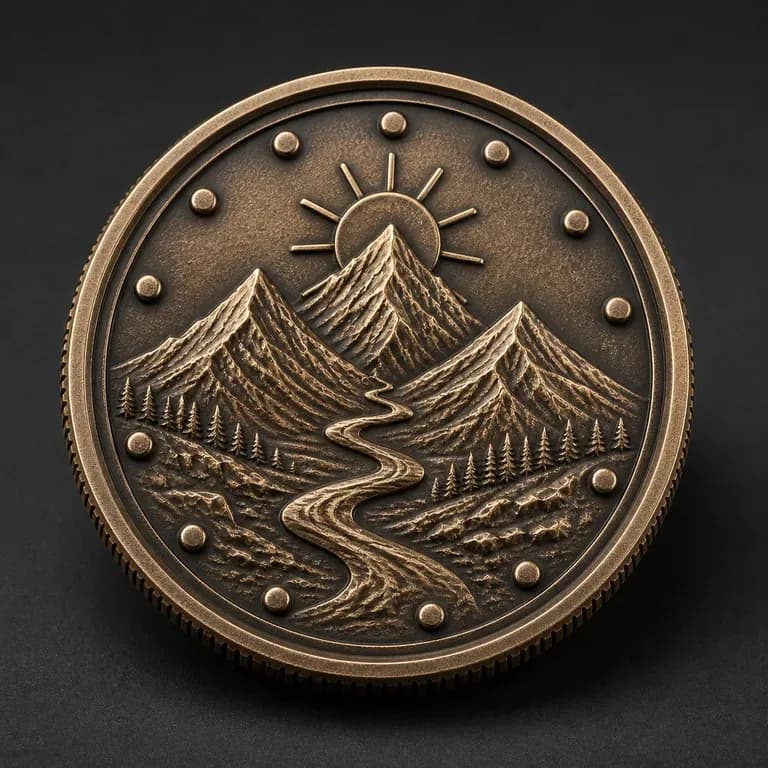
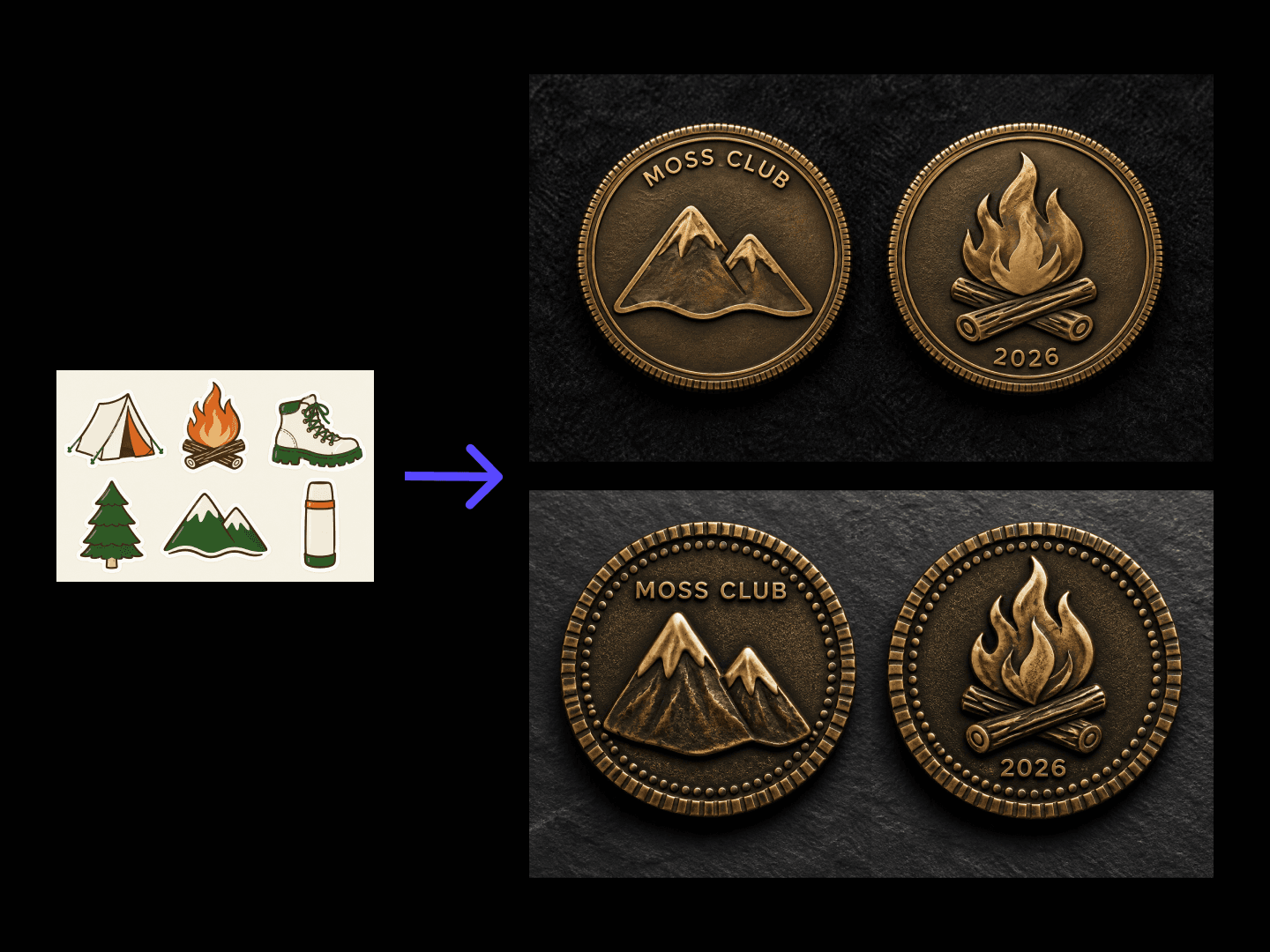
A mountain crest sketch reference beside an antique bronze coin shown front and back in 3D relief
A theme brief turned into a coin concept with a 3D preview

Why Use Virse's Coin Design Generator?

A coin has to read correctly in relief, not just as a flat graphic. Seeing a 3D preview early is what catches that.

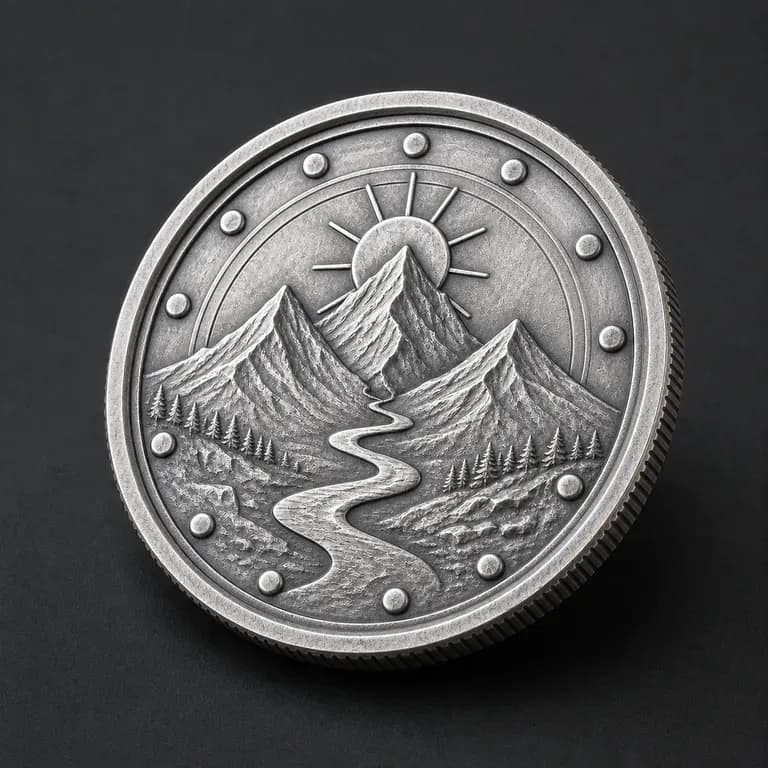
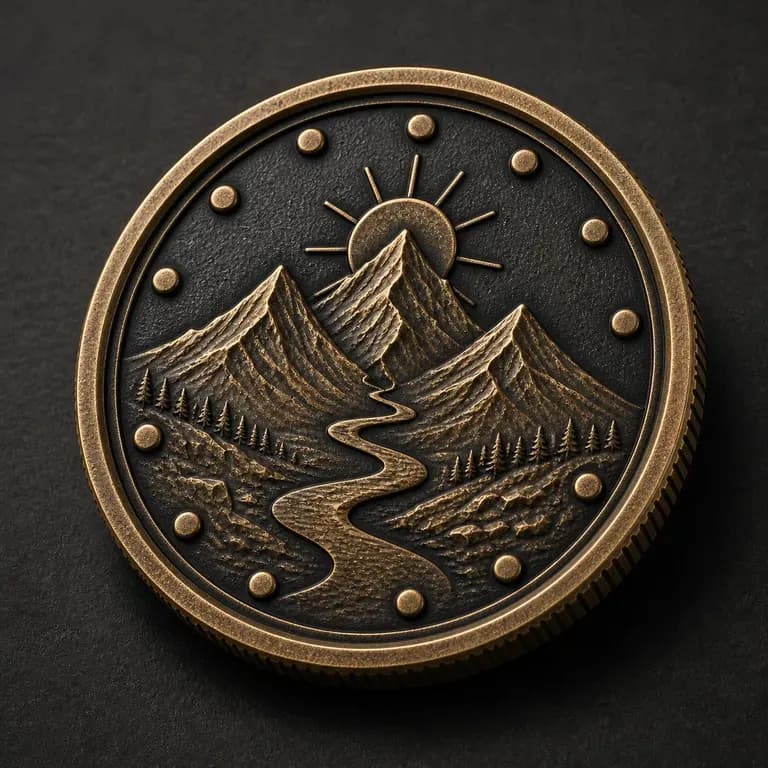
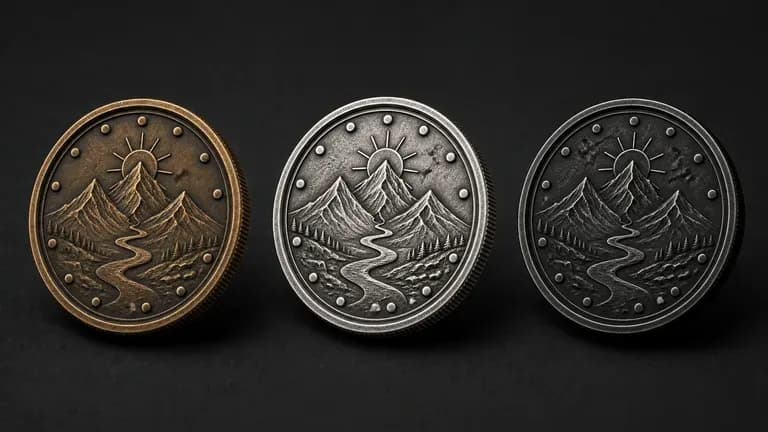
Three coins in antique bronze, bright silver and matte black finishes with the same crest
Free

Start with Free Generations

Try your first coin concept on Virse credits. New users can generate up to 10 images, enough to see whether a design reads well in relief before committing to a minting order.

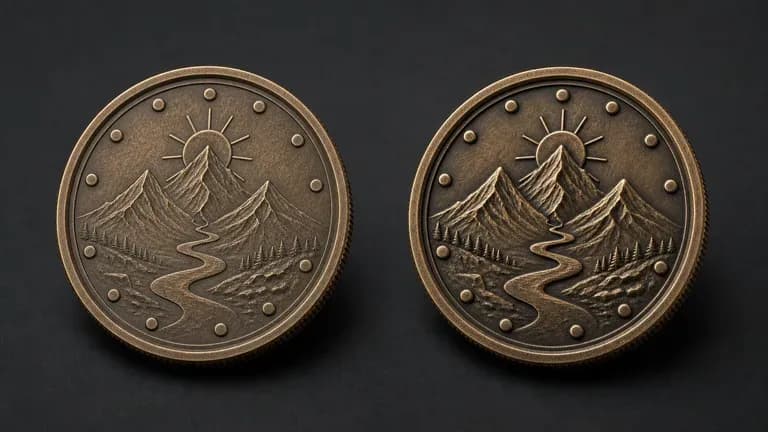
Two versions of the same coin with shallower and deeper relief depth
40+ models

Explore with Multiple AI Models

Virse brings 40+ AI models into one environment, and paid plans include unlimited model usage. You can see how different models handle the same theme without rebuilding your brief for each one.
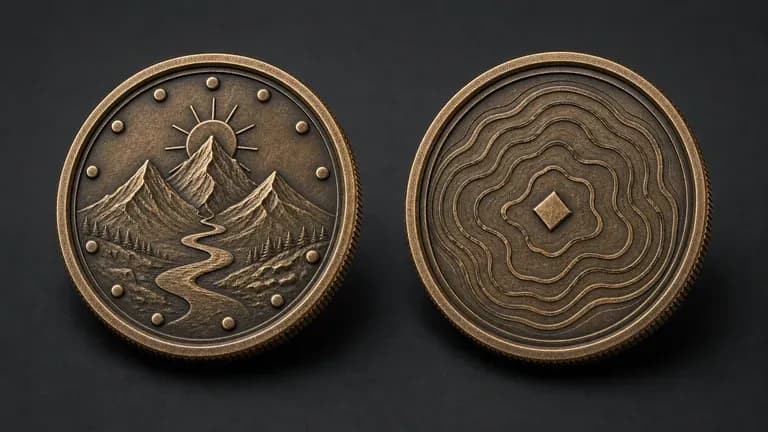
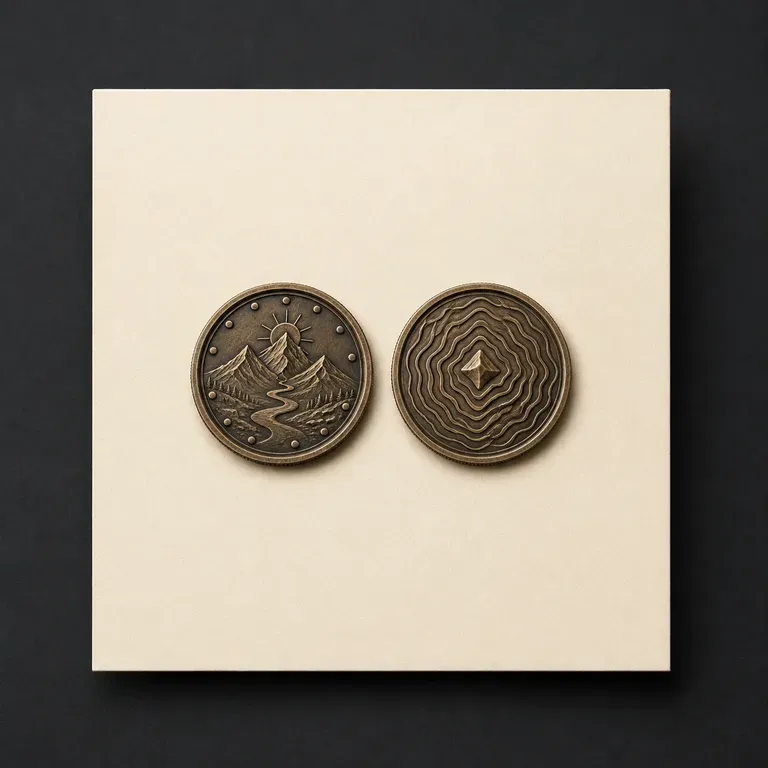
A coin's front and back faces shown close together with relief detail clearly visible on both
Canvas

Compare Designs on One Canvas

References, generated concepts and alternative finishes stay together on an infinite canvas. Virse keeps the theme and wording in context, so the next round builds on the direction already picked.

How to Generate a Coin Design with AI in Four Steps

  1. Describe the theme and wording

    Write out the occasion, the wording you want engraved, and any emblem or graphic elements the coin should include.

  2. Choose shape and finish

    Pick a coin shape and a metal finish, from antique gold to dual-tone, matching the physical piece you plan to mint.

  3. Generate front and back concepts

    Run an available AI image model and let it produce front and back designs together with a 3D relief preview.

  4. Refine before minting

    Adjust the layout, wording placement and finish with updated notes, then hand the settled design to a mint for production.

Who Is a Coin Design Generator For?

People marking an occasion with something that gets kept, not thrown away.
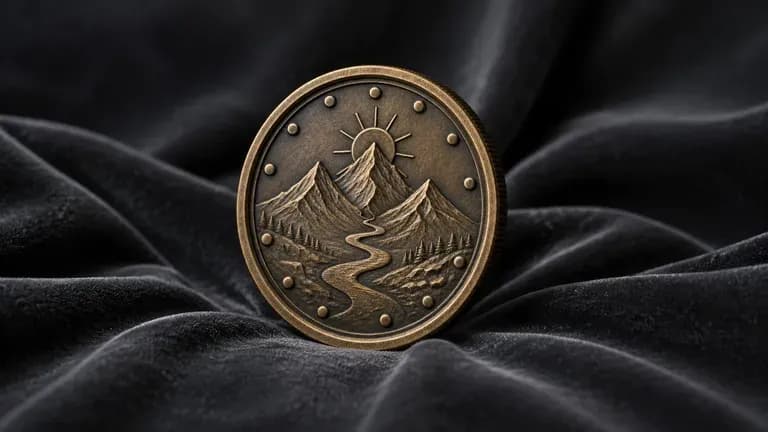
An antique bronze crest coin standing upright on dark velvet fabric

Military & Unit Groups

Design a challenge coin marking a unit, deployment or anniversary.
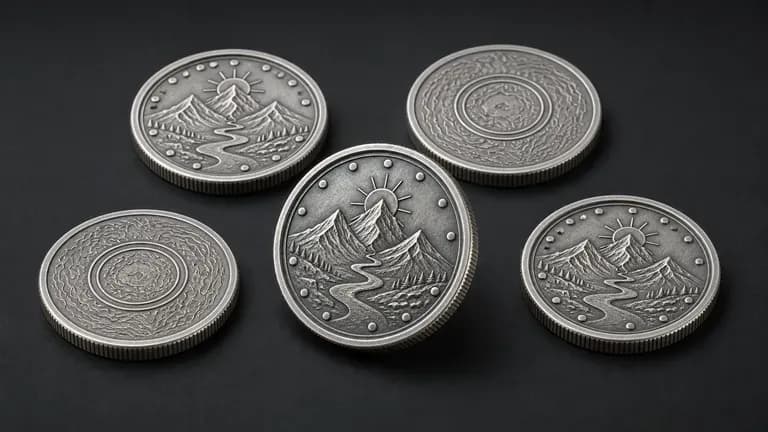
A bright silver anniversary coin with several matching coins scattered nearby

Event & Anniversary Organisers

Create a keepsake coin for a milestone event, reunion or celebration.
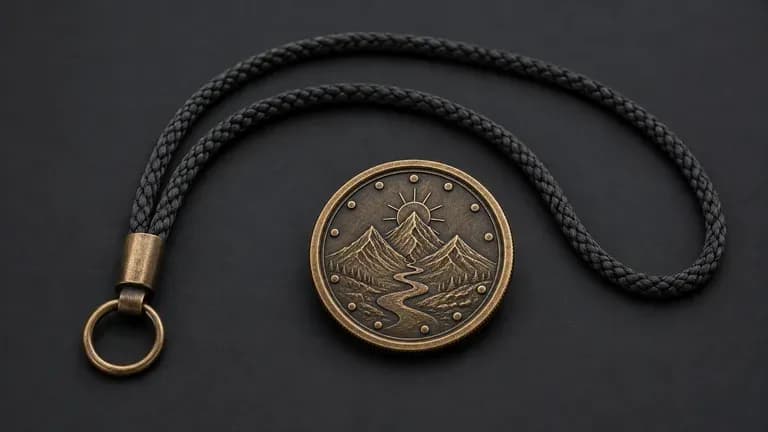
A dual-tone club emblem coin beside a lanyard cord

Clubs, Teams & Organisations

Design a membership or achievement coin for a club, team or society.
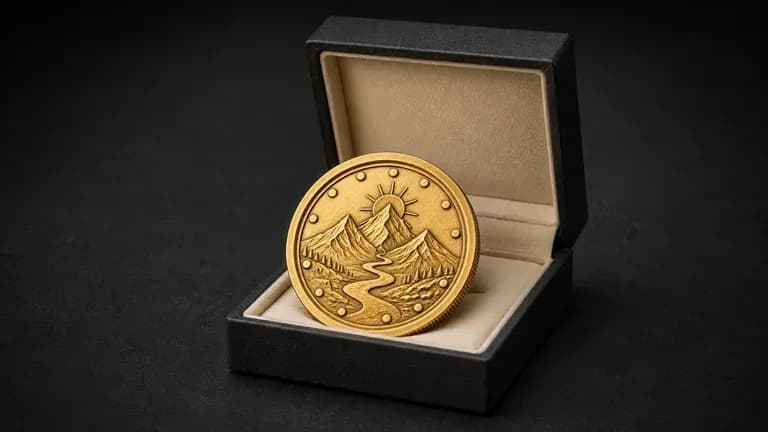
A polished gold-plated corporate gift coin resting at the opening of a gift box

Businesses & Custom Merchandise Sellers

Produce a branded coin concept as a premium giveaway or collectible.
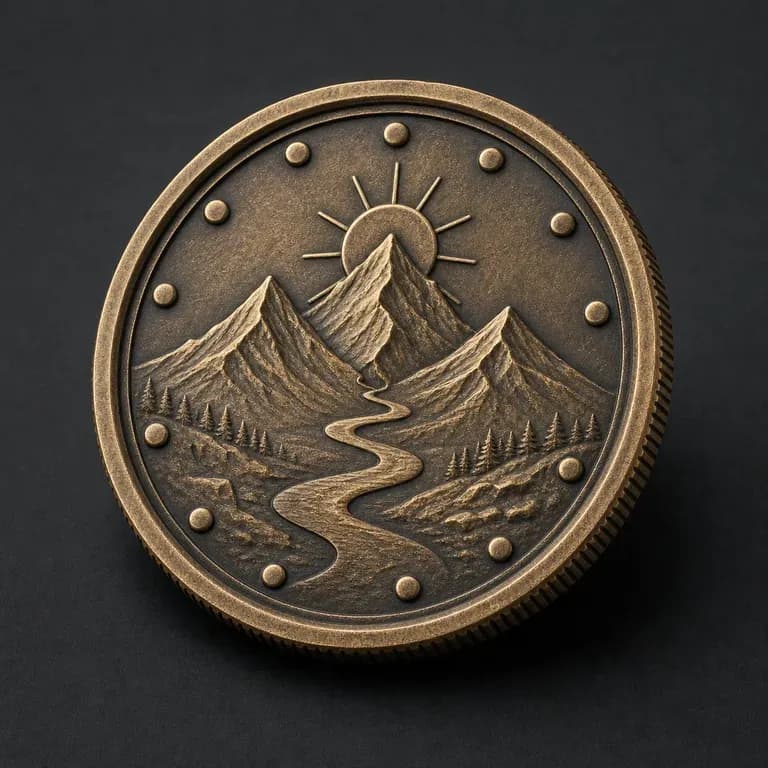
Coin Design Generator Use Cases

A close-up of an antique bronze crest coin's front face
Military Challenge Coins: a unit crest and dates shown front and back
A close-up of a bright silver anniversary coin's front face
Anniversary Keepsake Coins: a milestone date and emblem in a classic layout
A close-up of a dual-tone club emblem coin's front face
Club & Team Coins: a central emblem with a bordered rim design
A sculptural relief coin filling most of the frame with a raised 3D scene
Sculptural Relief Coins: a raised 3D scene covering most of the coin face
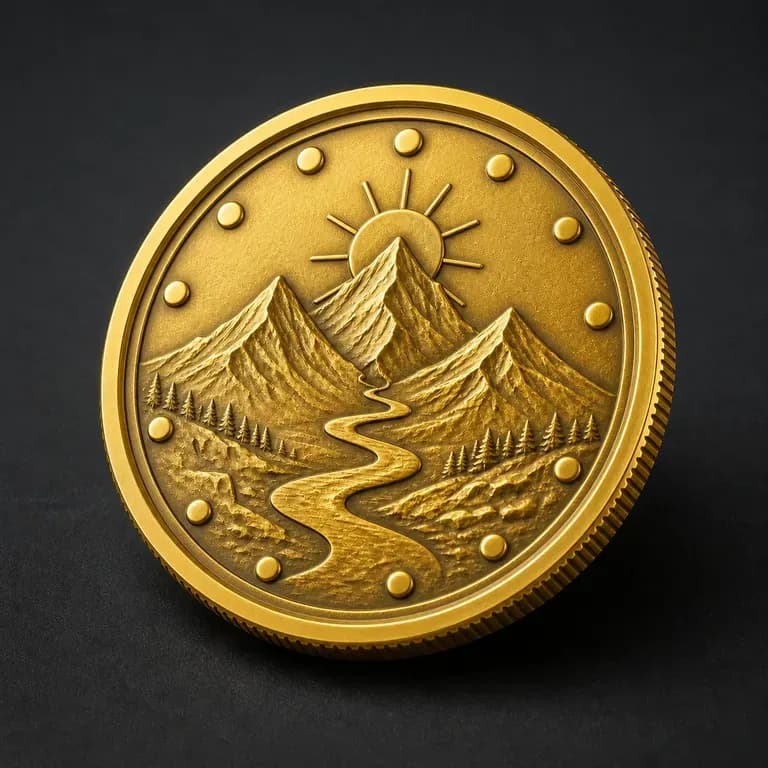
A close-up of a gold-plated corporate gift coin
Dual-Tone Finish Coins: two metal tones separating background and detail
A single coin's front and back faces shown as small paired thumbnails
Business Giveaway Coins: a premium collectible concept for corporate gifting
FAQ

Frequently Asked Questions

Is this coin design generator free?
You can start on free Virse credits. New users can generate up to 10 images with Nano Banana 2, enough to test a concept before deciding whether you need a paid workflow. Free access is limited rather than unlimited.
Does this generate a file ready for minting?
No. It generates front and back visual concepts with a 3D relief preview. A mint still needs production-ready engraving files, which typically come from the mint itself based on your chosen concept.
Is this for digital currency or cryptocurrency coins?
No. This generates concepts for physical, minted commemorative coins such as challenge coins and keepsakes, not cryptocurrency or digital token artwork.
Can I see both the front and back designs together?
Yes. Front and back concepts are generated together so you can check that wording, emblem and finish work as a matched pair.
Can I request specific wording or dates on the coin?
Yes. Include the exact wording, dates or names you want in your notes, and the concept is built around that detail.
What do Virse paid plans include?
Paid plans include access to 40+ AI models with unlimited model usage and unlimited team seats, aimed at organisations designing coins on a recurring basis.

Generate Your Coin Design with AI

Describe your theme and wording, generate a front and back concept with a 3D preview, and refine it before you mint.