AI Hat Designer

AI Hat Designer

This AI hat designer renders your hat from the front and the side. Name the style, such as a trucker or a dad hat, and describe it to see the shape before anything is stitched.

입력
Design brief · 필수Hat type · 선택Material & colors · 선택Logo or embroidery artwork · 선택Style reference · 선택View · 선택Number of designs · 선택
출력
Hat design renders (front / side view), one independent image per design based on the selected count

Logo or embroidery artwork선택

이미지는 캔버스에서 업로드합니다. 여기서는 설정만 입력합니다.

Style reference선택

Hat type선택

View선택
Number of designs선택

What is an AI hat designer?

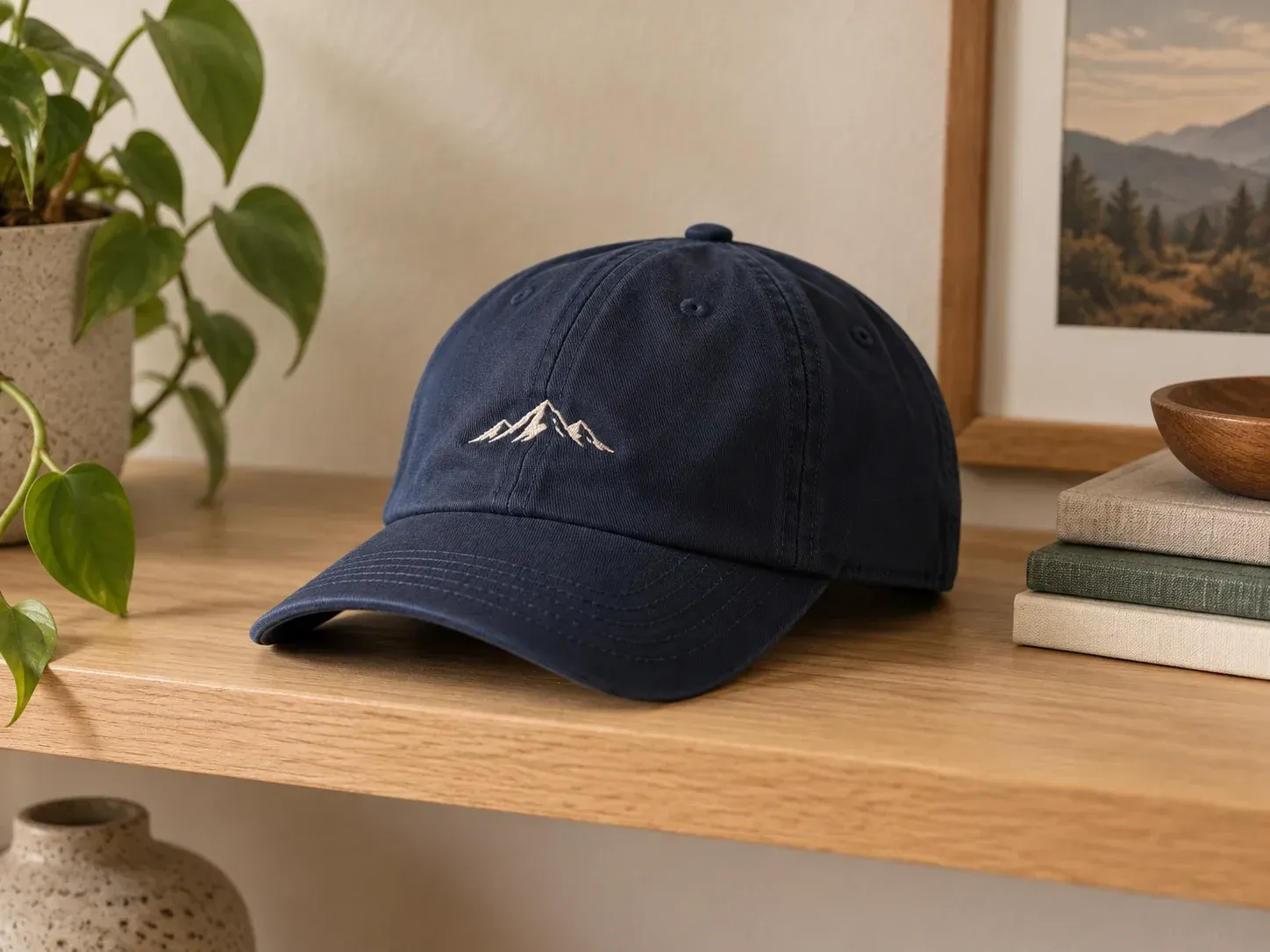
An AI hat designer, also called an AI hat generator, pictures a hat you have described in words. The result is a design image for review, not a stitch file or a sample, so construction and fit stay with your hat maker.

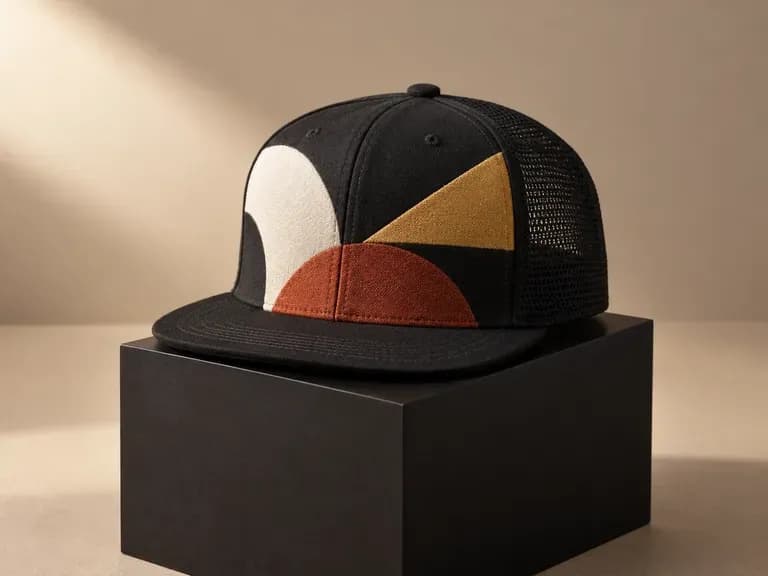
A baseball cap rendered from a short brief with a front logo

Why use Virse for custom hat design online?

Most hat decisions go in this order: how the shape reads, which fabric and color, then where the logo sits.

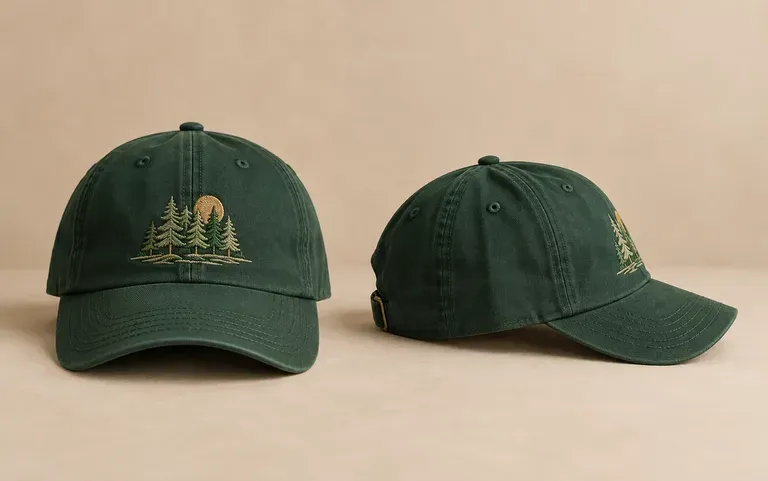
One cap design shown from the front and the side
Two views

Front and side views

The side view shows the brim curve, the crown height and any artwork on the side panels, which a front view alone leaves out.
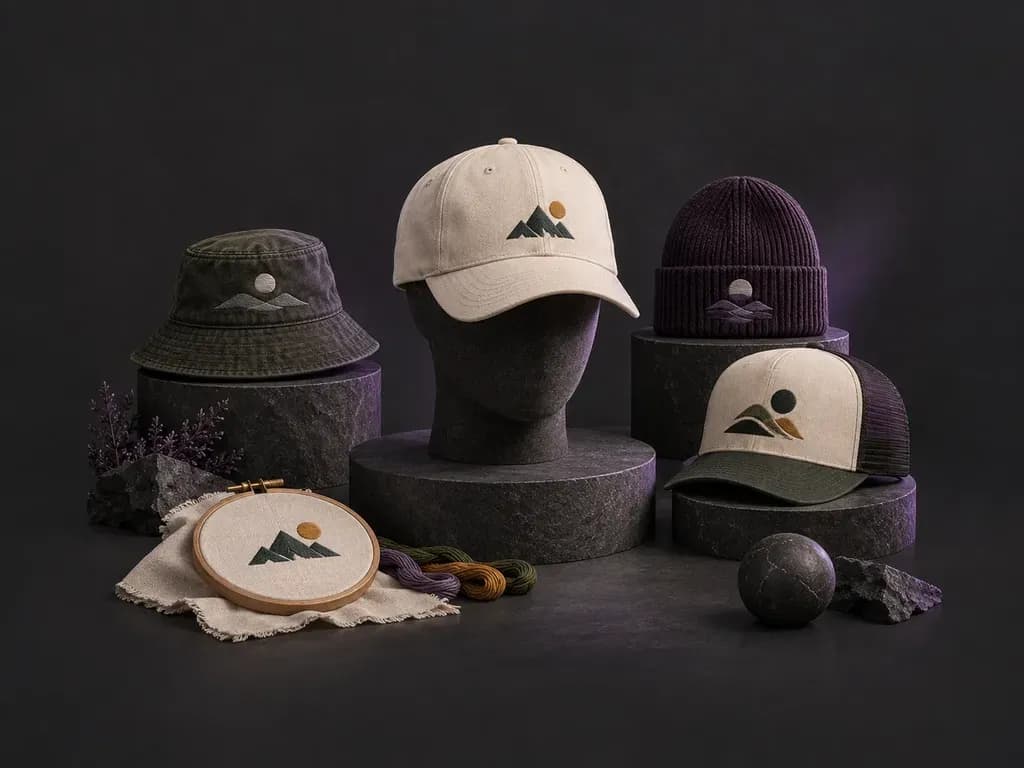
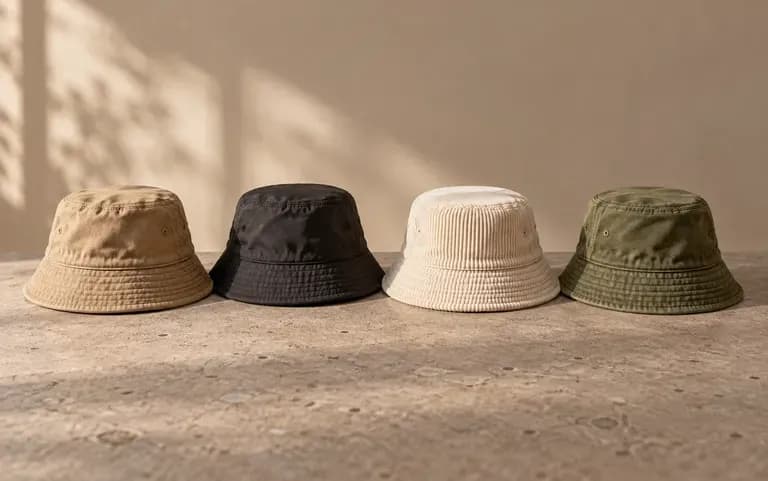
A bucket hat in four fabric and color variants
Colorways

Material and color variants

Ask for fabric and color variants of the same design, for example washed cotton or corduroy in the colorways you plan to offer, and they come back as one set.
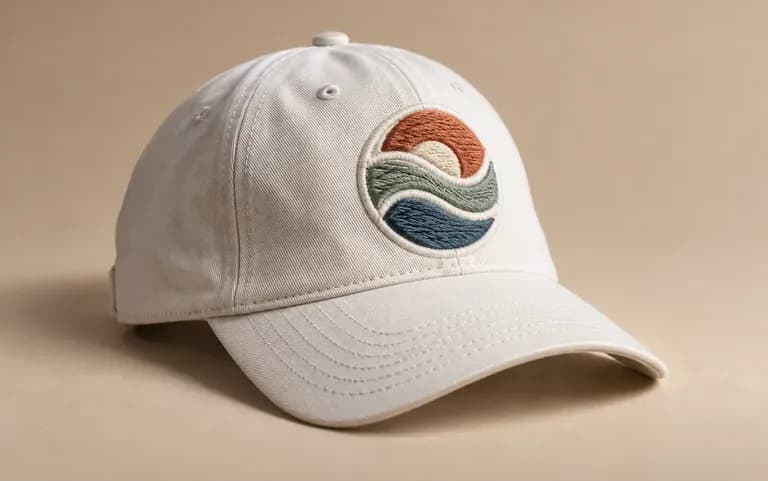
A brand logo shown as embroidery on a cap front
Logo input

Your logo on the crown

Add a logo or embroidery artwork to the form and the render places it on the hat. Describe where it sits, such as front center or a side panel, then confirm the final size with your supplier.

How to design a hat with an AI hat generator

  1. Name the hat style

    Start with the style: a baseball cap, trucker, bucket hat or beanie. The shape decides where artwork can go.

  2. Describe the look

    Add the material, the colors and details such as brim shape, a mesh back or a folded cuff.

  3. Run the brief

    Submit the description to generate the hat design as an image.

  4. Adjust and rerun

    A brim that sits wrong or artwork in the wrong spot is fixed by rewording the brief and running it again.

Who uses an AI cap designer?

It suits anyone who puts a brand or a team name on hats.
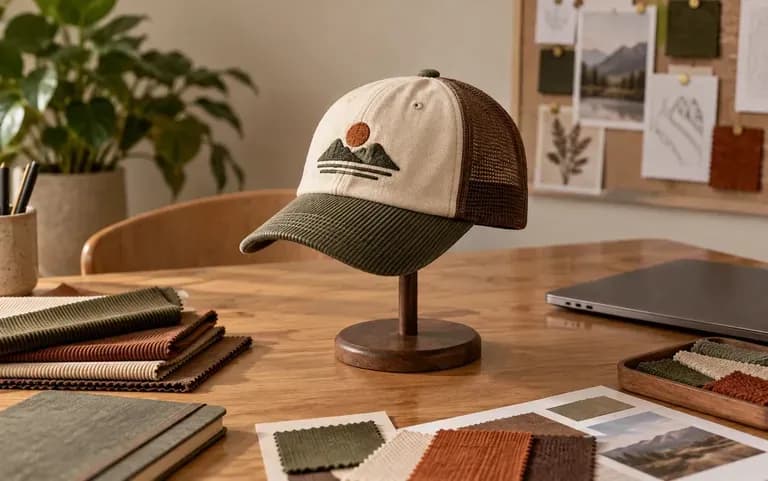
A new cap idea shared for team review

Merch and streetwear brands

Share a new cap idea with your team as an image before you pay for a factory sample.
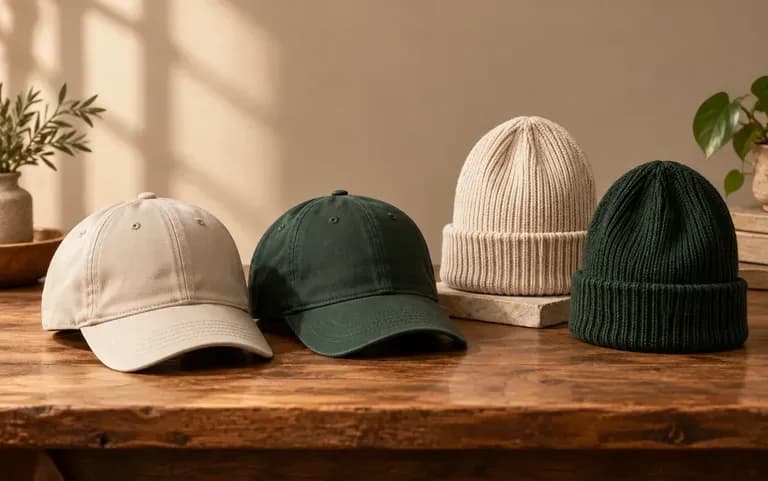
Cap and beanie styles considered for a club order

Sports teams and clubs

Show members a few cap and beanie options in club colors and let them vote on one.
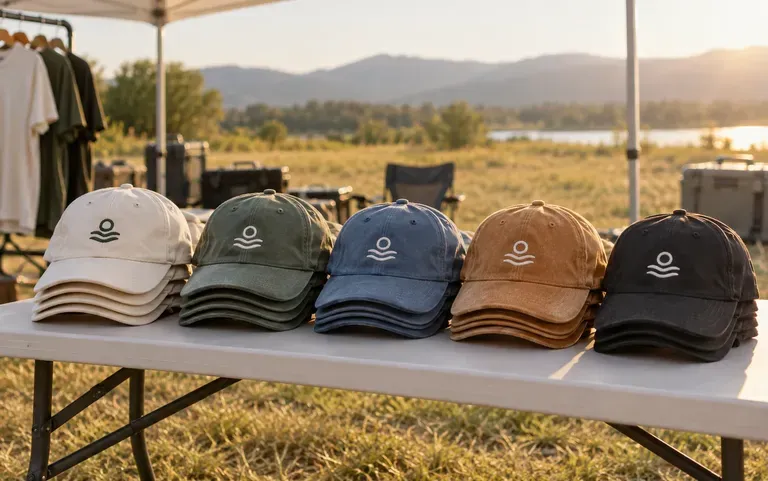
Branded caps planned for an event team

Companies and event organizers

Plan caps for staff uniforms or a trade show handout.
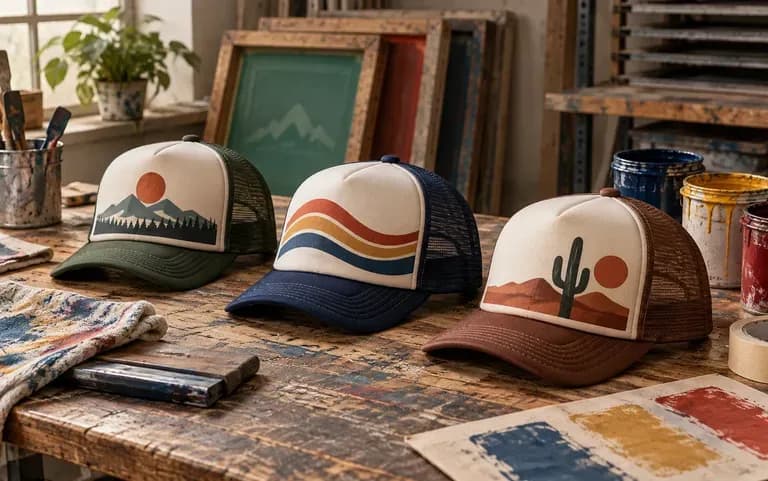
Trucker hat ideas prepared for a print partner

Print-on-demand sellers

Draft new hat ideas for a seasonal drop in the styles your print provider carries, such as trucker or dad hats.
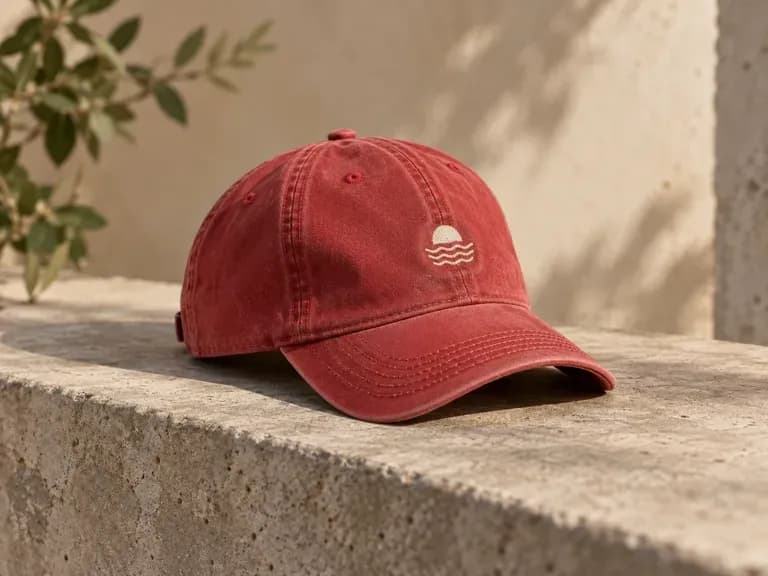
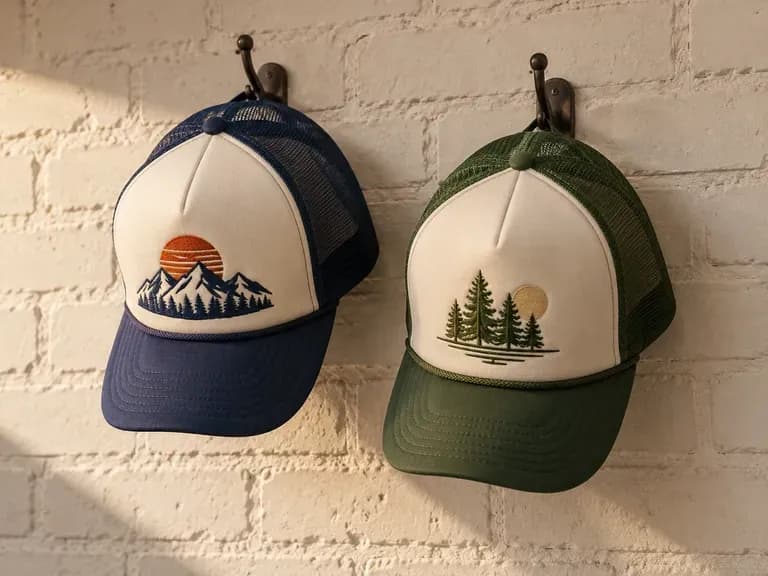
Hat design ideas to generate

Embroidered Baseball Caps: a front logo on a six-panel cap
Trucker Hats: foam fronts with mesh backs in team colors
Bucket Hats: corduroy or cotton twill with a short brim
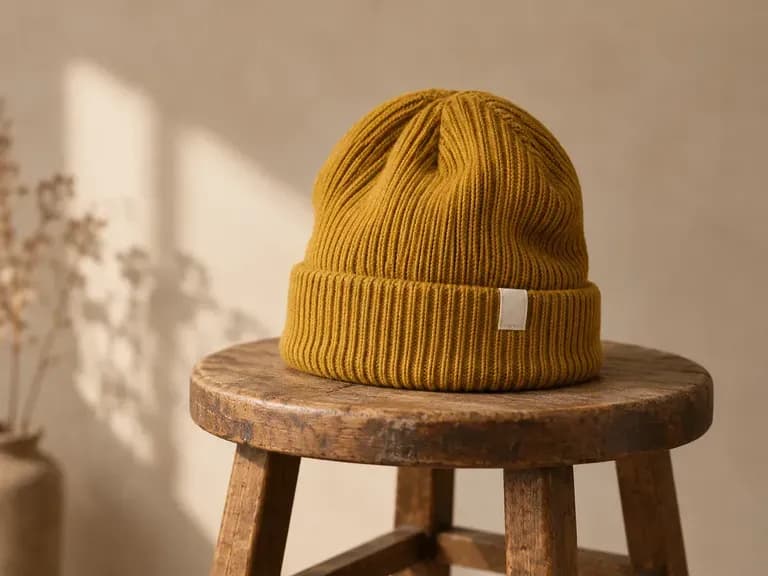
Cuffed Beanies: knit hats with a woven label on the cuff
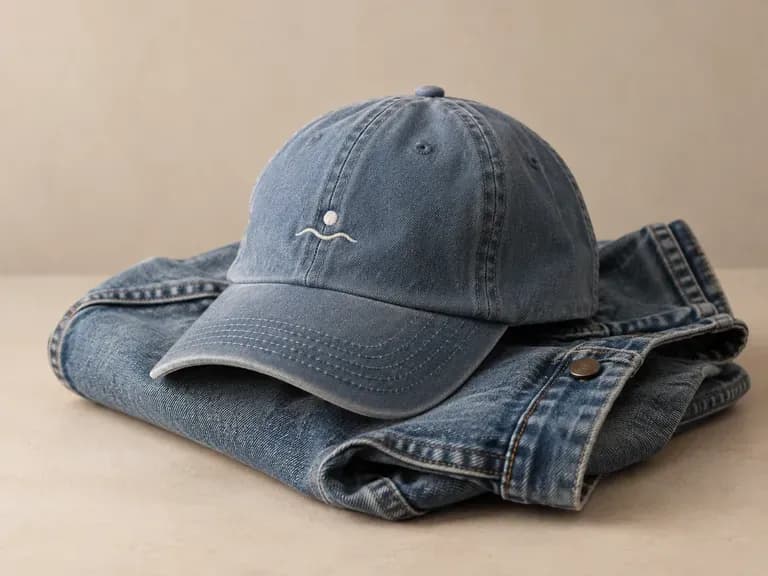
Dad Hats: unstructured washed cotton with a small stitched mark
Snapback Caps: flat brims with a bold front graphic
FAQ

Frequently asked questions

Does it create an embroidery or print file?
No. The result is an image. It is not a digitized stitch file or a color-separated screen print file, so your supplier still needs to prepare one.
Will stitched colors match the render?
Not exactly. Thread and ink look different from a screen, and small details can change once they are stitched. Ask your supplier for a thread or color proof before a full run.
Can I put my own logo or embroidery on the hat?
Yes. Upload the artwork with your description. Small lettering in a logo can come out slightly different, so read it closely on the render.
Can I use it as a hat mockup generator?
Partly. The render works as a preview in a pitch deck or on a concept board, but the hat itself is a new design drawn from your brief. It cannot place artwork on a photo of a blank hat you already stock.
Do I need design experience?
No. A sentence in plain words is enough for a first design. Hat terms such as six-panel or unstructured give you more control over the result.
Is Virse's AI hat designer free?
Yes, you can start free. Sign up and you get 200 compute, and on the Free plan 50 more are added each day while your balance is below 200. All image models work on the Free plan at 1K output.

Design your hat with AI

Generate your first hat design. It lands on your Virse canvas, ready to rerun when you change the brief.