
3 to 30 Second Single Takes
Full Kling 4.0 generates 3 to 30 seconds in one pass; Kling 4.0 Flash runs up to 20 seconds.
Kuaishou's Kling 4.0 AI video generator extends single-take scenes to 30 seconds with co-generated stereo sound and lip-synced speech. Use the Virse canvas to prepare clean reference stills and structure time-coded briefs before you roll a take.
Open this page on a desktop browser to start creating.
Most video generators treat a clip as a single camera move that cuts off before an action finishes. Kuaishou's Kling 4.0 extends single-pass generation to 30 seconds, doubling the 15-second limit of Kling 3.0 and giving a shot room to unfold from its opening state to a settled finish without manual stitching.
Longer duration only works when the middle of the take stays under control. Holding a half-minute scene together requires dividing the script into timed intervals, locking keyframe compositions along the way, and stating camera mechanics and sound changes in chronological order.
Kling 4.0 (also searched as Kling 4 or Kling AI 4.0) is Kuaishou's fourth-generation native multimodal video model, released globally in October 2026 alongside a faster Kling 4.0 Flash drafting tier. Kuaishou organizes the release around three core production modes: Frames for timeline keyframing, Omni Reference for multi-asset subject and style consistency, and Edit Video for creative recreation that modifies elements inside a reference clip while preserving motion physics.
Across those modes, the model renders picture and two-channel stereo audio together from written briefs and visual references. Because Kuaishou's documentation covers both flagship and Flash editions across publisher and partner endpoints, this page separates the publisher's full specification from the active controls and per-second billing in the Virse workspace.
Full Kling 4.0 generates 3 to 30 seconds in one pass; Kling 4.0 Flash runs up to 20 seconds.
Supports 720p, 1080p, and 4K output, with 10-bit HDR color at the two higher tiers.
Pin the opening and closing frames plus up to eight intermediate visual checkpoints.
Combine up to 10 reference images and 5 reference videos (up to 30 seconds total) in one brief.
Renders two-channel stereo room tone, sound effects, music, and lip-synced speech in one pass.
Accepts detailed chronological scripts and five aspect ratios including 21:9 ultrawide.
Doubling single-pass duration to 30 seconds lets you direct an entrance, a physical interaction, and a final hold without splicing three short clips together.
A text prompt alone leaves too much room for drift over half a minute. Kling 4.0 accepts up to 10 keyframe images along the timeline. Pinning intermediate states keeps camera framing and object placement on track.
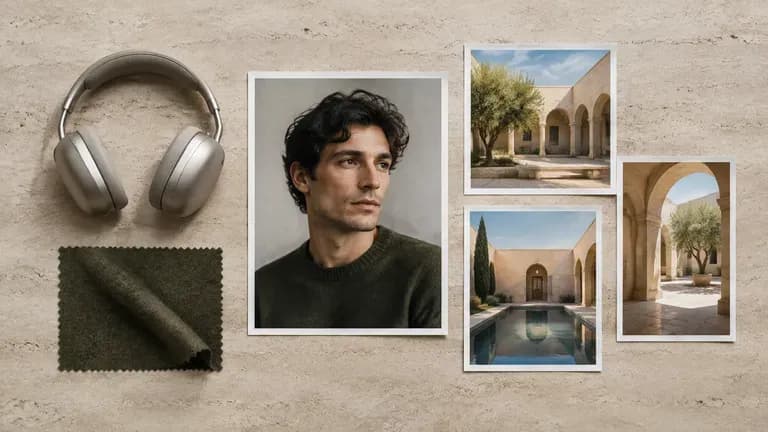
Kuaishou's Omni Reference workflow takes up to 15 assets in a single job. Supply isolated character portraits and motion clips so the subject stays recognizable while the camera moves.

Full Kling 4.0 outputs 10-bit HDR at 1080p and 4K across 16:9, 9:16, 1:1, and 21:9 ultrawide ratios. High-contrast scenes like neon night exteriors or backlit glass hold smoother highlight and shadow rolloff.

Picture and sound render together in 2.0 stereo, letting you direct multilingual lip-synced dialogue, distinct character voices, footsteps, and room tone in one brief.
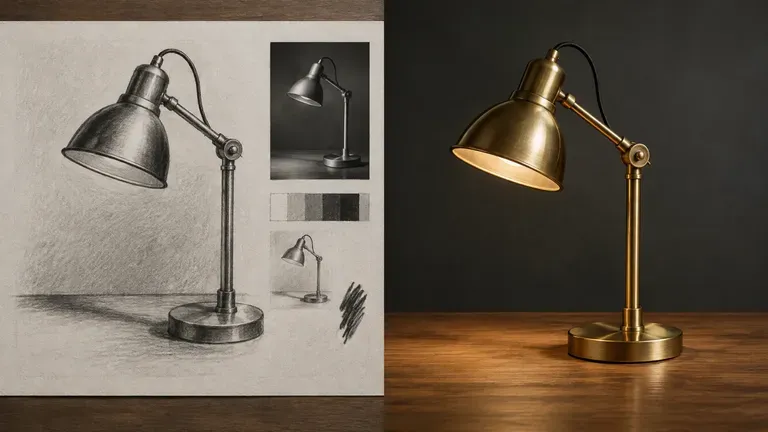
Kuaishou pairs the flagship model with Kling 4.0 Flash for early previsualization. Because Flash focuses on 20-second takes at 720p SDR from a single starting image, you can test camera blocking fast before committing to a 4K pass.
Thirty-second takes and multi-reference briefs fall apart when your source stills and time-coded scripts live in separate folders. Virse keeps 40+ image, video, and text models beside your reference assets on one shared canvas.
Generate or refine your opening and closing stills with image models on the Virse canvas before feeding those exact compositions into your video workflow.
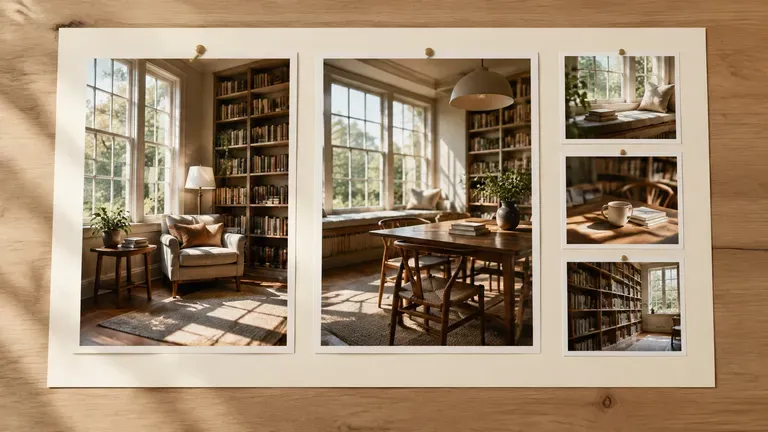
Park your character portraits and product angles right beside the written prompt on the canvas so you can verify how each take handled your references.
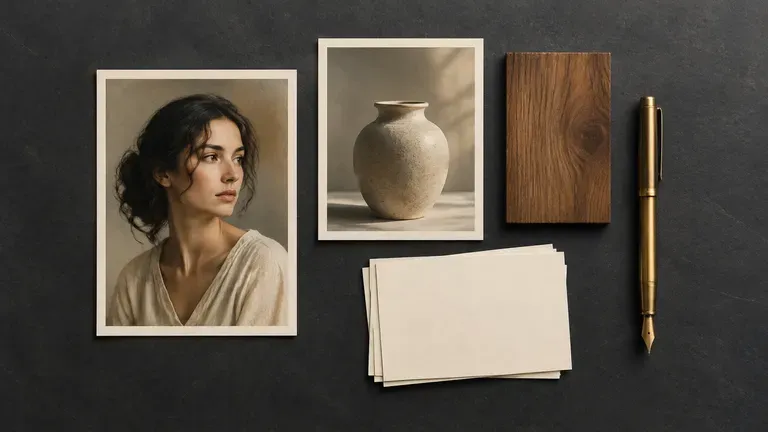
Lay takes from Kling 3.0 Standard, Kling 3.0 Pro, Wan 3.0, and Seedance 2.5 next to your Kling 4.0 brief to compare dialogue timing and camera steadiness in one view.
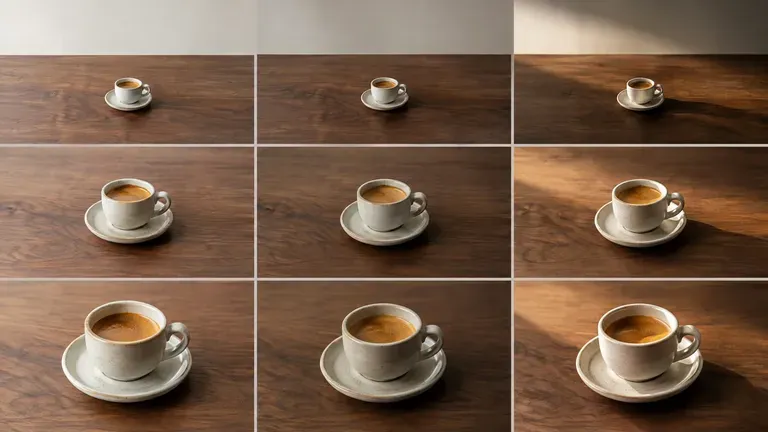
Video billing in Virse runs per second based on model tier, resolution, and audio settings. Confirm the active input slots and exact compute quote in the workspace before launching a long pass.
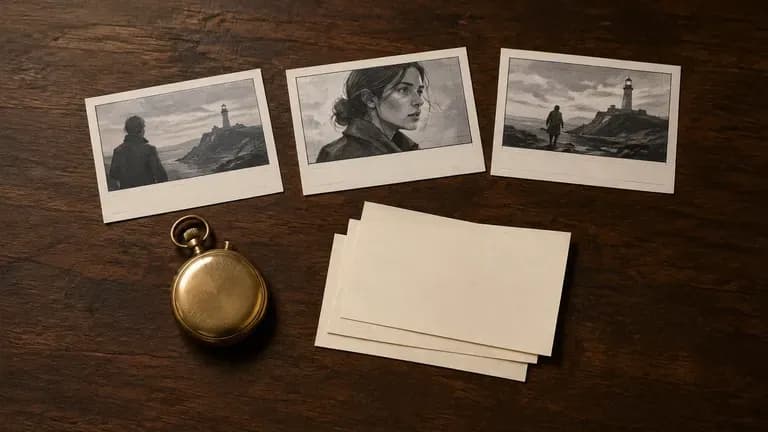
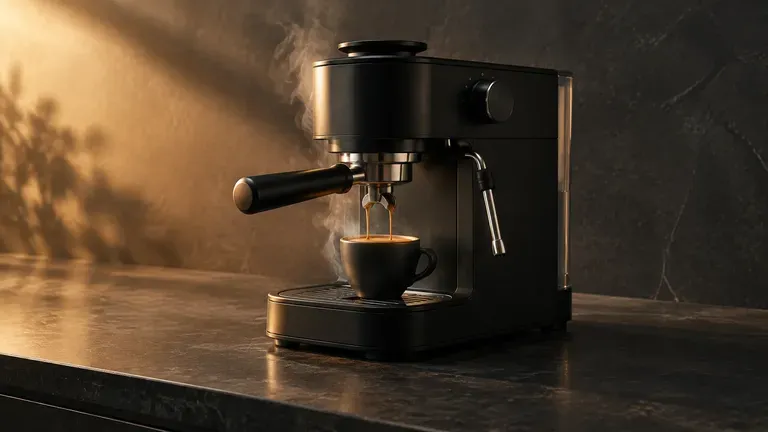
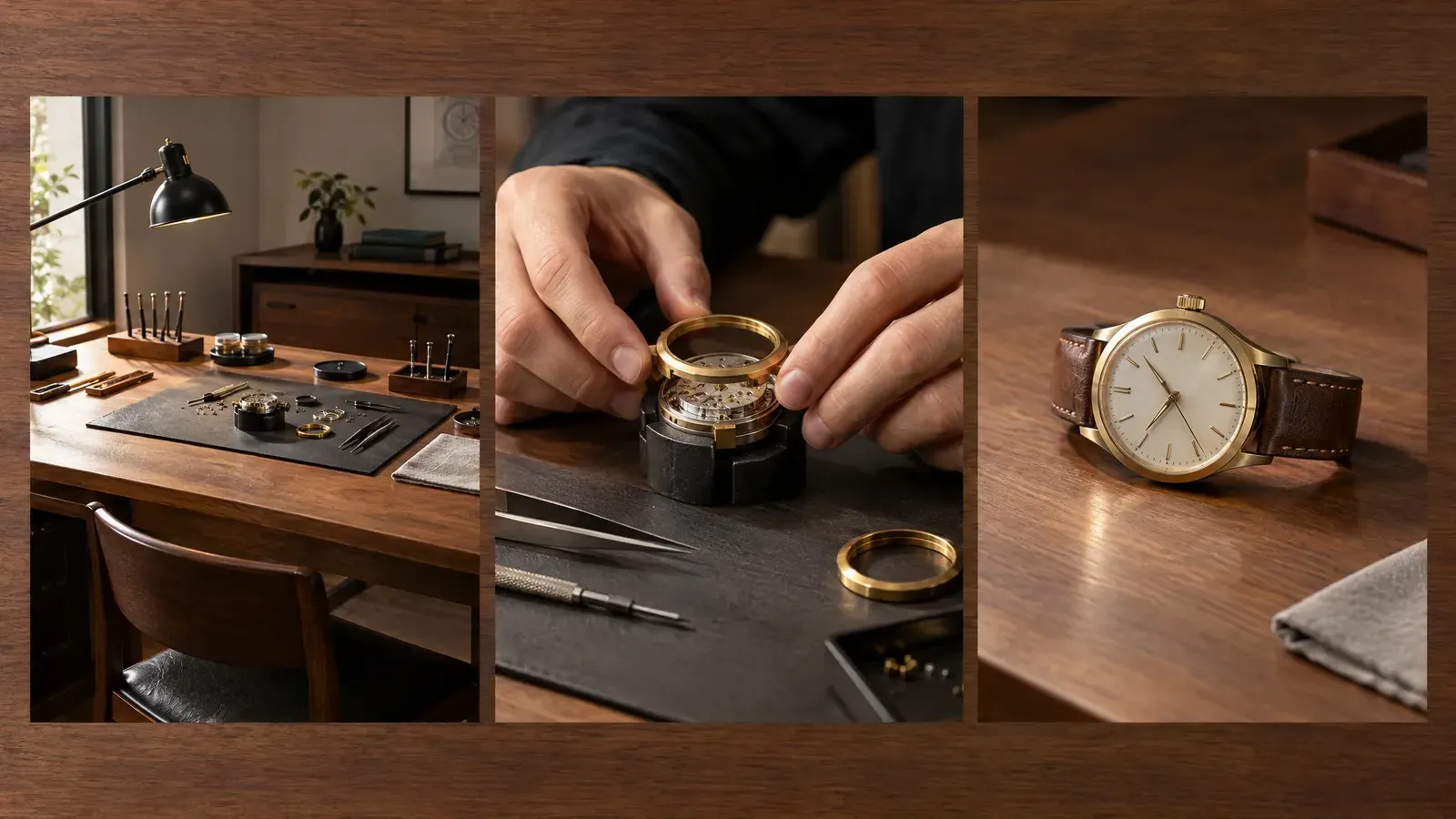
Move from a macro material detail to a full-counter hero shot in one continuous take with synchronized mechanical sound effects.
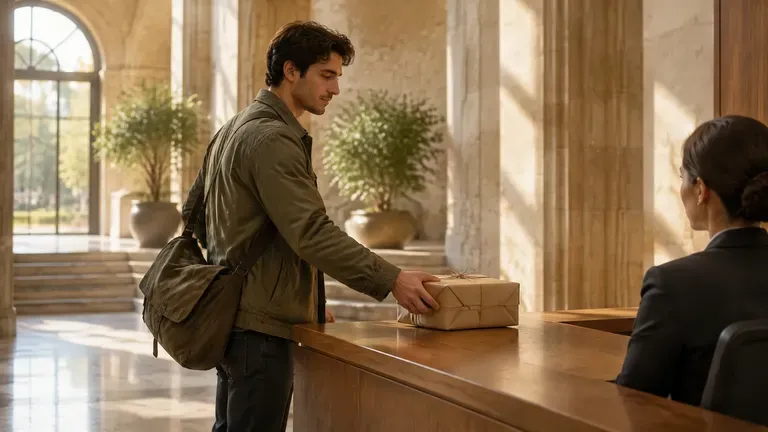
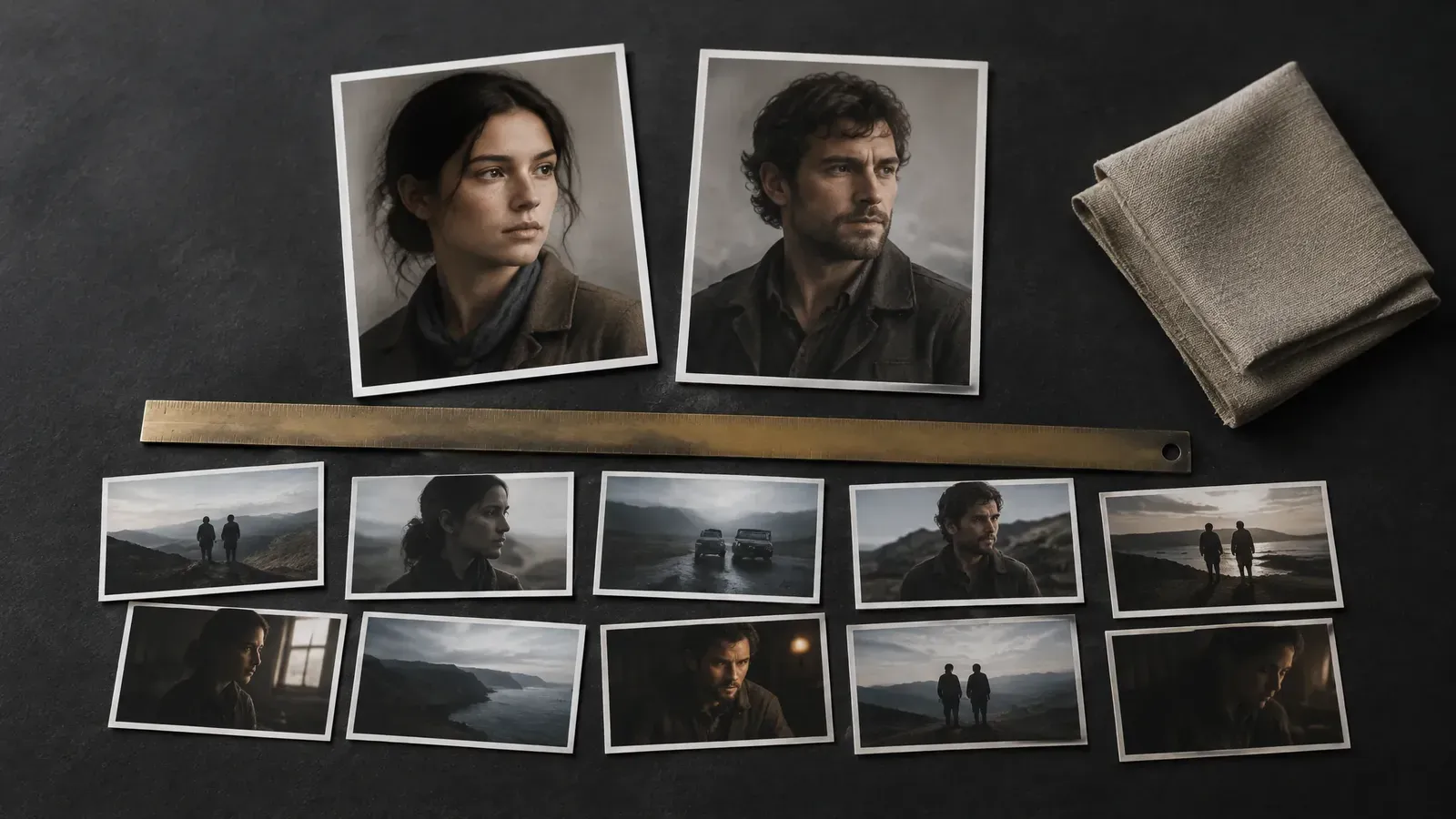
Give a short dramatic scene room to breathe. Block an entrance, a physical exchange, and a quiet reaction without cutting every five seconds.
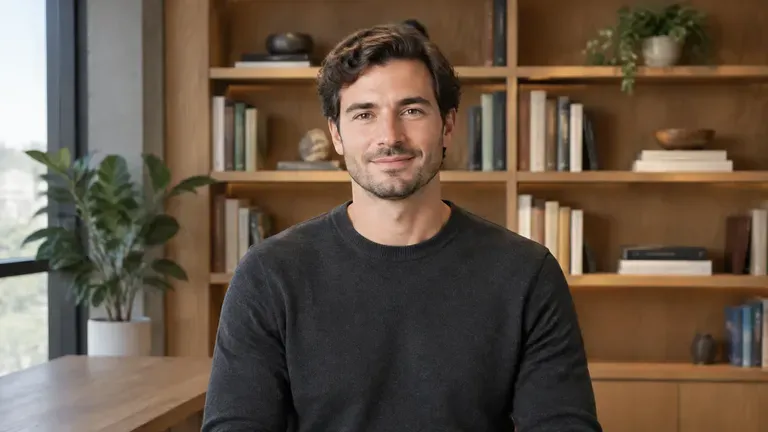
Produce direct-to-camera explainers with lip-synced speech and clean room tone across supported global languages.
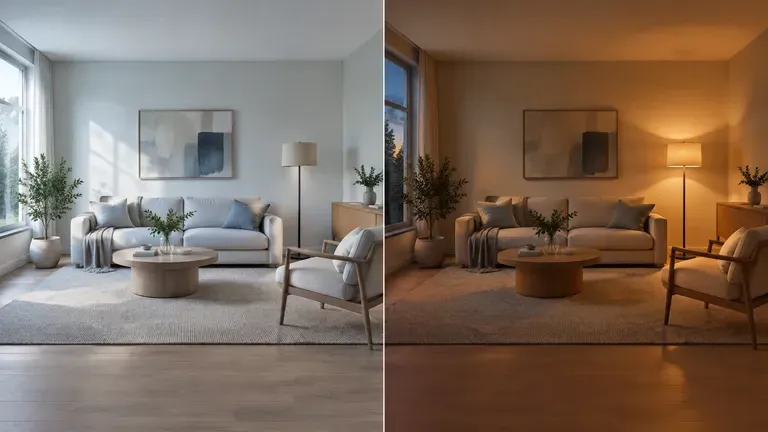
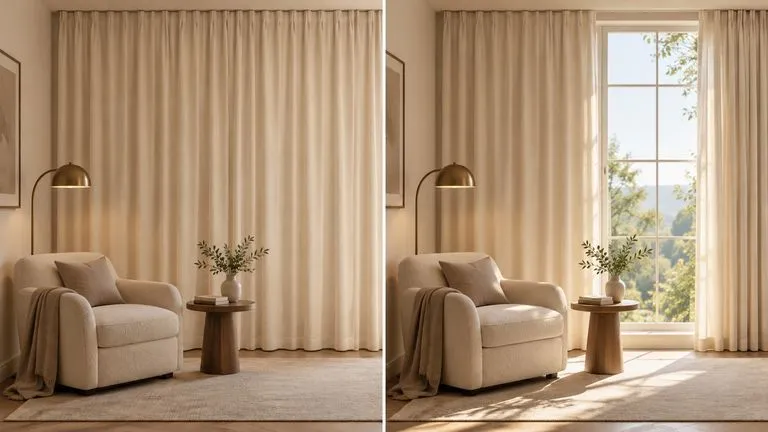
Anchor the opening and closing states of an interior reveal so architectural geometry stays fixed while daylight shifts to evening lamp light.
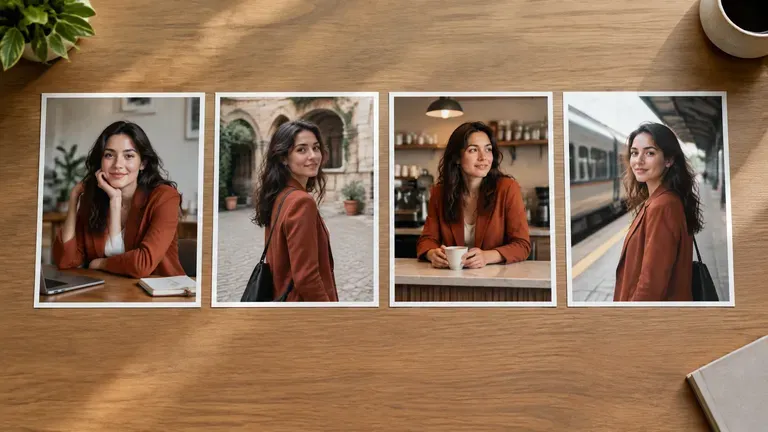
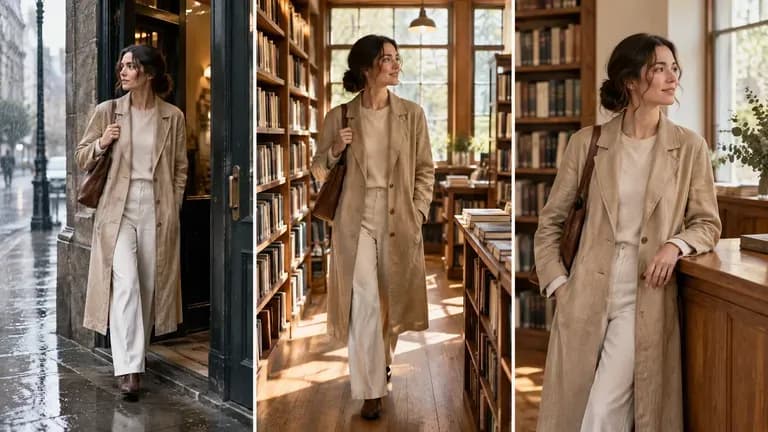
Carry a recognizable protagonist and wardrobe across vertical 9:16 or widescreen 16:9 episodes using clean reference portraits.

Test widescreen 21:9 framing and 10-bit HDR lighting ratios on slow dolly movements built for film previsualization or title sequences.
Open the Virse workspace, choose your video model entry, and set the aspect ratio, resolution, and duration that fit the scene.
Generate or upload clean subject portraits and keyframe stills on the canvas so cluttered backgrounds do not bleed into the motion pass.
Divide your prompt into time ranges (such as 0 to 10s, 10 to 20s, and 20 to 30s) and state camera movement and stereo audio layers explicitly.
Check whether the motion rhythm and lip-sync land cleanly at 720p or Standard settings before spending compute on a full-length high-resolution pass.
Longer single-pass clips punish vague prompts. Structuring your brief around six concrete elements keeps camera mechanics and subject identity aligned with the stereo soundtrack from start to finish.
Instead of writing
Cinematic commercial of a luxury watch on a table, dramatic lighting, 30 seconds, 4K HDR, realistic sound.
Write
Using Reference 1 for the brushed-steel chronograph geometry, open on a macro three-quarter view of the watch resting on dark slate under a warm left key light. 0 to 10s: the second hand sweeps smoothly while a narrow light beam travels across the sapphire crystal. 10 to 20s: slow dolly-out to a medium tabletop composition revealing a folded leather strap beside the case. 20 to 30s: camera locks off at eye level as the watch face catches a soft reflection. Subtle mechanical ticking and quiet room tone in 2.0 stereo, no background music, no spoken dialogue. End on the centered watch with the camera still.
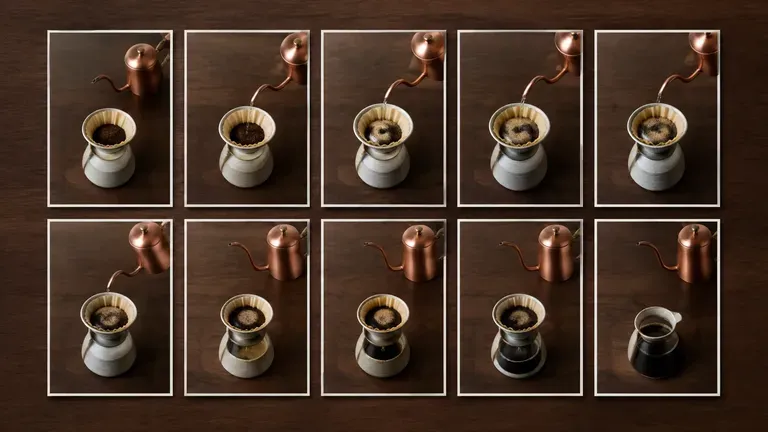
Concept illustrations generated for these briefs. They are static 16:9 scene previews rather than rendered video frames or audio recordings from Kling 4.0.
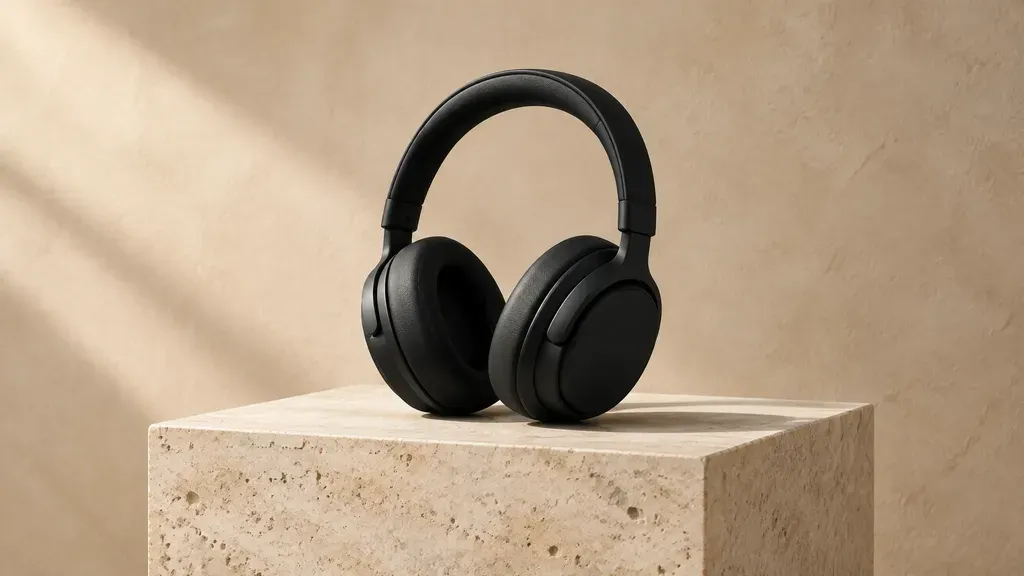
Using Reference 1 for the matte-black headphones design, open on a close profile shot of the earcup resting on a travertine plinth against a warm plaster wall. 0 to 10s: a soft key light sweeps from left to right across the anodized hinge while the headphones remain stationary. 10 to 22s: slow camera pull-back to a centered three-quarter hero view showing the full headband silhouette and contact shadow. 22 to 30s: camera holds still on the balanced tabletop composition. Quiet studio room tone and a subtle low acoustic resonance at the final rest, no music, no voices, no text or logos.
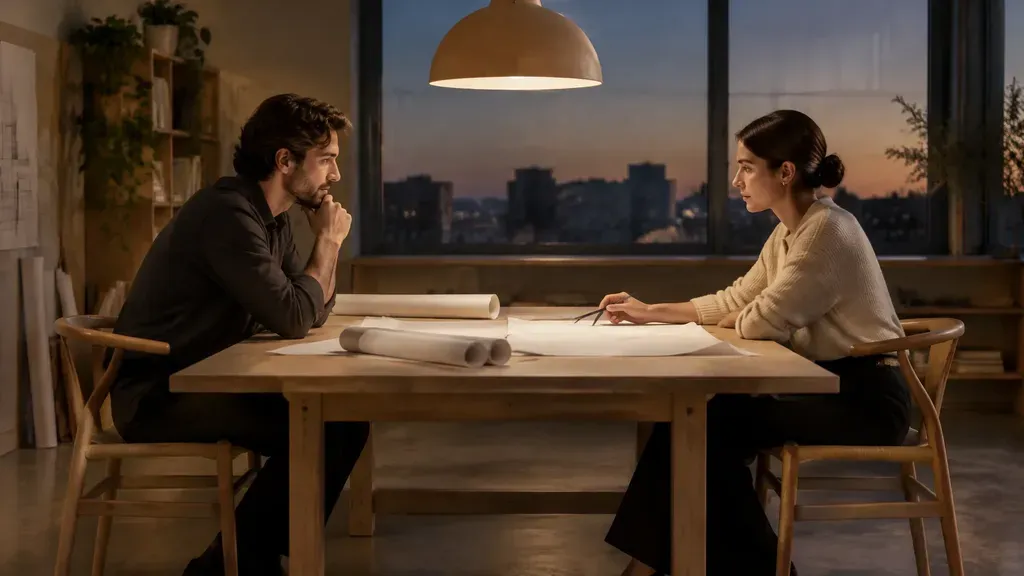
Two architects seated across a birch worktable with rolled paper plans in a quiet evening studio, framed in a locked-off medium side shot. 0 to 8s: the woman looks up from a drawing and says, "The west courtyard loses light after four." 8 to 12s: she pauses while the man studies the plan; paper rustles softly. 12 to 20s: the man replies in a calm baritone voice, "Then we lower the parapet by half a meter." Distinct voices per speaker, natural lip-sync, quiet room tone and paper handling in stereo, no background music. End with both looking back at the blueprint.
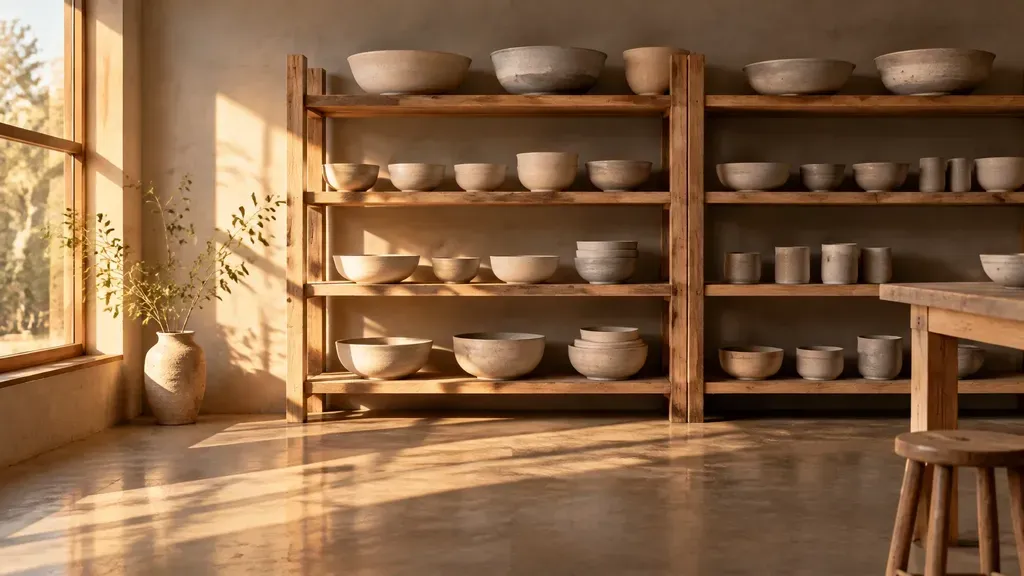
Start from Keyframe 1 showing a quiet ceramic workshop in cool morning light with unfinished stoneware bowls on raw oak shelves. 0 to 15s: camera executes a slow lateral track to the right while sunlight rotates across the concrete floor toward Keyframe 2 at the midpoint. 15 to 30s: settle into the closing Keyframe 3 composition as warm late-afternoon amber light fills the shelves and dust motes drift in the beam. Keep shelf geometry and bowl shapes consistent at a fixed camera height throughout. Quiet workshop ambience and distant street air, no music, no dialogue.
Kuaishou's Kling 4.0 lineup separates full multi-keyframe production from rapid Flash drafting, while building on the lip-synced dialogue foundation of Kling 3.0.
| Dimension | Kling 4.0 (Full Model) | Kling 4.0 Flash | Kling 3.0 (Standard & Pro) | Source |
|---|---|---|---|---|
| Single-pass duration | 3 to 30 seconds | Up to 20 seconds | Up to 15 seconds | Source |
| Resolution & HDR | 720p, 1080p, and 4K; 10-bit HDR at 1080p/4K | Up to 720p (8-bit SDR) | Up to 1080p HD at up to 60fps | Source |
| Keyframe control | Up to 10 timeline keyframes (start, end, plus 8 intermediate) | Start/initial image workflow (no multi-keyframe timeline) | Opening frame, closing frame, or both; multi-shot storyboard mode | Source |
| Multimodal references | Omni Reference pool up to 15 assets (up to 10 images, 5 videos) | Streamlined reference input for fast iteration | Image-to-video and character/voice control | Source |
| Audio & speech | Native 2.0 stereo soundscapes and multilingual lip-synced dialogue | Native stereo audio and lip-sync | Co-generated sound and 5-language lip-synced dialogue | Source |
| Virse workspace status | Check the live workspace model selector for active 4.0 endpoints and per-second quotes | Fast drafting tier in Kuaishou's 4.0 lineup | Enabled in Virse catalog (Standard: 11 or 20 compute/s; Pro: 15 or 26 compute/s) | Source |
A single unsegmented sentence often stalls halfway through a 30-second clip. Break the prompt into two or three timed intervals (for example, 0 to 10s, 10 to 20s, and 20 to 30s) so each phase carries one clear action.
Crop or generate clean subject stills on a neutral background on the Virse canvas before adding them to a reference pool. Leaving street clutter or busy studio props behind a character invites unwanted textures into the generated scene.
Put spoken lines in quotation marks, name room tone and footsteps separately, and write "no music" whenever you want clean dialogue without an unsolicited background score.
For camera moves or lighting transitions, supply both an opening and a closing keyframe image rather than relying on text alone to hold room geometry together.
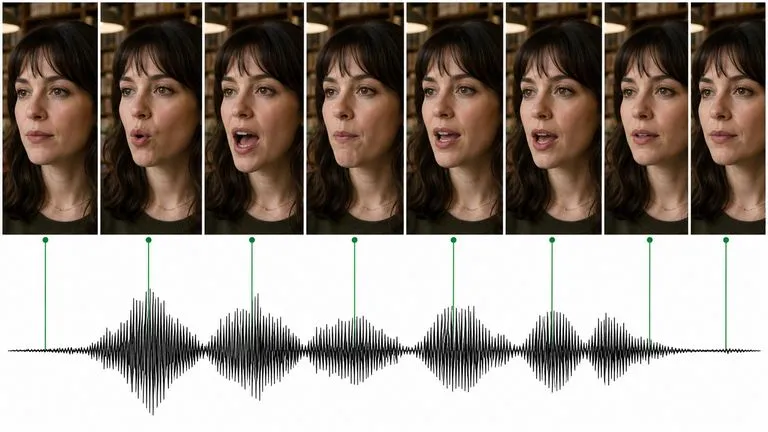
Kuaishou's Kling 3.0 speaks — lip-synced dialogue in five languages, a different voice per character, and a storyboard mode that lays out a whole sequence.
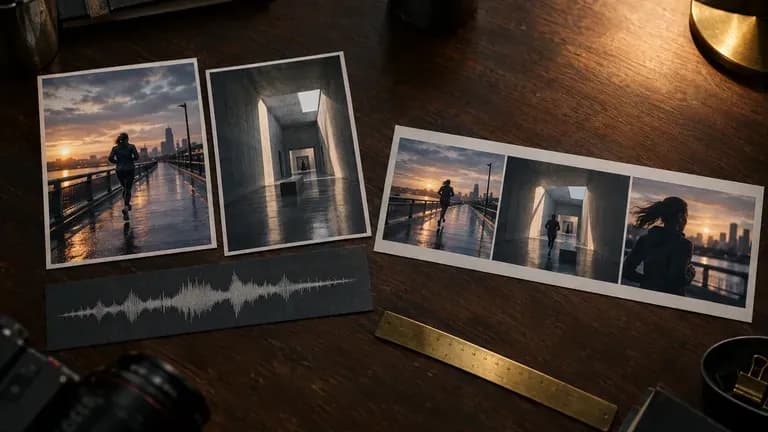
Generate cinematic 30-second videos with Seedance 2.5, with synchronized audio, multimodal references, and precise creative control.
Create 2–30-second videos with Wan 3 in Virse, from text or first and last frames. Choose 480P, 720P or 1080P and turn generated audio on or off.
Bring your reference stills and chronological script onto one Virse canvas before you roll the take.