
Fixe
La géométrie
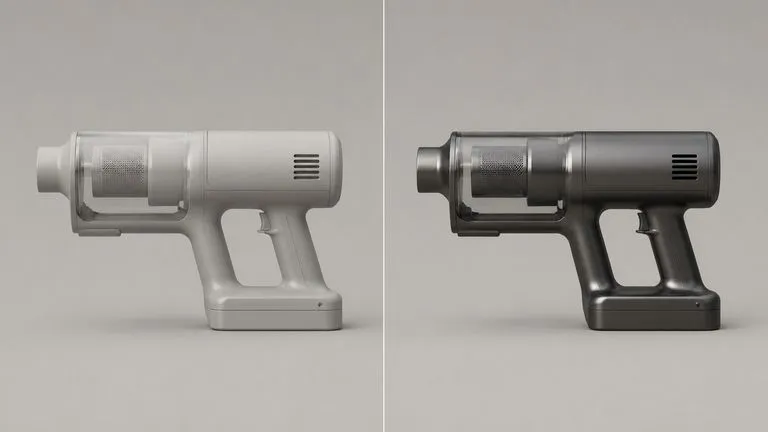
Chaque arête, rayon et ligne de joint reste là où la caméra les a trouvés. La géométrie est l’entrée fixe et le matériau est la variable. Si une arête a bougé, le résultat est incorrect, quelle que soit la qualité de la finition.
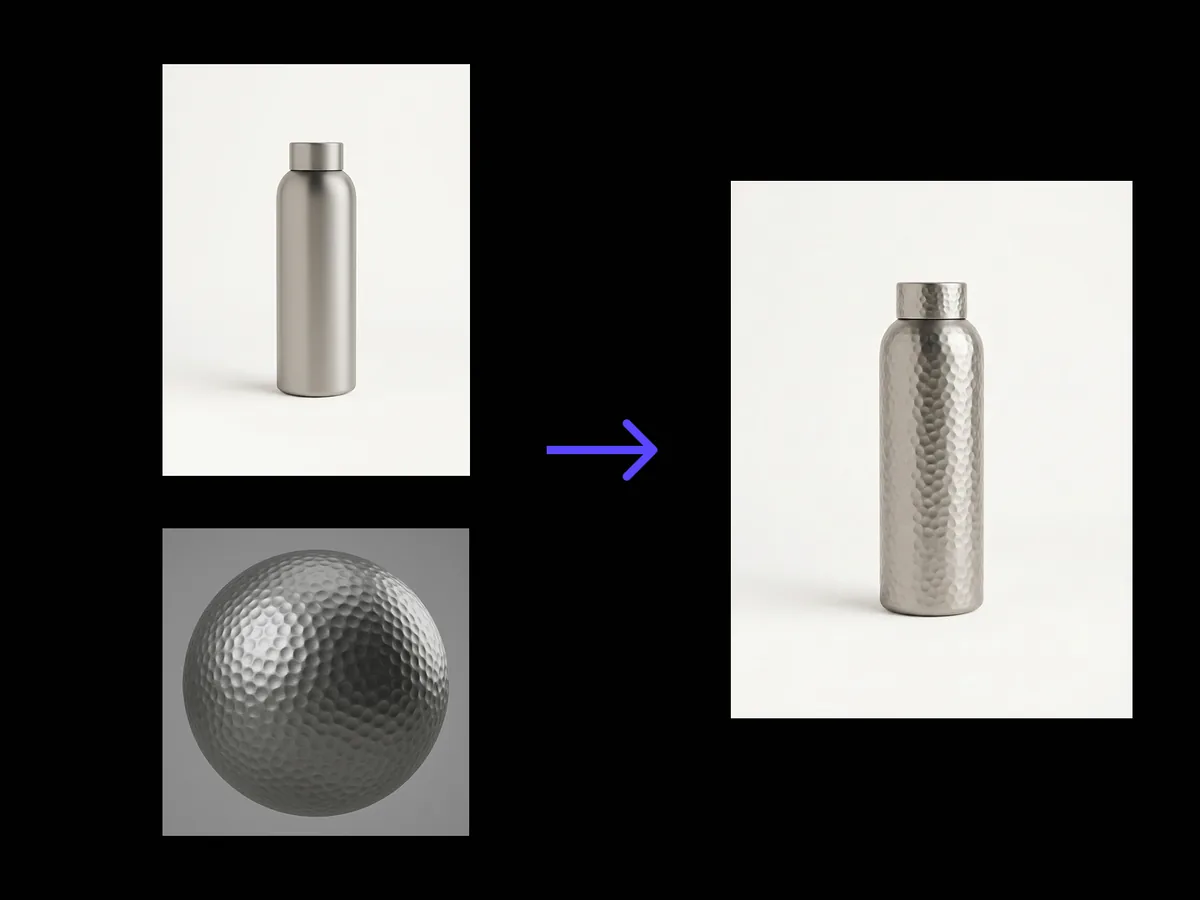
Importez la photo de votre produit et une référence de matériau. Il lit la structure sous-jacente, détermine quel panneau est lequel et où chaque surface tourne, puis applique le nouveau matériau le long de cette structure, avec un éclairage cohérent et la forme exactement là où elle était.
Le transfert de texture par IA remplace la surface d’un produit sur une photographie tout en conservant la forme sous-jacente. Il analyse d’abord les panneaux et les courbures, afin que le nouveau matériau épouse la forme réelle au lieu d’être simplement posé dessus comme un autocollant.
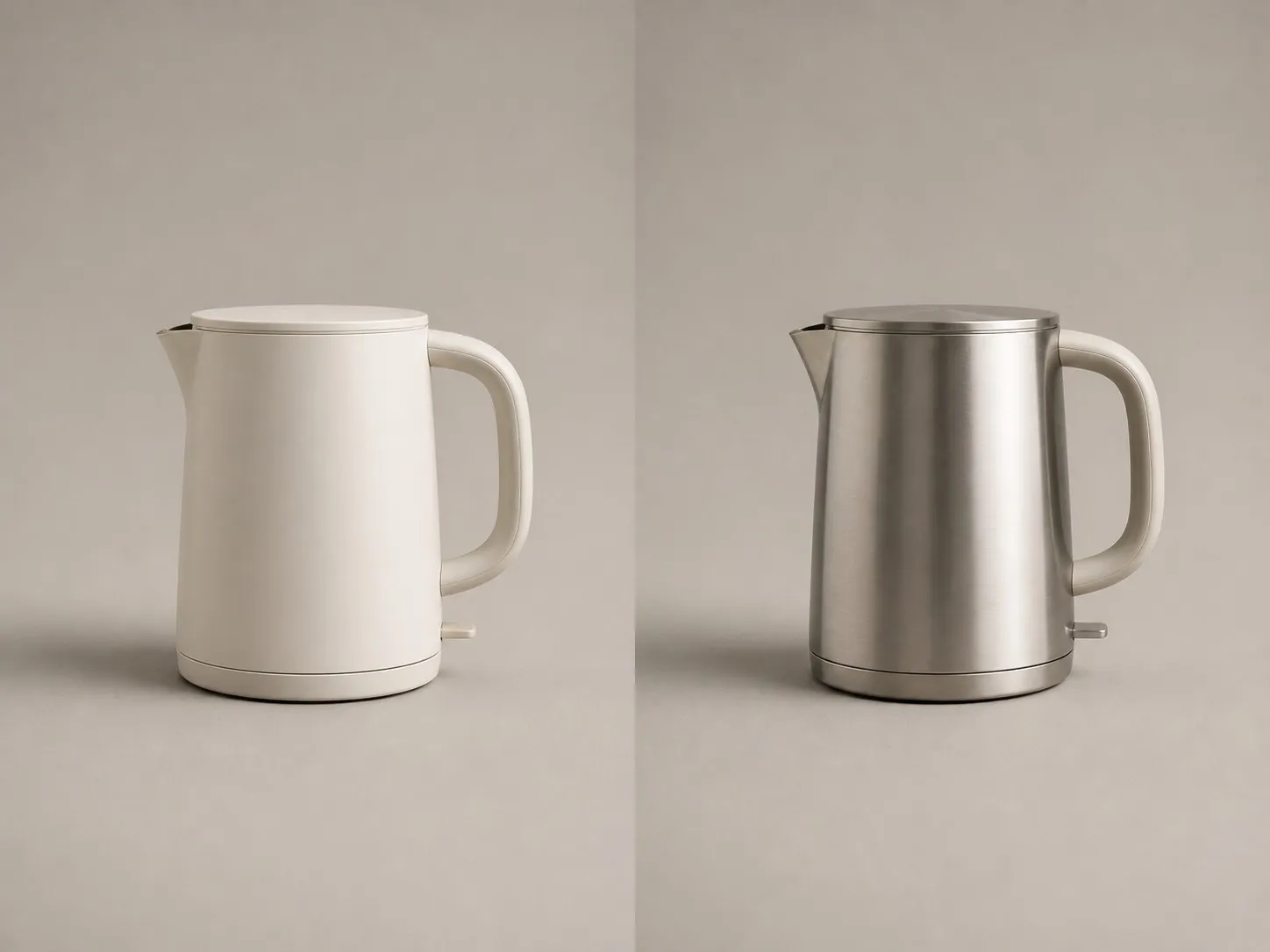
Un changement de matériau n’est utile que si tout le reste y survit. Voici les parties que l’outil refuse de déplacer.
Chaque arête, rayon et ligne de joint reste là où la caméra les a trouvés. La géométrie est l’entrée fixe et le matériau est la variable. Si une arête a bougé, le résultat est incorrect, quelle que soit la qualité de la finition.
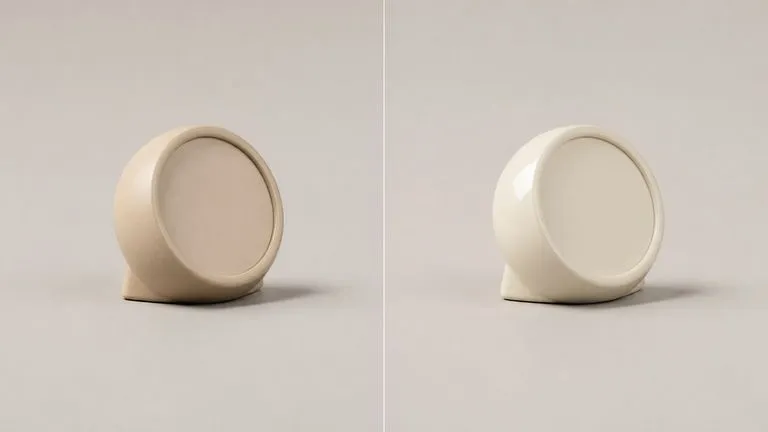
La lumière principale, le remplissage et l’ombre portée restent tous cohérents avec la prise de vue d’origine. Une finition mate absorbe là où le brillant reflétait auparavant, mais la lumière elle-même vient toujours du même endroit.
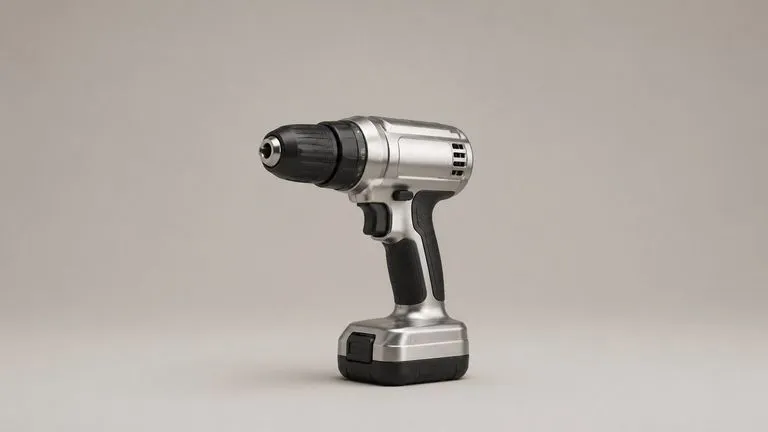
Indiquez quelles parties modifier ou lesquelles laisser telles quelles. Nommer ce qu’il faut protéger prend généralement moins de mots que nommer ce qu’il faut remplacer, et c’est l’instruction la plus sûre lorsqu’un produit comporte des poignées, des joints ou du verre.
Une vue de face ou de trois quarts convient. Plus la séparation entre les panneaux est nette, plus le matériau se place précisément sur chacun d’eux.
Un échantillon, un gros plan de tissu, un échantillon de métal ou une photo d’un autre produit avec la finition souhaitée. Seule la surface est lue, jamais la forme.
Une seule ligne de notes suffit. Les poignées, les joints, le verre et les marquages imprimés sont les éléments qu’il vaut généralement la peine de protéger, et les nommer prend quelques mots.
Le résultat apparaît sur un nouveau canevas Virse à côté de l’original. Remplacez la référence et relancez l’opération, ou passez le résultat dans une retouche sans rien exporter.
Les personnes qui décident d’une finition avant que quiconque ne dépense de l’argent pour s’y engager.
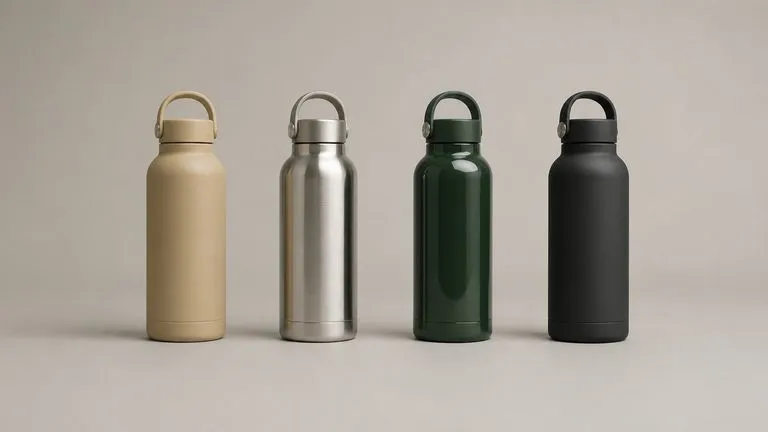
Appliquez quatre finitions au même produit sous la même lumière, afin qu’une revue compare les matériaux plutôt que des photographies prises à des jours différents.
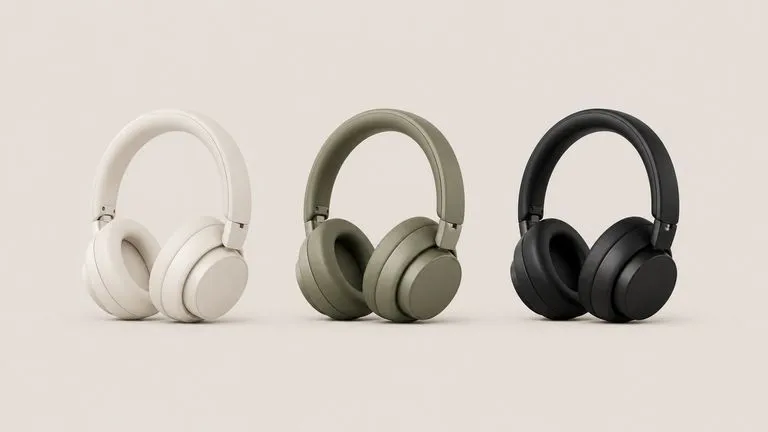
Photographiez un seul échantillon physique et publiez toute la gamme de coloris, au lieu d’expédier chaque variante en studio.
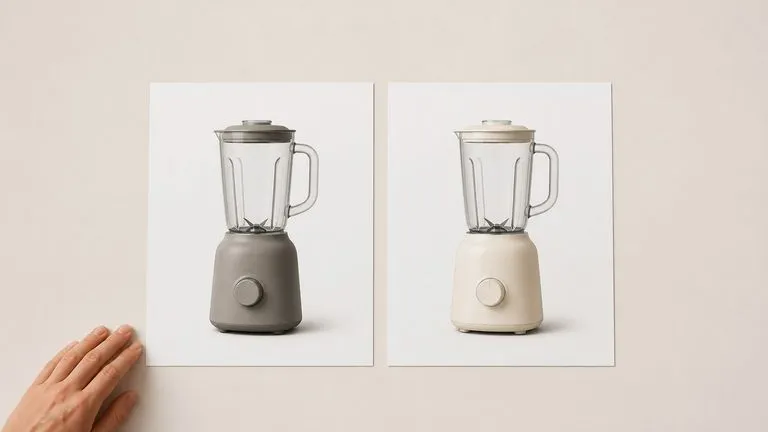
Montrez à un client à quoi ressemble la version mate pendant la réunion, en utilisant la prise de vue que vous avez déjà plutôt qu’une demande de rendu qui reviendra la semaine prochaine.
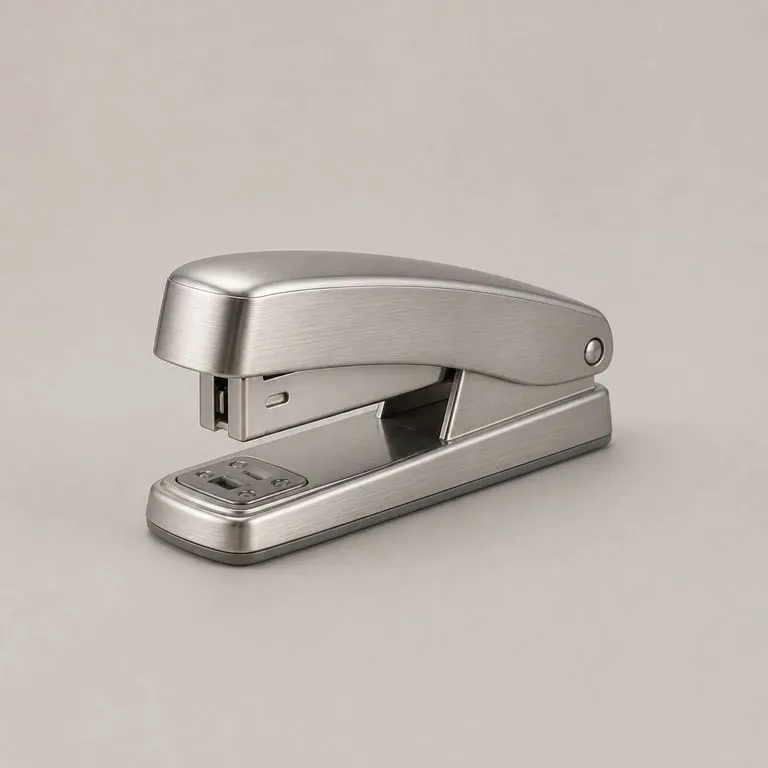
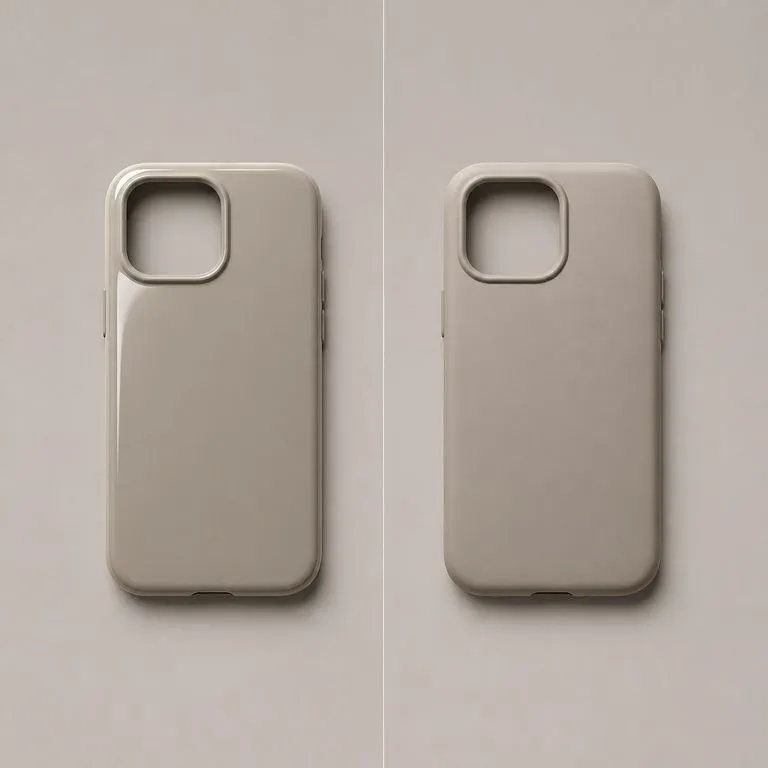
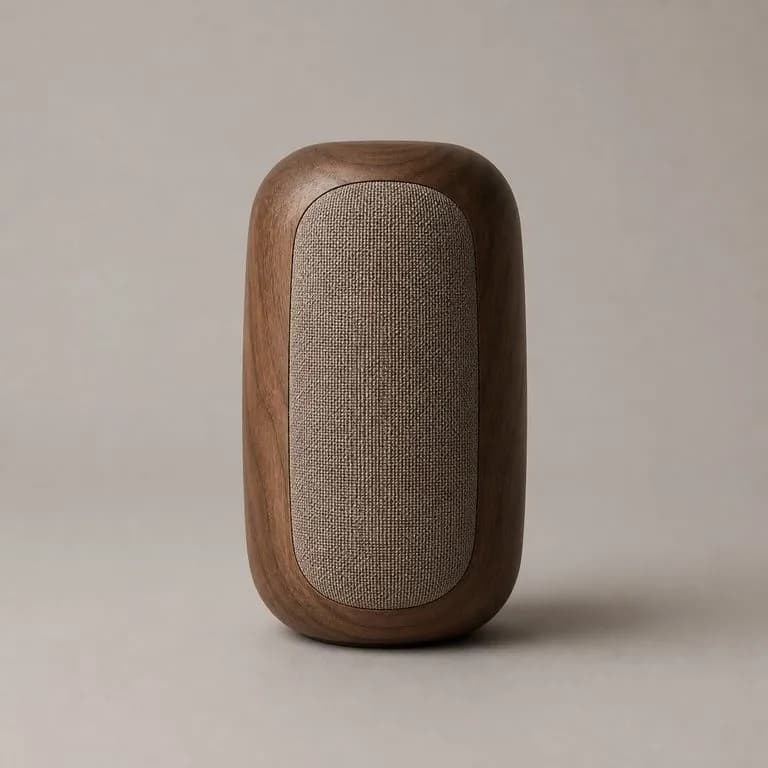
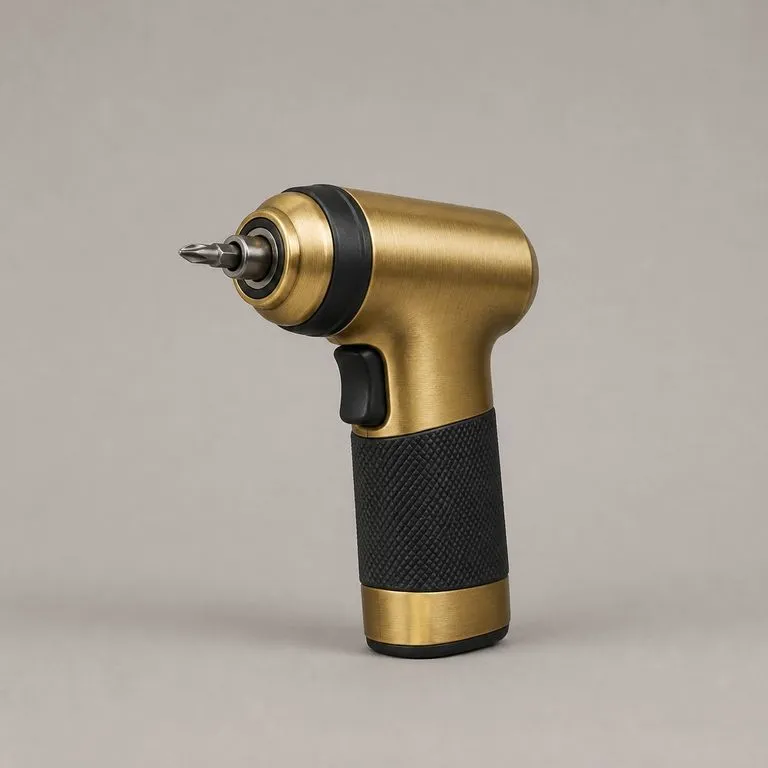
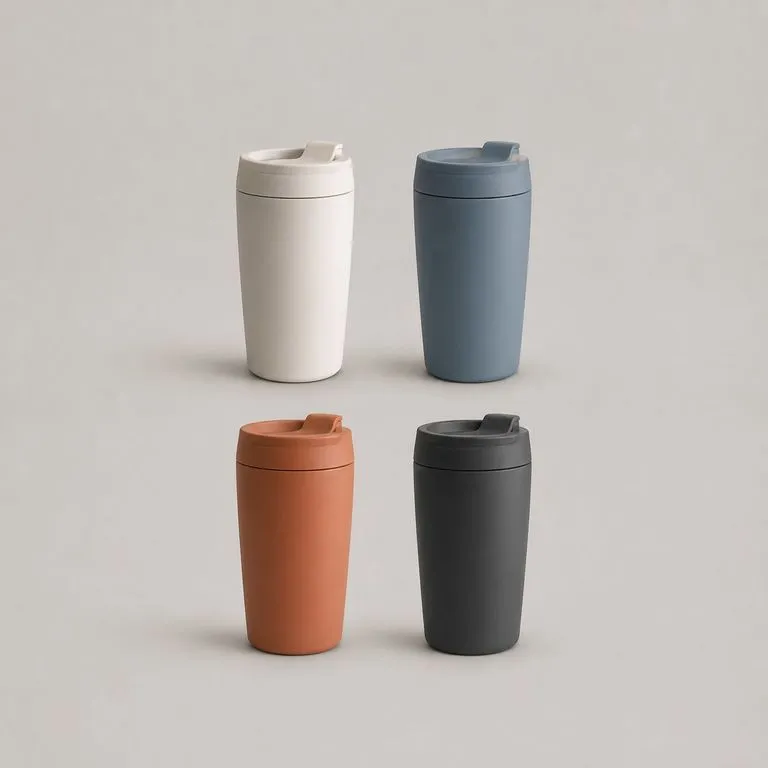
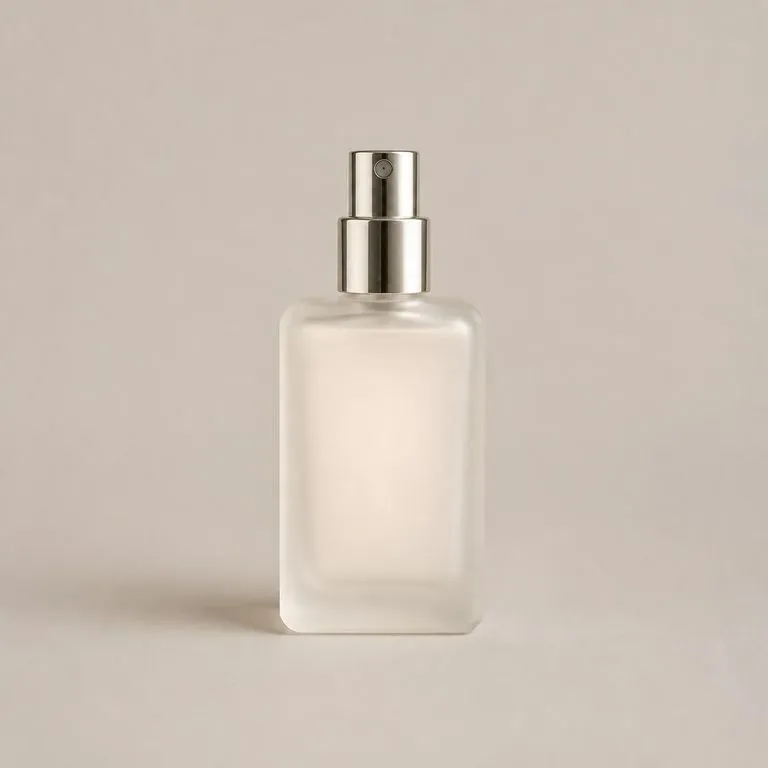
Ce qui change lorsque la structure est lue en premier au lieu que le matériau soit peint par-dessus ensuite.
Masquage et superposition dans un éditeur photo
Le changement de matériau Virse
Commencez ici. Votre photo produit et la référence de matériau sont importées dans un nouveau canevas Virse, et rien ne s’exécute tant que vous n’appuyez pas sur Start.