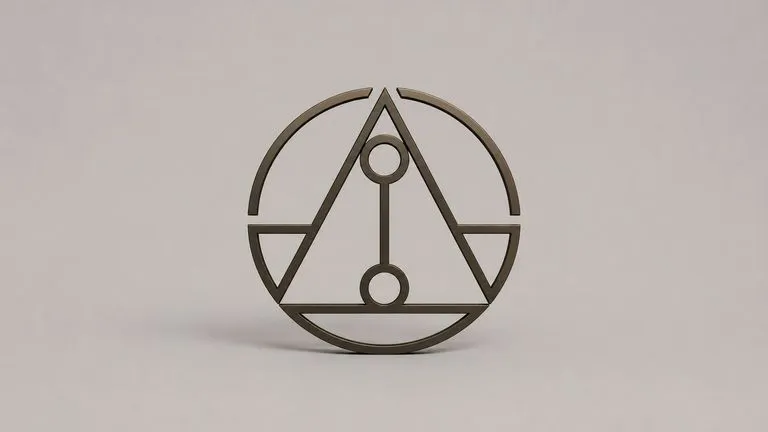
Your logo is the hard constraint
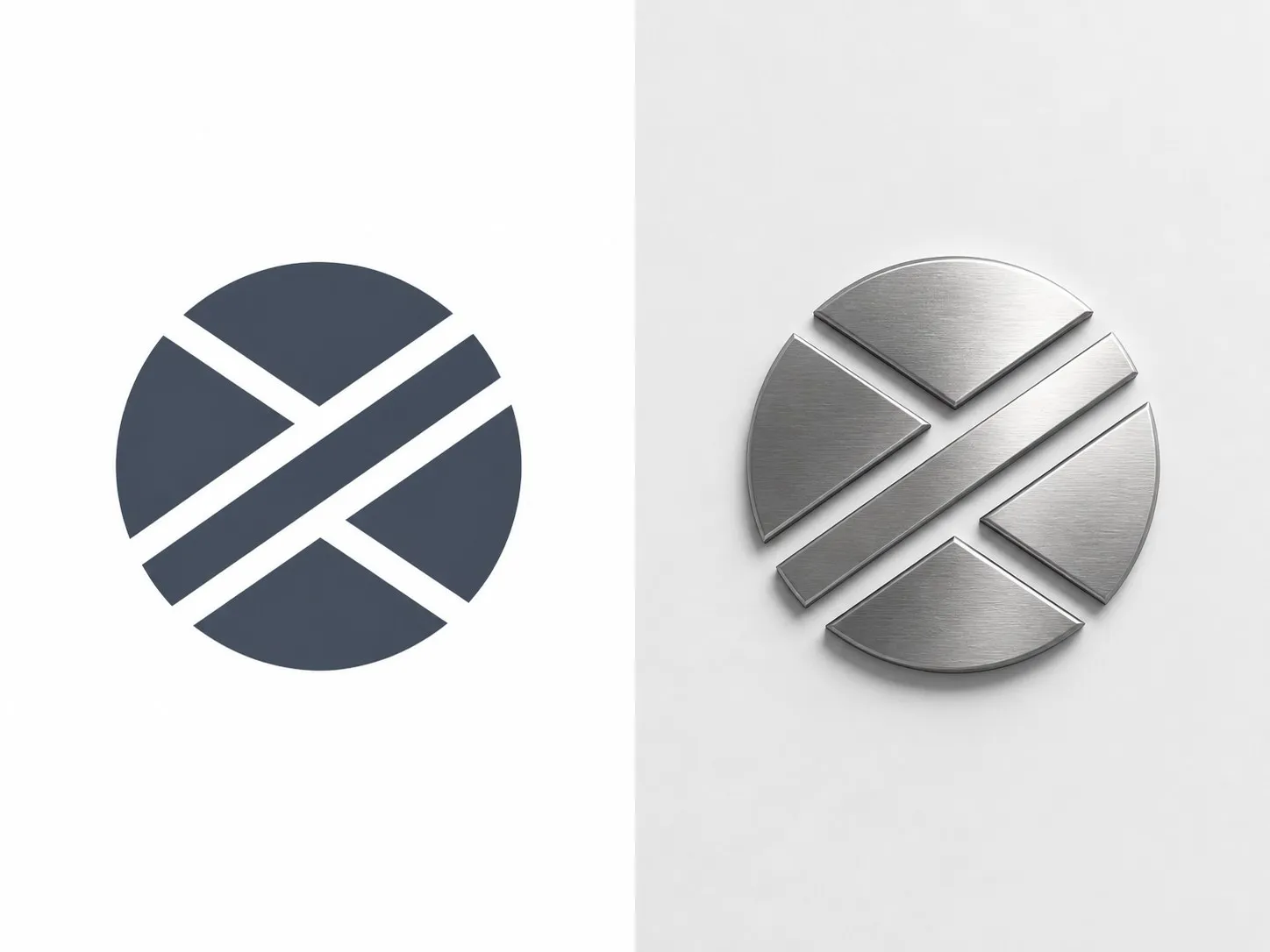
Silhouette and letterforms come through exactly as drawn. The material brings depth, bevel and the way light behaves on the surface, but the outline you supplied is the outline you get back.

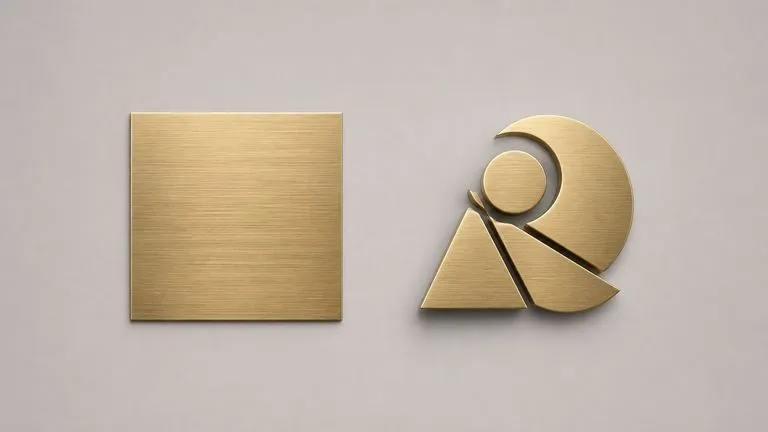
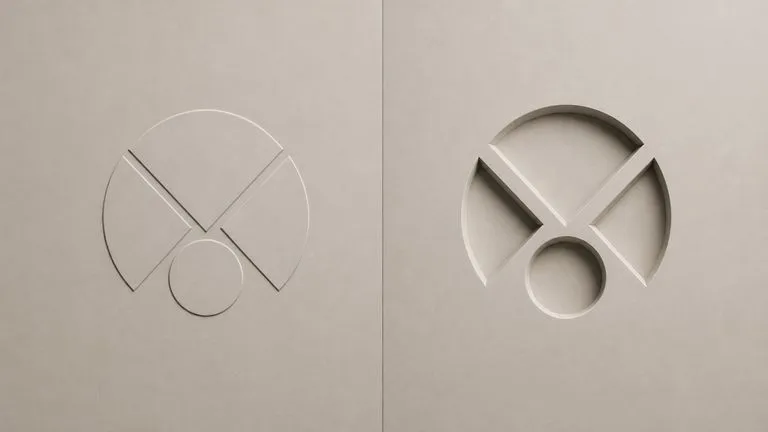
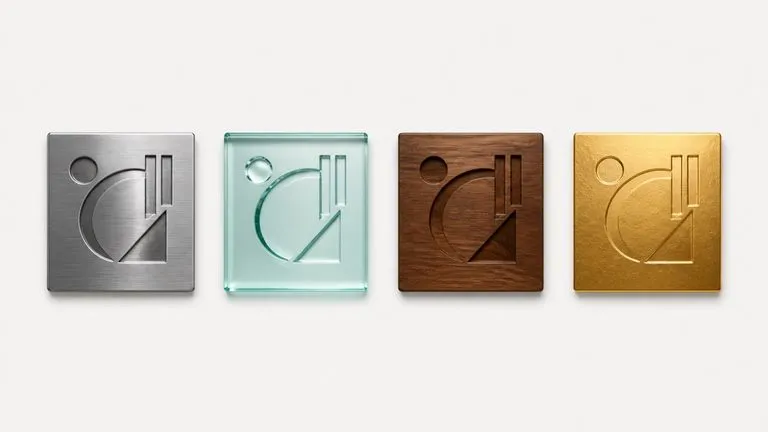
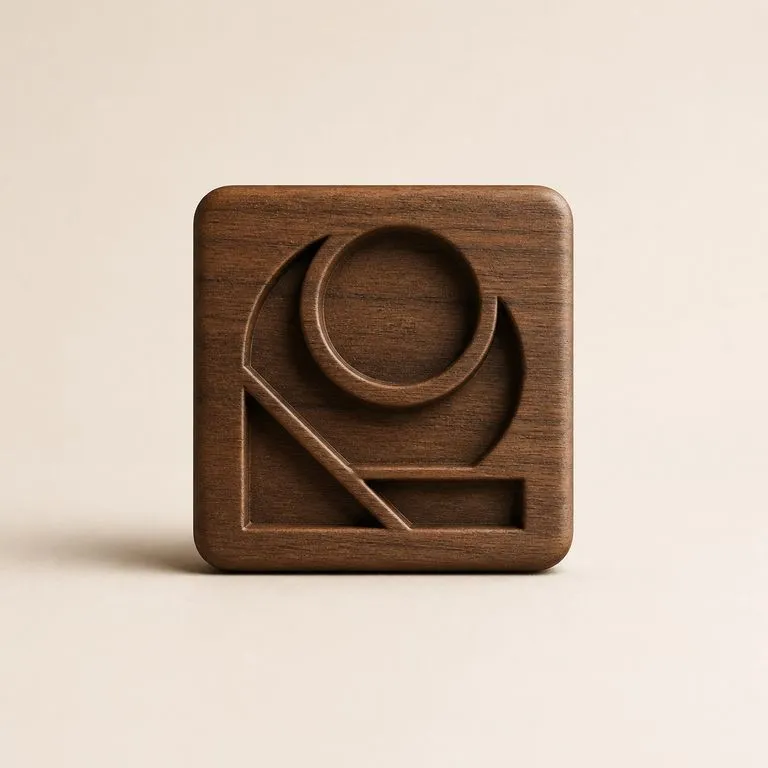
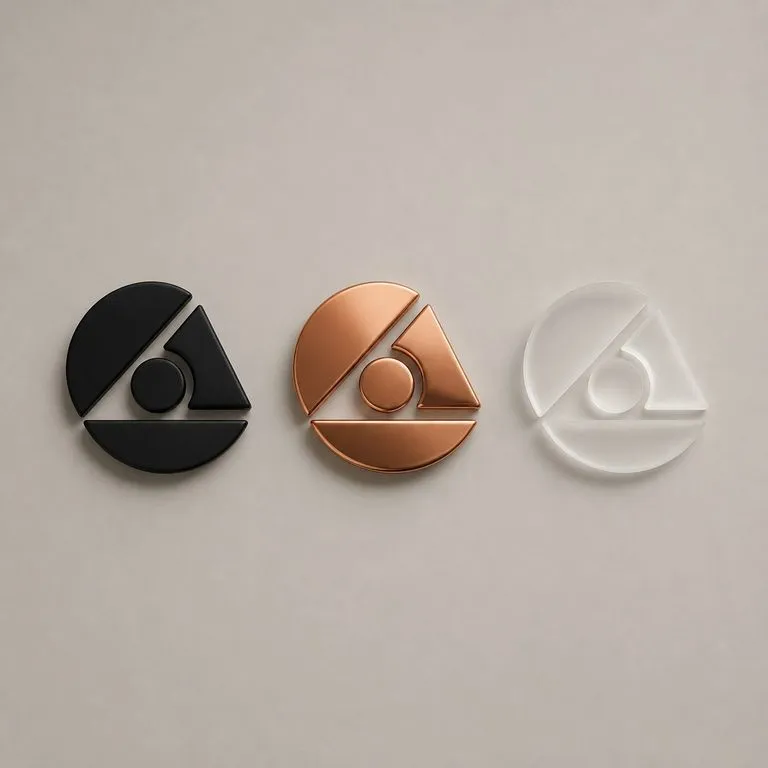
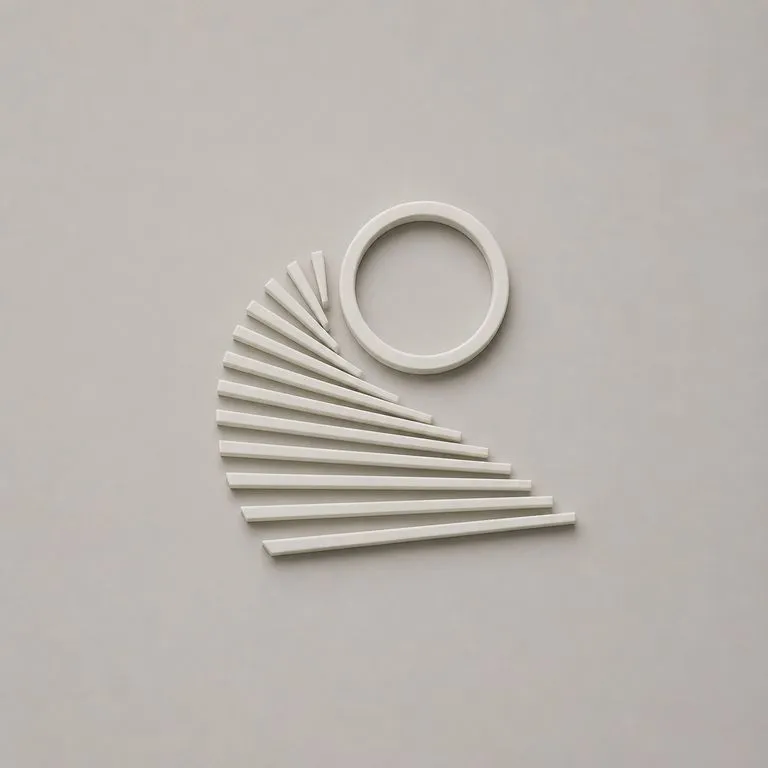
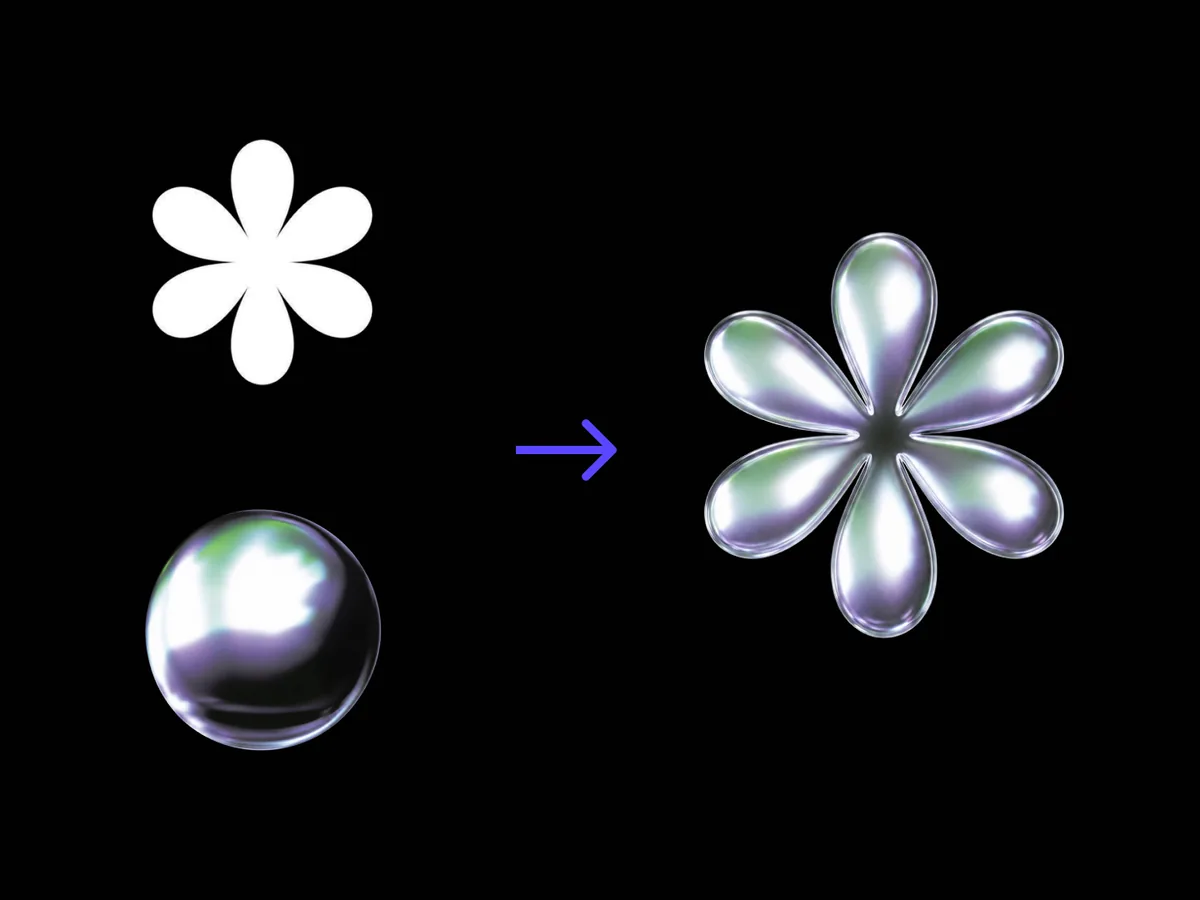
Give it a flat logo and a material reference. Brushed metal, cast glass, walnut, anything you have photographed. It renders the mark as a dimensional object in that material, with the silhouette and the letterforms exactly as drawn.
The materializer starts with the logo you already have rather than designing one. It adds depth, bevel and light response read off a photographed material, and treats the outline you drew as the one thing it is not allowed to touch.

Two images and a line of notes. What matters is how strictly the first one is protected.

Silhouette and letterforms come through exactly as drawn. The material brings depth, bevel and the way light behaves on the surface, but the outline you supplied is the outline you get back.

A close-up where the surface fills the frame works best. Grain, gloss and how light breaks across it are read from your reference, and the shape of whatever object it was is ignored entirely.

Shallow bevel or carved deep, light from the side or straight on, dark backdrop or bright. One line of notes moves all of it, and it is what separates a signage render from a product render.
A clean mark on a plain background. Vector exported to PNG is ideal. The cleaner the edges, the more precisely the bevel follows the letterforms.
Fill the frame with the surface. Brushed steel on a desk, a slab of walnut, glass against a light. The reference object's shape does not matter.
Bevel depth, light direction, backdrop. This is where a metal logo stops looking like a default chrome preset.
The mark lands on a fresh Virse canvas beside the flat. Swap the material and run again, or take the render into an edit without exporting.
People with a finished mark who need to show it as an object.

Present the logo as signage, as an embossed cover, as a cast plaque, in the meeting where the identity gets signed off.

Show what a foil, deboss or spot finish will look like before a proof exists to look at.

Fill the application pages of a brand deck without modelling anything or booking a photographer.


Most 3D logo tools ask you to pick a material from a list. This one asks you to show it one.
Preset material libraries
The Virse materializer
Start here. Your logo and material reference travel into a fresh Virse canvas, where nothing runs until you say so.