
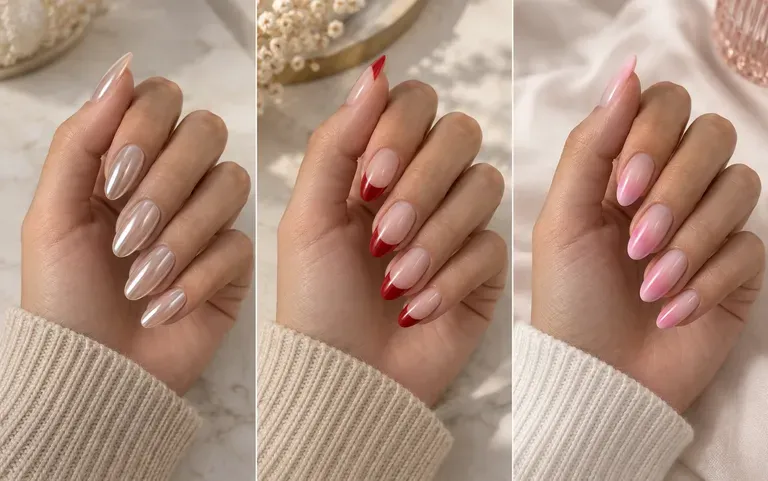
Variants
Several designs, one hand
Ask for a few designs in one request and line them up on your hand photo before you choose. The hand can shift slightly between renders, so judge the nail art itself.
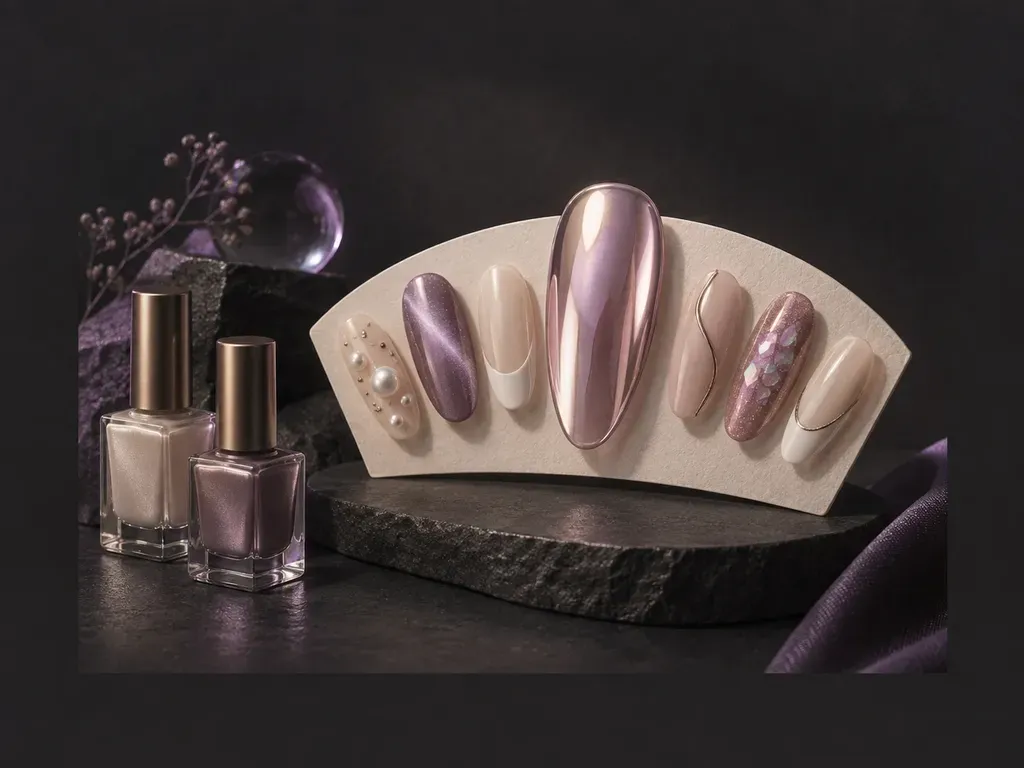
Upload a photo of your hand and this AI nail design generator draws the design on your own nail shape, or skip the photo and describe a look such as glazed chrome or a milky French tip.
An AI nail design generator is a way to preview manicure ideas as pictures. The render is a visual guide only; the finished look in the salon still depends on the products and technique your nail tech uses.
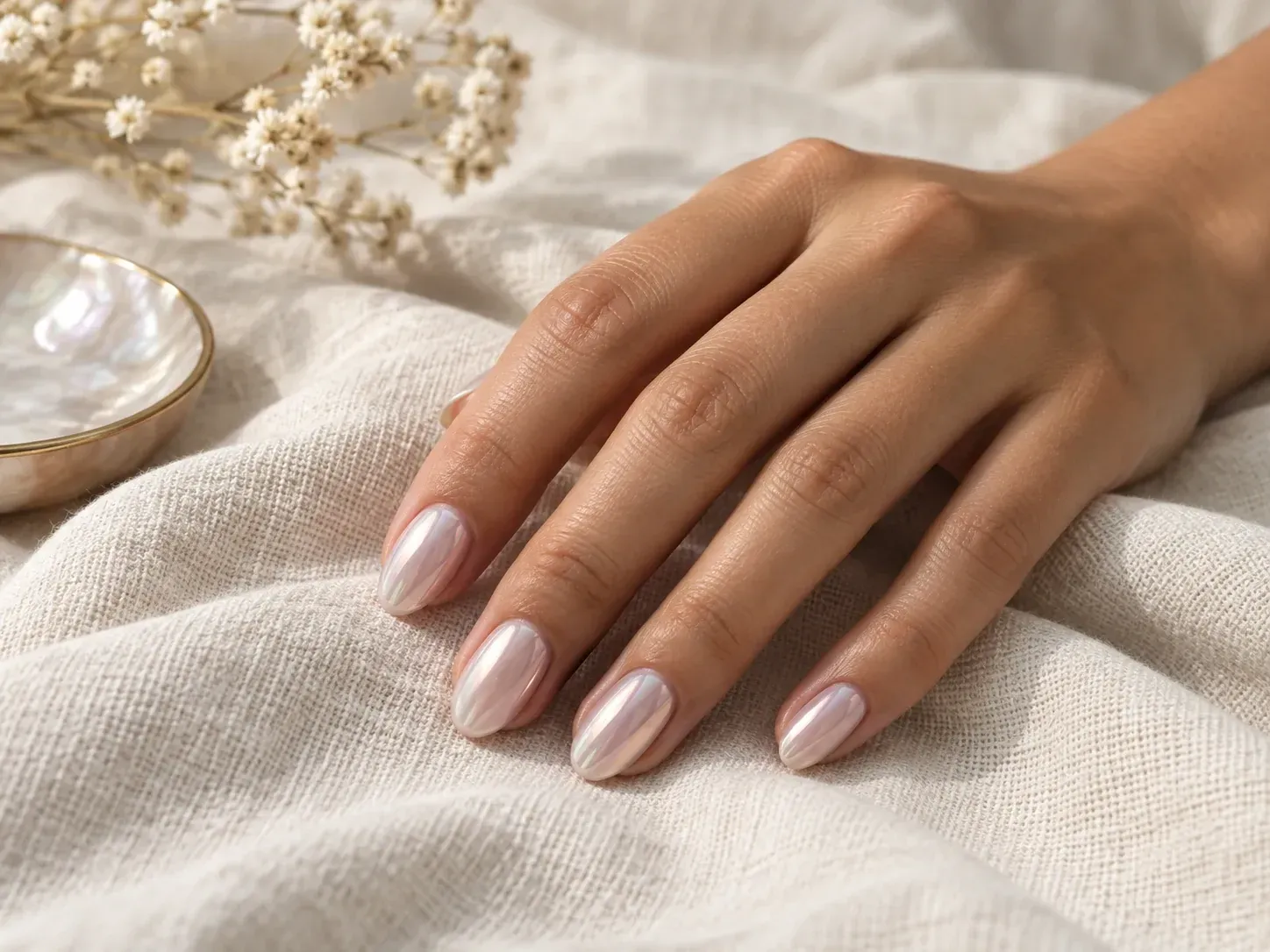
Most nail decisions come down to choosing between a few looks you already like.
Ask for a few designs in one request and line them up on your hand photo before you choose. The hand can shift slightly between renders, so judge the nail art itself.
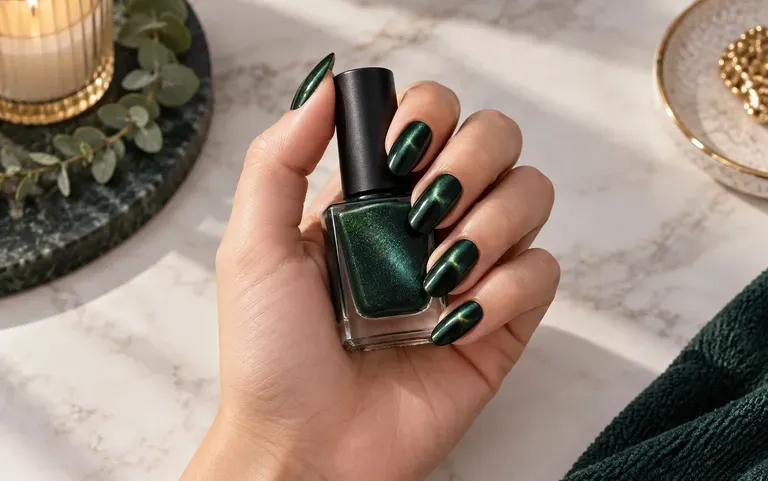
Use the words you would use at the salon: French tip, chrome, ombre, cat eye, or a mix of them.
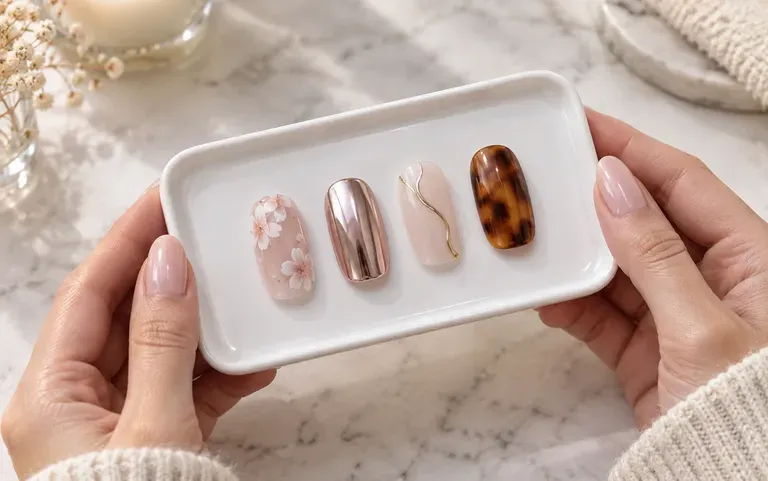
Your designs collect on the Virse canvas, so last week's shortlist is still there when you add new ideas beside it.
Good light and a clear view of every nail give the design something to follow. You can also skip it and describe the look only.
Name the shape, length, color and finish, for example short almond nails in glazed chrome.
Request several designs at once so you have something to compare.
Keep the one you like and bring it up at your appointment.
Nail ideas start on a phone long before anyone sits at the salon table.
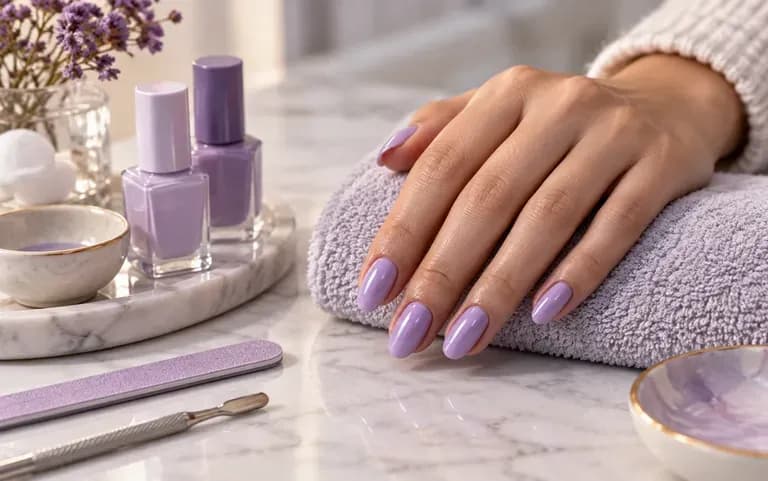
Settle on a design before the appointment instead of scrolling at the desk.
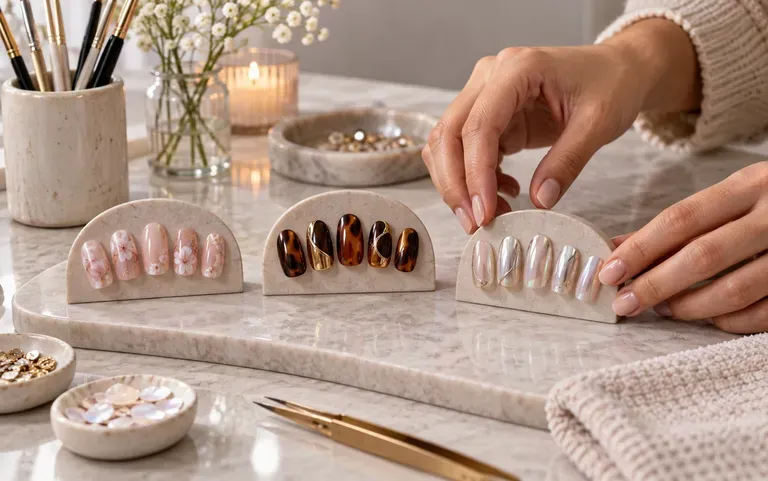
Show a client a few options for a custom set before you start.
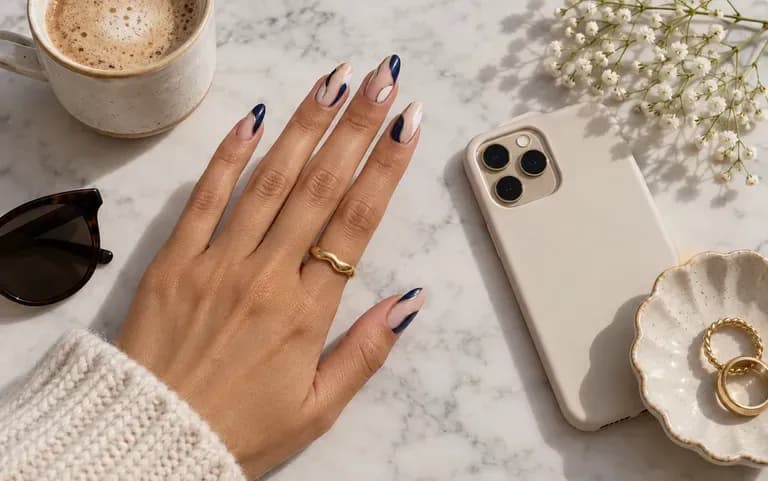
Try out nail art ideas for upcoming posts.
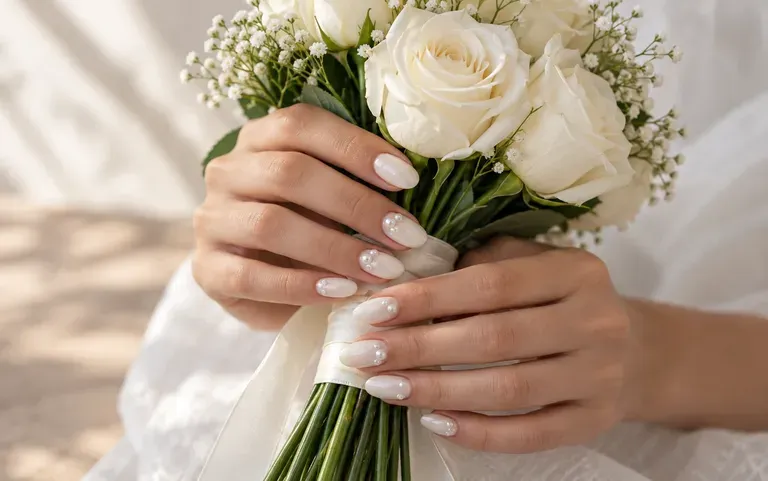
Match a manicure to a dress color or a wedding theme.
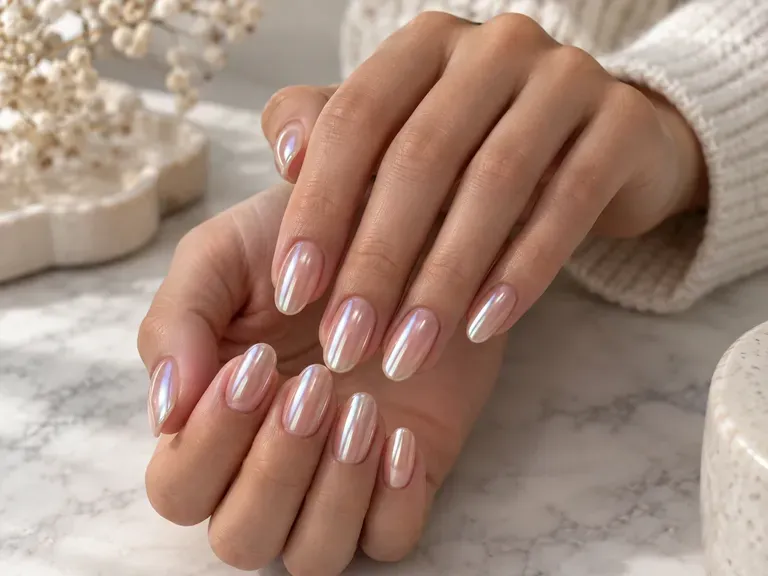
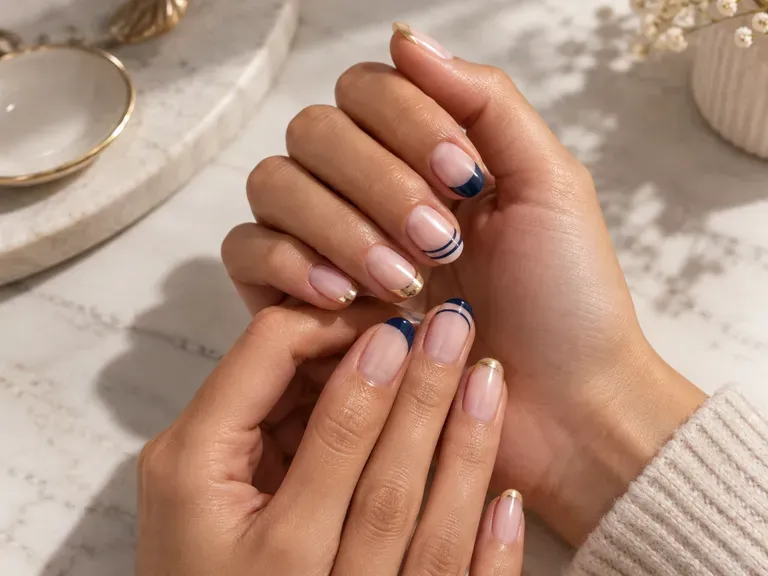
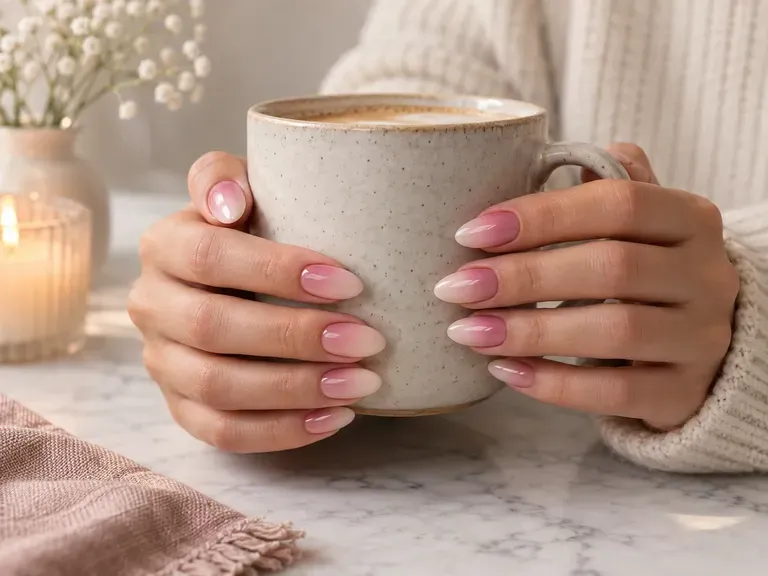
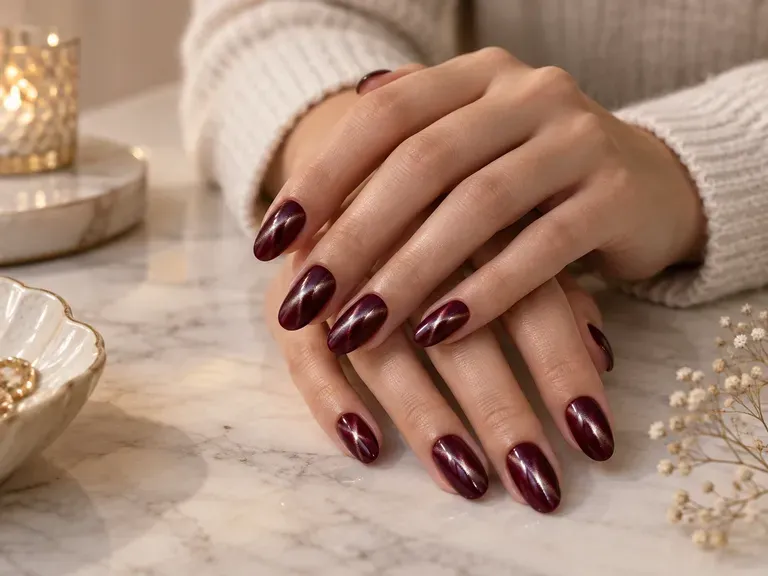
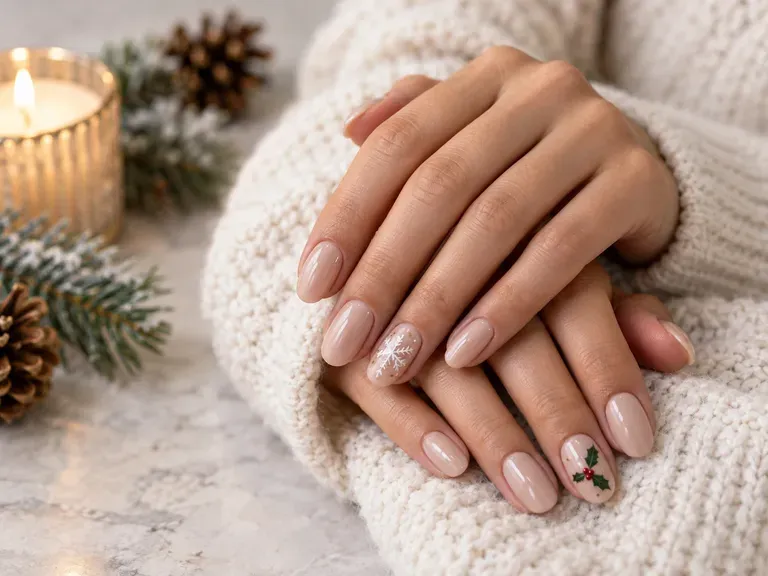
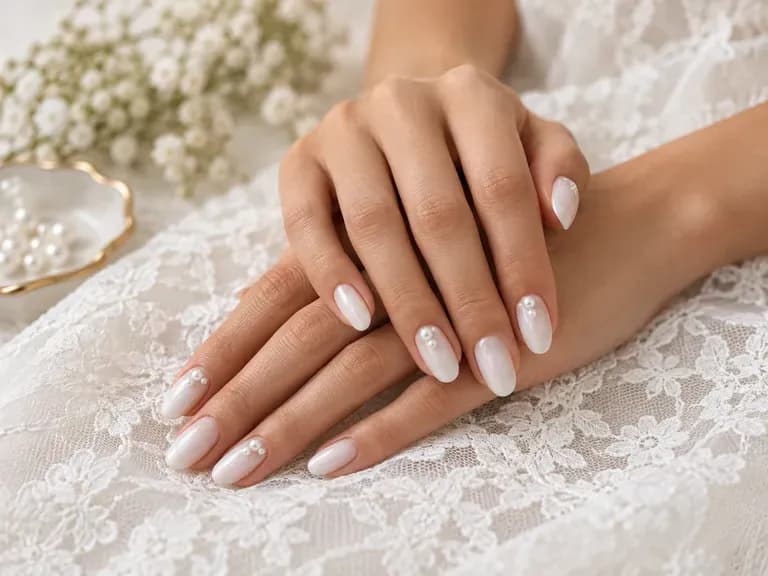
Add a hand photo or a style idea and get your first nail designs.