Kling 4.0 vs MiniMax H3: Which AI Video Model Wins?
 Yifan Zhao12 min de lecture ·
Kling 4.0 is the better choice for selected commercial shots, reference-driven motion, and polished hosted production. MiniMax H3 is stronger for local generation, native audio, rapid concept testing, and creators with powerful hardware. Neither model is a universal winner.
The decision becomes expensive when a failed generation consumes resources without completing the brief. One documented Kling 4.0 attempt used 300 credits and missed the requested actions, while H3 testing showed that a 5-second 480p clip could take under 9 minutes on an RTX 3060. At higher output sizes, another H3 test took 335 seconds for a 5-second clip.
Virse gives creators a practical way to compare both approaches. Paid plans provide access to multiple AI video models with unlimited usage and unlimited seats, while new users receive free credits after signing up. This makes it easier to test Kling 4.0, MiniMax H3, and other models before committing an entire project to one workflow.
Kling 4.0 vs MiniMax H3: What Is the Main Difference?
Kling 4.0 is a hosted AI video model designed for creators who want motion generation, reference inputs, and a managed production environment. MiniMax H3 is an open-weight model that can run through ComfyUI, local GPU pipelines, and selected cloud services.
Category | Kling 4.0 | MiniMax H3 |
|---|---|---|
Best use | Commercial shots and hosted production | Local generation and fast experimentation |
Main strength | Motion, prompt interpretation, and references | Native audio and local control |
Audio workflow | Dialogue and sound workflows, with inconsistent results in some tests | Dialogue, ambience, and effects in one generation |
Deployment | Hosted platform | Local GPU, ComfyUI, or cloud access |
Cost risk | Credits consumed by retries | Hardware, setup, and processing time |
Main limitation | Automatic cuts, music, and unstable output | High hardware requirements and slower rendering |
There is no sufficiently large controlled benchmark using identical prompts, references, resolutions, and settings. The evidence in this comparison should therefore be treated as documented workflow experience rather than a standardized leaderboard.
What this comparison measures
The practical differences between Kling 4.0 and H3 involve more than visual quality:
- Final-shot quality
- Motion and action interpretation
- Native audio
- Reference control
- Generation speed
- Hardware requirements
- Retry costs
- Commercial workflow reliability
The most useful model is the one that produces acceptable footage with fewer failed iterations.
Which Model Produces Better AI Video Quality?
Kling 4.0 has the stronger position for polished hero shots, reference-based motion, and commercial camera work. Our review of documented generation cases found positive feedback about action interpretation, multilingual dialogue, and reference-video workflows.
The same cases also show why one successful clip does not establish consistent quality. Kling 4.0 has been associated with softened faces, noisy textures, CGI-like surfaces, unwanted camera movements, automatic cuts, and occasional lip-sync failures.
One reported 30-second generation consumed 300 credits while producing mostly Chinese dialogue and failing to complete the requested actions. The practical cost included both the credits and the time required to inspect and regenerate the clip.
MiniMax H3 can create complex audiovisual scenes in one local workflow. In one case, a creator generated approximately 15 seconds of footage at around 1MP in approximately 23 minutes using an RTX PRO 6000 with 96GB of VRAM.
That case demonstrates H3’s potential, but it does not establish a universal quality rate. Other documented tests reported blurred faces, blocky output, and structural problems such as animals with incorrect limbs.
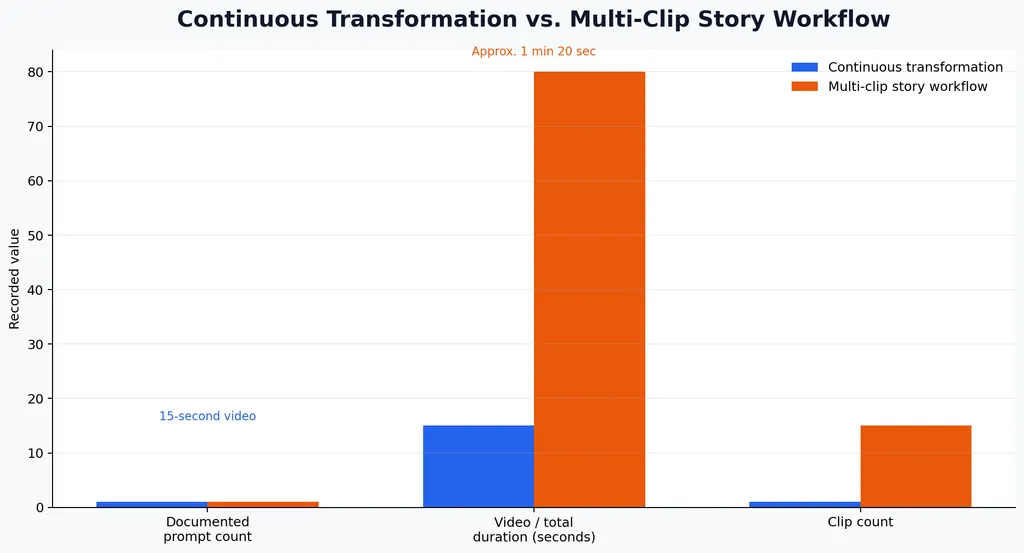
Kling 4.0 quality strengths and weaknesses
Kling 4.0 is a strong candidate when a shot requires:
- Subject movement across a scene
- Reference images or videos
- Commercial framing
- Dialogue-driven performance
- A managed interface
Its weaknesses become more visible when a prompt contains several actions, strict camera constraints, or a demand for one uninterrupted shot. Users have also reported that the model may add music even when the prompt requests silence.
MiniMax H3 quality strengths and weaknesses
H3 is more attractive when a project requires:
- Local generation
- Native dialogue and sound effects
- Rapid concept exploration
- Custom nodes and processing
- More control over the generation environment
Its weaknesses are more apparent in distant faces, complex anatomy, small product details, and high-resolution production. Local control also means managing memory limits, model installation, sampling settings, and troubleshooting.
Is MiniMax H3 Faster and Cheaper Than Kling 4.0?
MiniMax H3 can reduce dependence on subscriptions and platform credits, but open weights do not automatically make a workflow fast or inexpensive. Hardware, electricity, setup time, and processing speed become part of the production cost.
A test using an RTX 3060 with 12GB of VRAM and 32GB of system memory generated a 5-second, 480p video in under 9 minutes with 20 steps.
A separate RTX 5090 test showed how output size affected processing time:
Output size | Reported time for 5 seconds |
|---|---|
0.4MP | 73 seconds |
0.7MP | 179 seconds |
1.0MP | 335 seconds |
The same test reported approximately 99% GPU usage. These are individual test results, so they should not be interpreted as fixed performance guarantees.
H3 Max may still be valuable as a rapid concept-generation layer. One creator reported generating 15–20 concept versions in the time another model needed to return one result. This makes H3 useful for exploring composition, pacing, camera ideas, and story directions before committing resources to a final shot.
Kling 4.0 has a different cost structure. The hosted workflow is easier to start, but credit-based generation can become expensive when a shot requires repeated attempts.
Which Model Handles Native Audio Better?
MiniMax H3 has a clear advantage when audio must be generated with the video. It can create dialogue, environmental sound, and effects such as footsteps in the same workflow.
This is useful for animation, short narrative scenes, and concept videos where visual timing and sound need to be evaluated together. It also reduces the need to generate a silent clip and rebuild the soundtrack separately.
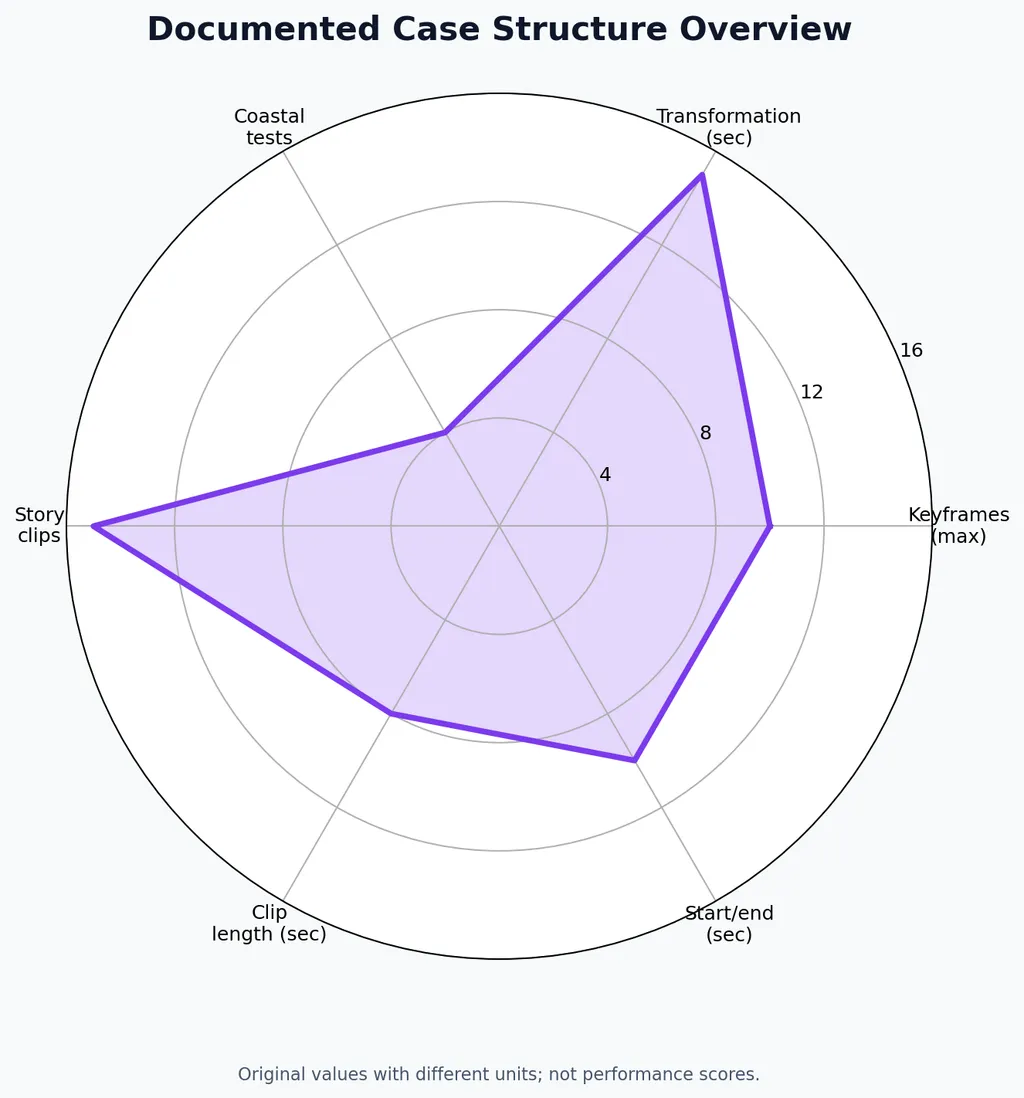
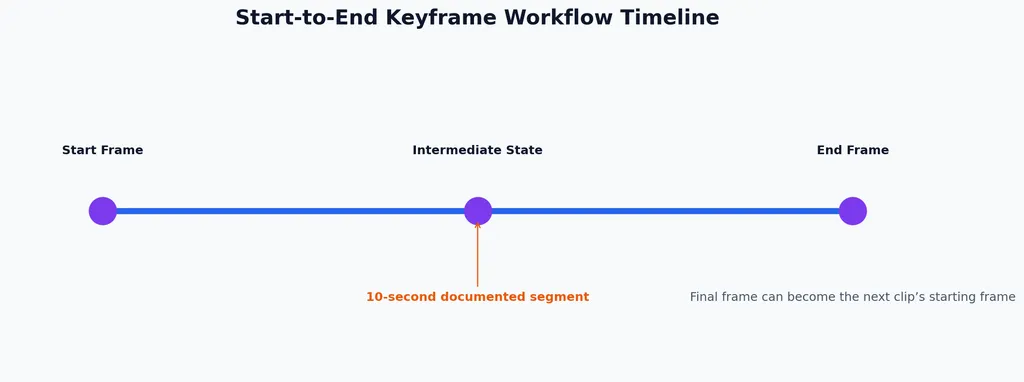
H3 has been used to create longer videos by generating repeated 10-second segments and extending them sequentially. The available case did not provide a verified final duration or success rate, so this should be treated as an experimental technique.
Kling 4.0 can produce dialogue and multilingual voice results, but our review of user questions identified recurring concerns about unwanted music and inconsistent lip synchronization. Long dialogue scenes may require additional editing or multiple generations.
For a short clip where audio is part of the first creative test, H3 is often the more integrated option. For a commercial sequence where visual control matters more than one-pass audio, Kling 4.0 may still be preferable.
How Do Reference Images and Prompts Affect Results?
Both models respond better to structured inputs than to a single oversized prompt. Clear references, limited actions, and ordered shot descriptions reduce ambiguity.
A Kling 4.0 Flash case used 8 images to create an approximately 20-second sequence. The creator reported better results after replacing a broad instruction with detailed prompts describing the action order and the role of each reference image.
H3 introduces a different challenge: video references, image references, and text instructions can compete with one another. The model may follow one input while ignoring another.
A practical reference workflow
- Define one main subject and one primary action.
- Describe the movement in chronological order.
- Separate subject movement from camera movement.
- Use only the references needed for the shot.
- Test a short clip before increasing resolution.
- Inspect faces, hands, products, text, and background continuity.
- Change one variable during each new iteration.
Reference quality often matters more than prompt length. A clean image with a clear pose can produce a more usable result than a highly detailed prompt attached to an inconsistent reference.
What Are the Main Failure Modes?
Kling 4.0 failure modes
Kling 4.0’s main production risks include automatic music, forced camera cuts, facial inconsistency, unstable textures, lip-sync errors, and unpredictable keyframe transitions.
These failures are especially expensive in advertising, branded characters, and dialogue scenes because one incorrect face or camera cut can make the entire clip unusable.
Some creators also report that moderation restrictions interrupt established workflows. This creates additional planning risk when a project depends on repeated generations with similar characters or actions.
MiniMax H3 failure modes
H3’s most common limitations include blurred faces, blocky output, incorrect anatomy, long processing times, and demanding hardware requirements.
The RTX 3060 test shows that short 480p generation is possible with 12GB of VRAM and 32GB of system memory, but the RTX 5090 results show how quickly processing time increases as output size approaches 1.0MP.
H3 can also require substantial setup work in ComfyUI. Users need to manage model files, nodes, sampling settings, memory usage, and upscaling steps.
Which Model Is Better for Different AI Video Use Cases?
Use case | Better starting point | Reason |
|---|---|---|
Commercial hero shot | Kling 4.0 | Better fit for managed, reference-driven production |
Rapid concept testing | MiniMax H3 or H3 Max | Supports many early-stage variations |
Native dialogue and sound effects | MiniMax H3 | Audio is integrated into the generation workflow |
Local GPU production | MiniMax H3 | Open weights support local deployment |
Simple browser workflow | Kling 4.0 | No local installation or node configuration |
Motion transfer | Kling 4.0, tested first | Strong fit for reference-driven movement |
High-volume draft generation | MiniMax H3 | Useful as an iteration layer |
Predictable delivery | Kling 4.0 with review passes | Easier to manage operationally |
Case study: Local audiovisual production with H3
A local creator used MiniMax H3 with an RTX PRO 6000 to generate approximately 15 seconds of footage at around 1MP in roughly 23 minutes. The setup used 96GB of VRAM.
The result shows that H3 can combine visual generation, dialogue, and sound effects in one local pipeline. It also shows the hardware cost of treating H3 as a production model rather than a lightweight experiment.
Case study: H3 on a consumer GPU
Another test used an RTX 3060 with 12GB of VRAM and 32GB of RAM. It produced a 5-second 480p clip in less than 9 minutes using 20 steps.
This makes H3 accessible to some consumer hardware users, but the result is more suitable for short tests than high-volume commercial production.
Case study: Resolution scaling on an RTX 5090
The RTX 5090 test produced 5-second clips in 73 seconds at 0.4MP, 179 seconds at 0.7MP, and 335 seconds at 1.0MP.
The increase is operationally important. A workflow that appears fast at lower resolution can become much slower when the creator increases image size for final delivery.
Case study: Rapid concept exploration with H3 Max
One creator reported generating 15–20 concept versions in the time required for another model to produce one version.
This supports a two-stage process: use H3 Max to evaluate story ideas, framing, and pacing, then move only the strongest concepts into a higher-cost final generation workflow.
Case study: Kling 4.0 Flash with eight references
A Kling 4.0 Flash workflow used 8 images to create an approximately 20-second sequence. The first attempt was weaker, while detailed sequential instructions improved the result.
This suggests that Kling 4.0 benefits from shot decomposition. It does not prove that eight references are always optimal, but it shows why structured visual inputs can outperform a single general prompt.
Case study: Commercial project risk
One creator considered investing $10,000 in a Kling-related project but remained concerned about softened faces and noisy textures.
The concern was not only visual quality. It was whether the model could maintain quality consistently enough for a high-budget production where failed generations would be expensive.
Should You Use H3 First and Kling 4.0 for the Final Shot?
For many creators, a hybrid workflow is more practical than selecting one model for every stage.
Start with H3 when you need to test several concepts, audio directions, or rough sequences. Use short clips to identify which ideas have workable composition and movement.
Move the strongest concepts to Kling 4.0 when the shot requires a managed interface, reference-driven movement, or a polished commercial presentation. Keep the final prompt focused and test the most important action before adding secondary details.
Virse supports this comparison workflow by placing multiple AI video models in one creative workspace. Paid plans provide unlimited model usage and unlimited seats, while new users receive free credits after signing up. This makes it easier to compare generation behavior before committing an entire project to one model.
Conclusion
Kling 4.0 is the better choice for selected commercial shots, reference-based motion, and creators who value a managed production workflow. MiniMax H3 is better for local generation, native audio, rapid concept testing, and users willing to manage demanding hardware and configuration. The strongest workflow uses each model according to its role: H3 for exploration and audiovisual prototypes, and Kling 4.0 for carefully selected final shots. The decision should be based on usable output per iteration rather than one impressive sample.
FAQ
Is Kling 4.0 better than MiniMax H3?
Kling 4.0 is better suited to commercial shots and reference-driven motion. H3 is better for local generation, native audio, and rapid testing. There is not enough controlled evidence to identify one universal winner.
How much VRAM does MiniMax H3 need?
A documented test used 12GB of VRAM and 32GB of RAM for a 5-second 480p clip. Higher resolution, longer duration, and more complex settings can require substantially more memory.
Can MiniMax H3 generate audio with video?
Yes. H3 can generate dialogue, ambient sound, and effects with the video. Results depend on implementation, prompt structure, resolution, settings, and available hardware.
Why does Kling 4.0 sometimes add music or change shots?
Our review of user questions identified cases where Kling 4.0 adds music or splits a continuous instruction into multiple shots. Shorter prompts, explicit audio instructions, and separate shot tests can reduce the risk but cannot guarantee compliance.
Should I use H3 before Kling 4.0?
That workflow is often practical. H3 can test concepts and audio directions quickly, while Kling 4.0 can be reserved for shots that need stronger reference control or a managed commercial workflow.