AI Poster Scene Mockup

Poster Mockup Generator

Upload the poster and photos of the places it should appear. A wall, a lightbox, a transit shelter, a screen. You get one photorealistic placement per scene, with the artwork pixel-faithful under that scene's own light and perspective.

Input
Poster image · RequiredScene photos · RequiredMockup notes · Optional
Output
One in-scene poster mockup per scene

Poster image

Required

Drop your poster

Your image is uploaded on the canvas — this form carries the settings.

Scene photosRequired

What a poster mockup generator does with a real scene photo

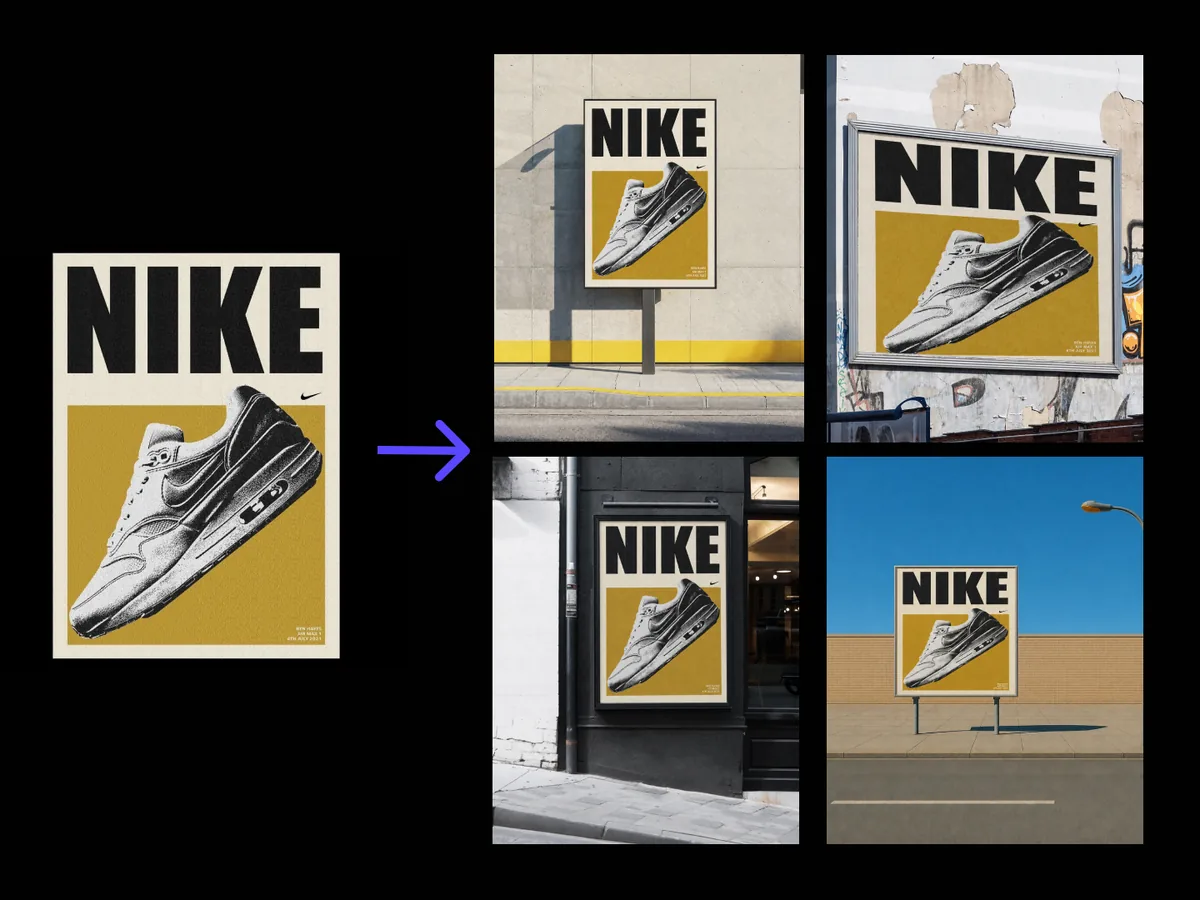
A poster mockup generator puts finished artwork into a photograph of somewhere it might hang. This one composites rather than repaints, so the poster keeps its exact colours, type and layout while the scene supplies the perspective and the light.

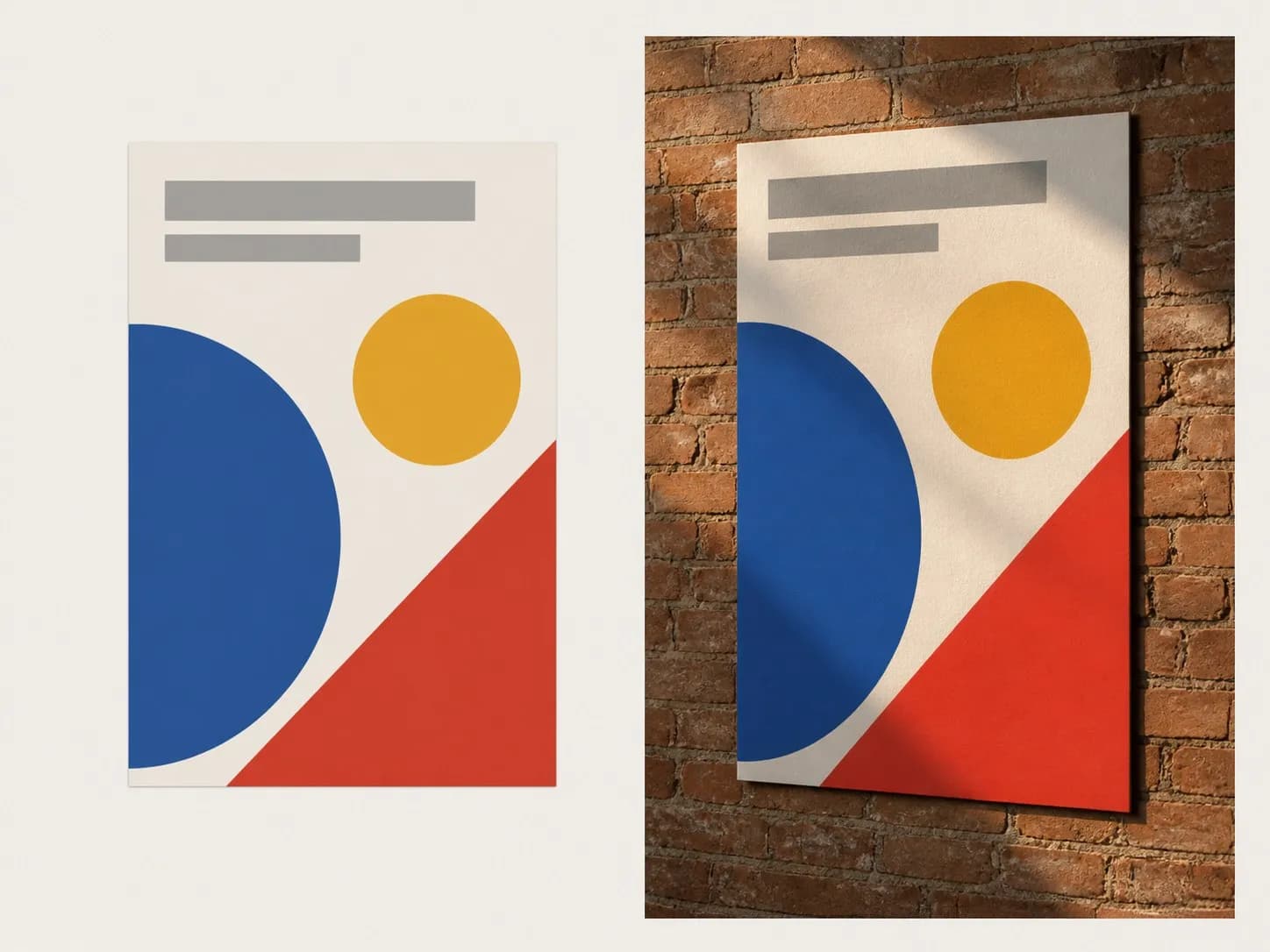
A flat poster artwork on the left and the same artwork mounted on a brick wall on the right
A poster and the same poster composited onto a brick wall

What a street poster mockup adapts, and what it leaves alone

The split matters more here than anywhere else on the page. One of these three changes. The other two do not.

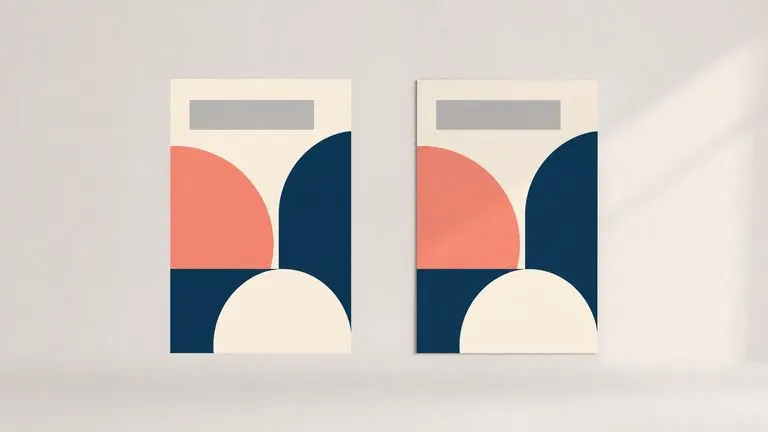
A flat poster and its composited version with colours and shapes matching exactly
Untouched

The artwork stays as exported

Colours, type and layout come through exactly as you saved them. Nothing is redrawn to suit the scene, because a mockup that quietly restyles your poster is showing you a poster you did not make.
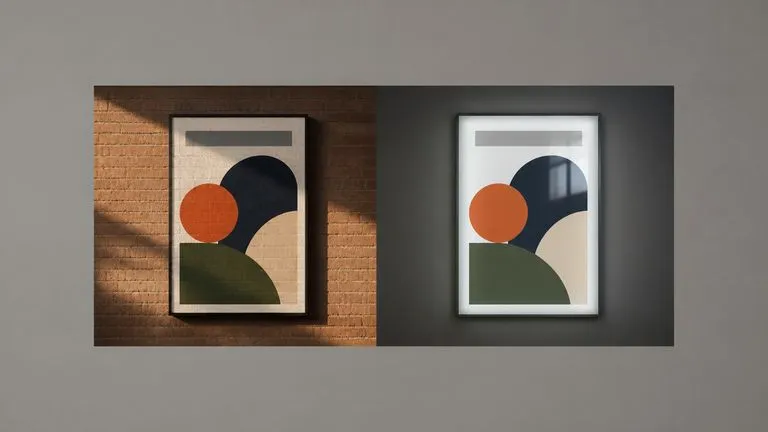
One poster shown under daylight on brick and behind lightbox glass
Adapted

The scene supplies the light

Perspective, scale, reflections and the way light falls across the surface all come from your photo. A poster behind lightbox glass picks up the glass. One on brick in evening sun picks up the sun.
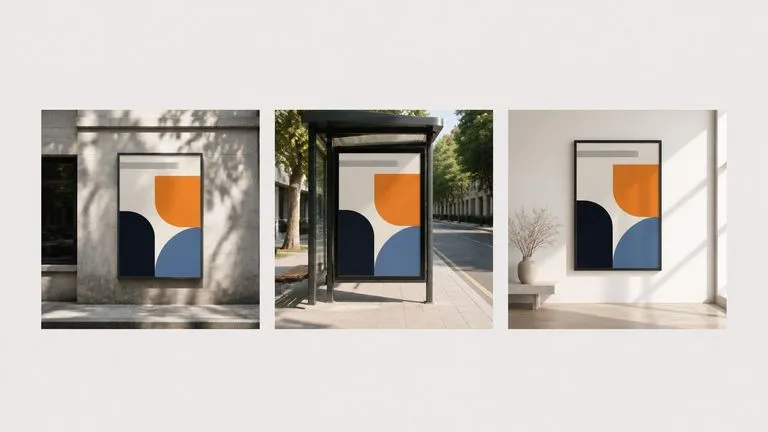
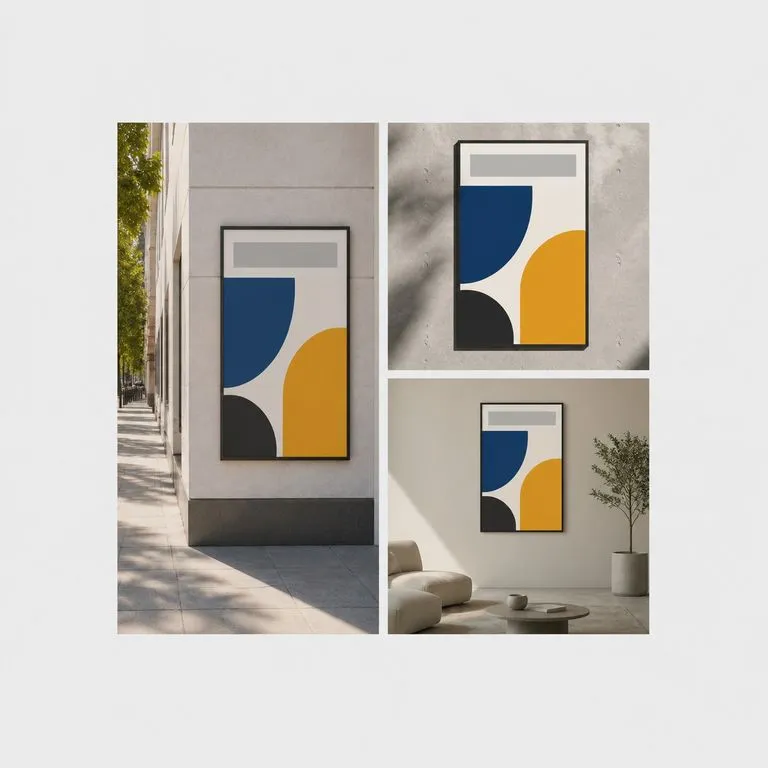
One poster placed in three different scenes side by side
You decide how many

One preview per scene photo

Upload three scene photos and three previews come back, each as its own image. A campaign pitch usually wants a street view, a close-up and an interior.

How to put a poster into a scene in four steps

  1. Export the poster as you would print it

    Final artwork, final colours, final type. What goes in is what comes out, so this is not the stage for a rough.

  2. Photograph the places it will hang

    Your own phone shots of the actual sites work better than stock, because the pitch is about those sites. Straight-on or angled both work.

  3. Say how it should be mounted

    Flush on the wall, behind glass, in a shelter frame, on a screen. One line of notes, and it changes the reflection and the edge treatment.

  4. Mock it up, then keep working

    Each placement lands on a fresh Virse canvas as its own image. Swap a scene photo and re-run one of them without touching the rest.

Who uses a wall art mockup generator

People who have to show a client where the work lives, not just what it looks like.
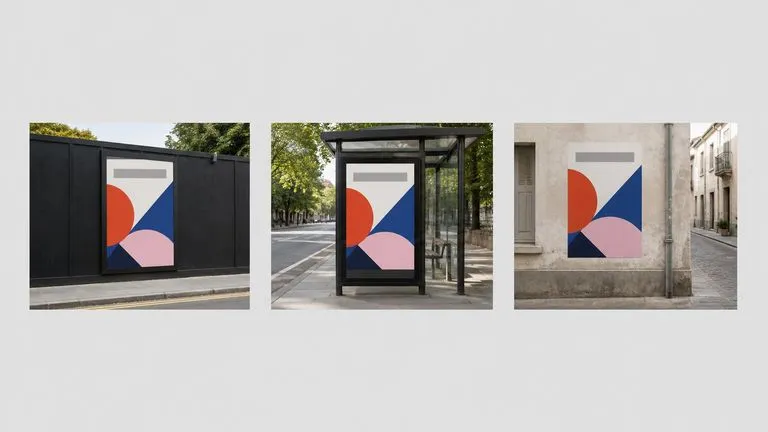
One campaign poster shown across three booked outdoor sites

Campaign & OOH Planners

Put the poster on the actual sites you have booked, so a media plan reads as places rather than as a spreadsheet of dimensions.
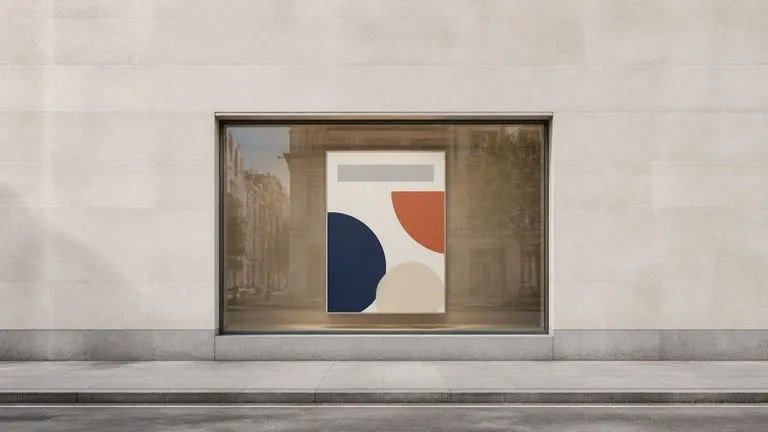
A poster placed in a shop window seen from the pavement

Design Studios Pitching Work

Present finished artwork in situ during the meeting where it gets approved, using photos of the client's own storefront or lobby.
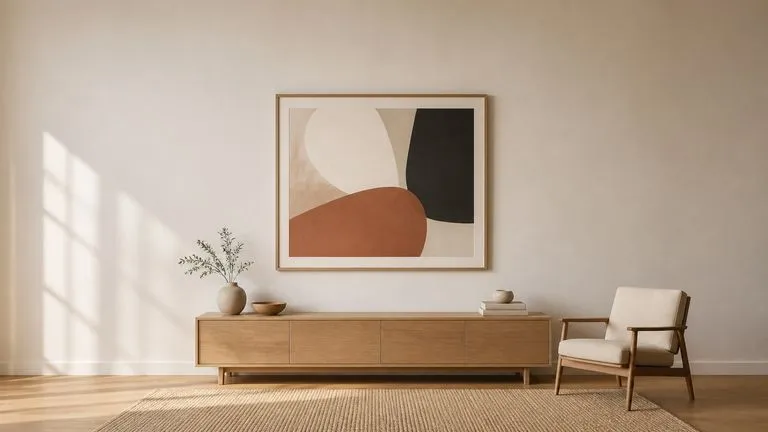
A large art print on a living room wall shown at scale against the furniture

Print Shops & Art Sellers

Show a print at scale on a wall so a buyer can judge size, instead of asking them to imagine 70 by 100 centimetres.
What a billboard mockup generator returns

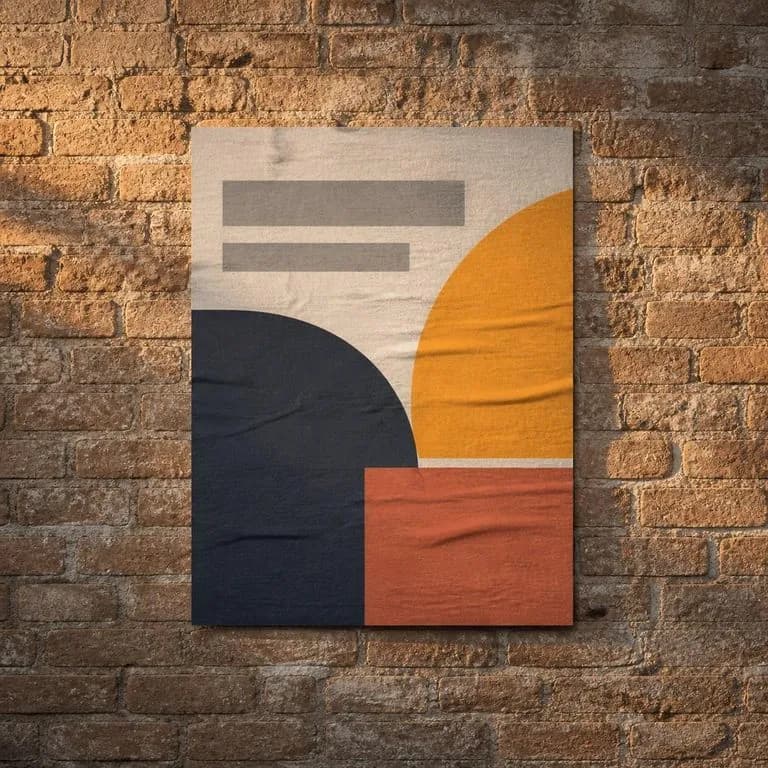
A poster pasted flush on brick with warm low sun raking across the paper
Flush on Brick, Evening Light: warm low sun raking across the paper texture
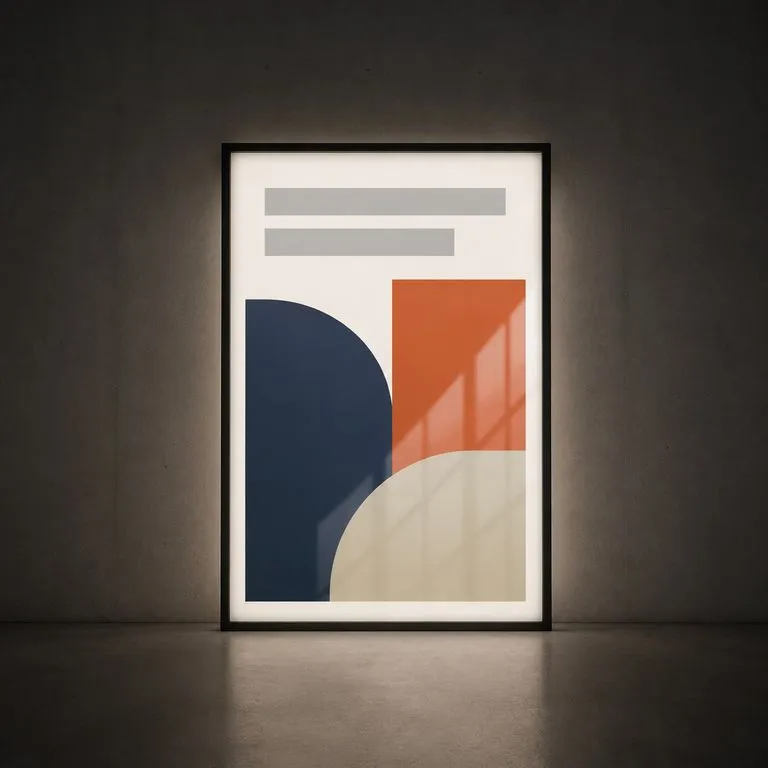
A poster behind lightbox glass with the reflection sitting over unchanged artwork
Behind Lightbox Glass: the glass reflection sitting over unchanged artwork
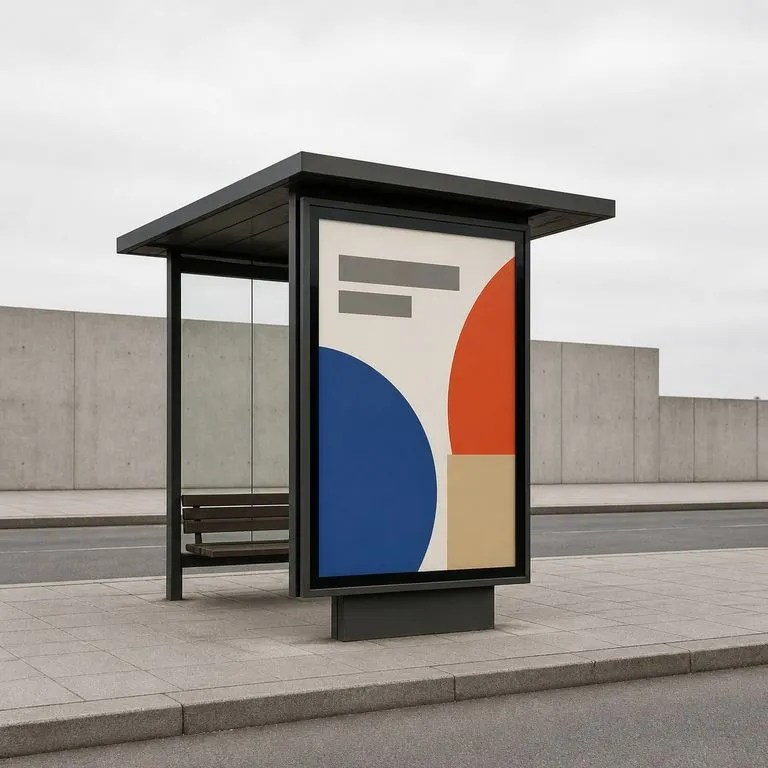
A poster in a transit shelter frame seen from an angle on the pavement
Transit Shelter, Angled View: perspective taken from the scene photo, not guessed
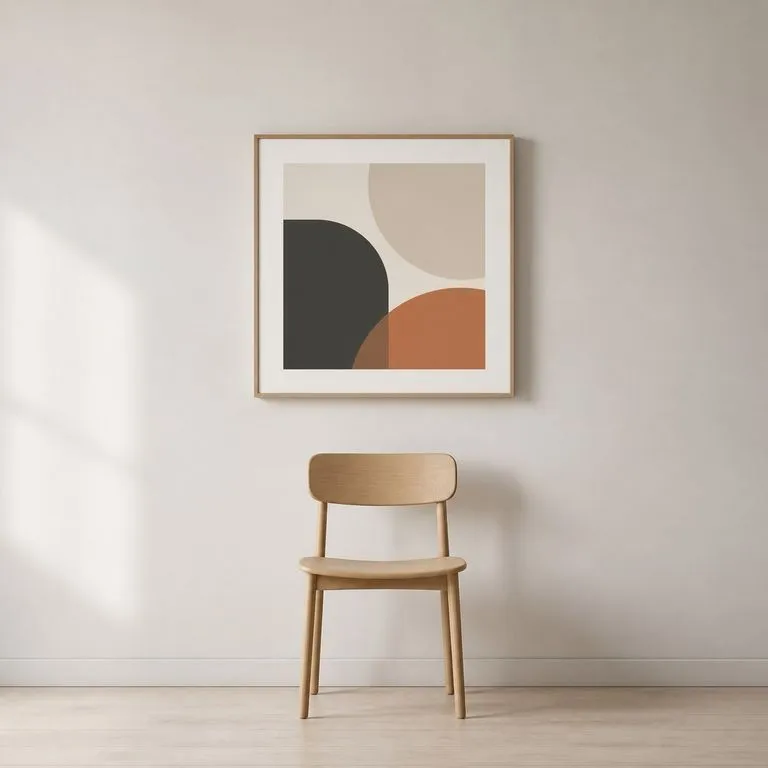
A framed print on an interior wall sized against a chair beneath it
Interior Wall at Scale: a print sized against the furniture already in the room
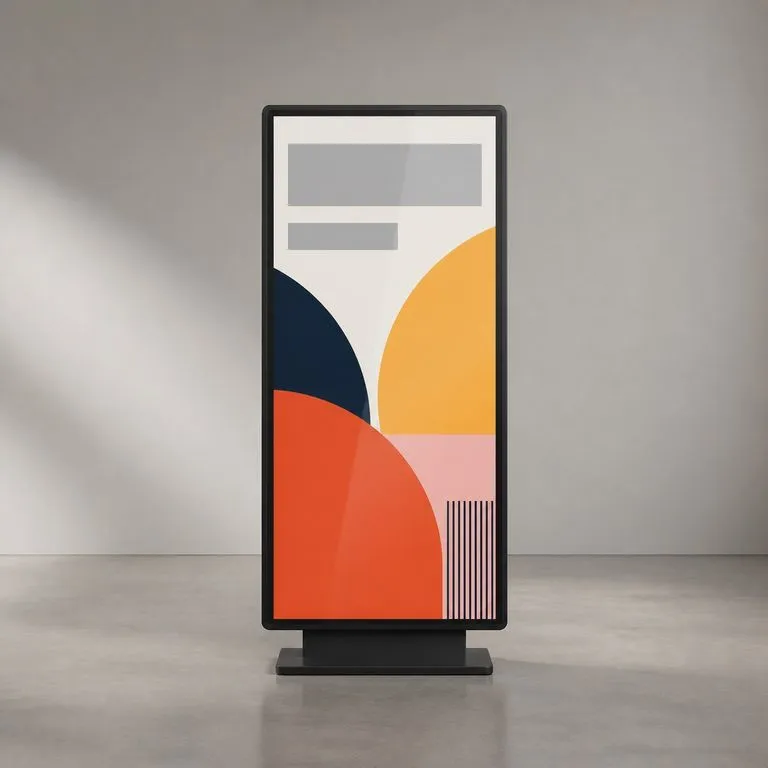
A poster shown on a vertical digital display rather than printed
Screen Placement: the poster shown as displayed rather than as printed
Three placements of one poster laid out together as a pitch sheet
Three Sites, One Poster: a campaign pitch assembled from three scene photos

Poster mockup generator vs a PSD template

Most of what ranks for this is a folder of PSD files. Here is the difference in practice.

Downloadable PSD mockup templates

  • The scene is somebody else's wall, and every campaign gets the same one
  • Placing the artwork means opening a layered file and finding the smart object
  • Light and reflection are baked into the template, so an unusual site cannot be shown
  • The file needs Photoshop, and only the person who has it can produce a variant

The Virse mockup generator

  • The scene is your photo of the actual site, so the pitch is about real places
  • The poster goes in as an export, and the tool works out perspective and scale
  • Light comes from the scene photograph, including glass, brick and evening sun
  • Placements land on a canvas where anyone on the file can re-run a single scene
FAQ

Questions

Does the artwork get restyled to fit the scene?
No. The poster is composited rather than repainted, so colours, type and layout stay as you exported them. What adapts is everything around it: perspective, scale, reflections and the scene's light falling across the surface.
How many scenes can I preview at once?
One preview per scene photo you upload. A campaign pitch usually wants three or four, such as a street view, a close-up and an interior, and each arrives as its own image on the canvas.
Can I download the PSD or a mockup template?
No. This tool returns finished images rather than layered files, and it has no template library to hand out. If your workflow needs a smart object you can drop future artwork into, a PSD mockup pack is the thing to buy. If you need this poster in these places, this is faster.
Do I need a scene photo, or can it invent one?
You need the photo. The scene is a required input, because the point is showing your poster in a specific place with that place's own light. If any wall will do, a generic template will serve you just as well.
Does pressing Create run the tool straight away?
No. Your inputs travel into a fresh canvas and land on the tool already filled in, but nothing runs until you press Start there. A link can never spend your credits on your behalf.
Can I keep working on the result afterwards?
Yes. Everything the tool produces arrives on a normal Virse canvas, so you can re-run a single output, adjust it, or take it into an edit without exporting and re-importing.

Pitch the campaign in situ

Start here. Your poster and scene photos travel into a fresh Virse canvas with the tool already filled in, and nothing runs until you press Start.