AI Cartoon Avatar Generator

AI Cartoon Avatar Generator

Upload one portrait and pick a style. Six fixed options, from a Pixar-like 3D look through to pixel art. The style is allowed to change completely. The features that make you recognisable are not.

Input
Portrait photo · RequiredAvatar style · OptionalExtra requirements · Optional
Output
Stylized cartoon avatar × 1

Portrait photo

Required

Drop your portrait photo

Your image is uploaded on the canvas — this form carries the settings.

Avatar styleOptional

What an AI cartoon avatar generator from photo has to preserve

An AI cartoon avatar generator from a photo redraws you in a different visual language. The hard part is not the drawing. It is keeping the handful of features people use to recognise you while everything else about the image changes.

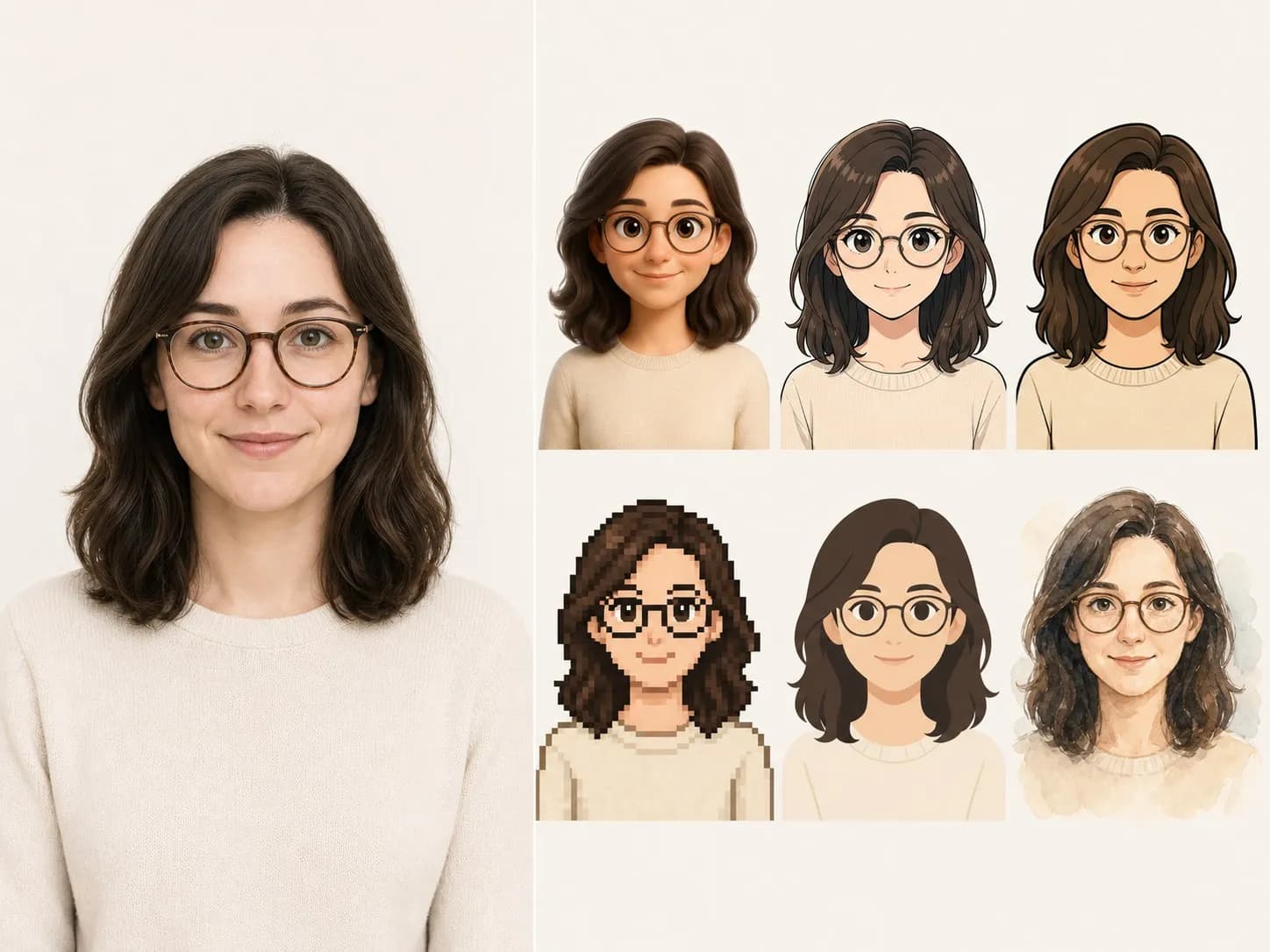
A portrait photograph on the left and six stylised avatars of that person on the right
One portrait and its six style treatments

Six tuned styles, not six prompts

One required photo, one style, one optional line of notes. The styles are the product.

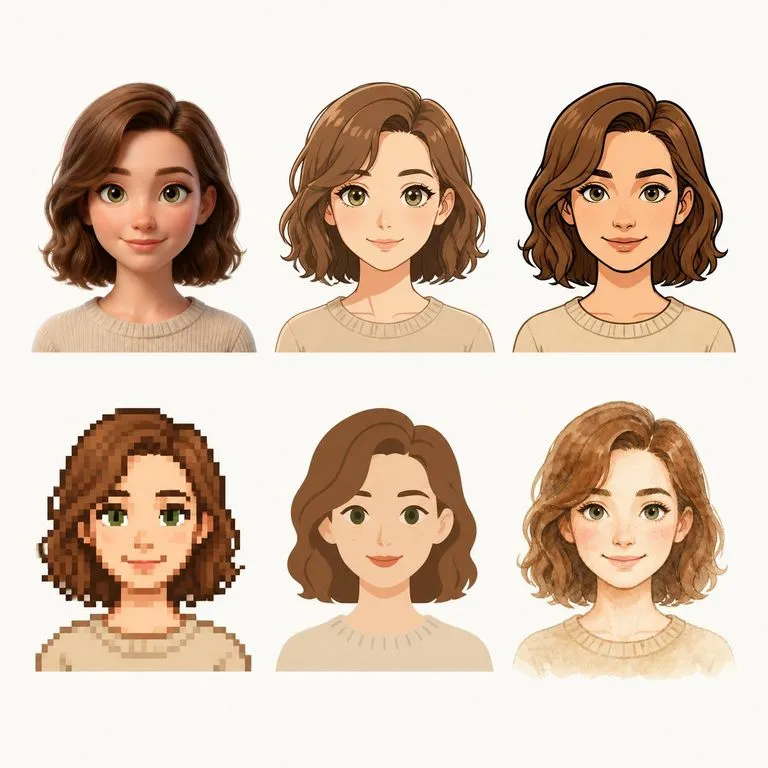
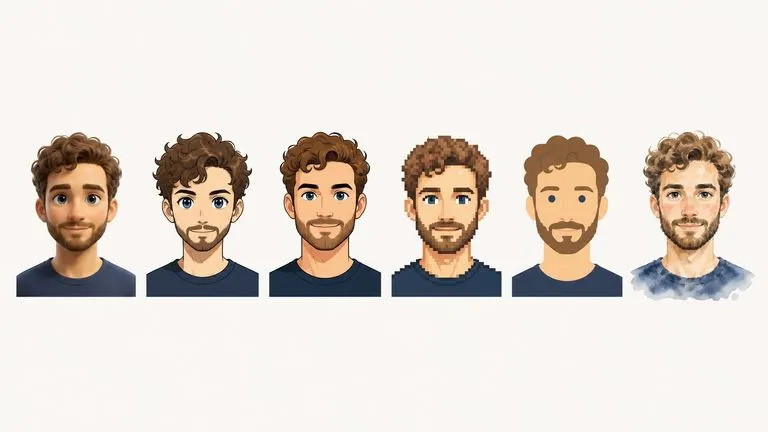
Six tuned styles shown across one face in a single row
Six fixed

Each style is tuned, not described

3D cartoon, anime, western cartoon, pixel art, flat minimal and watercolor. They are fixed because each one has been worked on rather than typed into a prompt, which is why they hold up on faces they have not seen.
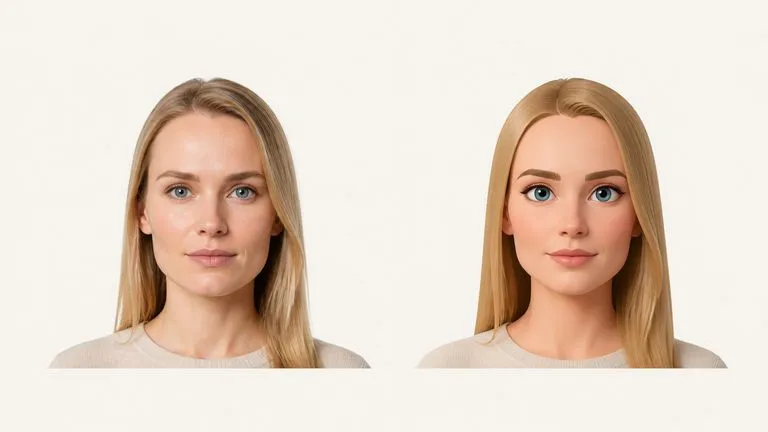
A source portrait beside its avatar with the same facial structure
Held

Identity is the constraint

Face shape, eye spacing, hairline, the things a friend recognises across a room. The style moves as far as it needs to. These do not move at all.

One avatar shown with different backgrounds and crops
Optional

Details you can steer

Glasses kept or dropped, background colour, how much of the shoulders is in frame. The styles are fixed, but everything around them is yours to name.

How to turn a photo into a cartoon avatar in four steps

  1. Pick a clear portrait

    Front-facing, decent light, face not too small in the frame. A phone selfie is fine. Heavy shadow across half the face is the one thing worth avoiding.

  2. Choose a style

    Six options. If you cannot decide, run two and compare, because the right style depends on where the avatar is going rather than on which looks best on its own.

  3. Name the details

    Glasses, background, framing. One line, and it is the difference between an avatar you use and one you re-run three times.

  4. Create, then keep working

    The avatar lands on a fresh Virse canvas. Try another style, adjust the background, or take it into an edit without exporting anything.

Who uses a cartoon avatar generator from photo

People who need a picture of themselves that is not a photograph of themselves.

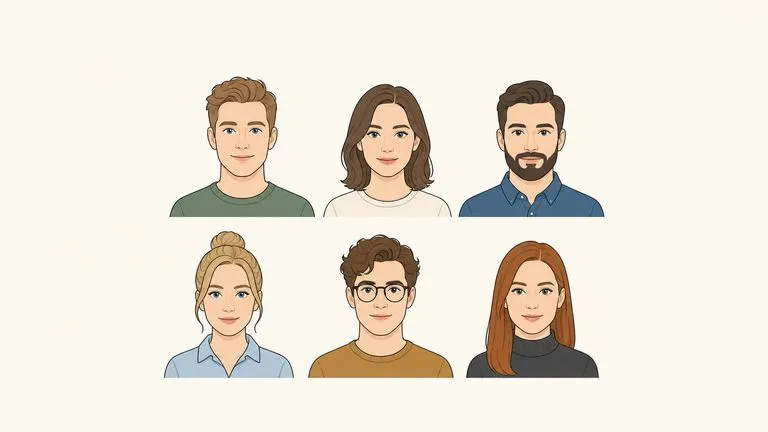
Six team avatars in one consistent style laid out as an about page

Teams Building an About Page

Give a whole team one consistent style, so a staff page holds together even though everyone sent a different kind of photo.

One avatar shown small as a profile circle and large as a banner crop

Creators & Streamers

Get a profile image that works at 32 pixels and on a banner, in a style that suits the channel.

A stylised avatar presented alone as a profile image

Anyone Who Would Rather Not Post Their Face

Keep a recognisable presence online without publishing a photograph, which is a reasonable thing to want.

What a cartoon yourself AI run returns

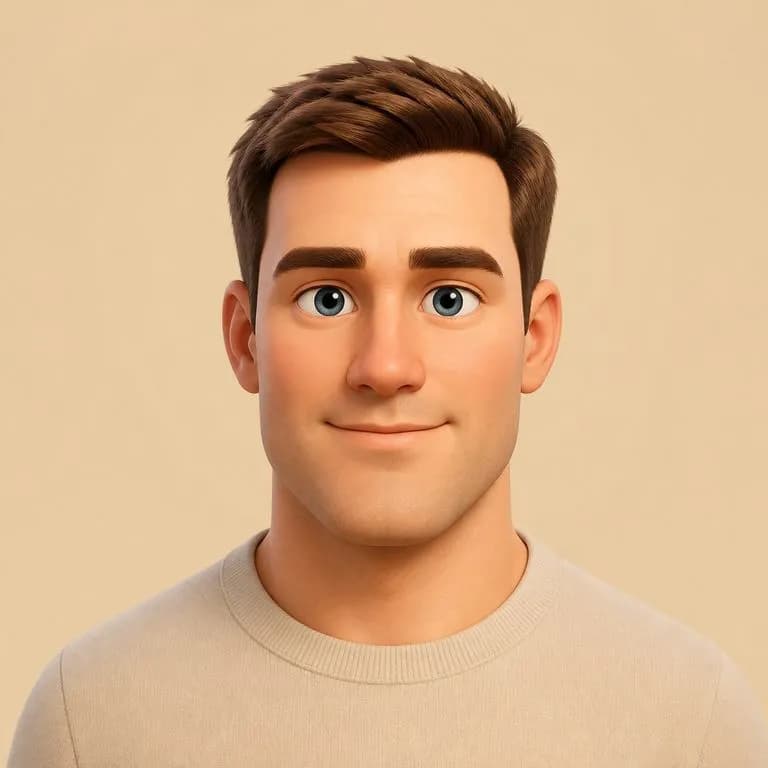
A soft 3D cartoon avatar with shoulders in frame
3D Cartoon, Shoulders In: a Pixar-adjacent look with the face structure intact
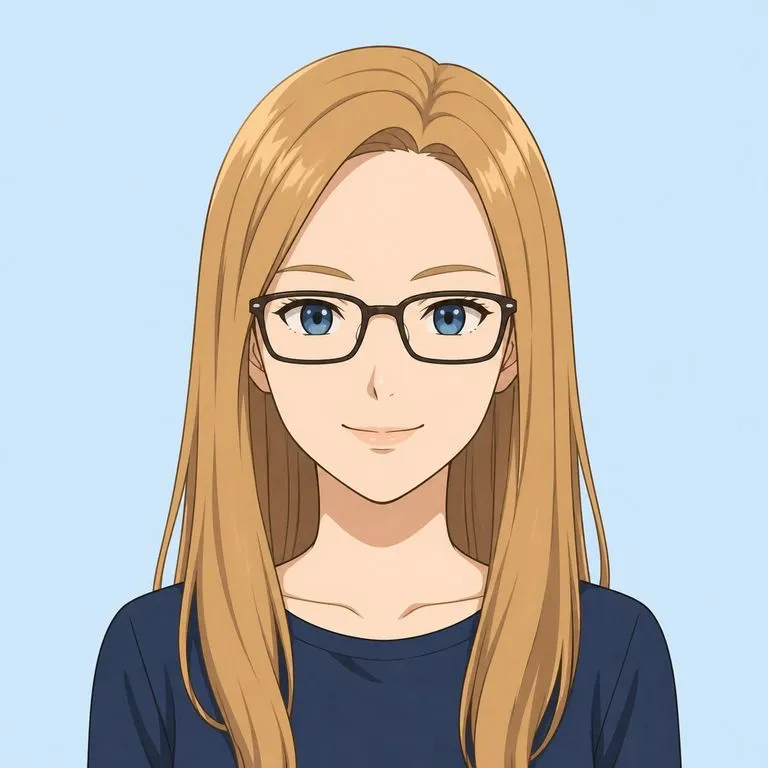
An anime-style avatar that keeps the subject's glasses
Anime With Glasses Kept: an accessory named in the notes and carried through
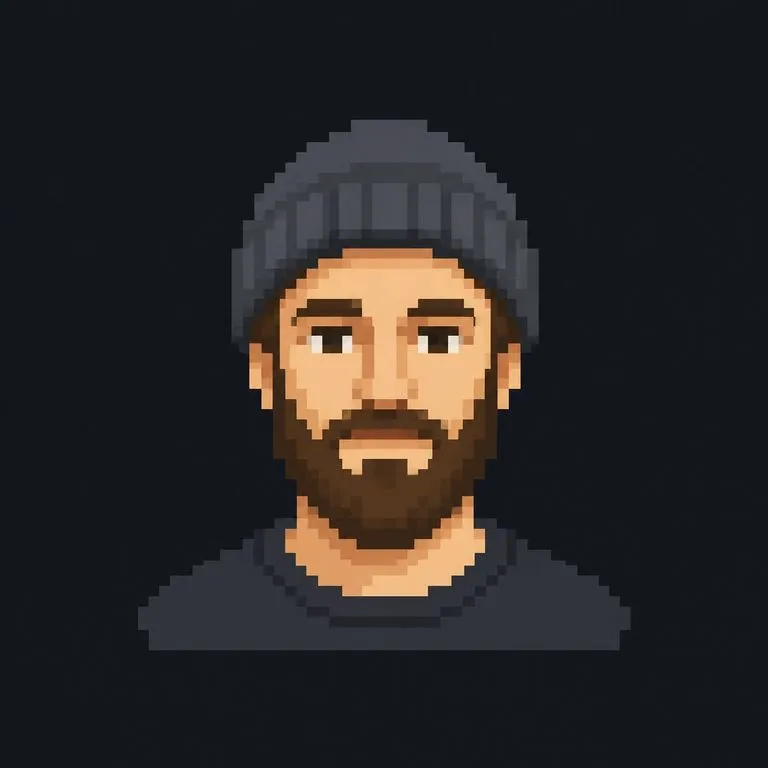
A pixel art avatar that stays readable at a very small size
Pixel Art at Profile Size: readable at 32 pixels, which is where most avatars live
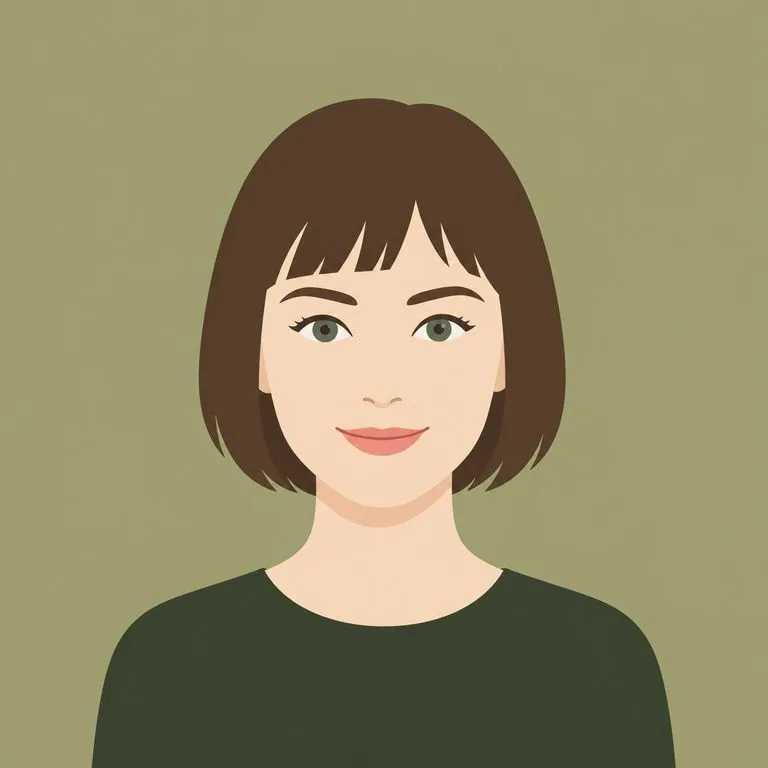
A flat minimal vector avatar on a plain background
Flat Minimal for a Team Page: plain background, consistent crop across people
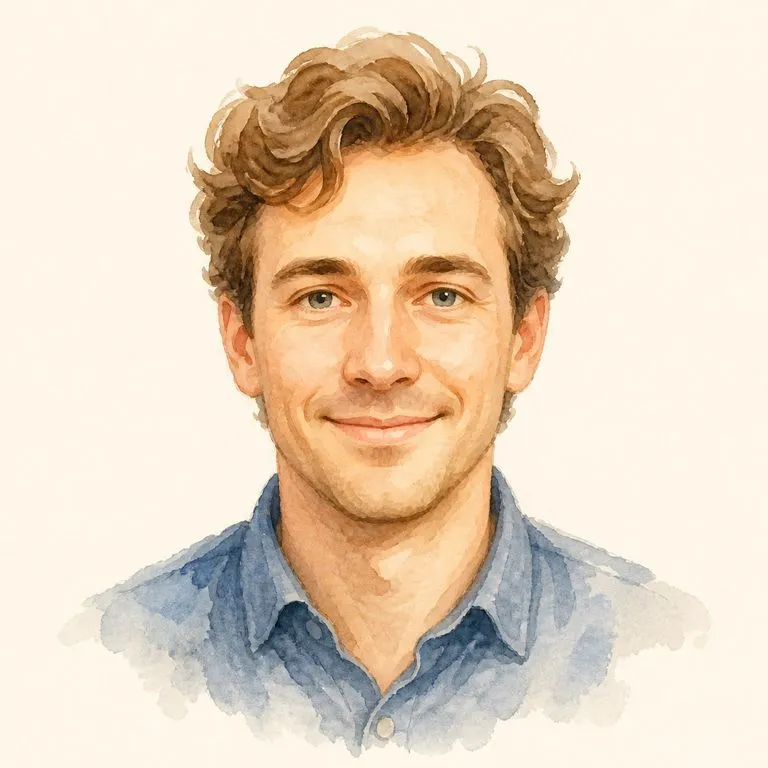
A watercolour avatar with soft edges that still reads as the same person
Watercolor, Soft Edges: a painterly treatment that still reads as the same person
One face rendered in all six styles in a three by two grid
One Face, Six Styles: the full set laid out for a side by side choice

Why six fixed styles beat an open prompt

An open style field sounds more flexible. In practice it moves the work onto you.

Prompt-driven avatar tools

  • The style is whatever your description happens to summon, and it varies run to run
  • Getting a consistent look across a team means everyone writing the same prompt
  • Likeness is a suggestion, so faces drift toward whatever the model finds attractive
  • The output is a download, and the next attempt starts from nothing

The Virse avatar generator

  • Six styles, each tuned on real faces, so the same choice gives the same look
  • A team can share one style setting and get a set that actually matches
  • Identity is checked as a constraint rather than left to the style to respect
  • Every attempt lands on one canvas, so styles can be compared side by side
FAQ

Questions

Will people still recognise me?
That is the whole constraint. The style is allowed to change completely, and the features that identify you are not.
Can I ask for a style that is not on the list?
The six styles are fixed, because each one is tuned rather than described. You can still steer details in the notes, such as the background, the palette, or whether to keep glasses.
Can I use a photo of someone else?
You can, and you should think about whether you should. Turning a colleague or a public figure into an avatar is a likeness question rather than a technical one, and consent is the difference between a nice gift and a problem.
Can it make an avatar without a photo?
No. A portrait is required, because matching a real face is the entire job. If you want a character invented from a description, open a canvas and prompt an image model directly.
Does pressing Create run the tool straight away?
No. Your inputs travel into a fresh canvas and land on the tool already filled in, but nothing runs until you press Start there. A link can never spend your credits on your behalf.
Can I keep working on the result afterwards?
Yes. Everything the tool produces arrives on a normal Virse canvas, so you can re-run a single output, adjust it, or take it into an edit without exporting and re-importing.

A new avatar in one upload

Pick a style, drop a photo, and the avatar opens on a fresh Virse canvas you can keep working on. Nothing runs until you press Start.