AI Line Art Generator
Input · OriginalOutput · Result

An AI line art generator that draws from your photo

Upload a product shot and the generator returns a white-background, black-line drawing that holds the form and proportions of the original — no grey, no shading, nothing filled in. Three line languages, from full structure lines down to a bold outline.

Input
Source image · RequiredLine style · OptionalExtraction notes · Optional
Output
Line art on a white background × 1

Source image

Required

Drop your product photo

Your image is uploaded on the canvas — this form carries the settings.

Line styleOptional

What an AI line art generator does with a photo

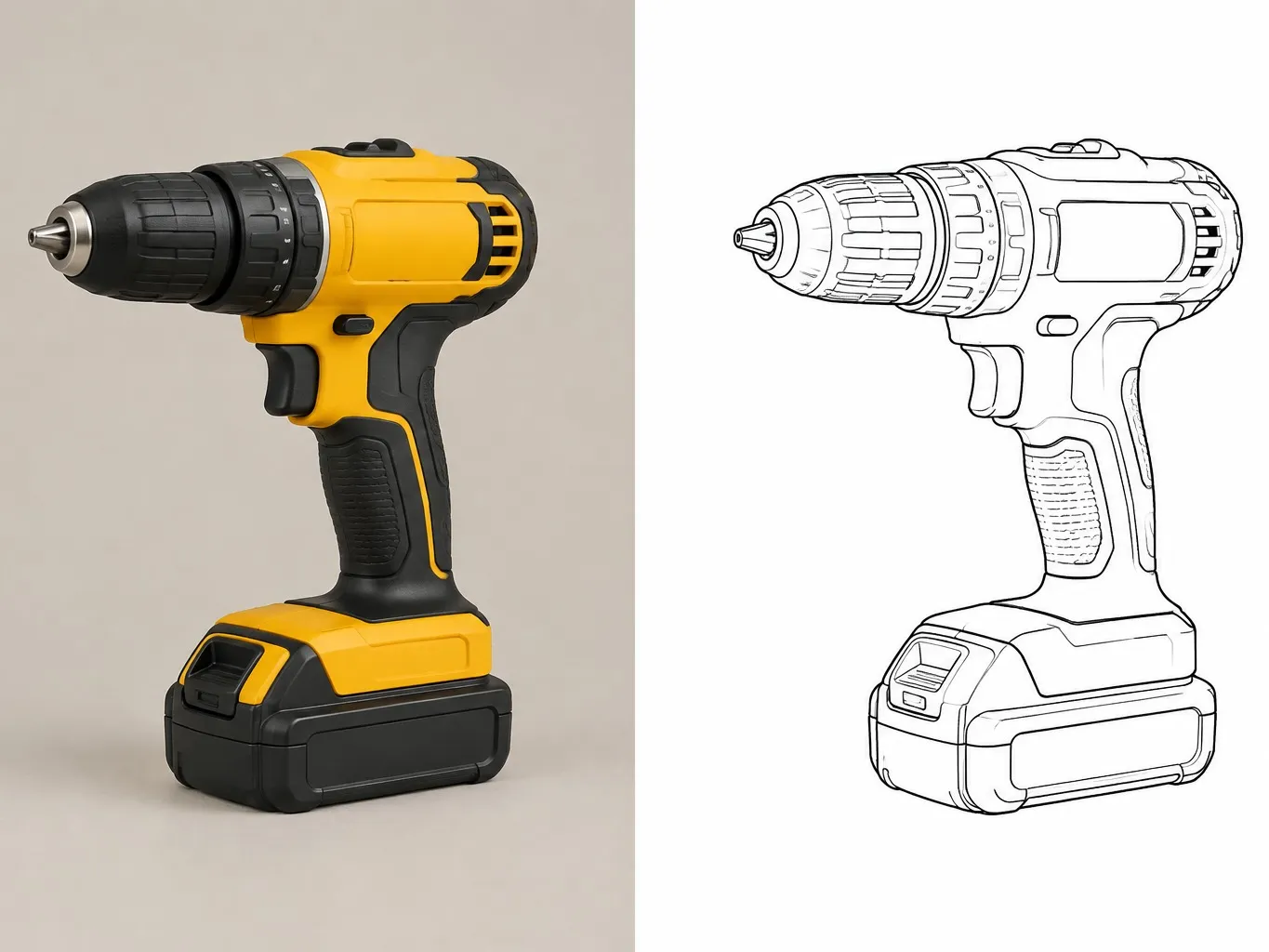
An AI line art generator turns a photo into a drawing made of lines. This one traces the real object rather than guessing at it: black lines on white, seams and part breaks intact, reflections and background left out.

A cordless power drill photographed on the left and the same drill as a black line drawing on white on the right
A product photo and the drawing generated from it, side by side

Three ways to generate line art from one photo

The same object needs a different drawing depending on who is looking at it. Pick the one you need, or run all three and compare.

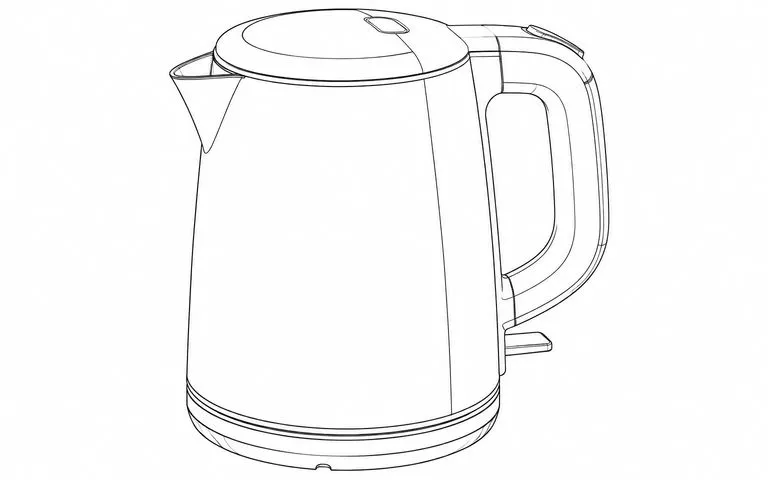
Detailed line drawing of an electric kettle with every parting line and seam drawn
Full detail

Structure study

Every parting line, seam and surface transition is kept, and line weight follows the hierarchy of the form — heavier where the body breaks, finer where a surface just turns. This is the version that survives an engineering review.
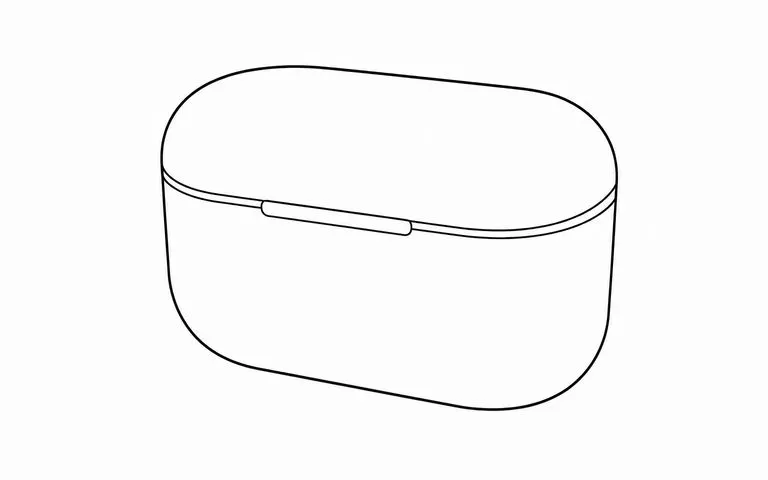
Minimal line drawing of an earbud charging case showing only the silhouette and the lid split
Main outline

Silhouette only

Outline plus the two or three major part breaks. Textures, logos and surface graphics are dropped on purpose, so nothing from the old product steers the next generation when you re-render it.

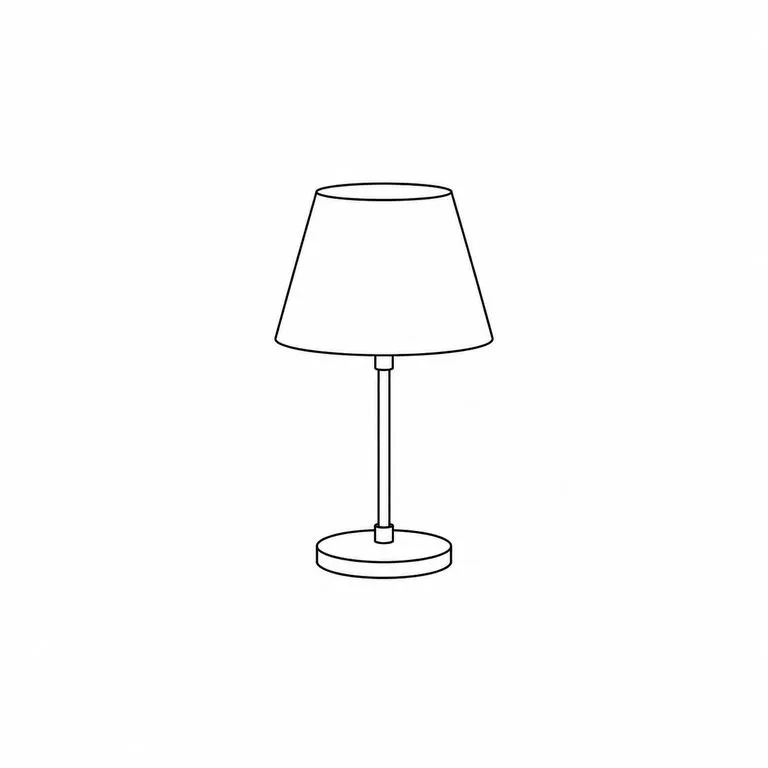
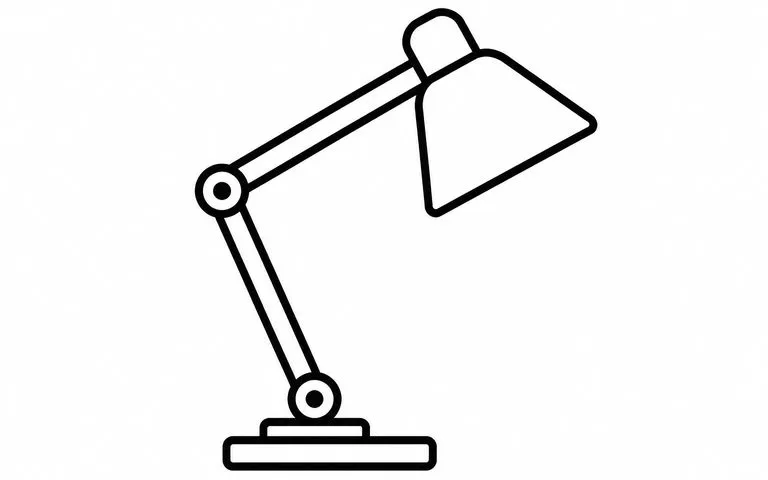
Bold even-weight outline drawing of a desk lamp
Even bold line

Presentation outline

One consistent, generous line weight across the whole drawing, with fine detail merged. Hairlines that would disappear at deck scale never get drawn in the first place.

How to generate line art from a photo in four steps

  1. Drop in the product photo

    A straight-on or three-quarter shot works. Studio, desk or shelf — the background comes out either way, so you do not need to cut anything out first.

  2. Choose the line language

    Structure study, silhouette only, or presentation outline. The preset fills the form for you; you can still edit it before anything runs.

  3. Say what matters

    One line of notes is usually enough — which seams to keep, which reflections to drop, whether the logo should be there. This is where a drawing stops being generic.

  4. Generate, then keep working

    The line art lands on a fresh Virse canvas next to your photo. Re-run a single output, adjust the notes, or send it straight into the Line Art Renderer.

Who reaches for a line art generator

Where an accurate outline is the thing standing between you and the next step.

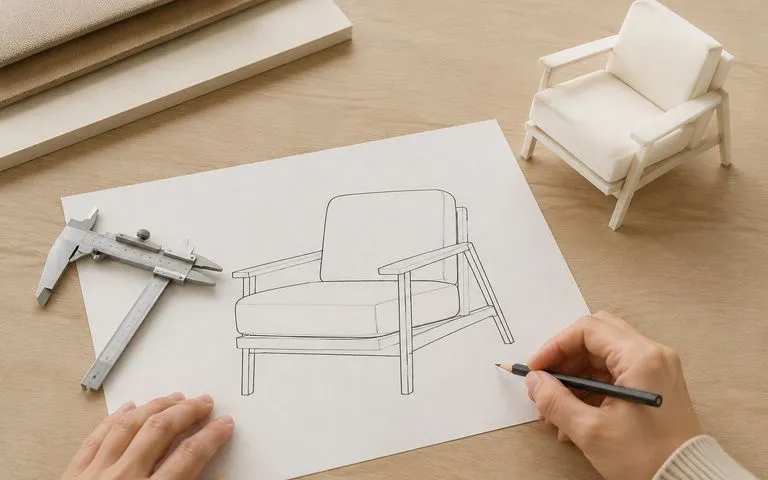
A printed line drawing of a lounge chair on a designer's desk beside calipers and a foam study model

Industrial & Product Designers

Pull a competitor's or your own product back to a drawing you can measure against, mark up, or re-render with a different material.

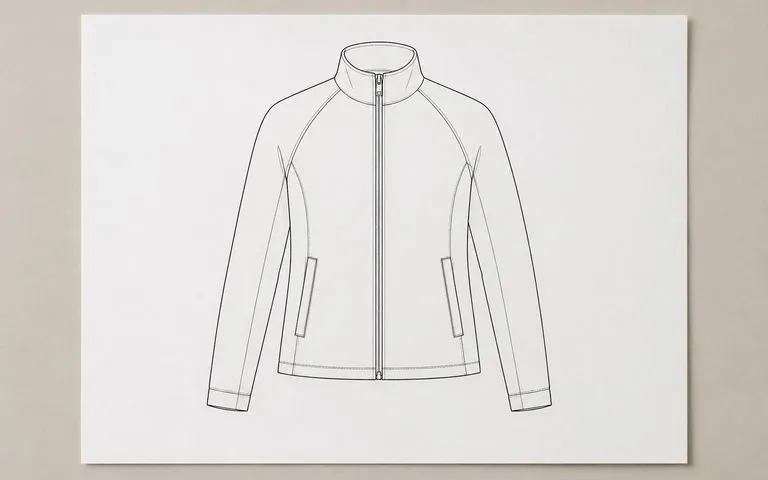
A blank sheet on a desk carrying only a technical flat line drawing of a zip-front jacket

Tech Pack & Spec Sheet Authors

Turn a sample photograph into the flat, consistent line drawing that documentation pages and factory sheets ask for.

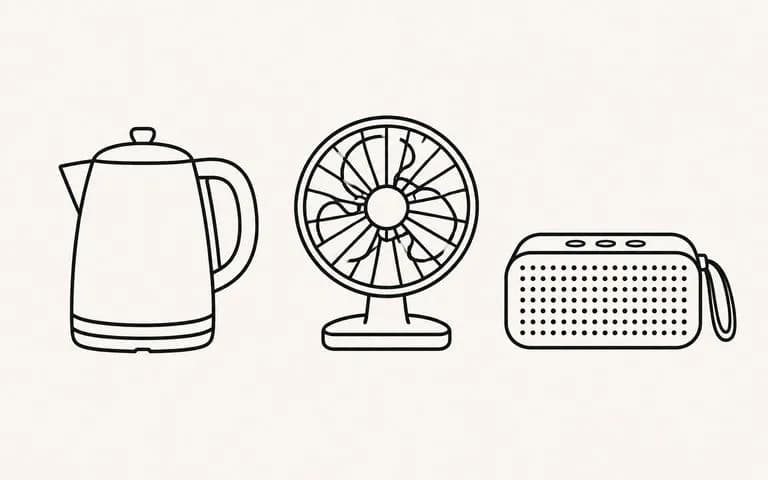
Three products drawn as bold even-weight outlines in a row like a comparison diagram

Deck & Diagram Builders

Get one bold, even-weight outline per product, so a comparison slide or an exploded diagram reads at a glance instead of turning into a photo collage.

What the line art generator returns

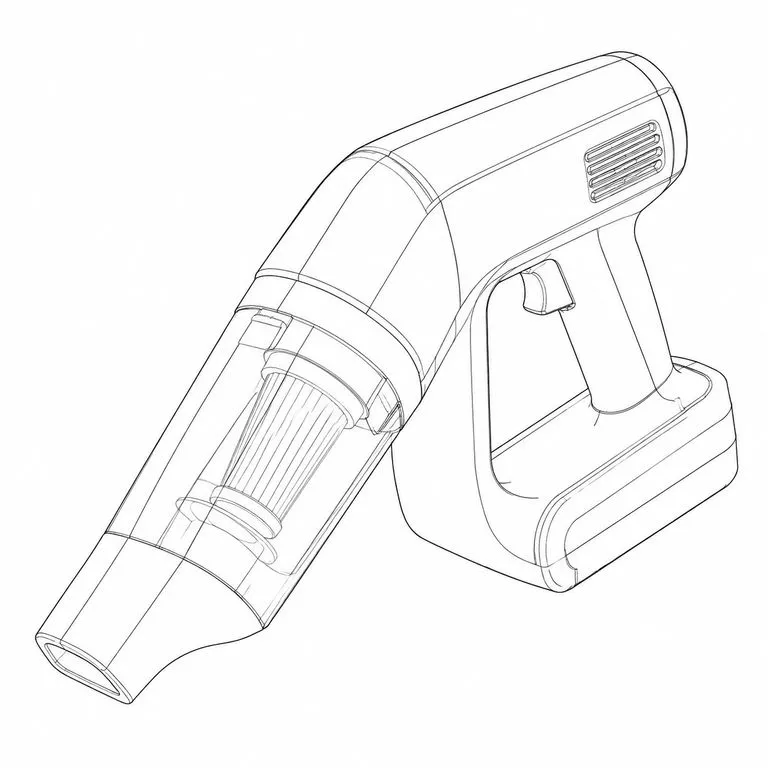
Line drawing of a handheld cordless vacuum with every housing split line drawn
Parting Lines Kept: a moulded housing with every split line and seam intact
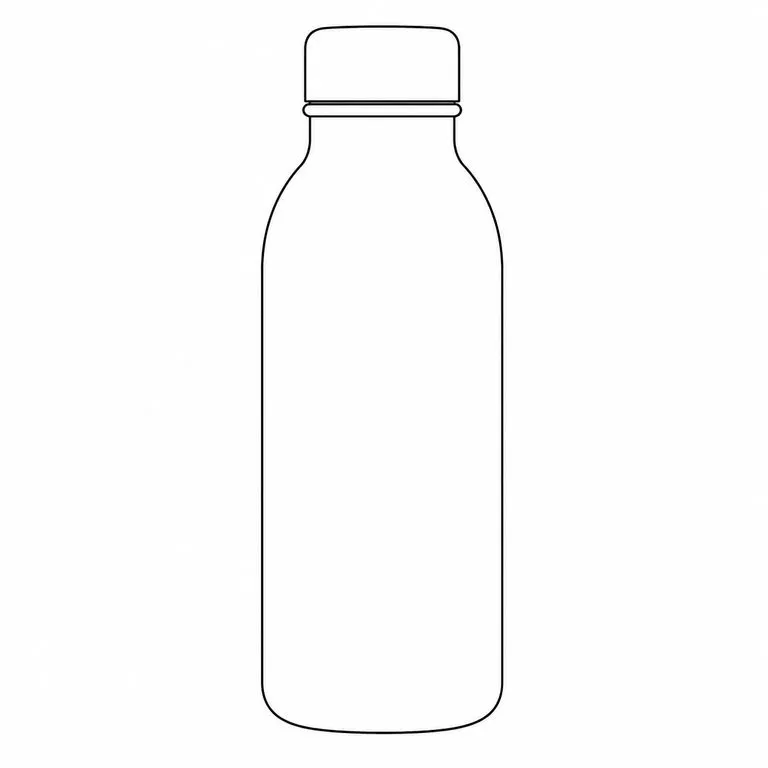
Line drawing of a glossy ceramic bottle with no highlight or reflection lines
Reflections Dropped: a glossy body traced without the studio highlights becoming lines
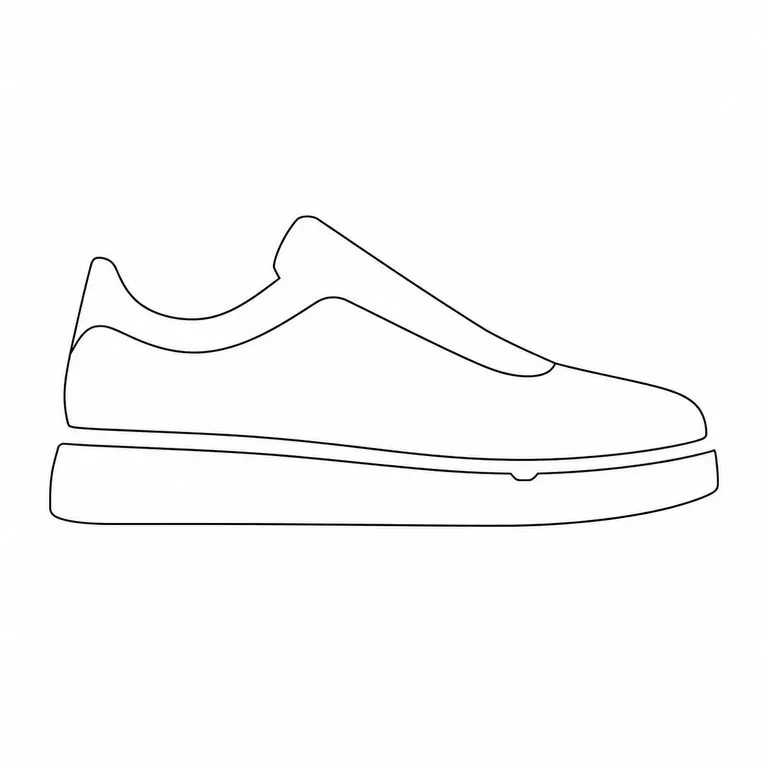
Sneaker reduced to its silhouette and three major part breaks
Silhouette for Re-Render: outline and major breaks only, ready to take a new material
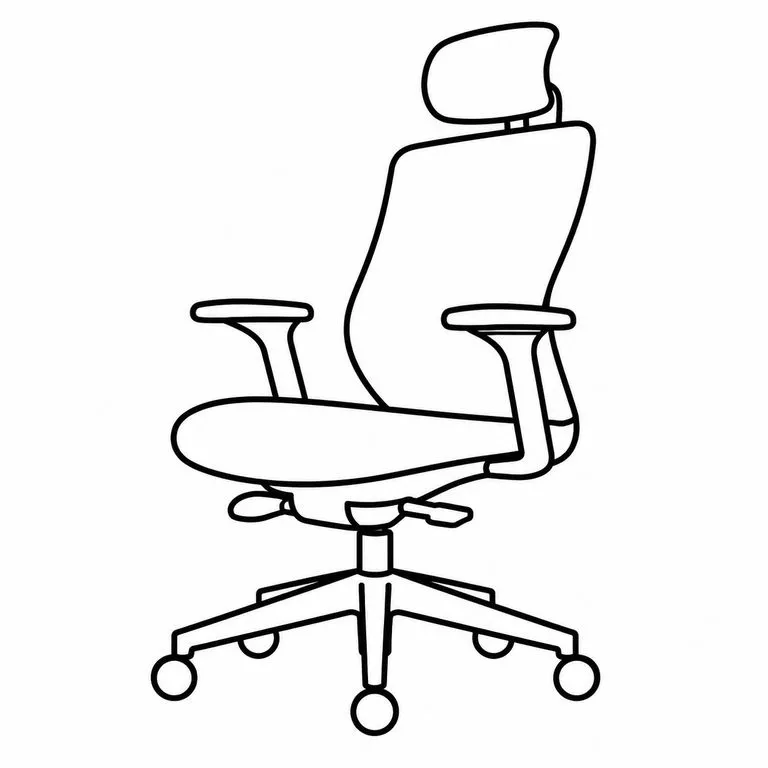
Office task chair drawn in one uniform bold stroke width
Even Weight for a Deck: one consistent line across the whole product, no hairlines
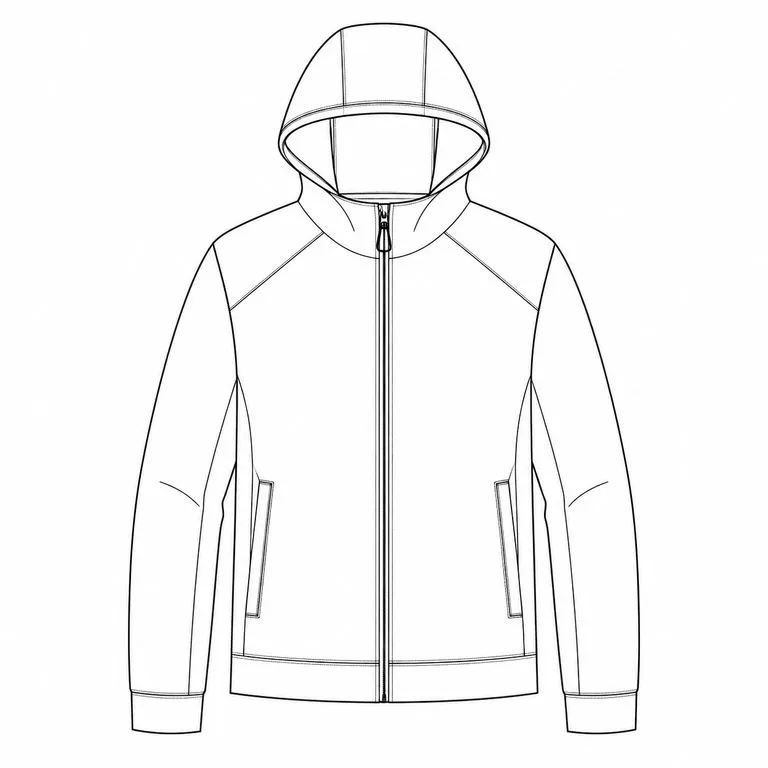
Technical apparel flat of a hooded zip jacket drawn in clean black lines
Textile Flat from a Sample Shot: a garment photograph reduced to a tech-pack flat
A small table lamp alone as a line drawing with nothing else in the frame
Background Removed by Default: the shelf, the shadow and the backdrop gone, white behind the line

Not another edge-filter line art generator

What changes when the line art is read off the object instead of filtered out of the pixels.

Edge-detection filters

  • Reflections and cast shadows come back as lines
  • Detail is a slider — you get more of everything or less of everything
  • Part breaks get smoothed away with the noise
  • The result is a download, and the workflow stops there

The Virse generator

  • The object is read first; highlights and background never become lines
  • Structure and line weight are separate choices, stated in plain words
  • Seams and parting lines are what the drawing is for, so they stay
  • The line art lands on a canvas and goes straight into the next tool
FAQ

Questions

Will it redraw the shape, or trace what is there?
Trace. Form and proportion are held to the photo — this generator reads a drawing off your object rather than inventing one. If a line in the result is not in the original, that is a defect, not a stylistic choice.
Can I control how much detail the drawing keeps?
Yes, and it is the main control. Structure study keeps every parting line, seam and surface transition. Silhouette only keeps the outline and the two or three major part breaks. Presentation outline flattens the line weight and merges fine detail for print and slides. The notes field takes anything more specific — keep this vent, drop that logo.
Can it generate line art without a photo?
No. This generator needs an image to work from, because its whole job is matching a real object. If you want line art from a text description alone, that is a different job: open a canvas and prompt an image model directly. Use this tool when the object already exists and the drawing has to agree with it.
Why is the output white-background only?
Because the next step usually expects it. A line drawing on white drops straight into the Line Art Renderer, into a sketch overlay, or into a deck without a knock-out step first. Grey and fill would all have to be removed again.
Can I get a transparent background instead?
Not directly from this tool — it returns black on white. The drawing lands on a Virse canvas, so removing the white is one more step there rather than a re-upload somewhere else.
Does pressing Create run the tool straight away?
No. Your inputs travel into a fresh canvas and land on the tool already filled in, but nothing runs until you press Start there. A link can never spend your credits on your behalf.
Can I keep working on the result afterwards?
Yes. Everything the tool produces arrives on a normal Virse canvas, so you can re-run a single output, adjust it, or take it into an edit without exporting and re-importing.

Put a photo through the line art generator

Start here — your photo travels into a fresh Virse canvas with the tool already filled in, and nothing runs until you press Start.